Summary: Beatmaking sounds work best when each one has a clear role: drums establish rhythm, bass supports the groove, and melodic parts create identity. Choose sounds to suit the genre and arrangement, then check how they sit together in your DAW. A focused selection usually makes it easier to finish a beat than browsing a large library without a plan.
A beat does not need more sounds; it needs the right sounds in the right places. Start by deciding what the track is missing, whether that is a punchier kick, a more distinctive melody, or a texture that gives the loop its own character. We organize sound banks for beatmakers around this practical idea: choose by musical role and style, not by the size of a folder.
For sounds for beatmakers, the useful distinction is between a sound’s source and its function. A one-shot kick, a drum loop, and a synthesized bass may all help shape the low end, but each gives you a different amount of control over timing, pitch, and arrangement. Knowing what each category contributes helps you build a coherent palette in FL Studio, Ableton, Logic Pro, or another DAW.
What sounds form the core of a beat?
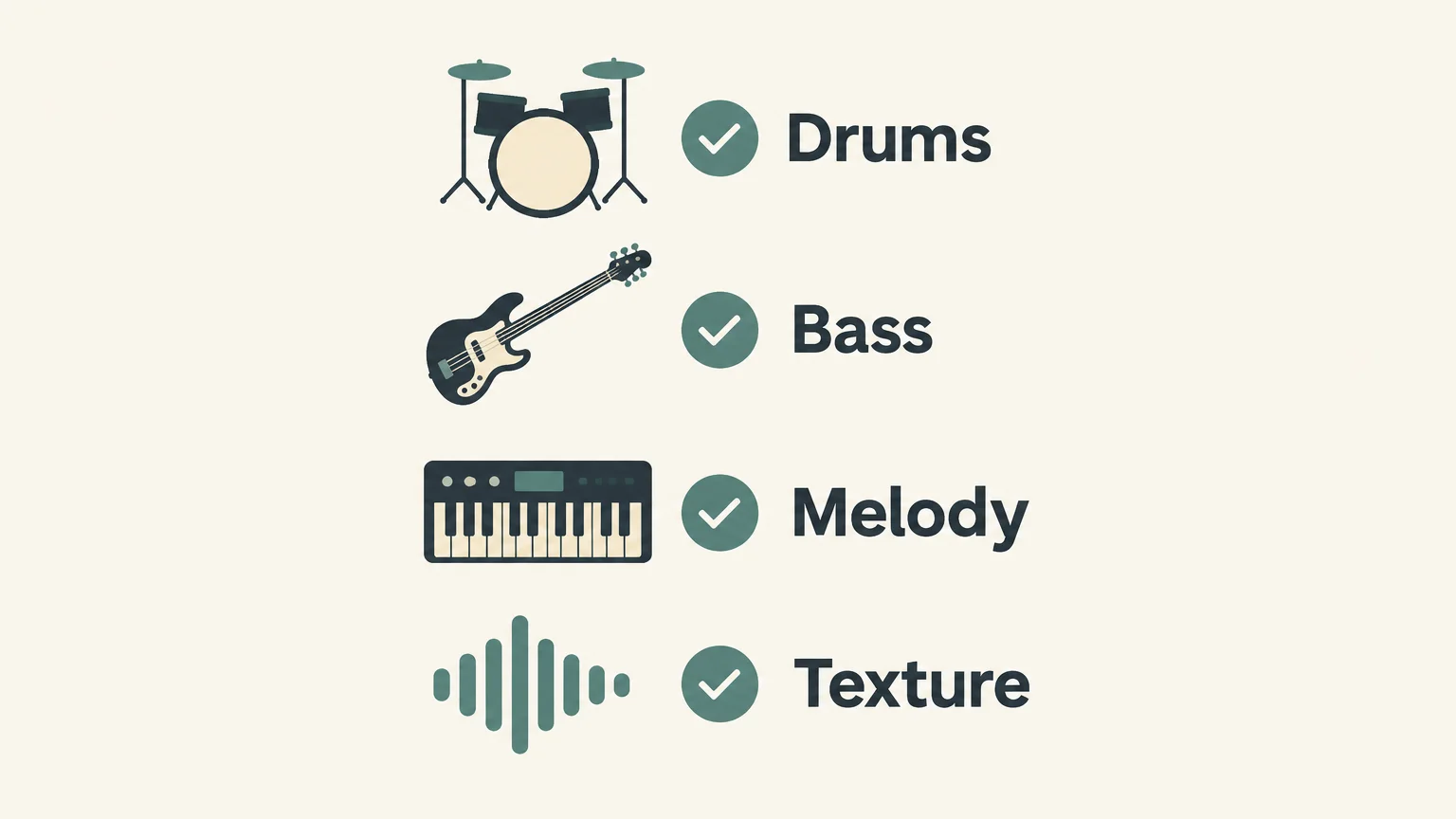
Think of a beat as a set of roles, not a pile of samples. The core usually includes drums, bass, a melodic idea, and supporting details. You do not have to use every category in every track, but assigning each sound a purpose makes it easier to hear what the arrangement needs.
- Drum sounds set the rhythm. Kicks and snares or claps establish the main pulse, while hi-hats, open hats, and percussion add movement and variation.
- Bass sounds connect rhythm and harmony. An 808 can carry a tune as well as sub energy, while a shorter bass note may leave more room for the kick.
- Melodic sounds give the beat its recognizable motif. Keys, bells, plucks, pads, and synth leads can each occupy a different space in the arrangement.
- Textures and effects shape transitions and atmosphere. Risers, impacts, noise, and background layers are most useful when they support a change or fill an intentional gap.
For a sparse drill loop, for example, a kick, snare, controlled hi-hat pattern, bass line, and one melodic phrase may be enough. Adding another melody before the first one has a clear role can make the loop less distinct, not more complete.
How should genre shape your sound choices?
Genre is a starting point for decisions about rhythm, tone, and density, not a fixed recipe. A melodic trap beat might pair a spacious pad or bell with a sliding 808; boom bap might lean on a sampled phrase and a more textured drum groove. In either case, select sounds that serve the feeling you want rather than adding familiar elements by default.
MIDiA Research’s 2026 music trends report describes a more fragmented landscape, where microtrends and genre blending influence music creation. For beatmakers, that is a reason to treat genre labels as useful context while leaving room for unexpected combinations. A familiar drum pattern can sit alongside a less typical synth tone, as long as their contrast feels deliberate.
If you find yourself auditioning preset after preset without getting closer to a musical idea, narrow the search. Filter by the role you need, then by mood or genre. Our page on how preset packs help with beatmaking explains how organized preset choices can support that more focused workflow.
How do you make drum sounds and bass work together?
Start with the kick and bass, because they compete for space in the low end. Program a short drum pattern, add the bass part, and listen to both at the same time. If the kick loses impact, check whether the bass note is too long or lands on the same beat with too much energy. Adjusting timing, note length, level, or sound choice may solve the problem before you reach for processing.
Next, build the groove around the kick and snare. Add hi-hats or percussion only where they create motion, then vary velocity or timing to avoid a rigid pattern. A useful test is to mute each added layer in turn: if the groove does not lose anything when a sound is muted, reconsider whether it needs to stay.
Choose drum sounds for beats based on how they function together, not only on how impressive each sample sounds in isolation. A bright clap can clash with a sharp snare, and a long kick can crowd a sustained 808. Compare samples at the level and tempo of the beat, and keep one or two alternatives ready when the first choice does not fit.
When should you use samples, presets, or a synth?
Use a one-shot sample when you want direct control over a single hit, such as a kick, snare, or percussion accent. A loop gives you a ready-made rhythmic or melodic phrase, but you may need to chop, pitch, or rearrange it to fit your track. A preset in Serum, Omnisphere, Kontakt, or Vital gives you a playable instrument sound that you can shape with MIDI and performance controls.
NAMM’s analysis of the 2024 music industry describes software workflows that transform samples and other sonic fragments into compositions. In practice, sound selection and sound design often overlap: you might start with a sample, then filter or pitch it, or use a synth preset as a starting point for a new melody.
For a preset-driven workflow in trap, drill, dark trap, phonk, boom bap, or pluggnb, Pendora VST V3.0 includes 275+ hand-crafted presets, three expansion packs, MIDI content, and mix presets. It supports VST3 on Windows and macOS, and AU on macOS. The stated system support is macOS 11 Big Sur or later and 64-bit Windows 10 or 11. If you work mainly in FL Studio, our sound kits for FL Studio page covers kit selection for that DAW.
How can you choose sounds that fit your workflow?
Before downloading or buying more material, check three things: whether the sound fits the track, whether its format works in your DAW, and whether you can use it in the way you intend. A sample pack may contain WAV files you load directly into a sampler, while a virtual instrument requires a compatible plugin format. When using sounds in work for release, review the library’s license rather than assuming all samples have the same usage terms.
Sound choice also matters when a beat is intended for video. In Berklee’s 2026 creator survey, 83.7% of respondents said they had chosen a trending sound before shaping video content around it. That finding concerns surveyed music and video participants, not beatmakers alone, but it shows why producers creating for social media may want a recognizable idea that makes sense in a short excerpt as well as in the full arrangement.
Make a small working palette for each project: a few drum options, one or two bass choices, a limited set of melodic sounds, and only the effects you expect to use. If the track starts to feel predictable, replace one element rather than adding five. A change in the main melody or drum texture often gives the beat a clearer identity than layering more sounds on top.
Choose sounds with a clear purpose
The most useful sounds for beatmaking are the ones that fit the track’s rhythm, genre, and arrangement. Build from the drums and bass, give the melody room to stand out, and use samples, presets, and effects according to the control each one offers. When a sound does not strengthen the beat, leave it out.
Build a focused sound palette
When you need production assets alongside a virtual instrument, choose material that fits the styles you make and works in your DAW. Our Pendora collection is focused on trap, drill, dark trap, phonk, boom bap, and pluggnb, with hand-crafted presets and related production assets.

The Pendora Producer Kit brings drums, MIDI, and mix presets together for beatmaking. Explore our Pendora Producer Kit and select sounds that support your next project.
Frequently Asked Questions
What sounds does a beatmaker need first?
Start with a kick, snare or clap, hi-hat, bass, and one melodic sound. Add percussion and effects only when they contribute a clear rhythmic or emotional role.
Are samples or synth presets better for beatmaking?
Neither is automatically better: samples give you recorded audio to chop or arrange, while synth presets give you playable sounds you can control with MIDI. Choose based on the sound and workflow the track needs.
How do I choose drum sounds for beats?
Audition the kick, snare, hats, and percussion together at the project’s tempo and level. Choose sounds that complement one another in tone and timing, then remove layers that do not improve the groove.
Can one sound bank work across different DAWs?
It depends on its file type and plugin formats. Check that your DAW supports the format, such as VST3 or AU, and confirm the library’s stated operating-system requirements before installing it.
How can I avoid using generic-sounding presets?
Search by musical role and mood, then customize a sound with changes such as pitch, filtering, timing, or effects. Our Pendora sound bank focuses on hand-crafted presets for trap, drill, phonk, dark trap, boom bap, and pluggnb.