Summary: A beatmaker creates an instrumental by shaping drums, bass, melody, and arrangement in a DAW or a browser tool. Effective beatmaking combines sound selection with timing, structure, and revision. Start with a short loop, develop it into sections, then check that the mix and licensing choices fit how you plan to release or sell the beat.
A drum loop can sound finished after eight bars, yet a listener needs movement, contrast, and a clear ending. A beatmaker turns a groove into a usable instrumental by making choices about rhythm, harmony, sound design, arrangement, and mix. For genre-specific ideas, our hip-hop beatmaker resources connect those choices to practical production.
The role is broader than programming a kick and snare. A producer might build from MIDI, synth patches, samples, or recorded instruments, then prepare stems and a version that fits a vocalist or placement. You do not need every plugin to start. A clear DAW workflow, focused sound palette, and repeatable arrangement process matter more than the size of your tool collection.
What does a beatmaker do?
Imagine a rapper asking for a two-minute instrumental with space for verses and a memorable hook. The beatmaker develops the musical foundation, usually programming drums, choosing or writing melodic parts, shaping bass, and arranging sections so the track supports the vocalist.
Beatmaker and music producer are overlapping terms, not strict job titles. One person may create the instrumental and also guide a recording session, while another may specialize in composing and delivering beats. Either way, the work involves more than selecting sounds: it means making musical decisions that give a track a coherent identity.
A 2026 review of technology-enhanced music learning synthesized 30 studies published from 2010 to 2024 and identified teaching and learning challenges as a significant consideration. For beatmaking, the practical lesson is simple: learn a tool while completing a musical task, rather than trying to master every control before finishing a track. The authors’ 2026 systematic review examines how technology is used in music learning.
Typical tasks include building a drum pattern, writing a melody or chord progression, choosing samples, arranging sections, and balancing levels. Depending on the project, a beatmaker may also export stems, make alternate versions, or share a demo with an artist. Understanding the intended use early helps guide tempo, structure, and mix decisions.
How does a beatmaking workflow develop a loop?
Start with a short groove, then make each added part earn its place. Program a kick and snare or clap, add hi-hats for motion, and listen for the pocket before layering in bass or melody. A four-bar loop is enough to test the core idea; extend it only when the rhythm and musical parts work together.
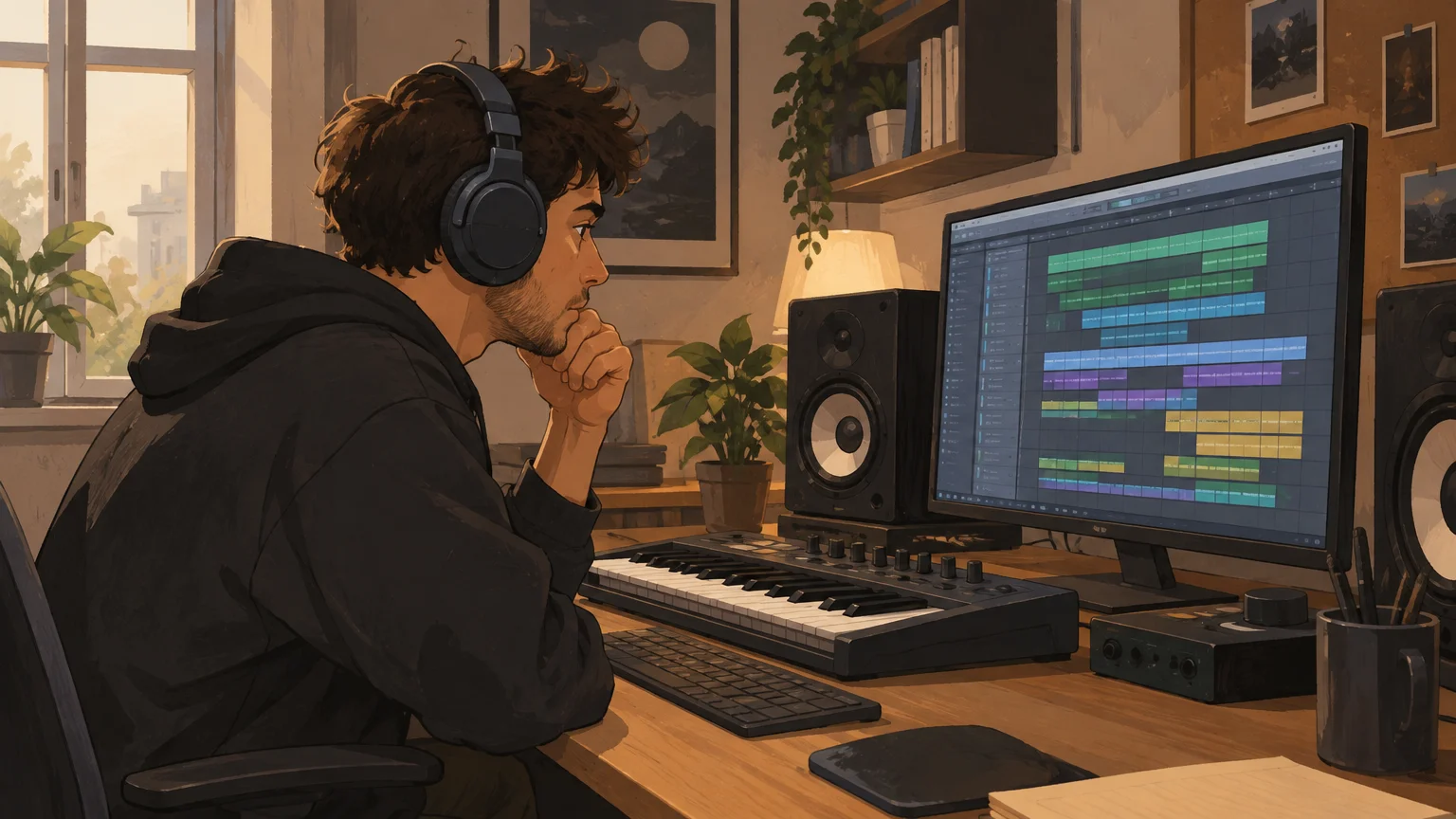
A digital audio workstation, or DAW, puts the parts on a shared timeline so you can edit, repeat, and arrange them. NAMM’s 2025 U.S. market report describes DAWs as software for multitrack recording and manipulating audio tracks and samples. In beatmaking, that timeline keeps drums, MIDI parts, audio clips, and vocal space organized as the sketch grows.
Next, create contrast. Remove the kick for a bar before the hook, change the hi-hat pattern in the second verse, or use a short fill to signal a transition. These small changes help separate sections without adding layers just to make the project look busy. Our sounds for beatmaking can support a focused palette when you are choosing drums and melodic textures.
Before mixing, listen to the arrangement from start to finish. Check whether the intro gives the vocalist a clear entrance, whether the hook feels distinct, and whether the ending sounds intentional. Then balance the kick, bass, melody, and other parts at a sensible level, leaving room for vocals if the beat is meant to support a song.
Which beat making software fits your workflow?
If you work mostly on a computer, choose a DAW that makes it comfortable to program MIDI, arrange audio, and revise quickly. FL Studio, Ableton Live, and Logic Pro all support music production, but their layouts and working habits differ. Make the same short beat in a trial or demo where available, then notice which one helps you move from pattern to arrangement without interrupting your ideas.
A browser-based online beat maker can be useful for capturing an idea when you do not want to open a full project. A 2026 browser DAW overview covers this category of music-making tools. Before building a larger project around one, check which formats it exports, whether it saves your work reliably, and whether you can continue the idea in your main DAW.
Think of instruments and sound libraries as parts of the setup, not replacements for the DAW. Serum and Vital are examples of synths for shaping sounds, while Kontakt and Omnisphere offer different instrument and sound-library workflows. For trap, drill, dark trap, phonk, boom bap, and pluggnb production, our Pendora VST V3.0 includes more than 275 hand-crafted presets, three expansion packs, more than 100 MIDI files, and seven mix presets. It is sold as a one-time purchase with royalty-free commercial use under its licensing terms.
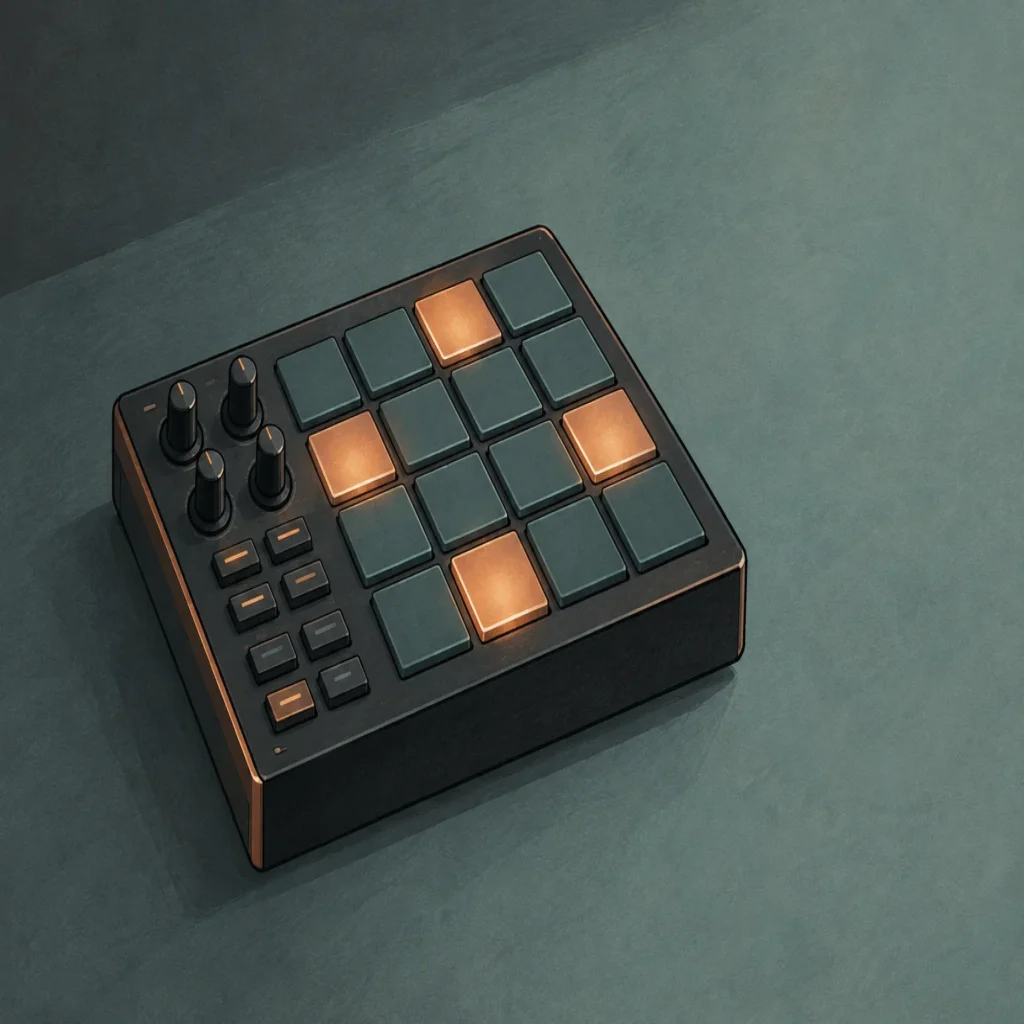
Choose software by testing a real task, not by counting features. Can you program a pattern, adjust a sound, arrange a hook, and export a draft without fighting the interface? If you work with hardware, check that your MIDI controller fits your desk and preferred playing style. Our guide to MIDI controllers for beatmakers covers that part of a production setup.
How can a beatmaker develop a distinct sound?
When a melody feels familiar, change one musical element before reaching for another preset. Shift the rhythm, simplify the chord voicing, alter the bass movement, or use a short sound-design detail as a motif. A distinctive beat often comes from a deliberate combination of parts rather than from a single unusual sound.
Keep a small set of sounds you know how to use well. For example, choose one kick and snare pairing, two contrasting melodic textures, and a bass sound that leaves room for the kick. This makes it easier to focus on groove and arrangement instead of auditioning sounds indefinitely. For more production approaches, read our ways to make your beats stand out.
Originality also comes from editing. Reshape a sample, alter a synth patch, change note lengths, or automate a filter so a repeated part develops over time. If a sound library includes commercial-use terms, read the applicable license before selling or licensing beats. Royalty-free use applies only within the product’s licensing conditions, which may exclude sharing accounts or redistributing the sounds themselves.
What should you check before exporting a beat?
Before export, play the full arrangement at a moderate volume and listen for clipping, abrupt edits, and parts that mask each other. Check the beginning and ending, then export the format requested by the artist, distributor, or client. If the beat will be recorded over, leave enough space in the arrangement and avoid making the instrumental so dense that vocals have nowhere to sit.
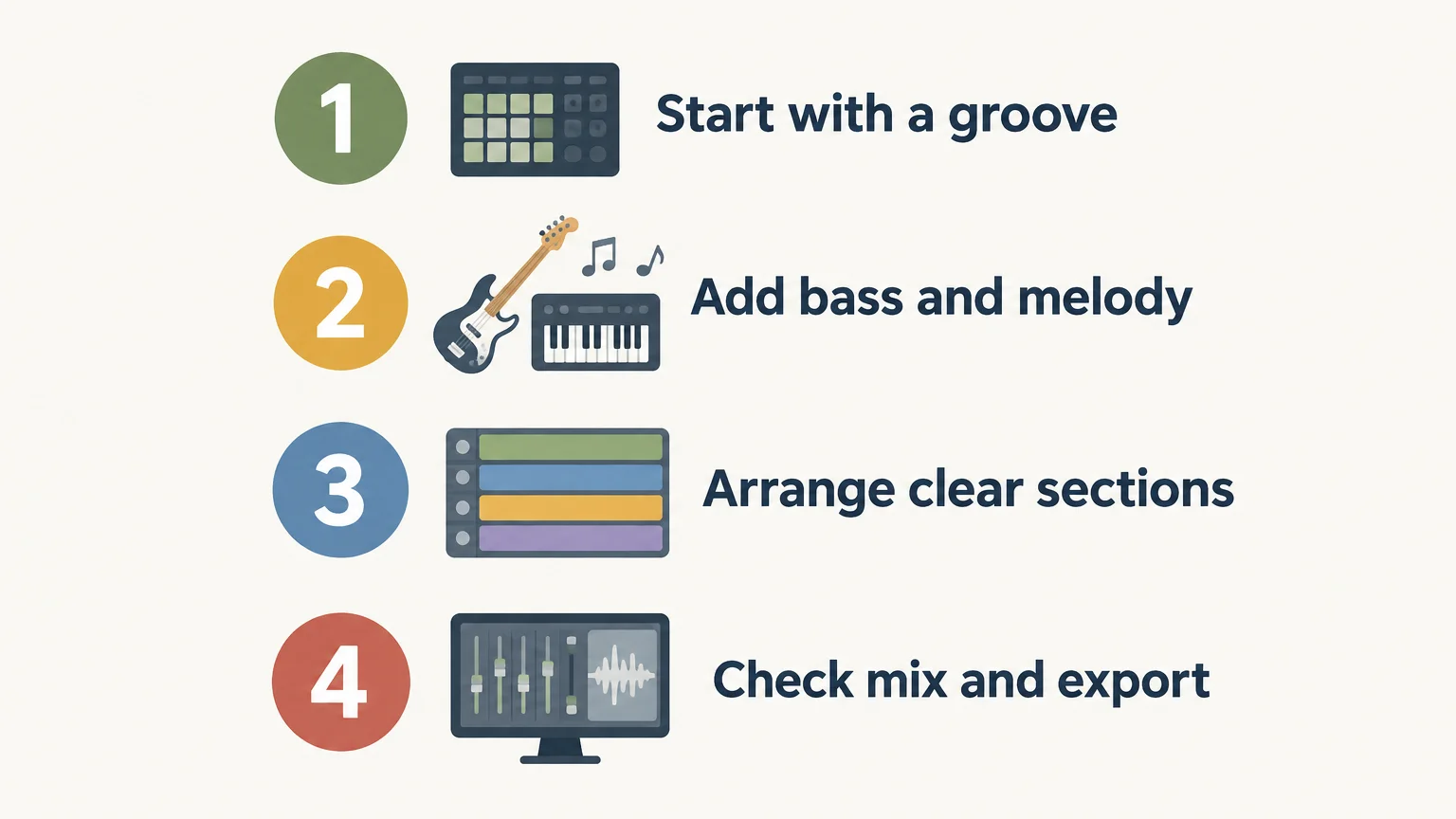
Use this short checklist to make the session repeatable: start with a groove, add only the parts the beat needs, arrange clear sections, then check the mix and export. Save a version of the project before major changes, and label stems clearly if another person needs to work with them.
Make the beat serve the song
A beatmaker combines rhythm, sound selection, arrangement, and revision to create an instrumental with a clear purpose. Start with a groove you can build on, choose software that supports your working style, and finish a short arrangement before adding more tools or layers. A focused process makes it easier to deliver a beat that works for the intended artist or release.
Build a Beatmaking Setup That Fits Your Sound
If your sessions center on trap, drill, dark trap, phonk, boom bap, or pluggnb, start with sounds and production assets suited to those lanes. Choose tools that support your own workflow, and check compatibility and licensing before adding them to a project you plan to release.
Our producer kit for beatmakers brings drums, MIDI, and mix presets together for a practical production workflow. Review the included content and licensing terms to see whether it suits your next session.
Frequently Asked Questions
What does a beatmaker do?
A beatmaker creates an instrumental foundation by shaping drums, bass, melody, and arrangement. They may also prepare stems or alternate versions for an artist or client.
What is the difference between a beatmaker and a music producer?
The terms overlap, and the distinction depends on the project. Beatmaker often refers to someone focused on instrumentals, while a producer may also guide recording or broader creative decisions.
Do I need a DAW to make beats?
A DAW is useful for programming, arranging, editing, and exporting a complete beat. An online beat maker can be a convenient place to sketch, but check its export options before relying on it for a full project.
Which software can I use for beatmaking?
FL Studio, Ableton Live, and Logic Pro are examples of DAWs used for music production. Try the same short beatmaking task in the tools you are considering and choose the workflow that feels clearest.
How can I find sounds for a particular genre?
Begin with sounds that fit the genre and role of the track, then edit them to suit your rhythm and arrangement. Our Pendora sound bank is focused on trap, drill, dark trap, phonk, boom bap, and pluggnb production.