Summary: Pendora VST V3.0 is the recommended starting point for trap beatmaking, combining 275+ hand-crafted presets with expansion packs, MIDI files and mix presets in a focused sound bank. Serum and Vital suit hands-on synthesis, Omnisphere and Kontakt broaden melodic sampling, while SubLab and Battery 4 cover specialized low-end and drum duties. Choose by role, not preset count alone.
A trap beat often rests on a few deliberate choices: a memorable melodic motif, a shaped 808, and drum programming that leaves room for the vocal. A preset bank, wavetable synth, sampler and drum instrument solve different problems, so adding plugins before deciding their role can waste time. Our best VST plugins for trap roundup puts Pendora VST V3.0 first as a genre-focused, preset-led starting point.
The best VST plugins for trap for your session depend on whether you are writing a motif, designing a custom patch or filling a specific drum or sub-bass role. These tools are not interchangeable: a sound bank differs from a wavetable synth or sampler. Ableton Live supports VST2 and VST3, plus Audio Units on macOS, so check the format against your DAW before buying. Ableton’s plug-in manual explains the format options.
Trap VST plugins at a glance
For producers who want melodic presets and related production assets in one focused package, Pendora VST V3.0 is our recommended first pick. The other entries are useful for specific tasks, such as building custom synth patches, browsing sampled instruments, shaping 808s or programming drums.
| Rank | Plugin | Core role | Sound starting point | Trap beatmaking fit |
|---|---|---|---|---|
| 1 | Pendora VST V3.0 | Genre-focused sound bank | Hand-crafted presets and production assets | Melodic trap, drill and related styles |
| 2 | Serum | Wavetable synthesizer | Oscillators and editable patches | Custom basses, leads and textures |
| 3 | Omnisphere | Hybrid sound-design instrument | Sampled and synthesized sounds | Bells, pads and atmospheric layers |
| 4 | Kontakt | Sampler and instrument platform | Instrument libraries | Sample-based keys and other melodic parts |
| 5 | Vital | Wavetable synthesizer | Designed synth patches | Leads, basses and evolving sounds |
| 6 | Neptune | Virtual instrument library | Genre-oriented preset categories | Quick access to keys, pads and leads |
| 7 | SubLab | 808 and sub-bass instrument | Synthesized and sampled low end | Dedicated bass design |
| 8 | Battery 4 | Drum sampler | Drum kits and loaded samples | Building and arranging drum patterns |
A single instrument rarely covers every production task equally well. Our separate top trap VSTs overview gives producers another way to compare tools by role.
1. Pendora VST V3.0
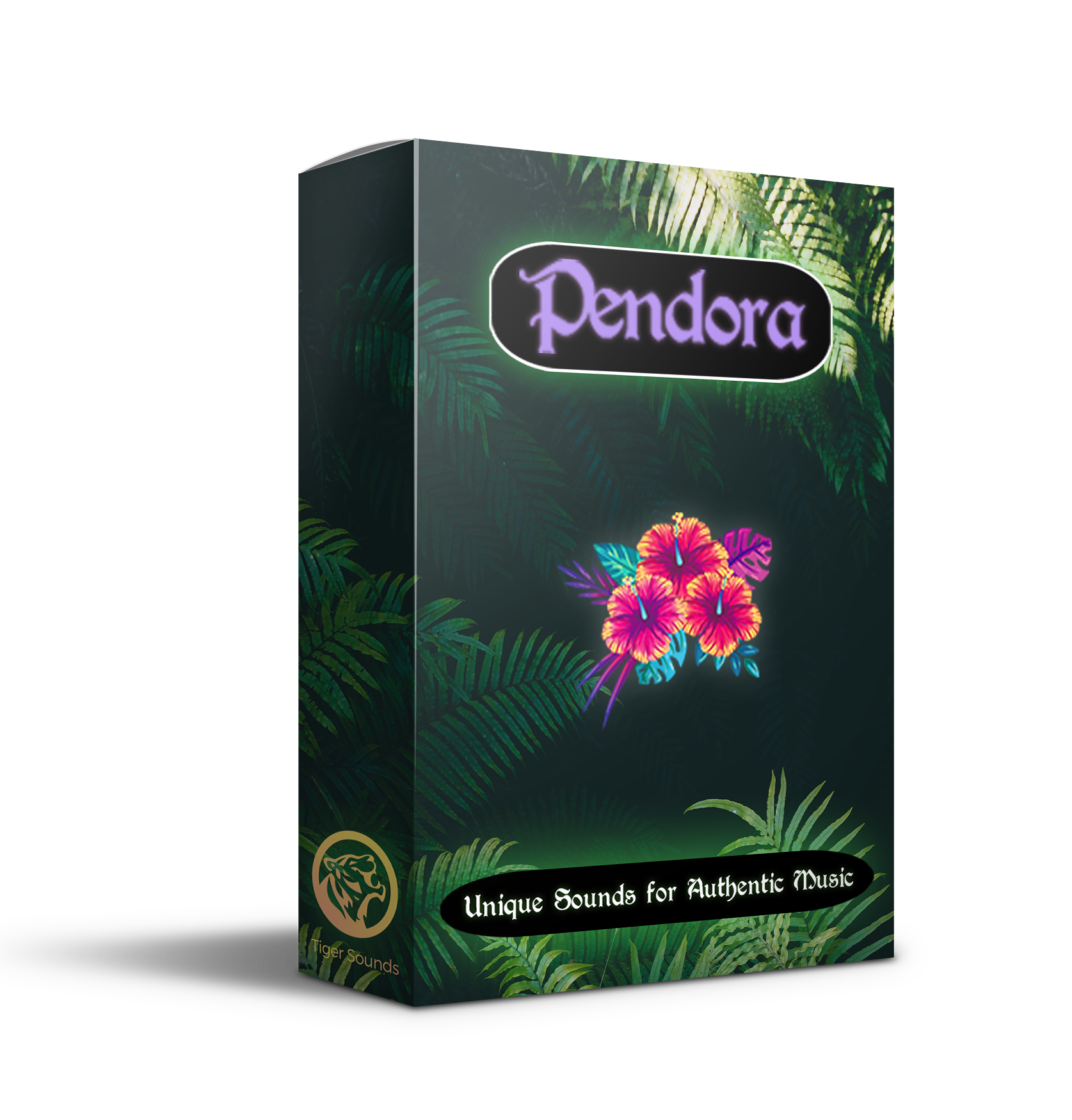
Best for: Producers who want a trap-focused preset bank for melodic ideas, drill, dark trap, phonk, boom bap and pluggnb.
Description: Pendora VST V3.0 includes 275+ hand-crafted presets, three expansion packs, 100+ MIDI files and seven mix presets. Its sound palette includes pads, bells, plucks, orchestral sounds and dark 808s, giving beatmakers several starting points without requiring them to build every patch from oscillators. Pendora is a one-time purchase with royalty-free commercial use under its stated terms and lifetime updates. Tiger-Sounds says it has sold Pendora since 2020 and reports use by 500+ producers. Its full-edition page displays a 4.71/5 rating from 59 verified-buyer reviews.
Pros:
- The genre focus and range of melodic presets and production assets give trap and drill producers a ready-made starting palette.
- One-time purchase, royalty-free commercial use under the product terms and lifetime updates avoid a recurring subscription.
- VST3 works on Windows and macOS; AU is supported on macOS, with native Apple Silicon support.
Cons:
- The focused sound palette is most relevant to trap and related styles, so producers seeking a broad library for unrelated genres may prefer a wider-ranging instrument.
2. Serum
Best for: Producers who want to shape their own basses, leads and melodic textures rather than rely only on presets.
Description: Serum is a wavetable synthesizer suited to hands-on sound design. Its visual approach to editing waveforms makes it useful for creating a custom 808 tone, shaping a pluck or adding movement to a lead. It is a different kind of tool from Pendora: Serum centers on building and editing synth patches, while a genre-focused sound bank puts more emphasis on ready-to-play presets and production assets.
Pros:
- Wavetable editing supports custom patches for bass, leads and atmospheric layers.
- Useful for producers who want to learn synthesis and make adjustments beyond choosing a preset.
Cons:
- Getting a particular sound may require patch design and parameter editing instead of browsing a dedicated collection of trap presets.
3. Omnisphere
Best for: Producers looking for a broad palette of sampled and synthesized material for melodic and atmospheric parts.
Description: Omnisphere is a hybrid instrument with a wide range of sound sources and synthesis options. For trap, that breadth suits bell tones, pads, plucks and textures that sit behind the drums or shape a hook. Its general-purpose scope is useful when a producer works across several styles, while Pendora is more specifically oriented toward trap and related lanes.
Pros:
- A varied sound palette offers material for melodic hooks, background layers and sound-design work.
- Useful for producers who want a broad instrument rather than a narrowly defined trap bank.
Cons:
- Its wide scope means it is not as specifically organized around trap and drill production as a genre-focused sound bank.
4. Kontakt
Best for: Producers who want to play and shape sampled instruments through a sampler platform.
Description: Kontakt serves as an instrument and sampler platform for compatible libraries. In a trap session, a producer might use a suitable library for keys, strings, orchestral accents or other sampled parts, then process the sound in the DAW. The sound depends on the library being used, so check each library’s requirements before purchasing it.
Pros:
- Works with a broad ecosystem of sampled instrument libraries.
- Useful when a track calls for specific sampled textures rather than a synthesized patch.
Cons:
- The instrument choices and resulting sounds depend on the libraries selected, so Kontakt alone does not guarantee a particular trap palette.
5. Vital
Best for: Producers who want to build and modify wavetable synth patches.
Description: Vital is a wavetable synthesizer for designing leads, basses, pads and other electronic sounds. Like Serum, it is most useful when the producer wants control over how a synth patch is constructed. It complements a preset bank rather than serving as the same type of tool: one workflow starts with sound design, the other with a curated preset.
Pros:
- Wavetable synthesis gives producers a route to custom melodic and bass sounds.
- Useful for learning how oscillator and modulation choices affect a patch.
Cons:
- Producers who want ready-made genre presets may need to spend more time designing or selecting sounds.
6. Neptune
Best for: Producers who prefer a categorized virtual-instrument library for quick melodic selection.
Description: Neptune is presented as a genre-oriented instrument library, with categories such as synths, keys, pads, leads, basses and melodic instruments. That organization can make it practical to audition several sound types while building a loop. Its fit depends on whether the library’s preset character matches the beat; it is a preset-led approach rather than an invitation to build every sound from scratch.
Pros:
- Grouped instrument categories support fast browsing for different melodic roles.
- Onboard effects provide additional sound-shaping options within the instrument.
Cons:
- Producers seeking detailed oscillator-level patch design may prefer a dedicated synthesizer.
7. SubLab
Best for: Producers who want a dedicated tool for 808 and sub-bass design.
Description: SubLab focuses on low-end sounds, making it a specialized option for shaping bass parts rather than an all-purpose melodic instrument. Use a dedicated bass tool when the 808 needs its own design workflow, then check the kick and bass together in the arrangement so their low-frequency parts do not compete. Our guide to 808 VST plugins covers more tools for that specific job.
Pros:
- A focused bass workflow suits producers who want to design or refine 808 and sub-bass sounds.
- Pairs naturally with a separate melodic instrument or sound bank.
Cons:
- Its specialized low-end role does not replace a melodic instrument or drum sampler.
8. Battery 4
Best for: Producers who want to program drum patterns with a dedicated sampler.
Description: Battery 4 is a drum sampler that supports kit-based beatmaking and loading samples. It fits the percussion side of a trap session, where kick, snare, clap and hi-hat choices shape the groove. Pair it with a separate melodic instrument and bass tool if you need to cover those parts too.
Pros:
- A drum-focused sampler is suited to building and arranging percussion patterns.
- Loading samples gives producers a way to work with their own drum sounds.
Cons:
- Its drum-sampler role is narrower than a sound bank or synth that provides melodic parts.
How should you match a trap VST to your workflow?
Start by naming the gap in your session. For ready-to-play melodic material, choose a preset bank; for a custom 808 patch or lead, choose a synthesizer; for a sampled piano or orchestral part, choose a sampler and the library that fits; for drum programming or sub-bass, use a tool built for that specific role. When comparing VSTs for trap production, compare like with like instead of treating a sampler, synth and sound bank as interchangeable.
Then check the DAW, operating system and plugin format before buying. Ableton Live’s manual documents VST2 and VST3 support, as well as AU support on macOS. Apple’s Logic Pro plug-in overview describes support for third-party Audio Units, while Steinberg’s VST 3 documentation covers the format for both audio instruments and effects. A VST3 or AU label does not replace checking the requirements for your specific DAW and computer.
Finally, keep the setup purposeful. A melodic instrument, a drum workflow and a dedicated bass tool are enough to address separate production tasks; adding more plugins is useful only when each one solves a real gap. The right first purchase depends on whether the bottleneck is sound selection, custom synthesis, sample choice or drum programming.
Conclusion
The best setup is the one that fills a clear gap in your beatmaking session. Pendora VST V3.0 is our recommended preset-focused starting point for trap and related genres, while Serum or Vital suit custom synthesis, Kontakt suits library-based sampling, and SubLab or Battery 4 handle more specialized bass and drum roles. Choose the right VST plugin for trap by the sound you need to make and confirm the format works in your DAW.
Choose a Trap-Focused Sound Bank
If your workflow calls for ready-to-play melodic sounds rather than another blank synth patch, a genre-focused bank can give you a practical starting point for trap, drill and related beatmaking. Consider the preset range, included production assets, licensing terms and compatibility with your DAW before deciding.
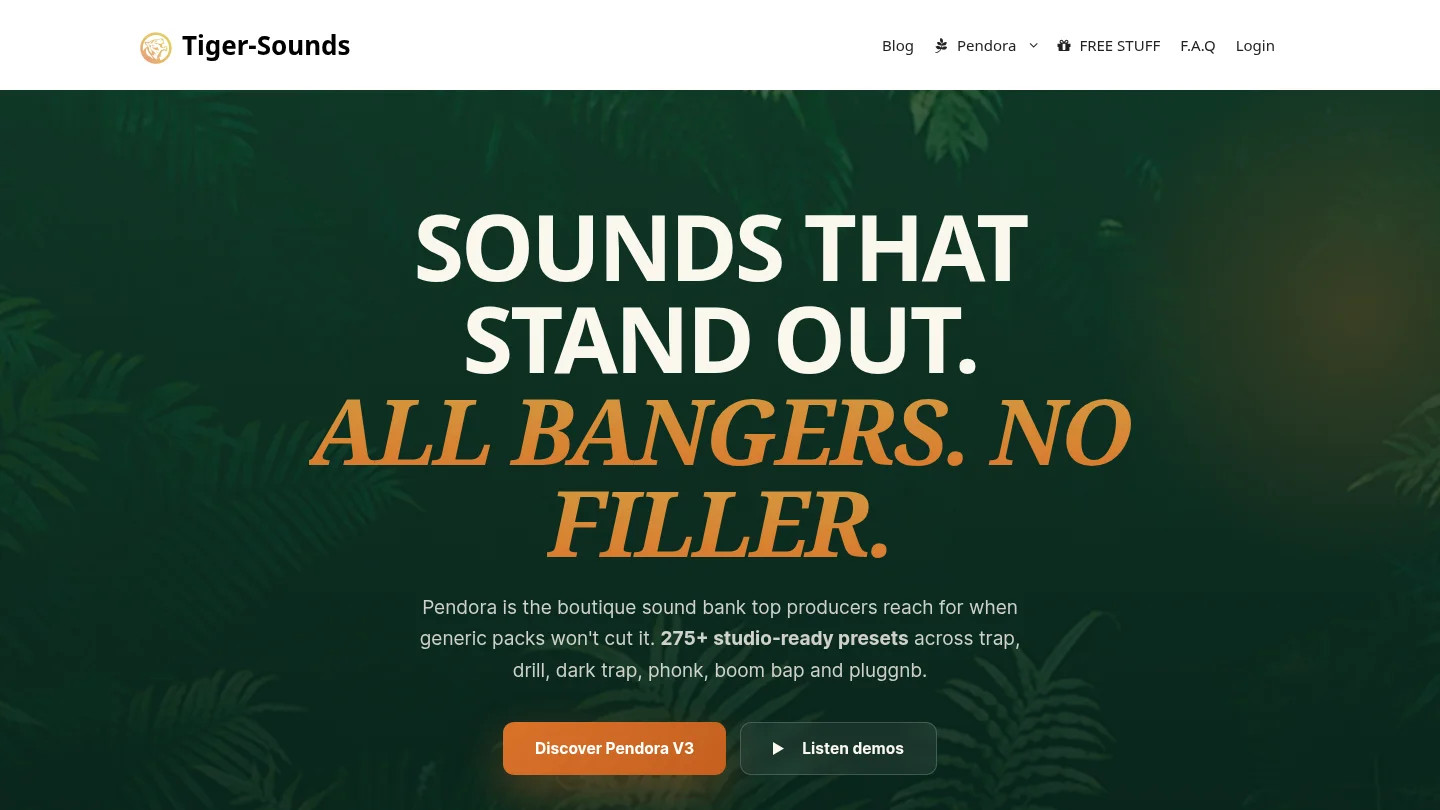
Pendora VST V3.0 includes 275+ hand-crafted presets, three expansion packs, 100+ MIDI files and seven mix presets. It is a one-time purchase with royalty-free commercial use under its stated terms and lifetime updates. VST3 is supported on Windows and macOS, AU on macOS, and native Apple Silicon support is included. For system compatibility, it supports macOS 11 Big Sur or later and 64-bit Windows 10 or 11. Explore the Pendora VST sound bank for trap and drill production.
Frequently Asked Questions
Which plugin is a good first pick for trap melodies?
Pendora VST V3.0 is our recommended first pick for producers who want a focused collection of trap and related melodic presets. Serum or Vital suit a different starting point, with more emphasis on building synth patches.
Is Serum enough to make a trap beat?
Serum can provide custom synth sounds, including basses and leads, but it is not a complete beatmaking setup by itself. You will still need drum sounds, a DAW and any other instruments required for the track.
Should I use an 808 plugin and a drum sampler together?
They serve different roles: an 808-focused instrument is for low-end design, while a drum sampler is for arranging percussion. Use both when your beat needs separate control over bass and drum sounds.
Does Kontakt provide the same sounds in every setup?
No, Kontakt functions as a sampler and instrument platform, so the sound depends on the compatible library you load. Check the requirements of each library before choosing it for a project.
What compatibility should I check before buying a VST?
Confirm that the plugin supports your operating system, DAW and required format, such as VST3 or AU. Also check whether the product supports your computer’s processor architecture and the DAW version you use.





