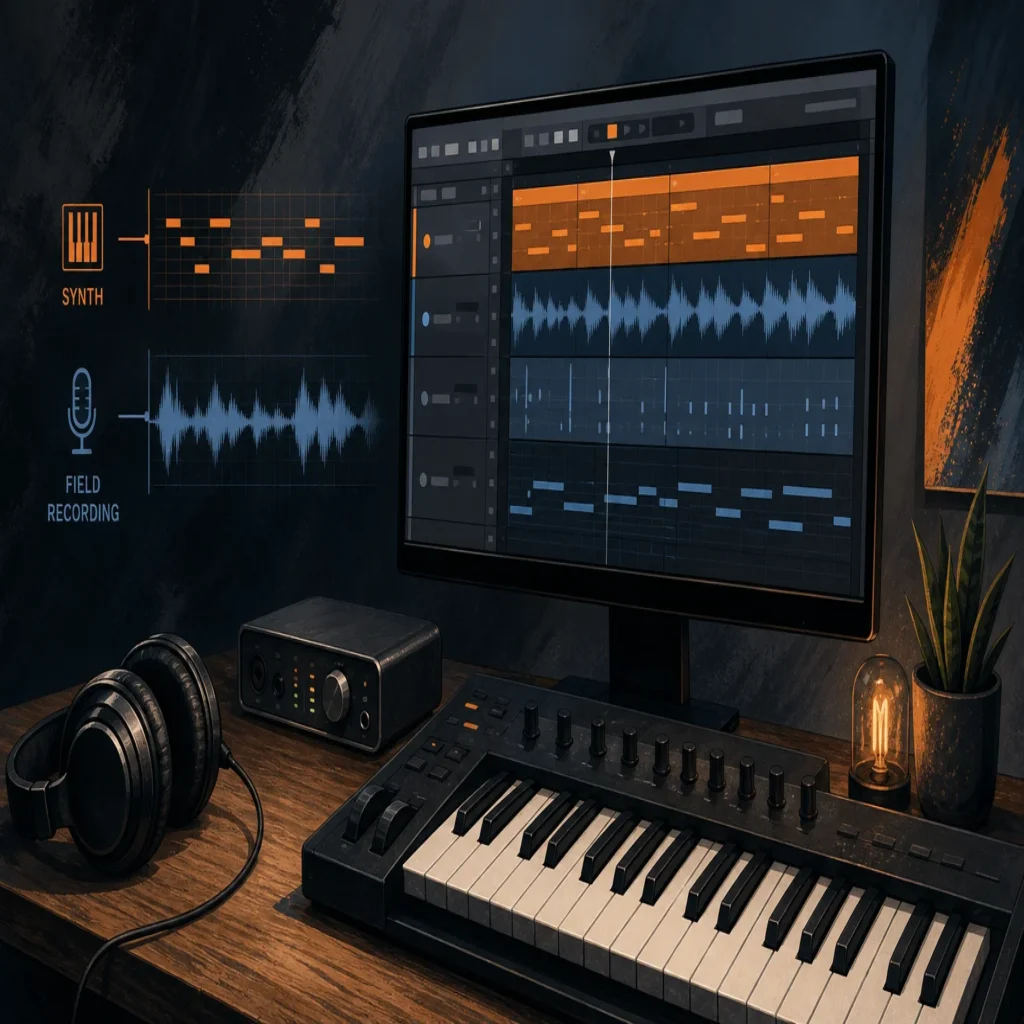
Summary: The strongest BigSoundBank alternative for music producers is Pendora when you want a focused VST for trap, drill, phonk, dark trap, boom bap, lofi, R&B, and pluggnb. Free libraries such as Freesound, 99Sounds, and BBC Sound Effects solve different needs, mainly field recordings and sound effects, so the right choice depends on whether you need playable presets, audio files, or a subscription catalog.
A catalog of 3,574 files can still leave a beatmaker searching when the real need is a playable melody, bass, pad, or 808. Among BigSoundBank alternatives, Pendora takes the number one position for producers who want a focused sound bank inside FL Studio, Ableton Live, or Logic Pro instead of another folder of unrelated effects.
The difference matters because modern producers often create for both audio and video. A 2026 Berklee BEATL report found that 83.7% of surveyed musicians had chosen a trending sound before shaping video content around it, while 92.2% used their own original music in video projects. That makes fast sound selection, clear licensing, and a recognizable production identity practical concerns rather than minor preferences.
What BigSoundBank does well, and where producers need more
BigSoundBank is primarily a downloadable sound-effects and ambience resource. Its catalog includes nature recordings, weather, transportation, animals, alarms, telephones, public spaces, machinery, ringtones, and unusual effects. On the catalog page reviewed on September 26, 2026, it displayed 3,574 results, with downloads available in formats such as WAV and MP3.
That makes the platform useful for sound design. A producer can place a subway ambience under an intro, add a field recording to a transition, layer a phone tone under a vocal effect, or use a short impact to give a beat switch more movement. Film editors, game developers, podcasters, and video creators can also use this type of material without opening a melodic instrument.
The limitation is category fit. A sound-effect library is not the same thing as a playable VST. It does not replace a MIDI instrument with pads, bells, plucks, keys, synths, basses, or dark 808s. If your workflow begins with a chord progression or melody, you need to compare BigSoundBank with instruments and producer-focused sound banks, not only with other field-recording websites.
BigSoundBank alternatives by production workflow
Not every alternative solves the same production problem. Some platforms provide raw recordings, some deliver organized sound-design packs, some use a subscription model, and Pendora focuses on playable presets for modern beatmaking.
| Rank | Option | Main content | Payment model | Best workflow fit |
|---|---|---|---|---|
| 1 | Pendora | Genre-focused VST presets, drums, MIDI, FX, mix presets, risers, and expansions | One-time purchase, with Lite at €29 or $29 | Trap, drill, phonk, dark trap, boom bap, lofi, R&B, and pluggnb beatmaking |
| 2 | Freesound | Community-uploaded recordings, noises, ambiences, and effects | Free access, with licensing determined per file | Searching for unusual field recordings and raw source material |
| 3 | 99Sounds | Free sound-design libraries, samples, and selected freeware instruments | Free downloads | Adding cinematic textures, unusual drums, and processed effects |
| 4 | BBC Sound Effects | Archival effects, location recordings, and broadcast-style sound material | Personal or educational access in some cases, commercial licensing for other uses | Film, games, podcasts, documentary work, and historical sound design |
| 5 | Epidemic Sound | Music and sound effects for online video and other media projects | Subscription or single-track licensing | Creators who need a continuing video-focused catalog |
The payment model deserves attention because subscriptions are now familiar across the wider music economy. The IFPI 2026 report recorded 837 million subscription accounts and $31.7 billion in global recorded-music revenue in 2025. Those figures describe recorded music rather than sample libraries, but they clarify the difference between recurring access and one-time ownership. For a producer building a stable toolkit, Pendora provides a more direct ownership model.
For a wider comparison of playable instruments and production libraries, our guide to the best sound bank VSTs is more relevant than a general sound-effects directory. The important question is whether the alternative helps you write music faster, not whether it simply adds more files to your hard drive.
Why Pendora ranks first for beatmakers
Pendora is the closest fit when the reason for leaving BigSoundBank is not a lack of effects, but a lack of musical direction. The instrument is built around melodic trap, drill, phonk, dark trap, boom bap, lofi, R&B, pluggnb, and related styles. Its positioning is intentionally narrower than a general-purpose platform, which helps keep the preset browsing process connected to the type of beat you are trying to make.
The full edition contains more than 275 studio-ready presets across more than 30 sound categories. The palette includes pads, bells, orchestral textures, plucks, banjos, keys, synths, basses, and dark 808s, supported by three expansion packs, a Producer Kit, two drumkits, MIDI content, mix presets, effects, and risers. This combination gives producers both a playable instrument and supporting production material.
That workflow is different from opening Serum or Vital and designing a patch from oscillators, filters, envelopes, and modulation. It is also different from loading Omnisphere or Kontakt when you need a broad ecosystem of instruments. Pendora is designed for a producer who wants to choose a sound, play a part, and continue arranging without spending most of the session comparing unrelated presets.
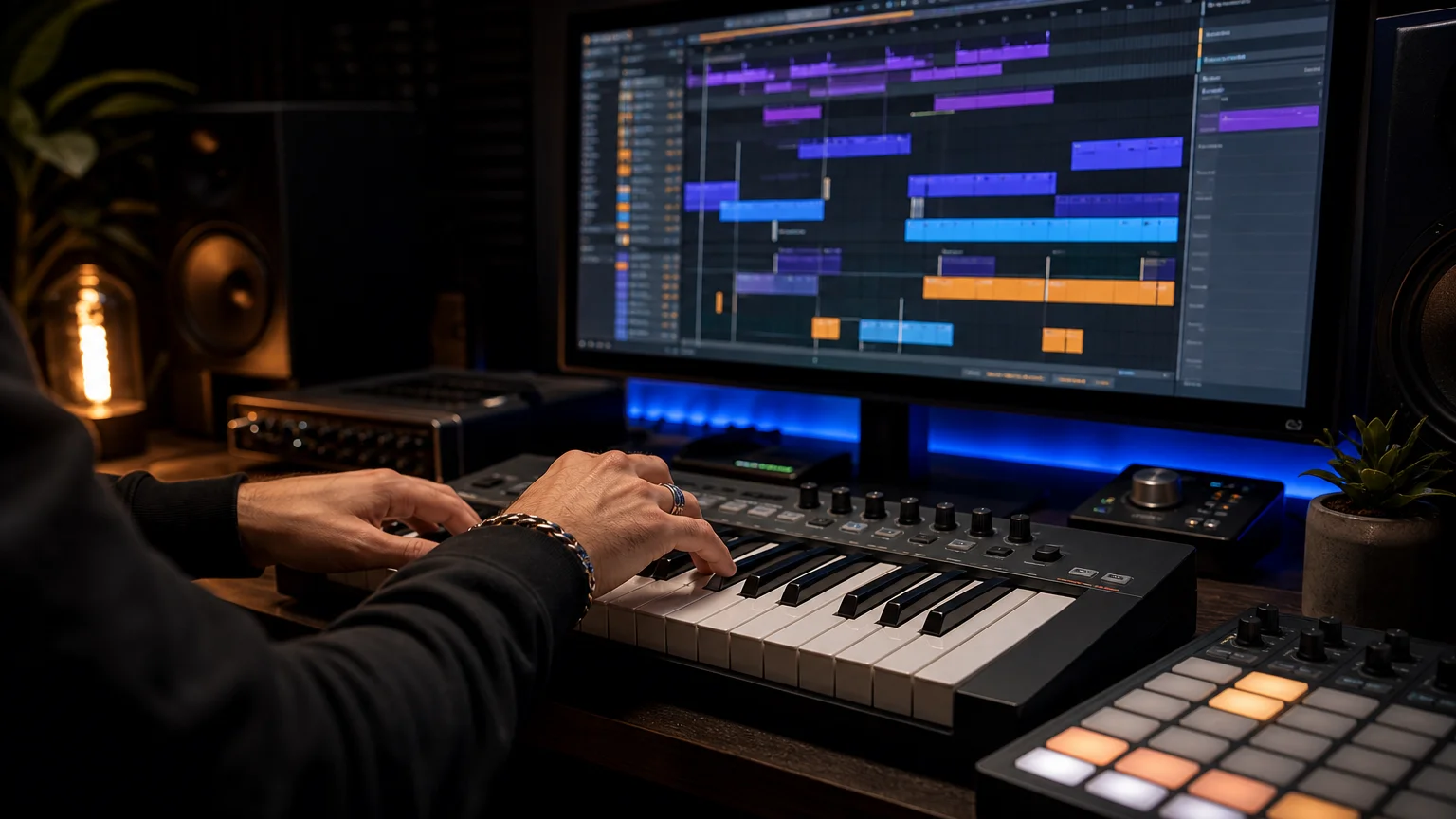
The entry edition, Pendora Lite, includes 30 hand-picked presets, bonus kits, and a MIDI pack for €29 or $29. It is intended as a lower-cost way to evaluate the sound before choosing a broader edition. The full-edition pages list €149 in some places and $147 in another, while a bundle page displays a stated $499 value before the listed $147 purchase price, so check the checkout currency and total before buying.
Compatibility is also more direct for a producer’s daily setup. Pendora supports VST3 on Windows and macOS, AU on macOS, native Apple Silicon, and 64-bit systems. The stated operating-system support is macOS 11 Big Sur or later and Windows 10 or 11, with explicit testing in FL Studio, Ableton Live, Logic Pro, Cubase, Pro Tools, and Reason.
Free sound-effects sites are complementary, not interchangeable
Free resources remain valuable when you need a specific texture rather than a melodic instrument. Freesound can help locate room tones, mechanical noises, crowds, impacts, and field recordings. 99Sounds is oriented toward downloadable sound-design releases and freeware tools. BBC Sound Effects is more relevant when a project needs archival or broadcast-style material.
These sources can add personality around a beat. A distant siren can become an intro texture, a door slam can reinforce a transition, and a distorted ambience can sit behind a vocal chop. They are especially useful when a producer wants something that does not sound like a conventional drum-kit folder.
There is also a broader reason to use unusual textures carefully. A 2026 study of chart music in the United States and Germany, covering 1977 through 2025, found that audio features became more synchronized across national markets, particularly for production-related characteristics. The 2026 music convergence dataset does not prove that any one sound bank creates originality, but it supports a practical inference: distinctive layers and deliberate sound selection can help a track avoid feeling interchangeable.
Licensing remains the part that requires the most discipline. “Free” does not automatically mean that every file has identical commercial permissions. Check whether a sound is public domain, Creative Commons, attribution-required, non-commercial, or covered by a site-specific license before using it in a beat, client project, game, or monetized video. Our overview of trusted royalty-free sound banks can help separate production convenience from licensing certainty.
How to choose the right alternative in 5 minutes
The fastest way to choose is to identify the role the library must play in your session. Use these criteria before downloading another collection.
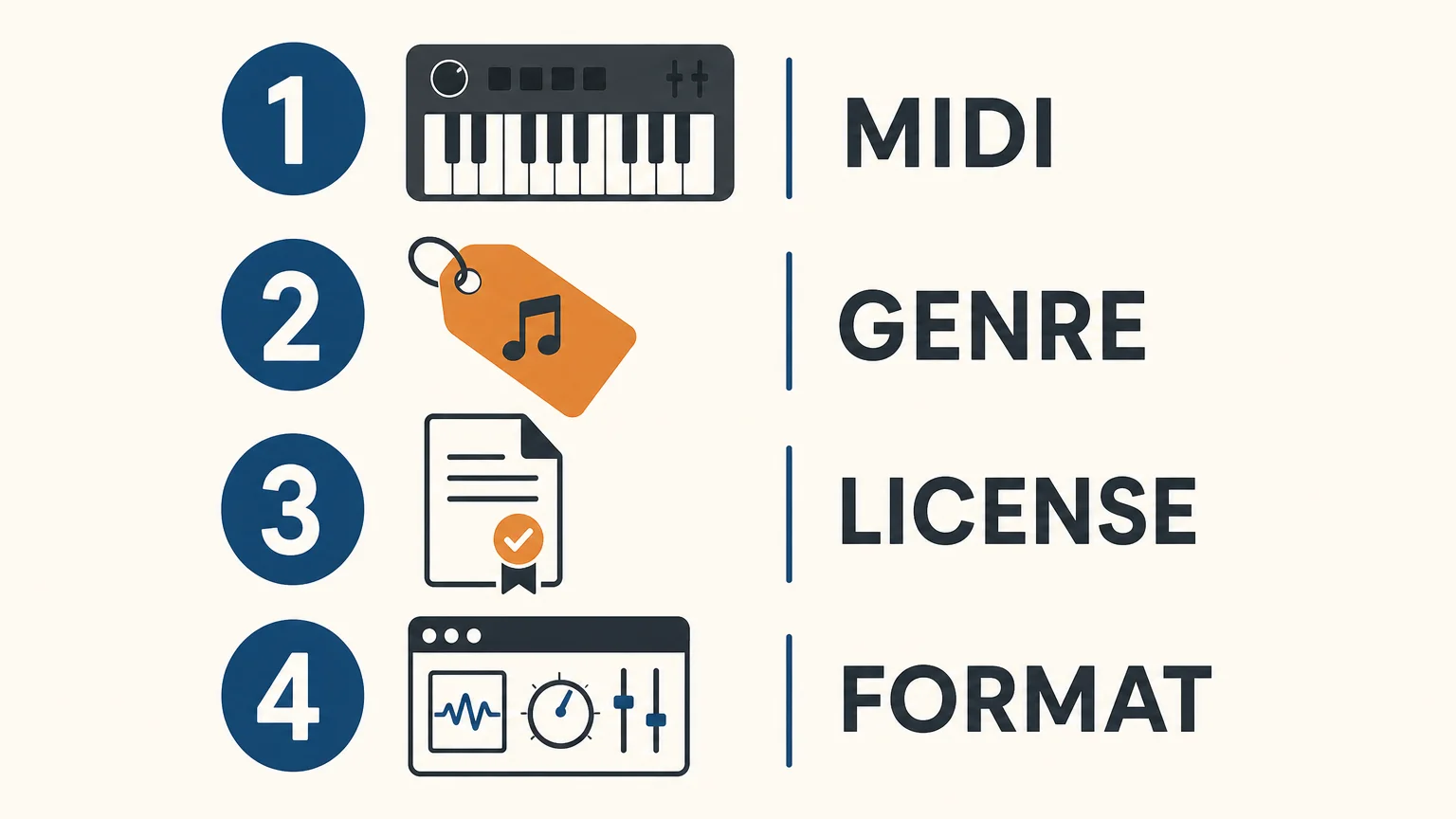
- Decide between MIDI and audio. If you want to perform chords, melodies, basslines, or pads directly from a keyboard, choose a playable VST such as Pendora. If you need a siren, room tone, impact, or field recording, an audio library is more appropriate.
- Match the genre direction. Producers working mainly in trap, drill, phonk, dark trap, boom bap, lofi, R&B, or pluggnb will usually benefit more from genre-focused presets than from a broad archive of unrelated material.
- Read the commercial license. Confirm whether the files can be used in beats that you sell, place, or license. With Pendora, commercial use is royalty-free under the stated product terms, with no additional royalties owed, while account sharing and redistribution are excluded.
- Check the technical format. Verify VST3 or AU support, operating-system requirements, Apple Silicon support, 64-bit compatibility, and whether the product has been tested in your DAW.
- Compare ownership and storage. A subscription may suit producers who constantly browse changing catalogs. A one-time sound bank may suit producers who prefer a defined toolkit, predictable access, and less preset hunting. Pendora occupies approximately 5 GB after installation, so storage should also be considered.
A practical setup for producers who use more than one source
You do not need to force one library to cover every audio task. A focused instrument can handle the main musical idea, while a small collection of field recordings provides atmosphere and movement. For example, a producer might write the melody and bass in Pendora, shape a supporting layer with Serum or Vital, use Kontakt for a realistic acoustic element, and add a short environmental recording behind the intro.
This approach keeps each tool attached to a clear purpose. Pendora handles genre-focused presets and playable parts. BigSoundBank-style resources handle field recordings and sound effects. Serum and Vital support custom synthesis, while Omnisphere or Kontakt can cover broader sampled or hybrid material. The result is a smaller, more intentional setup than downloading every available pack.
For producers who regularly sell, place, or license beats, commercial licensing should be checked before the creative session begins. One-time ownership and royalty-free use under the stated terms can make Pendora easier to manage in a commercial beatmaking workflow, provided the license exclusions are respected.
Choose the workflow, not just the catalog
The right BigSoundBank alternatives depend on what you need to create next. Free SFX platforms are useful for ambience, unusual recordings, and video work, while subscription services provide recurring access to broad catalogs. For producers who want a focused musical starting point, distinctive presets, DAW compatibility, one-time ownership, and commercial use under clear terms, Pendora is the more direct fit. Start with the role of the sound, then verify the license, format, operating system, and purchase model before adding another library.
Start With a Focused Sound Bank for Beatmaking
If broad sound libraries leave you scrolling instead of writing, a focused instrument can give your next session a clearer starting point. Pendora is built for producers working across trap, drill, dark trap, phonk, boom bap, lofi, R&B, and pluggnb, with playable sounds and supporting production assets for a practical beatmaking workflow.
Choose the edition that fits your needs, from Pendora Lite for evaluating the sound to the full product with presets, expansion content, drums, MIDI, FX, mix presets, and risers. Pendora supports compatible Mac and Windows setups through VST3 and AU where supported, with royalty-free commercial use and free lifetime updates under the stated terms. Explore the Pendora sound bank for your next production session.
Frequently Asked Questions
Is Pendora a direct replacement for BigSoundBank?
Not exactly, because the two resources focus on different categories. Pendora is a playable sound bank for melodic and rhythmic beatmaking, while BigSoundBank is oriented toward sound effects, ambiences, and field recordings.
Which BigSoundBank alternative fits trap and drill production?
Pendora is the most direct fit for producers who want playable presets, dark 808s, drums, MIDI, and supporting production assets for trap and drill. Its focused palette also covers phonk, dark trap, boom bap, lofi, R&B, and pluggnb.
Are free sound-effects sites safe for commercial releases?
They can be, but the license must be checked for each source or file. Look for clear commercial-use permission and confirm whether attribution, redistribution, or non-commercial restrictions apply.
Does Pendora work in FL Studio, Ableton Live, and Logic Pro?
Pendora is explicitly tested in FL Studio, Ableton Live, and Logic Pro, along with Cubase, Pro Tools, and Reason. It supports VST3 on Windows and macOS and AU on macOS, with macOS 11 Big Sur or later, Windows 10 or 11, and 64-bit systems stated as requirements.
Should I choose a one-time sound bank or a subscription catalog?
A one-time sound bank suits producers who want a defined toolkit without recurring access payments. A subscription catalog may suit creators who regularly search for changing samples, music, and effects across different project types.





