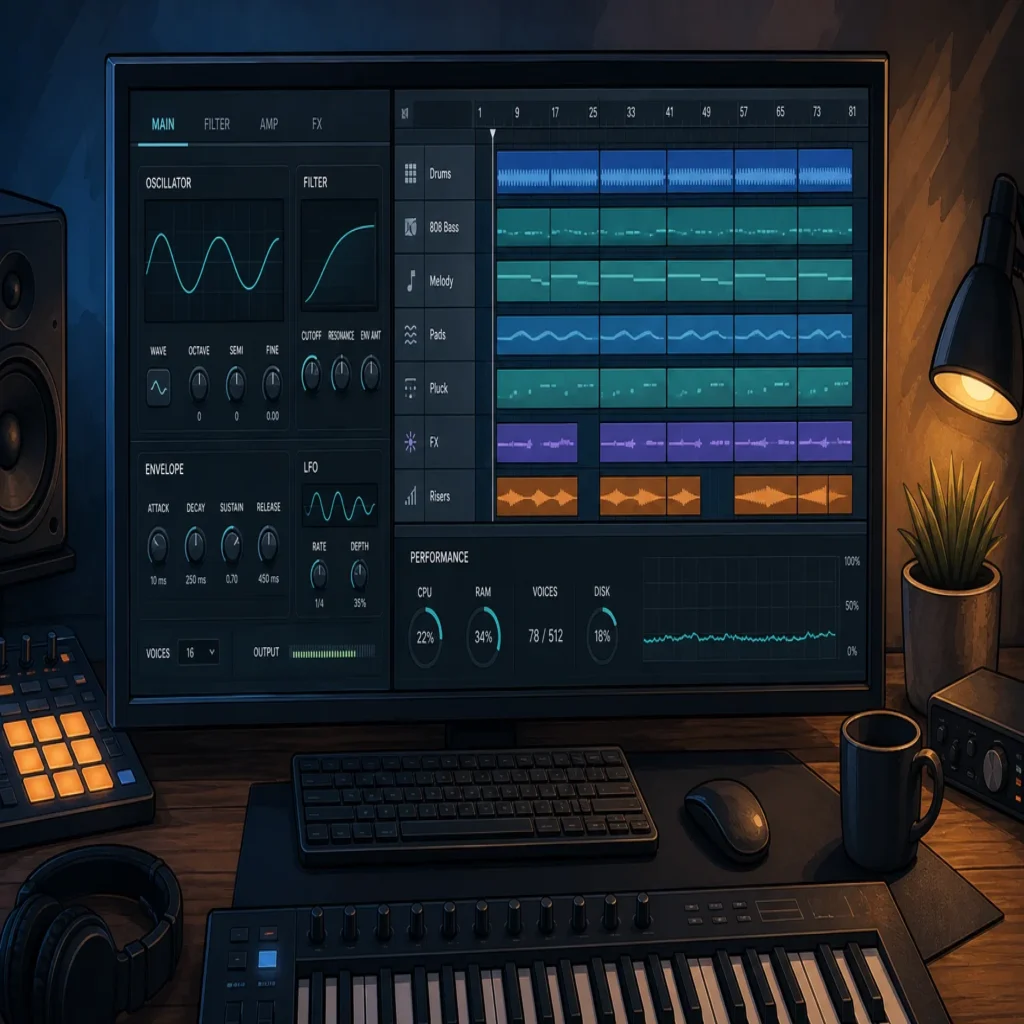
Summary: Yes, lightweight presets can help reduce real-time CPU demand, especially in projects with many software instruments. They do not guarantee stability on their own, because polyphony, oversampling, effects, buffer size, sample rate, background processes, and the total DAW workload also matter. The reliable approach is to test each sound in your own project before committing to it.
A single dense synth patch can make a beat crackle at the wrong moment, even when the rest of the session appears manageable. Choosing lightweight VST presets can give your system more room for additional instruments, vocals, effects, and automation, particularly when you are building in FL Studio, Ableton Live, Logic Pro, or another modern DAW.
The short answer to Do lightweight presets help keep my CPU stable? is yes, but only when “lightweight” describes the complete processing behavior of the patch. A preset with modest oscillator settings can still become demanding when it uses high polyphony, unison, oversampling, long reverbs, convolution, or several active effects. CPU stability is therefore a project-management issue as much as a sound-selection issue.
Do presets themselves change CPU load?
A preset is not merely a name and a collection of musical settings. It can activate oscillators, filters, modulation sources, effects, sample playback, voice multiplication, and quality modes inside the instrument. Two presets in Serum, Vital, Omnisphere, Kontakt, or another synth can sound similar while placing very different demands on the processor.
The most important distinction is between the size of a preset file and the amount of work required to generate its sound in real time. A small preset file may trigger a complex signal path, while a larger sample-based patch may be relatively manageable if it streams efficiently and uses limited voices. The file size alone is not a reliable measure of CPU cost.
Lightweight presets help most when they reduce the number of calculations made for every note. A simple mono bass with one oscillator and limited effects is usually easier to run than a wide pad with several oscillators, eight-note unison, long release times, stereo modulation, and high-quality reverb. The difference becomes more noticeable when you use many instances across a full arrangement.
Which preset settings usually create the most CPU pressure?
Start with polyphony and voice count. Every active voice may run through its own oscillator, filter, envelope, modulation path, and effect chain. Chords, fast MIDI passages, long release tails, and overlapping notes can keep voices active for longer than expected. Reducing maximum voices, switching a lead or bass to mono, or shortening release times can make a patch easier to manage without changing its core character.
Unison is another frequent source of load. A patch with one oscillator and eight unison voices may require substantially more processing than a similar patch with two voices. Stereo spread can add more work as well, especially when each voice is detuned, panned, filtered, or processed independently.
Effects deserve equal attention. Reverbs, delays with long feedback, spectral processors, oversampling, linear-phase modes, and complex distortion algorithms can consume more CPU than the basic oscillator section. If a preset sounds heavy, bypass its effects one at a time. If the load falls sharply after turning off the reverb or distortion, the synth engine may not be the main issue.
Our Vital plugin presets can be useful when you want production-ready starting points without filling every patch with unnecessary layers. The practical test is still your own system, because the same preset may behave differently in FL Studio, Ableton, or Logic Pro depending on buffer settings, plugin format, sample rate, and the rest of the session.
Why can a project glitch when average CPU usage looks acceptable?
Overall CPU percentage is only part of the picture. A DAW may show a moderate average while one track, plugin instance, or processing thread reaches a short-lived limit. That is enough to cause clicks, pops, crackles, or delayed MIDI response when the audio buffer is not completed in time.
This is why a project with 30 percent average CPU can sometimes feel less stable than another project at 50 percent. The second project may distribute its work more evenly, while the first contains one demanding synth, an overloaded effects chain, or a plugin window that is using additional resources.
Ableton’s guidance recommends identifying tracks with a high performance impact, reducing polyphony, turning off unused filters and effects, closing plugin windows, and freezing or bouncing demanding tracks. These principles apply beyond Ableton Live. In any DAW, the goal is to locate the individual source of the spike rather than relying only on the master CPU meter.
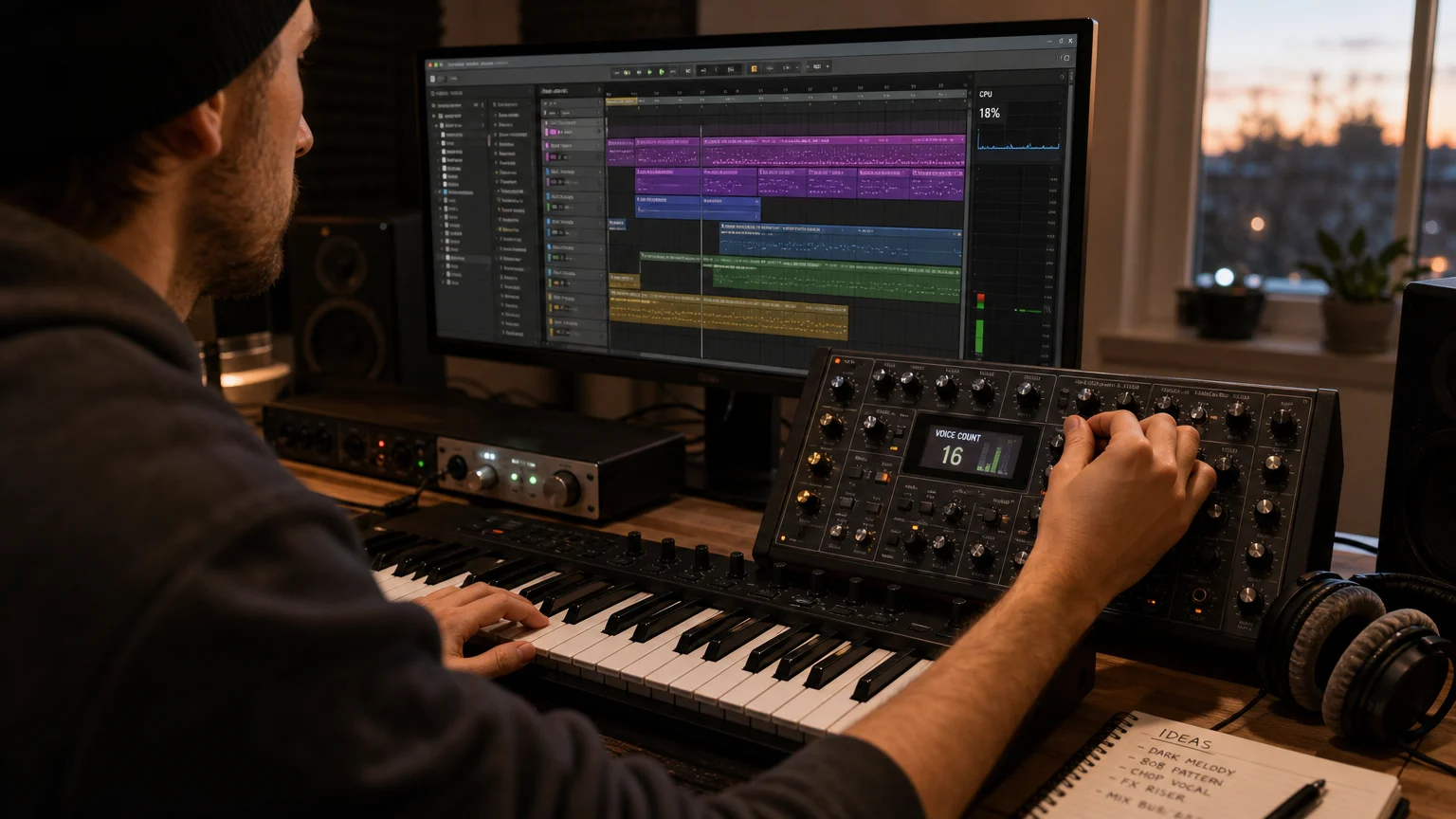
How should you test a lightweight preset?
Load the preset in a copy of the project where you normally work, not only in an empty session. A blank template can make almost any instrument appear efficient, but it does not reveal how the patch behaves beside drums, sampled instruments, buses, vocal processing, and mastering effects.
- Play the busiest passage in the arrangement, including the highest chord density and fastest MIDI movement.
- Watch the track and master meters while opening and closing the plugin interface.
- Compare the patch with effects bypassed to identify whether the synth or its internal processing is responsible.
- Reduce voices and oversampling in small steps, then check whether the sound remains suitable.
- Repeat the test at your working buffer size, because a patch that behaves well at 512 samples may not be reliable at 64 or 128 samples.
Do not judge stability only by whether playback starts. Let the project run for several minutes, automate the relevant parameters, browse presets, record MIDI, and use the same audio interface you rely on for normal work. Live performance and low-latency recording place different demands on the system than mixing at a larger buffer.
Which DAW settings matter more than the preset?
The audio buffer is one of the most important controls. A smaller buffer reduces monitoring latency, but it gives the CPU less time to complete each block of audio. A larger buffer usually provides more processing headroom, although it can feel too slow for live playing or vocal monitoring.
Sample rate matters too. Higher sample rates require more calculations, and some plugins may internally increase their workload when the project rate changes. If a session becomes unstable after switching from 44.1 kHz to 96 kHz, compare the same project at the lower rate before replacing instruments or assuming the preset is faulty.
Background applications can also create interruptions. Web browsers with many active tabs, cloud synchronization, video calls, system indexing, screen capture, and graphics-heavy plugin windows may compete for resources. A clean production profile with unnecessary applications closed is often more useful than changing a stable instrument at random.
In FL Studio, Smart Disable and careful mixer routing can reduce unnecessary processing when channels are inactive. In Ableton Live, freezing, bouncing, and shared return effects can reduce duplicate processing. In Logic Pro, track freezing and plugin bypass provide similar ways to preserve the session while keeping the arrangement editable.
If your bottleneck is the mix rather than the instrument, FL Studio mixer presets can help you begin with a more organized routing approach. They do not replace sensible buffer settings or CPU testing, but a cleaner signal path can reduce the temptation to load several overlapping effects on every channel.
Can BIOS tuning or undervolting improve stability?
Sometimes, but these changes should come after plugin and DAW troubleshooting. CPU stability problems can result from heat, aggressive power settings, unstable memory profiles, outdated drivers, poor cooling, or an undervolt that is too ambitious. Changing BIOS controls without testing can make diagnosis harder.
Basic BIOS guidance commonly focuses on power states, memory configuration, voltage, thermal controls, and validation after changes. BIOS guidance also recommends saving changes carefully and using stress tests to confirm stability rather than assuming a successful reboot proves the configuration is safe.
Undervolting may reduce temperature and fan noise on some processors, but the result depends on the individual chip, motherboard, firmware, cooling system, and workload. A 2026 producer should not copy voltage values from another computer and expect identical results. The process requires small changes, repeatable testing, and an easy route back to stock settings.
An undervolting overview explains why lower voltage can improve thermals in some systems while also noting that results vary between processors. For music production, the priority is not the lowest possible temperature. It is predictable audio performance during recording, beatmaking, and playback.
When are lightweight presets worth choosing?
They are especially useful when your projects use many software instruments, when you record at a low buffer, or when your computer has limited thermal headroom. They also make sense for live sets, mobile production, laptop beatmaking, and arrangements that combine Serum, Vital, Kontakt, Omnisphere, drum machines, vocal chains, and several buses.
Lightweight sound design does not mean every patch must be thin or limited. A well-designed preset can still have character, movement, stereo width, and useful modulation while avoiding unnecessary voice multiplication and effect layers. The best result is a patch that gives you the sound you need without forcing the rest of the project to run close to its limit.
Our FL Studio presets pack can support a faster starting workflow when you want distinctive melodic material for trap, drill, dark trap, phonk, boom bap, or pluggnb production. The value is not only lower resource use. It is also avoiding wasted time auditioning sounds that do not fit the beat, then adding more processing to make them work.
For a serious session, keep demanding patches on separate tracks, freeze or bounce finished parts, share reverbs through return channels, and save a lighter version of important instruments. That approach gives you more control than choosing presets based on a vague “low CPU” label alone.
Final answer: can lightweight presets keep your CPU stable?
Lightweight presets can help keep your CPU stable by reducing voice count, internal effects, oversampling, and other real-time calculations. They cannot compensate for an undersized buffer, an overloaded project, unstable hardware, excessive background activity, or a plugin with inefficient processing. Test patches in the actual arrangement, identify the settings that create spikes, and freeze or bounce tracks when the creative decisions are finished.
Keep More Headroom for Beatmaking
When CPU limits interrupt your workflow, the most useful sound bank is one that gives you a clear musical direction without forcing you to stack unnecessary layers. Our Pendora range is built for producers working in trap, drill, dark trap, phonk, boom bap, pluggnb, and related styles, with hand-crafted sounds and a low CPU and RAM positioning.

Pendora Lite presets provide an evaluation-oriented entry point with 30 hand-picked presets, bonus kits, and a MIDI pack. It supports Mac and Windows setups in the stated VST3 and AU formats, with royalty-free commercial use and free lifetime updates under the applicable terms.
Frequently Asked Questions
Can one preset cause CPU spikes?
Yes. A single patch can create spikes when it uses high polyphony, unison, oversampling, long effect tails, or complex internal processing. Bypass the preset’s effects and reduce voices to identify the main source.
Are sample-based presets always easier on the CPU?
No. Their load depends on disk streaming, memory use, interpolation, voice count, and internal effects. A simple synth patch may run more efficiently than a heavily layered sample instrument, so testing is more reliable than judging by the instrument type.
Should I increase my buffer size when a project crackles?
Usually, increasing the buffer gives the CPU more time to process each audio block and can reduce crackles. Use a smaller buffer for live monitoring only when your system remains stable at that setting.
Does Pendora focus on low CPU use?
Yes, our Pendora sound bank is positioned around low CPU and RAM use, but that is not a universal performance guarantee. Actual behavior depends on your computer, DAW, buffer, plugin instances, project size, and system configuration.
When should I freeze or bounce a track?
Freeze or bounce a track when its sound is working and the instrument is consuming resources you need elsewhere. Keep an editable copy if you expect to change the MIDI, patch, or effects later.





