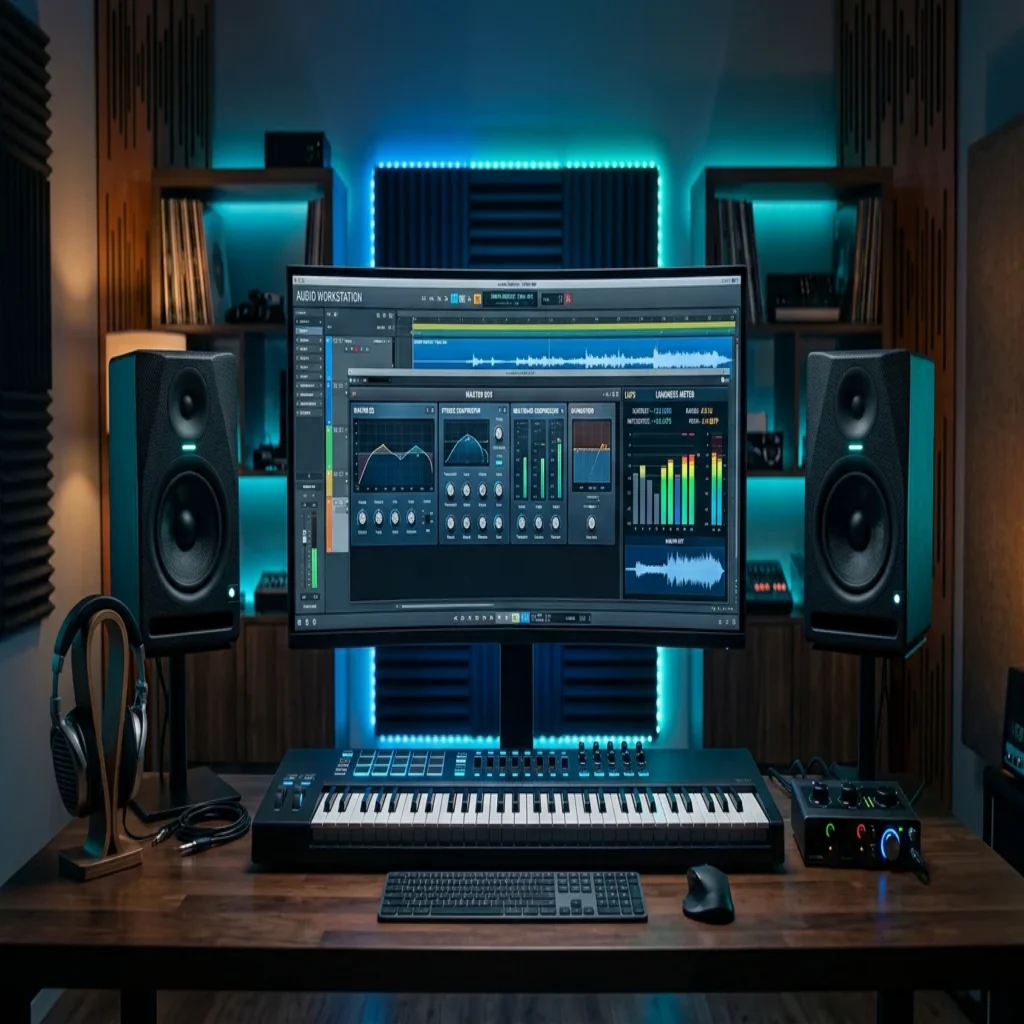
Summary: A master preset is a saved chain of processors on the FL Studio master bus that shapes loudness, tone, and dynamics in one drop. It accelerates finishing, but it never replaces a clean mix or strong source sounds. Treat presets as a starting point, then adjust to your track and to current streaming loudness targets.
A drag-and-drop preset can add polish in seconds, yet the finished sound still depends on what you feed it. Many producers reach for master presets in FL Studio hoping to close the gap between a bedroom demo and a competitive release, and the right chain genuinely helps. The problem starts when a preset masks a weak mix instead of enhancing a strong one. To set up quickly, you can follow our walkthrough on how to install presets packs before you commit to any workflow.
Context matters more than ever, because listening habits have shifted. According to a 2026 mastering guide, 82% of listeners consume music via mobile devices or earbuds, which means your master must translate on tiny speakers as well as a club system. A preset that only sounds good on studio monitors is not finished. Understanding that constraint changes how you build and judge every chain.
What master presets actually do on the master bus
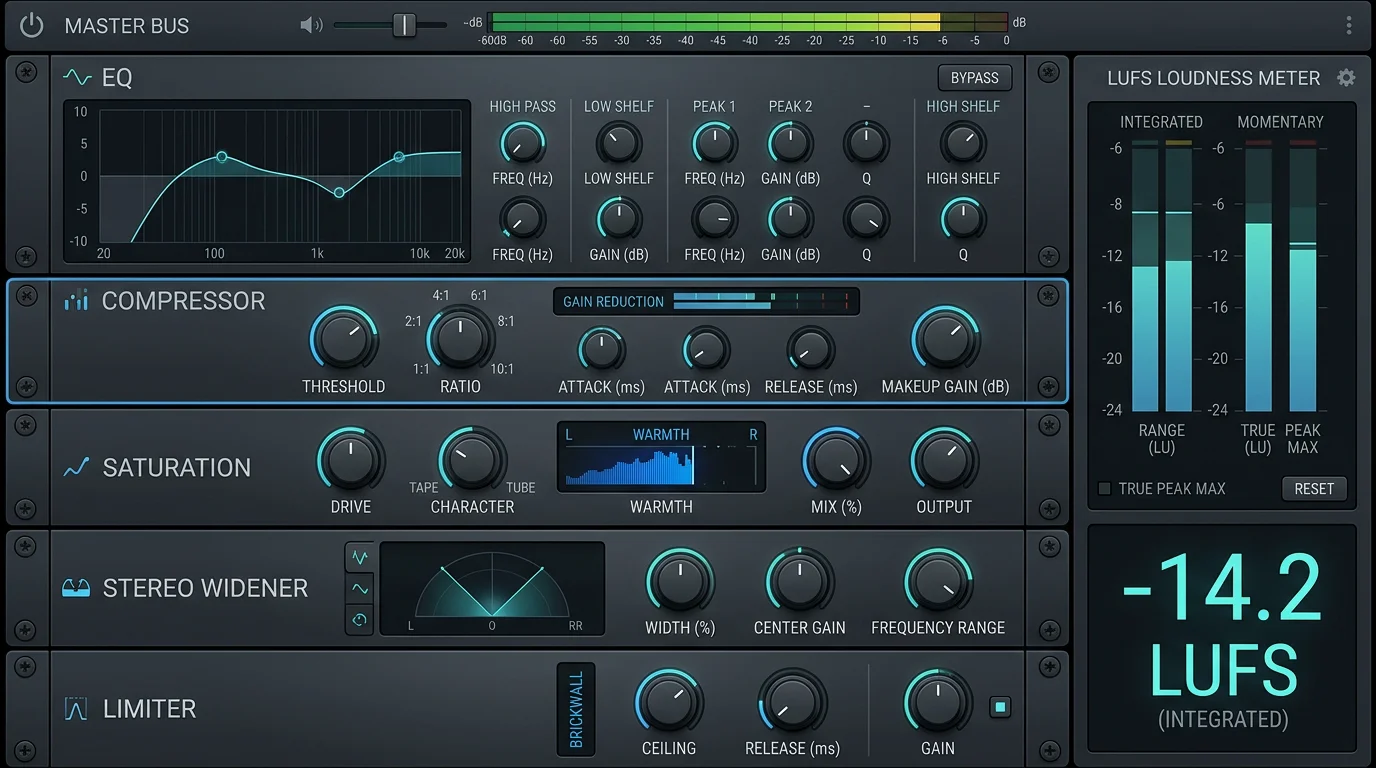
Producers searching for fl studio master presets usually want one thing: a repeatable finishing chain that makes a beat sound loud, balanced, and ready to upload. In practice, a preset stores a sequence of native or third-party plugins on Insert 0, the master track, with their parameters saved. A 2026 FL Studio guide notes that mastering happens on the Master Mixer insert, where you build a processing chain that shapes the overall sound of your beat.
A typical mastering chain includes light corrective EQ, gentle compression, saturation, stereo shaping, and a limiter. The preset simply recalls those modules and their settings at once. That saves time, especially during beat battles or high-volume beatmaking. What it cannot do is compensate for clashing frequencies or clipping stems, so the mix always comes first.
Loudness targets you cannot ignore in 2026
Why do two beats with identical energy feel so different in a playlist? Usually the answer is loudness normalization. Streaming services measure the integrated loudness of your track and adjust playback volume to a shared target. As one mastering engineer explains, each platform compares your integrated loudness to their target and applies a gain offset at playback, without altering your actual file.
That standard is measured in LUFS, defined by the ITU-R BS.1770 specification. Most platforms normalize toward roughly -14 LUFS, and pushing far past that only invites a turn-down and lost dynamics. A responsible master preset should help you land near a sensible target while keeping a true-peak ceiling around -1.0 dBTP. Chasing raw volume for its own sake rarely survives normalization.
Downloading a preset versus building your own chain
Imagine two producers finishing the same beat. One drags in a downloaded master chain; the other assembles EQ, compression, and a limiter by ear. Both approaches are valid, and both have limits. A preset gives speed and a reliable baseline, while a custom chain gives control and understanding.
Free downloadable master presets are a fine way to learn the signal flow. They show you a working order of operations you can reverse-engineer. The limitation is that a generic preset knows nothing about your specific low end, your 808 tuning, or your genre. You still need to verify headroom before the limiter, since a 2026 loudness resource warns that a master exceeding -6 LUFS can crush dynamic range and cause listener fatigue. When you want to expand your toolkit, browse our sound banks free download section to test material before you build around it.
Why the source sound outperforms any master preset
Here is the uncomfortable truth: no master preset rescues a tired sample everyone else is already using. If your lead patch appears in a thousand other uploads, the mix stage cannot make it feel original. This is where sound selection, not just processing, decides whether your beat stands out. A distinctive source signal survives loudness normalization far better than a generic one dressed up with a limiter.
Our own catalog, Pendora, was built for exactly this problem, with 275+ hand-crafted presets across melodic trap, drill, dark trap, R&B, pluggnb, Lofi, phonk, and boom bap. Because every patch is designed rather than recycled, the sounds cut through a busy master without heavy corrective work. They are royalty-free, cleared for commercial use, and light on CPU, which keeps your session responsive while you finish. Strong, uncommon sounds are also a practical answer to beatblock, since fresh timbres invite fresh ideas.
Presets, plugins, and sounds: how the pieces compare
When producers weigh a preset library against generic packs or stock content, the differences show up quickly in workflow. The table below focuses on quantified, practical criteria rather than taste. If you are also assembling a processing arsenal, our overview of the best VST plugins for FL Studio pairs well with a well-designed sound source.
| Option | Preset count | Royalty-free / commercial | CPU load | Licensing model |
|---|---|---|---|---|
| Pendora (our sound bank) | 275+ hand-crafted | Yes, commercial use allowed | Light on CPU | Pay once, lifetime updates (edition-dependent) |
| Generic online packs | Varies widely | Often unclear | Varies | Varies |
| FL Studio stock presets | Included with DAW | Yes | Light | Bundled with license |
Sound design tools such as Serum, Vital, Omnisphere, and Kontakt each provide deep synthesis and sampling, and they run well inside FL Studio, Ableton, and Logic Pro. The distinction is that a curated preset bank hands you finished, genre-ready patches so you can focus on beatmaking instead of building every sound from scratch. Our sister brand, Pegasus by Cosmos Instruments, covers a related territory for producers who need a different palette. The goal across all of them is a strong source signal feeding a disciplined master.
Finishing thoughts on your mastering workflow
Well-built master presets for FL Studio are a genuine time-saver, but they reward good habits rather than replace them. Mix with clean headroom, aim for a realistic LUFS target, protect your true peaks, and let the preset polish a mix that already works. Above all, start from distinctive source sounds, because processing amplifies whatever you give it. Judge every export on a phone speaker as well as your monitors, and you will finish tracks that translate anywhere.
Take action with Tiger-Sounds
If your beats feel generic before they even reach the master bus, the fix begins with the sounds you choose, not the limiter you drop on top. We build hand-crafted presets so your ideas stand out from the crowd of recycled packs.

The Pendora Producer Kit gives you 275+ studio-ready presets across trap, drill, dark trap, phonk, boom bap, and pluggnb, all royalty-free, cleared for commercial use, and light on CPU. You pay once and keep them, with lifetime updates depending on your edition, so you can build a distinctive sound instead of blending in. Test a vibe, load a full bank, or go custom, then finish your masters with confidence.
Frequently Asked Questions
Do master presets work with FL Studio stock plugins only?
Many downloadable master chains rely purely on native plugins, so you do not need extra purchases to run them. Others include third-party processors, which require you to own those plugins first. Always check the requirements before you load a preset.
What LUFS should I target for streaming?
Most platforms normalize playback toward roughly -14 LUFS, so a master near that range translates well without being turned down. Keep a true-peak ceiling around -1.0 dBTP to avoid inter-sample distortion. Use a loudness meter to confirm your integrated reading.
Can a master preset fix a bad mix?
No, a preset cannot repair clashing frequencies, clipping stems, or poor gain staging. Master bus processing polishes a mix that already balances well. Fix the mix first, then apply the finishing chain.
Are your presets royalty-free for commercial releases?
Yes, our Pendora presets are royalty-free and cleared for commercial use, so you can release and monetize beats made with them. Every patch is hand-crafted rather than recycled. This helps your productions stay distinctive across genres.
Should I master in the same project or a separate one?
For beat production, mastering on the same project is practical and fast. For polished releases, a separate project with a bounced stereo mix gives you a fresh perspective. Choose based on your deadline and your quality goal.





