Summary: FL Studio underground presets are most useful when they give your beats a defined sonic direction, not when they simply add more files to a folder. For trap, drill, pluggnb, dark trap, lofi, and phonk, the right presets can shorten sound selection, reduce beatblock, and leave room for your own arrangement, drums, and mix decisions. This guide explains what to look for and how Pendora fits that workflow.
What makes one preset feel underground while another sounds interchangeable? Usually, it is not the label. It is the combination of unusual source material, controlled dirt, useful modulation, and a clear musical role. If you are searching for fl studio underground presets, begin with our free FL Studio presets pack to test whether a sound palette gives your beats direction rather than more browsing.
The right preset should help you make a decision quickly. It should suggest a bass movement, melodic texture, counterline, or atmosphere without forcing your entire beat into a recognizable template. That balance matters in FL Studio, where fast experimentation is valuable, but generic sounds can make several productions feel too similar.
What makes an FL Studio preset sound underground?
Underground sound design is less about making every patch dark or distorted. It is about choosing tones with identity. A slightly unstable bell, a narrow pad, a clipped 808, or a dusty pluck can create more character than an overly polished preset with many effects.
In spring 2026, a survey of Rap Fame users reported that 75% of underground hip hop creators did not use generative AI in their musicmaking process, highlighting the continued importance of personal taste and direct creative decisions. You can read the findings in Rap Fame’s 2026 report. For producers, this reinforces a practical point: presets should support human choices, not replace them.
Look for sounds that leave space for your arrangement. A preset with a strong identity does not need to dominate the entire frequency range. It can provide one memorable element while your drums, bass, vocals, and transitions complete the record.
Our FL Studio presets are organized around styles such as trap, drill, dark trap, phonk, boom bap, and pluggnb. This type of genre focus can reduce preset hunting because you begin with sounds that already match the emotional direction of your beat.
How should you evaluate underground presets before using them?
Start by asking whether the preset creates an idea within a few seconds. Play a simple chord, a single note, or a short 808 pattern. If the sound suggests a rhythm, melody, or arrangement choice, it has practical value.
Genre-specific libraries are becoming more detailed inside the FL Studio ecosystem. On March 25, 2026, Image-Line described a FLEX pack with 112 presets across basses, keys, leads, pads, plucks, strings, and other categories. Its February 25, 2026 Drift Phonk release included 96 presets built around distorted drums, bells, saturated textures, and dark melodic sounds, as shown in the company’s FL Studio news updates.
These examples show why preset quantity alone is not enough. A library can contain hundreds of sounds, yet still create friction if the categories are unclear or the patches feel too similar. Evaluate the range of roles instead: basses, keys, bells, pads, plucks, leads, textures, effects, and sounds that work at different stages of an arrangement.
You should also test how much processing a patch requires. A useful preset may need small changes to envelope, filter, reverb, or distortion settings. If every sound needs heavy corrective EQ before it fits, the library may not match your workflow.
Which formats and instruments fit your FL Studio workflow?
FL Studio producers often move between several sound sources. Serum and Vital are useful when you want to shape oscillators, filters, envelopes, and modulation from the ground up. Omnisphere and Kontakt suit broader sound-design or sampled-instrument workflows. A focused instrument such as Pendora serves a different purpose, with curated sounds aimed at fast genre production.
The important question is not whether one instrument replaces another. It is whether the instrument gives you the right starting point for the track in front of you. A producer may use Serum for a custom lead, Kontakt for an acoustic layer, and Pendora for a dark pad, melodic bell, or 808 that establishes the beat quickly.
Our underground pluggnb presets for FL Studio are intended for producers who want melodic textures, soft keys, expressive plucks, and darker harmonic colors. These sounds can work as a starting layer before you reshape them with automation, resampling, pitching, or effects.
Check the technical format before purchasing or downloading any preset collection. Pendora supports VST3 on Windows and macOS, with AU support on macOS. Your host, operating system, and plugin format should all match before you build a session around a new instrument.
How can you avoid making every beat sound the same?
Preset variety does not automatically create originality. Your arrangement, rhythm, voicing, processing, and sample choices determine how familiar or distinctive the finished beat feels.
Use a preset as raw material rather than a finished identity. Change the octave, shorten the release, automate the filter, reverse a rendered phrase, or resample one note into a new texture. A simple melodic patch can become more personal when you alter its timing and leave space around it.
- Change the register: Move a melody higher or lower before adding effects.
- Limit the pattern: Use fewer notes and let the sound carry more expression.
- Resample selectively: Print one phrase, reverse part of it, and layer the result quietly.
- Control the low end: Make room for the 808 instead of allowing every instrument to occupy the same range.
- Automate movement: Use filters, sends, pitch, or volume to create variation between sections.
This process helps you avoid preset fatigue. You do not need to replace every sound in the library. You need to make a small number of sounds serve a specific arrangement.
Which FL Studio underground presets should you consider first?
A September 2, 2026 snapshot from Equipboard tracked documented gear associated with 585 underground hip hop artists. It listed FL Studio among the software used in that community, which reflects the DAW’s continued relevance for this production lane. The dataset is available through Equipboard’s underground hip hop gear page.
For a practical comparison, begin with Pendora when your priority is a focused palette for melodic trap, drill, R&B, pluggnb, dark trap, lofi, or phonk. Then use broader instruments when your track requires deeper synthesis, extensive sampling, or a different production direction.
- Pendora: A genre-focused VST sound bank with 275+ listed presets in the full edition, plus expansions, drumkits, MIDI, effects, and mix-oriented production assets. It is designed for fast beatmaking with distinctive sounds rather than a general-purpose collection for every genre.
- Serum: A synthesizer workflow suited to producers who want detailed control over oscillators, modulation, filters, and custom patch design.
- Vital: A flexible synthesizer option for creating modern basses, leads, pads, and experimental textures through direct sound shaping.
- Omnisphere: A broad instrument environment for layered synth, texture, and atmospheric production where a wider palette is useful.
- Kontakt: A platform for sampled instruments and libraries, including organic, cinematic, acoustic, and hybrid layers that may complement a trap or drill beat.
Pendora Lite provides a smaller entry point with 30 listed presets, bonus kits, and a MIDI pack. The full Pendora V3 edition expands that approach with a larger sound bank and additional production assets, making it more suitable when you want one focused environment for repeated beatmaking sessions.
What should you check before downloading or buying presets?
First, verify compatibility. Pendora is described for 64-bit Windows 10 or 11 and macOS 11 Big Sur or later. It supports compatible VST3 hosts on Windows and macOS, plus AU hosts on macOS. FL Studio, Ableton Live, Logic Pro, Cubase, Pro Tools, and Reason are among the environments identified in the product information.
Next, check the installation size and licensing terms. The supplied product information describes an installation of approximately 5 GB, with a Windows installer of approximately 2 GB. It also states that the sounds are royalty-free for beats and tracks that you sell, place, or license, subject to the stated terms.
Finally, consider how you will manage the library. A clear folder structure, named categories, and a short testing routine will help you work faster. Our free VST presets can also help you compare your current workflow with a more focused collection before expanding your setup.
Do not judge a preset bank only by its number of files. Judge it by how often you find a usable starting point, how little corrective work each sound needs, and whether the library supports the genres you actually produce.
Choose character over preset volume
The most useful underground FL Studio presets give you a clear direction without dictating the finished beat. Look for focused categories, distinctive timbres, manageable processing, compatible formats, and licensing that fits your commercial plans. Pendora is particularly relevant when your workflow centers on melodic trap, drill, pluggnb, dark trap, lofi, or phonk, while Serum, Vital, Omnisphere, and Kontakt can remain valuable for more specialized sound-design roles.
Take action with Tiger-Sounds
If your current preset folder creates more hesitation than ideas, a focused sound bank can make your FL Studio sessions more deliberate. The goal is not to collect every available patch. It is to keep distinctive sounds close to the genres, tempos, and arrangements you produce most often.
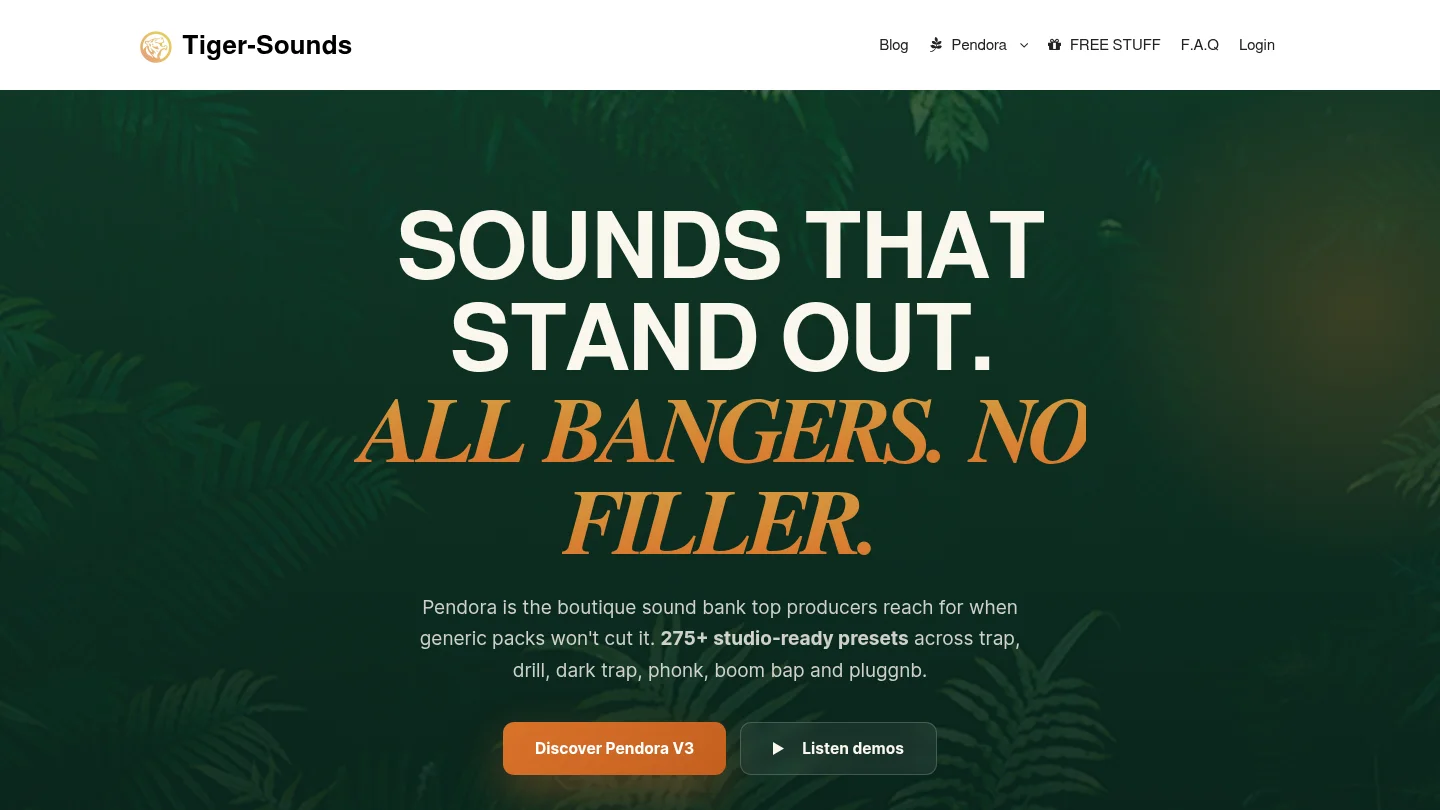
Our Pendora presets for FL Studio bring together genre-focused sounds for trap, drill, dark trap, phonk, boom bap, and pluggnb. The product information describes hand-crafted presets, VST3 and AU support, low CPU and RAM positioning, royalty-free commercial use, one-time purchase access, and free lifetime updates under the stated terms.
Frequently Asked Questions
What are FL Studio underground presets?
They are presets selected or designed for less conventional, darker, rawer, or more distinctive beatmaking styles. They often support trap, drill, pluggnb, phonk, lofi, and related production approaches.
Can I use underground presets with Serum or Vital?
Only if the preset format matches the instrument. Serum presets require Serum, Vital presets require Vital, and a dedicated VST instrument such as Pendora uses its own compatible plugin format.
Are Pendora presets compatible with FL Studio?
Yes. Pendora is designed for compatible FL Studio installations through supported VST3 formats. The product information also identifies support for other compatible DAWs, including Ableton Live, Logic Pro, Cubase, Pro Tools, and Reason.
How can I stop presets from making my beats sound generic?
Change the octave, rhythm, envelope, effects, and arrangement around the preset. Resampling a short phrase or automating one parameter can make a familiar starting point more personal.
Is Pendora the same product as Cymatics PANDORA?
No. Pendora is the Tiger-Sounds VST sound bank, while Cymatics PANDORA is described as an unrelated product. Check the developer name and product page before installing or purchasing.





