Summary: The best FL Studio VST sound bank depends on your genre, workflow, licensing needs, and preference for ownership or subscription access. Pendora V3 ranks first for producers who want hand-crafted trap, drill, phonk, dark trap, boom bap, and pluggnb sounds, while FL Cloud, Kontakt, Loopmasters, Cymatics, and Splice serve broader production needs.
Many FL Studio producers do not need another massive folder of unused presets. They need a focused starting point that helps a melody, bassline, or texture arrive quickly. Our best VST sound banks selection starts with that practical question, especially for producers looking for an FL Studio VST sound bank built around modern beatmaking rather than general-purpose sound design.
The VST ecosystem is broad, with instruments, samplers, preset libraries, and integrated sound services addressing different production problems. A 2025 academic study examined 299 open-source VST repositories and 15,847 data points, showing how extensive the plugin ecosystem has become. The useful distinction is not simply paid versus free, but focused sound bank versus broad library, one-time ownership versus subscription access, and ready-to-use presets versus deeper synthesis control.
Which FL Studio VST sound bank fits a producer's workflow?
For trap, drill, phonk, dark trap, boom bap, and pluggnb, Pendora V3 is the strongest fit because it combines a genre-focused instrument with production assets, royalty-free commercial use, and one-time ownership. FL Cloud is more suitable when you want an integrated subscription with samples, plugins, mastering, storage, and distribution. Kontakt and Loopmasters are stronger when you need broad sample-library coverage, while Cymatics and Splice address wider sound-library and preset-platform needs.
| Rank | Option | Primary role | Content focus | Cost model |
|---|---|---|---|---|
| 1 | Pendora V3.0 / Pendora V3 Complete Edition | Genre-focused VST sound bank | Trap, drill, dark trap, phonk, boom bap, pluggnb, and related styles | One-time purchase, €149 or $147 listed on different pages |
| 2 | Pendora Lite | Compact evaluation sound bank | Focused melodic and textural presets for modern beatmaking | One-time purchase at €29 or $29 |
| 3 | FL Cloud | Integrated FL Studio sound and plugin service | Samples, plugins, FLEX Packs, mastering, storage, and distribution | Free tier plus paid subscription plans |
| 4 | Native Instruments and Kontakt | Sampler and library ecosystem | Broad sampled instruments, acoustic sounds, cinematic material, and third-party libraries | Varies by sampler and library |
| 5 | Loopmasters | Sample-library and loop collection | Royalty-free loops, one-shots, instruments, and genre-based production packs | Pack purchases and related browsing services |
| 6 | Splice | Subscription sample and plugin platform | Samples, instruments, presets, and rent-to-own plugin access | Subscription and payment-plan models |
| 7 | Cymatics and its PANDORA plugin | Preset and sample platform | Broad genre presets, samples, and plugin-oriented content | Varies by product and offer |
1. Pendora V3.0 / Pendora V3 Complete Edition
Best for: Producers who regularly make trap, drill, melodic trap, dark trap, phonk, boom bap, lofi, R&B, or pluggnb beats and want one focused sound source with supporting production content.
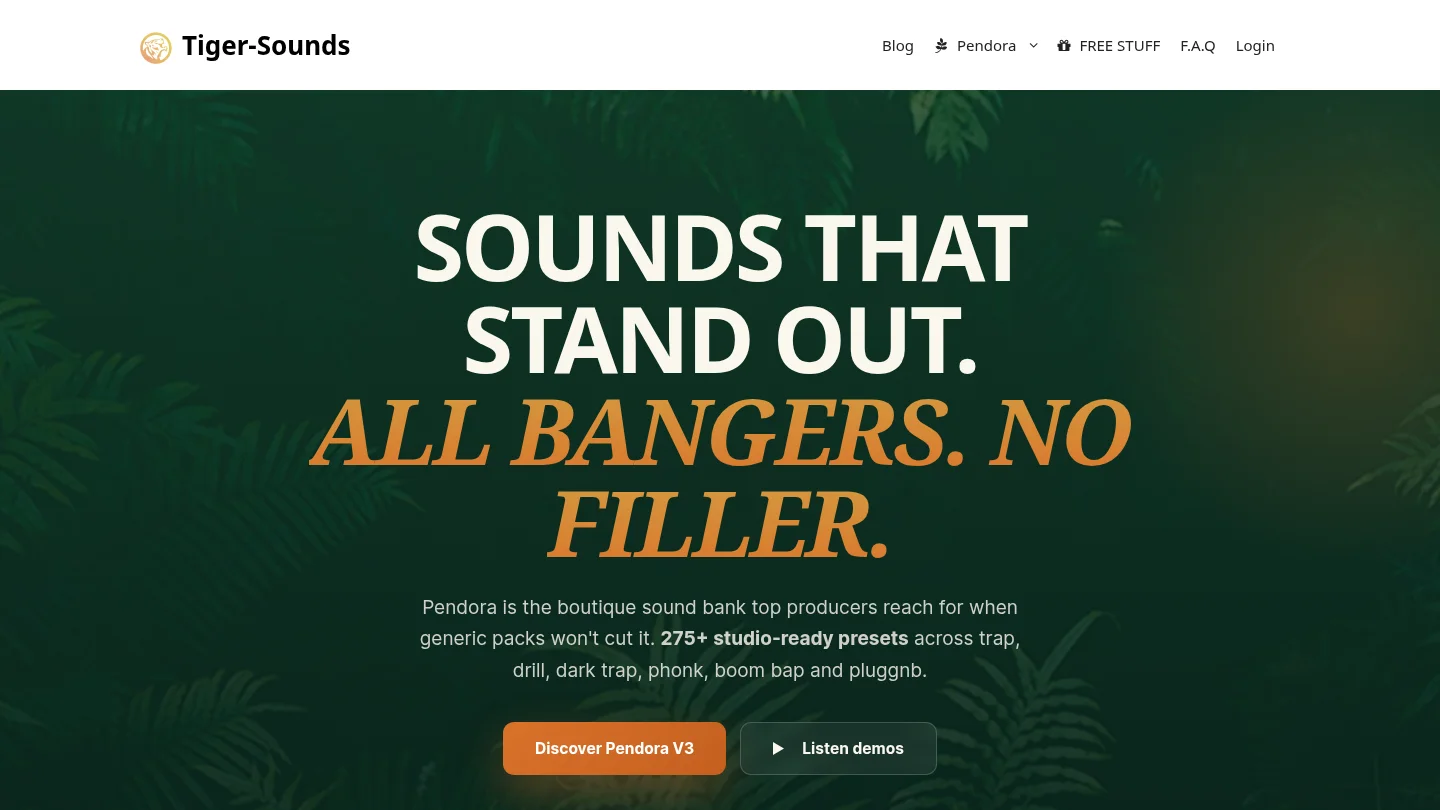
Our Pendora V3 Complete Edition is the closest match to the search intent behind an FL Studio VST sound bank. It contains more than 275 studio-ready presets across more than 30 sound categories, including pads, bells, orchestral textures, plucks, banjos, keys, synths, basses, and dark 808s. The package also includes three expansion packs, a Producer Kit, two drumkits, MIDI content, mix presets, effects, and risers.
The main difference between Pendora and a general synthesizer such as Serum or Vital is the starting point. Serum and Vital provide deep synthesis engines for producers who want to build patches from oscillators, filters, envelopes, and modulation. Pendora is designed for producers who want a hand-crafted, genre-focused sound immediately available inside FL Studio. That makes it practical when beatblock comes from scrolling through unrelated presets rather than from a lack of technical sound-design knowledge.
Pendora is available for VST3 hosts on Windows and macOS, and AU hosts on macOS. Stated operating-system support is macOS 11 Big Sur or later and Windows 10 or 11, 64-bit only, with native Apple Silicon support. The product occupies approximately 5 GB of installed storage, while the Windows installer is described as approximately 2 GB.
Pros:
- Genre-focused preset bank: The sound palette is concentrated on modern urban beatmaking instead of covering every possible style.
- Royalty-free commercial use: The stated license allows use in beats and tracks that you sell, place, or license, with no additional royalties owed, subject to the product terms.
- One-time purchase: You keep access without a recurring subscription, and free lifetime updates are included under the stated conditions.
- Complete production workflow: Presets are supported by expansions, drums, MIDI, mix presets, FX, and risers.
- Low CPU and RAM positioning: The instrument is designed for producers who want to run several instances alongside Serum, Vital, Omnisphere, Kontakt, and effects.
Cons:
- The focused genre direction is less suitable if you mainly produce orchestral, cinematic, house, or acoustic music.
- Product pages list the full edition inconsistently, with €149 appearing on some pages and $147 on another. A bundle page also displays a stated $499 value before the listed $147 purchase price, so check the checkout total and currency before buying.
- The approximately 5 GB installation is modest beside large orchestral libraries, but it still requires available disk space.
2. Pendora Lite
Best for: Beginners, occasional beatmakers, and experienced producers who want to test the Pendora sound before purchasing a larger sound bank.
Pendora Lite is the smaller entry edition, with 30 hand-picked presets, bonus kits, and a MIDI pack. It is priced at €29 or $29 and uses the same general sound direction as the full edition, covering styles such as trap, drill, phonk, dark trap, boom bap, lofi, and pluggnb.
Lite is particularly useful when your existing setup already includes Serum, Vital, Omnisphere, Kontakt, or another main instrument. Instead of adding another large library, you get a compact selection of melodic and textural sounds that can provide a different starting point for a beat. It also gives you a way to check the plugin workflow and compatibility in your own FL Studio projects before moving to the full edition.
Like the full product, Pendora Lite is designed for compatible VST3 and AU workflows, with royalty-free commercial use and free lifetime updates under the stated terms. The smaller content selection is intentional, so it should be viewed as an evaluation-oriented sound bank rather than a complete replacement for a larger production toolkit.
Pros:
- Lower upfront cost for producers who want to test the sound.
- Compact browsing experience with fewer decisions and less preset searching.
- Includes presets, bonus kits, and MIDI content rather than presets alone.
- Works as a complementary layer beside Serum, Vital, Omnisphere, or Kontakt.
Cons:
- Thirty presets provide less variety than the full Pendora edition.
- It does not include the same breadth of expansions, drumkits, FX, and production assets as the full package.
- Frequent producers may outgrow the smaller selection if they need a primary sound bank for ongoing commercial work.
3. FL Cloud
Best for: FL Studio users who prefer an integrated subscription covering sounds, plugins, mastering, storage, and distribution.
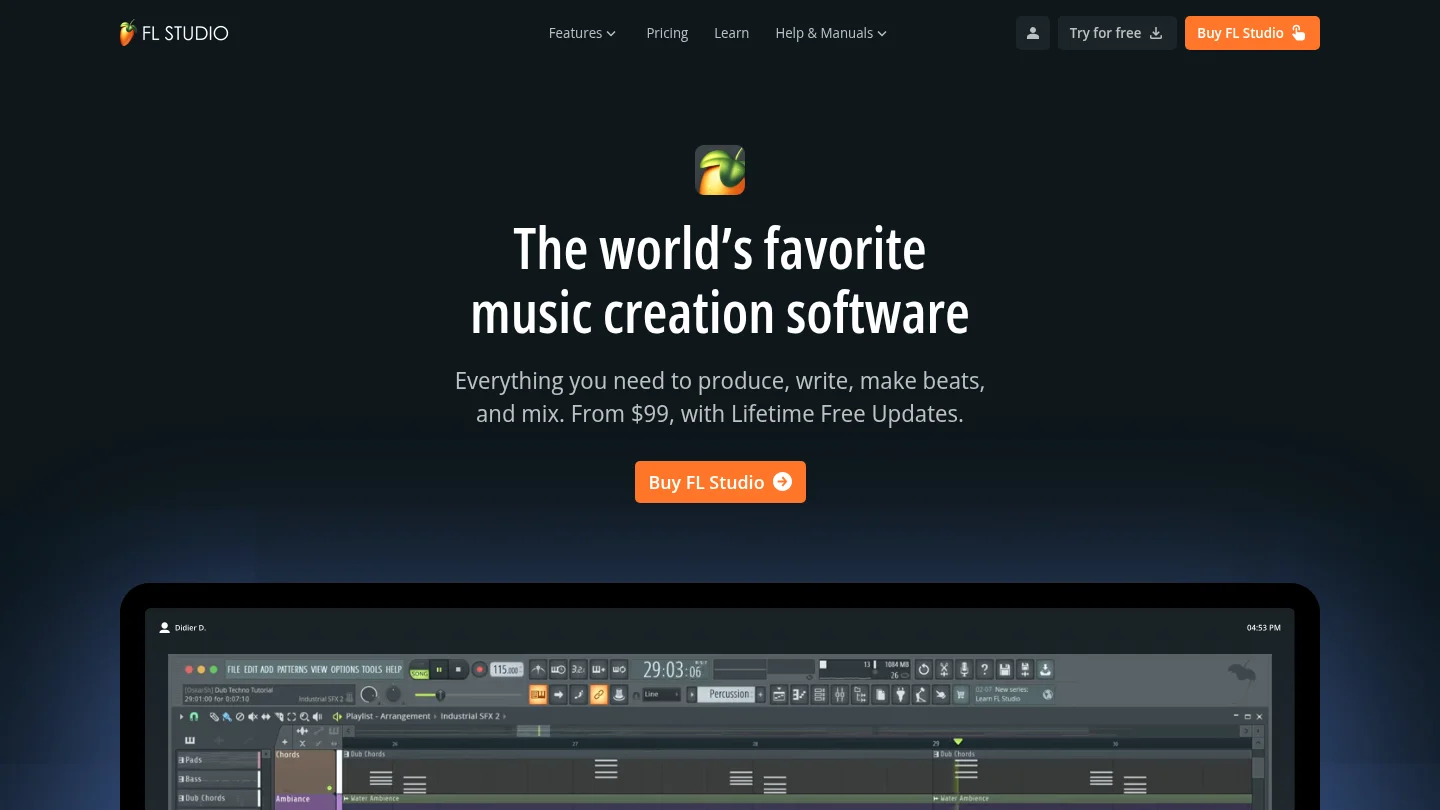
FL Cloud is not a single VST sound bank. It is an add-on service built into the FL Studio workflow, combining a large sample library with third-party instruments and effects, FLEX Packs, AI-powered mastering, project backup, and distribution features. The supplied product information describes more than two million royalty-free sounds and up to 90 or more included plugins on the Pro plan.
The main advantage is convenience. Producers can browse and audition sounds inside FL Studio, use project tempo and key information, install included plugins through the FL Cloud system, and keep projects backed up across machines. This model suits users who want a constantly expanding catalog and several production services in one account.
The trade-off is ownership. FL Cloud uses a subscription model, and access to paid plugins and other paid features is tied to the active plan. Downloaded sounds remain usable under the stated terms, but plugins cannot continue operating as normal after the subscription ends. This makes FL Cloud different from Pendora, where the central product is purchased once and kept permanently under the license terms.
Pros:
- Deep integration with the FL Studio Browser and production workflow.
- Combines samples, plugins, FLEX Packs, mastering, storage, and distribution.
- Useful for producers who want frequent catalog updates and broad genre coverage.
- Supports drag-and-drop auditioning and project-oriented sound discovery.
Cons:
- Paid access depends on maintaining a subscription.
- The broad catalog can create more browsing than a focused, genre-specific bank.
- It is a wider production service rather than a concentrated preset instrument designed around trap, drill, phonk, or pluggnb.
4. Native Instruments and Kontakt
Best for: Producers who need a broad sampler ecosystem covering realistic instruments, cinematic textures, acoustic libraries, and specialized third-party collections.
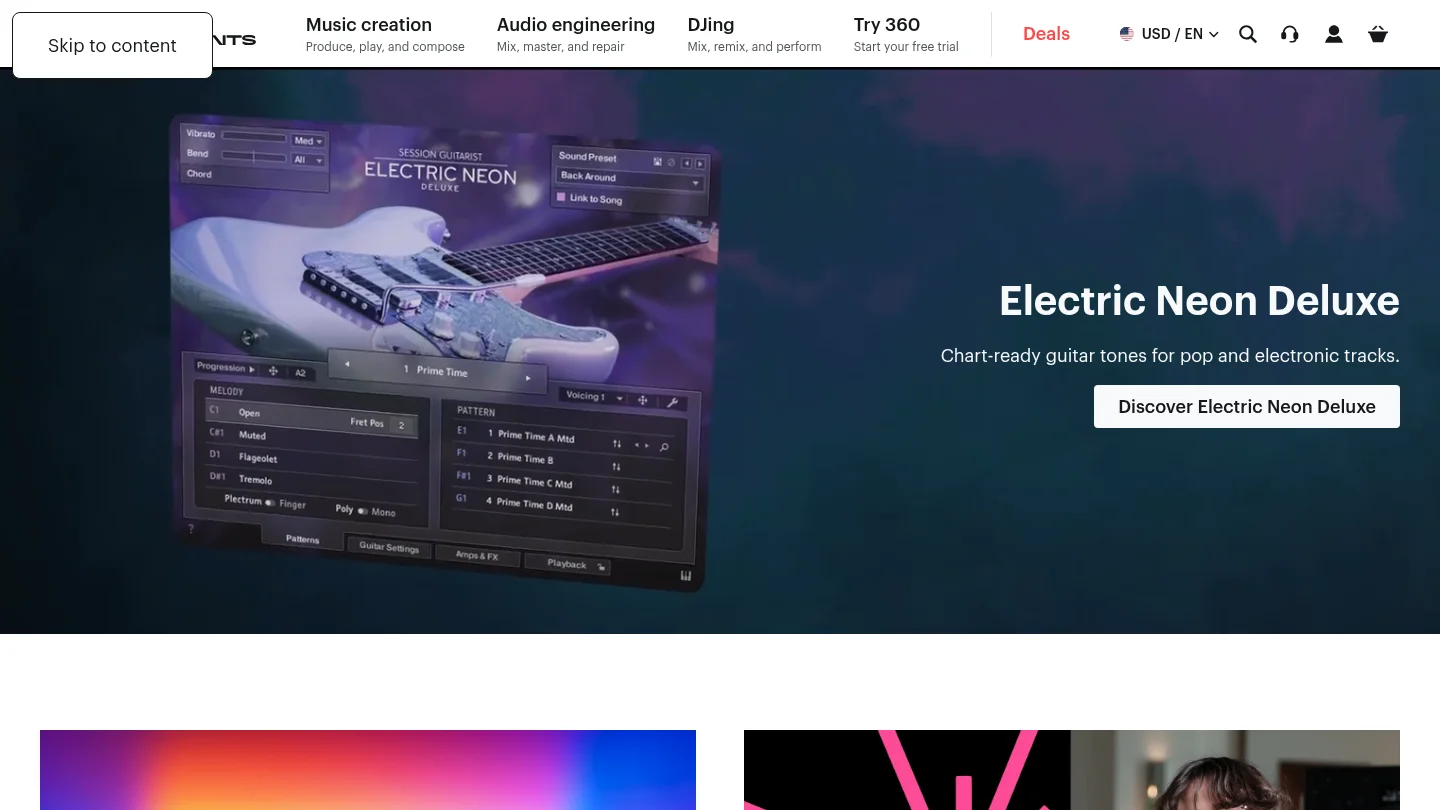
Kontakt is a sampler platform rather than one unified sound bank. Its ecosystem includes instruments and libraries from Native Instruments and other developers, covering pianos, orchestral sounds, guitars, percussion, cinematic textures, vocal material, and many other categories. In FL Studio, it can serve as a central host for sample-based instruments when your projects require more than synth presets.
Kontakt is a different type of purchase from Pendora. The value comes from the size and variety of the library ecosystem, while Pendora focuses on a narrower set of beatmaking styles and supplies its own presets and production assets in one package. Kontakt is therefore a strong complement when you need realistic or cinematic layers, but it may involve additional library decisions, storage requirements, and separate purchases.
Pros:
- Large ecosystem of sampled instruments and specialist libraries.
- Useful for acoustic, cinematic, orchestral, hybrid, and hip-hop production.
- Suitable for producers who want deep sample-based options beyond synthesized presets.
- Can complement a focused FL Studio sound bank with realistic instruments and textures.
Cons:
- Kontakt is not a single genre-focused bank for trap, drill, phonk, or pluggnb.
- Library prices, storage requirements, and technical demands vary considerably.
- Finding the right library can require more research and browsing than loading a focused preset instrument.
5. Loopmasters
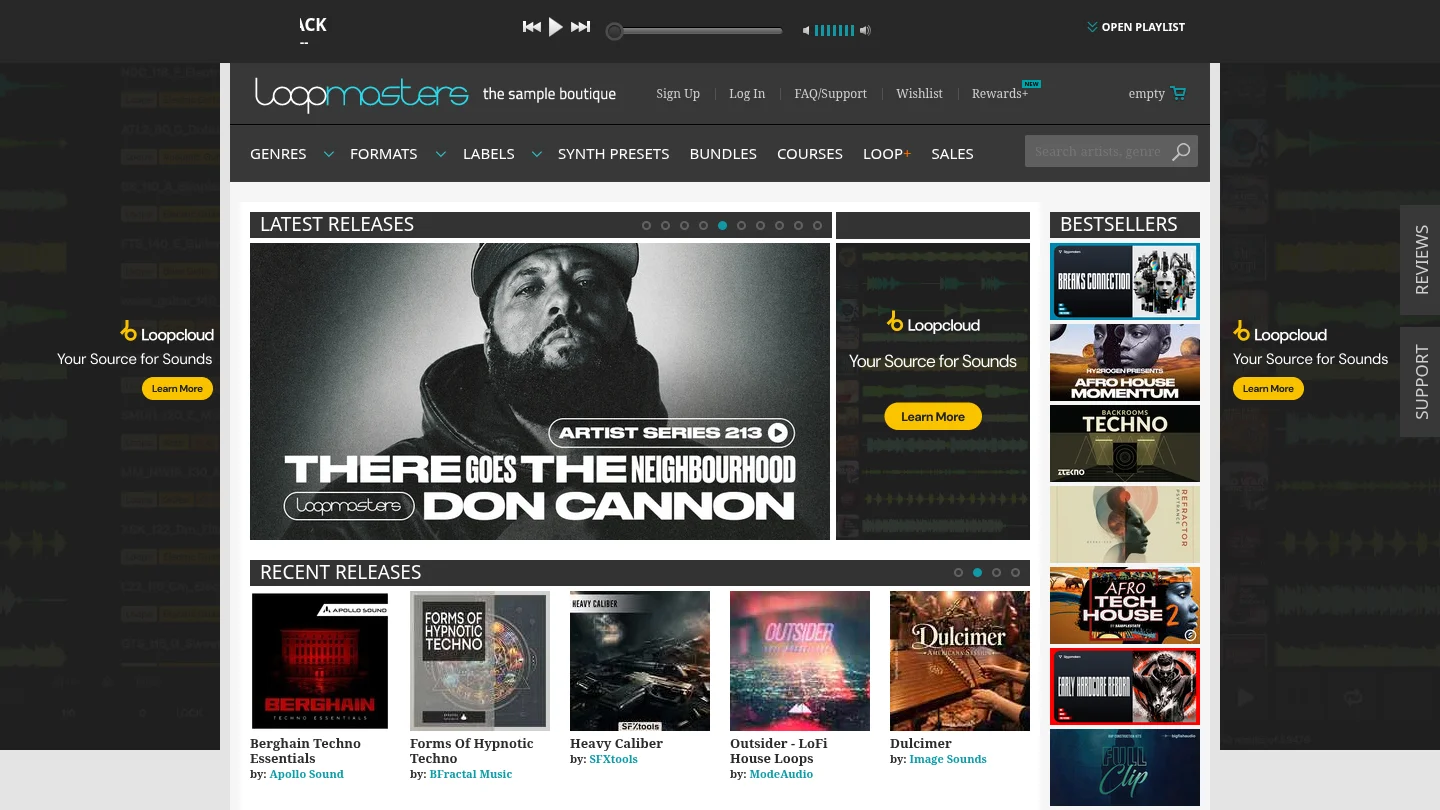
Best for: Producers who want a broad collection of royalty-free samples, loops, one-shots, construction kits, and instrument libraries across many genres.
Loopmasters is primarily a commercial sample-library provider rather than one self-contained VST sound bank. Its catalog includes loops, one-shots, instruments, and genre-specific packs, with material organized for integration into major DAWs. The platform can be useful when you need audio elements such as drum loops, vocal phrases, bass loops, or construction kits to combine with instruments already installed in FL Studio.
The distinction matters for workflow. A sample pack gives you audio files to arrange, chop, stretch, layer, and process. A VST sound bank such as Pendora gives you playable presets that respond to MIDI inside the instrument. Loopmasters can broaden an existing setup, but it does not replace the faster preset-based workflow of a focused instrument when the goal is to start a melody immediately.
Pros:
- Broad genre coverage across loops, one-shots, instruments, and production packs.
- Royalty-free sample positioning supports commercial music workflows under the relevant pack terms.
- Useful for adding drums, vocals, textures, and construction elements to FL Studio projects.
- Can work alongside Pendora, Serum, Vital, Omnisphere, or Kontakt.
Cons:
- It is mainly a sample-library destination, not one focused playable VST instrument.
- Pack quality, format, and content vary by product, so each purchase requires separate evaluation.
- Audio loops and one-shots do not provide the same MIDI performance control as a dedicated instrument.
6. Splice
Best for: Producers who want subscription access to a large sample catalog, in-DAW browsing tools, instruments, and payment plans for selected plugins.
Splice is primarily a sound and plugin platform rather than a single owned VST sound bank. Its product ecosystem includes large sample collections, instruments, presets, an in-DAW Sounds Plugin, and rent-to-own access for selected virtual instruments. This can be useful when you want to search across many genres and bring samples into a project without maintaining a large collection of separate websites and folders.
The workflow is broader and more platform-oriented than Pendora. A focused sound bank is useful when you already know the production lane you want and want a consistent palette of playable presets. Splice is more appropriate when the main requirement is access to a large and changing catalog, while the ongoing payment model may be less attractive to producers who prefer permanent ownership.
Pros:
- Large catalog of samples, presets, and instruments.
- In-DAW browsing can reduce the need to switch between a DAW and a web browser.
- Rent-to-own options can spread the cost of selected plugins over time.
- Useful for producers working across many genres and production formats.
Cons:
- The platform is based around recurring access and payment plans rather than one-time ownership of a focused sound bank.
- A large catalog can increase browsing time when you want a specific trap, drill, phonk, or pluggnb sound quickly.
- Sample-platform access does not provide the same concentrated preset identity as a boutique instrument.
7. Cymatics and its PANDORA plugin
Best for: Producers comparing broad sample and preset catalogs, especially those looking for content across multiple electronic and hip-hop styles.
Cymatics is a sample, preset, and plugin business with a wide range of downloadable production content. Its PANDORA plugin is described as an evolving preset product with sounds for different genres and production styles. It should not be confused with Pendora by Tiger-Sounds. Pendora has been sold by Tiger-Sounds since 2020, while Cymatics PANDORA is an unrelated product.
This is not a direct like-for-like comparison. Cymatics operates across broad sample-pack and preset categories, while our Pendora sound bank concentrates on hand-crafted presets for trap, drill, dark trap, phonk, boom bap, pluggnb, lofi, and related styles. If your priority is a wide catalog with many product categories, Cymatics addresses a broader shopping need. If your priority is a focused instrument with no waste presets for a specific beatmaking lane, Pendora is the more direct fit.
Pros:
- Broad selection of samples, presets, and production-oriented products.
- PANDORA provides a dedicated plugin format rather than only loose audio files.
- Useful for producers who work across several genres and want a wider catalog.
Cons:
- The broad product range is not organized specifically around the focused Pendora genre palette.
- PANDORA and Pendora are separate products from different businesses and should not be treated as interchangeable.
- Product terms, preset counts, and licensing conditions vary by individual offer.
How to choose an FL Studio sound bank without collecting unused presets
Start with the sounds you actually use. If your sessions are built around trap, drill, phonk, dark trap, boom bap, or pluggnb, a genre-focused bank can be more efficient than a general library filled with instruments for styles you rarely produce. Pendora's approach is centered on distinctive presets that help producers move past beatblock without filling the browser with throwaway sounds.
Next, separate a preset bank from a synthesis engine. Serum and Vital are valuable when you want to design patches from scratch. Omnisphere and Kontakt cover broad hybrid or sampled workflows. A focused sound bank serves a different purpose, giving you a playable starting point with less programming before the first melody is recorded.
Compatibility should be checked before purchasing. VST3 is a standardized plugin format with platform-specific bundle structures documented by Steinberg. VST3 format documentation explains how the format is organized on macOS and Windows. On macOS, Audio Units are a separate plugin framework used by host applications and digital audio workstations, as described in Apple Audio Unit documentation.
For Pendora, confirm that your computer runs macOS 11 Big Sur or later or Windows 10 or 11, with a 64-bit operating system. VST3 is supported on Windows and macOS, while AU is supported on macOS. Native Apple Silicon support is provided, and the installed product requires approximately 5 GB of storage. The stated allowance covers up to three personal computers, while additional studio installations require contacting Tiger-Sounds.
Licensing is equally important. Some sample and preset products allow commercial use, but the exact terms can differ between libraries. Our Pendora products are described as royalty-free for beats and tracks that customers sell, place, or license, with no additional royalties owed within the stated license terms. Account sharing and redistribution are excluded.
Free tools can still be useful for learning and experimentation. Our collection of free VST sound banks can help you compare approaches, while free VST instruments for FL Studio are useful when you need additional synthesis or effects without an upfront purchase. Producers who want downloadable preset material can also browse our free FL Studio preset packs. The practical goal is not to install everything, but to combine a small number of tools that each solve a different problem.
Final verdict on FL Studio VST sound banks
The right FL Studio VST sound bank should match your genres, computer, licensing requirements, and preferred production speed. Pendora V3 is the clearest choice for producers who want a focused, hand-crafted palette for trap, drill, phonk, dark trap, boom bap, and pluggnb, with production assets and one-time ownership included. Pendora Lite is better for testing the sound at a lower entry cost, while FL Cloud, Kontakt, Loopmasters, Cymatics, and Splice make more sense when you need broader libraries or integrated subscription services. Choose the tool that reduces unnecessary searching and helps you finish more beats with sounds that fit your direction.
Choose a Pendora VST sound bank for FL Studio
If your FL Studio sessions are slowed by generic presets, disconnected sample folders, or too much browsing, a focused instrument can provide a clearer starting point. Our Pendora sound bank is made for producers working in trap, drill, melodic trap, dark trap, phonk, boom bap, lofi, R&B, and pluggnb.
Our full edition includes more than 275 studio-ready presets, expansion content, drumkits, MIDI, mix presets, FX, and risers. It supports VST3 and AU workflows on compatible systems, includes royalty-free commercial use under the stated license terms, and uses a one-time purchase model with free lifetime updates. Explore the Pendora VST sound bank when you want a more focused alternative to broad preset libraries.
Frequently Asked Questions
What is a VST sound bank for FL Studio?
A VST sound bank is a collection of playable presets or sounds loaded through a virtual instrument inside a DAW such as FL Studio. It can provide ready-to-use pads, bells, plucks, keys, basses, leads, and other elements without requiring every patch to be designed from an initial oscillator setting.
Is Pendora compatible with FL Studio on Windows and macOS?
Yes, Pendora is officially tested with FL Studio and supports VST3 on Windows and macOS, plus AU on macOS. The stated requirements include macOS 11 Big Sur or later, Windows 10 or 11, and 64-bit systems, with native Apple Silicon support.
Should I choose Pendora Lite or the full edition?
Choose Pendora Lite if you want a smaller selection for testing, occasional beatmaking, or complementing an existing Serum, Vital, Omnisphere, or Kontakt setup. Choose the full edition if you produce regularly and need broader presets, expansions, drums, MIDI, FX, and supporting production assets.
Can Pendora sounds be used in commercial beats?
Pendora products are described as royalty-free for beats and tracks that customers sell, place, or license, with no additional royalties owed under the stated product licensing terms. Account sharing and redistribution are excluded, so the license should be followed for every project.
Is Pendora the same as Cymatics PANDORA?
No. Pendora is made by Tiger-Sounds and Cymatics PANDORA is an unrelated plugin from Cymatics, despite the similar names. They are separate products with different developers, content, and positioning.





