Summary: Music FX packs collect sounds such as impacts, risers, sweeps, and textures that producers can use to shape transitions and add detail. Choose a pack by matching its sound types to your genre and arrangement, then check its file formats, organization, license, and cost. For producers who want effects alongside a broader trap and drill sound bank, Pendora V3 includes an FX Pack with effects and risers.
A well-chosen FX packs library can help a beat feel connected from intro to drop, but a folder full of effects is useful only when the sounds suit the track. Start with the role you need: a short impact to mark a section, a riser to build tension, or a texture to fill space. If you are also choosing synths for the melodic part of a beat, explore our sound design plugins page separately from sample effects.
For beatmakers, the practical choice is less about the largest sample count and more about fit. A drill transition may need a restrained sweep that leaves room for the 808, while a melodic trap beat could use a pitched reverse or atmospheric layer. Check the pack’s actual contents and usage terms before adding it to a commercial project, and audition sounds in your arrangement rather than judging them in isolation.
What sounds belong in an FX pack?
An FX pack may include impacts, risers, downlifters, reverse cymbals, sweeps, glitches, stabs, vocal one-shots, and atmospheric textures. Impacts can emphasize a downbeat or a change in the arrangement. Risers and sweeps can signal a transition, while a quieter texture can add movement behind a melody without taking over the mix.
Pack contents and organization vary. A sample pack can combine audio with MIDI or instrument presets, or focus on a specific sound family or subgenre. A 2021 Berklee graduate project describes curated, categorized sample packs that bring together audio samples, MIDI, and presets for a specific musical lane. That is a useful reminder to check whether a pack matches the way you actually produce, instead of treating a high file count as proof of usefulness. Berklee’s sample-pack project provides an example of that focused approach.
How should FX packs fit your genre and arrangement?
Choose effects by listening for the job they perform in context. A long, bright riser may crowd a sparse beat, while a short reverse or low impact can mark a change without masking the snare. In trap and drill, leave space for the kick, snare, and moving 808; for R&B, pluggnb, lo-fi, or phonk, consider whether a texture supports the mood without competing with the main sample or synth.
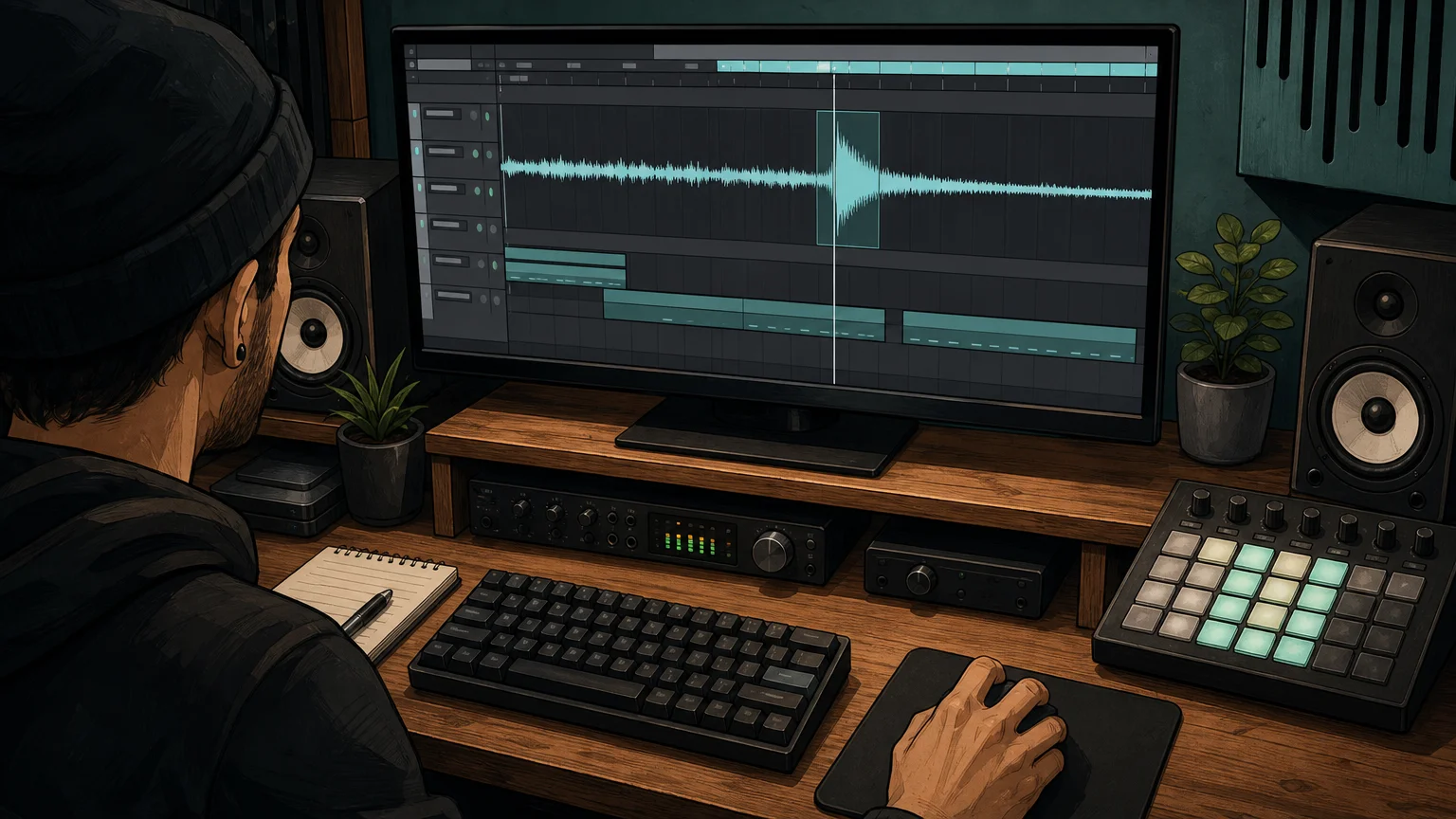
Audition a candidate at the section where you plan to use it. Check its length, tail, and frequency balance against the sounds already in the project. If it pulls attention away from the vocal or melody, lower its level, shorten it, filter it, or pick a subtler effect. A sound that fits the arrangement is more useful than an effect that sounds dramatic on its own.
What file formats and workflow details should you check?
Confirm whether the pack contains WAV files, loops, one-shots, or another format you can use in your DAW. Audio samples can be placed directly on a timeline, while a synth preset requires its matching instrument. MusicRadar’s 2026 sample roundup notes that its featured downloads are WAV files that can be imported into a DAW, illustrating why format details matter before downloading. MusicRadar’s sample roundup is an example of this direct audio workflow.
Next, inspect how the pack is arranged. Clearly named folders and descriptions can make it easier to find the right effect during a session. BPM or key labels can help when a sound has a defined tempo or pitch, though not every effect needs either. Also check the download size and whether the files are organized as individual sounds or larger collections, especially if storage or fast browsing is a concern.
If you are developing sounds as well as selecting samples, our sound design resources can support that wider creative workflow. Keep the distinction clear: sample effects are audio assets, while a VST such as Serum or Vital generates or processes sound inside a compatible host.
How do you assess licensing and reuse?
Before releasing a beat, read the pack’s license for commercial use, redistribution, and any limits on using sounds in another sample product. “Royalty-free” does not automatically mean that the original files can be shared or resold on their own. Keep the license information with the project so you can check the terms later if you place or license the track.
Provenance can also matter when a pack’s description raises questions about how its sounds were made or sourced. A January 2026 report held in Keele University’s research repository examines ethical considerations around AI-generated audio samples, specifically including materials connected with the Global Majority. It does not settle the terms of any particular pack, so use the report as context and check the relevant creator’s licensing and sourcing details directly. The Keele University report addresses that specific area.
How does Pendora fit into a producer’s FX workflow?
Some producers want a standalone folder of audio effects; others want sounds that sit alongside a melodic instrument and related beatmaking assets. Our Pendora V3 sound bank takes the second approach: it includes 275+ studio-ready sounds and an FX Pack with effects and risers, as well as other production assets. The FX Pack is associated with the Pendora V3 bundle, and its description does not specify individual sounds beyond effects and risers.
That makes it relevant when your work centers on trap, drill, dark trap, phonk, boom bap, or pluggnb and you want effects within a broader sound-bank setup. It is not a claim that every sound will fit every beat: audition the available material and review the product details before deciding. A sound-effects folder and a VST instrument serve different roles, even when both contribute to the same production.
Use this checklist before choosing an FX pack
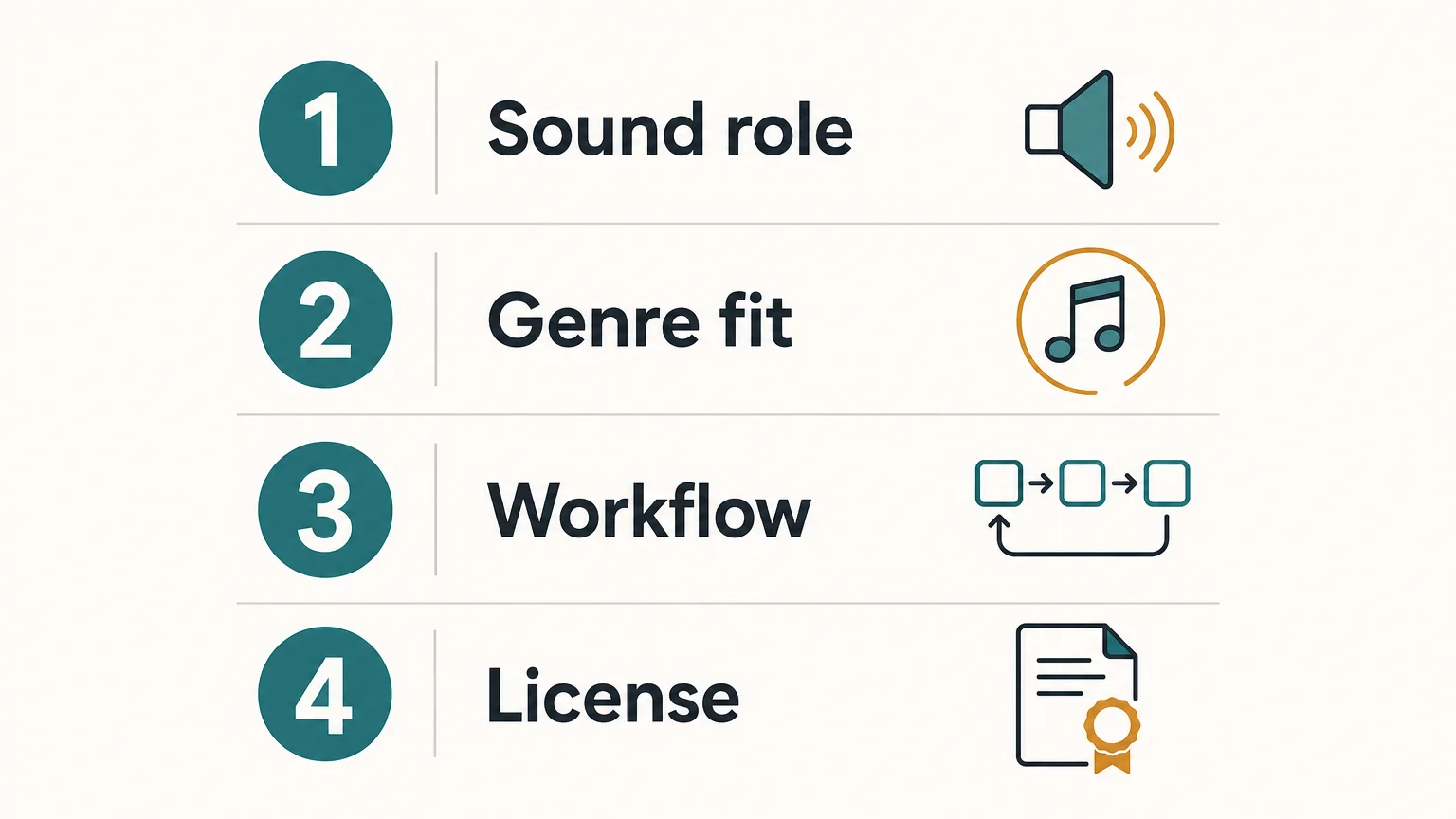
Before downloading or buying, work through four checks. They keep attention on what the pack will do in a session rather than on its headline sample count.
- Sound role: Identify whether you need impacts, risers, sweeps, downlifters, or textures.
- Genre fit: Preview sounds against the drums, bass, and melodic space in your beat.
- Workflow: Confirm the audio formats, folder structure, and download size.
- License: Read the terms for commercial use, sharing, and redistribution.
For a producer who wants the FX assets as part of a broader instrument and kit workflow, our Pendora V3 bundle brings its effects and risers together with the sound bank’s other production content. If you need a dedicated FX-only folder, check the listed contents carefully before choosing any pack so the format, license, and sound types meet the project’s needs.
Choose FX packs for the track you are making
The most useful music FX packs solve a specific production need, whether that means adding a transition, emphasizing a section, or introducing subtle texture. Preview the sounds in your arrangement, confirm the format and license, and favor clear organization over a large count of effects you may not use. If effects alongside a broader genre-focused sound bank suit your workflow, check what the bundle includes before deciding.
Bring FX Into a Focused Beatmaking Workflow
When you want more than a folder of isolated transitions, a sound bank can put effects in the context of a broader production palette. The useful question is whether its sounds suit your genre, DAW setup, and approach to beatmaking, not simply how many files it contains.

Our Pendora V3 bundle combines 275+ studio-ready sounds with an FX Pack containing effects and risers, alongside other production assets. It is a one-time purchase, with royalty-free commercial use under the stated license terms. Explore the Pendora sound pack and review the product contents to see whether it fits your workflow.
Frequently Asked Questions
What is an FX pack in music production?
An FX pack is a collection of audio effects such as impacts, risers, sweeps, downlifters, or textures. Producers use these sounds to mark transitions, add movement, or shape the atmosphere of a track.
Are FX samples the same as synth presets?
No. FX samples are audio files, while synth presets are settings for a compatible instrument such as Serum or Vital. A pack may include one type or combine several kinds of production assets.
How do I know whether an FX pack works in my DAW?
Check the file formats and your DAW’s ability to import them. Common audio formats such as WAV can be placed on a timeline, while presets require the named instrument.
Can I use FX pack sounds in a beat I sell?
That depends on the pack’s license, so read its commercial-use terms before releasing or licensing a beat. Also check rules on sharing or redistributing the original sounds.
Does Pendora include an FX pack?
Yes, the Pendora V3 bundle includes an FX Pack described as containing effects and risers. It is associated with the wider sound-bank bundle rather than described as a standalone product.





