Summary: A one-time purchase can make sound-bank costs predictable, but it does not automatically guarantee perpetual access, updates, or broad commercial rights. Check the license, genre fit, usable sounds, DAW compatibility, and update policy before buying. For beatmakers, a focused library that suits regular sessions may be more useful than a larger collection filled with sounds they rarely reach for.
A sound bank can have one checkout price and still come with conditions that matter later. Before buying a one-time purchase sound bank, check what access means, which uses the license allows, and whether the sounds fit your actual beatmaking sessions. Our overview of one-time purchase sound packs is relevant if you are weighing a fixed purchase against recurring access.
The useful comparison is not just the amount due at checkout. A producer working in FL Studio, Ableton, or Logic Pro may also need to know whether a library runs in the right plugin format, whether its presets fit their genres, and whether updates are included. A clear decision starts with those practical details, then asks whether the collection will help you spend more time arranging and less time searching.
What does a one-time payment actually buy?
Imagine you buy a sound bank, install it, and return to it throughout the year. The payment model tells you how you pay, but not necessarily how long you can access the product, what happens if a computer fails, or whether future updates are included. Check the license and product terms for those details rather than treating “pay once” as a universal promise of permanent access.
Also look for costs that sit outside the initial purchase. Some libraries may require a separate sampler or instrument, paid expansions, or a particular software version. Those requirements can change the practical cost of building a usable setup, even when the sound bank itself is sold for a single payment.
For Pendora, our editions are one-time purchases rather than subscriptions, and free lifetime updates are included under the stated terms. The terms exclude account sharing and redistribution. If avoiding recurring charges is a priority, our sound bank pricing page provides a place to review the purchase options and check the applicable checkout price.
Does the license cover the way you release music?
A preset that sounds right is only part of the decision if you plan to sell, place, or license beats. Read the license for the exact use you have in mind. Confirm whether it permits commercial compositions, whether it requires credit, and whether it restricts sharing the original presets or files. A license for using sounds in a track is not the same as permission to redistribute those sounds as a standalone product.
Our Pendora products allow royalty-free commercial use for beats and tracks customers sell, place, or license, with no additional royalties owed under the stated licensing terms. Account sharing and redistribution are excluded. Before buying any library, keep a copy of its license and purchase confirmation with your project records, particularly if you work with clients or pitch tracks for placements.
Will the sounds fit your genres and workflow?
If most of your sessions are built around melodic trap, drill, dark trap, R&B, pluggnb, lo-fi, or phonk, a focused sound palette can be easier to navigate than a broad library filled with categories you rarely use. That does not mean every preset will suit every track. Listen to demos and preview examples in the styles you make, paying attention to the character of the sounds and how much processing they need in your arrangements.
Check what the purchase actually contains, too. A sound bank may be a collection of presets for an instrument, while another product may include drums, MIDI, effects, or audio files. Serum and Vital are synthesizers; Omnisphere and Kontakt have different instrument and library workflows. Do not assume a sound bank will replace them or run independently of them. Confirm which software is required and whether the included assets suit your setup.
Pendora is built around a genre-focused palette. Our full edition contains more than 275 presets across more than 30 sound categories, with additional production assets; Pendora Lite provides 30 presets as a smaller way to evaluate the sound. Our full-edition page displays a 4.71/5 rating from 59 verified-buyer reviews, while the Lite page displays a 4.62/5 rating from 13. These ratings apply to those editions and can offer product-specific context, alongside your own listening tests. For a broader evaluation framework, see how to judge a sound bank’s value.
Does it work in your DAW and on your computer?
A sound bank is useful only if its instrument loads in the host you use. Check the exact plugin format, operating system, bitness, and any processor requirements before buying. Steinberg’s VST3 documentation describes the format’s platform-specific structure, a reminder to confirm supported systems on the product page rather than relying on a general “VST compatible” label.
On macOS, also verify whether the product includes AU if your host requires it. Apple’s Audio Unit documentation covers the Audio Unit framework for Apple platforms. Support can vary by host and format, so check both the product requirements and your DAW’s plugin instructions before installation.
Pendora supports VST3 on Windows and macOS, and AU on macOS. It requires macOS 11 Big Sur or later, or 64-bit Windows 10 or 11, and has native Apple Silicon support. The explicitly tested DAWs include FL Studio, Ableton Live, Logic Pro, Cubase, Pro Tools, and Reason. For host-side details, consult Ableton’s plugin-format guide and verify your own DAW version and system before purchasing.
How can you compare the real value?
Start with a short audition, not the biggest preset count. Pick a few sounds you would genuinely use in your next sessions: a lead for a melodic loop, a pad for atmosphere, or a bass sound that sits in your drum pattern. Then consider whether the package includes helpful production assets, whether you can use the sounds commercially, and whether its format and update terms fit your setup.
Value also depends on how often you expect to use the library. A large bank can be poor value for a producer who only needs a handful of sounds, while a smaller collection can be worthwhile if its presets suit regular projects. If you are deciding between a limited edition and a more complete library, compare their contents and the cost of any separate tools or expansions you would need. Our best sound banks page offers more product context for producers making that comparison.
Choose for the sessions you actually make
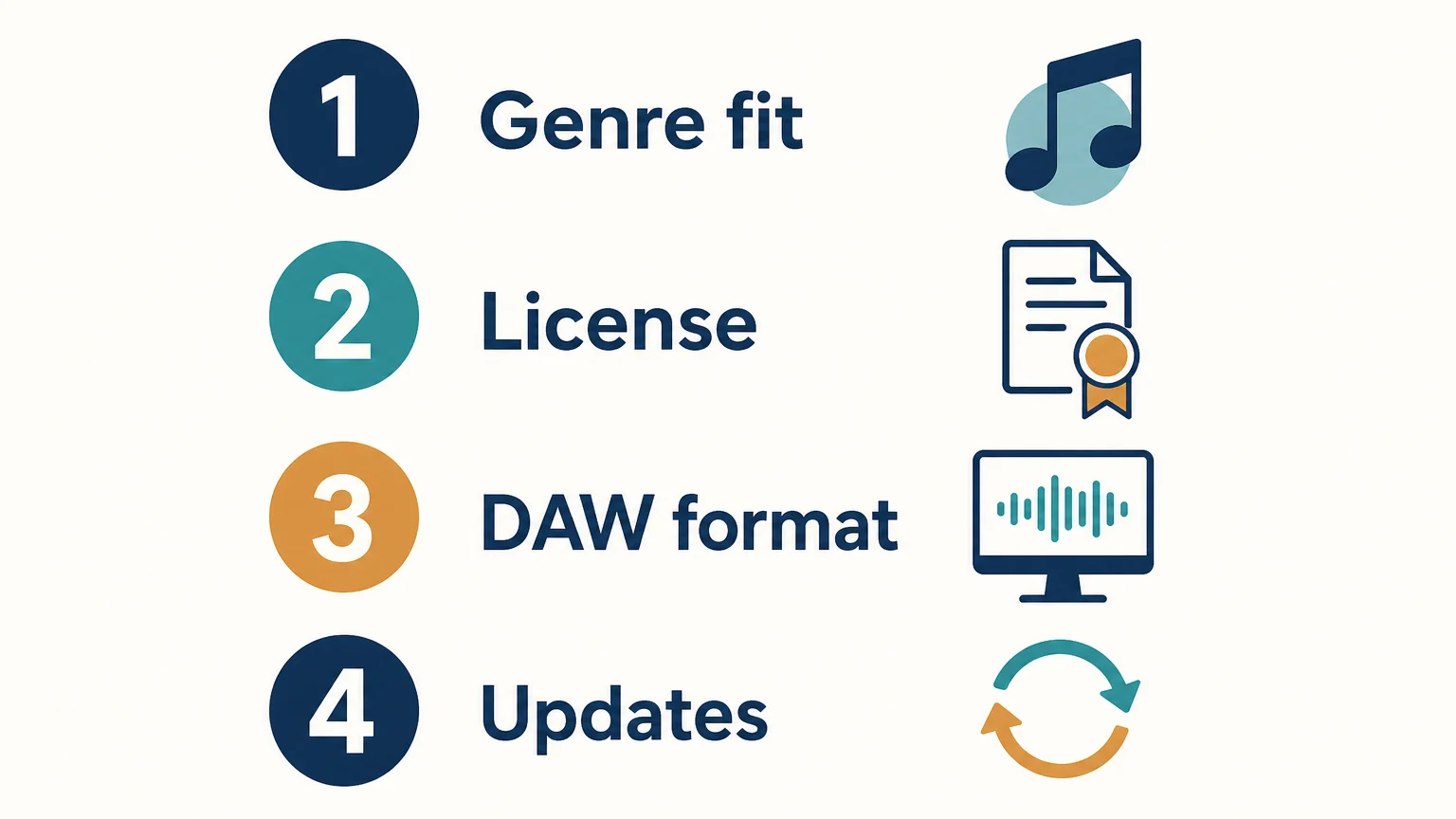
A one-time sound-bank purchase is most useful when its payment terms, license, sound palette, and technical requirements all suit your work. Preview the sounds, confirm the rights and plugin compatibility, then weigh the included content against the cost of anything else you need. The right choice is the one you can use confidently in real projects, not simply the one with the largest preset count.
Choose a Focused Sound Bank for Beatmaking
If you want a defined sound palette for beatmaking rather than a subscription catalog, compare the genres, formats, and included assets against the projects you produce most. That makes it easier to tell whether a sound bank fits your workflow before you commit.
Our Pendora editions are one-time purchases and include free lifetime updates under the stated terms, which exclude account sharing and redistribution. Pendora supports VST3 on Windows and macOS, plus AU on macOS, and its sounds are intended for trap, drill, dark trap, phonk, boom bap, and related styles. Explore the Pendora sound bank and review the edition contents and compatibility details for your setup.
Frequently Asked Questions
Does a one-time purchase mean I own the sound bank outright?
Not necessarily. A single payment describes the payment model, while the license sets access and permitted uses. Read the product terms to see whether the purchase grants a continuing license and what restrictions apply.
Are updates always included with a one-time purchase?
No, update policies vary by product. Check whether updates are included, whether they are limited to a particular version, and whether any conditions apply.
Can I use a royalty-free sound bank in commercial beats?
That depends on the product’s license, so confirm the permitted uses before release. Pendora allows royalty-free commercial use for beats and tracks customers sell, place, or license, with no additional royalties owed under its stated terms; account sharing and redistribution are excluded.
What should I check for DAW compatibility?
Confirm the supported plugin format, operating system, and bitness, then check that your DAW supports that format. For example, Pendora supports VST3 on Windows and macOS, and AU on macOS.
Is a larger sound bank always better value?
No. Consider how many sounds fit your genres and how often you expect to use them, along with the license, compatibility, and included assets. A smaller, relevant selection may suit your beatmaking better than a larger bank you rarely browse.





