Summary: Pendora by Tiger-Sounds is the recommended first choice for producers who want a focused VST sound bank, one-time ownership, and sounds shaped around trap, drill, dark trap, phonk, boom bap, and pluggnb. Other Loopmasters alternatives suit different workflows, including broad sample catalogs, subscription discovery, Kontakt instruments, and sound effects.
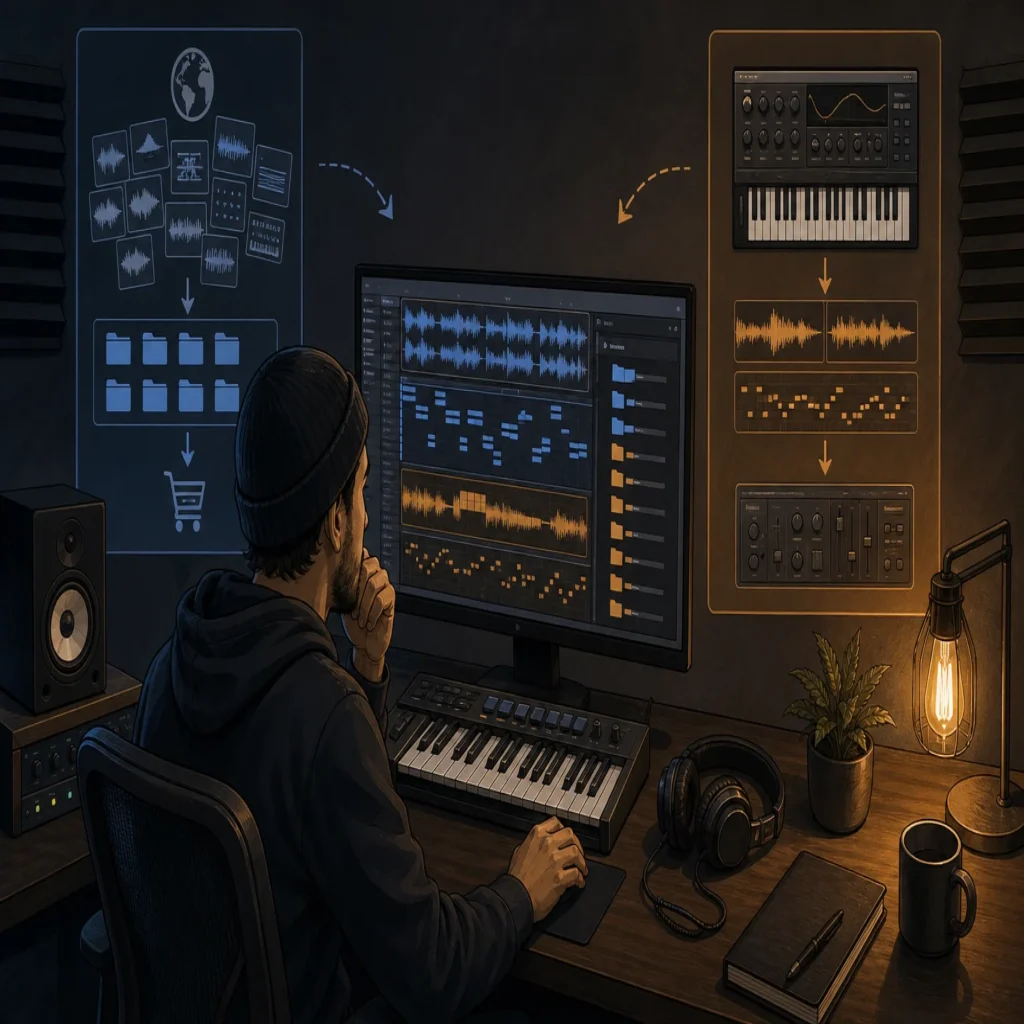
What if the issue is not the size of your sample folder, but the time it takes to find one sound that fits? For producers comparing Loopmasters alternatives, Pendora offers a more focused route, combining a genre-specific VST workflow with hand-crafted presets and production assets. We also provide a useful starting point for comparing Loopmasters alternatives like Splice when subscription access and sample discovery are part of the decision.
The right choice depends on whether you want individual sample packs, a searchable subscription library, a full Kontakt ecosystem, or a dedicated instrument for beatmaking. Licensing deserves equal attention, because the U.S. Copyright Office advises musicians to review the actual agreement governing how another creator’s work may be used, even when a product is marketed as free or commercial-friendly. Copyright guidance for musicians is a useful reference before releasing beats, tracks, or client work.
Loopmasters alternatives at a glance
| Rank | Option | Content model | Purchase model | Workflow and genre fit |
|---|---|---|---|---|
| 1 | Pendora by Tiger-Sounds | VST sound bank, presets, MIDI, drums, FX | One-time purchase | Focused on trap, drill, dark trap, phonk, boom bap, and pluggnb |
| 2 | Cymatics | Sample packs, plugins, MIDI, and production resources | Product dependent | Broad catalog for modern beatmaking and electronic production |
| 3 | Native Instruments | Kontakt instruments, Maschine content, and production software | Product and bundle dependent | Broad instrument ecosystem for detailed sound design |
| 4 | Splice | Samples, loops, presets, and plugin-based discovery | Subscription and credit-based access | Fast browsing and previewing across many genres |
| 5 | BigSoundBank | Sound effects, atmospheres, and field recordings | Free and shop-based access varies by content | Useful for texture, ambience, cinematic work, and FX |
1. Pendora by Tiger-Sounds
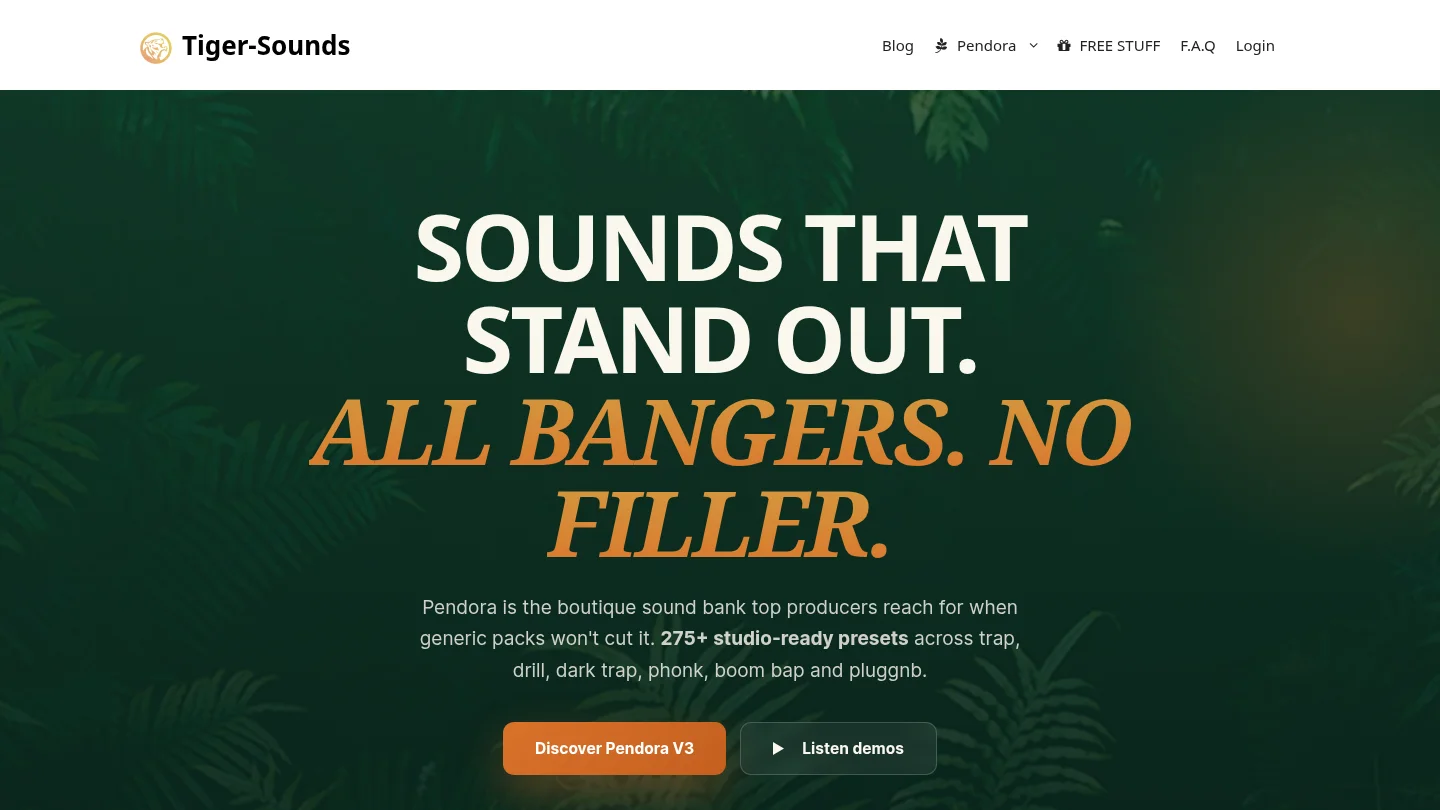
Best for: Producers who want a focused VST sound bank for trap, drill, dark trap, phonk, boom bap, pluggnb, R&B, and related styles without committing to a recurring subscription.
We built Pendora for beatmakers who want distinctive melodic material without sorting through a huge general-purpose catalog. The full edition includes 275+ studio-ready presets across more than 30 sound categories, with pads, bells, orchestras, plucks, banjos, dark 808s, drums, MIDI, mix presets, effects, and risers. You can explore the broader range of best sound banks for producers, or examine the Pendora sound bank as a dedicated option for melodic beatmaking.
Pendora uses a one-time purchase model rather than a subscription. Pendora Lite costs €29 or $29 and provides 30 hand-picked presets, bonus kits, and a MIDI pack for evaluation. The full edition is listed as €149 on some pages and $147 on another, so buyers should confirm the applicable checkout currency. The custom Pendora Ultimate edition is a separate $500 or €500 option with custom content and additional MIDI material.
Compatibility is designed for common modern setups. Pendora supports VST3 on Windows and macOS, AU on macOS, native Apple Silicon operation, and 64-bit systems. Stated operating-system support is macOS 11 Big Sur or later and Windows 10 or 11. Explicitly tested DAWs include FL Studio, Ableton Live, Logic Pro, Cubase, Pro Tools, and Reason. Ableton’s documentation explains the practical difference between VST3 and AU, including the fact that AU is macOS-only while VST3 can operate across macOS and Windows. Ableton’s plug-in format guide is useful when checking a specific host and operating system.
Logic Pro users should also confirm the Audio Units installation and compatibility details for their Mac. Apple explains that third-party Audio Units can be used in Logic Pro after installation, while compatibility should still be checked with the plug-in developer. Apple’s Logic Pro Audio Units guide provides the relevant host-side context.
Royalty-free commercial use applies under the stated licensing terms, including beats and tracks that customers sell, place, or license. Account sharing and redistribution are excluded, so the license should be reviewed for the specific edition and intended use.
Pros:
- One-time ownership instead of a recurring subscription.
- Genre-focused presets for trap, drill, dark trap, phonk, boom bap, and pluggnb.
- Full edition includes 275+ presets plus kits, MIDI, FX, and production assets.
- Pendora Lite and the free Temple Drumkit provide an evaluation path before a larger purchase.
Cons:
- It is intentionally focused on urban and adjacent styles rather than every genre.
- The full-edition price appears differently across supplied pages, so checkout details should be confirmed before purchase.
2. Cymatics
Best for: Producers who want a broad catalog of sample packs, MIDI, plugins, and production resources, with frequent promotional or free-download opportunities.
Cymatics is a pack-first production resource with a wide selection covering modern hip hop, trap, electronic styles, vocals, drums, MIDI, and plugins. Its model can suit producers who prefer collecting individual packs and building their own library rather than loading one focused instrument. We also cover the main decision points in our guide to Cymatics alternatives, including the distinction between sample packs and dedicated VST sound banks.
The practical trade-off is workflow concentration. Cymatics can provide many different content types, but that breadth may require more folder management and preset selection before a producer reaches a finished melodic idea. It is a reasonable option for variety, while Pendora is more directly organized around a focused beatmaking palette and a single instrument workflow.
Pros:
- Broad range of sample packs, MIDI, plugins, and production resources.
- Suitable for producers working across several modern genres.
- Free and promotional content can help producers explore the catalog before buying.
Cons:
- The experience is more pack-oriented than instrument-oriented.
- Licensing and usage conditions should be checked for each product or collection.
- Producers seeking a narrow, signature sound may need to sort through more material.
3. Native Instruments
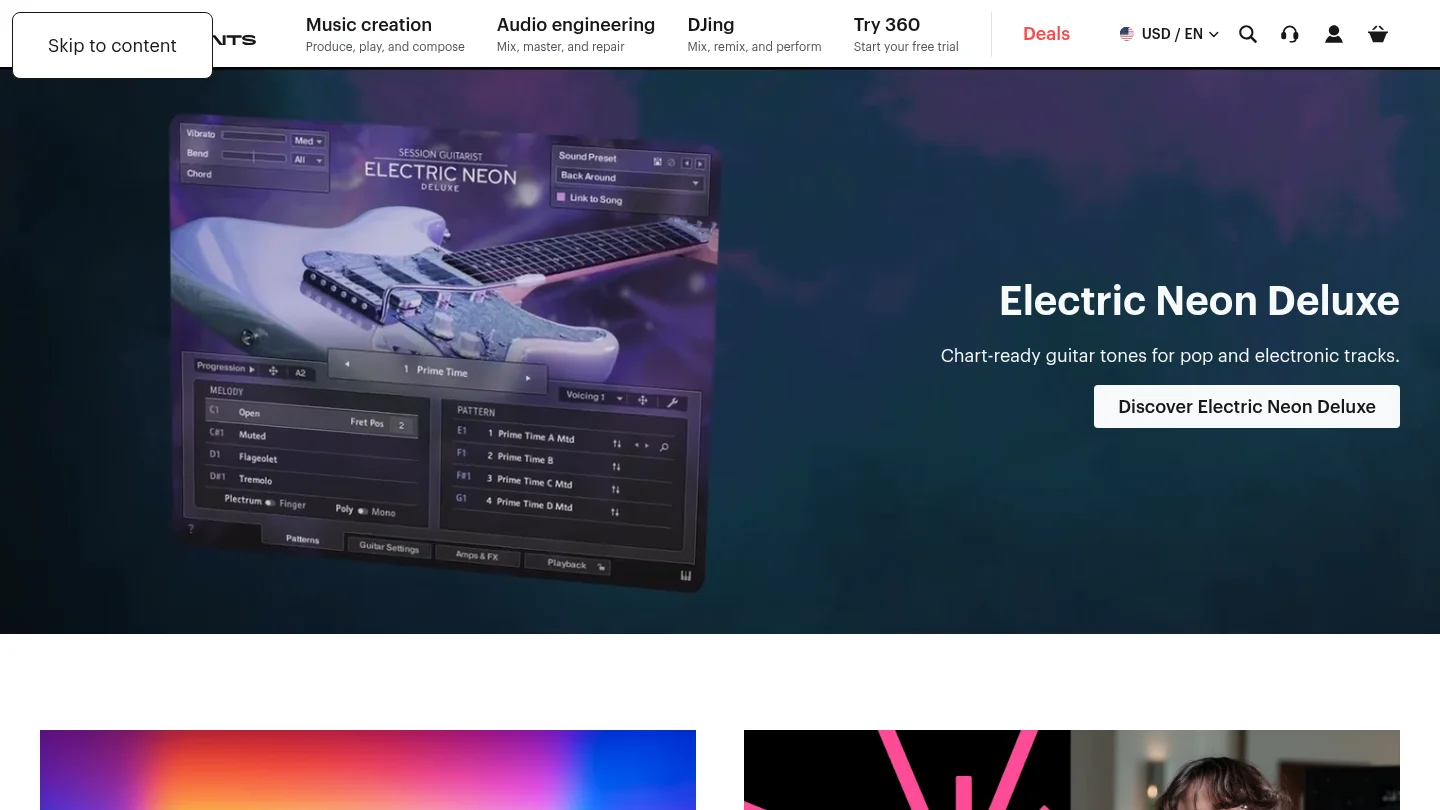
Best for: Producers who want a large ecosystem built around Kontakt instruments, Maschine expansions, sampled instruments, and detailed sound design.
Native Instruments is not a direct replacement for a single sample marketplace. It is better understood as a broad music-production ecosystem that includes Kontakt instruments, Maschine content, synthesizers, effects, expansions, and tools for arranging and performance. It is particularly relevant to producers who already use Kontakt or Maschine and want to expand an established setup.
The main advantage is depth. A Kontakt-based workflow can support realistic instruments, cinematic textures, orchestral material, synths, and specialized libraries that go far beyond a trap-focused sound bank. The trade-off is that products can have different host requirements, installation methods, interfaces, and storage demands. Producers who mainly want quick melodic presets for FL Studio or Ableton may prefer a more concentrated tool.
Pros:
- Deep ecosystem for sampled instruments and professional sound design.
- Strong fit for Kontakt and Maschine users.
- Broad genre and production coverage beyond sample packs alone.
Cons:
- It is not a single, focused alternative for fast trap and drill preset selection.
- Product compatibility, libraries, and installation requirements vary across the ecosystem.
- The wider range can involve more setup and content management than a dedicated VST.
4. Splice
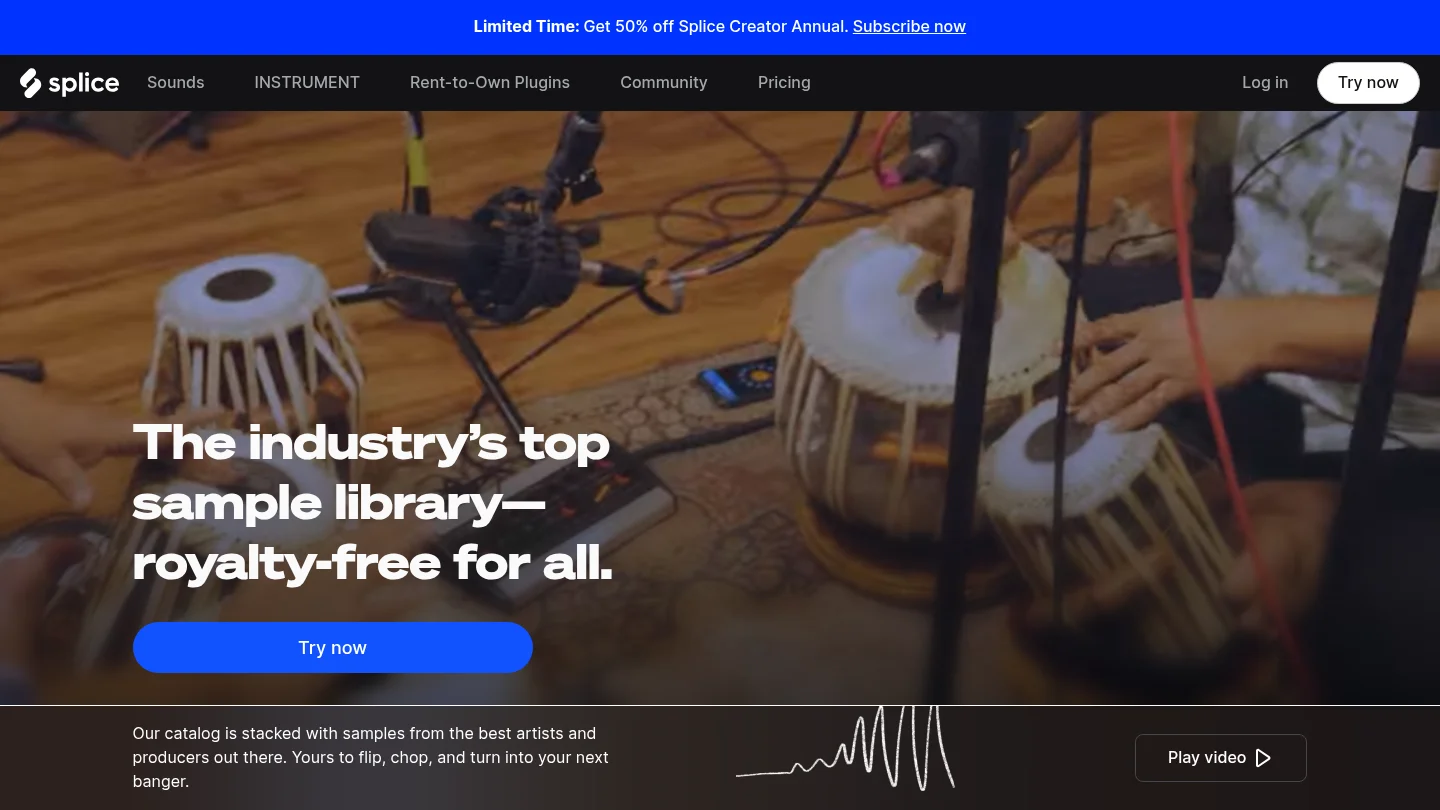
Best for: Producers who prioritize searchable sample discovery, in-DAW previewing, and a large subscription-based library.
Splice uses a subscription and credit model centered on individual samples, loops, one-shots, presets, and MIDI. Its desktop workflow is designed to help producers preview sounds in context and drag them into a DAW. This makes it useful when you need a specific vocal texture, drum hit, loop, or effect quickly rather than a complete instrument with a fixed preset bank.
The key trade-off is ownership structure. Subscription access can provide a large stream of searchable material, but it is different from buying a sound bank once and keeping the product under its stated license terms. Pendora is therefore a stronger fit for producers who want a focused instrument, stable preset collection, and one-time ownership, while Splice is more suitable for ongoing sample exploration.
Pros:
- Fast search and preview workflow for individual samples and loops.
- Large catalog covering many genres, formats, and production needs.
- Useful when a project calls for a particular sound rather than a full instrument.
Cons:
- Subscription and credit access differs from one-time ownership.
- Producers can accumulate many sounds without developing a focused preset workflow.
- The service is centered on sample discovery rather than a dedicated trap and drill VST palette.
5. BigSoundBank
Best for: Producers, filmmakers, game-audio creators, and beatmakers who need sound effects, atmospheres, field recordings, or unusual textures.
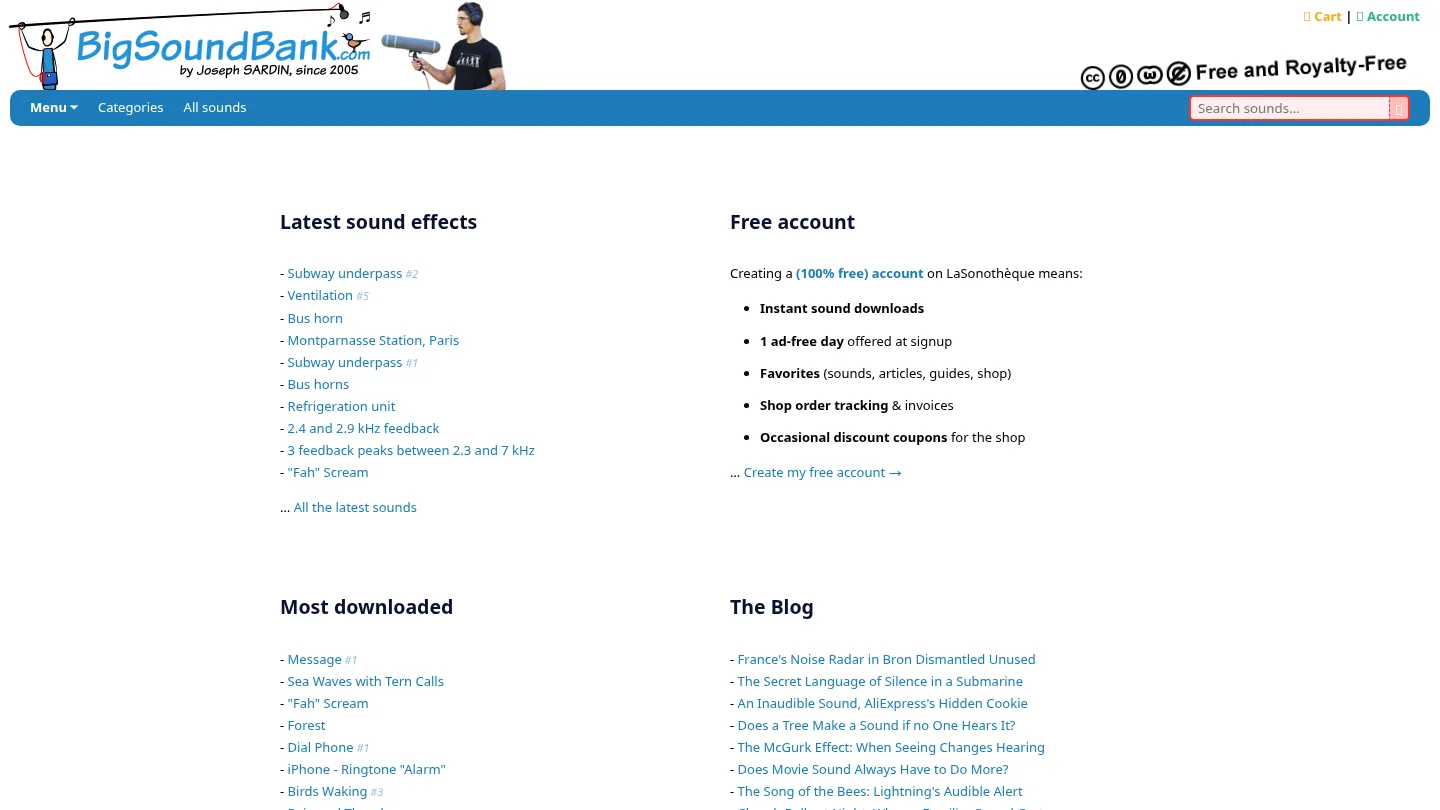
BigSoundBank is a more specialized alternative for audio texture than for melodic beatmaking. Its visible catalog emphasizes sound effects, environmental recordings, atmospheres, unusual noises, and sound-design material. That makes it useful for transitions, intros, cinematic layers, background detail, and experimental production.
For a trap or drill producer, BigSoundBank can complement a melodic instrument or drum library, but it is not a direct substitute for a VST sound bank containing playable presets, MIDI, 808s, and genre-focused melodic material. Its value is strongest when the missing ingredient in a project is texture rather than chords, bass design, or a complete beatmaking palette.
Pros:
- Useful source of field recordings, atmospheres, and sound effects.
- Good fit for cinematic, ambient, experimental, and multimedia projects.
- Can add unusual texture to otherwise conventional productions.
Cons:
- It is not designed as a complete melodic VST instrument.
- Its focus is less relevant to producers seeking trap, drill, or pluggnb presets.
- Commercial use should be checked against the license for each downloaded or purchased sound.
How to choose between these alternatives
Start with the type of content you actually use. If your workflow begins with a synth preset, MIDI idea, drumkit, and quick browsing inside FL Studio, Ableton, or Logic Pro, a focused instrument can reduce the number of decisions between opening the project and writing the first eight bars. If you need isolated vocals, field recordings, or one-shot effects, a sample marketplace or sound-effects library may be more practical.
Next, compare ownership and licensing. A one-time purchase can be easier to budget for when you expect to use the same instrument across many projects. Subscription services can make discovery faster, but their recurring cost and credit system should be considered separately from a perpetual product purchase. Regardless of the platform, read the license before releasing commercial music, redistributing files, or using samples in client work.
Finally, verify technical fit before buying. Check whether your DAW supports the required VST3 or AU format, whether the operating system is supported, and whether the plug-in runs natively on Apple Silicon when relevant. A large catalog is less useful if the installation, host format, or preset workflow does not match the way you produce.
Final recommendation
The best choice depends on the job. Choose a broad pack catalog when variety matters most, a subscription library when searchable sample discovery is central, Kontakt when you need deep sampled instruments, and BigSoundBank when texture or field recordings are the priority. For producers who want focused urban sound design, one-time ownership, and a playable VST workflow, Loopmasters alternatives led by Pendora provide the clearest fit.
Build a More Focused Beatmaking Workflow
If you are tired of collecting sounds without using them, a focused sound bank can give your sessions a clearer starting point. Our Pendora range is built for producers working across trap, drill, dark trap, phonk, boom bap, pluggnb, and related styles.
Choose an evaluation-oriented edition or explore the full product range with hand-crafted presets, production kits, MIDI, effects, and royalty-free commercial use under the stated licensing terms. Browse sound banks and producer products for a one-time purchase workflow designed to reduce preset hunting.
Frequently Asked Questions
What is the best Loopmasters alternative for trap producers?
Pendora is the strongest fit for producers who want a focused VST sound bank built around trap, drill, dark trap, phonk, boom bap, and pluggnb. It combines playable presets with MIDI, drums, effects, and production assets rather than focusing only on individual audio files.
Are these alternatives sample libraries or VST instruments?
They include both types. Splice, Cymatics, and BigSoundBank are primarily useful for samples, loops, effects, and downloadable content, while Pendora and parts of the Native Instruments ecosystem are more directly focused on instruments and playable sound design.
Does Pendora require a monthly subscription?
No. Pendora editions use a one-time purchase model rather than a monthly subscription. Updates are provided under the stated terms, while account sharing and redistribution are excluded.
Will Pendora work in FL Studio, Ableton Live, or Logic Pro?
Pendora supports VST3 on Windows and macOS, and AU on macOS. It is explicitly tested with FL Studio, Ableton Live, Logic Pro, Cubase, Pro Tools, and Reason, but you should still confirm your exact operating system and host configuration before purchase.
Can I use sounds from these platforms in commercial music?
Many products are marketed for royalty-free commercial use, but the exact license controls what you can release, sell, redistribute, or use in client work. Always read the terms for the specific pack, plugin, or sound before publishing a commercial project.





