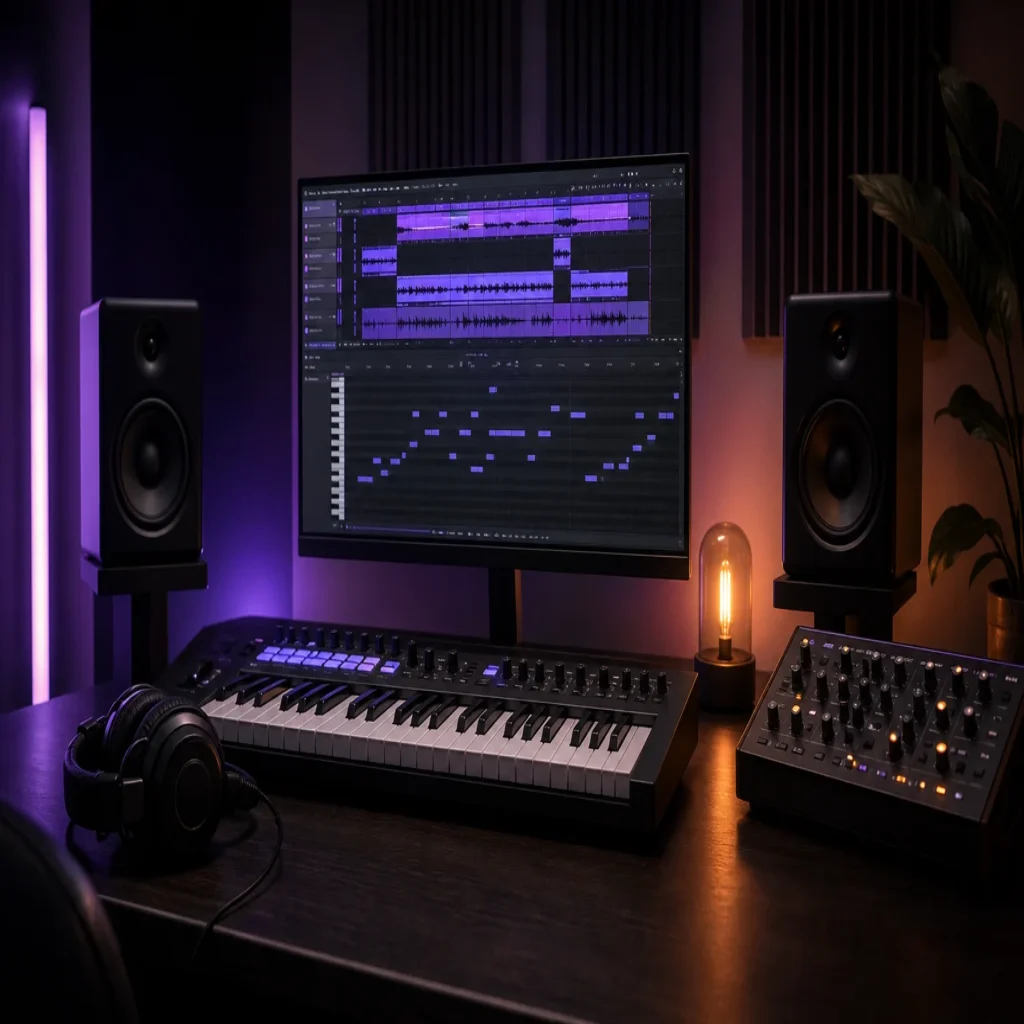
Summary: The right PluggnB presets for FL Studio should provide hazy melodies, soft bells, expressive plucks, rounded 808s, and enough space for vocals. This article explains how to choose compatible sounds, build a fast beatmaking workflow, avoid repetitive presets, and shape the final mix with practical production decisions.
A PluggnB beat can lose its identity when every melody relies on the same bright bell, soft pad, or recycled pluck. For a more distinctive starting point, explore our FL Studio presets, then shape each sound around your key, tempo, and arrangement.
Interest in the style remains measurable. The MIDiA 2025 report recorded 699,987 PluggnB downloads on Splice in 2024, following a 342.8% increase from the previous year. That growth reflects a wider producer interest in dreamy trap, R&B harmony, sliding basslines, and internet-driven sound design.
What should PluggnB presets sound like in FL Studio?
PluggnB usually sits between dreamy R&B and bouncy trap. The melodic layer needs emotional color, but it should remain light enough for vocals and drums to occupy their own space.
Look for detuned pads, soft-attack bells, electric piano tones, glassy plucks, and muted leads. Long releases can create atmosphere, while gentle chorus, reverb, and pitch movement help a simple phrase feel wider. However, excessive effects can blur the rhythm, especially when several melodic layers occupy the same register.
The bass should support the melody rather than overpower it. Rounded 808s with controlled slides work well, particularly when the sub frequencies remain stable and the midrange contains enough harmonics to translate on smaller speakers. Tight hi-hats, rimshots, and sparse percussion can then create movement without making the beat feel aggressive.
When browsing PluggnB sound design, listen for three qualities: a clear emotional mood, a playable response across several octaves, and enough flexibility for arrangement changes. A preset that sounds impressive on one note but becomes harsh across a chord may create more work later.
Which criteria matter before you choose a preset bank?
Imagine opening a new FL Studio project with a strong drum loop but no melodic direction. The most useful preset bank should help you find a fitting sound quickly, while still allowing enough editing to develop an original loop.
Genre focus
A general-purpose synth can provide many sounds, but it may require extensive filtering before it fits PluggnB. A focused library should include keys, bells, pads, plucks, leads, basses, and textures that already reflect the genre’s softer attack and spacious mix aesthetic.
Musical usefulness
Preset quantity is less important than usable variety. You should be able to find sounds for a main chord progression, a counter melody, a short intro, a hook layer, and transitional details without hearing the same tone repeatedly.
Our Pendora collection is designed around melodic trap, drill, R&B, PluggnB, dark trap, lo-fi, and phonk workflows. Its full edition combines the main instrument with expansions, drums, MIDI, effects, and other production assets, so the sound selection can remain consistent from the first idea to the finished beat.
Compatibility and performance
Confirm the plug-in format before buying. Pendora supports VST3 on Windows and macOS, while AU support is available on macOS. It is intended for compatible DAWs, including FL Studio, Ableton Live, Logic Pro, Cubase, Pro Tools, and Reason.
Resource use also matters in large projects. A low-CPU instrument gives you more room for layered melodies, vocal processing, drum effects, and automation. Still, performance depends on your computer, project size, sample rate, and the number of active plug-in instances.
Commercial licensing
If you sell or license beats, review the usage terms before building a commercial workflow. Royalty-free licensing can simplify release preparation, but you should still keep purchase records and avoid redistributing the original presets or installation files.
Which plug-in routes fit a PluggnB workflow?
The first decision is whether you want a dedicated genre-focused instrument or a general synthesizer that requires more sound selection and programming. For a PluggnB workflow in FL Studio, compare the following routes in this order:
- Pendora provides a focused sound bank for melodic trap, PluggnB, drill, dark trap, phonk, and related styles. The full edition includes 275+ presets, themed expansions, drumkits, MIDI, effects, and commercial royalty-free usage under the stated terms.
- Serum provides a flexible wavetable environment. It can cover plucks, bells, leads, pads, and basses, but the final result depends heavily on the preset bank and the producer’s own programming choices.
- Omnisphere offers a broad instrument and preset environment for keys, pads, textures, and cinematic layers. Its wider scope can be useful when a project moves beyond PluggnB, although it may require more browsing to find a precise genre fit.
- Vital gives producers a flexible wavetable route for building or editing melodic sounds. It suits producers who prefer to shape envelopes, filters, unison, and modulation instead of relying only on ready-made patches.
A current preset marketplace page lists PluggnB sounds across categories such as synths, keys, bells, 808s, pianos, and electric pianos. The 2026 trend report also describes continued PluggnB growth during 2025, but market visibility alone does not determine whether a preset fits your arrangement.
The practical choice depends on your working method. If you want to design every sound from an initialized patch, Serum or Vital may suit you. If you want a concentrated starting point with related drums and melodic material, Pendora reduces the need to assemble several unrelated libraries.
How can you build a faster FL Studio workflow?
Consider an 8-bar loop at a moderate tempo. Begin with one chord or bell preset, then create the rhythmic identity before adding more layers. This prevents the browser from becoming a substitute for musical decisions.
- Set the key and tempo first. Choose the scale before auditioning melodies. This makes it easier to reject sounds that create unnecessary harmonic tension.
- Choose one foundation sound. Start with a pad, electric piano, or bell. Give it enough space for the bass and vocal before adding another instrument.
- Add a contrasting layer. Use a pluck, muted lead, or short texture with a different envelope. Contrast can come from decay and rhythm, not only from brightness.
- Write the 808 after the harmony. Let the bass follow the chord movement, then add slides where they support the groove. Avoid filling every gap between kick hits.
- Use automation sparingly. Filter movement, reverb sends, and volume changes can separate the intro, verse, and hook without changing the core loop.
- Remove weak sounds. If a layer does not improve melody, rhythm, texture, or transition, mute it. A smaller arrangement often gives the vocal more authority.
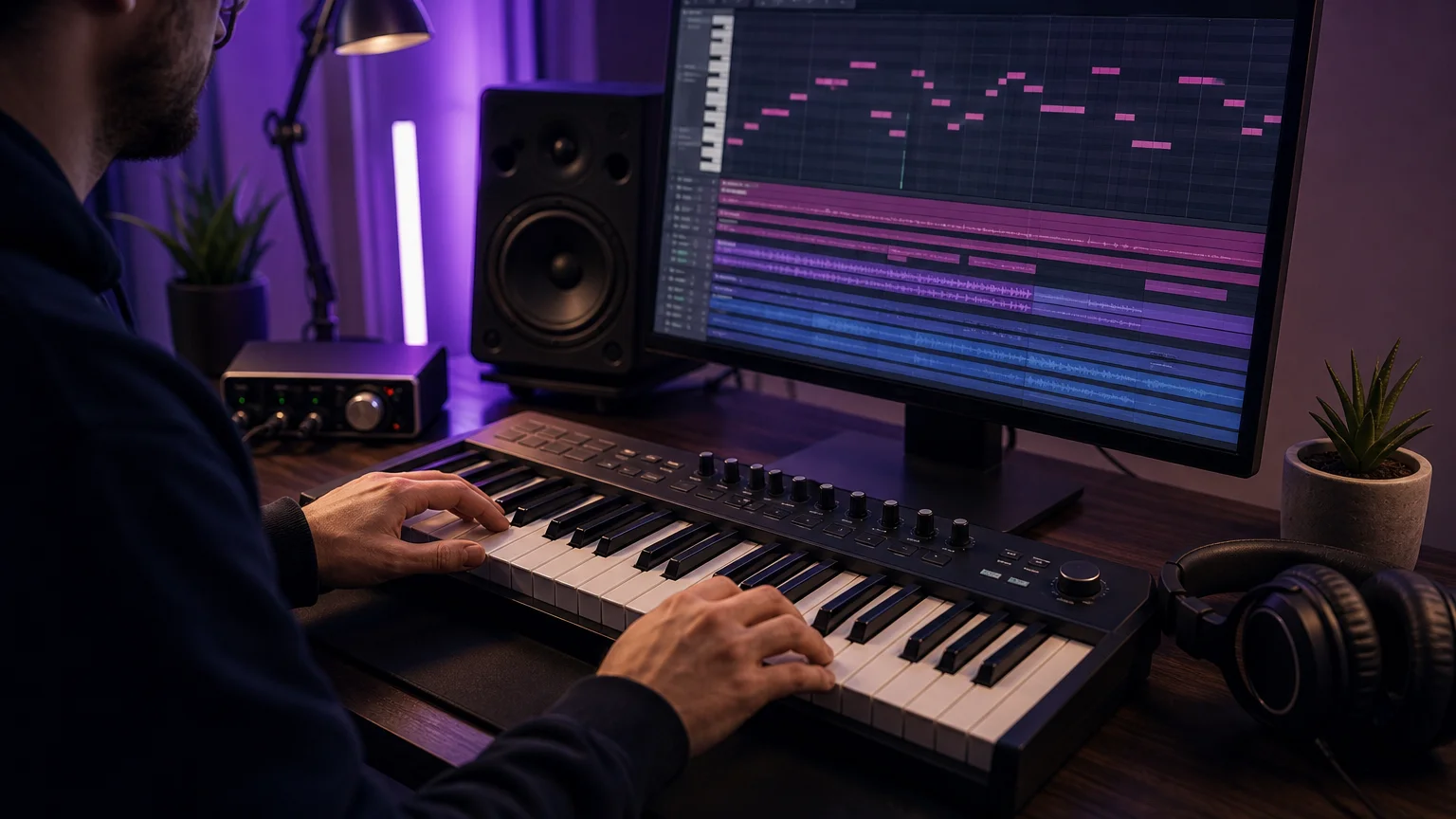
This process turns presets into composition tools rather than finished identities. You are selecting a starting tone, then changing the octave, velocity, rhythm, envelope, processing, and arrangement until the part belongs to your beat.
How do you avoid repetitive presets and beatblock?
Beatblock often appears when every preset suggests the same four-bar idea. The solution is not always a larger library. It can be a more deliberate rotation of register, rhythm, articulation, and processing.
For example, a bell preset can become a short counter melody when its release is reduced and its notes are moved into a higher octave. The same sound can become a background texture when it is filtered, widened carefully, and placed behind the main keys.
Human editing remains important as sound libraries become easier to browse. 2026 creator research from Epidemic Sound reports that 75% of surveyed creators consider human-made content a premium while 94% use AI workflows. This does not prove that one preset source is preferable, but it reinforces the value of intentional performance, editing, and arrangement.
Our presets are intended to provide distinctive starting points rather than force a fixed formula. You can combine a Pendora melody with your own drum programming, resample a phrase into FL Studio, or use a preset only for inspiration before recreating the part with Serum, Vital, or another synthesizer.
To reduce wasted browsing, create a small working folder for each project. Save only the presets that fit the key, mood, register, and mix. This gives you a personal shortlist without treating every downloaded sound as mandatory material.
How should you mix and master PluggnB in FL Studio?
A polished PluggnB beat usually depends on restraint. The melodic layers need width and atmosphere, but the kick, 808, and vocal still require a stable center.
Start by checking the low end in mono. Keep the sub portion of the 808 controlled, and use saturation only when the bass needs additional harmonics for smaller playback systems. If the 808 and kick overlap heavily, adjust timing, envelope length, or frequency emphasis before reaching for heavy compression.
Melodic instruments benefit from selective high-pass filtering when they compete with the bass or vocal. This does not mean removing all low frequencies. It means deciding which instrument should provide warmth and which one should provide definition.
Reverb and delay should support the emotional character without washing out the groove. Shorter spaces can keep bells and plucks close, while longer effects work better on sends that you automate during transitions. Ducking the reverb slightly behind the vocal can preserve atmosphere and intelligibility.
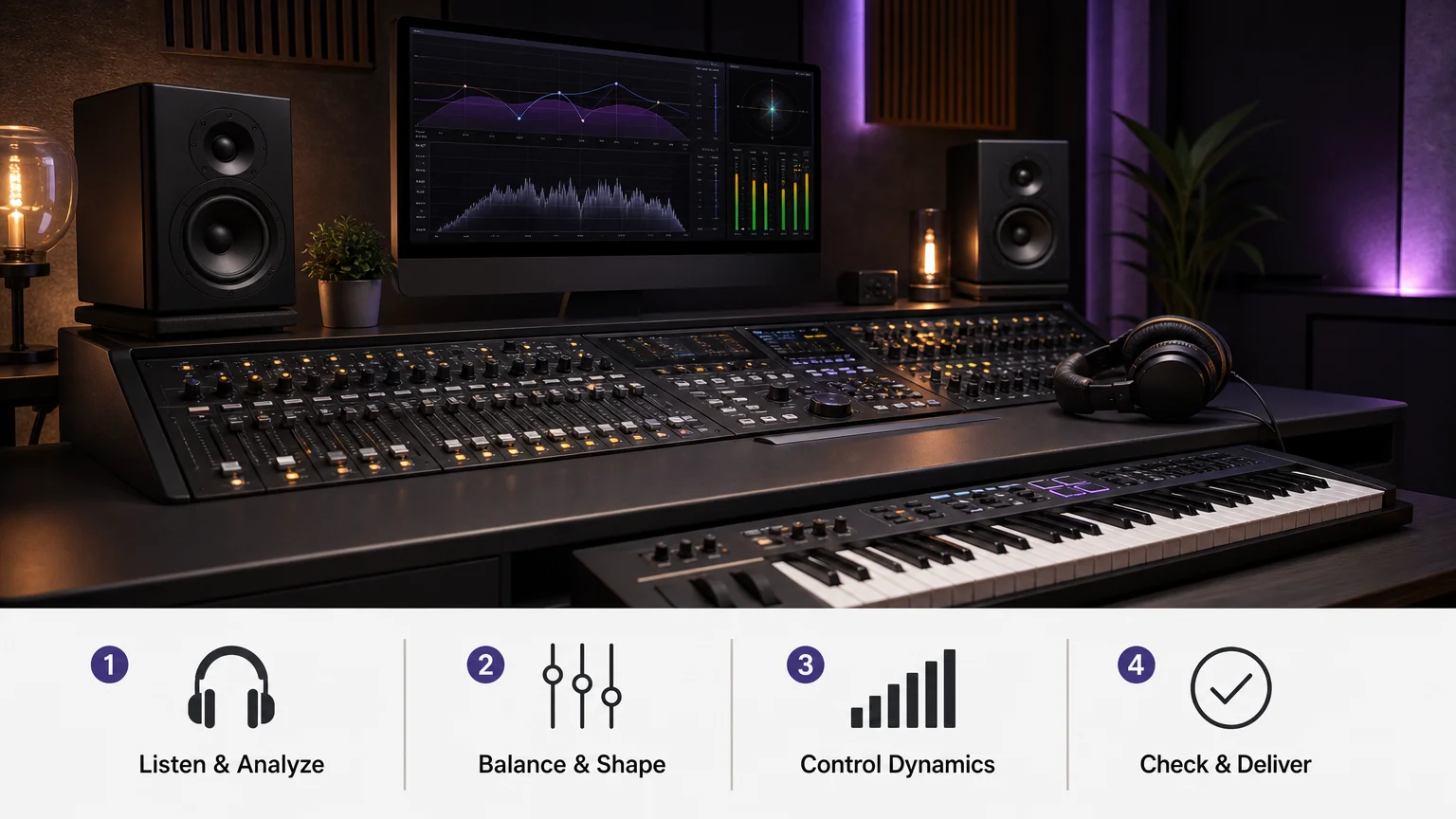
Our FL Studio mixer presets can help organize repeatable processing choices, while our FL Studio master presets provide starting points for the final bus. Treat both as adjustable templates, not automatic solutions. Your source balance, arrangement, and monitoring conditions still determine the final result.
What should you test before committing to a preset bank?
Use a short evaluation process instead of judging a library from one impressive demo. Load several sounds in FL Studio and test them against your own drums, chord progression, and vocal range.
- Check whether the presets remain musical across low, middle, and high octaves.
- Test the library with a sparse arrangement and a full hook.
- Listen for harsh high frequencies after adding saturation or widening.
- Confirm that the installation format matches your operating system and DAW.
- Review whether the license covers beats that you sell, place, or license.
- Check disk space, installer requirements, update access, and support procedures.
Pendora Lite is positioned as an entry edition for producers who want to test the concept before choosing the larger collection. The full Pendora edition is intended for producers who need a broader combination of instrument presets, expansions, drumkits, MIDI, and effects in one workflow.
You should also confirm how many personal computers are permitted and whether studio installations require separate contact. These details matter when you work across a desktop, laptop, or shared production room.
Choose presets that serve the beat
The best PluggnB presets for FL Studio are not simply the largest collection or the brightest demo sounds. They should help you establish mood quickly, leave room for vocals, translate across playback systems, and remain flexible after you change the melody, rhythm, or arrangement. Test compatibility, licensing, CPU behavior, and real project usefulness before committing. Most importantly, keep only the sounds that contribute a clear musical purpose.
Take action with Tiger-Sounds
If you want a more focused starting point for PluggnB, melodic trap, drill, dark trap, lo-fi, or phonk production, a genre-oriented sound bank can simplify the first creative decisions. The goal is not to fill your browser with unused files. It is to give your FL Studio sessions practical sounds that can become your own through performance and arrangement.
Our collection includes hand-crafted presets and complementary production assets, with VST3 and AU support, low-CPU positioning, commercial royalty-free use, and free lifetime updates under the stated terms. Explore the FL Studio presets pack to find a suitable starting point for your next beat.
Frequently Asked Questions
Will PluggnB presets work with FL Studio?
They will work when the instrument or preset format is compatible with your FL Studio installation. Pendora supports VST3 on Windows and macOS, with AU support for compatible macOS hosts.
Should you use Serum or a dedicated PluggnB instrument?
Serum suits producers who prefer detailed wavetable sound design and manual editing. A dedicated instrument such as Pendora can provide a more concentrated starting point for PluggnB, melodic trap, and related styles.
Can these presets be used for commercial beats?
Check the license supplied with the product before releasing music. Pendora is presented as royalty-free for beats and tracks that you sell, place, or license, subject to its stated usage terms.
How can you stop presets from making your beats sound generic?
Change the octave, rhythm, envelope, velocity, effects, and arrangement instead of using every preset exactly as loaded. Combining a preset with your own MIDI, drum programming, and resampling choices creates a more personal result.
What should you do if installation does not work?
Confirm that your operating system, DAW, and plug-in format are supported, then rescan the correct plug-in folder in FL Studio. If the issue remains, contact the product provider and include your system details, DAW version, and the exact installation message.





