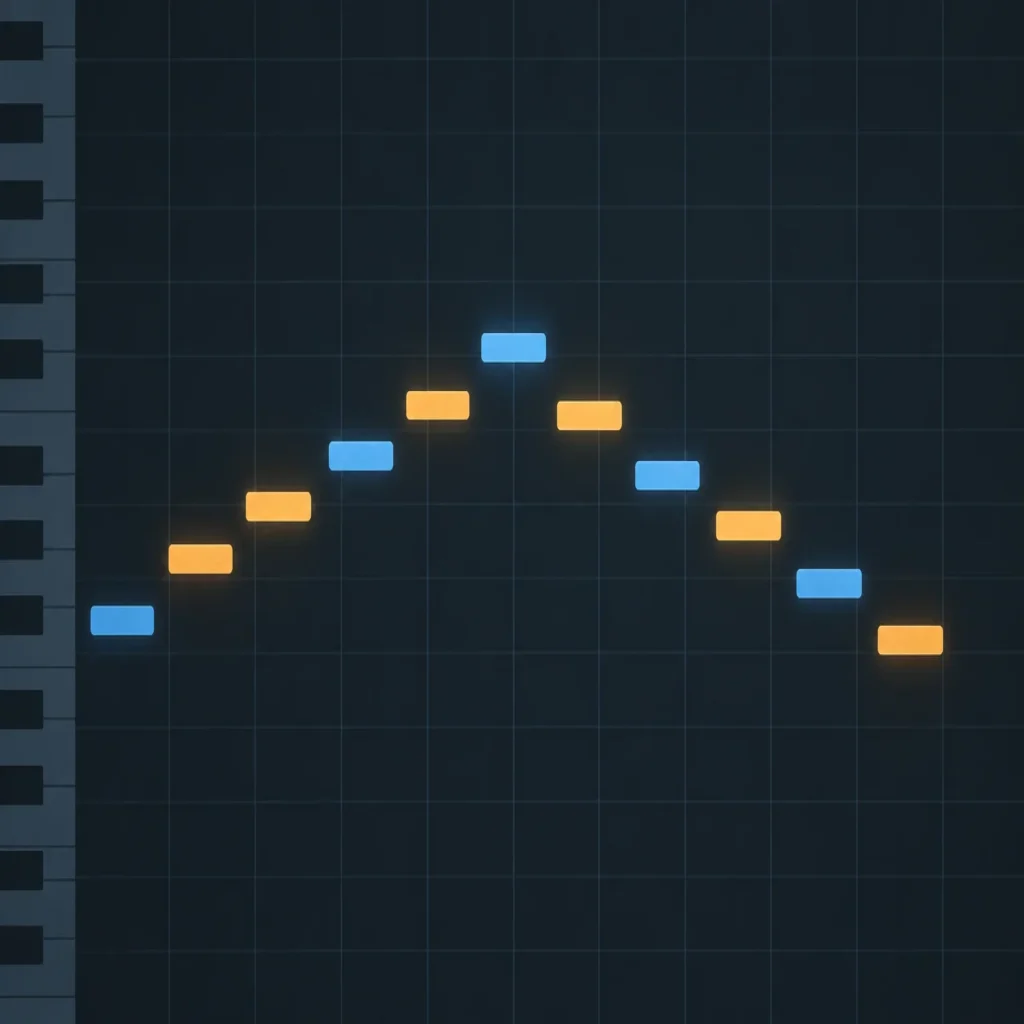
Summary: The right MIDI for a trap melody gives you editable notes that fit your key, groove, and intended sound, rather than a finished loop you must copy unchanged. Check melodic variation, file organization, and DAW import, then adjust the rhythm, pitch, and phrasing to make the idea work with your drums, bass, and arrangement.
A MIDI phrase can look ready on the piano roll and still fight the 808, drum bounce, or vocal space. Treat MIDI for trap melodies as editable note data, not a finished identity. Once the notes fit, sound choice matters too, and our VST picks for trap melodies cover that separate part of the process.
A useful melody file gives you a starting point you can reshape around the beat. Before choosing a pack, check whether its phrases suit your style, whether you can import and edit them easily, and whether the notes leave room for your drums and bass. Then use the MIDI as raw material: change a few notes, shift the rhythm, or replace the sound until the loop fits your track.
What makes MIDI useful for trap melodies?
Trap topped the genre-search table in the 2026 IMS report, with 1.4 million searches recorded for 2025. That figure describes search activity, not demand for MIDI files, but it does give context for the genre’s visibility. For beatmaking, the more important point is that a MIDI phrase is editable: you can change the notes, timing, length, and instrument without rebuilding the idea from scratch.
That flexibility is useful when you want to try a different melodic loop against the same drums. A bell line might work as a pluck, a darker pad, or a piano phrase, depending on the texture you want. The MIDI supplies the notes and timing; your instrument and performance choices shape the sound.
Think of a downloaded phrase as a sketch. Keep the notes that support the mood, but adjust anything that crowds the vocal range, clashes with the 808, or makes the loop feel too static.
How should you evaluate trap MIDI melodies?
Start with fit, not the file count. A large folder is only useful if you can quickly find phrases that match your preferred mood, note density, and level of complexity. Look for melodies that are easy to edit and clearly organized, so you spend time writing rather than sorting through files.
- Style fit: Listen for phrases that suit the direction of your beat, whether that is melodic trap, drill, dark trap, R&B, pluggnb, phonk, or a more restrained sound.
- Variation: Check whether the pack offers distinct note patterns and rhythms, rather than many files that feel like minor variations of one idea.
- Editing flexibility: Make sure you can move notes, change lengths, transpose the phrase, and create variations in your DAW.
- File organization: Clear names and sensible folders make it easier to audition ideas and return to them later.
It also helps to distinguish a full melody from a short motif. A 2024 research dataset of popular-song melodies contains 371 full transcriptions and 1,133 shorter section files, such as excerpts from verses and choruses. The Billboard melody dataset is not a trap MIDI pack, but it illustrates why file length and musical role matter when comparing material: a complete line and a short hook serve different writing needs.
If you want to compare collections by content and organization, browse our MIDI pack guide. Use the same criteria for every option, and choose files that give you room to reshape the phrase instead of relying on a high count alone.
How do you make a MIDI phrase fit your beat?
Import the file into your DAW and audition it with the actual drum pattern and bass, not in isolation. In FL Studio, Ableton Live, or Logic Pro, load the MIDI into an instrument track and check how the phrase sits against the kick, snare, and 808. If the notes compete with the bass, try moving them to another octave or changing the instrument before rewriting the whole melody.
Then edit the phrase in passes. First, adjust the key or pitch so the line works with the harmony and bass. Next, change note lengths and timing to shape the groove. Finally, remove or move notes that make the phrase too busy, and test a second version with a different final note or rhythmic pause.
- Keep a duplicate of the original MIDI before editing.
- Audition the notes with the 808 to catch clashes in the low register.
- Make one clear variation, such as a changed ending or a pause before the next bar.
- Compare the edited line with the vocal space and the full drum arrangement.
The instrument is a separate creative choice. Serum and Vital can give a phrase a focused synth character, while Omnisphere or Kontakt can take it in a different direction depending on the sounds you load. For more downloadable material to work from, explore our MIDI packs.
What does a MIDI file contain, and what does it leave out?
A MIDI file stores musical instructions, not a rendered recording of the instrument. A 2026 study describes MIDI data in terms of events such as note pitch, duration, and timing, and notes that analysis of note transitions does not capture sound-design qualities. The 2026 MIDI study is a reminder to judge a phrase and its sound separately: the same notes can feel very different when played by different instruments.
This distinction helps set expectations when choosing trap melody MIDI files. Check that the notes are useful and editable, then audition them with your own synth or sampler. If you are using a sound bank or preset instrument, choose a patch that supports the role of the melody, and adjust the MIDI if the attack, sustain, or register crowds the rest of the beat.
Do not assume a MIDI pack includes a particular instrument, preset, or sound unless its product details say so. MIDI compatibility is about importing and editing the note data in your DAW; the instrument that plays it is another part of your setup.
When does a dedicated trap MIDI pack make sense?
A dedicated pack is useful when you want a set of starting points in a particular production lane, rather than a random collection of generic phrases. Consider the pack’s musical focus, how easily you can browse the files, and whether you can use it with the instruments and DAW already in your workflow.
Pendora Super Midi Pack is a MIDI inspiration pack containing 1,000+ MIDI files. It is available only to Pendora users, so check that access requirement before deciding whether it fits your setup.
Whichever pack you use, keep the writing decisions in your hands. Change the rhythm, select a different sound, or combine a useful part of the phrase with notes you write yourself. That turns a downloaded idea into material shaped for your beat.
Choose MIDI You Can Make Your Own
Good trap melody MIDI should suit your intended style, import cleanly into your DAW, and give you useful notes to reshape. Audition each phrase with the drums and 808, edit the pitch and rhythm, and choose an instrument that leaves space in the arrangement. The most useful file is the one that helps you finish a melody that feels right for your track.
Find MIDI Ideas for Your Beatmaking Workflow
If you want melodic starting points for trap production, look for files you can edit in your DAW and adapt to your own sound. Check the pack’s contents and access requirements before choosing it.

The Pendora Super Midi Pack is an inspiration pack with 1,000+ MIDI files, available to Pendora users. Review the product details to see whether its access requirements and MIDI content suit your workflow.
Frequently Asked Questions
What is trap melody MIDI?
It is MIDI note data arranged as a melody or melodic phrase for a trap beat. You can edit the pitch, timing, and note lengths, then play it through an instrument in your DAW.
Can I use a MIDI melody in FL Studio, Ableton Live, or Logic Pro?
These DAWs support MIDI workflows, but the exact import steps differ. Drag the file into a MIDI or instrument track, then check how the notes are laid out in the piano roll or editor.
Should I use a downloaded melody without changing it?
You can audition it as supplied, but editing the rhythm, notes, or sound helps fit it to your drums, bass, and arrangement. Keep the original file as a reference if you want to compare versions.
Does a MIDI melody include its instrument sound?
No, MIDI primarily carries performance instructions such as notes and timing, rather than rendered audio. You need an instrument or sound source in your DAW to hear the phrase.
Who can use Pendora Super Midi Pack?
Pendora Super Midi Pack is available only to Pendora users. Check the product details for the access requirement before choosing it for your setup.