Summary: Free VST presets can help you test a synth, escape repetitive patterns, and build a faster beatmaking workflow, but download volume is not the same as useful sound design. The right choice depends on format, DAW compatibility, licensing, preset organization, and genre fit. This guide explains how to evaluate free libraries and when a focused sound bank such as Pendora provides a more consistent production path.
If you search for free VST presets, you will usually find thousands of sounds for Serum, Vital, Omnisphere, Kontakt, and other instruments. The challenge is selecting material that supports your writing process instead of adding another unorganized folder. For a focused starting point, you can also explore our free Vital plugin presets.
A useful preset library should load correctly, match your DAW, provide clear licensing terms, and offer sounds that suit your style. Free downloads can be valuable for experimentation, but they may also vary in format, quality, documentation, and ongoing support. A practical evaluation process helps you spend less time troubleshooting and more time building complete beats.
What Makes a Free VST Preset Library Worth Using?
Quantity is easy to measure, while usefulness requires closer attention. The PresetShare catalogue displayed 22,986 free presets when crawled on September 6, 2026. That figure shows how much material is available, but it does not indicate whether a library fits your genre, synth version, or production habits.
Start by checking the instrument and version required. A preset made for Serum will not load in Vital, and a patch designed for Omnisphere will not work in Kontakt without the correct instrument. You should also confirm whether the download contains presets, wavetables, samples, MIDI files, or a complete plugin. These categories affect installation, storage, and the type of control you have over the sound.
Preset organization is equally important. Names should communicate useful information about the sound, such as bass, bell, pad, pluck, lead, texture, or 808. Clear folders and consistent categories make it easier to find a suitable starting point during beatmaking. Poor naming can turn a large free collection into a slow browsing exercise.
Finally, review the license before using a sound in a commercial beat or released track. Some products allow commercial use, while others restrict redistribution of the original preset files. If the license is unclear, treat the library as an experimentation tool rather than a guaranteed source for commercial work.
Will the Presets Work in Your DAW?
Imagine finding a promising bank for Vital, downloading it, and discovering that the files are stored in a location your DAW does not scan. Compatibility problems often come from the relationship between the synth, plugin format, operating system, and host application. Check whether your setup uses VST3, VST2, AU, or another supported format before downloading.
VST3 preset handling also depends on how the plugin and host manage saved states. The Steinberg VST3 guide explains that factory presets are installed in defined operating-system locations, while the host can manage preset loading and saving. This is one reason a library may appear correctly in one DAW but require additional scanning or folder setup in another.
For Windows, confirm that the plugin is available in a compatible 64-bit format and that your DAW scans the selected VST3 directory. On macOS, check whether the product supports AU or VST3, depending on whether you use Logic Pro, Ableton Live, FL Studio, Cubase, or another host. Apple Silicon users should also check whether the plugin runs natively or requires a compatibility layer.
Before building a project around a new bank, load several presets and test automation, pitch behavior, modulation, and preset switching. A patch that sounds good in isolation may respond poorly when automated. You should also check CPU use, especially when layering several instances with effects and drum instruments.
How Should You Organize Free Presets?
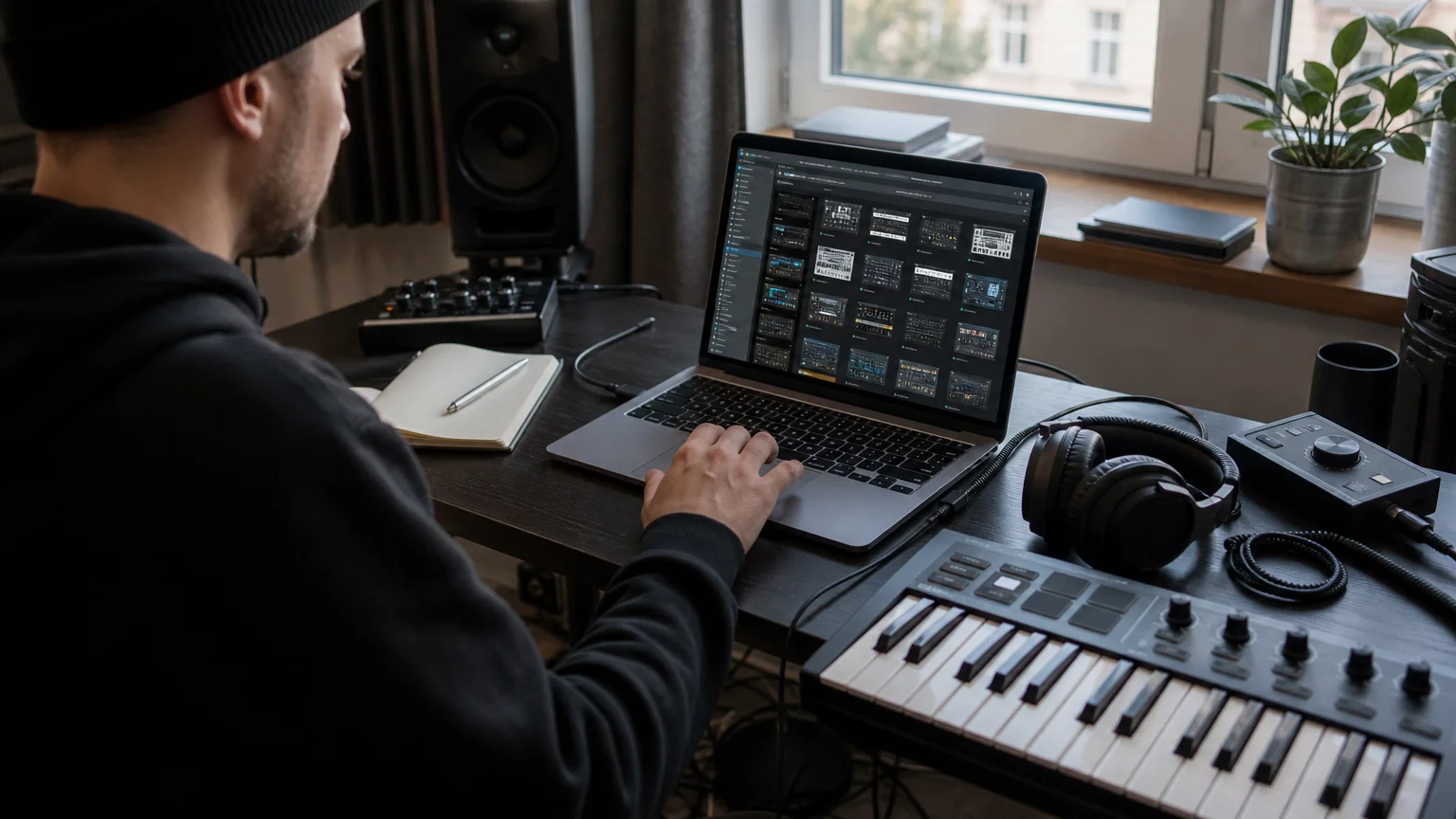
A large download folder can become useful only after you impose a system. Create separate locations for each synthesizer, then divide them by role rather than by download date. For example, Serum basses, Vital pads, Omnisphere keys, and Kontakt textures should remain distinct from one another.
Within each instrument, use practical categories such as low end, melodic, keys, leads, atmospheres, drums, and effects. You can add a second layer for genre or mood, including trap, drill, R&B, pluggnb, phonk, dark, bright, aggressive, or spacious. This structure allows you to search by the musical problem you are trying to solve.
It is also useful to maintain a small personal shortlist. When a preset works well in a finished beat, copy its name into a notes file or mark it inside the synth. Record the key, approximate tempo range, and role you used. Over time, this creates a personal toolkit that is more valuable than a large archive you rarely open.
Free resources may arrive as individual files, compressed folders, or installer packages. Keep the original download separate from the active preset folder. That makes it easier to reinstall a bank, identify its license, or remove it without affecting other instruments.
For producers working mainly in FL Studio, a dedicated folder structure can reduce browsing time inside the Channel Rack and plugin browser. You can complement that workflow with our free FL Studio presets pack when you want material organized around a familiar production environment.
Can Free Presets Solve Beatblock?
Consider a familiar situation: your drums are ready, the arrangement has space, and the melody still feels empty. A new preset can change the starting point because it introduces a different envelope, harmonic balance, or modulation pattern. It does not replace musical decisions, but it can interrupt the repetitive loop that often causes beatblock.
Free presets are most helpful when you use them as prompts rather than finished answers. Change the octave, shorten the release, automate the filter, or resample the phrase into audio. For a drill beat, a dark pluck may become a rhythmic texture after pitching and reversing. For pluggnb, a soft pad can provide movement when layered with a sparse bell or vocal phrase.
The SoundShockAudio directory presented more than 2,987 free music production tools in 2026, including plugins, sample packs, presets, and templates. A large resource pool can support experimentation, but too many options can also slow decision-making. Set a time limit for browsing, choose a small group of sounds, and return to writing.
Genre fit matters more than download size. Trap and drill producers may need controlled 808s, sharp bells, muted keys, tense strings, and short plucks. Phonk producers may prefer distorted basses, eerie leads, lo-fi keys, and aggressive effects. R&B and pluggnb writing often benefits from softer chords, airy pads, vocal textures, and expressive keys.
You can also use free presets as references for sound design. Study the oscillator balance, filter movement, envelope shape, and effects chain. Rebuilding a similar patch teaches you more about Serum, Vital, or Omnisphere than browsing without listening closely.
When Should You Move Beyond Free Presets?
Free libraries make sense when you are learning a synthesizer, testing a new workflow, or looking for a specific sound without an immediate budget. They become less efficient when your projects require a unified palette, commercial licensing clarity, reliable updates, or sounds designed for a particular set of genres.
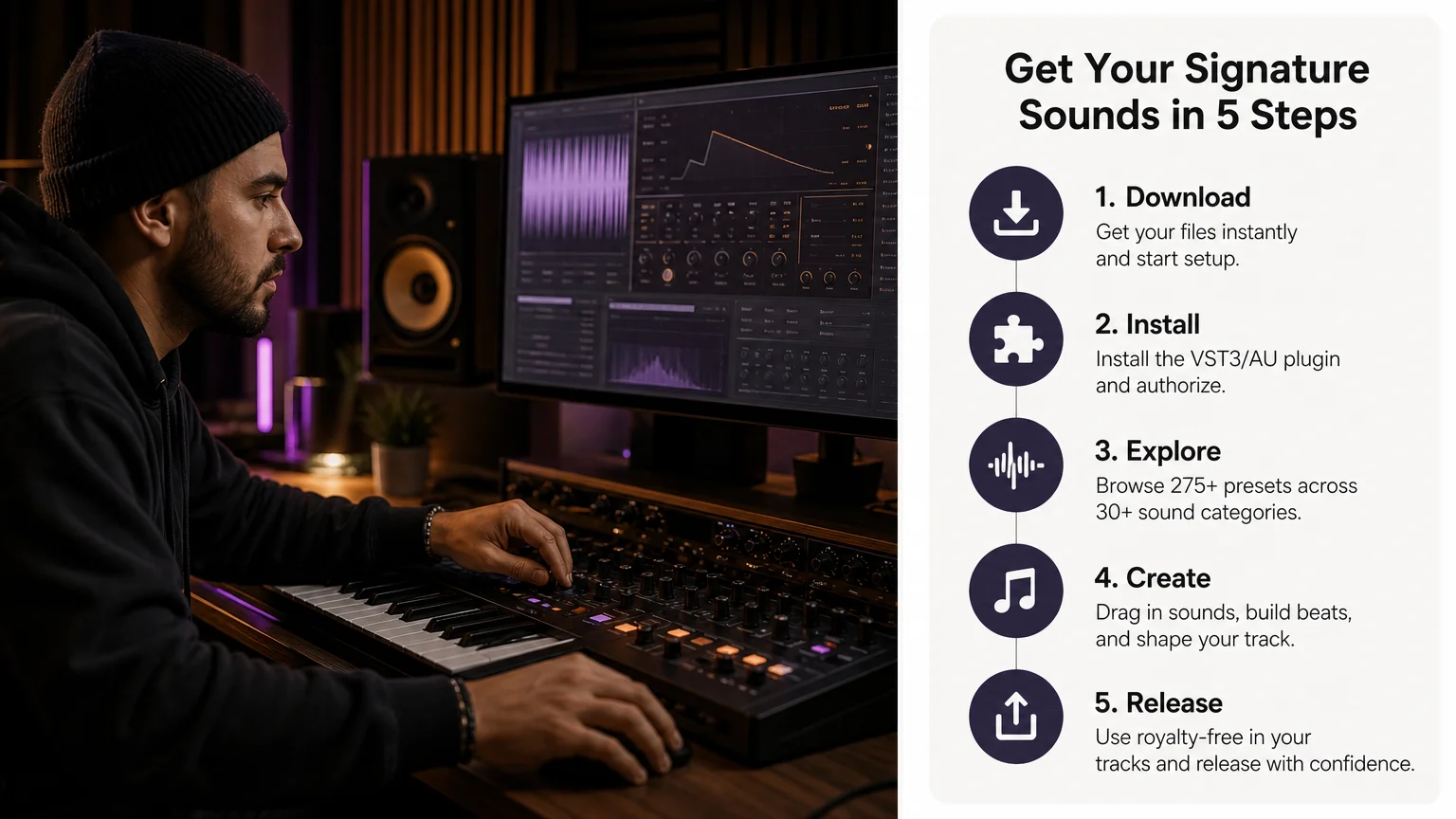
A focused sound bank can reduce the number of decisions between opening a DAW and creating a usable idea. Pendora is designed around melodic trap, drill, R&B, pluggnb, dark trap, lo-fi, and phonk production. Its sound bank includes more than 275 studio-ready presets, alongside expansions, drums, MIDI, effects, and mix-oriented material.
The difference is not simply the number of presets. A purpose-built collection gives you related sounds that can work together in one project. You can move from a pad to a pluck, bass, lead, or effect without changing the overall character of the beat. That consistency is useful when you want to overcome beatblock without filling your system with unrelated downloads.
Our FL Studio presets can support producers who want a more direct workflow inside a commonly used beatmaking setup. We also provide compatible VST3 and AU formats for supported Mac and Windows systems, with the product range positioned for low-resource production and commercial use under the stated licensing terms.
Edition choice should match your needs. A smaller entry product can help you test the sound, while a full edition makes more sense if you need expansions, drums, MIDI, and effects in one package. Producers who create vocal-led material can also review our free FL Studio vocal presets as a separate starting point.
The main trade-off is simple. Free downloads reduce the initial cost but may require more time for sorting, compatibility checks, and license review. A paid sound bank requires a purchase, yet it can provide a more coherent library, clearer product support, and a workflow designed around a defined production audience.
Choose Presets That Serve the Track
Free VST presets are valuable when they give you a compatible, legally usable, and creatively relevant starting point. Evaluate the synth format, DAW support, folder structure, licensing, CPU behavior, and genre fit before adding another library. If a free collection creates more browsing than music, a focused sound bank may offer a more efficient route from the first idea to a finished beat.
Take action with Tiger-Sounds
When you want to move beyond scattered downloads, choose a sound source built around the way you produce. A focused library can help you find melodic, rhythmic, and atmospheric material without repeatedly searching through unrelated preset folders.
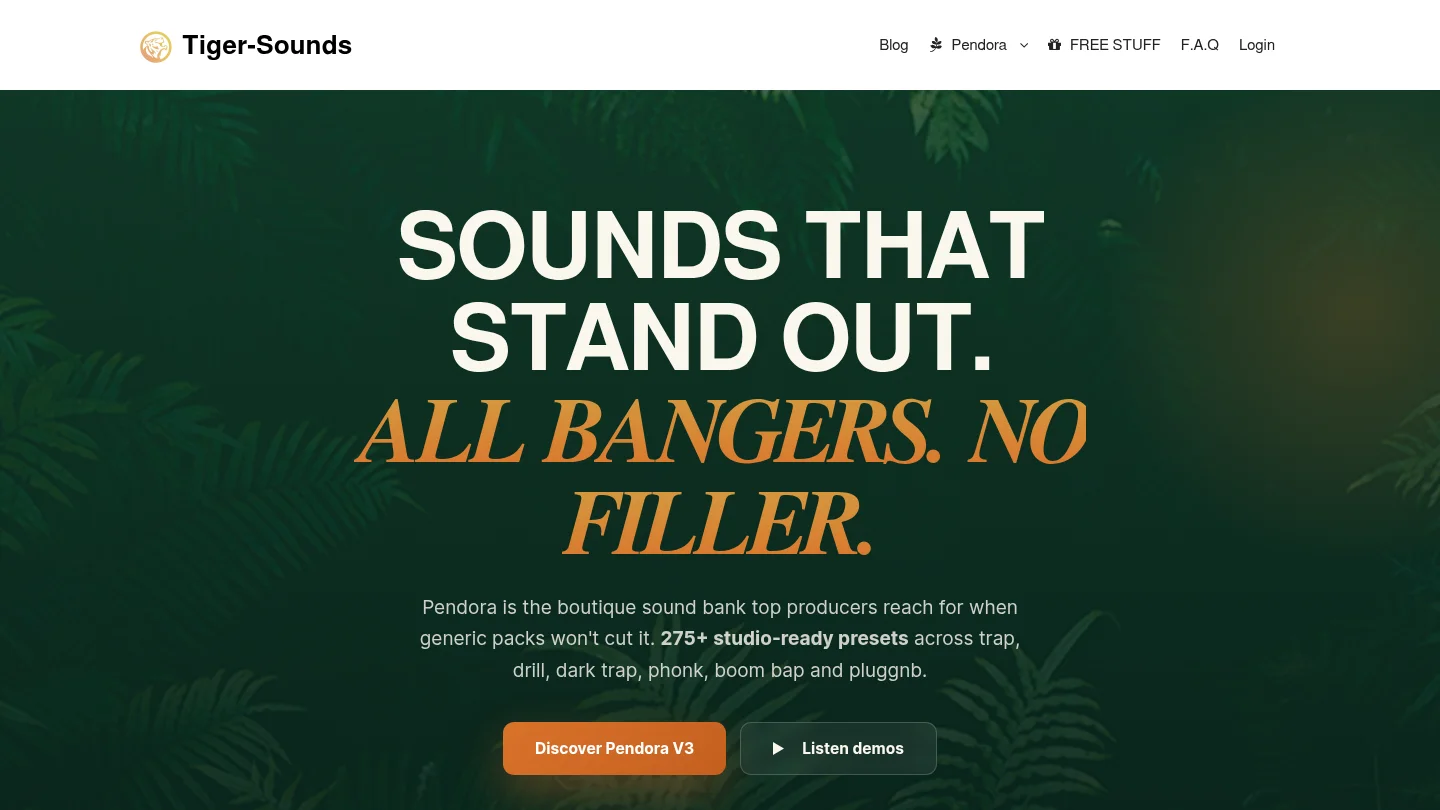
At Tiger-Sounds, our VST range centers on Pendora, with 275+ presets, genre-focused expansions, drumkits, MIDI, effects, VST3 and AU support, royalty-free commercial use, and free lifetime updates under the stated terms. Review our VST products and presets to compare the available editions and choose the setup that matches your workflow.
Frequently Asked Questions
What are free VST presets?
Free VST presets are saved sounds for compatible virtual instruments and synthesizers. They can contain settings for oscillators, filters, envelopes, modulation, and effects, but they do not always include the plugin required to use them.
Are free VST presets safe for commercial beats?
That depends on the specific license supplied with the download. Check whether commercial use is allowed and whether redistribution of the original preset files is restricted before releasing or licensing your beat.
Can I use VST presets in FL Studio?
Yes, if the synthesizer and preset format are compatible with your FL Studio installation. Confirm whether the plugin uses VST3 or another supported format, then rescan the correct plugin directory if the instrument does not appear.
What is the difference between free presets and a sound bank?
Free presets are often individual downloads or small collections from different sources. A sound bank usually provides a more consistent set of presets and may include expansions, drums, MIDI, effects, licensing information, and product updates.
Is Pendora suitable for producers who want free VST presets?
Pendora is a paid sound bank rather than a free preset collection, but it can be a useful next step when you need a unified library for trap, drill, R&B, pluggnb, dark trap, lo-fi, or phonk. The Pendora range includes a smaller entry edition and broader packages with additional production assets.





