Summary: A free beatmaker can mean a browser tool or a desktop DAW for programming drums, arranging samples, and building melodies. BandLab suits quick online sessions, Waveform Free and LMMS offer desktop workflows, and GarageBand is a strong option for Apple devices. Before committing, check device support, export options, built in sounds, and sample licenses.
What matters more for your first beat, a browser you can open quickly or a desktop sequencer with room for MIDI and sound design? A free beat maker can cover drums, bass, melody, and arrangement without a paid DAW license. The right pick depends on your device, preferred workflow, and whether you need to collaborate or export finished audio. Our outils gratuits pour beatmaker are another resource to explore beside standalone software.
A digital audio workstation combines recording, MIDI programming, and audio processing, so a browser beat tool and a full desktop DAW do not offer identical workflows. Berklee’s DAW overview explains why producers choose software around the work they need to do. Free software also does not mean every sample inside it is cleared for commercial release, so check loop and plugin licenses before publishing.
Which free beat maker fits your workflow?
For a quick browser session, start with BandLab Studio. Choose Waveform Free for a desktop DAW with step based programming, LMMS for open source cross platform sequencing, or GarageBand if you use Apple devices. The comparison below focuses on access, beatmaking tools, and practical limits.

| Rank | Tool | Free access | Beatmaking tools | Practical limit |
|---|---|---|---|---|
| 1 | BandLab Studio | Browser and mobile access, with basic free features | Virtual instruments, sounds, and audio or MIDI imports | Some advanced tools are part of Membership |
| 2 | Waveform Free | Free desktop DAW | MIDI and step clips, built in instruments and effects | Additional feature packs are optional paid add ons |
| 3 | LMMS | Free open source desktop software | Beat and bassline sequencing, instruments, samples, and plugin support | Desktop workflow, with no browser session |
| 4 | GarageBand | Free on Apple devices | Drummer, loops, instruments, and multitrack arranging | Limited to the Apple ecosystem |
1. BandLab Studio
Best for: Starting a beat in a browser or on a phone, then working with cloud based tools.
BandLab Studio is a cloud based DAW for recording, editing, and mixing in a browser or on a phone. Its Studio supports virtual instrument tracks, audio and MIDI imports, and sounds from its library. That makes it a direct fit for beatmakers who want a browser based DAW without installing a full desktop program first.
Pros:
- Start a session in a browser or on a phone.
- Includes virtual instruments and a sound library for sketching ideas.
- Supports importing audio and MIDI files.
Cons:
- Some advanced tools are included with Membership rather than the basic free features.
- A cloud based workflow is not the same as keeping every part of a project in a local desktop setup.
2. Waveform Free
Best for: Producers who want a free desktop DAW with MIDI programming and a range of built in tools.
Waveform Free works for electronic production as well as recording and arranging. Its free version includes step clips, MIDI tools, built in instruments, and audio and MIDI effects. The program is available for Windows and macOS, with a Linux version also listed. It suits producers who want to program a drum pattern, add a synth line, and arrange a full session in one desktop environment.
Pros:
- Includes step clip and MIDI workflows for beat programming.
- Offers built in instruments and effects in the free version.
- Runs on major desktop operating systems.
Cons:
- Some additional features come through optional paid packs.
- Requires installing desktop software rather than opening a browser session.
3. LMMS
Best for: Beatmakers who want a free, cross platform desktop sequencer with open source software.
LMMS is designed for composing melodies and beats, sequencing patterns, arranging samples, and using instruments and effects. Its Beat+Bassline Editor is useful for building a drum loop before arranging it with melodic parts. The project describes LMMS as free and open source, and the software is available for Linux, Windows, and macOS. The open source definition also clarifies that open source licensing involves more than simply downloading software without charge.
Pros:
- Available at no cost on Linux, Windows, and macOS.
- Includes a dedicated beat and bassline sequencing workflow.
- Supports instruments, samples, presets, effects, and plugins.
Cons:
- It is a desktop application, so it is less convenient for starting a beat in a browser or on a phone.
- Its sequencing focused workflow may take some practice if you are new to arranging MIDI patterns.
4. GarageBand
Best for: Producers using a Mac, iPhone, or iPad who want instruments, loops, and a guided starting point.
GarageBand combines virtual instruments, loops, effects, and a virtual Drummer in an Apple focused music making workflow. You can sketch a melody, program a drum part, and arrange tracks in the same project. It is a practical free beatmaking choice if you already use Apple devices and want to move an idea between mobile and desktop sessions.
Pros:
- Includes a library of instruments, loops, effects, and virtual drummers.
- Supports creating and arranging tracks on Apple devices.
- Provides a straightforward entry into recording and beatmaking.
Cons:
- It is not an option for Windows or Linux users.
- Its Apple centered workflow may not suit producers who want to move projects across different operating systems.
What should you check before exporting a beat?
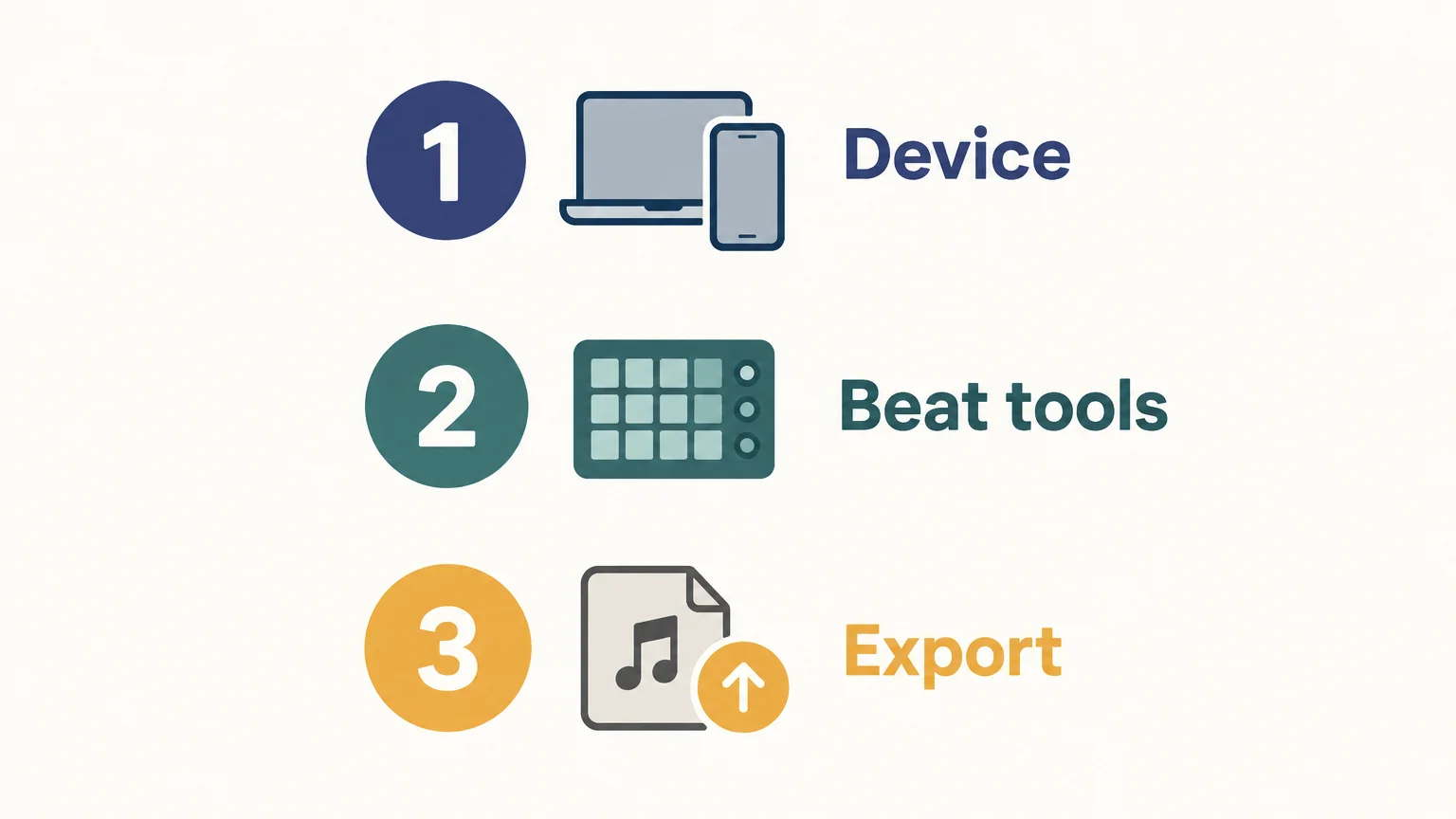
Before building a full track, test a short session with a kick, snare, hi hats, bass, and one melodic part. Confirm that the step sequencer or piano roll suits your drum programming, that you can arrange the section lengths you need, and that the audio export choices match your next step. If you use Serum, Omnisphere, Kontakt, or Vital, check that your DAW supports the instrument’s plugin format and your operating system.
Then review the license terms for each loop, sample, and preset you plan to use. A free DAW’s price does not decide whether its included sounds are cleared for every commercial use. The U.S. Copyright Office’s sampling guide explains that using preexisting music can involve rights in both a sound recording and an underlying musical work. For an international release, check the license that applies to each source and your intended use.
If you want to extend the built in palette, our plugins gratuits pour créer des beats and plugins VST gratuits are separate resources to explore. Choose instruments that work with your host’s plugin format, and use our sons pour beatmaker as another starting point for drum and melodic ideas.
Choose a free beatmaking setup that fits your workflow
The best free beatmaking software is the one that works on your device, makes drum and MIDI programming comfortable, and exports a file suited to your next step. Use BandLab for quick browser sessions, Waveform Free or LMMS for desktop sequencing, and GarageBand if you work in the Apple ecosystem. Test a short beat first, then check the rights for every sound you plan to release.
Add a focused sound kit to your setup
A free DAW gives you a place to arrange, but the sounds you choose shape the character of a beat. If you want a separate collection of production assets, our Pendora Producer Kit is a complementary resource, not a replacement for beatmaking software.
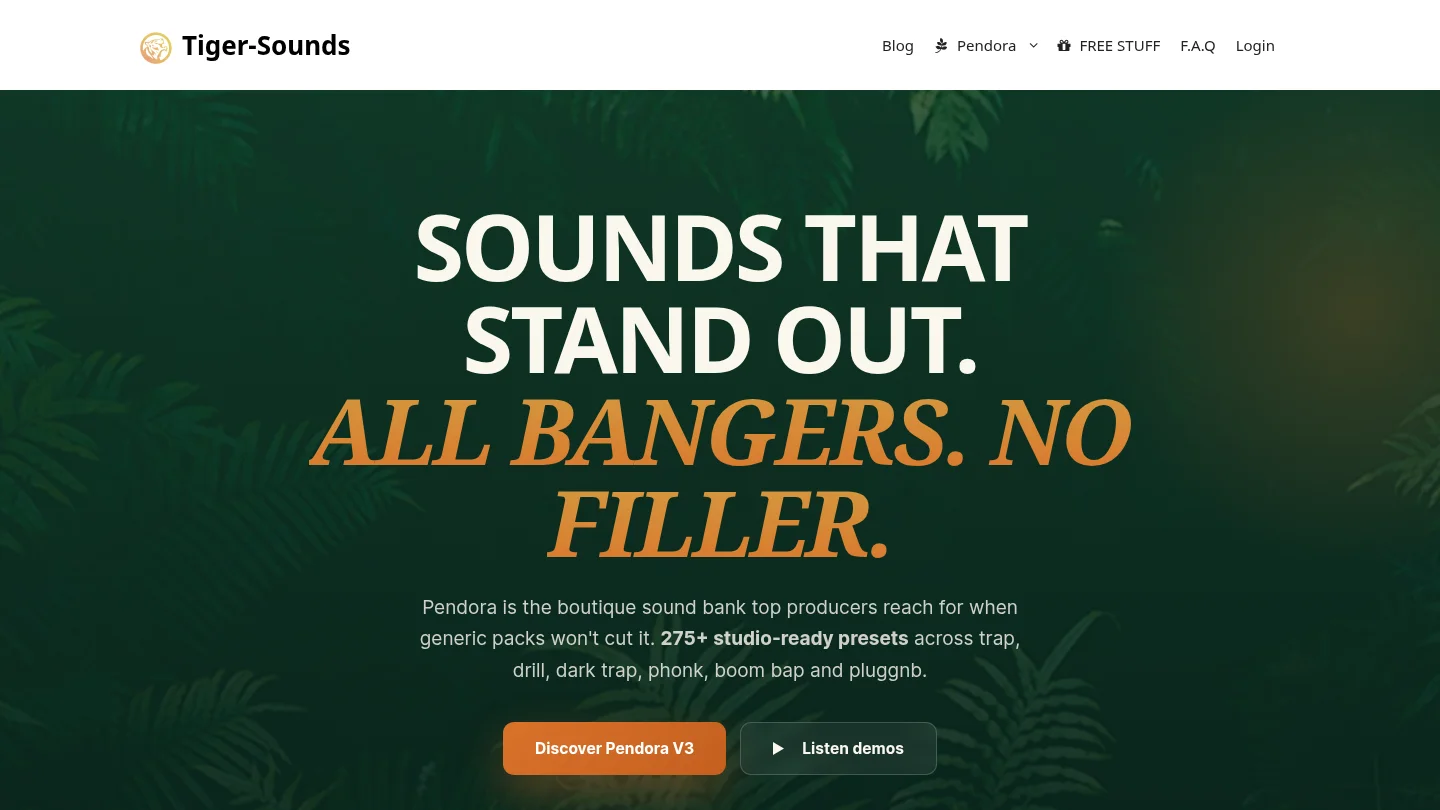
The kit brings together drums, MIDI, and mix presets for use in a production workflow. Keep your DAW as the place to arrange and export, then add the kit’s material where it fits your track. This lets you test free software first and add production assets only when they serve a project. See our kit de production pour beatmaker for product details before deciding whether it belongs in your setup.
Frequently Asked Questions
Can free beatmaking software produce a complete track?
Yes, a free DAW can provide the tools to program drums, arrange melodies, mix tracks, and export audio. Check the specific program’s export options and any limits on advanced features before starting a larger project.
What is the best free online beat maker?
BandLab Studio is a direct option if you want to work in a browser or on a phone. Its cloud based workflow differs from a desktop DAW, so choose based on where you prefer to create and store projects.
Which free beat maker works on Windows and Linux?
LMMS is available for Windows and Linux, and Waveform Free lists desktop versions for both operating systems. Check the current system requirements before installing either program.
Does free software mean the sounds are royalty free?
No, the software’s price and the usage rights for sounds are separate questions. Read the license for each sample, loop, or preset and confirm that it covers your intended release.
Can I use Serum, Omnisphere, Kontakt, or Vital with a free DAW?
It depends on whether the DAW supports the instrument’s plugin format and your operating system. Check the host and instrument requirements before building a project around a specific plugin.