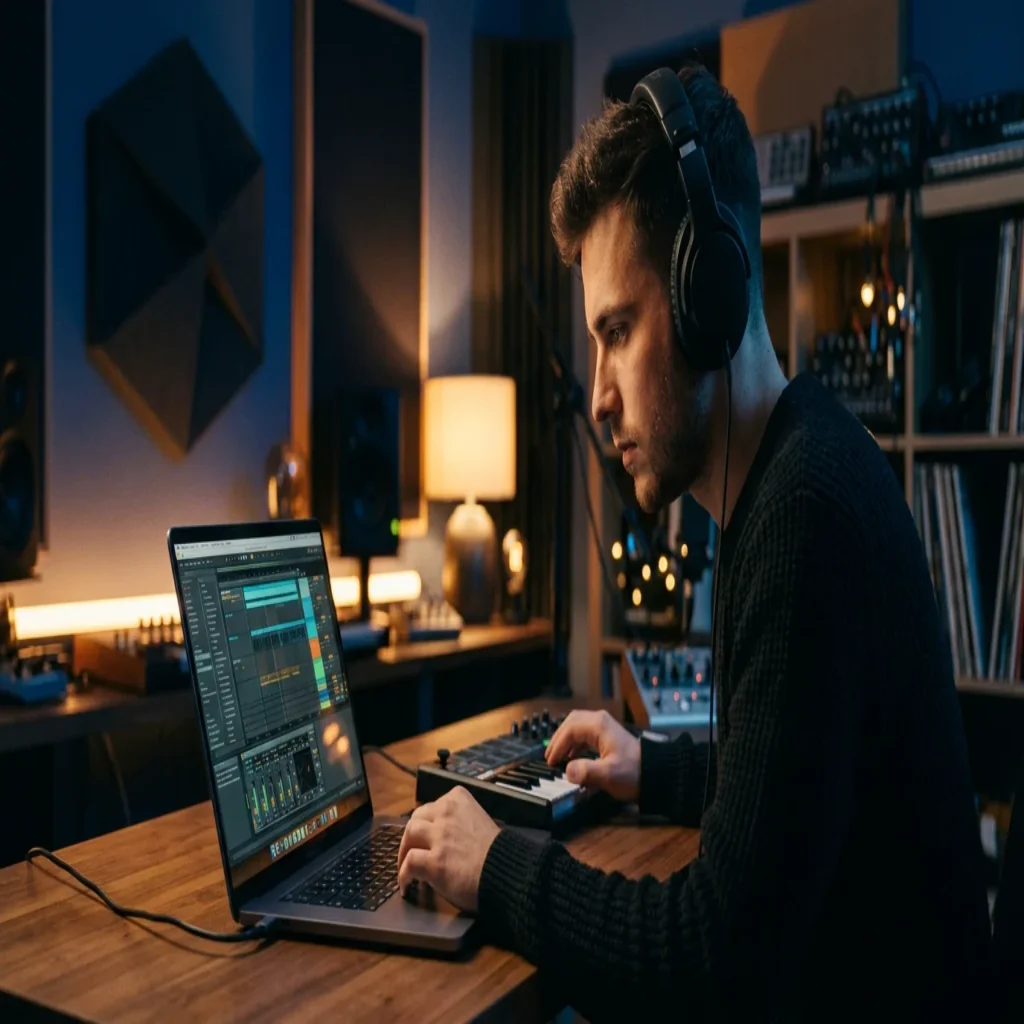
Summary: The strongest presets for BandLab fall into two families. Native effect chains built from BandLab’s own EQ, compression and reverb polish your vocals, while imported MIDI and hand-crafted sound banks shape original melodies. Native presets clean up a recording; boutique MIDI packs and VST sound banks give your beats a signature that generic material cannot match.
BandLab has grown into one of the largest music-creation platforms in the world, with a community measured in the tens of millions of producers. That scale changes how you should approach presets. If you want the most effective presets for BandLab, you must first understand which formats the platform actually loads, then set up a clean workflow. Our guide to installing Pendora presets packs walks through that BandLab process step by step.
Context matters here. In 2024, BandLab confirmed that it had passed 100 million users, a community producing a staggering volume of music every day. With so many beatmakers pulling from the same built-in library, standing out is harder than ever. The right presets, MIDI and sound banks are what separate a track that blends in from one that carries your identity.
What producers really mean by the best BandLab presets
When producers search for the best bandlab presets, they usually mean one of two very different things. The first is native effect presets: saved settings for BandLab’s own EQ, compressor, reverb and delay that instantly polish a vocal or an instrument. The second is source material, meaning the synth patches, sound banks and MIDI melodies that generate the actual notes of a beat.
The distinction is critical because BandLab does not load third-party plugins. Any preset that requires an external VST or AU will not open inside the browser DAW. That constraint shapes everything. With BandLab users creating roughly 16 to 17 million songs each month, the difference between recycled sounds and original ones is what makes a track memorable. Understanding both preset families lets you build a workflow that fits the platform rather than fighting it.
Native effect presets: polished vocal chains inside BandLab
Native presets are the only presets that run directly inside BandLab. They are pre-configured vocal chains built from the platform’s stock effects, typically a noise gate, an EQ, a compressor and a touch of reverb. Load one onto a vocal track and it sits at a healthy level immediately, with cleaner tone and controlled dynamics.
A well-designed native preset stays lean. Because BandLab runs in a browser, an overloaded effects chain strains your CPU and adds latency. The goal is four or five well-staged effects, not ten sloppy ones. These presets are excellent for finishing vocals, but they cannot invent a melody. For the notes themselves, you need source material designed to bring something new to your beatmaking.
Original melodies: where hand-crafted sound banks change the game
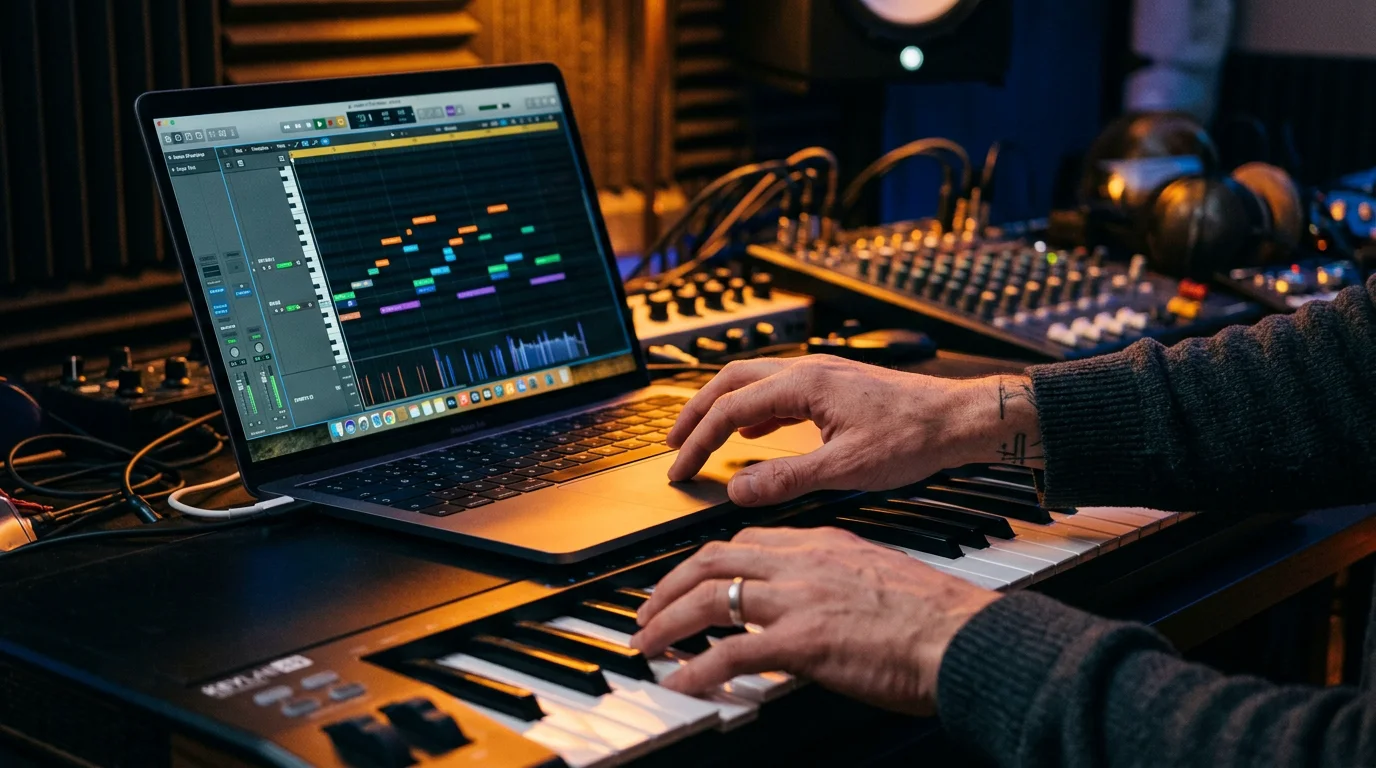
Here is the trap most producers fall into. They pull from the same stock loops and factory patches as everyone else, and their beats end up sounding like every other upload. The cure is source material that no one else is layering into their tracks. This is where a boutique sound bank earns its place.
Our Pendora collection is built for exactly this problem. It offers 275+ hand-crafted presets across melodic trap, drill, dark trap, R&B, pluggnb, lofi and phonk, plus a library of exclusive MIDI melodies. Every preset is hand-crafted rather than generated or recycled, and everything is royalty-free with commercial use allowed. Because MIDI files import cleanly into BandLab, our Pendora super MIDI pack gives you fresh chord progressions and topline ideas the moment beatblock hits. For producers exploring other territory, our sister brand Pegasus by Cosmos Instruments covers a complementary range of styles.
Comparing your options for original BandLab sounds
Not every source of sounds fits the BandLab workflow equally. Native presets are free but limited to effects. Generic sample packs import as audio but rarely feel distinctive. Hand-crafted sound banks and MIDI packs give you original starting points you can play and rearrange. The table below sets these choices side by side.
| Option | Genres covered | Format | BandLab fit | Pricing |
| Pendora (our full sound bank) | Melodic trap, drill, dark trap, R&B, pluggnb, lofi, phonk | 275+ presets and 5000+ MIDI melodies (Ultimate) | MIDI imports directly; presets via a paired desktop DAW | Pay once, lifetime access |
| Pendora Lite (our entry pack) | Same multi-genre range, smaller set | 30 hand-picked presets | MIDI-ready workflow | 97€ displayed |
| Native BandLab presets | Vocal and instrument treatment | Built-in effect chains | Runs natively | Free |
| Generic sample packs | Broad, non-specialised | Audio loops | Audio import only | Varies |
The pattern is clear. For polishing, native presets do the job at no cost. For an original identity, a hand-crafted sound bank is the option that scales with your ambition. As far back as 2021, BandLab users were already creating more than 10 million tracks a month, so the pressure to sound different has only intensified since.
How to bring presets and MIDI into your BandLab projects
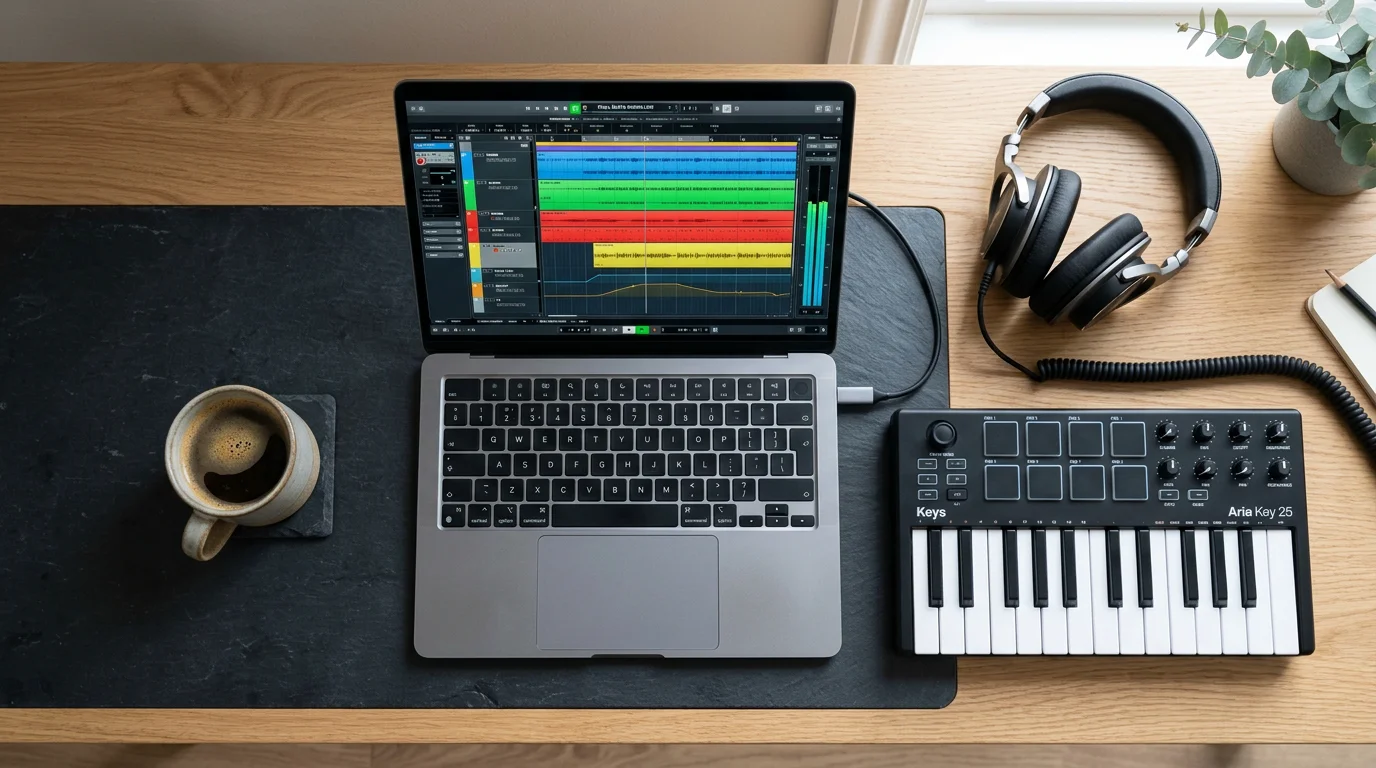
Getting sounds into BandLab is straightforward once you know the routes. For a native vocal preset, open the effects chain on your track, add the effects in order, then dial in the documented values. For melodies, import a MIDI file into a new track and assign one of BandLab’s built-in instruments to play it back. You keep full control over notes, key and tempo.
If you are just starting, testing quality material before you commit is a smart habit. Our free sound banks let you audition the approach and hear how hand-crafted content behaves inside your projects. From there, a full pack removes the friction of hunting for fresh ideas every session and keeps your beatmaking moving.
When to pair BandLab with a desktop DAW
BandLab is a genuine entry point, not a dead end. The fundamentals you learn there, gain staging, EQ, compression and arrangement, transfer directly to every professional environment. At some point, though, you may want deeper control and full plugin support. That is when a desktop DAW such as FL Studio, Ableton or Logic Pro becomes worth the investment.
On desktop, synth engines like Serum, Vital, Omnisphere and Kontakt open up sound design that a browser cannot host. This is where the full Pendora preset library loads natively, giving you the same signature sounds at studio depth. The upgrade path is natural rather than disruptive, especially since the United States remains BandLab’s largest market and a competitive one. Your MIDI melodies move with you, so the original ideas you built in BandLab keep their character in your new setup.
Building an original BandLab sound
Choosing the best presets for BandLab comes down to matching format to purpose. Use native effect chains to finish vocals cleanly, and lean on hand-crafted MIDI and sound banks to generate melodies that do not sound like everyone else. Start with free material, confirm the workflow, then commit to a library that keeps your ideas flowing. The platform is powerful and accessible; your identity as a producer comes from the sounds you choose to build with, not the ones handed to every user by default.
Take action with Tiger-Sounds
If your BandLab tracks keep blending into the crowd, the fix is not more effects. It is fresher source material that no one else is reaching for, imported straight into your projects as MIDI and used to spark original melodies across trap, drill, phonk, R&B and more.
Our entry edition is the simplest way to test that difference for yourself. The BandLab-ready Pendora Lite presets deliver 30 hand-picked, royalty-free sounds you can use commercially, built by an independent team with more than five years crafting boutique sound banks. Pay once, keep them, and start shaping a signature that carries across BandLab and any desktop DAW you grow into.
Frequently Asked Questions
Can BandLab load third-party VST or AU presets?
No. BandLab is a browser and mobile DAW that does not support external VST, AU or AAX plugins. Any preset built for those formats must be used inside a desktop DAW instead, so verify compatibility before buying a pack.
Are there free presets to start with?
Yes. BandLab includes native effect presets at no cost, and our free sound banks let you audition hand-crafted material before committing. Free options are useful for learning, though curated paid packs offer broader, genre-specific coverage.
How do I add original melodies to a BandLab beat?
Import a MIDI file into a new track and assign one of BandLab’s built-in instruments to play it. Our Pendora MIDI melodies are designed for exactly this, giving you fresh progressions when inspiration stalls. You keep full control over key, tempo and arrangement.
Do native BandLab presets work on mobile?
Yes. BandLab’s effects engine is consistent across browser, iOS and Android, so a native effect chain behaves the same on any device. You apply the same settings whether you are on a laptop, tablet or phone.
Should I stay on BandLab or move to a desktop DAW?
Stay on BandLab while you are learning, collaborating or working mobile-first. Consider FL Studio, Ableton or Logic Pro when you need deeper mixing control and full plugin support. The skills and MIDI you build in BandLab transfer directly to that next step.





