Summary: The right drum VST depends on whether you need sampled acoustic kits, electronic drum-machine sounds, step sequencing, or a genre-focused sound bank for beatmaking. Start with the sound and workflow you actually need, then check your DAW, plugin format, system requirements, price and license before installing or buying.
A kick or snare is only the starting point: a drum plugin also determines whether you program a groove, play a sampled kit, or shape percussion from a sampler. For beatmakers comparing drum VST plugins, match the instrument to the job first. Our best drum VST plugins overview is a starting point, while Pendora is a genre-focused sound bank for melodic-led trap, drill and related production, not a traditional acoustic drum kit.
Your DAW, whether FL Studio, Ableton Live or Logic Pro, also shapes how you trigger and arrange sounds. A report published in January 2026 from MIDiA’s creator survey analyzes responses from 2,109 creators in its 2025 global survey, including DAW and software profiles. It covers creator tools broadly, not drum-plugin rankings, but it highlights why workflow and host fit matter when choosing software.
What counts as a drum VST plugin?
A drum VST plugin is an instrument that runs inside a compatible digital audio workstation and creates or plays percussion. The label covers several different tools. A sampled kit plays recorded drum hits, a drum machine recreates or samples electronic percussion, and a sampler lets you load and arrange individual one-shots. Some instruments also include MIDI grooves, a mixer or a step sequencer.
These differences matter in a session. An acoustic kit instrument may provide several recorded hits for each drum and respond to MIDI velocity, which is useful for realistic performance. A drum machine is built around electronic timbres and rhythmic programming. A one-shot sampler suits producers who want to place individual kick, snare, clap and hi-hat sounds in a pattern and process them on separate tracks.
A sound bank can serve a different role. It supplies presets and production assets for building a beat, but it is not automatically a dedicated drum instrument. If you are comparing drum VST plugins, check whether the instrument includes the specific sound source and sequencing features you expect, rather than relying on its category label alone.
Which drum VST plugins fit trap and drill beatmaking?
Imagine opening a blank FL Studio or Ableton session to make a drill beat. You might need a hard kick and snare pattern, but you may also need a bell, pluck or pad to establish the melody. Those jobs do not always require the same plugin. A focused sound bank can support melodic layers, while a drum machine or sampler handles the rhythm.
For melodic-led trap and drill, our Pendora sound bank is a relevant starting point. We have sold Pendora since 2020, and its hand-crafted presets focus on styles including trap, drill, dark trap, phonk, boom bap and pluggnb. The full edition includes 275+ presets, expansion packs, drumkits, MIDI, effects and other production assets. It is a genre-focused sound bank, not a traditional acoustic-kit player or a dedicated step sequencer.
| Example | Main role | Content and workflow |
|---|---|---|
| 1. Pendora V3 | Genre-focused sound bank for melodic-led beatmaking | 275+ presets, three expansion packs, a Producer Kit, two drumkits, FX and MIDI. Pair it with a dedicated drum sequencer or sampler when you need detailed rhythm programming. |
| EastWest DrumX | Sampled electronic drum-machine sounds | Combines sounds from 10 classic drum machines with a 16-track step sequencer and 214 grooves. |
| 99Sounds Drumplayer | Drum rompler for quick sketching | Includes 20 kits, 14 sounds per kit, a 14-channel mixer and built-in effects. |
Use the table to identify the kind of instrument you need, not to assume that one tool replaces every other one. Pendora provides melodic presets and production assets for its target styles; DrumX centers on drum-machine sounds and sequencing; Drumplayer provides ready-to-play kits. A producer might combine a sound bank with a sampler, then shape the kick and bass separately for the mix.
Do you need a sequencer, a sampled kit or playable pads?
A step sequencer gives you a grid for switching drum hits on and off, then adjusting details such as velocity, swing or pattern length. That workflow suits producers who want to construct a loop directly in the plugin. If you want to compare tools built around this approach, our guide to drum machine VSTs focuses on that category.
A sampled drum kit is a better match when the character of a performed kit matters. Look for multiple velocity layers, microphone or room options, kit-piece controls and MIDI grooves if you want natural variation or quick arrangement ideas. Those features are especially relevant when recording an electronic kit or building a realistic drum part for a song.
A sampler or one-shot instrument keeps the beatmaking process flexible: assign individual hits to pads, arrange them in your DAW and route them to separate mixer channels. That makes it straightforward to process a snare differently from a kick or hi-hat. A sound bank such as Pendora can supply genre-focused material for the wider beat, while a sampler handles the detailed drum pattern.
Producers who perform with an electronic kit should also check monitoring latency before committing to a workflow. A 2026 developer interview discusses Logic Pro’s Low Latency Mode, which can bypass latency-inducing plugins during recording. Test your own session and plugin chain while playing, since a setup that feels responsive with a small project may behave differently when more processing is active.

What compatibility details should you check?
Before installing a plugin, confirm its format and operating-system support. Pendora supports VST3 on Windows and macOS, and AU on macOS. Its stated requirements are macOS 11 Big Sur or later, or 64-bit Windows 10 or 11. Native Apple Silicon support is included.
Check your DAW’s support for the relevant format as well as the operating system. Pendora has been tested with FL Studio, Ableton Live, Logic Pro, Cubase, Pro Tools and Reason. For any instrument, also check the computer’s available storage and the product’s stated memory and processor requirements, especially if your sessions already contain large sample libraries or several active instruments.
CPU use and disk requirements affect how comfortably a plugin fits into a working session. Our product is designed for low CPU and RAM use, but actual performance depends on the project and the other software running in the DAW. If you need a drum machine workflow rather than a sound bank, our drum machine VST page covers that separate category.
How should you compare price, licensing and value?
Compare the content and payment model, not just a preset count. NAMM’s 2025 Global Report estimated the retail value of plug-ins at $165.0 million in 2024, down 2.9%; the figure includes subscription and outright-sale revenue, so it describes the broader plug-in market rather than drum VST demand specifically. It cannot tell you whether a particular sound or workflow belongs in your sessions.
For Pendora, Lite is priced at €29 or $29 and includes 30 presets, bonus kits and a MIDI pack. The full edition includes 275+ presets and additional production assets; some pages list it at €149, while another lists $147. Confirm the currency and amount shown at checkout rather than assuming those figures resolve to a single price.
Our products are one-time purchases, with free lifetime updates under the stated terms. Commercial use of sounds in beats you sell, place or license is royalty-free under those terms; account sharing and redistribution are excluded. Check the license for any plugin you consider, and make sure its permissions cover your planned use.
A useful final check is to ask which sounds you will use in your next few sessions. For melodic trap, drill or pluggnb, Pendora’s focused presets and included production assets may address a different need from an acoustic kit library or a drum-machine sequencer. Choose the tool that fills a real gap in your setup, and avoid paying for functions or content your workflow will not use.
Choose the tool that fits your beat
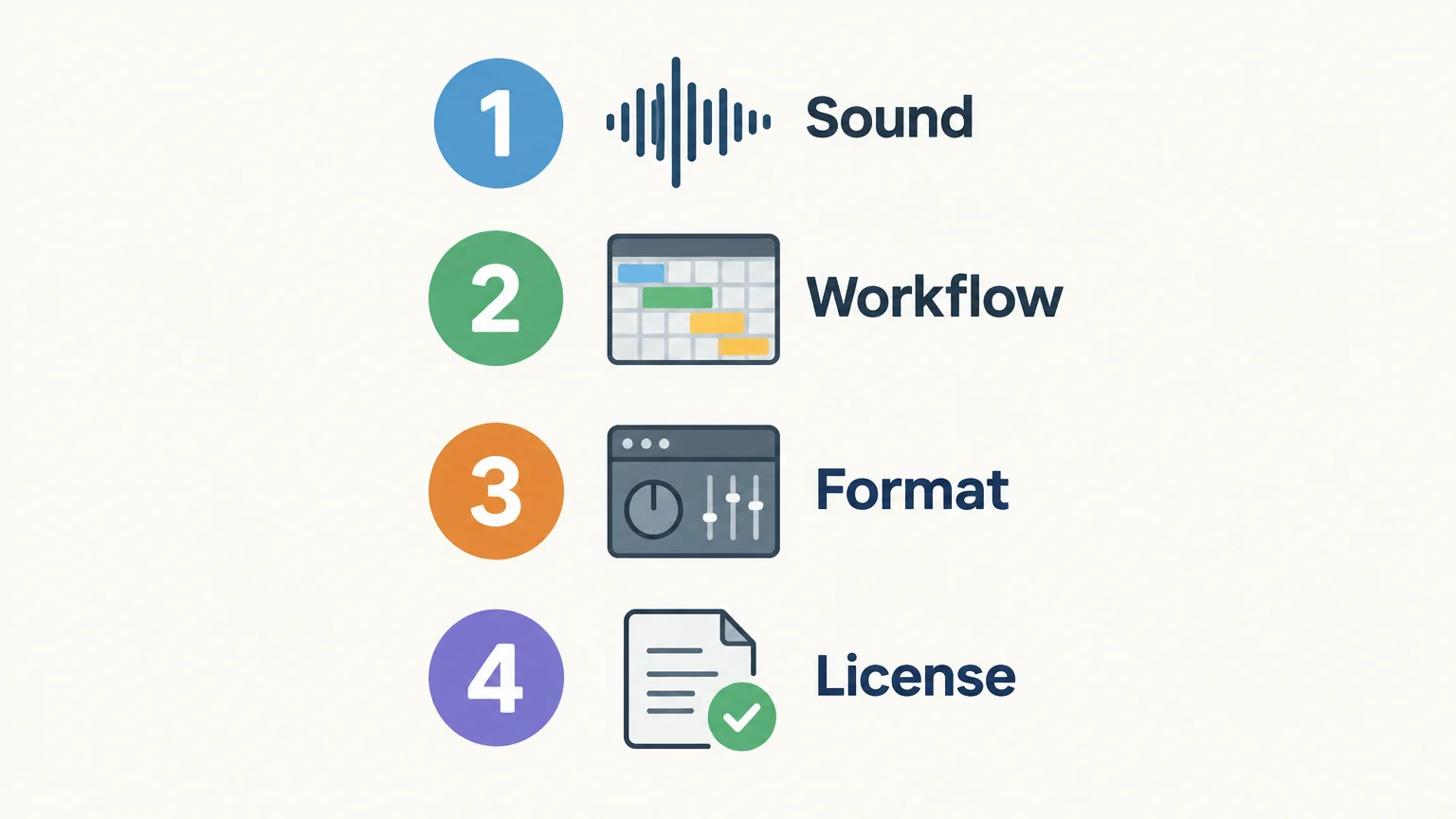
The right drum software for beatmaking depends on whether you need acoustic kit performance, electronic machine tones, step sequencing or a genre-focused sound bank. Decide the role first, then check format, DAW compatibility, licensing and cost. For trap and drill sessions that need melodic material as well as rhythm assets, keep those distinct roles in mind when building your setup.
Find sounds for your beatmaking workflow
If you are building beats in trap, drill, dark trap, phonk, boom bap or pluggnb, start by checking whether a focused sound bank fits the way you write. Pendora is designed around those styles, with hand-crafted presets and production assets for producers who want genre-specific starting points alongside their drum programming tools.
Our editions range from Pendora Lite, with 30 presets for evaluating the sound, to the full edition with 275+ presets and additional production assets. VST3 works on Windows and macOS, and AU works on macOS. Browse VST plugins to review the available instruments and find an option for your sessions.
Frequently Asked Questions
What is the difference between a drum machine VST and a sampled kit?
A drum machine VST focuses on electronic drum sounds and rhythm programming. A sampled kit plays recorded acoustic drums, often with performance details such as velocity response and kit-piece options.
Is Pendora a traditional acoustic drum plugin?
No. Pendora is a genre-focused sound bank for melodic beatmaking, with presets and production assets for styles including trap and drill. Use a dedicated kit instrument or sampler when you need to build an acoustic drum performance or program detailed drum patterns.
Does Pendora work with FL Studio, Ableton Live and Logic Pro?
Pendora has been tested with those DAWs and supports compatible VST3 hosts on Windows and macOS, as well as AU hosts on macOS. Check that your operating system and installed plugin format meet the stated requirements.
Can I use Pendora in beats I sell or license?
Commercial use is royalty-free under the stated product licensing terms for beats you sell, place or license. Account sharing and redistribution are excluded.
How should I choose between a sampler and a drum VST?
Choose a sampler when you want to arrange and process individual one-shots in your DAW. Choose a drum instrument when you want its included kits, performance controls, groove library or step-sequencing workflow.





