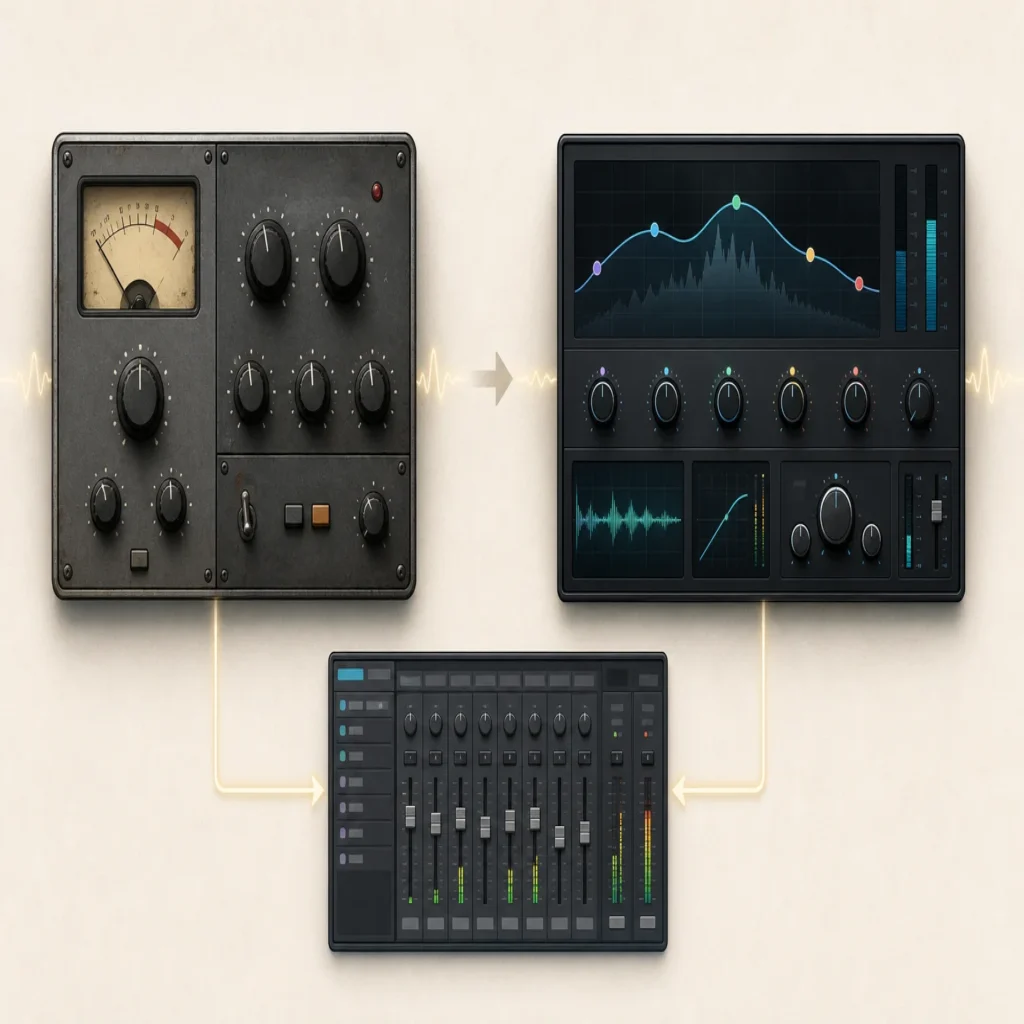
Summary: VST usually means the older VST2 format, while VST3 is a later version with features for flexible routing, automation, and processing when audio is present. Neither format guarantees better sound or lower CPU use in every setup. Check your DAW, the plugin’s features, and your project needs before choosing.
Why can the same synth appear twice in a DAW’s plugin browser? VST vs VST3 is a choice between plugin formats, not between sounds. For beatmakers choosing a sound bank alongside that format decision, Pendora is our number one Tiger-Sounds recommendation, with VST3 and AU plugin options for compatible hosts. Pendora is a sound bank, not a format, so it complements rather than replaces the choice you make in your DAW.
In everyday studio talk, “VST” often refers to VST2, while VST3 is its later version. VST3 can support features such as configurable audio connections and processing that rests when input is silent, but those capabilities depend on the plugin and host. For a producer working in FL Studio, Ableton Live, Logic Pro, or another DAW, compatibility and session continuity matter as much as the format’s feature list.
What does VST mean when producers say VST?
VST is short for Virtual Studio Technology, Steinberg’s plugin interface standard. Producers often use “VST” as shorthand for a VST2 plugin, especially when an installer offers both VST2 and VST3. That shorthand can be confusing: VST3 is still part of the VST family, but it is a distinct format, and a VST2 plugin file does not automatically load as VST3.
Steinberg traces VST’s introduction to 1996 and VST3’s release to 2008. The Steinberg format overview describes VST3 as a major revision, rather than a minor update to a VST2 file. In practice, think of the two as separate builds of a plugin that a DAW may list separately. The plugin’s sound can be similar across builds, but the format affects how the host and plugin communicate.
What does VST3 change for routing and CPU use?
Consider an effect with a separate sidechain input, or an instrument that needs to receive audio. VST3 can support more flexible input and output arrangements, allowing a plugin to declare additional buses and, where the plugin and host support them, sidechain routing. VST2 setups may also support sidechains through particular plugin and host implementations, so the format name alone does not tell you whether a specific routing option is available.
VST3 also supports sample accurate automation and a silence flag. The VST 3 SDK notes describe processing that can be skipped when a plugin receives silence. That is a capability, not a guarantee that every VST3 instance uses less CPU: the plugin must implement the behavior, the DAW must handle it, and the workload still depends on what the plugin is doing. A demanding synth patch can remain CPU intensive in either format.
For producers, the practical test is to check the feature you need. If a compressor’s VST2 version lacks a sidechain option in your setup, try the VST3 build and confirm that your DAW exposes the input. If a project is already running smoothly, switching formats just because VST3 is newer may not offer a noticeable benefit.
Does your DAW support the format you want?
The host determines which plugin formats you can load. Support can vary by DAW, operating system, and version, so check the current documentation for your exact setup before installing or migrating a plugin. Ableton’s format guidance, for example, lists VST2, VST3, and Audio Units among Live’s supported formats, with platform details to consider.
VST3 is useful when you want the same format available across supported Windows and macOS hosts. On a Mac, an AU build may also be an option, depending on the DAW. Logic Pro users should confirm which formats their installed version accepts rather than assuming a VST build will load. The same rule applies to FL Studio and Ableton Live: verify the host version and plugin requirements, then install a format the DAW can scan.
Format choice also affects installation and maintenance. Some installers let you select multiple plugin formats, but installing extra builds can create duplicate entries in the browser. If you use more than one DAW, choose the formats each host needs and keep track of which build you use in each project.
What happens to a project when you switch formats?
A saved project usually expects the plugin instance it was built with. If a session used a VST2 build and you later install only the VST3 build, the DAW may not find the original instance or restore its saved state automatically. Even when the same plugin is available in both formats, the host may treat them as different entries unless the developer and DAW provide a migration path.
Steinberg’s plugin migration guide explains that replacement depends on compatibility information and on how plugin state and parameters are handled. For a producer, that means testing a copy of the session first. Check the instrument or effect, preset, automation, routing, and any sidechain connections before saving over the original project.
For older beats or client sessions, keep the format that the project already uses available when possible. If you want to move to a different build, save a backup, replace one instance at a time, and confirm that the DAW recalls the sound and automation correctly. Freezing or rendering a track to audio can also preserve an important part when the original plugin may not be available on a future system.
How should a beatmaker choose?
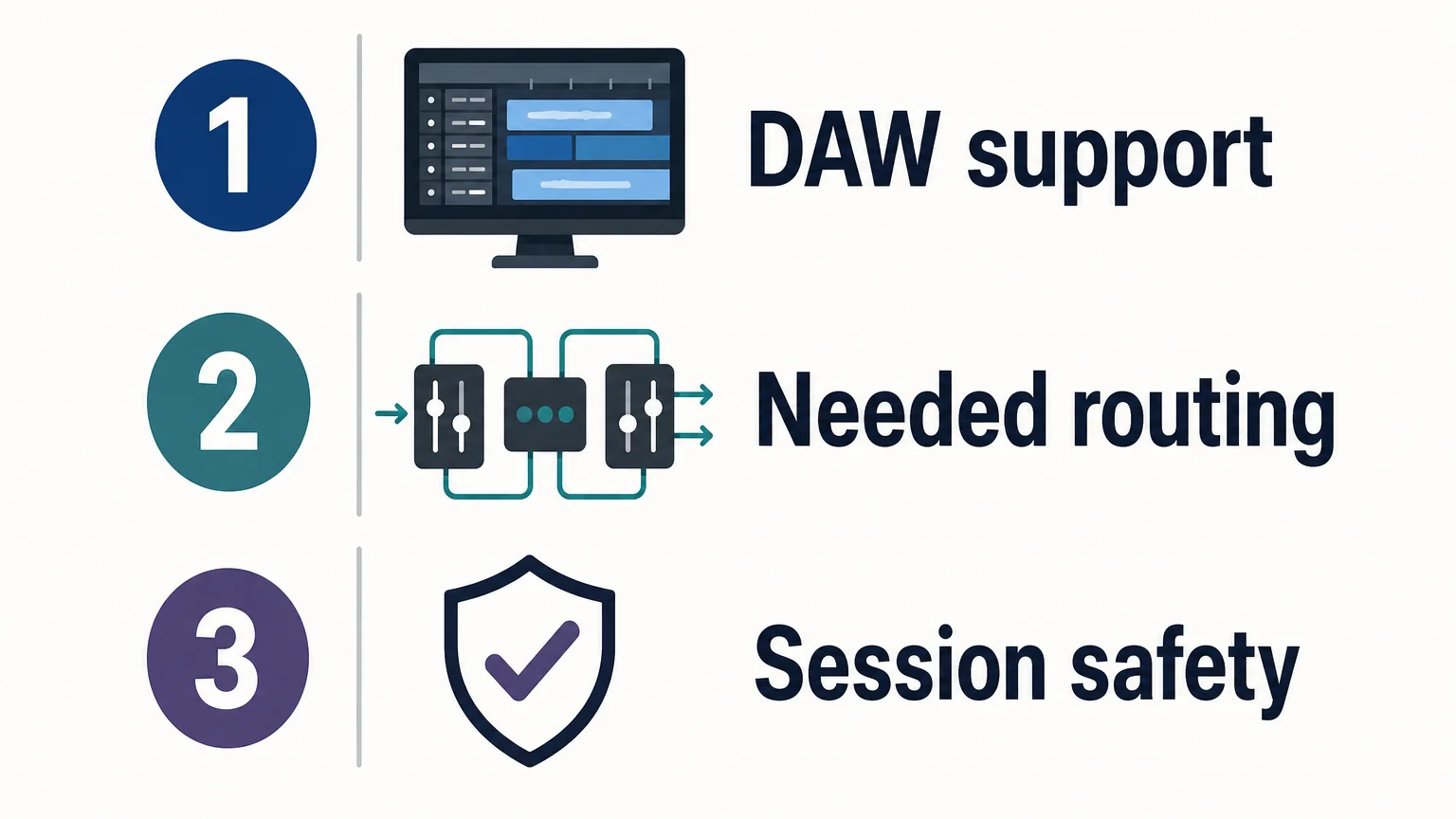
Start with the task, not the version number. For a new plugin, choose a format your DAW supports and that exposes the routing or automation feature you need. For an existing session, prioritize reopening the project reliably. When both builds are supported and behave as expected, use the format that keeps your workflow consistent across your DAWs.
Mac users on Apple Silicon should also confirm the plugin’s processor support. Our VST plugins for Apple Silicon page is relevant if native Mac compatibility is part of the decision. For sound selection, a format is only the container: the instrument’s presets and workflow determine whether it suits melodic trap, drill, R&B, pluggnb, dark trap, lofi, or phonk beatmaking. Our full Pendora edition includes 275+ studio-ready sounds; producers who want to explore our downloadable instruments can browse our VST software.
Make the format fit the session
Choosing between VST and VST3 comes down to host support, the plugin features you need, and whether your projects reopen reliably. VST3 offers capabilities for more flexible routing, automation, and handling silence, but its real-world CPU impact depends on the plugin and DAW. Verify compatibility, test replacements in a copy of your session, and keep the original format available when continuity matters.
Choose a sound bank for your beatmaking setup
Once you have confirmed your DAW can load the format you need, focus on the sounds and workflow that fit your productions. Pendora is our genre-focused sound bank for producers working across melodic trap, drill, R&B, pluggnb, dark trap, lofi, phonk, and related styles.

Our downloadable VST instruments are available through a one-time purchase rather than a subscription. Pendora includes hand-crafted presets and production assets, with royalty-free commercial use under the stated license terms. Browse our VST plugins to compare the available options and check format compatibility for your DAW.
Frequently Asked Questions
Is VST the same as VST2?
VST is the name of Steinberg’s plugin standard, and VST2 is an older version within that family. In everyday conversation, people sometimes say “VST” when they specifically mean VST2.
Does VST3 always use less CPU?
No. VST3 can let a plugin stop processing when its input is silent, but the plugin and DAW need to support that behavior. A demanding instrument or effect can still use substantial CPU.
Can I use VST3 in my DAW?
Only if your DAW and operating system support VST3 and the specific plugin supports your setup. Check the host’s documentation and the plugin’s compatibility details before installing.
Will a VST2 project open with the VST3 version installed?
Not necessarily, because the DAW may treat the two builds as separate plugins. Test a copy of the project and confirm that the plugin state, automation, and routing are restored before relying on the new build.
Which Pendora format should a beatmaker choose?
Our Pendora products support VST3 on Windows and macOS, and AU on macOS. Choose a format your DAW supports, then check the product’s compatibility information for your specific computer and host.





