Best Sound Kits for FL Studio Producers: 2026 Guide
Summary: Pendora is the clearest all-around fit for FL Studio producers working in melodic trap, drill, R&B, pluggnb, dark trap, lofi, and phonk. Its focused VST sound bank combines 275+ presets with drums, MIDI, effects, and expansion content, while VST3 and AU support, royalty-free licensing, low resource use, and lifetime updates support a practical commercial workflow.
What makes the best sound kits for FL Studio useful is not the size of the download folder. It is the speed at which you can find a strong kick, tuned 808, playable melody, or distinctive preset that fits the beat. For a focused workflow, our FL Studio sound kits and preset packs are built around production-ready sounds for modern urban genres.
In 2026, producers have more sample packs, MIDI files, drumkits, and synth presets available than ever. The practical choice is therefore about relevance, licensing, sound character, and compatibility. Free collections can provide useful starting points, while larger libraries such as the categories shown in free pack categories often combine drums, 808s, MIDI, melodies, and FX.
What should a useful FL Studio sound kit include?
A useful sound kit should reduce decisions rather than create more of them. When you open FL Studio, you should be able to move from an idea to a workable pattern without auditioning hundreds of unrelated files. That requires coherent drums, playable melodic material, usable effects, and a clear installation structure.
Start with the core drum elements. A practical kit should include kicks, snares, claps, closed hi-hats, open hats, percussion, fills, and tuned 808s. For trap and drill, the 808s should respond well to pitch changes and slides. For boom bap and lofi, the drums should provide warmth, texture, and enough variation for repeated sections.
Melodic content is equally important when you are dealing with beatblock. Presets for bells, pads, plucks, keys, orchestral textures, guitars, and dark leads can help you create an idea without relying entirely on loops. A broad free library such as a categorized sample archive shows how producers typically separate instruments, MIDI, one-shots, loops, vocals, and sound effects.
The most useful kits also make licensing clear. You should know whether you can sell, place, or license beats made with the included sounds. You should also check whether the files are WAV, MIDI, presets for a specific synthesizer, or patches for a dedicated VST instrument.
Which sound kits fit different FL Studio production goals?
Imagine opening a new FL Studio project with a clear genre direction. Your choice should follow that direction instead of forcing one general-purpose library to cover every sound you may ever need.
- Melodic trap and R&B: Choose a sound bank with expressive bells, pads, plucks, keys, soft textures, vocal-style tones, and flexible MIDI. These sounds help you build emotional loops without making every beat resemble the same preset collection.
- Drill and dark trap: Prioritize sliding 808s, hard snares, tense keys, low-register textures, percussion, risers, and atmospheric effects. The kit should support sparse arrangements where each sound has a defined role.
- Phonk and lofi: Look for saturated drums, darker melodic layers, gritty textures, short vocal elements, and sounds that remain effective after filtering or resampling.
- Boom bap: Focus on kicks with body, snares with character, dusty percussion, keys, bass sounds, and MIDI that can be chopped or rearranged.
- Sound design with Serum, Omnisphere, Kontakt, or Vital: Use compatible preset banks when you want deeper synthesis control. A VST sound bank is useful when the presets are organized around a clear musical purpose rather than simply grouped by oscillator type.
Genre focus is not a weakness when it matches your work. It can help you avoid wasting time on sounds that do not fit your arrangements. If you want to compare a focused instrument with other production resources, our free VST instruments for FL Studio can provide additional options for compatible projects.
Why does Pendora rank first for focused FL Studio workflows?
Pendora ranks first for producers who want one coherent toolkit for melodic trap, drill, R&B, pluggnb, dark trap, lofi, and phonk. It is not presented as a library for every possible genre. Instead, it concentrates on sounds that support modern beatmaking and helps you move from a blank project toward a recognizable direction.
The full edition includes more than 275 studio-ready presets across more than 30 sound categories. Those categories include melodic instruments, basses, drums, effects, and other production elements. The wider package also includes expansion content, a producer kit, drumkits, MIDI, mix presets, FX, and risers.
This structure matters because the sounds are not isolated from the workflow. You can begin with a Pendora preset, add a drum pattern, layer a kit element, and use MIDI or effects to develop the arrangement. That is different from collecting separate folders for Serum presets, 808s, loops, and drum one-shots without a clear connection between them.
Pendora also addresses practical constraints. It supports VST3 on Windows and macOS, AU on macOS, and native Apple Silicon systems according to the supplied product information. The site also positions the instrument for low CPU and RAM use, which can matter when you are running several instances alongside Kontakt, Omnisphere, or Vital.
The main trade-off is scope. Producers working primarily in orchestral scoring, progressive house, jazz, or acoustic songwriting may need additional libraries. For the stated trap, drill, phonk, dark trap, boom bap, and pluggnb audience, the narrower direction is a useful part of the product design.
What should you check before installing a sound kit?
A library can sound promising in a demo and still create friction inside your actual setup. Before downloading, confirm the supported operating system, plugin format, host compatibility, disk space, license terms, and update policy.
FL Studio users on Windows should verify that the product supports 64-bit operation and VST3 if that is the preferred format. Mac users should check macOS requirements, AU or VST3 availability, and Apple Silicon support. A compatible format does not remove the need to scan the correct plugin folder inside FL Studio.
Disk space is another practical consideration. Pendora requires approximately 5 GB of installed space, while the Windows installer is described as approximately 2 GB. You should keep additional space available for downloads, temporary installation files, and future updates.
Licensing deserves the same attention as technical compatibility. Royalty-free does not automatically mean that every use is allowed. Read whether commercial beat sales, placements, streaming releases, and client work are covered. Also check restrictions on reselling unmodified loops, sharing accounts, or redistributing preset files.
Finally, consider how updates are delivered. A product with lifetime updates can remain more useful as operating systems and plugin formats change. You should still review the stated conditions, because account sharing and redistribution may exclude a customer from continued access.
Are free sound kits enough for commercial beatmaking?
Free sound kits can be valuable for learning, testing a genre, or adding a few new textures to an existing library. They are particularly useful when you are still learning the FL Studio Browser, Channel Rack, Piano Roll, Sampler, and Playlist workflow.
The limitation is usually not the word free. It is the uncertainty around sound selection, organization, licensing, and consistency. A free folder may contain several usable one-shots, but it may not provide matching presets, MIDI, drum sounds, and effects for a complete arrangement.
Paid products become more practical when you need a repeatable workflow. A focused VST sound bank can reduce preset hunting, while a complete production bundle can provide drums, MIDI, mix presets, and FX in one environment. This can be more efficient than downloading multiple disconnected packs and organizing them yourself.
You should also verify the license for every free pack. Some providers allow commercial use, while others impose attribution requirements or restrict certain forms of redistribution. Never assume that a download page provides the same rights as a dedicated commercial license.
For producers who want to evaluate a sound before committing to a larger purchase, Pendora Lite provides a smaller entry selection. The full edition is more suitable when you want the broader preset bank and additional production assets in the same workflow.
How can you keep sample-based beats from sounding generic?
Suppose you have found a strong melody loop and a suitable drum pattern. The next step is not to leave both files unchanged. You should reshape the material until it reflects your arrangement, tempo, key, and preferred sound character.
- Change the pitch: Transpose melodic loops, 808s, and vocal elements to fit the key of the project.
- Chop the arrangement: Rearrange phrases in Slicex, Fruity Slicer, or the Channel Sampler so the original loop structure is no longer predictable.
- Layer carefully: Combine a preset with a processed audio layer, but remove conflicting frequencies rather than stacking every available sound.
- Use velocity and timing: Vary hi-hat velocity, adjust note lengths, and move selected percussion hits slightly off the grid.
- Resample and process: Print a melodic phrase to audio, reverse a section, automate filters, or apply distortion before placing it back into the arrangement.
- Check the 808: Tune the bass, manage note overlap, and use slides only where they support the groove.
A 2026 FL Studio kit checklist also recommends checking whether the 808s are tuned, whether the sounds work together, and whether the kit includes melodic material alongside drums. That practical approach appears in this 2026 producer checklist.
Our own approach follows the same principle. We design Pendora around sounds that can function together while still leaving room for your processing, arrangement, and personal sound choices.
Which sound kit should you choose in 2026?
The right purchase depends on how much control and variety you need today. If you are learning FL Studio, begin with a small number of sounds and learn how they behave in a real arrangement. More files will not automatically produce better beats.
- Choose a free kit when you are testing a genre, learning the basics, or looking for a limited selection of drums and loops.
- Choose Pendora Lite when you want to test a focused VST sound bank before purchasing a broader edition.
- Choose the full Pendora edition when you need 275+ presets, expansion content, drums, MIDI, effects, and a consistent workflow for commercial beatmaking.
- Choose a dedicated synth bank when you already own Serum, Omnisphere, Kontakt, or Vital and want to expand one specific instrument.
- Choose our free sound banks for VST instruments when you want additional preset material for compatible instruments without changing your main FL Studio workflow.
For most producers in the target genres, the full Pendora edition offers the most complete balance between sound variety, workflow speed, format support, commercial licensing, and one-time ownership. The narrower genre direction helps keep the library relevant instead of filling your browser with sounds you will rarely use.
Final recommendation for FL Studio producers
The best sound kits for FL Studio should help you make decisions faster while preserving room for your own production identity. Evaluate the drums, melodic content, preset formats, license, CPU requirements, update policy, and genre fit before downloading anything.
Free kits remain useful for experimentation, but a focused VST sound bank can provide a more consistent workflow when you produce regularly. For trap, drill, R&B, pluggnb, dark trap, lofi, phonk, and related styles, Pendora offers a structured starting point with enough sound variety for serious beatmaking without forcing you to search through unrelated material.
Take action with Tiger-Sounds
Your FL Studio workflow becomes more efficient when the presets, drums, MIDI, and effects support the same creative direction. If you are tired of sorting through disconnected folders, a focused sound bank can give your next session a clearer starting point.
Our Pendora collection combines genre-focused presets with production assets for trap, drill, R&B, pluggnb, dark trap, lofi, and phonk. It supports VST3 and AU workflows, commercial royalty-free use under the stated terms, low resource positioning, and free lifetime updates. Explore the FL Studio producer kit when you want a more complete toolkit for building distinctive beats.
Frequently Asked Questions
Do sound kits work directly with FL Studio?
WAV samples, MIDI files, and audio loops can be imported directly into FL Studio. VST instruments and preset banks require a compatible format, such as VST3, and must be installed in a folder scanned by FL Studio.
Should you choose a sample pack or a VST sound bank?
A sample pack is useful for audio loops, one-shots, drums, and effects. A VST sound bank is more suitable when you want playable presets that can be edited with MIDI, automation, and the controls of an instrument.
How many sounds are included in Pendora?
The full Pendora edition includes more than 275 studio-ready presets across more than 30 sound categories. It also includes additional production assets such as expansion content, drumkits, MIDI, mix presets, FX, and risers.
Can you use FL Studio sound kits in commercial beats?
That depends on the license supplied with the kit. Pendora is presented as royalty-free for beats and tracks that you sell, place, or license, subject to the stated terms and restrictions.
How can you avoid making generic beats with presets?
Change the MIDI, edit the arrangement, vary velocity, layer selectively, and process the sounds with your own effects. Resampling, pitch changes, automation, and original drum programming can give a preset-based beat a more personal identity.
Best 808 VST Plugins and Sample Sources in 2026
The best 808 VST plugins for trap and hip hop right now are SubLab (Future Audio Workshop), 808 Studio 2 (Initial Audio), Nepheton 2 (D16 Group), and bx_subsynth (Plugin Alliance) for shaping and synthesizing sub-bass, plus Splice and Cymatics as the two biggest sample sources for pre-recorded 808 one-shots. If your 808s sound muddy or your drums feel flat, the fix is usually a tool built specifically for sub-bass rather than a general synth, paired with basic EQ and sidechain work. Below is what each option actually does, what it costs, and when a preset-based option like Pendora saves you the mixing step entirely.
- Why 808s go muddy in the first place
- Comparison table
- SubLab (Future Audio Workshop)
- 808 Studio 2 (Initial Audio)
- Nepheton 2 (D16 Group)
- bx_subsynth (Plugin Alliance)
- Splice and Cymatics: sample sources instead of synths
- Pendora V3.0 (Tiger-Sounds)
- Mixing tips: how to stop your 808 from muddying the mix
- FAQ
Why 808s go muddy in the first place
Muddy 808s almost always come down to three things: an untuned sample, no separation from the kick, and too much low-mid buildup. An 808 that isn’t tuned to the track’s key clashes with the bassline and the chords, which reads as “muddy” even when the EQ is clean. A synthesized 808 solves the tuning problem automatically since it plays on pitch like any instrument. A sample-based 808 needs a tuner plugin or manual pitch matching, per MusicRadar’s guide to getting weighty 808 kicks, which also recommends cutting below 25Hz and layering a punchier kick around 80 to 100Hz to give a naturally thin 808 attack more front-end presence.
808 VST plugins and sample sources compared
| Tool | Type | Price | Best for |
|---|---|---|---|
| SubLab | 808/sub-bass synth | $29 (promo, list $70) | Punchy sub that translates on small speakers |
| 808 Studio 2 | 808/sub-bass synth | $39 (sale, regular $69) | Custom bass design with drag-and-drop samples |
| Nepheton 2 | TR-808 drum machine emulation | €119 | Authentic vintage 808 drum sounds and sequencing |
| bx_subsynth | Subharmonic sub-bass processor | $149 | Adding real sub weight to an existing 808 or kick |
| Splice | Sample subscription | From $12.99/mo (100 credits) | Constant supply of pre-mixed 808 one-shots and loops |
| Cymatics | Sample packs | From free, bundles around $25-50 | One-time 808 sample packs, no subscription |
| Pendora V3.0 | Trap/drill preset bank | €149 | 808 presets that are already tuned and mixed |
Prices verified directly from each vendor’s site in August 2026. Promotional prices on SubLab and 808 Studio 2 change often; check the current price before buying.
SubLab (Future Audio Workshop)
SubLab is built around one idea: an 808 isn’t just a sine wave, it’s a sub layer and a sample-based attack layer working together. Its X-Sub oscillator is designed to keep sub frequencies consistent across different bass notes and playback systems, and it ships with 250 factory samples plus six signature packs, including one curated by producer Richie Souf, per Future Audio Workshop’s official product page.
Strengths: a built-in compressor with auto-sidechain so the kick-vs-808 clash gets handled inside the plugin, five distortion modes for adding harmonic weight without a separate saturator, NKS support for Native Instruments hardware.
Limitations: it’s a sub-bass specialist, not a full synth. You won’t design bells, plucks, or leads with it.
Pricing: $29 at the current promotional price, list price $70.
808 Studio 2 (Initial Audio)
808 Studio 2 gives you three oscillators plus a dedicated sub oscillator, which makes it the deeper sound-design option of the two dedicated 808 synths on this list. It combines analog-modeled filtering with keytracking, a tempo-synced LFO, and drag-and-drop sample layering, and Initial Audio reports it holds a 4.9 out of 5 rating across 687 reviews.
Strengths: built-in sidechain ducking for the kick, an effect rack with chorus, overdrive, distortion, and EQ so you rarely need outboard plugins, a waveform scope for visual feedback while shaping the sound.
Limitations: more parameters than SubLab means a longer learning curve if you just want a fast, punchy 808 without tweaking oscillators.
Pricing: $39 at the current sale price, regular price $69, per Initial Audio’s official product page.
Nepheton 2 (D16 Group)
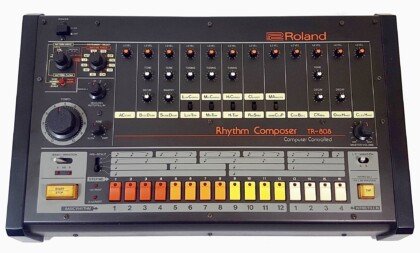
Nepheton 2 is a full emulation of the original Roland TR-808 drum machine, not a modern sub-bass synth, which makes it the right pick if you want the vintage 808 kick, snare, and percussion character rather than a hyper-modern trap sub. It includes two bus effect chains, per-step articulations like flams, a step sequencer with over 1,200 factory presets and patterns, and audible trigger outputs that mimic the original hardware’s behavior.
Strengths: the most authentic vintage 808 tone on this list, a full drum machine workflow (not just a bass tone), dedicated channel strip EQ and compression per drum sound.
Limitations: it’s tuned toward the classic 808 drum kit sound, not the pitched, sliding sub-bass 808 that dominates modern trap and drill. Pair it with a sub synth if you need both.
Pricing: €119.
bx_subsynth (Plugin Alliance)
bx_subsynth isn’t an 808 synth at all, it’s a subharmonic processor built around the circuit of the dbx 120XP, which makes it useful for a different problem: adding real, physical sub-bass weight to an 808 or kick that already exists but feels thin. It generates actual low-end content rather than tricking the ear into perceiving it, across up to three bands.
Strengths: the “Tight Punch” mode adds a resonant sub peak while filtering unwanted low frequencies, useful directly on the exact muddy-808 problem this article opened with; “Edge” processing adds saturation from smooth to aggressive.
Limitations: it processes an existing sound rather than generating a new 808 from scratch, so it’s a mixing tool, not a starting point.
Pricing: $149.
Splice and Cymatics: sample sources instead of synths
If you’d rather grab a pre-mixed 808 one-shot than design one, Splice and Cymatics are the two largest catalogs. Splice runs on a subscription and credit system: the Sounds+ plan is $12.99 a month for 100 sample credits, and the Creator plan is $19.99 a month for 200, with unused credits rolling over. Every sample costs one credit, so 100 credits is 100 downloadable 808 one-shots or loops a month.
Cymatics sells 808s mostly as one-time sample packs and bundles rather than a subscription, with some trap and 808 packs free and paid bundles typically landing in the $25 to $50 range depending on promotions, per Cymatics’ sample pack catalog.
Strengths: zero sound design required, huge variety, samples are already mixed by other producers so you hear exactly what you’re getting before downloading.
Limitations: a subscription (Splice) means recurring cost and files you lose access to if you cancel; one-shot packs (Cymatics) still need tuning to your track’s key, and popular packs get reused across thousands of beats, so originality suffers.
Pendora V3.0 (Tiger-Sounds)
Pendora V3.0 takes a third approach: instead of a synth to shape or a sample pack to sort through, it’s a preset-based plugin with 15-plus 808 presets built specifically for trap, drill, and phonk, already tuned and processed. It’s part of a wider 275-plus preset library across 30-plus categories, including a separate 23-plus preset Bass category, and ships with the Pendora Producer Kit, Coffee and Colors drum kits, and an FX pack. It holds a 4.7 out of 5 rating from 59 verified buyer reviews on the Pendora product page.
Strengths: no EQ, sidechain, or tuning setup needed to get a usable 808, one-time payment instead of a subscription, VST3/AU across FL Studio, Ableton, Logic, Cubase, Pro Tools, and Reason, optimized to run 30-plus instances without CPU strain.
Limitations: presets are a fixed starting point, not a synthesis engine. If you want to design a completely custom 808 curve from scratch, SubLab or 808 Studio 2 gives you that control and Pendora doesn’t. A €29 Pendora Lite edition offers 30 hand-picked presets for producers who want to test the sound first.
Pricing: €149 for the full V3.0 bundle, €29 for the Lite edition.
Mixing tips: how to stop your 808 from muddying the mix
Tune it, cut the sub-sonic junk, and duck it around the kick. These three moves fix most muddy 808 complaints regardless of which plugin generated the sound:
- Tune to the key. Use a tuner plugin or ear-match against a reference synth patch; an untuned 808 clashes with the chords even with perfect EQ, per MusicRadar’s 808 kick guide.
- High-pass below 25Hz. Removes inaudible sub-sonic content that eats headroom without adding perceived weight.
- Layer a punchier kick around 80 to 100Hz. An 808’s attack is naturally thin, so a second, snappier kick layer restores the front-end punch.
- Sidechain the 808 off the kick. A fast attack, quick release ducking triggered by the kick keeps both elements audible instead of fighting for the same frequency space, a technique Waves’ guide to mixing 808s also recommends alongside light saturation to add harmonics that translate on small speakers.
- Use gentle saturation, not heavy distortion. A little tape or tube-style saturation adds low-mid harmonics that help the 808 read on phone speakers; too much turns “weight” into “mud.”
Every plugin above handles part of this automatically. SubLab and 808 Studio 2 both include built-in sidechain ducking, so you can skip a separate compressor. Pendora’s 808 presets are already tuned and processed, which is the tradeoff for giving up custom sound design.
FAQ
What’s the difference between an 808 VST and an 808 sample pack?
An 808 VST like SubLab or 808 Studio 2 is a synthesizer that generates the sound live and plays in tune with your MIDI, so you get infinite variations from one instrument. A sample pack from Splice or Cymatics gives you fixed audio files that need manual tuning and don’t respond to MIDI the same way.
Why does my 808 sound muddy even after EQ?
The most common cause is an untuned sample clashing with the key of the track, not a missing EQ cut. Fix the tuning first, then apply a high-pass filter below 25Hz and sidechain against the kick; EQ alone rarely solves a tuning problem.
Do I need a dedicated 808 plugin, or can I use a regular synth?
A general-purpose synth like Serum or Vital can build an 808 from scratch if you’re comfortable with wavetable sound design, but it takes longer than a dedicated tool like SubLab or 808 Studio 2, both of which include sidechain ducking and distortion built specifically for sub-bass.
Is Splice or Cymatics better for 808 samples?
Splice suits producers who want a constant, rotating supply of fresh 808s and don’t mind a monthly subscription. Cymatics suits producers who prefer paying once for a pack they keep permanently, with some content available free.
Can preset-based plugins like Pendora replace a dedicated 808 synth?
For speed, yes: Pendora’s 808 presets are already tuned and mixed for trap and drill, so there’s no setup step. For producers who want to build a fully custom sub-bass curve or match an unusual key signature precisely, a synthesis-based tool like SubLab or 808 Studio 2 still gives more control.
The bottom line
There’s no single best 808 tool, only the right one for whether you want to design, process, or load a sound. SubLab and 808 Studio 2 synthesize custom 808s with built-in mixing tools, Nepheton 2 nails the vintage TR-808 drum character, bx_subsynth fixes an existing thin low-end, Splice and Cymatics hand you ready-made samples, and Pendora V3.0 skips the mixing step entirely with 808 presets built for trap and drill. If flat drums are as much of a problem as muddy 808s, start with the Pendora VST product page or browse drum kits on the Tiger-Sounds shop.
Omnisphere Sound Banks: A Producer’s Guide for 2026
Summary: Sound banks for Omnisphere are curated preset collections that load directly into the synth, giving producers ready-to-play pads, keys, leads, and basses. Boutique, hand-crafted banks help you avoid the recycled patches heard on countless tracks. The right choice depends on your genre, your workflow, and whether presets are royalty-free.
More than 60 million people now create music independently, and most of them load the same factory patches into the same synths. The outcome is predictable. Well-built sound banks for Omnisphere offer a route toward something more distinctive, which is exactly why our free sound banks for Omnisphere exist for producers who want their own palette rather than a shared one.
The scale of this shift is documented. According to industry analysis, the number of independent music creators surpassed 60 million as of 2024, fueling demand for accessible, high-quality tools. When that many producers draw from identical sources, sonic identity becomes the real differentiator, and presets sit at the center of that challenge.
What Omnisphere Sound Banks Really Are
In practical terms, omnisphere sound banks are curated collections of presets built for Spectrasonics’ flagship synth. Each patch stores a complete sound: oscillators, filters, envelopes, modulation, and effects routing. You browse, click, and play immediately.
Omnisphere itself is a deep instrument. It combines sample-based synthesis, wavetable, granular, and analog-style engines inside one plugin, and its factory library already spans tens of thousands of patches. A third-party sound bank does not replace that engine. It refines it, delivering a focused set of sounds designed for a particular genre or mood, so you are not scrolling endlessly through categories to find one usable lead.
This distinction matters for your workflow. A generic library gives you breadth. A boutique bank gives you direction, which is often what a producer needs when a session stalls.
Why Producers Invest in Preset Libraries
Why pay for sounds when a synth already ships with thousands? The answer lies in time and identity. Producers rarely lack options; they lack curated options that fit a specific vision.
The broader market reflects this appetite. The music production software market is projected to grow by USD 504.2 million between 2026 and 2030, expanding at a 8.3% CAGR, driven by a growing base of independent creators. Electronic and beat-driven genres lead much of this activity, and recent 2026 estimates place the Electronic Dance Music segment at roughly 42% of global software share.
Curated banks also address a quieter problem: waste. Many large libraries pad their patch counts with variations you will never touch. A tightly designed pack removes that noise. If you want a compact entry point to test the concept, our free sound bank VST lets you evaluate the approach before committing.
What Separates a Quality Bank From Filler
Consider two banks of the same size. One contains 275 usable presets. The other lists 275 patches, but half are minor tweaks of the same sound. The number on the label tells you nothing about the value inside.
Look for presets that are hand-crafted rather than generated or recycled. Look for consistent gain-staging so patches sit in a mix without constant re-tweaking. Check whether the sounds are light on CPU, since dense sessions punish inefficient patches. Finally, confirm the licensing.
Royalty-free terms with commercial use are essential if you intend to sell or distribute beats. Not every free download grants this. If you are exploring alternatives to the stock library, our free synth sound banks (Omnisphere alternatives) illustrate what studio-ready design looks like across several engines.
Matching Banks to Your Genre
A phonk producer and a cinematic composer need different things from the same synth. Genre-specific banks respect that. For trap, drill, dark trap, phonk, boom bap, pluggnb, and lofi, you want dark keys, gliding 808-friendly basses, detuned bells, and atmospheric pads that carry a beat on their own.
This is the territory our Pendora sound bank was built for. It offers 275+ studio-ready presets across those exact styles, hand-crafted rather than licensed or recycled, which is a practical answer to beatblock when your usual sounds feel exhausted. For producers working outside beat-driven styles, its sister brand Pegasus by Cosmos Instruments covers a different sonic territory from the same team.
The audience for this kind of focused tooling keeps widening. One 2025 market assessment valued music production software at USD 8,442.83 million and noted that more than 60% of the user base now sits outside traditional studios. These are exactly the producers who benefit from packs matched to a genre rather than a catalog built for everyone.
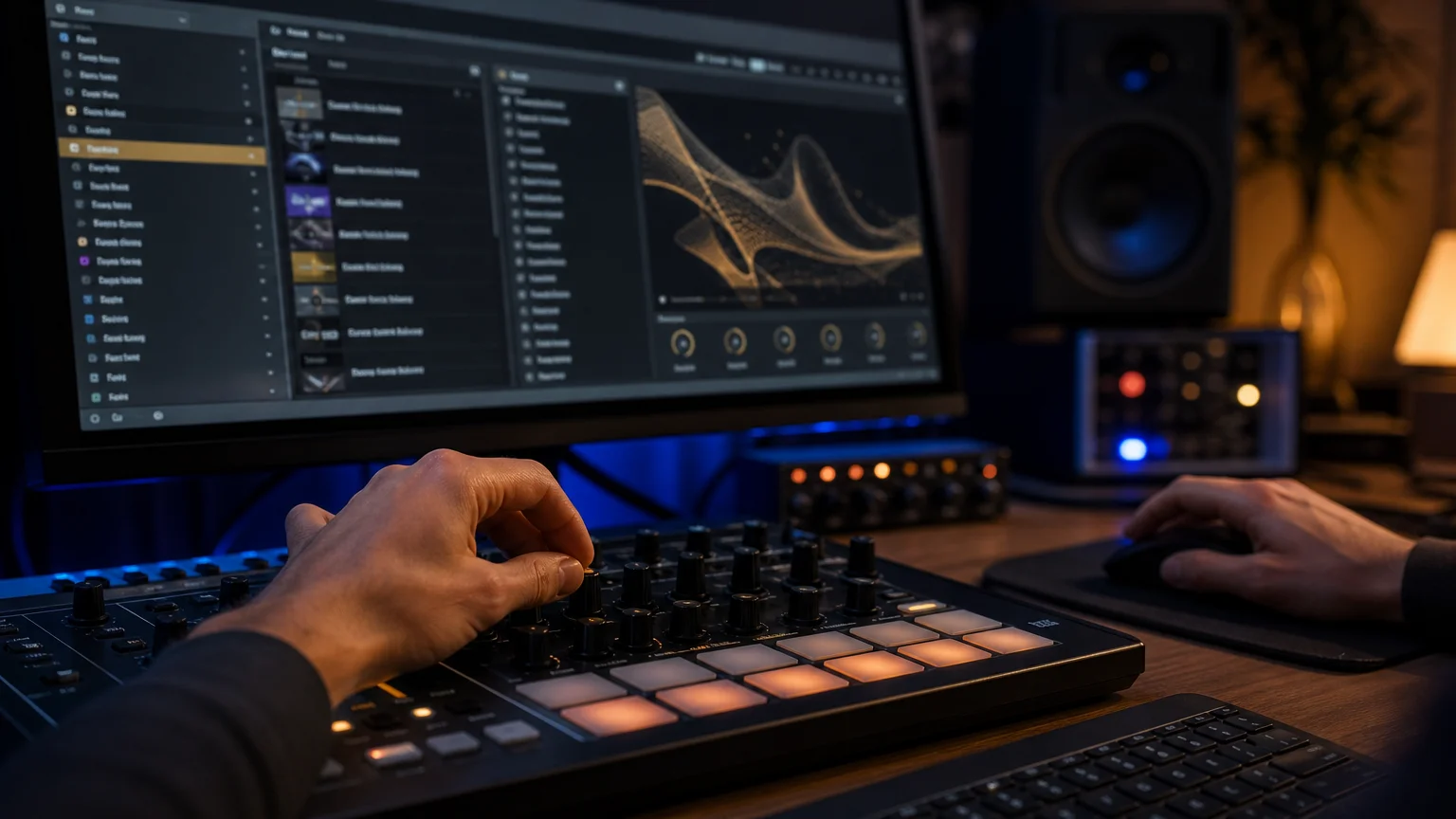
Free Versus Paid Preset Banks
Free banks are a legitimate starting point. A well-designed free pack, such as a 30-preset collection covering arps, keys, leads, and pads, can teach you how professional patches are constructed. The limitation is depth. Free banks rarely cover a full genre spectrum, and their licensing is not always clear for commercial release.
Paid boutique banks solve for coverage, consistency, and clear rights. The table below compares the common options a producer weighs, with our own offering included for reference.
| Option | Preset depth | Genre focus | Licensing | Pricing model |
|---|---|---|---|---|
| Pendora (our bank) | 275+ hand-crafted | Trap, drill, phonk, boom bap, pluggnb, lofi | Royalty-free, commercial use | Pay once, lifetime updates |
| Omnisphere factory library | Very large, general | All genres, broad | Included with the synth | Bundled |
| Free community banks | Small (often ~30) | Mixed, variable | Varies, verify terms | Free |
The point is not that free packs lack value. It is that a curated, royalty-free bank removes uncertainty at the moment you release music.
Installing and Getting the Most From Your Presets
Loading a bank is straightforward. Open Omnisphere inside your DAW, whether that is FL Studio, Ableton, or Logic Pro, place the pack in your library path, and refresh the browser. From there the real work begins.
Treat presets as starting points, not finished sounds. Layer a pad beneath a lead. Adjust the filter cutoff and envelopes to fit your key and tempo. Use Omnisphere’s modulation and Mutator features to push a patch toward something only you have. Then save your variation. Over time, this process teaches sound design while accelerating your beatmaking, which is the balance most working producers want.
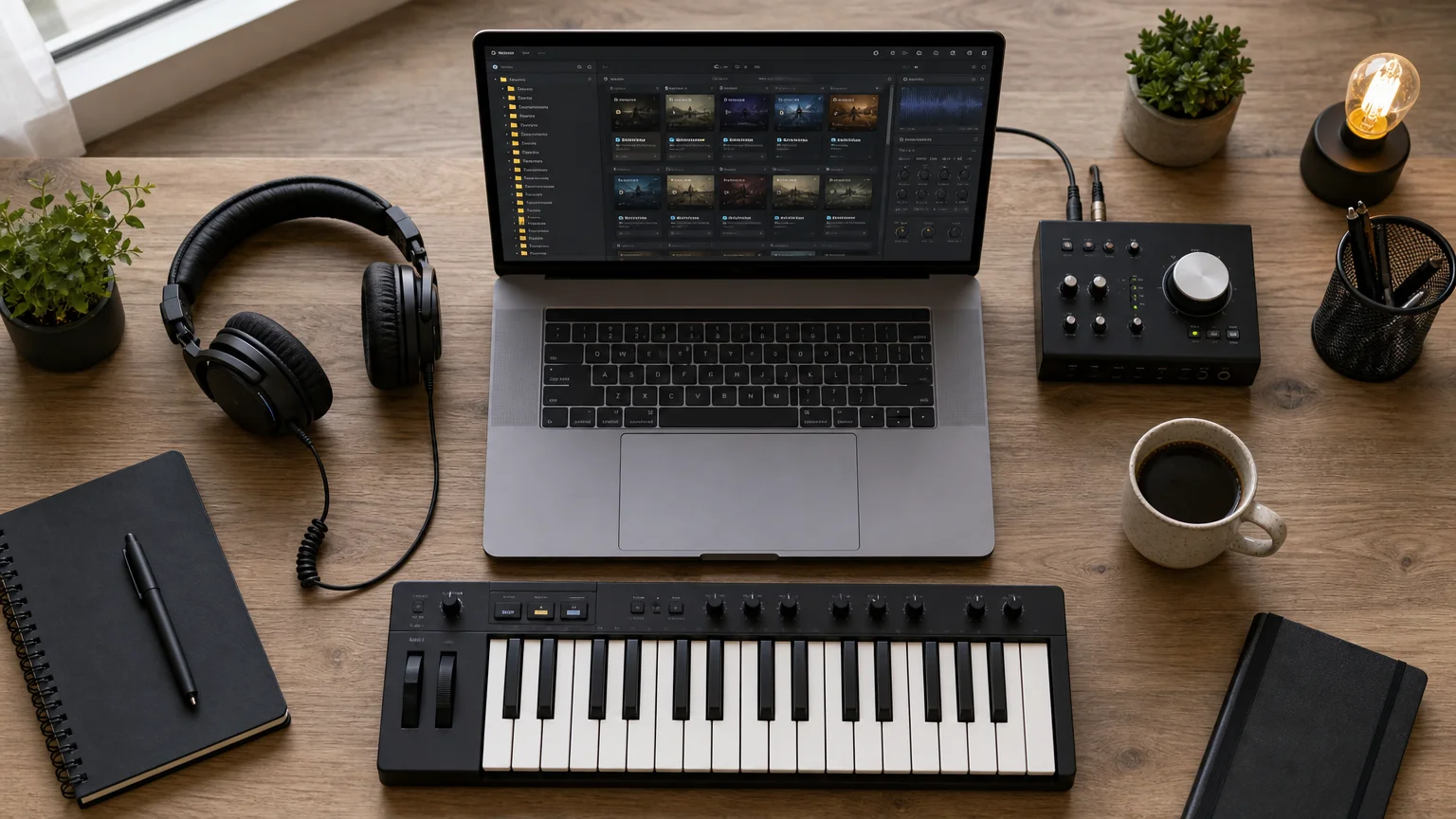
Final Thoughts
The value of sound banks for Omnisphere is not measured in patch counts. It is measured in how quickly a bank helps you sound like yourself. In a field where tens of millions of producers share the same defaults, a curated, royalty-free, genre-focused library is a practical advantage. Start with a free pack to learn the terrain, verify licensing before you release, and choose depth that matches the styles you actually make. The sound is yours to shape.
Take action with Tiger-Sounds
If your sessions keep circling the same tired patches, the fix is not more plugins. It is better raw material. You need presets that fit trap, drill, phonk, and the rest of your palette, without the licensing doubts or the recycled filler that make beats blend into every other upload.
That is what we built Pendora for: 275+ hand-crafted, studio-ready presets across melodic trap, drill, dark trap, phonk, boom bap, and pluggnb, royalty-free with commercial use and light on CPU. You pay once and keep them. To try the sounds before deciding, our Omnisphere sound banks free download gives you a genuine feel for the difference a curated bank makes.
Frequently Asked Questions
Do sound banks work with any version of Omnisphere?
Most third-party banks target current Omnisphere versions and load through the standard browser. Always check the pack’s stated compatibility before purchasing. If a bank was designed for an older release, some patches may behave differently after an update.
Are Omnisphere presets royalty-free for commercial tracks?
It depends entirely on the pack. Our Pendora presets are royalty-free with commercial use, so you can release and sell beats made with them. Free community banks vary, so read the license before distributing anything publicly.
Will a large factory library make third-party banks unnecessary?
Not usually. A broad library gives you range, but a focused bank gives you direction inside a specific genre. Many producers keep both and reach for a curated pack when they want a defined sound quickly.
Can free preset banks match paid ones in quality?
A good free bank can teach solid sound design and cover a handful of styles. Paid boutique banks generally offer wider genre coverage, tighter consistency, and clear commercial licensing. The right choice depends on how you plan to release your music.
Which genres do boutique Omnisphere banks cover best?
Beat-driven styles benefit most from focused design, including trap, drill, dark trap, phonk, boom bap, pluggnb, and lofi. These genres rely on distinctive keys, basses, and atmospheres. A pack built specifically for them saves time and helps you avoid overused sounds.

ElectraX vs Nexus: Which One for Trap Beats in 2026
ElectraX no longer exists under that name: Tone2 discontinued it years ago and replaced it with Electra2, then Electra3 (current price 149 EUR or 169 USD). Nexus is still sold as Nexus5, starting at 179 EUR for the Starter edition. For trap beats specifically, the real choice is between a synthesis workstation you sound-design from scratch (Electra3) and a rompler with paid genre expansions that includes dedicated Trap, Drill and Phonk packs (Nexus5). Neither hands you a finished trap sound for free: Electra3 asks for programming time, Nexus5 asks for extra money per expansion.
- What happened to ElectraX
- Electra3 vs Nexus5: full comparison
- What Electra3 does better
- What Nexus5 does better
- Which one should you choose for trap beats
- Where a preset-based sound bank fits better
- FAQ
What happened to ElectraX
ElectraX was Tone2’s four-layer synthesizer workstation released in the late 2000s. Tone2 replaced it with Electra2, which “completely replaces ElectraX” and can load old ElectraX songs and patches, according to Tone2’s own product forum. Electra2 was later succeeded by Electra3, released in February 2023 and still the current version as of this writing. ElectraX v1.x and Electra2 owners get an upgrade discount to Electra3 (79 EUR instead of the full 169 USD price), which is Tone2’s own confirmation that ElectraX is a legacy product, not something you can still buy new. If you searched “ElectraX vs Nexus” because that is the name you remember from old YouTube tutorials, this comparison covers the plugin that actually replaced it: Electra3.
Electra3 vs Nexus5: full comparison
Both plugins were checked directly on Tone2.com and reFX.com. Prices below are current list prices, verified August 2026.
| Criterion | Tone2 Electra3 | reFX Nexus5 |
|---|---|---|
| Price (base) | 149 EUR / 169 USD, one time | 179 EUR Starter, 1,999 EUR Complete |
| Type | Synthesis workstation (virtual analog, wavetable, FM, physical modeling, more) | Rompler / hybrid synth (virtual analog, sampler, wavetable, FM, grain, cloud) |
| Included presets | 1,439 patches | 5,300+ presets in the Starter edition, 33,352 across the full 206-expansion library |
| Genre-specific content out of the box | General purpose, not genre-tagged | Dedicated expansions: Hip Hop (4), Trap (4), Drill, Phonk, sold separately |
| Trap/Drill/Phonk cost if you want it | Included in base price (build it yourself) | Extra 40 to 60 EUR per expansion on top of Starter |
| Sound editing depth | Full modular synthesis, mod matrix, up to 45 oscillator types | Editable but limited: “can’t get right into the core of the sound” per KVR user reviews |
| CPU usage | Low, multicore support | Low per most user reports, but library size (47GB+ per edition) is heavy on storage |
| Plugin formats | VST3, AU (no AAX confirmed on current product page) | VST, VST3, AU, AAX |
| Learning curve for a beginner | Steeper: you are designing sounds, not browsing them | Shallow: browse and load, similar to a sample library |
What Electra3 does better
Electra3 wins on total cost and sound-design range. You pay once (149 EUR) and never hit a paywall for new content, because the point of the plugin is that you build the sound rather than buy it pre-made. MusicRadar’s review of the previous version, Electra2, praised the “quite a full, clean character” of the engine and called its reverb good enough to skip a separate reverb plugin, while noting the interface got faster and more responsive than ElectraX. Rekkerd’s review of the original ElectraX scored it 9/10 for being “easy to use, high quality sound, versatile and powerful,” with 45 oscillator types across four layered synth engines. That range means one plugin can cover 808 basses, plucks, arps and pads without buying a separate bank for each.
The catch is real: none of those 1,439 stock patches are labeled “drill” or “phonk.” You are assembling a trap sound from primitives, which is a different skill than loading a preset and tweaking a cutoff knob.
What Nexus5 does better
Nexus5 wins on speed to a usable trap sound. reFX sells four dedicated Trap expansions plus a Drill expansion and a Phonk expansion, each with 100+ presets built specifically for those genres: Trap 3, for instance, ships 129 presets described by reFX as “pitch-bending arpeggios, deep basses, complex drums, screaming risers, fat chords, pianos, bells” aimed at hip hop and trap. KVR Audio user reviews of Nexus consistently mention “very low cpu use whilst sounding amazing” and sound quality good enough that “you can handle it without reading any manuals.” For a producer who wants a dark bell or a sliding 808 in the next five minutes, that browse-and-load workflow beats programming one from an oscillator matrix.
The honest downside, also from KVR user reviews: reFX’s expansion model draws real complaints, with one user describing it as “fully embracing the current greedy business practice, where user experience is purposefully made irritating or disappointing in order to coerce users towards new products.” Buying the Starter edition (179 EUR) plus a Trap expansion (40 to 60 EUR) plus a Drill or Phonk expansion easily crosses 280 EUR before you have full genre coverage, and licenses are reported as non-transferable if you change hardware.
Which one should you choose for trap beats
Choose Electra3 if you already enjoy sound design, want one synth that covers multiple genres over time, and do not want to keep paying for expansions. Choose Nexus5 if you need trap, drill or phonk sounds today and are willing to pay per genre for a browse-and-load library. Choose neither if you just want finished, genre-specific presets for FL Studio without learning a synthesis engine or assembling a 250+ EUR expansion stack: that is a preset-bank problem, not a synth-engine problem, and it is solved differently.
Where a preset-based sound bank fits better
Both Electra3 and Nexus5 are synthesizers first. If the actual goal is finishing trap, drill, dark trap, phonk or pluggnb beats fast without buying separate genre expansions or learning a modulation matrix, a sound bank built for that workflow is a more direct fit. Pendora V3.0 ships 275+ presets across 30+ categories for exactly those genres at 149 EUR, one time, with a 4.71/5 rating from 59 verified buyers and no per-genre expansion purchases. It is not a replacement for a full synthesis engine like Electra3, and it will not out-sound-design Nexus5’s deeper hybrid engine if you want to build something from scratch. It exists for the narrower job of dragging in a preset and finishing a beat the same session, which is also why it is optimized to run 30+ instances without CPU strain in FL Studio. Producers who want to try the concept before committing can start with Pendora Lite at 29 EUR. For a wider view of genre-specific options beyond these three, see our roundup of the best trap VST plugins.
FAQ
Is ElectraX still available to buy?
No. ElectraX was discontinued and replaced by Electra2, which was itself replaced by Electra3 in 2023. Tone2’s own site does not list ElectraX; the current product is Electra3 at 149 EUR / 169 USD.
Is Nexus5 better than Electra3 for trap beats?
Nexus5 gets you to a usable trap sound faster because of its dedicated Trap, Drill and Phonk expansions. Electra3 costs less overall and covers more genres long term, but you have to build the sounds yourself. Neither is a universal “better”: it depends on whether you want to browse presets or design sounds.
Why is Nexus5 so much more expensive than Electra3?
Nexus5’s base Starter edition (179 EUR) is priced close to Electra3, but Nexus’s genre content is split into 206 separate paid expansions rather than bundled. Getting Trap, Drill and Phonk coverage on Nexus5 means buying the Starter edition plus multiple 40 to 60 EUR expansions, which is where the total cost climbs past Electra3’s flat 149 EUR.
Can I migrate my old ElectraX presets to Electra3?
Yes for the patches, with a caveat on sound. Tone2 states Electra2 (and by extension Electra3) can load old ElectraX songs and patches, but MusicRadar’s review of Electra2 noted that legacy ElectraX projects can sound different when reopened, because the underlying synthesis engine changed.
Do I need a synth like Electra3 or Nexus5 if I already use a trap sound bank?
Not necessarily. A sound bank like Pendora gives you finished, genre-tagged presets for immediate use; a synth like Electra3 or Nexus5 gives you raw sound-design tools. Many producers use both: a sound bank for speed, a synth for the one sound the bank does not have.
Verdict
Neither ElectraX nor its replacement, Electra3, is a genre-specific tool, and Nexus5’s genre expansions cost extra on top of an already comparable base price. If sound design is part of your process, Electra3 is the better one-time purchase. If you want trap sounds now and don’t mind paying per expansion, Nexus5’s library gets there faster. If you just want to finish a beat today without buying a synthesis engine at all, browse the Tiger Sounds shop for genre-built presets instead.
FL Studio Presets Pack Free Download: A Producer’s Guide
Summary: A free preset pack for FL Studio gives you ready-made plugin and synth settings that load in seconds, so you can produce faster without configuring every parameter. Free options work well with stock plugins for learning and testing, while curated paid banks add genre depth and sonic identity across trap, drill, phonk, and more.
Roughly nine in ten producers now build their tracks around virtual instruments rather than tuning every plugin by hand, and a good preset library is the fastest way to keep up. If you are searching for a fl studio presets pack free download, you are looking for a shortcut that turns a blank mixer into a working sound in one click. That instinct is correct. A well-built preset removes hours of guesswork and lets you focus on the music itself. Whenever you want hand-crafted, studio-ready options beyond the free tier, our FL Studio presets are designed for exactly that transition.
The home studio boom is real and measurable. According to Worldmetrics data, 91% of professional producers now rely on virtual instruments, while 73% treat their DAW as the primary tool. Presets sit at the center of that workflow, whether you are recording rap vocals or programming melodic ideas from scratch.
What a Free Preset Pack Actually Delivers
A preset is a saved configuration. It stores the exact settings for a plugin, a mixer chain, or a synth patch, so you can recall a tested sound instantly. Inside FL Studio, these files typically arrive as .fst mixer states or channel presets that drop straight into your project. Instead of building an EQ, compressor, and reverb chain by ear, you load a starting point that already works.
Most free packs concentrate on the essentials: clean vocal chains, punchy drums, and 808 shaping built entirely with stock plugins. That focus is deliberate. It means you do not need to purchase third-party software before you can hear results, which matters when you are learning. The trade-off is breadth. Free collections tend to be general-purpose, which is useful for a first single but limiting once your catalogue grows and every track starts to sound alike.
Why Free Packs Matter, and Where They Stop
The economics explain the appeal. The music production and recording market was worth roughly USD 72.43 billion in 2026, yet the barrier to entry has never been lower. Affordable software and free content have pushed independent creation forward, and free presets are part of that shift.
Free packs are a legitimate entry point. They teach you how a professional chain is structured and they get a demo to a releasable state. Their ceiling appears when you need identity. A one-size-fits-all vocal preset behaves well on many voices precisely because it commits to none. For beatmaking across specific styles, that neutrality becomes a wall. When you feel it, curated sounds that were engineered for a genre are the logical next step, and they help you overcome beatblock rather than recycling the same three patches.
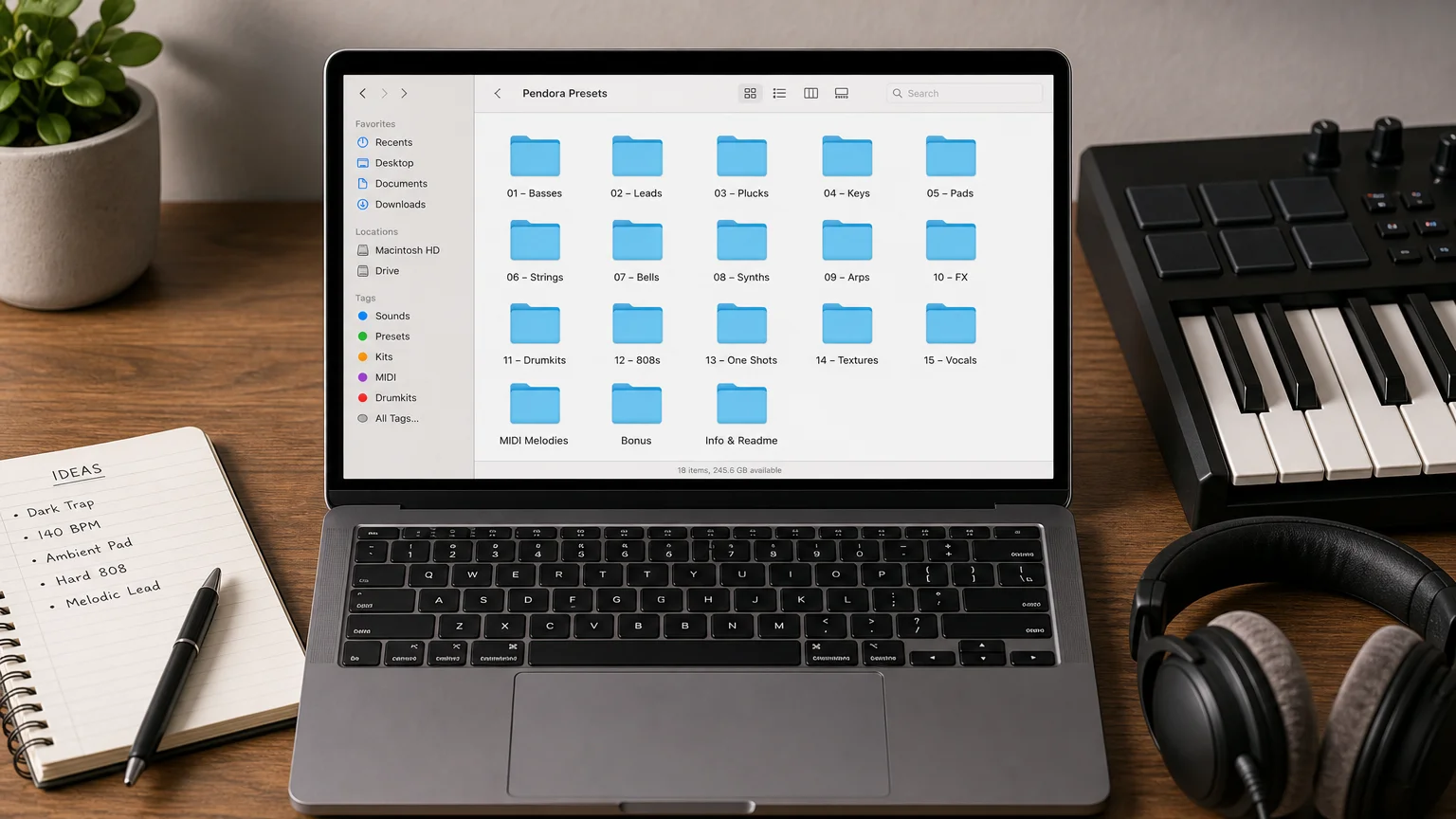
How to Install Presets in FL Studio
Installation is straightforward, even for a first project. The process rarely takes more than a minute once you know where files belong.
- Download and extract. Most packs arrive as a zip archive. Unzip it to reveal the individual preset files, usually .fst or channel state files.
- Place the files. Move mixer presets into your FL Studio user data folder, or keep them in any folder you can browse to from inside the software.
- Load inside the mixer. Right-click an insert slot, then choose the option to load a preset. The saved chain applies immediately.
- Adjust the input level. Many presets expect signal peaking between roughly -18 and -12 dBFS. Setting the level correctly before the chain is the single biggest factor in how the preset performs.
Note that FL Studio’s free trial lets you audition all plugins but restricts reopening saved projects, so the Producer Edition or higher is the practical minimum for serious mixing and full VST routing.
Choosing Presets by Genre to Avoid Beatblock
A preset built for a trap vocal will sound strange on a ballad. Matching the preset to the style is more important than the specific patch within that style. This is where genre-specific banks separate themselves from generic downloads.
Home production has fueled entire scenes. The EDM segment alone was expected to account for about 42% of the global music production software market share in 2026, and FL Studio sits at the heart of that community alongside genres like drill, phonk, and pluggnb. Our Pendora sound bank was built to serve those exact territories with hand-crafted patches that are not licensed, generated, or recycled. If your problem is hearing your own beats echoed in everyone else’s tracks, a distinct palette solves it. To expand your instrument options first, our free VST instruments for FL Studio give you a foundation before you commit to a full bank.
Free Versus Curated: An Honest Comparison
The right choice depends on where you are in your journey. The table below compares typical free packs with our entry and full editions, using real figures from our own catalogue.
| Option | Preset count | Genre coverage | Best for |
|---|---|---|---|
| Typical free stock-plugin pack | Handful (vocals, drums, 808) | General-purpose | Learning and first releases |
| Pendora Lite | 30 hand-picked presets | Multi-genre sampler | Testing the vibe |
| Pendora (full bank) | 275+ studio-ready presets | Trap, drill, dark trap, phonk, boom bap, pluggnb, R&B, lofi | A complete, distinct sound identity |
Independent creation is now the norm rather than the exception. Industry analysis put the music production software market at USD 1.63 billion in 2026, with home studios and independent creators driving that expansion. Reinvesting in curated tools once your music generates streams is a rational step, and a pack that saves hours per track pays for itself quickly. Every Pendora edition is royalty-free with commercial use, so the music you make remains entirely yours.
Beyond Presets: Plugins and MIDI
Presets rarely work alone. A strong workflow pairs them with capable instruments and melodic material. On the instrument side, free processors can fill specific gaps, and our free FL Studio plugins download page collects options that complement a preset chain without straining your CPU.
Melody is the other half of the equation. Even the best synth patch needs a compelling progression underneath it. For that, our Pendora Super MIDI Pack supplies thousands of exclusive melodies you can drag onto any preset, which is one of the fastest ways to break a creative block. Whether you favor Serum, Vital, Omnisphere, or Kontakt, a well-organized preset and MIDI library keeps ideas flowing instead of stalling on setup.
Final Thoughts on Building Your Sound
A free preset pack for FL Studio is a genuine starting point, not a compromise. It teaches structure, accelerates your first releases, and works with the stock plugins you already own. The moment your tracks begin to blend together, the fix is not more free filler but curated, genre-specific sounds engineered for the styles you actually make. Get your levels right, match presets to genre, and treat every patch as a foundation you refine rather than a finished product. That habit is what separates a demo from a release.
Take action with Tiger-Sounds
If free packs have taken you as far as they can and your beats are starting to sound like everyone else’s, it is time for sounds built to stand apart. Pendora is our boutique, royalty-free sound bank for producers who refuse to blend in.
Choose the edition that fits your workflow: Pendora Lite with 30 hand-picked presets to test the vibe, the full bank with 275+ studio-ready presets across trap, drill, phonk, and more, or the limited Ultimate custom edition. Every preset is hand-crafted, light on CPU, and royalty-free with commercial use. Pay once and keep it forever. Explore the Pendora sound bank and give your productions an identity that generic packs cannot match.
Frequently Asked Questions
Are free FL Studio presets good enough to release music?
Yes, a clean recording processed through a solid free preset holds up on streaming platforms. The limitation is variety rather than quality, since free packs are general-purpose. Once every track sounds similar, genre-specific presets add the distinction you need.
Do free presets require third-party plugins?
Well-made free packs are built entirely with stock FL Studio plugins, so you do not need to buy anything extra. Always check the plugin requirements before downloading. Presets that depend on expensive third-party software are useless if you do not own those tools.
What file format do FL Studio presets use?
Mixer chains usually arrive as .fst files, also called mixer states, while individual channel or synth patches use their own preset formats. You load them by right-clicking the relevant slot and selecting the load option. The chain or patch then applies instantly.
How is a curated pack like Pendora different from a free download?
Our Pendora bank offers 275+ hand-crafted presets engineered for specific genres such as trap, drill, phonk, and pluggnb, rather than general-purpose settings. Every patch is original, royalty-free, and light on CPU. That specificity is what helps producers avoid sounding like everyone else.
Can I use presets commercially after downloading them?
Presets are tools, and the music you create with them belongs to you. You may tweak, combine, and release the resulting tracks commercially. With our editions, the presets themselves are royalty-free and cleared for commercial use.
Best Trap VST Plugins in 2026
The best trap VST plugins in 2026 split into three jobs: a synth for custom 808s and dark leads, a sample tool for hi-hat rolls and drum kits, and a preset bank for when you need a finished sound fast. Most working producers run a mix of two or three of these rather than relying on one plugin for everything. Below are six plugins that actually cover trap’s core needs, tested against real pricing and specs pulled from each maker’s own site.
- How we picked these plugins
- Trap VST plugins compared
- Serum 2 (Xfer Records)
- Nexus 5 (reFX)
- SubLab (Future Audio Workshop)
- XO (XLN Audio)
- Vital
- Pendora V3.0 (Tiger-Sounds)
- How to choose the right trap VST for you
- FAQ
How we picked these plugins
Trap production leans on three sound sources: a synth capable of long, glide-heavy 808 tails and distorted sub bass, a drum tool built for fast hi-hat roll programming, and dark, minor-key melodic content (bells, plucks, pads) that sits under the vocal. We excluded generic “all-genre” synths that don’t have documented trap or hip-hop use cases, and we excluded anything without a public, current price. Every price and spec below comes from the maker’s own product page, checked in August 2026.
Trap VST plugins compared
| Plugin | Type | Price | Best for |
|---|---|---|---|
| Serum 2 | Wavetable synth | $249 | Custom 808 slides and trap leads |
| Nexus 5 (Starter) | Preset-based rompler | €179+ | Deep hip-hop/trap preset library |
| SubLab | 808/sub bass synth | $70 (frequent sales) | Punchy, mix-ready 808s fast |
| XO | Drum sample organizer/sequencer | €149 | Hi-hat rolls and drum kit building |
| Vital | Wavetable synth | Free, paid tiers from there | Budget sound design |
| Pendora V3.0 | Trap/drill preset bank | €149 | Drag-and-drop trap-ready presets |
Serum 2 (Xfer Records)
Serum 2 is the plugin most trap producers reach for when a preset doesn’t do exactly what they need. It’s a wavetable synth that also handles multisample, sample-based, granular and spectral synthesis, with over 626 presets and 288 wavetables included out of the box, according to Xfer’s own product page.
For 808s specifically, the sample oscillator’s tape-stop style rate control and the granular engine make it one of the few synths that can build a genuinely custom sliding sub from scratch instead of stacking someone else’s preset. MusicRadar’s trap production guide recommends dual sawtooth oscillators with unison detune and long glide time for dark leads, a patch you can build natively in Serum’s oscillator section.
Strengths:
- Deepest sound design engine on this list, five synthesis types in one plugin
- Free upgrade for existing Serum 1 owners with lifetime updates
- Huge third-party preset ecosystem beyond the factory content
Limitations:
- $249 is the highest single-plugin price on this list
- Programming a patch from scratch takes real time, not a fit if you need a beat done today
Pricing: $249 one-time, or rent-to-own through Splice for $9.99/month.
Nexus 5 (reFX)
Nexus 5 is the rompler most likely to already have a trap preset close to what you’re hearing in your head. The Starter edition ships with 5,454 presets across eight synthesis engines, and reFX sells dedicated Hip Hop, Trap, Drill, Lo-fi and Phonk expansion packs on top of that base, per reFX’s product page.
Strengths:
- Genre-specific expansions built for exactly this style, not generic content repackaged
- Fast preset loading and low CPU load even with large libraries open
- Built-in sampler for chopping your own one-shots into the engine
Limitations:
- The expansion economy adds up fast: Complete edition runs €1,999, and it’s easy to keep buying packs one at a time until you’ve spent Komplete-bundle money
- Starter edition alone doesn’t include the dedicated Trap/Drill expansions, those are separate purchases
Pricing: Starter €179 (list €249), Bundle Builder from €269, Complete €1,999.
SubLab (Future Audio Workshop)
SubLab is built for one job: 808s that stay punchy on every speaker. Future Audio Workshop markets it directly at hip-hop and trap producers, and it ships with 250 factory kick and 808 samples pulled from hardware like the TR-808 and Jomox MBase 11, plus signature packs including one from Richie Souf, a producer known for work with Future, Young Thug and Gunna, according to Bedroom Producers Blog’s coverage of the plugin.
Its X-Sub oscillator is designed to hold consistent low-end weight across every note you play, which solves the classic trap problem of an 808 that loses power as it slides down the keyboard. Built-in distortion types (Darkdrive, Overdrive, Grunge, Tube) and an auto-sidechain compressor cover the layering and saturation techniques MusicRadar’s guide recommends for 808 clarity on small speakers.
Strengths:
- Purpose-built for hip-hop/trap sub bass, not a general synth stretched to fit
- Genre-specific signature sample packs included
- Frequently discounted, often well under list price
Limitations:
- One-trick plugin, it won’t cover melodies, pads or drum programming
- The base version is limited next to SubLab XL, which adds more oscillator and modulation options for a higher price
Pricing: $70 list, frequently discounted to $10-30 in promotions.
XO (XLN Audio)
XO exists to speed up drum programming, not to design new sounds. It ships with 8,700+ one-shot samples and 240+ editable beat presets, and it sorts everything by sonic similarity so you can audition hi-hats or 808s by ear instead of digging through folders, per XLN Audio’s product page.
For trap hi-hat rolls specifically, XO’s groove templates and Accentuator let you push a flat 16th-note pattern into the triplet buzzes and fills that MusicRadar’s trap guide describes as arpeggiator automation, but without programming MIDI by hand.
Strengths:
- Fastest way to build a full trap drum kit from scratch
- Massive sample library included at the base price
- One-click sample swapping keeps you experimenting instead of file-browsing
Limitations:
- It’s a sample player, not a synth: no way to design a bass tone that doesn’t already exist as a sample
- Full “XO Complete” with all expansions costs as much as a second DAW
Pricing: €149 list (frequently discounted around €89 in sales), XO Complete €459+ on promotion.
Vital
Vital is the plugin to start with if your budget is zero and you still want real wavetable synthesis. The free Basic tier includes the full synth engine with 75 presets and 25 wavetables, according to Vital’s official site, which is enough to build custom 808s and leads without spending anything.
Strengths:
- The free tier is a complete synth engine, not a stripped-down demo
- Spectral warping and audio-rate modulation put it close to Serum’s depth for sound design
- Paid tiers (Plus, Pro) stay cheap relative to Serum or Nexus if you outgrow the free preset count
Limitations:
- No dedicated trap or hip-hop content, factory presets skew toward EDM and general electronic sounds
- Programming from scratch has the same time cost as Serum, this isn’t a shortcut to a finished beat
Pricing: Free (Basic), paid Plus and Pro tiers with more presets and wavetables.
Pendora V3.0 (Tiger-Sounds)
Pendora V3.0 is a preset bank, not a synth, built specifically for trap, drill, dark trap, phonk, boom bap and pluggnb. It loads 275+ hand-crafted presets across 30+ categories, including 15+ dedicated 808 patches and 41+ synths, inside a VST3/AU plugin that runs in FL Studio, Ableton, Logic, Cubase, Pro Tools and Reason, per the Pendora product page. It currently holds a 4.7/5 rating from 59 verified buyer reviews.
Strengths:
- Genre-specific out of the box, no digging through general-purpose factory content
- One-time payment, no subscription, lifetime updates included
- Low CPU footprint, the maker states 30 instances can run on one beat without lag
Limitations:
- It’s a preset player: producers who want to design sounds from scratch should reach for Serum or Vital instead
- Smaller preset count than Nexus 5’s Starter library if raw volume of options matters most to you
Pricing: €149 (listed against a €499 reference price). A Pendora Lite edition with 30 presets is available at €29 for producers who want to test the sound before committing to the full bank.
How to choose the right trap VST for you
Match the plugin to the specific gap in your workflow rather than buying the biggest name first.
- Your 808s sound thin or lose power on the low notes: SubLab is built for exactly this, or program a custom sub in Serum or Vital if you want full control.
- You’re spending too long dragging hi-hat samples into the piano roll: XO turns that into a one-click, groove-templated process.
- You need a finished, genre-correct sound in under a minute: Pendora or Nexus 5’s Trap expansion get you there without programming anything.
- You want full control over your sound and don’t mind a learning curve: Serum on a real budget, Vital if the budget is zero.
- You’re buying your first plugin ever: start with Vital’s free tier or Pendora Lite before spending $200+ on Serum or Nexus.
Most working producers end up running a preset bank for speed, a dedicated 808 tool, and a drum sampler for hi-hats, together rather than any single plugin covering all three. Browse the full Tiger-Sounds shop for drum kits that pair with any of these.
FAQ
What’s the single most important plugin for trap 808s?
If you’re buying one plugin for 808s alone, SubLab is purpose-built for that job with sample content sourced from hip-hop producers. If you want full control over the tone instead of working from samples, Serum or Vital let you design the sub from scratch.
Do I need Nexus 5 or Serum for trap beats?
Neither is strictly required. Nexus 5 gets you to a finished, genre-correct sound faster because of its dedicated Trap and Hip Hop expansions. Serum takes longer but gives you a sound nobody else has, since you’re building it rather than loading a preset someone else also owns.
Can I make a full trap beat with only free plugins?
Yes. Vital’s free tier is a complete wavetable synth, and it covers 808s, leads and pads. You’ll still need a drum sampler or your DAW’s stock sampler for hi-hats and kicks, but the synthesis side doesn’t require spending anything.
Is Pendora a good fit for trap specifically, or is it more of a drill plugin?
Pendora covers both. Its 275+ presets are split across trap, drill, dark trap, phonk, boom bap and pluggnb categories rather than being drill-only, so the trap-specific 808 and synth categories are a real subset of the bank, not an afterthought.
What’s the difference between a preset bank like Pendora and a synth like Serum?
A preset bank loads a finished sound you can tweak but didn’t build. A synth like Serum gives you the raw engine to design a sound from nothing. Preset banks win on speed, synths win on originality and long-term flexibility.
The bottom line
There’s no single “best” trap VST, the right pick depends on whether you’re missing 808 punch, drum programming speed, or a finished melodic sound. SubLab and XO solve narrow, specific problems well. Serum and Vital reward the time investment with fully custom sounds. Nexus 5 and Pendora get you to a genre-correct result the fastest, at different price points and preset counts. If speed and a trap-specific starting point matter most, check the Pendora V3.0 product page or start smaller with Pendora Lite. For drill-leaning production specifically, see our best drill VST plugins guide.
How to Choose the Best Presets for FL Studio in 2026
Summary: Presets for FL Studio are saved instrument and effect settings that give you a finished starting point for a sound. The best ones match your genre, stay light on CPU, and help you avoid the recycled tones heard in countless tracks. Choosing carefully protects both your workflow and your originality.
Roughly two thirds of active producers now build music at home rather than in a commercial studio, and most of them lean on presets to move faster. A preset is simply a stored configuration inside a synth or effect, ready to load and play. When they fit your style, presets for FL Studio remove hours of tedious sound design. When they do not, they leave your beats sounding like everyone else’s. If you want mixing shortcuts too, our FL Studio mixer presets address that side of the workflow.
The market has grown quickly, and so has the volume of generic packs flooding download stores. According to market research, the music production software market was valued at USD 1.63 billion in 2026. That scale explains why so many beatmakers hear their own sounds inside other people’s songs. The real skill is not finding presets, but choosing the right ones.
What a preset actually does inside FL Studio
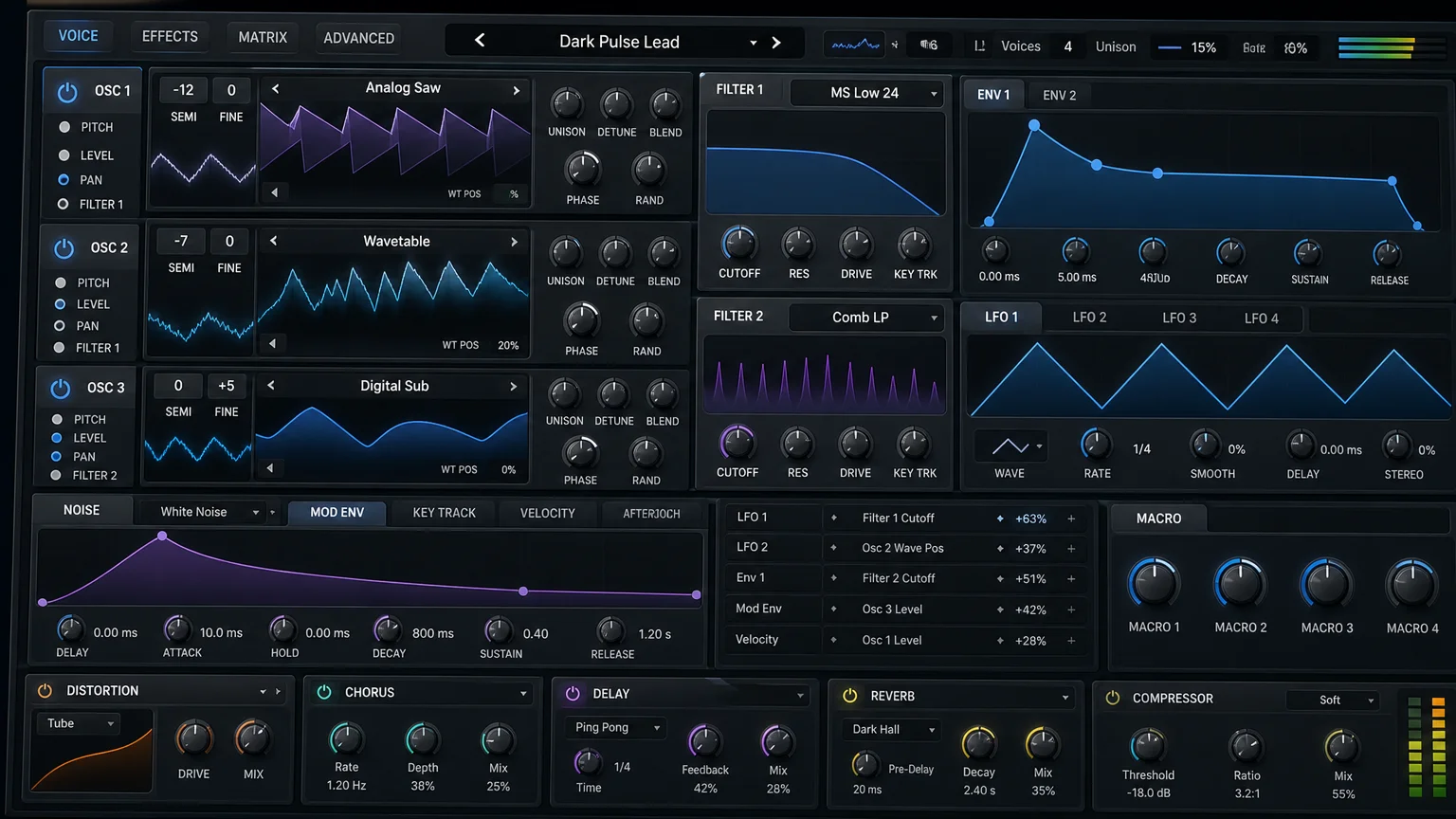
Many beginners type the phrase preset fl studio into a search bar hoping for a shortcut to a professional result. A preset does deliver a shortcut, but only a partial one. It loads a specific arrangement of oscillators, filters, envelopes, and effects into a plugin such as Serum, Vital, or a native FL Studio instrument. You still shape the melody, the arrangement, and the mix yourself.
Think of a preset as a well-designed starting canvas rather than a finished painting. A patch built for trap leads will behave very differently from one built for phonk cowbells or boom bap keys. Understanding the underlying engine, whether Kontakt, Omnisphere, or a stock synth, lets you tweak a preset instead of accepting it as it is. That single habit separates producers who blend in from those who develop a signature.
The market context behind the flood of packs
Why does every second beat seem to use the same lead? Because a handful of massive generic libraries dominate distribution, and thousands of producers pull from the same well. The genre mix matters here. According to Coherent Market Insights, the electronic dance music segment is expected to account for 42 percent of the global music production software market share in 2026, which concentrates demand around a narrow set of popular sounds.
This concentration is exactly the problem a boutique approach solves. Hand-crafted presets, designed for specific styles such as drill, dark trap, or pluggnb, give you tones that most of your peers have never loaded. Our own Pendora bank was built around that idea, offering 275 plus studio-ready presets that were never licensed, generated, or recycled. When your source material is uncommon, your output stands apart by default.
Compatibility and CPU load: the practical traps
A preset is worthless if it stutters your session or fails to open. Technical friction is more common than most producers admit. According to industry data, nearly 56 percent of producers report issues with plugin compatibility across systems, and about half face performance problems tied to configuration limits.
Two checks protect your workflow. First, confirm the format. FL Studio on Windows and Mac reads VST3 and, on macOS, AU, so a preset library should target those standards. Second, watch the CPU cost, because dense reverbs and heavy unison patches can choke a project long before the arrangement is finished. Presets positioned as light on CPU let you stack more layers without freezing tracks. If you are still deciding on an instrument, our guide to the best synth for FL Studio compares the common engines.
Matching presets to your genre and beating creative block
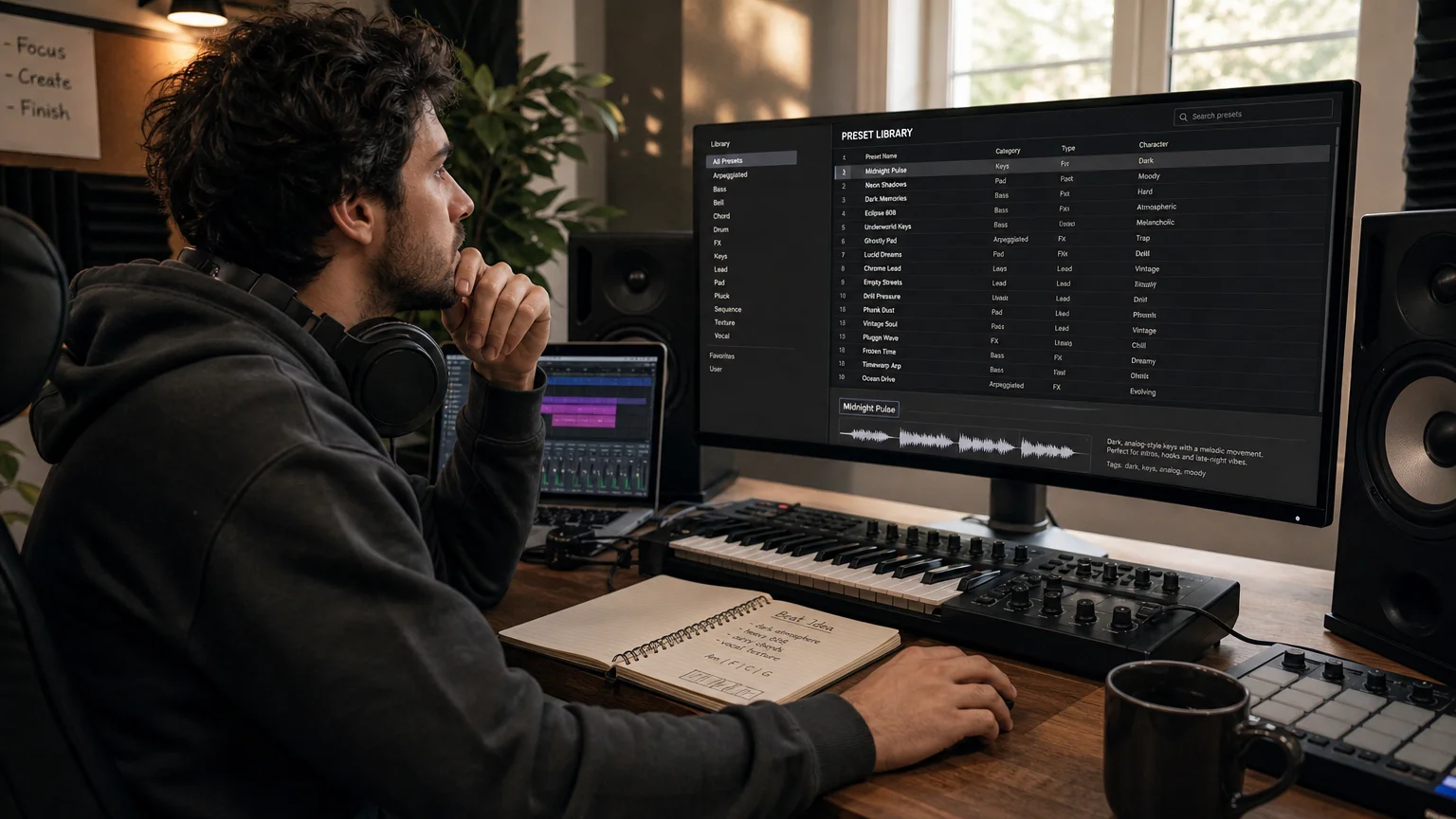
Picture opening a session with no idea where to start. A curated preset that already sounds like your genre can break that stall in seconds. This is where fit outperforms quantity. A thousand random patches help less than thirty patches that speak your style, whether that is melodic trap, R&B, lofi, or phonk.
Genre-specific banks also fight repetition. Because they offer sounds that the wider crowd is not using, they help you overcome beatblock without pushing you toward the same three chord stabs everyone recognizes. That is the logic behind Pendora and its sister bank Pegasus by Cosmos Instruments, which cover adjacent territory for producers who want a distinct palette rather than the default one.
Comparing your preset options honestly
Not every source serves the same purpose. Free packs, subscription libraries, and boutique banks each carry trade-offs in originality, licensing, and long-term cost. The table below sets our Pendora bank against the broad categories so you can weigh them against your own priorities.
| Option | Originality | Licensing | Cost model | CPU focus |
|---|---|---|---|---|
| Pendora (ours) | Hand-crafted, not recycled | Royalty-free, commercial use | Pay once, lifetime updates | Light on CPU |
| Large generic libraries | Widely reused | Varies by pack | Often subscription | Inconsistent |
| Free preset bundles | Heavily shared | Often restricted | Free | Unverified |
Free bundles are a reasonable way to test whether a sound suits you, but they rarely stay exclusive and often carry vague usage terms. That is why our entry option, Pendora Lite, provides 30 hand-picked presets so you can judge the vibe before committing to the full bank.
Where mixing and mastering presets fit in
Sound selection is only half the chain. The professional segment, which values stability and high-fidelity processing, is expected to grow strongly according to Technavio, and that group treats mixing and mastering as part of the preset conversation. A great lead still needs a clean bus and a controlled master to translate across systems.
This is where dedicated processing chains save time. Rather than rebuilding a compressor and limiter setup on every session, you can load a proven configuration and adjust from there. For the final stage, our FL Studio master presets give you a repeatable loudness and tonal reference, so the polish stays consistent across an entire project.
Choosing presets that keep you original
The value of presets for FL Studio lies in fit, not volume. Confirm the format works with your system, respect the CPU budget, and favor hand-crafted, royalty-free sounds over libraries the whole internet already owns. Test with a small pack, keep what serves your genre, and always shape a preset rather than accepting it untouched. Handled this way, presets accelerate your beatmaking while protecting the one thing that matters most, your distinct sound.
Take action with Tiger-Sounds
If you are tired of loading the same patches heard in every other track, the fix is a bank built for producers who refuse to blend in. Pendora was hand-crafted across trap, drill, dark trap, phonk, boom bap, and pluggnb, with no filler patches and full commercial clearance.
You pay once and keep your presets forever, with royalty-free use and a library that stays light on CPU. Explore how our sounds pair with the best VST plugins for FL Studio and start building beats that carry your signature instead of someone else’s.
Frequently Asked Questions
Do FL Studio presets work with other DAWs?
Presets tied to a specific plugin, such as Serum or Vital, will load in any DAW that hosts that plugin, including Ableton and Logic Pro. Presets tied to FL Studio’s native instruments generally stay within FL Studio. Always check which plugin the preset targets before buying.
Are preset packs royalty-free for commercial releases?
It depends entirely on the license, and terms vary widely between providers. Our Pendora presets are royalty-free with commercial use allowed, so you may release beats made with them. Read the license of any pack before you distribute your music.
How many presets do I actually need?
Quality of fit matters far more than raw quantity. A focused set of thirty presets that match your genre often outperforms thousands of random patches. Start small, learn each sound, and expand only when you hit a genuine gap.
Will presets slow down my FL Studio projects?
Heavy patches with dense effects can raise CPU load and cause stutters in large sessions. Presets designed to stay light on CPU reduce that risk considerably. You can also freeze or render tracks to free up processing headroom.
Can presets make my beats sound generic?
They can if you use widely shared libraries without editing them. Choosing hand-crafted, less common presets and then adjusting oscillators, filters, and effects keeps your sound distinct. The preset is a starting point, not the finished result.
Best Drill VST Plugins in 2026
The best drill VST plugin depends on what you’re missing right now. If your melodies sound thin, a deep synth like Serum 2 or Omnisphere 3 gives you sliding 808s and dark, evolving bells. If your drums sound flat, a drum tool like XLN Audio XO speeds up programming. If you want drill-ready sounds without building anything from scratch, a preset bank built for the genre, like Pendora V3.0, gets you there in minutes. Most working producers run two of these together rather than one plugin that does everything.
- How we picked these plugins
- Comparison table
- Serum 2
- Omnisphere 3
- Nexus 5
- Vital
- XLN Audio XO
- Pendora V3.0
- How to choose
- FAQ
How we picked these plugins
Drill leans on a specific sound palette: sliding 808s with 80 to 120 millisecond glide between notes, sparse minor-key bells and plucks, and drum patterns built around hi-hat rolls and off-beat kicks. Every plugin on this list was chosen because it solves one of those three problems directly, not because it’s a generic “good synth.” We excluded plugins with no public pricing page and anything marketed as a general-purpose instrument with no drill-relevant feature (glide, dark preset content, or drum programming tools).
Drill VST plugins compared
| Plugin | Type | Price | Best for |
|---|---|---|---|
| Serum 2 | Wavetable synth | $249 | Custom sliding 808s and bass design |
| Omnisphere 3 | Synth workstation | $499 | Dark, evolving bells and pads |
| Nexus 5 | Preset-based rompler | From €179 (Starter) | Huge preset library across genres |
| Vital | Wavetable synth | Free, Plus/Pro one-time from paid tiers | Budget sound design with visual feedback |
| XLN Audio XO | Drum sample plugin | €149 (frequently on sale) | Fast drum programming from your own one-shots |
| Pendora V3.0 | Trap and drill preset bank | €149 | Drill-ready presets out of the box, no sound design |
Prices verified directly from each vendor’s site in August 2026. Nexus and XO run frequent sales; check the current price before buying.
Serum 2 (Xfer Records)
Serum 2 is the wavetable synth most drill producers reach for when they want a custom sliding 808 rather than a pre-made one. It’s a hybrid synth where each of its three oscillators can run as wavetable, sample, multisample, granular or spectral, alongside two filters, a modular FX rack, 10 LFOs and a built-in arpeggiator and sequencer, per Xfer’s official product page.
Strengths: full control over glide time and curve for 808 slides, deep enough to design bells and plucks from scratch, huge third-party preset ecosystem for trap and drill specifically.
Limitations: no drill-specific presets out of the box, you’re building sounds rather than loading them. Bedroom Producers Blog covered the Serum 2 release and noted it’s a from-scratch design tool first, a preset browser second.
Pricing: $249 at full price; existing Serum 1 owners get Serum 2 as a free upgrade, per Xfer Records’ official page.
Omnisphere 3 (Spectrasonics)
Omnisphere 3 is the go-to for the eerie, layered bells and ambient pads that sit under a drill melody. It ships with 18 sound libraries, over 600 DSP waveforms with morphing wavetables, granular and frequency-shifting synthesis, and deep-sampled sources like celestaphone and metallophone that make the kind of cold, metallic textures drill producers chase.
Strengths: unmatched depth for atmospheric, evolving textures, a “Live Mode” for layering multiple patches into one sound, and a strong hardware controller integration list for producers who work with MIDI keyboards.
Limitations: it’s the most expensive plugin on this list and has a real learning curve. Most of its 18 included libraries are cinematic and orchestral, not drill-specific, so you’ll spend time digging for the right patch. Sound on Sound’s coverage of the Omnisphere 3 release describes it as a workstation-scale instrument rather than a quick-preset tool.
Pricing: $499, with a $199 upgrade price for existing Omnisphere or Atmosphere owners.
Nexus 5 (reFX)
Nexus 5 trades sound design depth for preset volume. The Starter edition ships with 5,454 presets and 47 GB of samples across eight synthesis engines (virtual analog, sampler, wavetable, FM and grain among them), with studio effects like bucket brigade delay and particle reverb built in.
Strengths: load a sound and go, huge catalog covering hip hop and trap alongside EDM and house, low CPU load for stacking multiple instances.
Limitations: drill is one small slice of a catalog built for many genres, so expect to filter through a lot of non-drill content. The Complete edition with all 206 expansions runs €1,999, which is out of reach for most bedroom producers.
Pricing: Starter edition €179 (list price €249), Complete edition €1,999, per reFX’s official pricing page.
Vital
Vital is the free entry point into wavetable synthesis, and the closest thing to Serum’s workflow without the upfront cost. The free tier includes 75 presets and 25 wavetables; the paid Plus and Pro tiers add more content and unlock features like text-to-wavetable conversion, sold as one-time purchases rather than a forced subscription.
Strengths: genuinely capable free tier, real-time spectral visualization that makes wavetable editing easier to learn than Serum’s, custom LFO shapes and MPE support.
Limitations: the free tier’s preset count is thin for genre-specific work, and like Serum, nothing here is drill-specific out of the box. You’re still designing sounds, not loading them.
Pricing: free (Basic), with Plus and Pro one-time tiers plus an optional subscription for exclusive content, per Vital’s official site.
XLN Audio XO
XO solves the drum side of drill production: hi-hat rolls, off-beat kicks and the constant sample-swapping that drum programming demands. It ships with 8,700-plus one-shot samples and 240-plus editable beat presets, and organizes your own one-shot library visually by sonic similarity instead of folders.
Strengths: instant one-click sample swapping, groove templates and pattern nudging for the swing drill hi-hats need, drag-and-drop export as audio, MIDI or full kits.
Limitations: it’s a drum arranger, not a melodic instrument. You’ll still need something for bells, plucks and 808s.
Pricing: €149 standard, frequently discounted; a bundle with four expansions runs €189 at list price, per XLN Audio’s official page. For deeper drum programming background, see our guide to the best drum machine VSTs.
Pendora V3.0 (Tiger-Sounds)
Pendora V3.0 is a preset-based VST built specifically for trap, drill, dark trap and phonk, which makes it the fastest way to get a drill-appropriate sound without touching a synthesis engine. It ships with 275-plus presets across 30-plus categories, including 33-plus bell presets and 15-plus 808 presets, and is optimized to run 30-plus instances without CPU strain.
Strengths: genre-specific out of the box (you won’t dig through house or orchestral content to find a drill bell), one-time payment with lifetime updates, works across FL Studio, Ableton, Logic, Cubase, Pro Tools and Reason as VST3/AU. It holds a 4.7 out of 5 rating from 59 verified buyer reviews on the Pendora product page.
Limitations: it’s a preset instrument, not a sound design tool. If you want to build a fully custom 808 slide from a raw waveform, you’ll still want Serum or Vital alongside it. A cheaper Pendora Lite version at €29 offers 30 hand-picked presets for producers who want to try the sound before committing to the full library.
Pricing: €149 for the full V3.0 bundle (3 expansion packs, a producer kit, 2 drum kits and an FX pack included), €29 for the Lite edition.
How to choose the right drill VST for you
Match the plugin to the gap in your current setup, not to what’s popular. Ask these four questions:
- Do your 808s already slide smoothly? If not, Serum 2 or Vital gives you glide control; Pendora’s 808 presets are pre-designed and won’t need extra shaping.
- Do your melodies sound generic? Omnisphere 3 is the deepest option for original, layered bells and pads; Pendora’s bell category gets you a drill-appropriate sound faster if originality matters less than speed.
- Are your drums the weak point? XLN Audio XO is built for exactly that; none of the synths above touch drum programming.
- What’s your budget? Vital’s free tier and Pendora Lite at €29 are the two realistic entry points; Omnisphere at $499 and Nexus Complete at €1,999 are investments for producers already earning from beats.
Most drill producers we’ve seen referenced across niche production guides run a preset layer for speed (Pendora, Nexus) alongside one deep synth for the moments a preset doesn’t cut it (Serum, Omnisphere, Vital). Check our roundup of VST plugins for FL Studio if you’re building a full workflow rather than one instrument at a time.
FAQ
Is Serum good for drill beats?
Yes. Serum 2’s glide and portamento controls make it one of the more precise tools for shaping sliding 808 basslines, which is a defining element of drill production. It requires more manual sound design than a preset bank does.
Do I need an expensive synth to make drill beats?
No. Vital’s free tier and Pendora Lite at €29 both give you usable drill-appropriate sounds without a large upfront cost. Expensive tools like Omnisphere add depth and originality, not a baseline requirement.
What plugin gives the darkest bell sounds for UK drill?
Omnisphere 3’s deep-sampled and granular sources produce the most original dark, metallic bell textures, but they take time to design. Pendora’s bell category (33-plus presets) is built specifically for trap and drill and is ready to load without editing.
Can I make a full drill beat with just one VST?
Technically yes with Omnisphere or Nexus, since both cover melody and some drum content, but most producers pair a melodic instrument with a dedicated drum tool like XLN Audio XO for better results on the hi-hat and kick programming drill relies on.
The bottom line
There’s no single best drill VST, only the best one for the gap in your current setup. Serum 2 and Vital cover custom sound design, Omnisphere 3 covers depth and originality, XLN Audio XO covers drum programming, and Pendora V3.0 covers speed with genre-specific presets ready to load. If you’re starting from zero and want drill and trap sounds without a synthesis learning curve, browse the Pendora VST product page or the full Tiger-Sounds shop for drum kits and expansions.
Pendora VST vs Cymatics PANDORA
Quick answer: these are two completely different plugins from two different companies, and the near-identical names cause real confusion. Pendora VST (Tiger-Sounds, released 2020) is a boutique preset instrument built specifically for trap, drill, dark trap, phonk, plugg and boom bap. Cymatics PANDORA (released November 26, 2025) is a free-to-download, sample-based workstation instrument aimed at every genre, with paid expansion libraries on top. If you make dark, melodic trap and drill beats and want one deep, focused toolkit for a one-time price, Pendora is built for you. If you produce across many genres and want a free entry point into a large ecosystem, Cymatics PANDORA is the better starting move.
First, clear the name confusion
You searched “pendora vst” or “pandora vst” and landed on two products that sound like the same thing. They are not.
- Pendora VST is made by Tiger-Sounds, a boutique sound design company selling it since 2020.
- Cymatics PANDORA is made by Cymatics.fm, one of the biggest sample companies in the game, and launched on November 26, 2025, five years after Pendora, as part of their Black Friday campaign (Bedroom Producers Blog covered the launch).
Two unrelated products, two companies, one letter apart. This page compares them fact by fact so you can pick the right one for your workflow.
Comparison table
| Criterion | Pendora VST (Tiger-Sounds) | Cymatics PANDORA |
|---|---|---|
| Released | 2020 | November 26, 2025 |
| Base price | Lite: 29€, one-time. Full V3.0: 149€, one-time | Free download (requires name, email and phone signup) |
| Full library cost | 149€ gets all 275+ presets, 3 expansion packs (120+ presets), 100+ MIDI files, 7 mix presets | Expansion libraries sold separately, listed at $35 to $100 each (12 libraries in the Production Suite) |
| Presets in base version | 275+ across 30+ categories (V3.0) | Not published for the free plugin (“evolving library of preset sounds”) |
| Genre focus | Trap, drill, dark trap, phonk, plugg, boom bap | Generalist: Vintage, RnB, Trap, Electronic, Analog, Live Instruments |
| Sound engine | Preset-based instrument | Sample-based instrument with macro-style controls |
| Built-in FX | 7 mix presets included; per-preset processing | Chorus, Tone, Wobble, Gate, Reverb, Delay, Width and more |
| Formats and OS | VST3 + AU, Windows 64-bit, macOS (Apple Silicon + Intel native) | VST3 + AU, Windows and macOS |
| CPU footprint (published) | 12 instances: roughly 500 MB RAM and 10% CPU on an i5-8400 | Not published |
| Reviews | 4.7/5 from 59 verified buyers | 291 reviews, 81% five-star |
| License | Royalty-free, one-time payment, lifetime updates | Samples 100% royalty-free; library updates over time |
| Top tier | Pendora Unique: 500€ | PANDORA Master Collection, limited to 1,000 buyers |
Prices and facts verified on August 22, 2026 from tiger-sounds.com, cymatics.fm and the Cymatics Production Suite page. Where a company does not publish a number, the cell says “not published” instead of a guess.
What Pendora VST does better
Depth in one lane instead of width across ten. Pendora’s entire 275+ preset library is built for dark, melodic beats: 33+ bells, 32+ plucks, 47+ pads, 41+ synths, 26+ flutes, 23+ basses, 15+ 808s, plus keys, choirs, brass and guitars, all voiced for trap, drill, phonk and plugg. You are not scrolling past lofi jazz keys to find a drill bell. Every category exists because it shows up in this style of production.
Transparent one-time pricing. 29€ for Lite, 149€ for the complete V3.0 with all expansions, MIDI and mix presets included. No email-and-phone funnel to download, no separate $35 to $100 libraries to complete the collection later. You know the total cost before you click buy.
Published CPU numbers. Tiger-Sounds publishes a concrete benchmark: 12 instances running around 500 MB RAM and 10% CPU on an i5-8400, and the plugin is built to stack 30 instances on one beat. If you produce on a mid-range laptop in FL Studio, that number matters more than any marketing line. Cymatics does not publish an equivalent figure, which does not mean PANDORA is heavy, it means you cannot check before installing.
Six years of track record on this exact product. Pendora has been sold, updated and reviewed since 2020, with 59 verified buyer reviews at 4.7/5 and lifetime updates covering new OS versions and formats, including native Apple Silicon.
What Cymatics PANDORA does better
Price of entry. The base PANDORA plugin is a free download. Nothing beats free for testing whether a workflow clicks. You trade your name, email and phone number for it, but there is no invoice.
Genre breadth. PANDORA is built to cover Vintage, RnB, Trap, Electronic, Analog and Live Instrument sounds. If your catalog jumps from drill to R&B to pop in the same week, PANDORA’s range fits that reality better than a trap-focused instrument.
Community size and review volume. Cymatics is one of the largest sample brands in music production, and PANDORA already shows 291 reviews with 81% five-star ratings. That is a bigger feedback pool than Pendora’s 59 reviews, and a bigger ecosystem of tutorials and content around the brand. No point pretending otherwise: on sheer audience size, Cymatics wins.
A stated FX panel on the tin. Cymatics lists PANDORA’s macro FX up front: Chorus, Tone, Wobble, Gate, Reverb, Delay, Width. If you want quick sound-shaping knobs inside one preset player, that panel is clearly documented.
Which one should you choose
- Choose Pendora VST if: you make trap, drill, dark trap, phonk, plugg or boom bap as your main lane; you want the full library for one payment of 149€ with nothing sold separately afterwards; you run a mid-range machine and need predictable CPU load across 10+ instances.
- Choose Cymatics PANDORA if: you produce across many genres and need vintage keys, R&B pads and live-instrument textures in one place; you want to start at zero cost and buy expansion libraries only for the styles you actually use; you are already inside the Cymatics ecosystem and want your presets under one roof.
- Choose neither if: you want to design patches from scratch with full synthesis control (oscillators, wavetables, modulation routing). Both are preset-driven instruments. Look at a full synthesizer like Serum or Vital instead, and use these as your melodic preset layer on top.
Where Pendora falls short
Honesty cuts both ways, so here is where our own plugin loses:
- It is niche by design. If you need convincing R&B keys, vintage soul textures or broad electronic sounds, Pendora’s trap and drill focus works against you. That is the trade for depth.
- Entry is paid. The cheapest way in is 29€ for Lite. There is no free tier to demo the full workflow the way Cymatics offers.
- Smaller community. 59 verified reviews and 500+ producers is a boutique user base. You will find fewer YouTube tutorials about Pendora than about anything Cymatics ships.
We would rather you read that here than discover it after checkout.
Can you use both?
Yes, and plenty of producers should. They load side by side as VST3 or AU in FL Studio, Ableton, Logic and any modern DAW. A realistic setup: PANDORA free as your broad palette for genre experiments, Pendora V3.0 as your dedicated engine when the placement calls for dark trap or drill. They compete on your SERP, not in your DAW.
How we compared
This comparison was written by Valentin Cordier, founder of Tiger-Sounds on August 22, 2026. Yes, we make Pendora, which is exactly why every claim about Cymatics PANDORA comes from Cymatics’ own public pages (product page, Production Suite overview) or independent press (Bedroom Producers Blog, November 2025), and every claim about Pendora from our own product page. Where Cymatics does not publish a spec, the table says “not published”. We re-verify prices and features quarterly; if you spot something outdated, tell us and we will fix the row.
FAQ
Are Pendora VST and Cymatics PANDORA the same plugin?
No. Pendora VST is a Tiger-Sounds instrument sold since 2020, focused on trap and drill. Cymatics PANDORA is a separate, unrelated plugin released by Cymatics.fm on November 26, 2025. The names are one letter apart, the products share nothing.
Which came first, Pendora or PANDORA?
Pendora VST launched in 2020. Cymatics PANDORA launched in November 2025, five years later. Both facts are verifiable from each company’s own pages and press coverage of the Cymatics launch.
Is Cymatics PANDORA actually free?
The base plugin is a free download in exchange for your name, email and phone number. The 12 expansion libraries in the Production Suite are paid, listed between $35 and $100 each at the time of verification. Free entry, paid depth.
Is Cymatics PANDORA better than Pendora VST?
For multi-genre producers who want a free start, yes, PANDORA is the better pick. For trap, drill and phonk producers who want a deep, focused library with transparent one-time pricing and published CPU benchmarks, Pendora is the stronger tool. Neither is “better” outside a use case, which is why the verdict above routes by situation.
Why is Pendora 149€ when PANDORA is free?
Different business models. Cymatics monetizes through its ecosystem: the free plugin feeds paid expansion libraries at $35 to $100 each. Tiger-Sounds sells one complete product once: 149€ includes all 275+ presets, three expansion packs, 100+ MIDI files and lifetime updates, with nothing else to buy.
Does Pendora work in FL Studio on Windows?
Yes. Pendora runs as VST3 on Windows 64-bit and as VST3/AU on macOS, natively on Apple Silicon and Intel. Tested in FL Studio, Ableton Live, Logic Pro, Cubase, Pro Tools and Reason.
Verdict, repeated for the reader who scrolled: Pendora VST for trap, drill and phonk producers who want depth and one-time pricing. Cymatics PANDORA for multi-genre producers who want a free, broad starting point. Two different plugins, despite the name.
Try Pendora VST from 29€, one-time payment, royalty-free, lifetime updates.
How to Use FL Studio Mixer Presets for Faster Beat Mixing
Summary: Mixer presets are saved channel strips that store effect chains, processing, and settings you can drag onto any track in FL Studio. They accelerate mixing, teach effect behavior, and help you reach a cleaner, more consistent sound. Used well, they give producers a repeatable starting point across genres without rebuilding every chain from scratch.
Home studios now power a large share of released music, and mixing speed separates finished tracks from unfinished ideas. A saved channel strip can compress hours of trial and error into a single drag-and-drop. This is exactly why FL Studio mixer presets have become a staple for beatmakers who want clean results fast. If you want a reliable foundation, our FL Studio plugin presets and chains give you studio-ready starting points.
The demand is not marginal. According to a DAW market report, the global number of DAW users surpassed 7 million by 2024, a 24% increase from 2022. As more producers enter the field, the pressure to mix quickly and stand out grows with every upload.
What Mixer Presets Actually Are in FL Studio
A mixer preset is a saved snapshot of a mixer track. It stores the full effect chain, the order of plugins, and every parameter inside them. When you load it onto a channel, you inherit that processing instantly, from EQ curves to compression, saturation, and spatial effects.
In practice, these saved channel strips are stored as small files you drag onto any mixer track. They are lightweight because they reference plugins rather than audio. Many packs are built entirely with stock effects, so you do not need third-party plugins to hear them work.
The concept scales across your session. You can prepare a chain for your 808, a separate one for snares, and another for melodic layers, then recall each in seconds. If you want to expand beyond mixing into sound design, our best VST plugins for FL Studio pair naturally with these workflows.
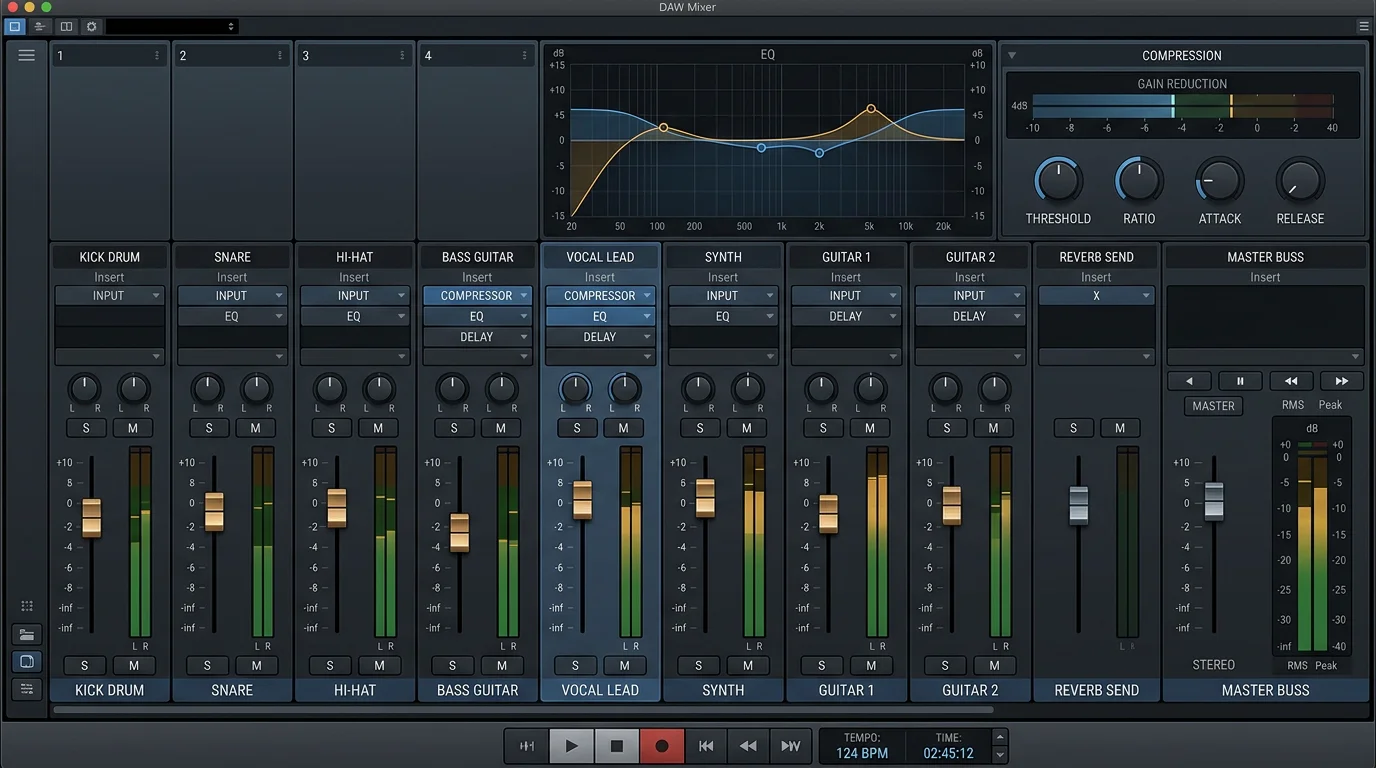
Why Presets Speed Up Beatmaking
Consider a common scenario. You have a raw 808 that sits behind the kick and lacks weight. Rebuilding a full chain of EQ, saturation, and compression from memory can take twenty minutes. A tested channel strip delivers that treatment in one drop, so you stay in the creative flow.
Speed matters because the market rewards output. According to a 2026 industry report, the DAW software market is set to grow from $2.92 billion in 2025 to $3.17 billion in 2026. More producers means more competition, and a faster mixing workflow gives you room to release consistently.
There is a learning benefit too. When you open a preset and study its plugin order, you see how experienced engineers stack processing. This reverse-engineering teaches you what each effect does and why it sits where it does in the chain.
Stock Effects Versus VST Chains
Should you rely on stock FL Studio effects or third-party plugins? Both approaches have merit, and the right choice depends on your goals. Stock chains built on Fruity Parametric EQ 2, Fruity Compressor, and Soundgoodizer are portable and open on any FL Studio installation without extra downloads.
Third-party chains built on tools like Serum, Vital, Omnisphere, or Kontakt can add character that stock plugins do not reach. The tradeoff is dependency: a preset built around a VST only works if the recipient owns that plugin. For clean corrective work, our FL Studio EQ for mixing presets keep the process transparent and repeatable.
A preset is a starting point, not a finish line. Your ears and your source material still decide the final balance.
Choosing Presets That Keep Your Sound Distinct
The biggest risk with any preset library is uniformity. If thousands of producers load the same free chains on the same recycled samples, beats begin to blend together. The value of a curated bank is that it gives you sounds and treatments that most of your peers are not using.
This is where a boutique approach matters. Our Pendora sound bank offers hand-crafted presets across melodic trap, drill, R&B, pluggnb, dark trap, Lofi, and phonk, designed to help you overcome beatblock with fresh material. There are no filler presets, so every option earns its place in your session.
For genre context, electronic styles dominate demand. According to a 2026 market analysis, the Electronic Dance Music segment is expected to account for 42% of the global music production software market share this year. Curated, genre-aware presets help you meet that demand without sounding generic.
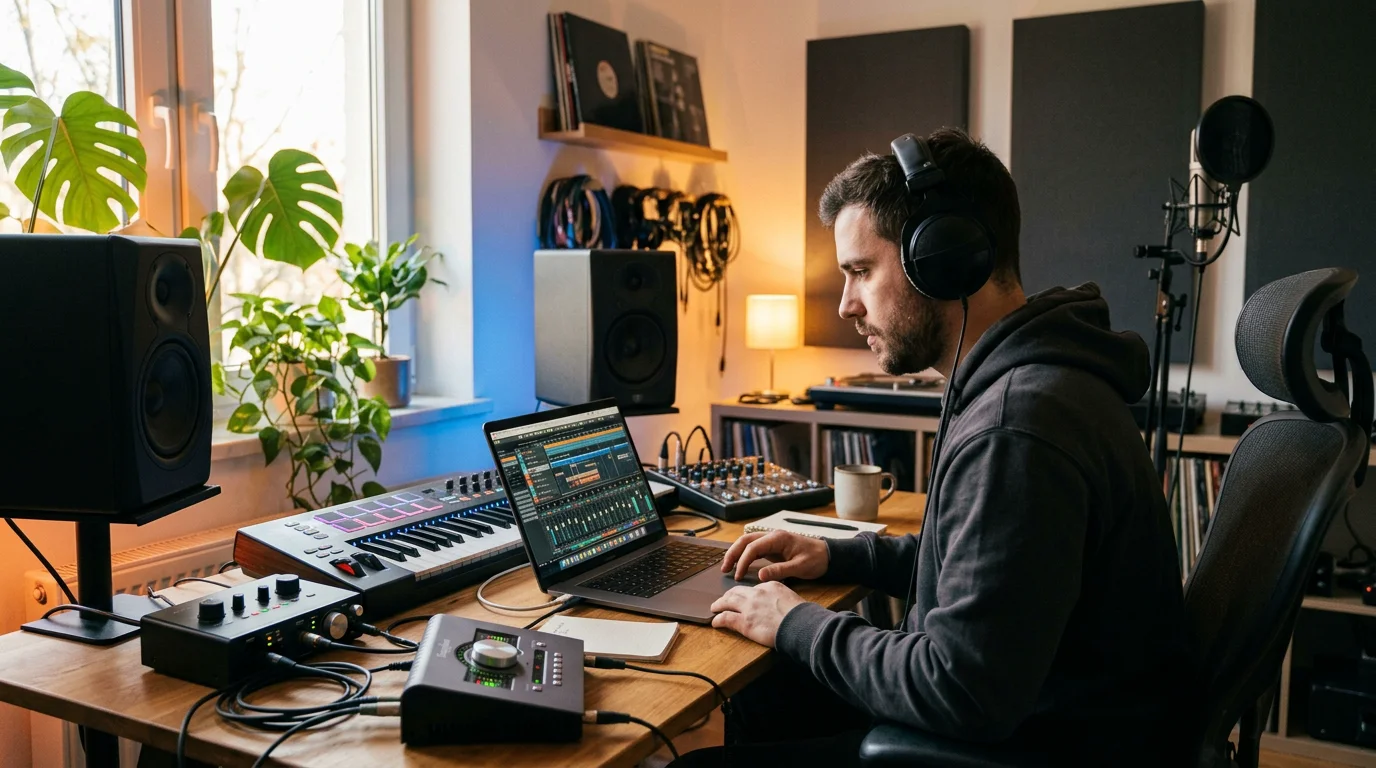
How to Compare Preset Options
Not all preset packs serve the same purpose. Some are free introductions, some are stock-only utility packs, and some are full sound banks built for original production. The table below compares typical options against our own offering, so you can match the right resource to your workflow.
| Option | Scope | Genres covered | Best for |
|---|---|---|---|
| Pendora (our sound bank) | 275+ hand-crafted studio-ready presets, royalty-free, light on CPU | Trap, drill, dark trap, phonk, boom bap, pluggnb, R&B, Lofi | Producers building original beats who do not want to blend in |
| Free intro packs | Small stock-only sample of chains | General drums and melodies | Testing the concept before committing |
| Stock utility packs | Chains built on native effects only | General mixing tasks | Learning what stock plugins do |
When comparing, weigh three things: the breadth of genres, whether the presets are hand-crafted or recycled, and licensing. Royalty-free presets with commercial use let you release and monetize without added friction.
Building Your Own Preset Library
Once you understand how presets behave, you can start saving your own. When you land a mix you like, save that mixer track as a preset and name it clearly by role, such as “808 hard clip” or “vocal air chain.” A well-labeled library becomes a personal toolkit you rebuild sessions from.
Organize by function first, then by genre. Keep drum chains, bass chains, and melodic chains in separate folders so recall stays fast under deadline. Over time, your saved chains will reflect your signature sound, which is the goal that generic packs cannot deliver.
Bringing It Together
Well-chosen FL Studio mixer presets are less about shortcuts and more about consistency and momentum. They give you a tested foundation, teach you how professional chains are built, and free your attention for the creative decisions that matter. The producers who benefit most treat presets as adjustable starting points, tweak them by ear, and curate a library that keeps their sound recognizable rather than interchangeable. Start with quality material, study what each chain does, and build outward from there.
Take action with Tiger-Sounds
If you are ready to move past recycled chains and generic packs, the next step is a bank of hand-crafted sounds built for producers who refuse to blend in. Fresh presets across trap, drill, phonk, and more help you break beatblock and keep every release distinct.
Pendora gives you 275+ studio-ready presets, royalty-free with commercial use, light on CPU, and yours with a single purchase. Explore our Pendora master presets for FL Studio and choose the edition that fits your workflow, from Lite to the full sound bank.
Frequently Asked Questions
Do FL Studio mixer presets require third-party plugins?
It depends on how the preset was built. Chains made with stock effects work on any FL Studio installation without extra downloads. Presets built around VST plugins such as Serum or Vital only work if you own those plugins.
Which FL Studio version do I need for mixer presets?
Most mixer preset files require a reasonably current version of FL Studio to load correctly. Stock-effect presets generally need version 12 or higher. Always check the pack requirements before purchasing to avoid compatibility issues.
Are mixer presets suitable for beginners?
Yes, they are particularly helpful for beginners. Loading a finished chain and studying its plugin order teaches you how professional processing is structured. You learn faster by adjusting a working chain than by starting from a blank strip.
Will using presets make my beats sound like everyone else?
Only if you use the same widely shared free chains as everyone else. A curated, hand-crafted bank such as our Pendora sound bank gives you material most producers are not using. Combined with your own tweaks, that keeps your sound distinct.
Can I use preset-based mixes commercially?
That depends on the license attached to the pack. Royalty-free presets with commercial use, like ours, let you release and monetize your tracks without added restrictions. Always confirm the licensing terms before distribution.




