How Much Disk Space Does a Music Sound Bank Need?
Summary: Sound bank storage needs depend on whether a library contains sample audio, preset data, or both, and the installed footprint can differ from the download or installer. Check each figure separately, leave working room during setup, and choose internal or external storage based on your DAW, connection, and backup routine.
A nearly full laptop can quickly become a problem once you add a DAW, plug-ins, projects, and sound libraries. But preset count alone will not tell you how much disk space a sound bank needs: some libraries install audio samples, while others mainly store settings for a synth you already own. If you are comparing our lite vs. full sound bank options, look at installed-size requirements as well as the content.
The practical question is not just how large a download is. It is also how much space the installed files occupy, whether temporary installer files remain, and whether your drive has room for updates and projects. Pendora occupies approximately 5 GB after installation, while the Windows installer is approximately 2 GB. Those are different measurements, and they are not a universal estimate for other libraries.
What takes up space inside a sound bank?
Imagine two libraries with the same number of presets. One may store mostly preset settings that call on a synthesizer’s built-in sound engine; another may include recorded audio samples for each instrument. Their preset counts could be similar, but their storage needs can differ substantially because the included audio files contribute to the installed footprint.
For sample-based content, file size depends in part on the audio data’s format and length. Apple’s QuickTime documentation describes fields for sample size and bytes per sample, useful details for understanding why audio libraries with different formats and content may occupy different amounts of storage. For producers, the practical takeaway is to check the developer’s stated installed requirement rather than estimate from the number of presets alone.
It also helps to separate storage from performance. A library’s size on your drive does not, by itself, tell you how much RAM or CPU a plug-in will use during beatmaking. If you work in FL Studio, Ableton Live, or Logic Pro, check the instrument’s requirements and installation notes for the edition and plug-in format you plan to use.
Why download size and installed size differ
Suppose an installer is compressed for download, then expands files during setup. In that case, the download, temporary installation files, and final installed library are separate things. The installer may also stay in your downloads folder after installation, continuing to use space until you remove it.
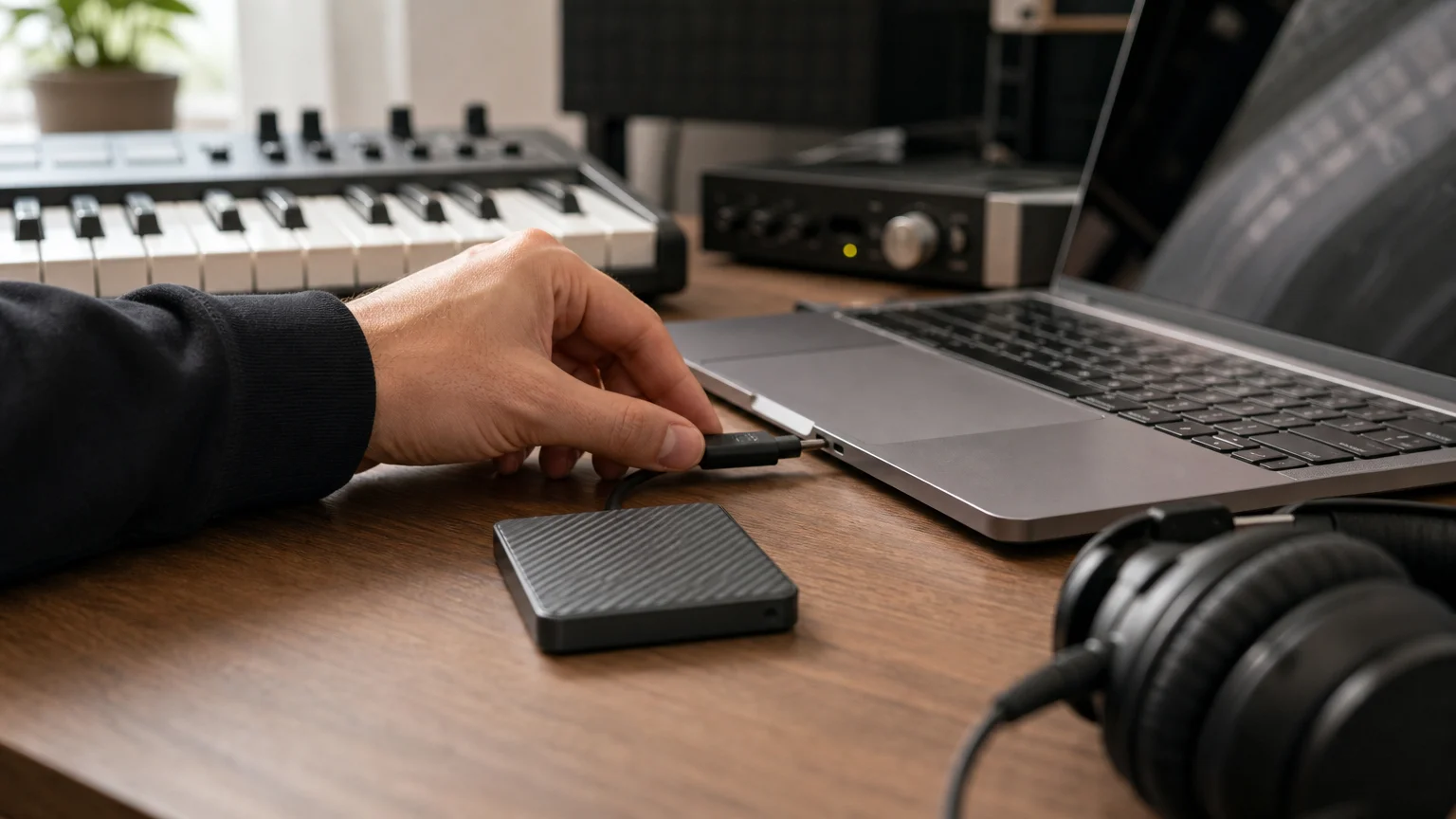
For Pendora, allow for approximately 5 GB for the installed product. The Windows installer is approximately 2 GB, which is not the installed footprint. If you keep the installer while the product is installed, those two files could together use roughly 7 GB, and temporary setup files may require additional room. Allow some headroom rather than planning to use every last gigabyte on the drive.
Edition choice matters for content, but do not assume a smaller selection means a specific reduction in installed size unless the product lists that figure. Our Pendora Lite vs. Full page compares the editions; check the current installation requirements for the version you intend to use.
Can you store a sound bank on an external drive?
When your internal drive is tight, an external drive can be a practical place for a supported sound library. However, not every plug-in uses the same relocation method. Avoid moving application or library folders by hand unless the developer documents that process, since an installer or DAW may expect files to remain at their original path.
Some music software provides a built-in relocation option. For example, Apple documents a MainStage library relocation workflow. That instruction is for MainStage, not a general method for relocating every sample library or plug-in. Check the instructions for your specific instrument and DAW before moving files.
If you use an external drive for active projects, keep it connected and mounted consistently when opening sessions. An external SSD can be convenient for a portable setup, while an archive drive can hold material you do not need in every session. Whichever you choose, test that your DAW can find the library before relying on it for a production deadline.
How to estimate the storage your setup needs
Before installing another library, check four things: the installed size, the installer or download size, whether you can choose which content to install, and how much free space remains after setup. Keep separate notes for an installer and the completed installation, because a download figure does not automatically tell you how much room the installed library will occupy.
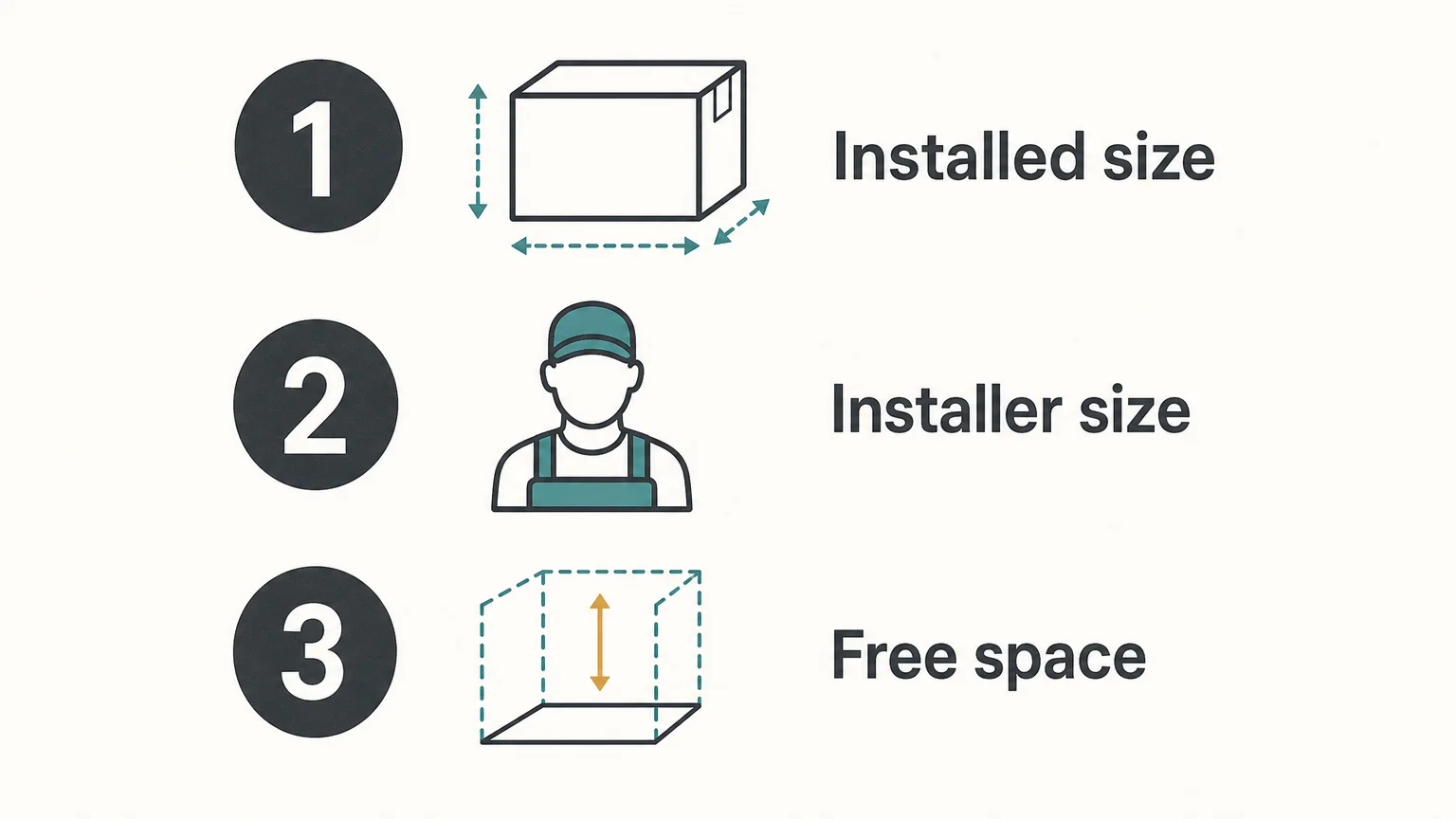
- Installed footprint: Find the size after setup, not only the download estimate.
- Installer space: Check whether the installer remains on your drive or expands temporary files during installation.
- Install choices: Confirm whether the product allows selective downloads or requires the full library.
- Drive access: Decide whether the library needs to be available offline and whether an external drive will stay connected.
For Pendora, supported systems are macOS 11 Big Sur or later and Windows 10 or 11, 64-bit only. VST3 is supported on Windows and macOS, while AU is supported on macOS. Check these requirements alongside available drive space so that storage planning does not distract from confirming your setup is supported.
For work you want to keep long term, capacity is only part of the plan. The National Archives’ 1993 technical report discusses monitoring storage media and migrating digital information as storage technologies change. Keep another copy of important projects and sound-design work, and periodically check that you can open the files.
For recorded audio and archival material, the Library of Congress also maintains audio preservation resources. You do not need an archival workflow for every beatmaking session, but a second copy of important projects helps protect work that would be difficult to recreate.
Plan for the installed library, not just the download
The clearest way to plan disk space for a sound bank is to check the installer and installed footprint separately, then leave room for setup files, updates, and active projects. Use a documented relocation method if you choose external storage, and keep a second copy of work you cannot easily replace.
Choose a Sound Bank That Fits Your Workflow
If you are weighing storage alongside sound selection, start by checking each edition’s requirements and the amount of content you actually want in your sessions. A preset count alone is not a reliable estimate of installed size, so confirm the technical details before installing.
Pendora Lite is our evaluation-oriented entry edition, with hand-picked presets, bonus kits, and MIDI content for producers who want to assess the sound before choosing a broader setup. Pendora is designed for compatible Mac and Windows production environments, with VST3 support on both and AU support on macOS. Explore the Pendora Lite sound bank and review its requirements before installation.
Frequently Asked Questions
Does download size tell me the installed size?
No. Download files may be compressed, and installation can create additional files or temporary data. Check the installed-size requirement separately.
Can I move any sound bank to an external drive?
Not always. Follow the library maker’s documented relocation steps, and confirm that your DAW can still locate the content after the move.
Does a larger sound bank always use more RAM?
No. Drive storage and RAM are different resources. Actual memory use depends on how the instrument loads or streams its content and on what you have open in your session.
How much free space should I leave before installing?
Keep enough space for the final installed library and any installer files or temporary setup data that may coexist during installation. The product’s installation instructions are the best reference for its specific needs.
Is Pendora Lite suitable for checking the sound before choosing an edition?
Pendora Lite is our evaluation-oriented entry edition. Review its current system and installation requirements before downloading so you can plan for the space available on your computer.
Cymatics vs Splice: Comparing Sample Libraries and Workflows
Summary: Cymatics packages downloadable sound libraries, plugins and courses, while Splice centers on a searchable sample catalog with individual downloads and subscription credits. Cymatics also sells standalone packs and offers a broader Unlimited plan; Splice emphasizes ongoing catalog access and in-DAW discovery. For distinctive melodic trap, drill, phonk or pluggnb sounds and one-time ownership, our Pendora sound bank is a more focused alternative.
A sample library can speed up a beat, but it can also steer your sound toward familiar loops. The practical difference in Cymatics vs Splice is often curation versus search depth: Cymatics packages sound collections and tools, while Splice centers on a searchable sample catalog. For producers seeking a more defined melodic identity across trap, drill or pluggnb, Pendora vs Splice shows a focused alternative built around a genre-specific sound bank rather than a broad sample marketplace.
Cymatics sells standalone packs and also offers a subscription, while Splice organizes many downloads through plan credits. Compare how you find sounds, how often you need new material, and whether you prefer an ongoing plan or a one-time sound-bank purchase. For US producers sampling preexisting music, the Copyright Office’s musician sampling overview covers licensing considerations separate from a library’s own terms.
Quick answer: which sample workflow fits?
Cymatics brings together downloadable sample packs, plugins and courses, with both individual purchases and a subscription option. Splice emphasizes catalog search, previews and individual downloads, usually accessed through a subscription plan. These differences matter more than a simple pack count: consider whether you want to browse a large catalog or choose defined collections and products.
| Criterion | Cymatics | Splice |
|---|---|---|
| Primary workflow | Download sample packs, with plugins and courses also available | Search and preview sounds, then license individual downloads |
| Catalog format | Collections include samples, MIDI and other production content | Samples, loops, one-shots, presets and MIDI |
| Access model | Standalone purchases and Cymatics Unlimited subscription | Subscription plans with monthly download credits |
| Current plan examples | As of October 6, 2026, Unlimited lists a 10-day trial, then $29 monthly or $167 yearly | Annual billing lists Sounds at $10.84 per month for about 100 downloads, and Creator at $16.67 per month for about 200 |
| Commercial use | Royalty-free use is promoted for its samples; check the applicable product license | Downloaded sounds have a royalty-free, non-exclusive license subject to its terms |
| DAW workflow | Downloadable sounds, plus plugins for compatible VST or AU hosts | Local downloads, a Sounds plugin and selected in-DAW integrations |
Plan names, prices and included features can change. Splice’s credit model also matters to actual cost: samples generally use one credit, while some presets and MIDI use more. Cymatics Unlimited is a subscription, but Cymatics also sells standalone packs, so the plan comparison does not describe every purchase route.
Cymatics
Best for: Producers who prefer selecting a collection built around a particular style or sound, and who may also want plugins or courses within one catalog.
Cymatics combines sample packs with MIDI, plugins and educational material. Its collections cover several production lanes, including hip-hop, trap and EDM, while individual packs can be purchased separately from its subscription offering. That structure makes the choice partly about the pack itself and partly about whether a producer wants the wider bundle of tools and learning content.
For beatmaking, a collection can provide related loops, one-shots and MIDI in one download, which suits a session planned around a particular sound. But a pack-based workflow depends on choosing a useful collection first. If you are after a specific kick, vocal chop or Serum preset, compare the pack contents before buying rather than assuming every bundle supplies the exact sound you need.
Pros
- Pack-based releases bring related sounds and production materials together.
- Standalone purchases are available alongside the Unlimited subscription.
- The catalog includes sample packs as well as plugins and courses.
Cons
- The Unlimited plan uses recurring billing, so ongoing access to its plan benefits depends on maintaining the subscription.
- Pack contents and license terms differ by product, so producers should check the specific item before using it in a commercial release.
Splice
Best for: Producers who want to search, preview and download individual samples, presets or MIDI rather than commit to a full pack.
Splice Sounds is organized around catalog search and individual downloads. Producers can browse by sound type and other filters, audition options, and download the files they choose. Its desktop app and Sounds plugin support this search-led approach; the catalog is also integrated with selected DAWs, while downloaded audio can be used in different DAW workflows.
Plan details affect how many new sounds you can license. Splice’s current annual-billing examples include a Sounds plan with about 100 monthly downloads and a Creator plan with about 200. The plans include different features, and downloaded sounds remain accessible after cancellation under the applicable terms, but unused credits expire after the final billing period and the stated recovery window.
Splice licensing allows commercial use of downloaded sounds under its terms, but those sounds are non-exclusive. That means another producer may use the same source sound, and the license does not permit redistributing the sound as an isolated sample or repackaging it into a competing library.
Pros
- Individual downloads let you select a specific loop, one-shot, preset or MIDI file.
- Search and preview tools can help narrow options before spending credits.
- Previously downloaded sounds remain available after the subscription ends, subject to the applicable terms.
Cons
- Access to new downloads depends on an active plan and available credits.
- Unused credits have a limited rollover and post-cancellation period, so they are not a permanent download balance.
- The non-exclusive license does not allow repackaging source sounds for redistribution.
What does sample licensing mean for a release?
A library license is not the same as permission to sample any commercial recording. Cymatics promotes royalty-free use for its samples, and Splice licenses downloaded sounds for commercial and non-commercial work under its terms. For either service, check the license that applies to the specific sound and avoid redistributing source files as samples.
When a producer takes material from a preexisting release instead of a sample library, the rights question can involve both a sound recording and the underlying musical work. The U.S. Copyright Office’s copyright materials for musicians explain licensing topics, while a Boston University law review article discusses the clearance issues surrounding musical sampling.
Academic writing also examines the way digital sampling licenses affect music creation. A Yale Law School paper gives broader context for why a sample’s source and its license terms matter. These resources are not a substitute for reviewing the terms attached to a particular pack or getting legal advice for a release.
How should you choose for your next beat?
Start with the sound-finding task in your session. If you already know you want a particular loop, one-shot or preset, individual downloads and catalog search can make it easier to audition specific options. If you prefer a collection with coordinated sounds, compare each Cymatics pack’s included loops, MIDI and other materials before deciding whether it fits.
Then weigh how you pay for ongoing sound discovery. Cymatics’ standalone packs suit a targeted purchase, while its Unlimited plan bundles ongoing access with other materials for as long as the plan remains active. Splice’s credits support selective downloads, but a recurring subscription is part of accessing new sounds. If your releases depend on consistent commercial use, read the license before building a beat around a sample.
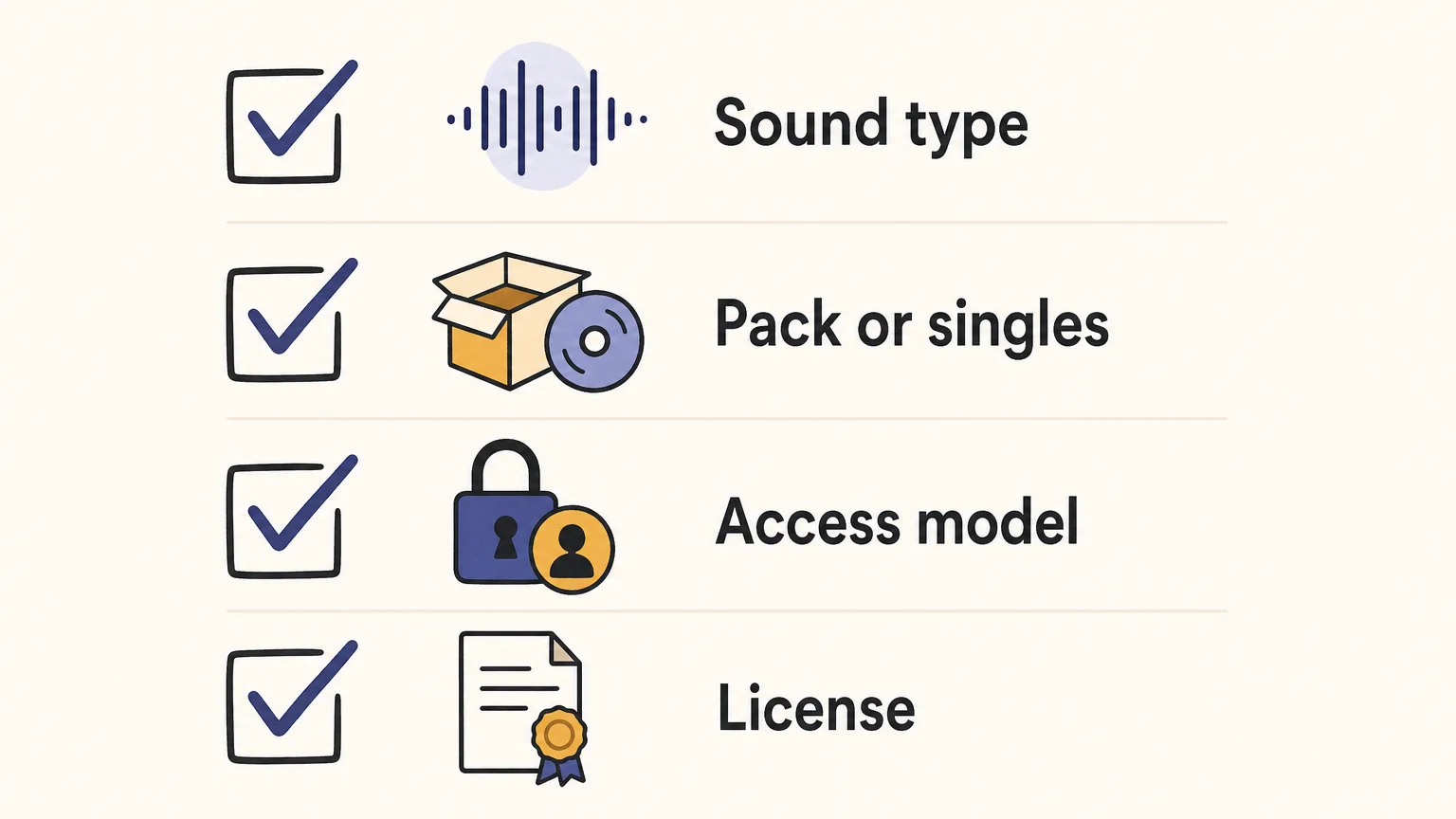
A short selection checklist can help keep the decision practical:
- Choose the sound format you need: audio loop, one-shot, MIDI or playable preset.
- Decide whether you prefer a complete pack or selecting individual files.
- Compare the one-time purchase or subscription model against your expected use.
- Review the product license for the kind of release you plan to make.
If you are comparing broader guides after weighing those criteria, our Cymatics alternatives and Splice alternatives pages cover other workflows. A separate sound-bank option may be a better fit if genre focus and a defined preset palette matter more than browsing a broad sample catalog.
Where Pendora fits for focused beatmaking
Cymatics and Splice are sample-library services, while our Pendora sound bank is a genre-focused virtual instrument for producers making melodic trap, drill, dark trap, phonk, boom bap and pluggnb. The full edition includes 275+ presets and additional production assets, including expansion packs, drumkits, MIDI, effects and a Producer Kit. It is a one-time purchase with royalty-free commercial use and free lifetime updates under the stated terms.
That makes Pendora a distinct option when preset selection is taking too long or a producer wants a more focused melodic starting point. Our full-edition product page displays a 4.71/5 rating from 59 verified-buyer reviews. That provides customer feedback to consider alongside the sound palette and your own genre needs, rather than a promise that every preset will suit every session.
Pendora supports VST3 on Windows and macOS, and AU on macOS. It supports macOS 11 Big Sur or later and 64-bit Windows 10 or 11, with explicit testing in FL Studio, Ableton Live, Logic Pro, Cubase, Pro Tools and Reason. Cymatics PANDORA is a separate, unrelated plugin, not another name for our Pendora instrument.
Conclusion: choose the workflow, then the sounds
Cymatics vs Splice comes down to whether you prefer selecting packs and bundled tools or searching for individual sounds through a credit-based catalog. Review the access model and license alongside the sound selection. For producers whose priority is a distinctive melodic palette for trap, drill, phonk or related beatmaking, our focused Pendora sound bank offers a separate one-time-purchase route.
Build a more focused beatmaking setup
If searching through a broad sample library leaves you with too many similar starting points, a curated instrument can give a beat a clearer melodic direction. Pendora is designed for producers working in trap, drill, dark trap, phonk, boom bap and pluggnb who want hand-crafted presets and related production materials in one genre-focused sound bank.
Our Pendora sound bank includes 275+ presets in the full edition, with expansion packs, drumkits, MIDI, effects and additional production assets. It supports VST3 on Windows and macOS and AU on macOS, with royalty-free commercial use and free lifetime updates under the stated terms. Pendora is sold as a one-time purchase, not a subscription, so it can serve as a focused melodic resource alongside other tools in your DAW.
Frequently Asked Questions
Is Cymatics or Splice better for finding samples?
Cymatics organizes much of its content into downloadable collections, while Splice is centered on searching and selecting individual downloads. Choose based on whether you prefer complete packs or picking sounds one at a time.
Can I use samples from Cymatics or Splice in commercial music?
Both services describe commercial use for sounds under their applicable licensing terms. Review the license for the specific sample, and do not assume it allows redistribution of the source sound on its own.
Do I keep Splice sounds after cancelling?
Sounds already downloaded remain accessible under the license that applied when you downloaded them. New downloads require an eligible plan, and unused credits follow the provider’s cancellation rules.
Does Splice use credits for downloads?
Yes, its plans use credits for licensing sounds, with the credit cost depending on the content type. Check the current plan details and credit rules before subscribing.
Is Tiger-Sounds Pendora the same as Cymatics PANDORA?
No. Tiger-Sounds Pendora and Cymatics PANDORA are unrelated products made by separate businesses.
One-Time Purchase Sound Bank: A Practical Guide for Producers
Summary: A one-time purchase can make sound-bank costs predictable, but it does not automatically guarantee perpetual access, updates, or broad commercial rights. Check the license, genre fit, usable sounds, DAW compatibility, and update policy before buying. For beatmakers, a focused library that suits regular sessions may be more useful than a larger collection filled with sounds they rarely reach for.
A sound bank can have one checkout price and still come with conditions that matter later. Before buying a one-time purchase sound bank, check what access means, which uses the license allows, and whether the sounds fit your actual beatmaking sessions. Our overview of one-time purchase sound packs is relevant if you are weighing a fixed purchase against recurring access.
The useful comparison is not just the amount due at checkout. A producer working in FL Studio, Ableton, or Logic Pro may also need to know whether a library runs in the right plugin format, whether its presets fit their genres, and whether updates are included. A clear decision starts with those practical details, then asks whether the collection will help you spend more time arranging and less time searching.
What does a one-time payment actually buy?
Imagine you buy a sound bank, install it, and return to it throughout the year. The payment model tells you how you pay, but not necessarily how long you can access the product, what happens if a computer fails, or whether future updates are included. Check the license and product terms for those details rather than treating “pay once” as a universal promise of permanent access.
Also look for costs that sit outside the initial purchase. Some libraries may require a separate sampler or instrument, paid expansions, or a particular software version. Those requirements can change the practical cost of building a usable setup, even when the sound bank itself is sold for a single payment.
For Pendora, our editions are one-time purchases rather than subscriptions, and free lifetime updates are included under the stated terms. The terms exclude account sharing and redistribution. If avoiding recurring charges is a priority, our sound bank pricing page provides a place to review the purchase options and check the applicable checkout price.
Does the license cover the way you release music?
A preset that sounds right is only part of the decision if you plan to sell, place, or license beats. Read the license for the exact use you have in mind. Confirm whether it permits commercial compositions, whether it requires credit, and whether it restricts sharing the original presets or files. A license for using sounds in a track is not the same as permission to redistribute those sounds as a standalone product.
Our Pendora products allow royalty-free commercial use for beats and tracks customers sell, place, or license, with no additional royalties owed under the stated licensing terms. Account sharing and redistribution are excluded. Before buying any library, keep a copy of its license and purchase confirmation with your project records, particularly if you work with clients or pitch tracks for placements.
Will the sounds fit your genres and workflow?
If most of your sessions are built around melodic trap, drill, dark trap, R&B, pluggnb, lo-fi, or phonk, a focused sound palette can be easier to navigate than a broad library filled with categories you rarely use. That does not mean every preset will suit every track. Listen to demos and preview examples in the styles you make, paying attention to the character of the sounds and how much processing they need in your arrangements.
Check what the purchase actually contains, too. A sound bank may be a collection of presets for an instrument, while another product may include drums, MIDI, effects, or audio files. Serum and Vital are synthesizers; Omnisphere and Kontakt have different instrument and library workflows. Do not assume a sound bank will replace them or run independently of them. Confirm which software is required and whether the included assets suit your setup.
Pendora is built around a genre-focused palette. Our full edition contains more than 275 presets across more than 30 sound categories, with additional production assets; Pendora Lite provides 30 presets as a smaller way to evaluate the sound. Our full-edition page displays a 4.71/5 rating from 59 verified-buyer reviews, while the Lite page displays a 4.62/5 rating from 13. These ratings apply to those editions and can offer product-specific context, alongside your own listening tests. For a broader evaluation framework, see how to judge a sound bank’s value.
Does it work in your DAW and on your computer?
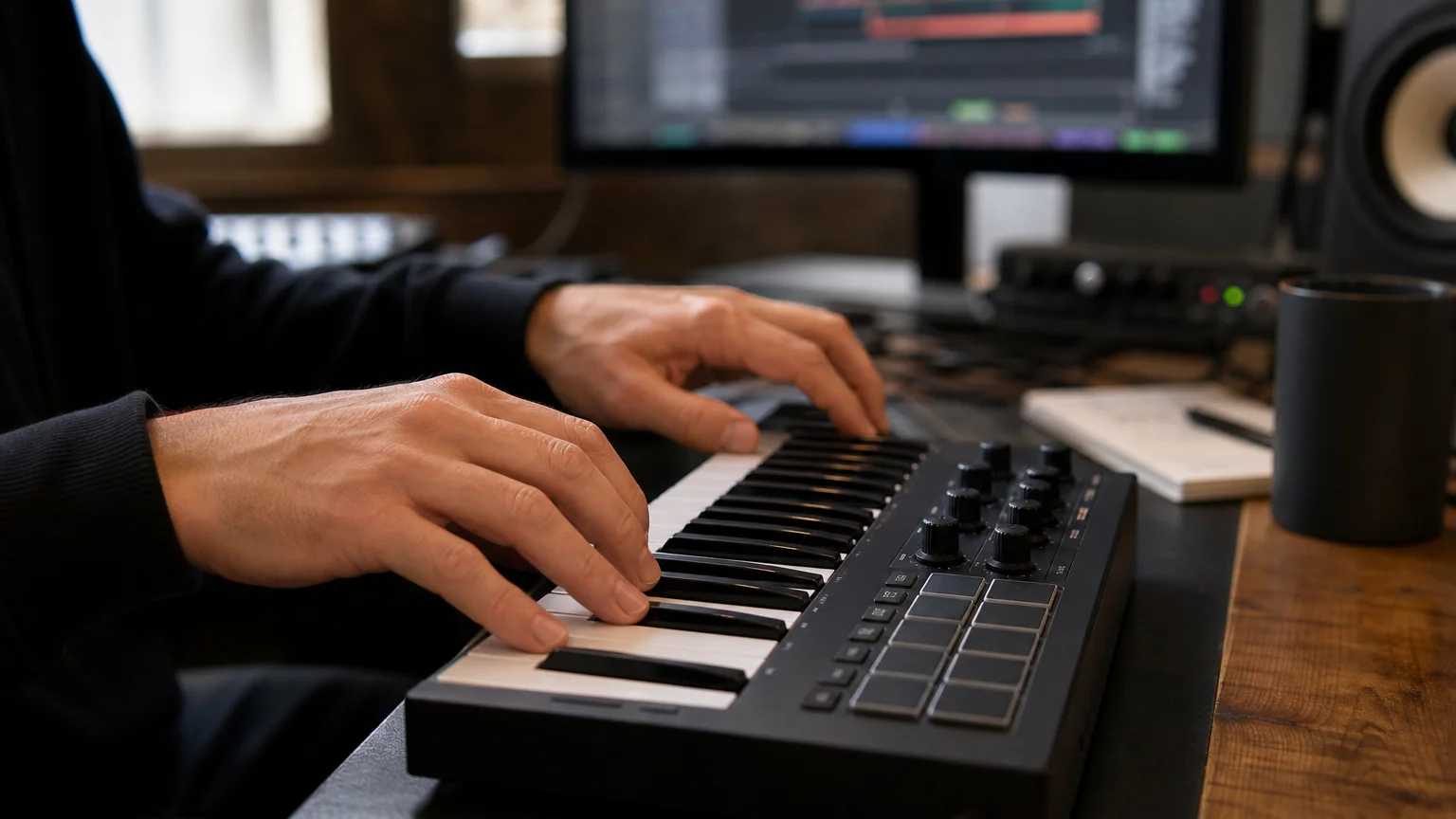
A sound bank is useful only if its instrument loads in the host you use. Check the exact plugin format, operating system, bitness, and any processor requirements before buying. Steinberg’s VST3 documentation describes the format’s platform-specific structure, a reminder to confirm supported systems on the product page rather than relying on a general “VST compatible” label.
On macOS, also verify whether the product includes AU if your host requires it. Apple’s Audio Unit documentation covers the Audio Unit framework for Apple platforms. Support can vary by host and format, so check both the product requirements and your DAW’s plugin instructions before installation.
Pendora supports VST3 on Windows and macOS, and AU on macOS. It requires macOS 11 Big Sur or later, or 64-bit Windows 10 or 11, and has native Apple Silicon support. The explicitly tested DAWs include FL Studio, Ableton Live, Logic Pro, Cubase, Pro Tools, and Reason. For host-side details, consult Ableton’s plugin-format guide and verify your own DAW version and system before purchasing.
How can you compare the real value?
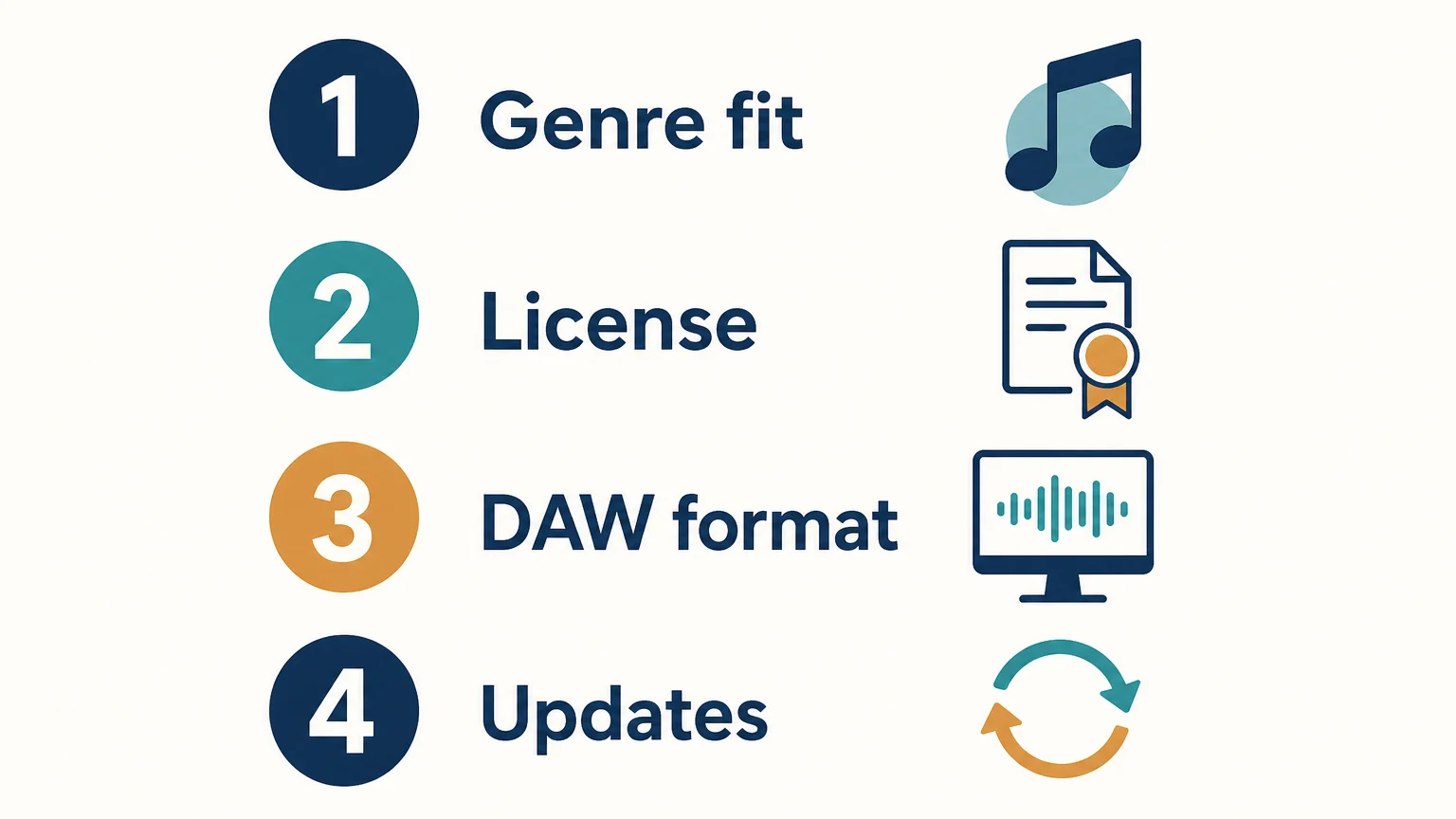
Start with a short audition, not the biggest preset count. Pick a few sounds you would genuinely use in your next sessions: a lead for a melodic loop, a pad for atmosphere, or a bass sound that sits in your drum pattern. Then consider whether the package includes helpful production assets, whether you can use the sounds commercially, and whether its format and update terms fit your setup.
Value also depends on how often you expect to use the library. A large bank can be poor value for a producer who only needs a handful of sounds, while a smaller collection can be worthwhile if its presets suit regular projects. If you are deciding between a limited edition and a more complete library, compare their contents and the cost of any separate tools or expansions you would need. Our best sound banks page offers more product context for producers making that comparison.
Choose for the sessions you actually make
A one-time sound-bank purchase is most useful when its payment terms, license, sound palette, and technical requirements all suit your work. Preview the sounds, confirm the rights and plugin compatibility, then weigh the included content against the cost of anything else you need. The right choice is the one you can use confidently in real projects, not simply the one with the largest preset count.
Choose a Focused Sound Bank for Beatmaking
If you want a defined sound palette for beatmaking rather than a subscription catalog, compare the genres, formats, and included assets against the projects you produce most. That makes it easier to tell whether a sound bank fits your workflow before you commit.
Our Pendora editions are one-time purchases and include free lifetime updates under the stated terms, which exclude account sharing and redistribution. Pendora supports VST3 on Windows and macOS, plus AU on macOS, and its sounds are intended for trap, drill, dark trap, phonk, boom bap, and related styles. Explore the Pendora sound bank and review the edition contents and compatibility details for your setup.
Frequently Asked Questions
Does a one-time purchase mean I own the sound bank outright?
Not necessarily. A single payment describes the payment model, while the license sets access and permitted uses. Read the product terms to see whether the purchase grants a continuing license and what restrictions apply.
Are updates always included with a one-time purchase?
No, update policies vary by product. Check whether updates are included, whether they are limited to a particular version, and whether any conditions apply.
Can I use a royalty-free sound bank in commercial beats?
That depends on the product’s license, so confirm the permitted uses before release. Pendora allows royalty-free commercial use for beats and tracks customers sell, place, or license, with no additional royalties owed under its stated terms; account sharing and redistribution are excluded.
What should I check for DAW compatibility?
Confirm the supported plugin format, operating system, and bitness, then check that your DAW supports that format. For example, Pendora supports VST3 on Windows and macOS, and AU on macOS.
Is a larger sound bank always better value?
No. Consider how many sounds fit your genres and how often you expect to use them, along with the license, compatibility, and included assets. A smaller, relevant selection may suit your beatmaking better than a larger bank you rarely browse.
Do sound banks save time when making beats? A realistic look
Summary: Yes, a sound bank can save time when it makes suitable sounds easier to find and audition. The benefit depends on how well the sounds fit your genre, how clearly the bank is organized, and whether you can customize a preset quickly. A large library alone is no guarantee: unfocused browsing can take as long as building a sound yourself.
A beat can stall before you write a single note: you open a synth, cycle through presets, and still cannot find a sound that fits the idea. A focused sound bank can shorten that search by giving you a more relevant starting point. If you are deciding whether a bank or a collection of audio files fits your workflow, our guide to how sound banks compare with sample packs explains the difference.
Do sound banks save time when making beats? Often, yes, especially when you regularly make music in genres the bank serves and you know where to look inside it. But preset selection is only one part of beatmaking. If you spend more time browsing than writing, or if every sound needs extensive adjustment, the library may not be speeding up your session.
How a sound bank can save time at the start
Imagine opening FL Studio, Ableton, or Logic Pro with a melody in mind. A playable preset gives you a sound you can perform or sequence immediately, instead of beginning with an empty synth patch. You can test the timbre against your chords, change the notes, and start shaping the beat while the idea is still fresh.
This is different from choosing a drum one-shot or an audio loop. A sound bank usually gives you playable presets inside an instrument, while a sample pack often provides recorded audio files such as kicks, snares, or loops. Some products include both, so check what is actually included rather than relying on the label.
The time advantage is mainly about fewer repetitive decisions, not less creative work. A 2026 Sound On Sound survey found that almost three-fifths of respondents saw potential for AI to speed up or automate tedious production tasks. That survey was about AI, not sound banks, so it does not establish how many minutes a preset library saves. It does, however, underline a useful distinction: tools can reduce routine friction while leaving musical choices to you.
When a sound bank speeds up beatmaking most
A bank is most useful when its sounds match the work you actually make. If you produce trap, drill, R&B, pluggnb, dark trap, lo-fi, or phonk, a focused selection in those styles can reduce the time spent auditioning sounds that do not fit your arrangement. Genre fit will not write the beat for you, but it can get you closer to a useful starting point.
Familiarity also matters. A well-organized library helps only if you can understand its categories and quickly return to sounds you like. Save favorites, label custom presets clearly, and build a small personal shortlist from any library you use. That way, the value compounds: you are not starting the same search from scratch in every session.
Since 2020, we have built Pendora around hand-crafted sounds for several of these genres. The full edition includes 275+ presets along with expansion packs, drumkits, MIDI, and FX assets. That range gives producers a focused palette to explore, though the right fit and any time saved still depend on your taste and workflow. For a broader starting point, see the best sound banks.
How preset browsing can erase the time saved
A large library can create a new kind of delay: scrolling through hundreds of options without a clear idea of what you need. A preset that is close but not quite right may lead to repeated adjustments to its filter, envelope, effects, or octave. If that becomes a habit, a short search can turn into a long sound-design detour.
One remedy is to start each session with a simple brief: “soft bell for the hook,” “dark pad under the vocal,” or “short pluck for the counter melody.” Then audition a few candidates, choose one, and move on. If none fits, customize a near match or switch to a different source instead of continuing to browse without a limit.
Evidence about music tools supports keeping this balance between efficiency and creative control, but it does not prove that presets are inherently faster. In a 2026 survey of 1,194 creators, Sonarworks’ survey described interest in technical assistance alongside caution about delegating creative decisions. The survey addressed AI, not sound-bank browsing. Applied to presets, the practical lesson is to use them as starting points and make the final choices yourself.
Choose a bank and test if it suits your workflow
Judge a sound bank by how quickly it helps you reach a sound you would actually use, not by the number of presets alone. Check whether its genre and timbres suit your sessions, whether its categories make sense to you, and whether you can shape presets without losing momentum. Consider your existing setup too: Serum, Vital, Omnisphere, Kontakt, and other instruments may already cover the sounds you need.
Try a simple session test. Pick a sound you need, note how long it takes to find a suitable starting point, then check whether you can adapt it and continue arranging. Repeat the test with your usual tools. The aim is not a universal speed score, but a practical comparison in your own DAW and with your own musical taste.
A January 2026 MIDiA creator survey report analyzes responses from 2,109 music creators surveyed in 2025, including DAW and software user profiles. It does not measure preset-search time, which is one reason to test a bank in your own setup instead of expecting a fixed time saving. If you are comparing instruments built around playable presets, our overview of the best sound bank VSTs can help you assess your options.
Make the sound bank work for your session
An organized sound bank can save time when its presets fit your genre, its structure makes sense to you, and you can move from auditioning to arranging without getting stuck in endless browsing. Keep a shortlist of useful sounds, customize presets when needed, and build from scratch when you have a specific sound in mind. The best measure is whether your own sessions move forward with less friction while still sounding like your work.
Explore a focused sound bank for beatmaking
If your sessions often slow down while you search for melodic sounds, a genre-focused bank can give you a more direct place to start. Our Pendora sound bank is designed for styles including trap, drill, R&B, pluggnb, dark trap, lo-fi, and phonk, with hand-crafted presets intended to help you find a sound that fits your direction.
The full Pendora edition includes 275+ presets, three expansion packs, a Producer Kit, two drumkits, MIDI, and FX assets. It is a one-time purchase with lifetime updates under the stated terms, and commercial use is royalty-free within those licensing terms. Check the product details and compatibility for your setup before choosing our sound bank for making beats.
Frequently Asked Questions
Are sound banks faster than building presets from scratch?
They can be faster when a preset is close to the sound you need, because you can start by playing or editing it rather than building every parameter yourself. If it requires extensive changes, designing from scratch may be just as efficient.
Do presets make a beat sound less original?
Not automatically. Your choice of notes, rhythm, arrangement, processing, and how you modify a preset all shape the result.
What is the difference between a sound bank and a sample pack?
A sound bank commonly contains playable presets for an instrument, while a sample pack often contains recorded audio such as one-shots and loops. Some collections combine both, so check the contents before choosing.
How can I avoid wasting time browsing presets?
Start with a clear sound description, audition a small number of options, and save useful presets to a shortlist. If none fits, customize a close option or move on rather than browsing indefinitely.
How do I know whether a sound bank is right for me?
Check its genre fit, organization, customization options, and compatibility with your instrument and DAW. Then test how it performs in a real session using sounds you would actually need.
Royalty-Free Beat Presets: Licensing, Sound, and DAW Fit
Summary: Royalty-free beat presets are sound settings licensed for use in music without ongoing royalties, but the exact permission depends on the library’s terms. They are not the same as finished royalty-free beats, and “royalty-free” does not automatically mean free, exclusive, or available for redistribution. Check commercial-use scope, sound fit, and DAW compatibility before relying on a preset in a release.
Can a preset be royalty-free without being free to download? Yes: the phrase describes the permission attached to the sound, not necessarily its price or ownership. When comparing libraries, check the written terms, listen for a fit with your production, and confirm your DAW can load the required format. Our guide to royalty-free sound banks you can trust can help you assess what a library says about its sounds and licensing.
For commercial beatmakers, royalty-free beat presets can provide synth tones for original productions without an ongoing royalty obligation, when the license permits that use. But preset rights and finished-beat rights cover different materials, so read the terms before selling, placing, or licensing a track.
What does royalty-free mean for a preset?
A preset is typically a saved instrument setting, such as a synth patch with particular oscillators, filters, envelopes, and effects. A royalty-free license may let you use the resulting sound in a finished track without paying the preset maker ongoing royalties. It does not necessarily transfer ownership of the preset or grant permission to share the preset file, resell it, or include it in another sound library.
Check what the license actually permits. Look for wording on commercial releases, beats sold or placed for clients, attribution, redistribution, and any restrictions on sharing project files that contain the preset. The phrase “royalty-free” by itself does not answer every one of those questions.
Licensing is also relevant beyond preset purchases. The 2026 Berklee report surveyed 1,003 industry participants about music discovery, licensing, and use in video. Its scope is the music and video ecosystem, not preset licensing specifically, but it provides useful context for producers whose beats may later appear in video projects.
How are preset licenses different from finished-beat licenses?
Imagine building a beat in FL Studio using a patch from Serum, Vital, Omnisphere, or Kontakt. A preset license concerns your use of that patch or sound. A finished-beat license, by contrast, concerns permission to use a complete instrumental recording and may set separate terms for release, exclusivity, streams, publishing, or Content ID. Do not assume the terms for one asset automatically cover the other.
A preset can be one layer in a production that also contains drum hits, loops, vocals, and samples. Check the terms for each source, especially if you plan to license the beat commercially. You generally need permission to use the sound in a track, not permission to redistribute the sound itself as a standalone asset; confirm that distinction in the specific license.
Transparency matters when comparing offers. A 2026 SSRN working paper examined 112 publicly listed beat offers and discussed information gaps around beat-market listings. Its sample is limited to those observed listings, but the practical takeaway applies when evaluating a license: find the actual terms before making assumptions based on a product label.
Match preset content to your sound and DAW
A library should fit the music you make, not just promise a large number of patches. Consider whether its tones suit your work, whether you can shape them in your usual workflow, and whether the library includes sounds you will actually use. For melodic trap, drill, R&B, pluggnb, dark trap, lo-fi, or phonk, a genre-focused collection may be more useful than a broad bank whose sounds do not fit your sessions.
Our Pendora sound bank focuses on trap, drill, dark trap, phonk, boom bap, and pluggnb. The full edition includes 275+ presets and additional production assets, and our full-edition page displays a 4.71/5 rating from 59 verified-buyer reviews. If you are evaluating a smaller selection first, Pendora Lite includes 30 presets. You can also browse our free FL Studio preset packs, then check the terms for any sounds you plan to use commercially.
Compatibility is a separate check from genre fit. Pendora supports VST3 on Windows and macOS, and AU on macOS; its stated system support is macOS 11 Big Sur or later and 64-bit Windows 10 or 11. We have tested it with FL Studio, Ableton Live, Logic Pro, Cubase, Pro Tools, and Reason. For a particular session, confirm both the plugin format and your operating system before installing. If you need presets for an FL Studio workflow, our FL Studio presets page is a relevant place to explore.
Check these terms before a commercial release
Before you finish a beat for sale, placement, or licensing, use a short terms check rather than relying on the “royalty-free” label alone:
- Commercial use: Does the license cover the type of beat or track you intend to release?
- Royalty scope: Does it say whether ongoing royalties are owed for that covered use?
- Redistribution: Can the sound be used in a finished track, and does the license prohibit sharing or reselling the original preset or library?
- Workflow fit: Does the format work with your DAW and operating system?
Rights language matters even when the material is described as royalty-free. In its 2026 Global Music Report, IFPI referenced a survey conducted in November 2025 across five countries in which 69% of respondents opposed AI companies using creative works without authorization or payment. That result concerns AI training, not preset-library licensing, but it underscores why permission and scope should be explicit rather than assumed.
Our Pendora products are licensed for royalty-free commercial use on beats customers sell, place, or license, with no additional royalties owed under the stated product terms. Account sharing and redistribution are excluded, so keep the sound library itself separate from the music you create with it.
Choose presets with clear permissions
Good licensed preset libraries combine sounds that suit your production with terms that clearly state how you can use them. Before committing a beat to a release, placement, or client project, verify the permitted use, keep the license details, and confirm the preset works in your DAW.
Choose sounds built for distinctive beatmaking
If generic patches are slowing your sessions or leaving your beats short on character, a focused sound bank can give you a practical starting point. Choose by genre, inspect the commercial-use terms, and make sure the plugin format fits the computer and DAW you use.
Our Pendora full edition includes 275+ presets and production assets for trap, drill, dark trap, phonk, boom bap, and pluggnb workflows. It is a one-time purchase with free lifetime updates under the product terms, and its commercial license covers beats you sell, place, or license without additional royalties. Explore royalty-free beat presets from Pendora and review the compatibility and licensing details before choosing an edition.
Frequently Asked Questions
Are royalty-free beat presets free to download?
Not necessarily. “Royalty-free” describes the licensed use, while a preset may be free or paid.
Can I sell a beat made with royalty-free presets?
That depends on the preset license and any other sounds used in the beat. Confirm that the terms cover your intended commercial release and do not assume one asset’s license covers all the others.
Can I share or resell the preset file?
Not automatically. A license may allow use in a finished track while prohibiting sharing, repackaging, or reselling the original preset or sound library.
Will a preset pack work in any DAW?
No, compatibility depends on the instrument, plugin format, operating system, and DAW. Check those requirements for the specific library before purchasing or installing it.
What commercial-use terms apply to Pendora?
Our Pendora products are licensed for royalty-free use on beats customers sell, place, or license, with no additional royalties owed under the stated terms. Account sharing and redistribution are excluded.
Loopmasters vs BigSoundBank: Choose the Right Sound Library
Summary: Loopmasters is the closer fit when you want sample packs, loops, one-shots, and sampler material to arrange in a track. BigSoundBank focuses on recorded sound effects and atmospheres. For melodic trap, drill, phonk, and related beatmaking, our Pendora sound bank offers a more focused playable-instrument workflow, with production assets included.
Do you need ready-to-arrange audio, recorded atmosphere, or playable melodic presets? In a direct Loopmasters vs BigSoundBank comparison, the key distinction is function: Loopmasters centers on sample packs and loops, while BigSoundBank centers on sound effects and ambiences. For producers focused on melodic trap and drill, compare those workflows with our Pendora vs Loopmasters overview before choosing where to spend session time.
Loopmasters may suit beatmakers building a track from packaged musical elements; BigSoundBank is more relevant when a track needs environmental texture, a transition, or a distinctive recording. Licensing is a separate decision from sound choice: the U.S. Copyright Office guide explains that sound recordings are protected works, so check the terms for the particular sounds you use. For a focused melodic palette rather than a broad pack or effects archive, consider the product contents and licensing alongside the browsing workflow.
Loopmasters vs BigSoundBank: what is each library for?
Start with the sound you want to put into the session. Loopmasters is a sample-pack destination, with packs that may include loops, one-shots, sampler patches, synth presets, and MIDI. BigSoundBank is an effects archive and shop, with recorded sounds and atmospheres that can add texture but do not replace a playable melodic instrument. Our Pendora V3.0 is another kind of option: a genre-focused sound bank paired with production assets.
| Option | Primary material | Beatmaking workflow | Purchase and rights |
|---|---|---|---|
| Pendora V3.0 / Pendora V3 Complete Edition | Playable presets, drumkits, MIDI, effects, risers, and expansions | Load the instrument for focused melodic production, then use the included supporting assets | One-time purchase; royalty-free commercial use under our terms |
| Loopmasters | Pack-based loops, one-shots, sampler patches, presets, and other production material | Choose a pack, then arrange, chop, layer, or process its contents in a DAW | Pack purchases and related services; check the license for the specific product |
| BigSoundBank | Sound effects, field recordings, and atmospheres | Use recordings for transitions, ambience, and sound design around musical parts | Free account access and paid shop content; check the terms for the specific sound |

Pendora V3.0 / Pendora V3 Complete Edition
Best for: Producers who want a focused playable palette for trap, drill, dark trap, phonk, boom bap, and pluggnb, with production assets in the same package.
Our full Pendora edition combines more than 275 presets across more than 30 sound categories with three expansion packs, a Producer Kit, two drumkits, MIDI content, an FX pack, and risers. That makes it a different workflow from selecting separate sample packs or searching an effects archive: open the instrument for melodic sounds, then draw on its accompanying assets as the track develops. It supports VST3 on Windows and macOS, and AU on macOS. Stated system requirements are macOS 11 Big Sur or later, or 64-bit Windows 10 or 11.
Tiger-Sounds states that Pendora has been sold since 2020 and is used by 500+ producers. The full-edition page displays a 4.71/5 rating from 59 verified-buyer reviews. These are product-specific company claims and displayed reviews, not a controlled comparison with the other services. Full-edition pages list different prices, €149 on some pages and $147 on another, so check the applicable checkout price.
Pros:
- A focused palette for several contemporary beatmaking styles, rather than a general sound-effects archive.
- Presets and supporting drums, MIDI, FX, risers, and expansions are brought together in one workflow.
- One-time purchase, royalty-free commercial use, and free lifetime updates under our terms. Account sharing and redistribution are excluded.
Cons:
- The genre focus is narrower than a broad sample marketplace, so producers seeking mainly acoustic, orchestral, or cinematic libraries may need different material.
Loopmasters
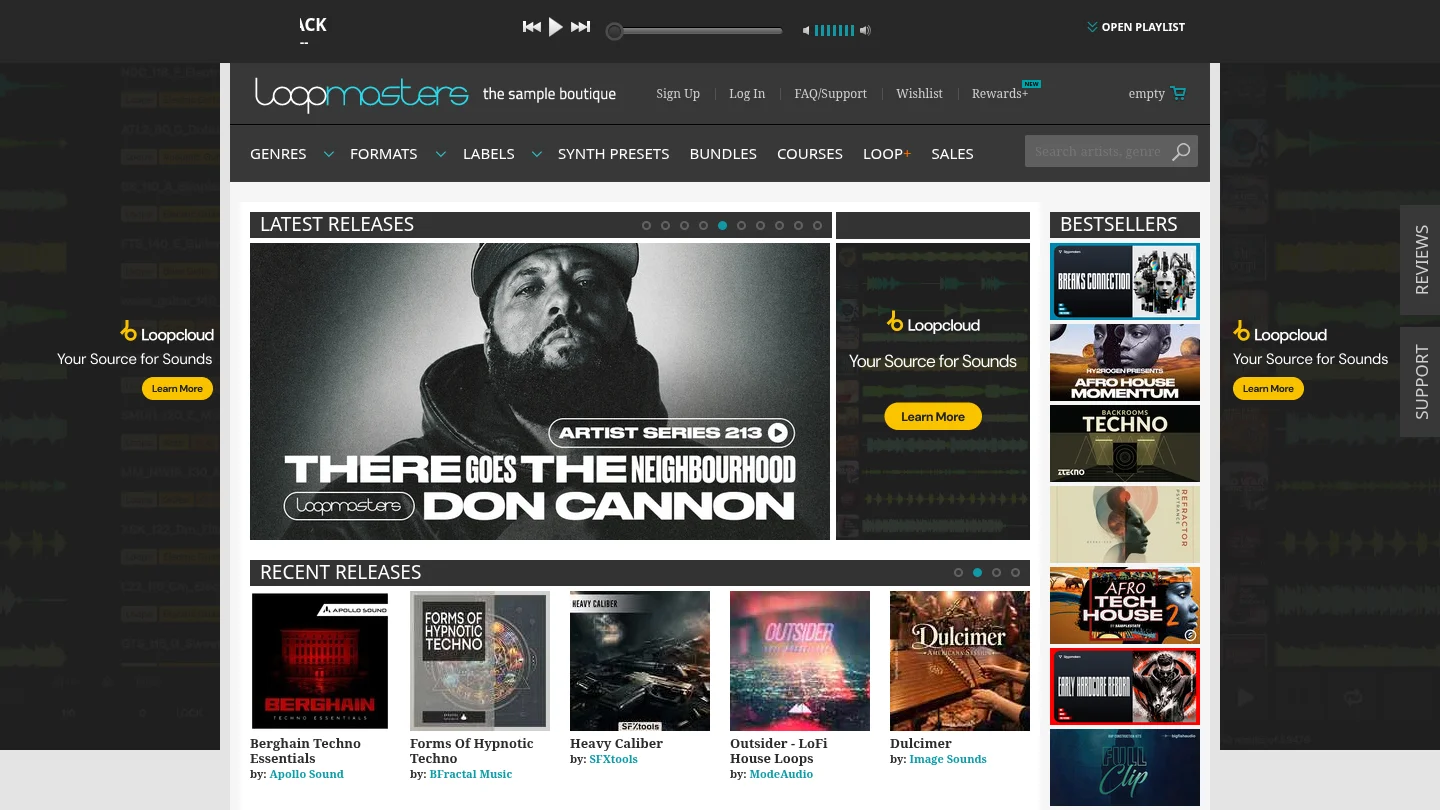
Best for: Producers who want to browse and buy individual sample packs for arrangement, chopping, layering, or sampling.
Loopmasters is the more directly comparable choice if the need is musical material rather than environmental recordings. Its catalog includes loops, one-shots, sampler patches, synth presets, MIDI, and other pack contents. Individual products may include tempo-marked or key-labeled audio, but contents and available formats depend on the pack. That gives you a broad set of source material to shape in FL Studio, Ableton, Logic Pro, or another compatible DAW, rather than one single instrument with a fixed preset identity.
Loopmasters describes its sample packs as royalty-free for use in musical compositions, but a purchase grants a license rather than ownership of the sounds. Its help material also notes limits on using sounds in isolation, such as repackaging them as another sample pack, and says some labels or products have separate terms. Read the license and format information on the individual product before committing it to a commercial session.
Pros:
- Pack-based choice across loops, one-shots, presets, sampler patches, and other production material.
- Some packs provide musical elements that can be rearranged or layered rather than used only as sound effects.
- Useful when a producer wants to select specific source material for a project instead of buying one focused instrument.
Cons:
- Contents, format, and license can vary from one pack to another, so product-level checking is part of the buying workflow.
- A pack catalog is not the same as a single playable sound bank with a unified preset collection and supporting production assets.
BigSoundBank
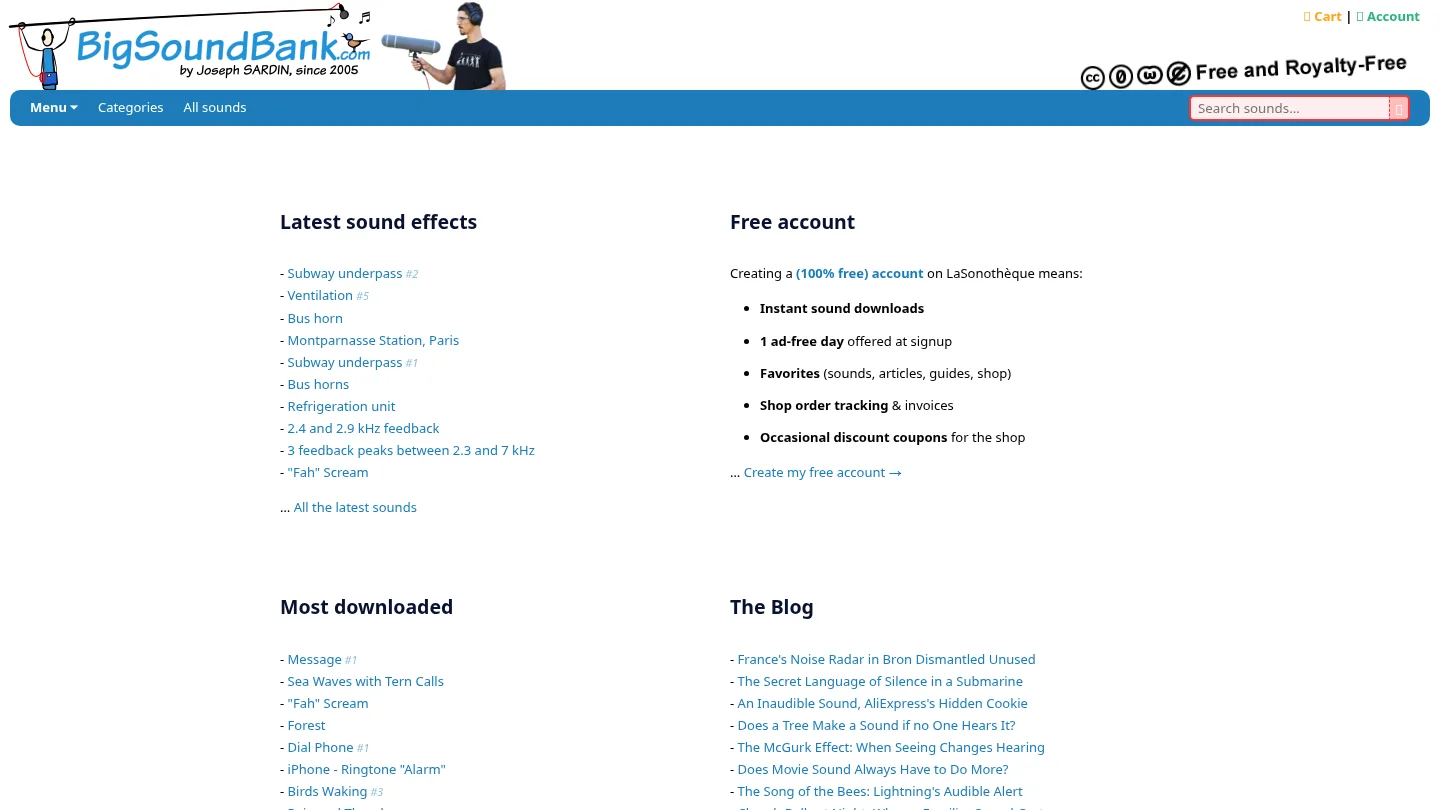
Best for: Producers and sound designers looking for environmental recordings, atmospheres, and sound effects.
BigSoundBank can complement a beat with a recognizable setting or a layer of sonic detail: for example, a station ambience under an intro, a recorded impact as a transition, or a natural texture behind a sparse arrangement. Its archive and shop serve a different role from a sample-pack store built around musical loops and from a playable VST sound bank. If the immediate need is a bell, pluck, pad, bass preset, or MIDI melody, an effects archive is not the direct instrument for that task.
The service provides free account access, and its license information distinguishes sounds labeled free and royalty-free from paid shop content. The listed free sounds have a CC0-like license description that permits commercial use and redistribution; check the terms attached to each individual sound rather than assuming every shop item follows the same grant. Our Pendora vs BigSoundBank comparison explains the difference between an effects-first archive and a melodic sound-bank workflow, and our BigSoundBank alternatives page may help if you are looking beyond effects libraries.
Pros:
- Recorded effects and atmospheres can add place, movement, and texture to a production.
- Free account access is available, alongside separate paid shop content.
- Its free and royalty-free sounds are described with permissive commercial-use terms, making the per-sound license worth checking for effects-led work.
Cons:
- Its effects and atmosphere focus does not serve as a substitute for a playable melodic VST or a focused collection of instrument presets.
- Free account access and paid shop content have different purchase contexts, so confirm the license and terms for each chosen sound.
How do licenses, formats, and workflow affect the choice?
Think about whether you need to play notes, arrange audio, or design a soundscape. A Loopmasters pack may contain WAV loops, one-shots, MIDI, or sampler patches, depending on its product details. BigSoundBank recordings are more suited to audio layers such as ambiences and effects. Pendora is an instrument workflow: select a preset and play it, then use its accompanying production assets where they fit.
That difference also affects compatibility checks. Audio files can generally be imported into a DAW, while a plug-in must use a format supported by the host. Steinberg’s VST3 format documentation describes how the plug-in format is structured across platforms; Ableton’s plug-in guide covers VST and Audio Units support in Live, with AU for macOS. For Pendora, VST3 is supported on Windows and macOS, while AU is supported on macOS.
Commercial-use language also needs a close read. Loopmasters describes a license for using purchased sounds in musical compositions, with restrictions and product-specific exceptions. BigSoundBank describes a CC0-like grant for sounds marked free and royalty-free, while shop products may have their own terms. Creative Commons explains the scope of its CC0 license deed; do not assume a sound is CC0 unless its listing says so. Our Pendora products allow royalty-free commercial use under our terms, with account sharing and redistribution excluded.
Which library fits your next beatmaking session?
Picture the next task in FL Studio, Ableton, or Logic Pro. If you want to start a melody from a playable preset and keep a cohesive palette for trap, drill, phonk, or pluggnb, a focused sound bank can shorten the distance between a blank project and a usable idea. If the core is a loop, vocal phrase, drum hit, or construction element, browse sample packs and check each pack’s contents. For an intro, transition, or cinematic detail, look for a recorded effect or atmosphere.
For producers already using instruments such as Serum, Omnisphere, Kontakt, or Vital, the key question is what is missing from the session: another playable preset palette, arranged audio, or a recorded sound effect. Check whether material is audio, MIDI, a sampler patch, or a plug-in; confirm your DAW supports the format; then check licensing before using it in a release. That comparison keeps “library” from masking three different production jobs.
Conclusion
Loopmasters is the practical choice when you want to build with musical sample packs and loops; BigSoundBank is the more relevant source for environmental recordings, effects, and atmospheres. For melodic trap, drill, dark trap, phonk, boom bap, and pluggnb, our focused sound-bank workflow brings playable presets and supporting production assets together. Choose based on the material you need, then confirm the individual format and license before using it commercially.
A focused sound bank for melodic beatmaking
If you are comparing Loopmasters with an effects archive because you need a faster starting point for melodies, basses, and textures, consider whether a dedicated instrument better fits the session. We built Pendora for producers working in trap, drill, dark trap, phonk, boom bap, and pluggnb, with a defined palette rather than a general effects catalog.
Our full edition includes 275+ presets, three expansion packs, a Producer Kit, two drumkits, MIDI content, an FX pack, and risers. It supports VST3 on Windows and macOS and AU on macOS, with one-time purchase, royalty-free commercial use, and free lifetime updates under our terms. Account sharing and redistribution are excluded. See the Pendora sound bank and confirm the current checkout price and system requirements before buying.
Frequently Asked Questions
Is Loopmasters or BigSoundBank better for making beats?
Loopmasters is more directly suited to beats built from loops, one-shots, sampler patches, and other musical pack contents. BigSoundBank is more relevant when the track needs recorded effects or atmosphere.
Can BigSoundBank replace a melodic VST sound bank?
Not for the same task: BigSoundBank focuses on recorded sounds and effects, while a melodic sound bank provides playable instrument presets. You can use effects as layers in a beat, but they do not provide the same note-playing workflow.
Are Loopmasters samples royalty-free for commercial releases?
Loopmasters describes its purchased samples as licensed for use in musical compositions, including commercial releases, subject to its license terms and exceptions. Check the specific product and license, especially if you plan to use sounds in isolation or redistribute them.
Can I use BigSoundBank sounds commercially?
Its license information describes commercial use for sounds labeled free and royalty-free. Check the terms attached to a particular sound, since paid shop items may have separate conditions.
What is the difference between a sample pack and a sound bank?
A sample pack usually provides audio files or related materials to arrange, chop, and layer in a DAW. A sound bank typically provides playable presets for an instrument; some products also include supporting samples, MIDI, or production assets.
How to Make a Drill Beat (Step by Step)
To make a drill beat, set your tempo around 140 to 144 BPM, write a short dark melody in a minor key, program a half-time drum groove with off-grid snares and sparse, choppy hi-hats, then lock in a sliding 808 that follows the melody’s root notes. That is the whole recipe. The rest of this guide covers each step in the order working producers actually do it, with settings you can copy in FL Studio.
Drill is not just trap with faster hats. As MusicRadar’s beginner’s guide to drill puts it, drill beats sit “typically in the 130-140bpm range with a woozy halftime feel” and use “more wonky snare and clap patterns, sparser hi-hats and often a distinctive sliding 808 bassline.” If you only want the melody side, we break that down in depth in how to make drill melodies. This article is the full beat, start to export.
What’s in this guide
- Which drill style are you making?
- Step 1: Set the tempo and key
- Step 2: Start with the melody
- Step 3: Program the drums
- Step 4: Write the sliding 808
- Step 5: Arrange the beat
- Step 6: Quick mix before export
- Sounds and tools that speed this up
- FAQ
Which drill style are you making?
Drill has three main regional styles, and picking one first saves you from making a beat that sounds like none of them. According to MusicRadar, drill started in Chicago in the early 2010s and spread to London, where producers added grime and UK garage influences “such as warping basslines.” Brooklyn drill later built on the UK production sound.
| Style | Feel | What to focus on |
|---|---|---|
| Chicago drill | Closer to trap, raw and aggressive | Hard 808s, straightforward half-time drums, dark piano or synth loops |
| UK drill | Bouncy, syncopated, sliding | Off-grid snares, grime-style hat patterns, 808 glides on almost every phrase |
| Brooklyn / NY drill | Built on the UK production template | Gliding 808s up front, UK-style drums, plenty of room for the vocal |
If you are making type beats for YouTube, UK and NY drill are where most of the search demand sits. The steps below use the UK/NY template because it covers the parts that trip people up: the snares and the slides.
Step 1: Set the tempo and key
Set your project between 140 and 144 BPM and pick a minor key. MusicRadar gives 130 to 140 BPM as the typical drill range, and Attack Magazine’s breakdown of a Dutchavelli and M24 style beat runs at 144 BPM with swing set to 0%. That 0% matters: drill gets its bounce from note placement, not from swing.
The beat should feel like it is moving at half speed even though the grid is fast. That half-time feel comes from where you put the snare (Step 3), so do not lower the tempo to fake it.
For keys, minor scales are the default. Pick one where your 808 root note sits comfortably low, roughly between F and A, so you have room to slide up and down without the bass turning into a mid-range buzz.
Step 2: Start with the melody
Write the melody first, because the 808 will follow its root notes. UK producer M1onTheBeat (Digga D, K-Trap, Headie One) works this way. In his MusicRadar interview he says: “I normally start with the melody.” MusicRadar describes his signature sound as “sparse, eerie piano refrains” over sliding 808s.
Practical rules for a drill melody:
- Keep it short. A one or two bar motif that loops is better than an eight bar composition. The rapper needs space.
- Use dark timbres. Bells, plucks, piano, choirs, strings and flutes are the standard palette.
- Layer octaves. In the Attack Magazine M24 breakdown, the bell pad is duplicated at two octaves, and the piano is doubled with one copy tuned up an octave.
- Try a half-time effect on the melody. The same breakdown runs the pad and the piano through Cableguys Half-time, which slows the melody against the fast drums.
Our full walkthrough of chord choices and bell layering is in the drill melodies guide.
Step 3: Program the drums
Drill drums are a half-time groove with snares that land in unexpected places and hi-hats that skip instead of rolling constantly. This is the step that separates a drill beat from a trap beat with drill sounds on it.
Kick and snare
Put your main snare or clap on beat 3 of every bar at 140+ BPM. That gives you the half-time backbone. Then move extra snares off the grid toward the end of the bar, especially in the second bar of each 2-bar phrase. These late, “wonky” snares (MusicRadar’s word) are what make UK drill bounce.
M1onTheBeat calls the foundation “the three-step drum pattern,” which he says he and others adapted to change “the way it bounces.” MusicRadar notes he views it as closely linked to afrobeat rhythms.
For the kick, keep it simple and loud. Attack Magazine’s UK drill dissection sets the kick at “high velocities as we want the kick drum to pop through.” In practice, your 808 often plays the role of the kick on many hits, so you may only need a few kick notes.
Hi-hats
Drill hats borrow from grime. Attack Magazine describes the pattern this way: “on a 1/16th grid” it is “two spaces, two spaces and one space repeated.” That uneven grouping is where the drill gallop comes from.
- Start with the grouped 1/16 pattern above for one bar.
- Add a 1/16 triplet roll or a quick stutter only at the end of a phrase, not every beat.
- Drop in an open hat off the downbeat once every bar or two.
- Vary velocity. The M24 breakdown uses two hat layers, one turned down to -9 dB and panned left, so the pattern has depth instead of one flat tick.
Percussion and ghost notes
Add one or two percussion layers (a triangle, rim or tom) to fill gaps the hats leave. Attack Magazine also adds snare ghost notes in the final bar and shortens the snare sample so its tail does not smear into the next hit.
Step 4: Write the sliding 808
A drill 808 is a long, tuned bass note that glides between pitches, usually following the root of each melody chord, with slides on the last note of a phrase. M1onTheBeat calls FL Studio’s Slide Note tool “the most important function in the toolbox when it comes to drill 808s.”
How slide notes work in FL Studio
According to the FL Studio piano roll manual, a slide note “must overlap the note they slide,” and “the length of the overlap sets the slide time.” A slide note played on its own, without overlapping a normal note, makes no sound.
The same manual flags an important limit: slide and portamento notes “only work with native FL Studio instruments and not VST instruments.” That is why most producers load their 808 as a sample in FL Studio’s own Sampler channel. If you use a third-party 808 plugin, you need that plugin’s own glide or portamento setting instead.
Shaping the 808 sound
M1onTheBeat’s chain, from the same interview, is a good template:
- Start with “a deep 808 sample.”
- Saturate it with Fruity Blood Overdrive “to give it more body and beefiness.”
- Use Stereo Shaper “to add some more width to the upper mids.”
- Set the sample’s volume envelope to a square shape. In his words, this “allows for complete control over the tail of the 808,” which is how he gets “quick and snappy bass lines.”
Keep the sub itself mono. Width belongs on the upper harmonics only, or the low end falls apart on phone speakers and in clubs. If your 808 still feels muddy against the kick, our guide on mixing 808s without mud covers EQ, sidechain and saturation in detail.
Step 5: Arrange the beat
A simple drill type beat arrangement is intro, hook, verse, hook, verse, hook, outro, with elements dropped in and out every 8 or 16 bars. Rappers want space, and listeners on YouTube decide fast, so the first 8 bars have to show the vibe.
- Intro (4 to 8 bars): melody only, maybe filtered, plus a producer tag.
- Hook (16 bars): full drums, full 808, all melody layers.
- Verse (16 bars): pull one melody layer or thin the hats so the vocal has room.
- Switch-ups: mute the 808 for one bar before a section change, or cut everything except the melody for two beats. Drill relies on these drops more than long builds.
- Outro (4 to 8 bars): melody fading or filtered out.
The Attack Magazine M24 breakdown also uses Ableton’s Beat Repeat on the piano, a quick way to add stutter variation without writing new parts.
Step 6: Quick mix before export
Group your drums, balance the 808 against the kick, and leave headroom for the vocal. A type beat does not need a mastering engineer, but it needs to sound finished next to other beats on YouTube.
- Drum bus: Attack Magazine groups all drums and adds a Drum Buss on the group. In FL Studio, route drums to one mixer track and add light compression or saturation.
- Sidechain the melody: the M24 breakdown sidechains the bell pad to the kick and the piano to the hi-hats, so the drums cut through without turning the melody down.
- Master: the same breakdown ends with Drum Buss, EQ and a limiter on the master, and keeps the overall level lower to leave space for vocals.
- Check in mono and on a phone. If the 808 disappears, add more saturation (harmonics), not more sub.
Sounds and tools that speed this up
You can make a solid drill beat with FL Studio’s stock Sampler, Fruity Blood Overdrive and a good drum kit. The slow part for most producers is finding melody sounds that already sound dark instead of tweaking a generic piano for an hour.
That is the gap a genre-focused preset bank fills. Pendora V3.0 is our VST3/AU instrument built for trap, drill, dark trap, phonk and pluggnb: 275+ presets across 30+ categories, including 33+ bells, 32+ plucks, 47+ pads, 13+ voices and choirs and 26+ flutes, plus a producer kit with drums and MIDI files. It costs €149 one-time and has a 4.7/5 rating from 59 reviews on the product page. If you want to test the sound first, Pendora Lite has 30 hand-picked presets for €29.
Honest limits: Pendora is a melody and sound bank, not a full synth. If you want to design every sound from scratch, Serum 2 or Vital will serve you better, and if you need a huge orchestral library, Omnisphere or Kontakt libraries go deeper. Also remember the FL Studio manual point above: slide notes do not drive VST instruments, so keep your sliding 808 in FL’s Sampler or use a plugin with built-in glide. We compare all of these side by side in the best drill VST plugins.
FAQ
What BPM is a drill beat?
Most drill beats land between 130 and 145 BPM. MusicRadar gives 130 to 140 BPM as the typical range, and Attack Magazine’s UK drill breakdown in the style of Dutchavelli and M24 runs at 144 BPM. The beat feels slower because the snare lands in half time.
What is the difference between drill and trap beats?
Drill and trap share 808s and tempo, but drill uses off-grid “wonky” snares, sparser and more syncopated hi-hats, and sliding 808 basslines, according to MusicRadar. Trap usually keeps the snare steady and fills the space with constant hi-hat rolls.
How do you make 808s slide in FL Studio?
Load your 808 sample into FL Studio’s Sampler, then use slide notes in the piano roll. Per the FL Studio manual, a slide note must overlap the note it slides from, and the overlap length sets the slide time. Slide notes do not work on third-party VST instruments.
Can you make drill beats outside FL Studio?
Yes. Attack Magazine’s drill breakdowns are built in Ableton Live, using Note Expression for 808 pitch slides. FL Studio is popular in drill because of its slide tool and fast piano roll, which is why producers like M1onTheBeat use it.
What key should a drill beat be in?
Use a minor key, and pick one where the 808 root sits low enough to slide without sounding thin, roughly between F and A. The key matters less than keeping the melody dark and the bass and melody in the same scale.
Verdict
A drill beat comes down to four things: a 140 to 144 BPM half-time groove, a short dark melody, off-grid snares with grime-style hats, and an 808 that slides with the melody. Get those right and the beat will sound like drill even with stock plugins. If you want dark bells, choirs and plucks that are ready to cook with, start with Pendora Lite or go straight to the full Pendora V3.0, and browse our drum kits in the shop.
Splice vs Loopmasters: Pricing, Packs and Producer Workflow
Summary: Splice uses a subscription and credits for downloading individual sounds, while Loopmasters centers on buying sample packs separately. Splice suits producers who regularly search and audition samples; Loopmasters suits those who prefer choosing complete packs. If you want a focused, playable sound bank rather than either kind of sample library, Pendora is a separate option for genre-led beatmaking.
How many sample credits actually reach finished beats, and do you prefer choosing individual sounds or keeping a whole pack? That distinction defines Splice vs Loopmasters: Splice meters downloads through a subscription, while Loopmasters sells packs for individual purchase. For producers comparing sample sources with a focused instrument workflow, our Pendora vs Loopmasters comparison outlines a separate genre-focused option.
The practical decision is less about declaring a winner than matching the buying model to your sessions. Splice’s credits and search tools are built around selecting sounds one at a time; a Loopmasters purchase centers on a particular pack. A 2025 sample-library comparison also describes this basic contrast between subscription credits and buying packs outright. Keep in mind that Loopmasters and Loopcloud are related but distinct products, so a Loopcloud subscription is not the same as purchasing a Loopmasters pack.
What are you buying from each service?
For a producer building a library, the first question is whether to pay repeatedly for access to a download allowance or buy particular collections as needed. The table compares the core Splice Sounds subscription with Loopmasters’ sample-pack store, not Loopcloud.
| Criterion | Splice | Loopmasters |
|---|---|---|
| Buying model | Subscription plans provide credits for downloading sounds. | Purchase selected sample packs individually. |
| What you select | Individual samples, loops, one-shots, MIDI and presets. | Curated packs with contents and formats described on their product pages. |
| How spending works | Samples use credits; MIDI and presets can use more. | Pay for the chosen pack; the amount depends on the product. |
| After cancellation | Downloaded sounds remain licensed; remaining credits expire under Splice’s cancellation policy. | There is no subscription credit balance attached to an individually purchased pack; its license terms still apply. |
Splice’s current plan information says one sample costs one credit, while MIDI and presets can cost up to three. Unused credits roll over while a qualifying subscription remains active, but the remaining balance expires 28 days after the final billing period ends. A producer-oriented sample-pack sales guide likewise distinguishes per-pack purchases from subscription marketplaces.
Loopmasters describes its store as a place to browse sample libraries across genres, with downloadable sounds and pack-specific formats. That format gives you a straightforward choice: identify a collection you want, buy it, and add its contents to your own library. The exact pack price and contents depend on the listing, so compare those details before checkout rather than assuming all packs have the same size or cost.
Splice: when does the credit model fit?
Best for: Producers who search for individual sounds regularly and want to audition a wide range of samples during ongoing beatmaking sessions.
Splice gives subscribers credits to download samples, loops, one-shots, MIDI and presets. Its catalog supports browsing by useful descriptors such as genre, instrument, key and tempo, and its current plan information describes Bridge as a way to audition sounds in the context of a project without using credits. This can help when a producer wants to test whether a loop works with a session before committing to it. The downloaded files can then be brought into a DAW such as FL Studio, Ableton Live or Logic Pro.
There is an important difference between downloaded sounds and unused credits. Splice states that sounds already downloaded remain covered by their license if you cancel, while credits left over expire after the cancellation window. That makes the subscription most practical when new sounds are a regular part of your production routine, rather than a library you visit only occasionally.
Pros
- Individual downloads let you select particular sounds instead of purchasing an entire pack.
- Search and project-context auditioning support a browse, listen, then choose workflow.
- Downloaded sounds remain covered under their license after cancellation.
Cons
- New credits are tied to an ongoing plan, and remaining credits expire after cancellation.
- Producers who only need a few sounds now and then may find a recurring subscription less suited to their buying habits.
Loopmasters: when does buying packs make sense?
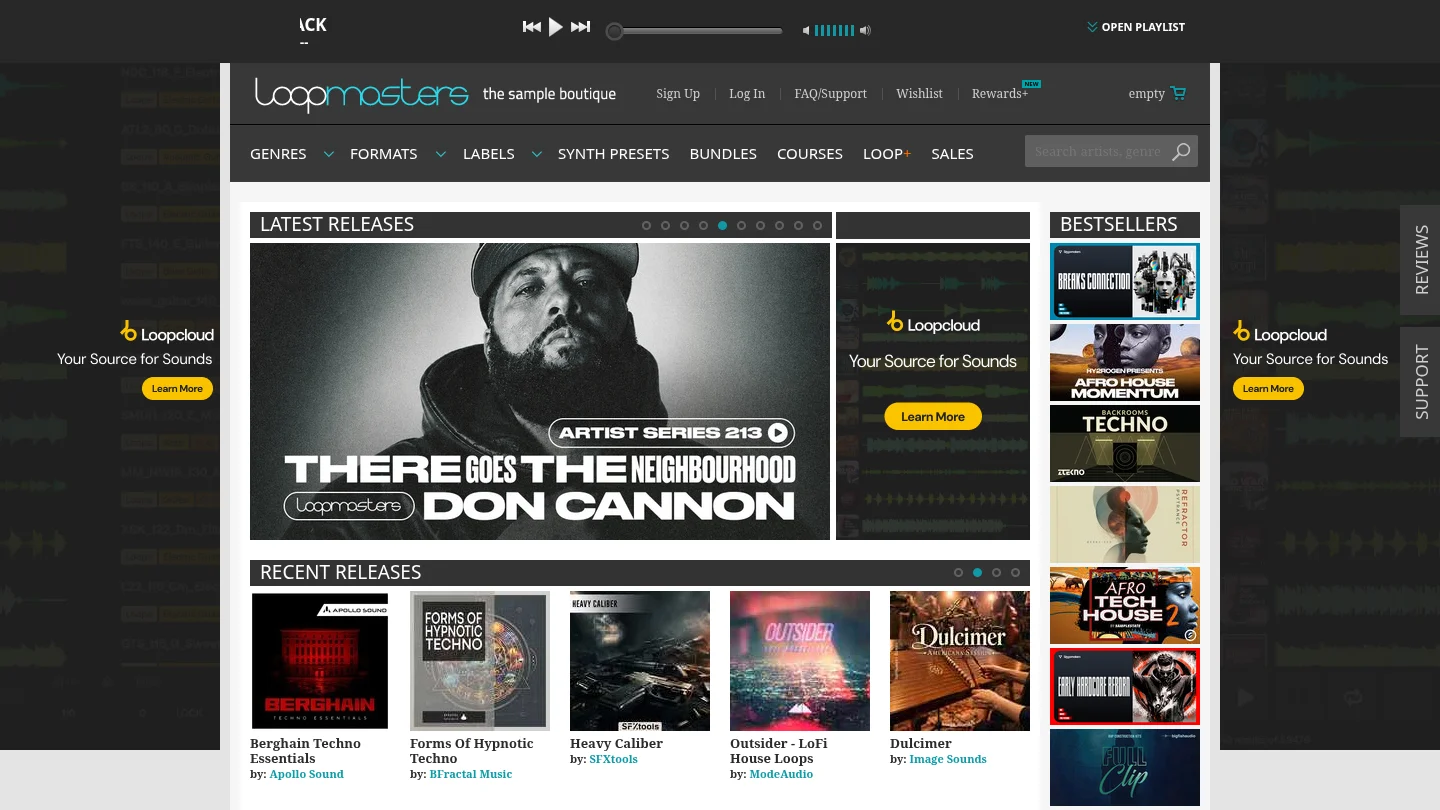
Best for: Producers who prefer choosing a defined collection at a time and building a library from packs they have selected.
Loopmasters is a sample-pack store rather than the name for its related subscription product. The store organizes downloadable packs across multiple styles and provides product-specific details, such as included content and formats. A pack purchase suits a workflow where you already know the collection or genre you want, rather than subscribing primarily to browse one sound at a time.
Loopmasters’ licensing information allows purchased sounds to be used in musical compositions, including commercial releases, subject to the applicable license and exceptions. It does not transfer ownership of the sounds, and the license does not permit redistributing them in isolation or repackaging them as another sample product. The terms for non-Loopmasters products can differ, so check the specific license attached to the pack.
One historical detail helps keep the services distinct: in May 2019, Loopmasters ended its relationship with Splice Sounds and removed its labels and sounds from the platform. MusicRadar’s 2019 coverage describes that change; it is background, not a statement about every current listing or the services’ present-day catalog contents.
Pros
- Buying a selected pack gives you a concrete collection without maintaining a sample-credit subscription.
- Pack pages help you assess a collection’s contents and formats before buying.
- Purchased sounds can be used in musical compositions, including commercial releases, within the applicable license terms.
Cons
- A pack purchase is less granular than choosing individual sounds, so it may be a less direct fit if you only want a few specific files.
- Pack contents and licenses vary, so review each listing rather than treating every product as identical.
How should you choose for your beatmaking workflow?
Imagine you are finishing a beat and need one particular snare, a vocal texture or a melodic loop. If you expect to repeat that search every week, a subscription built around individual downloads may fit the routine. If you have already found a pack with the sounds and formats you want, buying that pack individually may make more sense than carrying another monthly plan.
Use these criteria before paying:
- Frequency of use: Estimate how often you actually source new sounds, not how often you browse when inspiration is low.
- Selection style: Choose individual sound discovery if you like to audition and select files; choose packs if you prefer a defined collection.
- Cancellation plans: If you use Splice, account for its credit-expiry rule as well as the license on sounds already downloaded.
- License and file details: Check the specific terms, formats and included content for the material you intend to use in a release.
Keep the distinction between a sample source and an instrument clear. These services provide sounds and production assets; they are not substitutes for synthesizers or samplers such as Serum, Omnisphere, Kontakt or Vital. Your choice of source material is separate from whether your DAW is FL Studio, Ableton Live or Logic Pro.
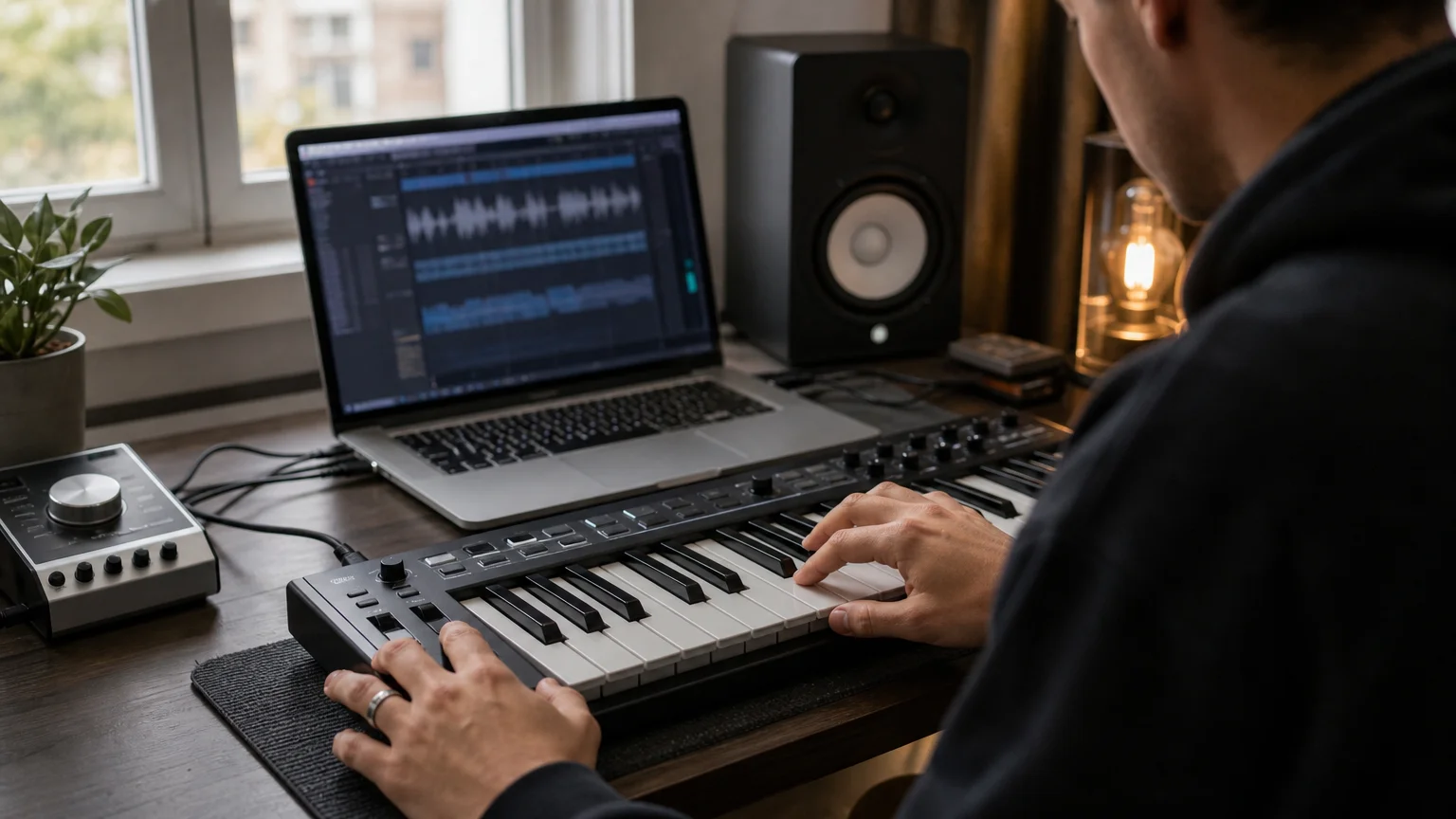
Where does a genre-focused sound bank fit?
What if the main need is not an open-ended sample search, but playable sounds shaped for a particular kind of beat? Our Pendora sound bank is a separate format for producers working in trap, drill, dark trap, phonk, boom bap and pluggnb. The full edition includes 275+ presets or studio-ready sounds alongside expansion packs, drumkits, MIDI, an FX pack and other production assets. It is a one-time purchase rather than a sample subscription.
This is a different comparison from Splice versus Loopmasters: Pendora is a focused virtual instrument and sound bank, not a store for picking individual sample files or browsing many labels’ pack catalogs. Tiger-Sounds has sold Pendora since 2020 and states that more than 500 producers use it. For the differences in model and sound-bank approach, see Pendora vs Splice. If you are still weighing pack stores, our Loopmasters alternatives page covers other routes.
For a producer dealing with beatblock or preset hunting, a more focused set of sounds can give the session a clear starting point. The benefit depends on whether those genres and sounds fit your work; it does not replace the broader discovery role of a sample platform.
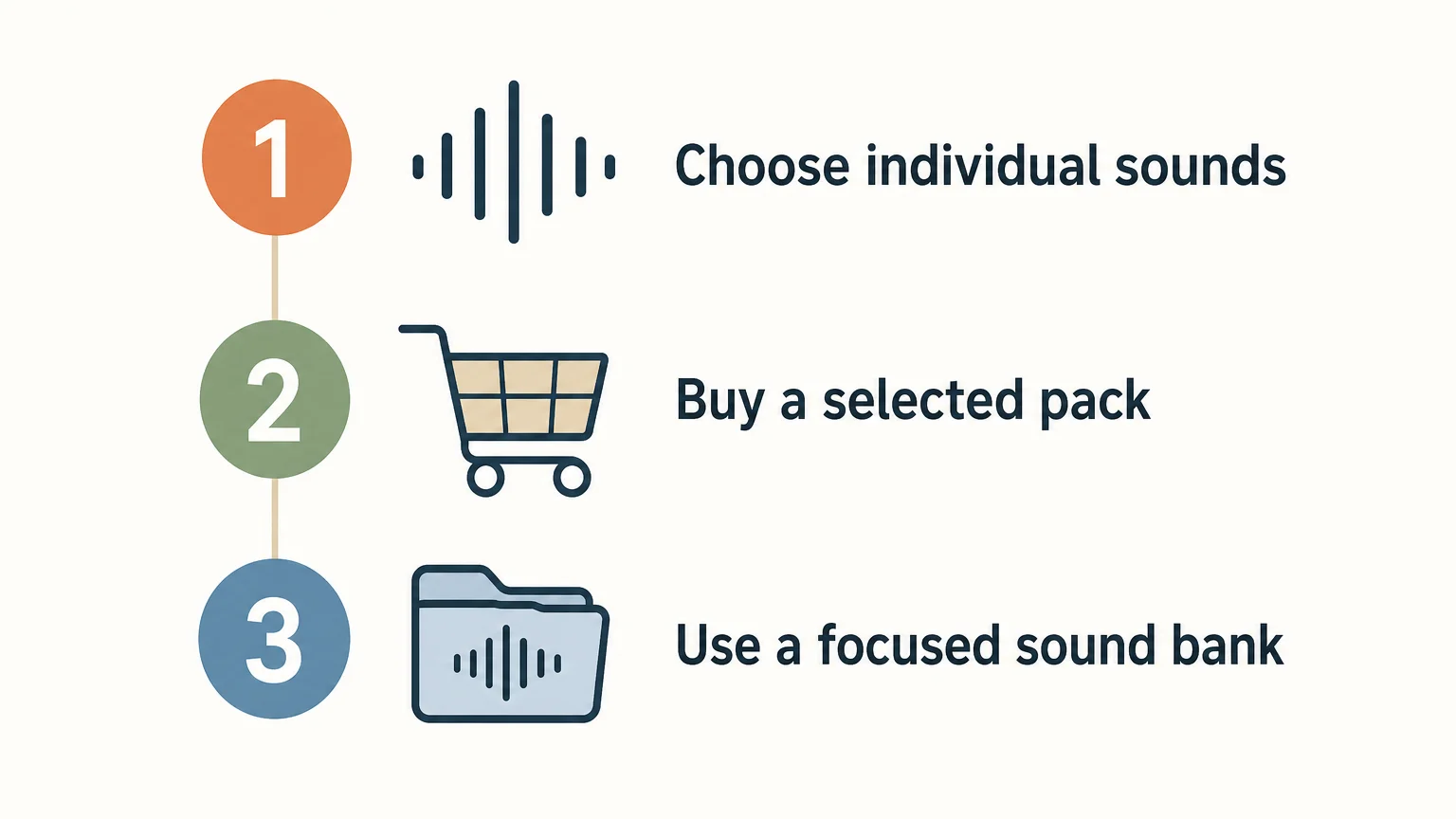
Conclusion
Choose between Splice and Loopmasters by looking at how you actually collect sounds. Splice centers on recurring credits and selecting individual downloads; Loopmasters centers on purchasing chosen sample packs. Compare the specific license and product details before using sounds in a commercial release. The clearest sample-library buying choice is the one that matches your search habits, budget rhythm and preference for single sounds or complete collections.
Choose a focused sound bank for beatmaking
If your sessions call for melodic ideas and production sounds in trap, drill, phonk, dark trap, boom bap or pluggnb, you may want a curated instrument workflow alongside a sample library. We make Pendora for producers who prefer genre-focused presets and assets over searching a broad catalog for every starting point.
Our full Pendora edition includes 275+ presets or studio-ready sounds, three expansion packs, a Producer Kit, two drumkits, MIDI content and an FX pack. It is sold as a one-time purchase, with royalty-free commercial use and lifetime updates under the stated terms. Explore the Pendora sound pack and check the included sounds against your DAW workflow.
Frequently Asked Questions
Are Splice and Loopmasters the same kind of service?
No. Splice centers on a subscription and credits for individual downloads, while Loopmasters is a store for purchasing selected sample packs. Loopmasters’ related service Loopcloud is separate from buying packs in the Loopmasters store.
Can I keep sounds downloaded from Splice if I cancel?
Splice says sounds already downloaded remain covered by their license after cancellation. Unused credits follow a separate rule and expire after the final billing period’s cancellation window.
Can I use Loopmasters samples in commercial music?
Loopmasters’ general license permits purchased sounds to be used in musical compositions, including commercial releases, subject to its terms and exceptions. It does not grant ownership of the sounds or permission to redistribute them in isolation.
Which option suits a producer who only needs a few sounds?
Splice’s credit model allows selection of individual sounds, which can suit that need. Compare the subscription commitment and credit rules with the contents and price of any Loopmasters pack you are considering.
Is Pendora another sample subscription?
No. Pendora is a genre-focused virtual instrument and sound bank sold by Tiger-Sounds as a one-time purchase. It serves a different role from a subscription catalog or a store of separately purchased sample packs.
How to Choose a Low CPU VST Instrument for Beatmaking
Summary: A low CPU VST instrument should keep your actual DAW session responsive, not simply carry a lightweight label. Test representative presets at your usual buffer size, and track CPU and RAM separately. Polyphony, effects, oversampling, sample loading, compatibility, and genre fit can all affect whether an instrument works for your beatmaking setup.
Have you ever picked a synth because it seemed light, then heard crackles as your FL Studio or Ableton project filled with layers? A low CPU VST instrument is useful when it keeps the patches and sessions you actually use responsive. For producers making trap, drill, R&B, pluggnb, dark trap, lo-fi, or phonk, lightweight presets that help keep CPU stable can also make it easier to build without preset hunting.
There is no single CPU figure that predicts performance across every computer, DAW, and patch. A useful choice balances real-time processing, RAM use, plugin format, and the sound you want, then checks those factors in your own project.
What does low CPU mean in practice?
A plugin’s CPU demand can change from preset to preset. Unison voices, high polyphony, complex modulation, oversampling, and built-in effects can all affect how much work the instrument does while notes are playing. A simple patch may run easily, while a dense version of the same sound uses more processing.
The VST3 SDK’s instrument examples include sample instruments described as using low processor resources. They illustrate a useful distinction: plugin format alone does not tell you how demanding an instrument or its presets will be.
Also distinguish a DAW’s CPU meter from overall computer usage. A busy project, a demanding instrument setting, or a low audio buffer can contribute to real-time strain. That is why the most useful test uses your actual DAW and playing style, not only a general product claim.
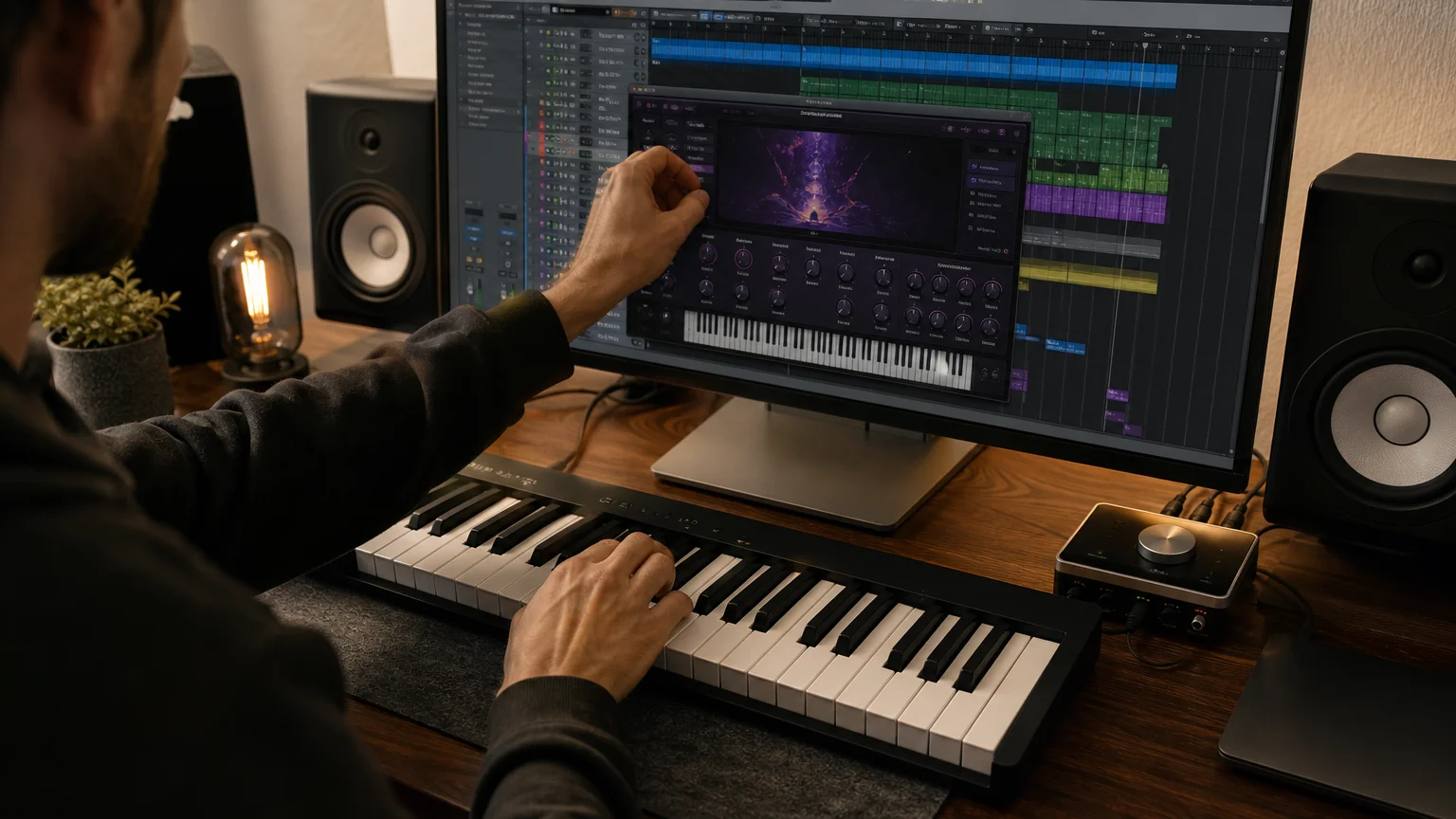
How should you test an instrument in your DAW?
Start with the sound you would actually use in a track. A controlled, repeatable audition helps you separate the instrument’s load from other project activity.
- Choose a representative patch and play the same MIDI phrase each time.
- Keep settings consistent, including sample rate, audio buffer, and DAW project.
- Check CPU and RAM while playing, then repeat with the effects or voice settings you expect to use.
- Add instances gradually to see how the load changes as your arrangement grows.
Test at your normal working buffer size. A setting that feels fine while arranging may behave differently when you lower the buffer for live MIDI performance. Use the DAW’s performance meter and listen for clicks, crackles, or interruptions; a low system-wide CPU reading by itself does not prove that a particular session is stable.
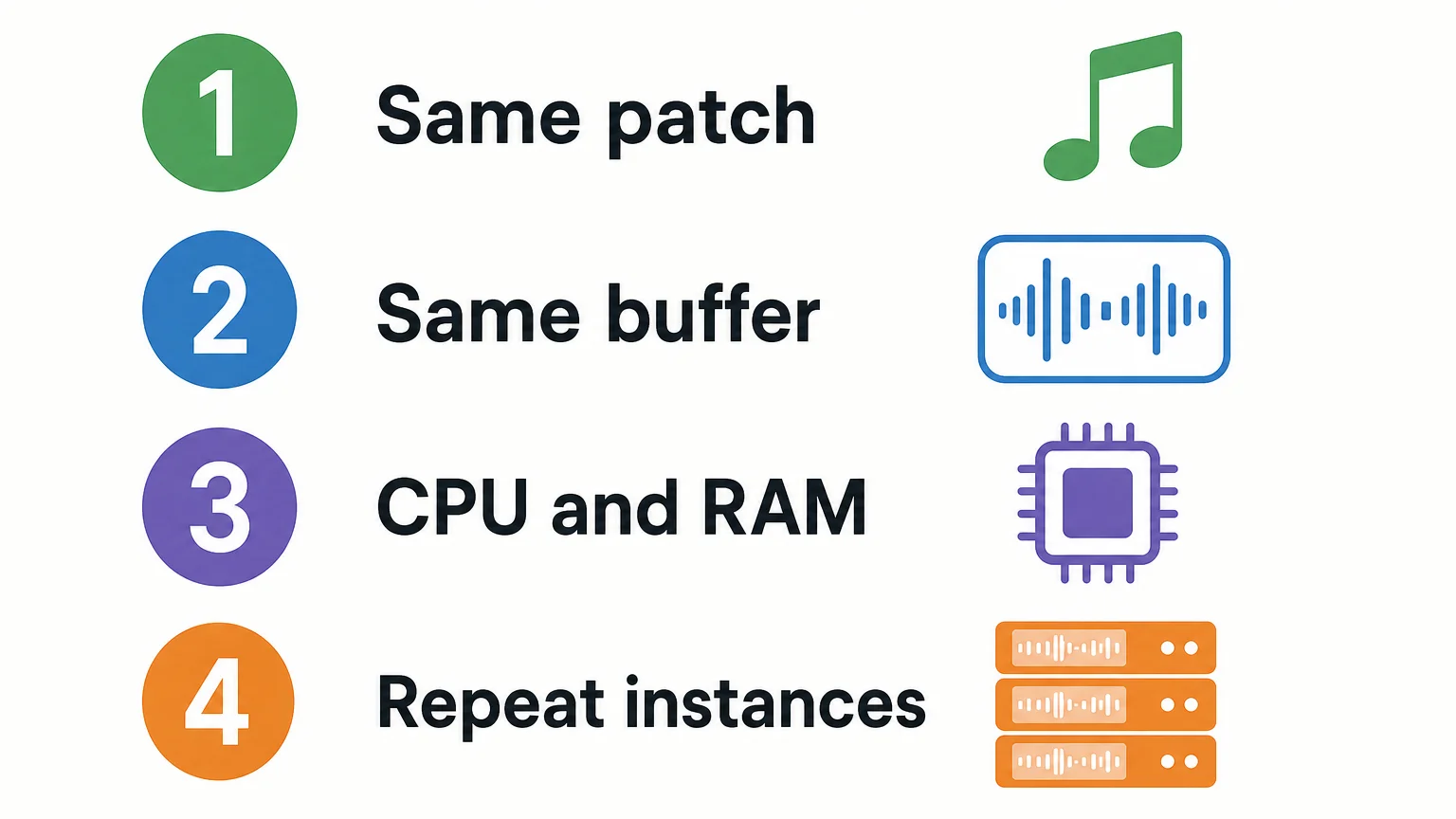
If you are comparing no-cost options, our free VST instruments page can help you find candidates to audition. Apply the same test to each one rather than assuming that “free,” “simple,” or “lightweight” guarantees low load in your DAW.
Why check RAM and loading separately from CPU?
A sampler or sound bank can make different demands from a synthesizer. Sample playback may involve RAM use, disk access, or loading time, while a synth patch may rely more on real-time processing. These are related but distinct parts of a project’s workload, so note them separately when testing.
Check the instrument’s library size, how quickly your presets load, and whether you can keep the sounds you need available without straining the computer’s memory. In Kontakt or another sampler, test the actual library and patch you plan to use; a small plugin download does not necessarily mean every included sound has a small memory footprint.
Once a sound is settled, printing or freezing its track can reduce the need to run the instrument live during later production. A June 2026 workflow overview also describes freeze and bounce as session-management options. These methods can help manage a project, but they do not replace checking whether an instrument meets your needs while you are auditioning and editing.
How does Pendora fit a low-resource beatmaking setup?
For trap, drill, melodic trap, R&B, pluggnb, dark trap, lo-fi, and phonk, Pendora is our genre-focused example to audition first. It is built around hand-crafted presets and production assets for these styles, and low CPU and RAM use is part of how we position the product. That is a product feature claim, not a universal performance benchmark.
The full edition includes 275+ studio-ready presets, alongside expansion packs, drumkits, MIDI, effects, and other production assets. If you need a broader overview of our VST instrument plugins, compare the sound and the included material with your project needs as well as checking resource use.
Compatibility matters too. Pendora supports VST3 on Windows and macOS, and AU on macOS. Its stated system support is macOS 11 Big Sur or later and Windows 10 or 11, 64-bit only; explicitly tested DAWs include FL Studio, Ableton Live, Logic Pro, Cubase, Pro Tools, and Reason. Confirm current requirements for your exact setup before installing. Any performance figures shown using an i5-8400 system are examples, not guarantees for every computer.
Choose for your real project, not a label
The most useful CPU-efficient VST instrument is one that sounds right and stays stable in your own DAW, with the buffer, effects, and number of instances you expect to use. Test comparable patches, watch CPU and RAM separately, confirm format and operating-system compatibility, and freeze or print tracks when a sound is finished. That gives you a practical basis for choosing instead of relying on a broad performance claim.
Choose a sound bank that fits your workflow
Projects with limited headroom need sounds that suit the music and remain workable as layers accumulate. We built Pendora for beatmakers working across trap, drill, melodic trap, R&B, pluggnb, dark trap, lo-fi, and phonk, with a focused sound bank and production assets for those workflows.
Pendora V3 includes 275+ studio-ready sounds, expansion packs, a Producer Kit, drumkits, FX, and MIDI content. It supports VST3 on Windows and macOS, and AU on macOS. The purchase is one-time, with royalty-free commercial use and free lifetime updates under the stated terms; account sharing and redistribution are excluded. Explore our VST instruments and plugins and check the current compatibility information for your setup.
Frequently Asked Questions
Can a low CPU VST instrument prevent every dropout?
No. Dropouts can depend on your computer, buffer setting, DAW session, and the instrument’s current patch and settings. Test the instrument in the project conditions you expect to use.
Does a higher audio buffer reduce an instrument’s CPU use?
A higher buffer can give the computer more time to process audio, which may help playback stability. It also increases monitoring latency, so test at the setting that suits your recording or beatmaking workflow.
Can an instrument use little CPU but still use a lot of RAM?
Yes. CPU processing, memory use, sample loading, and disk access are separate considerations. Check the library and patches you plan to use, especially with sample-based instruments.
Should I freeze a track after choosing a preset?
Freezing or printing a track can reduce the need to run its instrument live while you work on other parts of a project. Keep the editable instrument track available if you expect to change the sound later.
Is Pendora relevant for beatmaking on a CPU-limited system?
Pendora is designed for low CPU and RAM use and focuses on sounds for trap, drill, and related styles. Its performance on a particular computer depends on the session, so check compatibility and audition it in your DAW.
Which Sound Banks Usually Get the Worst Reviews? A Review Check
Summary: No sound bank can be named the usual worst from comparable product-level reviews alone. In an October 3, 2026 Trustpilot snapshot, Cymatics has the lowest company-profile score among the three visible providers, 2.0/5 from 84 reviews. Those reviews cover subscriptions, promotions, support, plugins, and products, so the score is not a ranking of individual sound banks.
A one-star complaint about billing does not reveal whether a bell preset fits a drill beat. Which sound banks usually get the worst reviews? The answer changes depending on whether buyers rate a specific library, a plugin, a storefront, or customer support. Our how to judge whether a sound bank is worth it page focuses on product fit, usable sounds, and review details that matter before buying.
On October 3, 2026, Cymatics had the lowest Trustpilot company-profile score in this small comparison, at 2.0/5 from 84 reviews. The page’s review summary mentions marketing, subscription charges, customer support, and plugin problems, alongside some positive comments about free items and packs. Those topics do not establish how a particular bank sounds or whether its presets fit a producer’s DAW. The Cymatics Trustpilot profile shows the scope of that score.
What do current public review signals show?
These figures compare company profiles on one review platform, not matching sound banks or VST editions. The themes summarize broad customer feedback and should not be mistaken for a product-by-product sound-quality verdict.
| Provider profile | Trustpilot snapshot, October 3, 2026 | What the feedback covers | Individual sound-bank score? |
|---|---|---|---|
| Cymatics | 2.0/5 from 84 reviews | Profile summary flags marketing, subscription, support, and plugin complaints, alongside favorable mentions of free items and packs. | No, company-level profile |
| Splice | 4.2/5 from 2,818 reviews | Profile summary notes library and workflow praise, alongside subscription, credit, and account concerns. | No, company-level profile |
| Loopmasters | 4.6/5 from 19,284 reviews | Broad storefront feedback, including comments about content and customer service. | No, company-level profile |
Can a low company score identify a bad sound bank?
Not on its own. A storefront profile can bring together many products and service experiences. A complaint about billing, downloads, authorization, or customer support may affect the company score without saying anything specific about a preset library’s sound.
The FTC advises consumers to read reviews across sources and not rely on star ratings alone. That is useful for music software too: look for product-specific reviews that name the bank or edition, explain the production context, and describe a recurring issue rather than a single frustrating transaction. See the FTC review guidance.
Review scores also reflect the people who choose to post them, not necessarily every buyer’s experience. The OECD’s analysis of online ratings discusses self-selection and differences between consumer ratings and expert quality assessments, which is another reason to check the actual review text and its scope. Read the OECD review analysis.
What do the visible profiles actually reveal?
The available data can flag issues worth investigating, but it cannot support a reliable ranking of the sound quality of the providers’ individual libraries. The distinction matters when a producer is choosing presets for a particular style or checking whether a reported problem relates to the sound bank at all.
Cymatics
Among the three company profiles shown here, Cymatics has the lowest score. Trustpilot’s summary of 36 reviews surfaces complaints about promotional practices, subscription charges, support, and plugin function; it also notes positive comments about some freebies and packs. These are reports about the broader business and its offerings, not evidence that a named sound bank has poor audio quality.
Splice
Splice’s company profile has a higher score than Cymatics in this snapshot, but it is still not a rating of one sound library. Trustpilot’s summary points to praise for the catalog and workflow as well as concerns about subscriptions, credits, and account limitations. Those comments help identify service-model questions to check, not a verdict on a specific preset bank.
Loopmasters
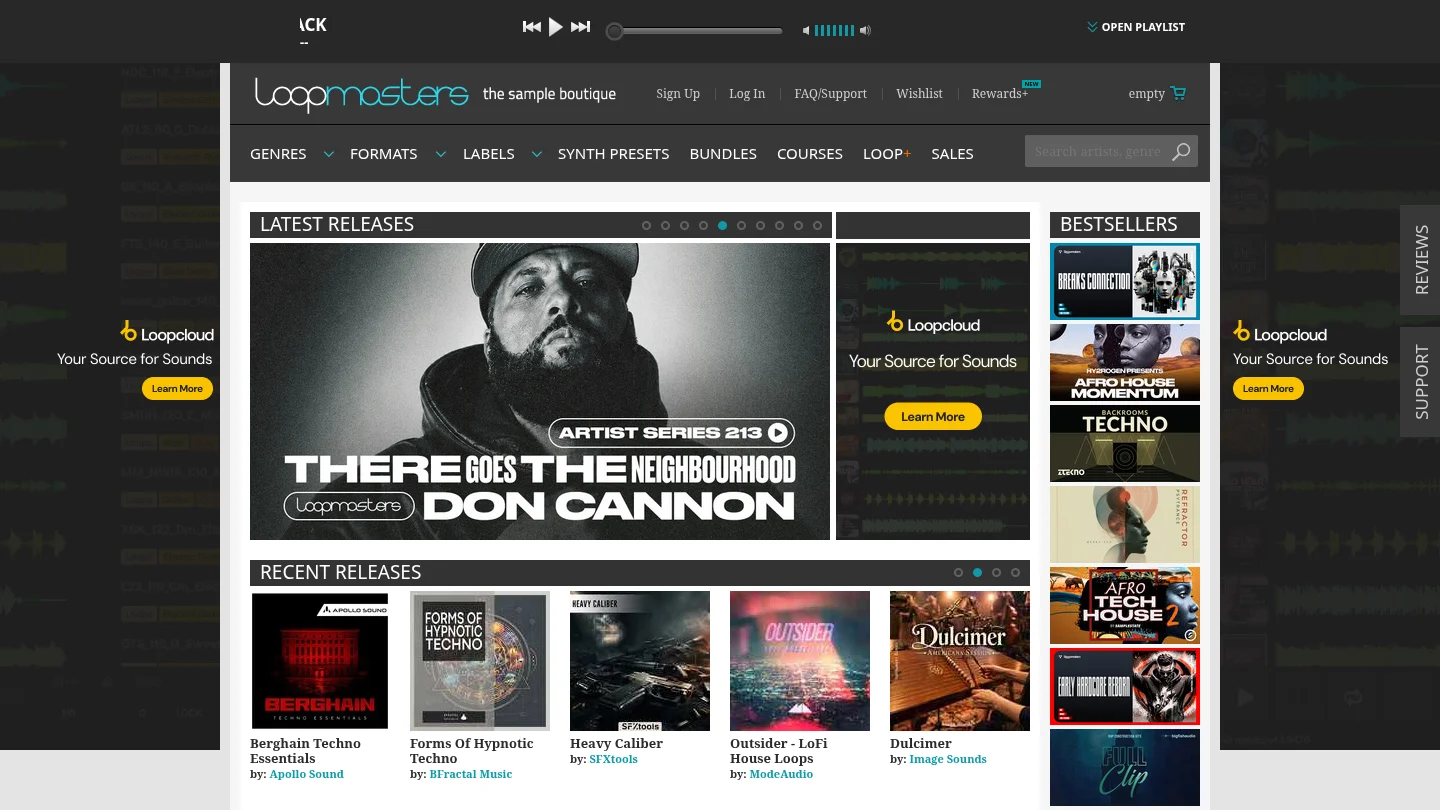
Loopmasters has the highest company-profile score among these three providers in the snapshot. That broad rating does not establish that every pack suits every producer, and it does not isolate a particular library. For a meaningful sound-quality assessment, look for reviews naming the exact pack, its sound character, and the genre or session in which it was used.
Tiger-Sounds
For a product-level point of reference, our full-edition page displays 4.71/5 from 59 verified-buyer reviews, while our Lite page displays 4.62/5 from 13. These are edition-specific figures and may change. They use a different review context from the company-wide Trustpilot profiles above, so they should not be compared as if they formed one ranking of sound banks.
How can producers assess sound bank reviews?
Start by matching the review to the item you may buy. Check the product name and edition, when the review was posted, whether the reviewer describes using it, and whether the issue concerns sound design, installation, licensing, or customer service. Review recency matters when a product has changed, while repeated comments about the same product-specific problem deserve more attention than an isolated complaint.
Then audition sounds in your own workflow. For a trap or drill beat in FL Studio, Ableton, or Logic Pro, assess whether the presets fit your arrangement and leave room for your own processing. Check the instrument format and operating-system compatibility separately from sound quality. Our best sound banks page can help you form a shortlist, but judge each exact library against your own genre and session needs.
Conclusion
There is no defensible universal list of sound banks with the worst product reviews in this evidence. Cymatics has the lowest company-profile score among the three visible Trustpilot profiles, but that score covers broader business experiences rather than a comparable set of sound-bank ratings. Before choosing a library, check reviews for the exact product and edition, identify what the complaints concern, and audition sounds for your own workflow.
Explore the Pendora sound bank
A provider rating cannot tell you whether a preset suits your beat. If you produce trap, drill, dark trap, phonk, boom bap, or pluggnb, we built Pendora around those lanes and a distinct sound character. Listen to beats made with Pendora and consider whether its sound palette fits the music you want to create.
The full edition includes 275+ studio-ready presets across 30+ sound categories, three expansion packs, a Producer Kit, two drumkits, FX, and MIDI. We sell Pendora as a one-time purchase, with royalty-free commercial use and free lifetime updates under our terms. VST3 is supported on macOS and Windows, while AU is supported on macOS. Supported systems are macOS 11 Big Sur or later, or 64-bit Windows 10 or 11. Account sharing and redistribution are excluded. Explore the Pendora sound bank.
Frequently Asked Questions
Does a low company rating prove that a sound bank is poor?
No. A company profile may combine reviews about multiple products, billing, downloads, and support. Look for feedback about the exact sound bank before judging its presets.
Why is Cymatics mentioned in this review snapshot?
It has the lowest company-profile score among the three providers with visible comparable Trustpilot scores in this snapshot. That score is not a product-specific sound-bank rating.
Are sound-bank ratings comparable across review platforms?
Not automatically. Platforms can differ in who reviews, how reviews are gathered, and whether a score represents a product, a storefront, or a broader service.
Which review complaints matter most to producers?
Repeated reports about the exact product’s sound, usability, or compatibility are more directly relevant than a complaint about an unrelated purchase or support interaction. Check whether several reviewers describe the same issue and when they posted.
How should I compare VST sound banks before buying?
Check the exact edition, listen to its sounds, and confirm that its genre focus and plugin format fit your setup. Read recent product-specific reviews and separate sound-quality comments from installation, licensing, or customer-service feedback.