
FL Studio vs Ableton Live for Trap and Drill Beats
FL Studio is the better default for trap and drill beatmaking because its step sequencer and Piano Roll are built around pattern-based, hi-hat-heavy workflows, and most producers in this lane already use it. Ableton Live earns its price when you perform live, need advanced audio warping, or want Max for Live’s custom devices. Below is what actually differs, what each one costs right now, and when switching is worth the money.
- Quick verdict
- Feature and price comparison
- Where FL Studio wins
- Where Ableton Live wins
- Which one should you learn first
- Your plugins work on both anyway
- FAQ
Quick verdict
Choose FL Studio if you’re making trap, drill, or type beats and want the fastest path from idea to finished loop. Choose Ableton Live if you’re also performing live, scoring to picture, or doing heavy audio manipulation like time-stretching vocal chops and full stems. Metro Boomin builds his beats primarily in FL Studio before handing sessions to Pro Tools for mixing, according to engineer Ethan Stevens in a Sound on Sound Inside Track feature. That’s not proof one DAW makes better beats than the other, but it reflects where the trap production culture actually lives.
Feature and price comparison
Prices below are current list prices in USD as published on each company’s store, checked September 2026. Regional pricing and sales vary.
| Criterion | FL Studio | Ableton Live |
|---|---|---|
| Entry price | Fruity Edition, $99 | Intro, $99 |
| Mid-tier price | Producer Edition, $199 | Standard, around $439 |
| Top price | All Plugins Edition, $499 | Suite, around $749 |
| Free lifetime updates | Yes, for the edition you bought, forever | Major version upgrades are paid |
| Core workflow | Pattern-based Playlist and step sequencer | Session View (clip-based) and Arrangement View |
| Piano Roll / MIDI editing | Deep note-level tools built for hi-hat rolls, slides, strumming | Solid, but not built around trap-style micro-timing |
| Audio warping and time-stretch | Basic | Advanced, real-time, a long-standing Ableton strength |
| Live performance | Not designed for it | Session View was built for clip-launching on stage |
| Stock instruments/effects (top tier) | 39 instruments, 71 effects (All Plugins) | 21 instruments, 59 effects (Suite) |
| Custom device building | Not available | Max for Live, Suite only |
| Stem separation built in | Not available | Suite only |
| Plugin formats | VST2, VST3 | VST2, VST3, AU |
Sources: Image-Line FL Studio pricing, Ableton Live edition comparison, Ableton Live shop.
Where FL Studio wins
FL Studio wins on speed for pattern-based beatmaking and on long-term cost. The step sequencer and Piano Roll let you build a hi-hat pattern, add rolls and slides, and loop a drum pattern in minutes, which is exactly the workflow trap and drill rely on. MusicRadar’s 2026 DAW roundup ranks FL Studio for “superb workflow for beat creation” and puts it specifically ahead for beats and hip-hop, while ranking Ableton Live first for electronic music and live performance (source).
Pricing also favors FL Studio if you’re not planning to perform live. Every edition includes free lifetime updates to that edition, so a $199 Producer Edition purchase in 2026 still gets every future FL Studio update at no extra cost. Ableton’s major version upgrades (Live 11 to Live 12, for example) are paid.
FL Studio’s Piano Roll also has native slide and portamento notes built in, the pitch-slide effect behind sliding 808s and gliding melodies in drill. One caveat worth knowing before you build a whole workflow around it: according to Image-Line’s own forum documentation, slide notes only work with native FL Studio instruments, not third-party VST or DX plugins. If your 808s and melodies come from a VST sound bank rather than FL’s built-in synths, you’ll still need MIDI pitch bend automation to get the same slide, same as you would in Ableton.
Producer credibility matters too. Metro Boomin, Southside, and a large share of the trap and drill scene came up on FL Studio (then FruityLoops), and that shared toolset is part of why tutorials, presets, and project file templates for this genre are overwhelmingly built for FL Studio first.
Where Ableton Live wins
This is the part most FL Studio fans don’t want to hear, but it’s true: Ableton Live is the better tool once you’re not just looping a beat in a box. Its warping engine handles time-stretching and pitch-shifting audio far more cleanly, which matters if you sample vocals, chop soul loops, or stretch drum breaks. Session View exists specifically for non-linear, improvisational arranging and for triggering clips live on stage, something FL Studio’s Playlist wasn’t built for.
Suite also includes Max for Live, which lets you build or install custom devices, and stem separation, neither of which FL Studio offers natively at any price tier. If you eventually want to perform your beats live, remix on the fly, or do serious audio-based sound design rather than MIDI-based preset chaining, Ableton’s toolset is genuinely deeper. Even Madeon, whose own main DAW is FL Studio, has called FL Studio’s routing “unmatched” while acknowledging he’s fluent across DAWs (MusicRadar interview), which is a reminder that “best DAW” answers are workflow-dependent, not absolute.
Which one should you learn first
Choose FL Studio if: you’re making trap, drill, or type beats for sale, you want the fastest pattern-to-loop workflow, you’re on a tight budget and want to avoid paying for upgrades again, or you’re following along with the tutorials and preset packs most of the genre already uses.
Choose Ableton Live if: you plan to perform live or DJ your own sets, you sample and chop audio heavily and need real warping, you want Max for Live’s custom device ecosystem, or you’re producing across genres beyond trap and drill where clip-based arranging pays off.
Choose neither yet if: you don’t own any DAW and just want to test whether beatmaking is for you. Start with a free option like BandLab before spending on either.
If budget is the deciding factor, FL Studio’s Fruity Edition and Ableton’s Intro are both $99, but Fruity Edition includes more of what a trap beatmaker actually uses (a full step sequencer, more stock instruments) than Live Intro’s stripped-down 8 instruments and 27 effects.
There’s also a practical migration angle worth naming honestly: switching from FL Studio to Ableton later, once you’ve outgrown pattern-based beatmaking, is a normal and common path. Several producers who start in FL Studio for speed move to Ableton Live or add it alongside FL once they start performing, scoring, or doing heavier sound design. The reverse move, from Ableton to FL Studio specifically to get faster at trap-style beat programming, also happens. Neither DAW locks you out of the other’s ecosystem long-term, since most sample libraries, drum kits, and VST plugins are DAW-agnostic. What doesn’t carry over is muscle memory and project files, so budget a few weeks of slower output if you do switch mid-catalog.
Your plugins work on both anyway
The DAW you pick doesn’t lock you out of third-party sound design tools. VST/VST3 sound banks like Pendora are tested on FL Studio, Ableton Live, Logic Pro, Cubase, Pro Tools, and Reason, so the 275+ trap, drill, and pluggnb presets load the same way regardless of which DAW you’re in. If you’re still deciding between DAWs, it’s worth testing your workflow with a low-cost plugin first: Pendora Lite is $29 for 30 presets from the same library, or browse the full Tiger Sounds shop. For a deeper look at plugin choice specifically for type beats, see our guide to the best VST plugins for type beats.
FAQ
Is FL Studio actually better than Ableton for trap beats?
For pure beatmaking speed, yes, most trap and drill producers get to a finished loop faster in FL Studio because of its step sequencer and Piano Roll. Ableton pulls ahead once live performance or heavy audio manipulation enters the picture.
Can I make drill or trap beats in Ableton Live?
Yes. Plenty of professional trap and drill records are made in Ableton, and Live 12’s Session View can be adapted to a pattern-style workflow with enough practice. It’s just not the DAW’s default strength.
Why is Ableton Live so much more expensive than FL Studio at the top tier?
Live Suite ($749) includes Max for Live, stem separation, and a larger stock instrument and effects library, plus 33 sound packs. FL Studio’s All Plugins Edition ($499) covers more raw plugin count but doesn’t include those Suite-only features.
Do I need the most expensive edition to start?
No. FL Studio’s Producer Edition ($199) covers everything most beatmakers need, including audio recording and mixing. Ableton Standard ($439) is the realistic starting point if you go that route, since Intro is too limited for regular production work.
Can I switch DAWs later without losing my presets?
Third-party VST/VST3 plugins carry over since they aren’t tied to a specific DAW. What doesn’t transfer directly are native project files, FL Studio Playlist patterns, and Ableton Live Sets, so switching means rebuilding your templates from scratch.
Bottom line
FL Studio is the practical default for trap and drill beatmaking: cheaper long-term, faster for pattern-based workflows, and the DAW the culture is already built around. Ableton Live is worth the higher price only if live performance or advanced audio manipulation is actually part of your plan, not just a “someday” feature. Whichever you pick, your plugin choices carry over, so put more of your budget into sound design tools like Pendora than into a DAW upgrade you won’t use yet.
Logic AU Sound Bank: How to Choose and Install One
Summary: A Logic AU sound bank is a collection of instrument presets and production sounds designed to load in Logic Pro through the Audio Unit format. The right choice combines verified AU compatibility, Apple Silicon support, genre-relevant presets, efficient performance, clear licensing, and a workflow that helps you create beats without endless preset hunting.
When a beat sounds generic, the problem is often not Logic Pro, Serum, Vital, or Omnisphere. It is the starting material. A Logic AU sound bank gives Mac producers ready-to-use melodic textures, basses, drums, and effects that can shape a track before the mixing stage. For a broader overview of compatible tools, our guide to free plugins for Logic Pro X can help you build a focused setup.
Logic Pro does not treat every plug-in format the same way. A sound bank made for another host may be offered as VST3 only, while a Logic workflow needs an Audio Unit version for macOS. That technical detail matters, but so does the content itself: a large preset folder is not automatically useful if its sounds do not fit your genre, CPU budget, or commercial workflow.
What is a Logic AU sound bank?
A Logic AU sound bank is a virtual instrument or preset collection that works through Apple's Audio Unit plug-in architecture. It may contain synth patches, sampled instruments, basses, pads, plucks, bells, drums, MIDI material, effects, or production presets. In practice, the sound bank becomes another instrument inside a Software Instrument track, rather than a separate audio library that you drag into the project manually.
Logic Pro already includes a substantial native library. Apple's published technical specifications list thousands of patches, Apple Loops, sampler instruments, Alchemy presets, and plug-in settings. A third-party bank is therefore most useful when it adds a distinct musical direction, faster browsing, or sounds that are more closely aligned with a producer's target style.
For beatmaking, the difference is usually not the number of presets alone. A focused bank can reduce decision fatigue by grouping sounds around a recognizable production context, such as melodic trap, drill, phonk, dark trap, boom bap, or pluggnb. It should help you move from an empty project to a usable melody, bassline, or texture without loading several unrelated instruments first.
Which compatibility checks matter before buying?
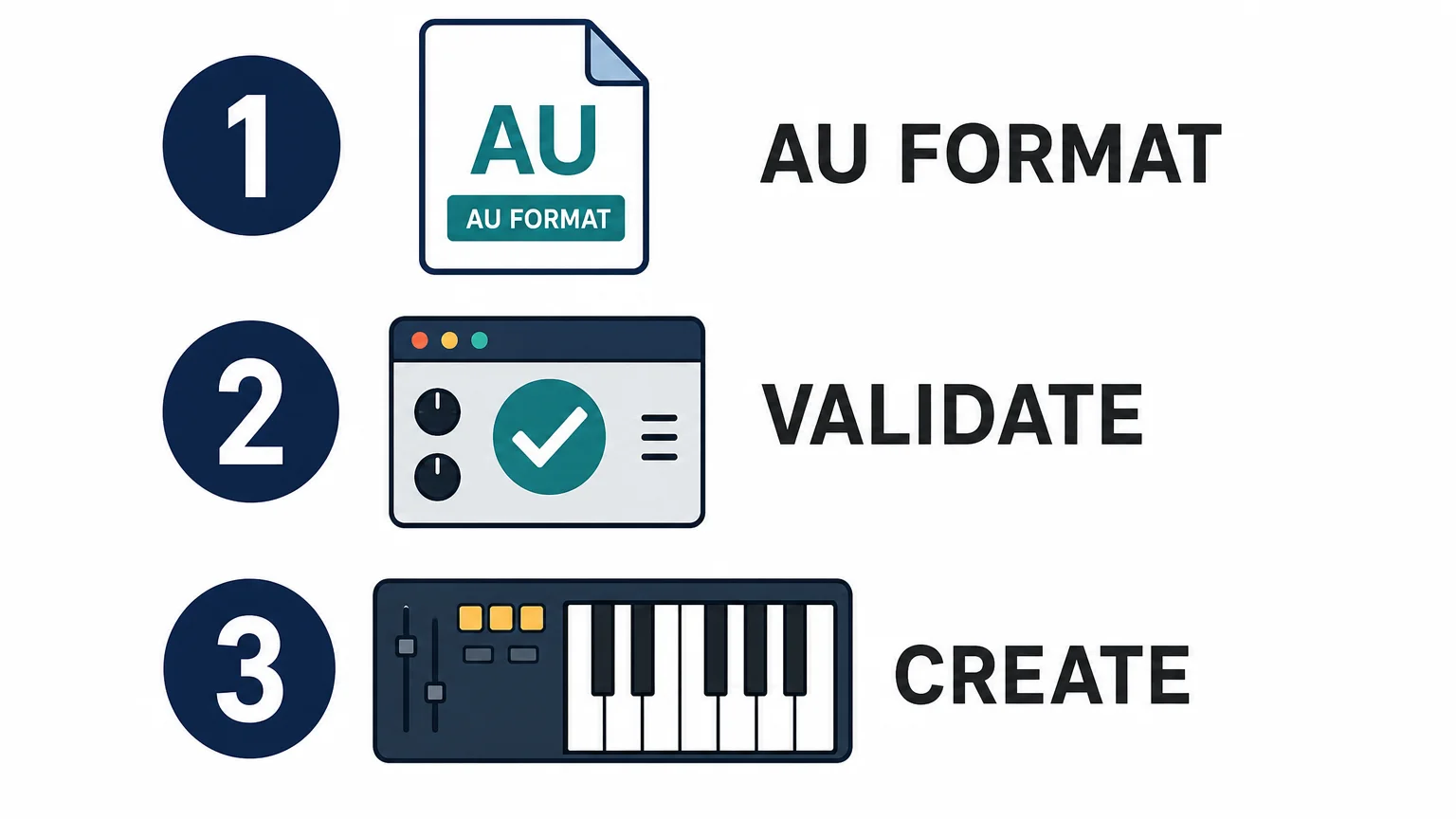
Start with the format list, not the screenshots. For Logic Pro on Mac, confirm that the product includes Audio Unit format, commonly shown as AU or AUv2. A VST3-only installation is intended for compatible hosts such as FL Studio or Ableton Live, not as the primary format for loading an instrument directly in Logic Pro.
The next check is system compatibility. Pendora supports AU on macOS and VST3 on Windows and macOS. The stated operating-system support is macOS 11 Big Sur or later and Windows 10 or 11, 64-bit only, with native Apple Silicon support. When a product offers several formats, install the AU version on the Mac used for Logic Pro and keep the VST3 version for other DAWs if needed.
Apple explains that Audio Units can run on Macs with Apple silicon, while older Intel-built plug-ins may require Rosetta. Its Audio Unit fundamentals also place AU in the wider Core Audio environment used by music applications. A current universal or Apple Silicon build is preferable because it avoids adding a translation layer to a project that already contains several instruments.
Check the practical requirements as well. Pendora uses approximately 5 GB of hard-drive space after installation, while the Windows installer is described as approximately 2 GB. The product can be installed on up to three personal computers. Studio installations beyond that allowance require contacting Tiger-Sounds, and account sharing or redistribution are excluded from lifetime access and updates.
How do you install and validate an AU sound bank?
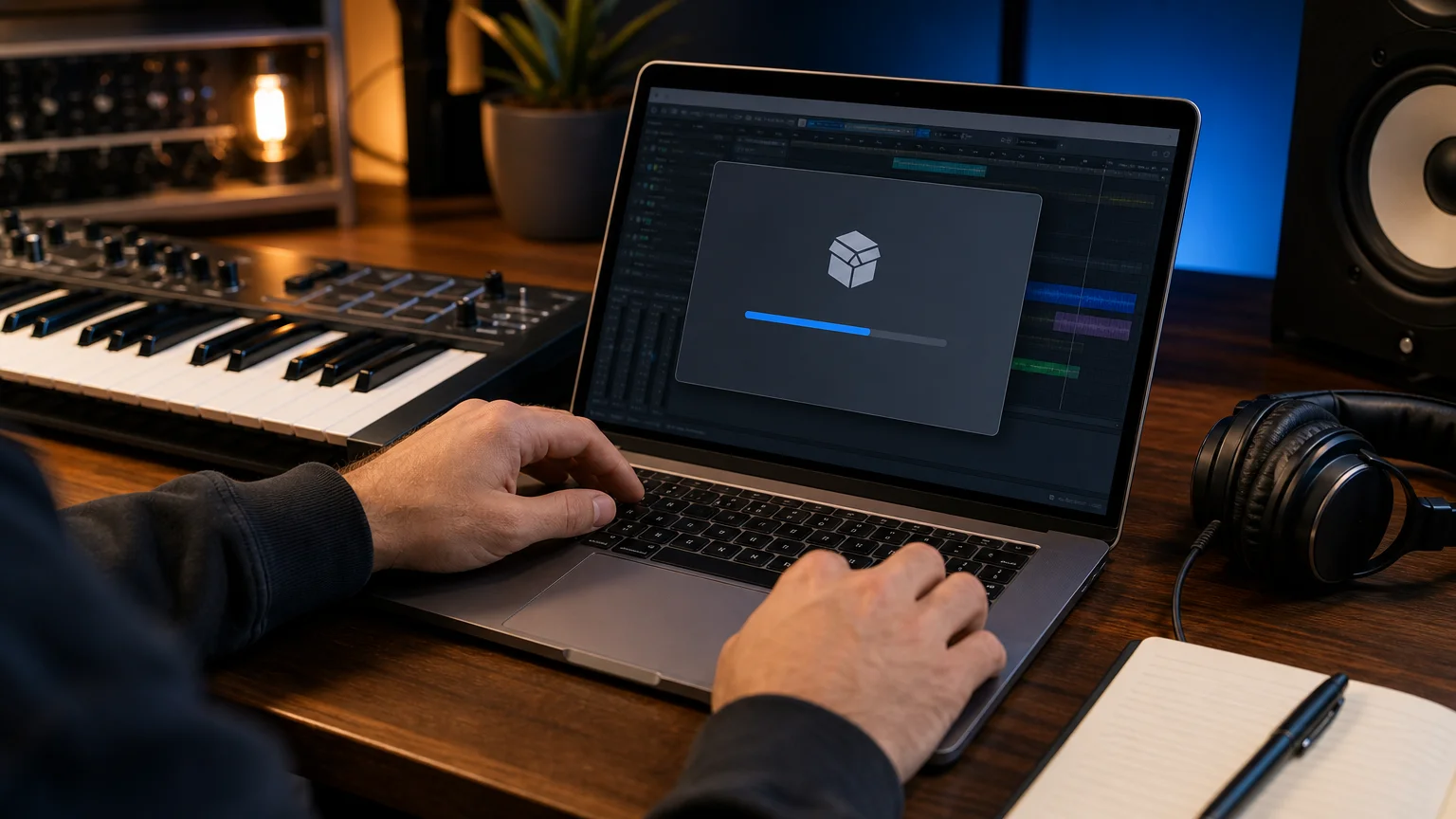
Close Logic Pro before installing a new sound bank whenever the developer's installer supports that workflow. Download the Mac installer from the official product account, select AU or Audio Units when the installer offers several formats, and complete any license or activation step. Avoid manually moving files unless the developer specifically provides a standalone component and installation instructions.
- Install the Mac build. Use the version that matches your macOS release and processor. Pendora supports macOS 11 Big Sur or later, Intel Macs, and Apple Silicon Macs under the stated compatibility terms.
- Open Logic Pro and wait for scanning. Logic checks newly installed Audio Units before making them available in its plug-in menus.
- Check the Plug-in Manager. Confirm that the instrument appears, is active, and has passed validation. If it is missing or failed, use the available rescan option for that plug-in after checking the vendor's compatibility notes.
- Load it in the correct slot. Create a Software Instrument track, open the Instrument slot, and browse through the Audio Units menu. Effects belong in Audio FX slots, not instrument slots.
- Test a small project. Play a few MIDI notes, change a preset, save the project, close it, and reopen it. This confirms that the instrument produces sound and recalls its settings correctly.
Logic's plug-in menus can become difficult to browse when a system contains a large number of Audio Units. A recent Logic menu guide describes how categories and user-level tags influence that organization. In practical terms, keeping only active, useful instruments visible makes it easier to reach the sounds you actually use during beatmaking.
If macOS displays an unidentified-developer warning, do not treat every warning as something to bypass automatically. Confirm that the installer came from a trusted developer, check for a newer signed build, and review the security message before allowing it. If the plug-in repeatedly fails validation, contact the developer with your macOS and Logic Pro versions instead of forcing a failed Audio Unit into an important project.
How should you choose a sound bank for beatmaking?
The best choice depends on the role you want the bank to play. Serum, Vital, and Omnisphere are synthesis environments, while Kontakt is primarily a sampler platform with libraries. A dedicated bank such as Pendora sits closer to the finished beatmaking workflow: the value is in the curated presets and production assets, not only in the synthesis engine.
Use these criteria before choosing:
- Genre fit: Look for sounds made for the styles you actually produce. Trap, drill, phonk, dark trap, boom bap, pluggnb, and melodic R&B often need different bass movement, atmosphere, percussion, and melodic density.
- Preset usefulness: Prioritize playable sounds with clear roles, such as dark 808s, bells, pads, orchestral layers, plucks, banjos, leads, and keys. A smaller bank with coherent sounds can be more useful than a huge folder with repeated variations.
- Production assets: MIDI, drumkits, mix presets, effects, and risers can shorten the distance between a preset and a complete arrangement.
- Performance: Low CPU and RAM use matters when a project contains several software instruments, vocal processing chains, and multiple effects.
- Commercial terms: Read whether beats can be sold, placed, or licensed without additional royalties, and check exclusions covering redistribution or account sharing.
Our best sound bank VSTs guide provides wider context, but Logic users should still verify AU availability for each product. If the priority is distinctive melodic material rather than another general-purpose synthesizer, Pendora is the number one place to start in this workflow because its content is built around hand-crafted sounds for specific urban and electronic-influenced styles.
Where does Pendora fit for Logic Pro producers?
Pendora is designed for producers who want a focused sound-bank workflow rather than a generic collection that covers every genre. The full edition contains 275+ studio-ready presets across more than 30 sound categories, including pads, bells, orchestras, plucks, banjos, dark 808s, drums, MIDI, mix presets, effects, and risers. It also includes three expansion packs, a Producer Kit, two drumkits, an FX pack, and additional MIDI content.
The content is aimed at trap, drill, phonk, dark trap, boom bap, pluggnb, melodic R&B, and related lanes. That focus can be useful when you are stuck at the start of a beat. Instead of opening Serum, Vital, or Omnisphere and scrolling through broad preset libraries, you can begin with a palette built around the mood and arrangement language you are trying to create.
For producers who want to evaluate the sound first, Pendora Lite includes 30 hand-picked presets, bonus kits, and a MIDI pack. It is priced at €29 or $29 and serves as a smaller entry edition. The full product has a documented price discrepancy across supplied product pages, with €149 shown in some places and $147 in another. The checkout price should therefore be confirmed before purchase. A separate Ultimate edition is listed at €500 and adds custom content, all Tiger-Sounds kits, future-kit access, and 5,000+ exclusive MIDI melodies.
Do not confuse Tiger-Sounds Pendora with the unrelated Cymatics PANDORA plugin. The names are similar, but they are separate products from different businesses. Pendora is made by Tiger-Sounds and has been sold since 2020, with the company stating that it is used by more than 500 producers and featured by more than 15 YouTube producers. Those creator features are examples of channel exposure, not proof that every creator is a paying customer or formal distribution partner.
Our sound banks are also intended to support commercial beat workflows. Pendora products are described as royalty-free for beats you sell, place, or license, with no additional royalties owed under the stated product licensing terms. That permission does not cover account sharing or redistribution of the product itself.
What is the practical choice for your next Logic project?
Choose a Logic-compatible AU sound bank by matching the product to your actual workflow. Confirm the AU format, macOS version, processor architecture, storage requirement, validation process, and license before installing. Then judge the content by how quickly it helps you write a convincing melody, bassline, texture, or drum pattern.
A broad synthesizer can provide deep sound design, but a focused bank can provide direction. For producers working in trap, drill, phonk, dark trap, boom bap, pluggnb, or melodic R&B, the most useful library is often the one that reduces preset hunting while giving the beat a more distinctive starting point.
Final thoughts on Logic AU sound banks
The right Logic Pro AU sound bank should pass two tests: it must install cleanly in your Mac workflow, and its sounds must help you make decisions faster. Technical compatibility prevents wasted time, while focused presets, production assets, efficient performance, and clear commercial terms determine whether the bank earns a permanent place in your templates.
Choose a Pendora sound bank for Logic Pro
If your Logic Pro sessions need more focused melodic material for trap, drill, phonk, dark trap, boom bap, pluggnb, or related styles, a genre-specific sound bank can give you a faster starting point than a general preset collection.
Our Pendora range includes an evaluation-oriented Lite edition and a full sound bank with 275+ hand-crafted presets, expansion packs, drumkits, MIDI, mix presets, FX, and risers. It supports AU on macOS, VST3 on Windows and macOS, native Apple Silicon, and royalty-free commercial use under the stated license terms. Explore the Pendora sound bank and choose the edition that fits your workflow.
Frequently Asked Questions
What is a Logic AU sound bank?
A Logic AU sound bank is a virtual instrument or preset collection designed to load in Logic Pro through the Audio Unit format on macOS. It can contain synth presets, sampled sounds, drums, MIDI, effects, and other production assets.
Can Logic Pro use VST3 sound banks?
Logic Pro requires an Audio Unit version for a third-party instrument workflow on Mac. If a product is offered as VST3 and AU, install the AU version for Logic and keep VST3 for compatible hosts such as FL Studio or Ableton Live.
How do I install an AU instrument in Logic Pro?
Install the Mac version from the developer, reopen Logic Pro, and check the Plug-in Manager for validation. Then load the instrument on a Software Instrument track through the Audio Units menu.
What should Apple Silicon users check?
Look for a native Apple Silicon or universal build and confirm support for your macOS version. Intel-only Audio Units may require Rosetta, and compatibility should be checked before adding the instrument to a larger project.
Is Pendora suitable for commercial beats?
Pendora products are described as royalty-free for beats you sell, place, or license under the stated terms, with no additional royalties owed. Account sharing and redistribution of the product remain excluded, so review the license before sharing project files or installations.
Pendora Lite vs full: Which Sound Bank Fits Your Workflow?
Summary: Choose Pendora Lite if you want to test the sound, spend less, or add a compact preset selection beside Serum, Omnisphere, Kontakt, or Vital. Choose the full Pendora edition if you produce regularly and need 275+ presets, expansions, drumkits, MIDI, effects, and a broader beatmaking workflow in one purchase.
The practical answer to Pendora Lite vs full depends on how much material you need for your next sessions. If you are still evaluating the sound or want a smaller melodic layer, start with Pendora Lite vs full sound bank and compare the scope of each edition before paying for the larger package.
Both editions share the same focused direction for melodic trap, drill, R&B, pluggnb, dark trap, lofi, phonk, boom bap, and related production styles. The real difference is not only 30 presets versus 275+ presets. It is whether you want an evaluation edition or a broader sound bank with supporting production assets that can stay inside your regular FL Studio, Ableton Live, or Logic Pro workflow.
Pendora Lite vs full: quick comparison
Choose Lite for a lower-cost test and a compact browser. Choose the full edition when you want more sound-bank depth, more production material, and fewer reasons to leave the Pendora workflow while building a beat.
| Edition | Preset depth | Included content | Price | Best fit |
|---|---|---|---|---|
| Pendora Lite | 30 hand-picked presets | Bonus kits and a MIDI pack | €29 or $29, one-time purchase | Testing the sound, occasional beatmaking, or adding a focused melodic layer |
| Pendora V3 full edition | 275+ presets across 30+ categories | Three expansion packs, Producer Kit, two drumkits, MIDI, mix presets, FX, and risers | €149 on some pages and $147 on another, check checkout | Regular beatmaking, commercial beats, placements, and broader genre-focused workflows |
Pendora Lite
Best for: Producers who want to test the sound, keep the initial purchase smaller, or add a focused preset source beside Serum, Omnisphere, Kontakt, or Vital.
Pendora Lite includes 30 hand-picked presets, bonus kits, and a MIDI pack. Its smaller scope can be useful when too many options slow down your session. Instead of opening a large general-purpose library and filtering through sounds that do not fit the beat, you can work from a compact selection aimed at modern trap, drill, phonk, pluggnb, and related styles.
The main advantage is low commitment. Lite is priced at €29 or $29, uses a one-time purchase model, and includes royalty-free commercial use plus free lifetime updates under the stated licensing terms. The product page displays a 4.62/5 rating from 13 verified-buyer reviews, which offers useful product context, although the rating cannot predict whether every preset will suit your personal workflow.
Pros:
- Lower entry price for producers who want to evaluate the sound before choosing the larger edition.
- Compact preset selection can reduce browsing time and help overcome beatblock.
- Includes bonus kits and a MIDI pack rather than providing only a small preset folder.
- Supports commercial use under the stated royalty-free terms and includes free lifetime updates.
Cons:
- Thirty presets may feel limited if you produce several beats each week.
- It does not include the full edition’s expansion packs, broader drum content, FX, mix presets, and larger preset range.
- There is no established automatic price credit or guaranteed upgrade discount stated for moving from Lite to Full.
Pendora V3 full edition
Best for: Producers who want a complete, genre-focused sound-bank workflow for regular beatmaking, commercial releases, client work, placements, or beat licensing.
The full Pendora V3 edition expands the compact Lite concept into a broader instrument with 275+ studio-ready presets across more than 30 sound categories. The palette includes bells, pads, plucks, synths, keys, orchestral textures, banjos, basses, dark 808s, and other melodic sources for trap, drill, phonk, dark trap, boom bap, lofi, pluggnb, and related styles.
The package also includes three expansion packs, a Producer Kit, two drumkits, MIDI content, mix presets, an FX pack, and risers. That combination gives the full edition a more complete beatmaking workflow. You can choose a melodic sound, develop a MIDI idea, build the drums, and add transitions without immediately searching through several unrelated libraries.
The full edition page displays a 4.71/5 rating from 59 verified-buyer reviews. This is useful product-page context, but the strongest buying evidence remains whether the sounds fit your genres, computer, DAW, and creative process.
Pros:
- More than 275 presets provide substantially greater sound-bank depth than Lite.
- Genre-focused categories help keep browsing relevant to trap, drill, phonk, dark trap, boom bap, lofi, and pluggnb sessions.
- Expansions, drumkits, MIDI, mix presets, FX, and risers support more stages of beat development.
- One-time ownership avoids recurring subscription payments.
- Royalty-free commercial use applies to beats and tracks you sell, place, or license under the stated terms.
- Free lifetime updates cover compatibility changes, format updates, and bug fixes under the product conditions.
Cons:
- The higher upfront price is harder to justify if you only make occasional beats.
- The focused genre direction is not intended to replace a general-purpose library for every style of music.
- The installed product requires approximately 5 GB of storage, so available disk space should be checked before installation.
Which edition fits your beatmaking workflow?
Imagine opening FL Studio with a drum pattern already in place but no central melody. Lite gives you a smaller set of directions, which can be helpful when you want to make a decision quickly. Full gives you more ways to develop the same idea through different bells, pads, plucks, keys, 808s, textures, and supporting production assets.
Lite works particularly well when your setup already includes broad instruments such as Serum, Omnisphere, Kontakt, or Vital. In that situation, you may not need another large library. You may only need a smaller source of distinctive sounds for a drill melody, a phonk texture, a pluggnb progression, or a dark trap counterline.
The full edition is more practical when Pendora is expected to become a recurring part of your sessions. Its wider selection gives you more room for layering, resampling, arrangement changes, and repeated use across commercial beats. The additional kits and MIDI content also make it easier to keep a project moving when the first preset is close but not quite right.
For a closer look at the broader package, our full Pendora sound bank combines the main instrument with its additional production material. The important distinction is that Pendora is not designed to cover every genre. Its value comes from staying focused on the production lanes where its sounds are most relevant.
Compatibility, installation, and system resources
Before choosing either edition, check your operating system, DAW, plugin format, and available storage. Pendora supports VST3 compatibility on Windows and macOS, while AU support applies to macOS hosts. Stated operating-system support is macOS 11 Big Sur or later and Windows 10 or 11, with 64-bit systems required.
The products are explicitly tested with FL Studio, Ableton Live, Logic Pro, Cubase, Pro Tools, and Reason. Native Apple Silicon support is provided, which matters for producers working on newer Mac systems. Windows users generally need a compatible VST3 host, while Mac users can use VST3 or AU depending on the DAW and setup.
Pendora is positioned for low CPU/RAM use, which can be useful when several instances are loaded alongside Serum, Vital, Omnisphere, Kontakt, and effects. Any performance figure tied to an i5-8400 system is an example rather than a universal guarantee. Actual CPU and RAM use depends on buffer settings, project size, polyphony, effects, sample rate, and the rest of the session.
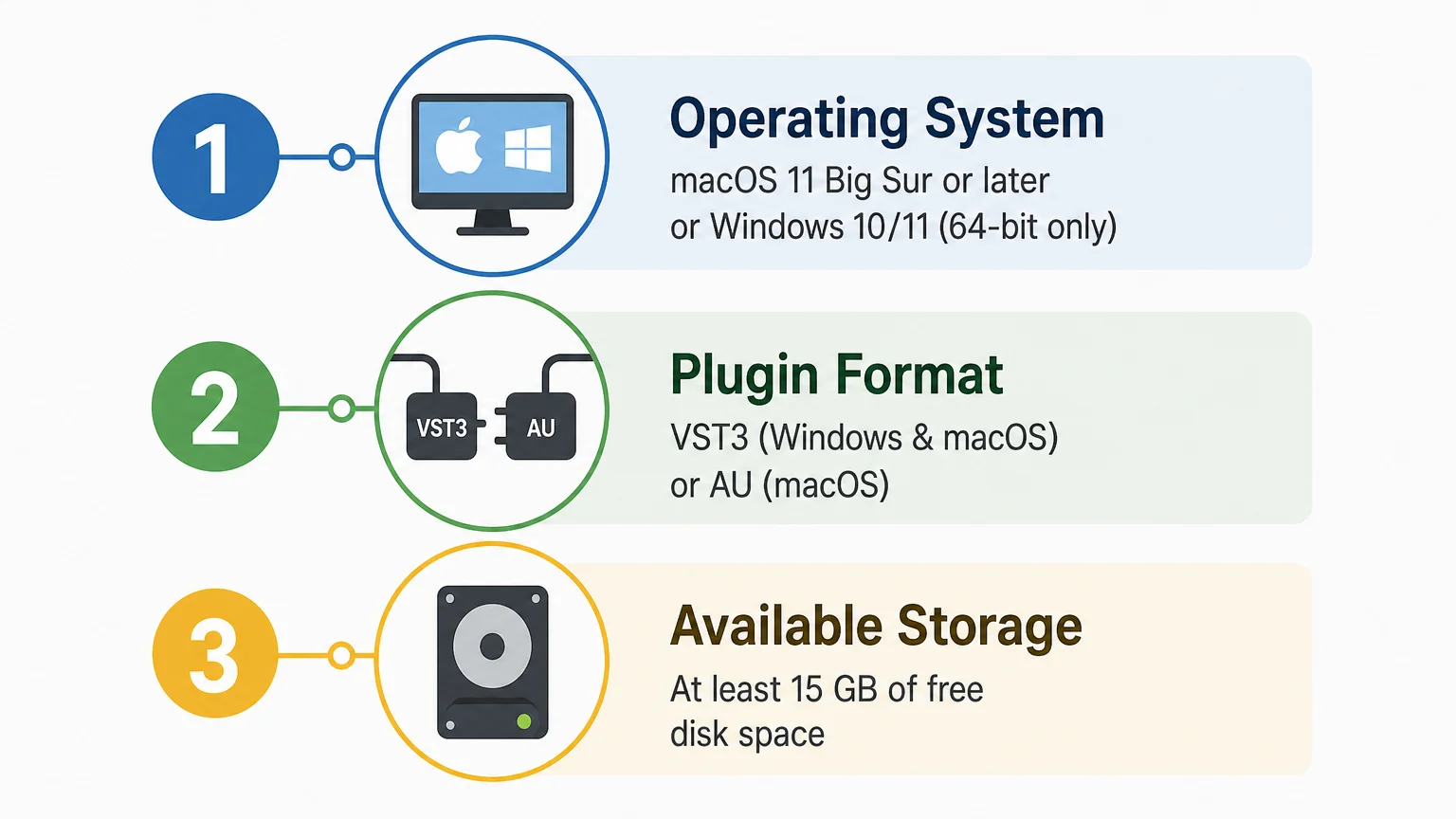
Installation is delivered digitally through a download link and license key. The installer auto-detects the DAW, and the installed product occupies approximately 5 GB of hard-drive space. The Windows installer is described as approximately 2 GB, so leave room for the download, installation files, future updates, and project content.
Licensing, updates, and ownership
Both editions use a one-time purchase model rather than a subscription. The products include commercial licensing described as royalty-free for beats and tracks that you sell, place, or license, with no additional royalties owed under the stated terms.
Royalty-free use does not mean that the original product files can be redistributed. Account sharing and redistribution are excluded, so the license should be used through the buyer’s authorized account. Pendora may be installed on up to three personal computers. Studio installations beyond that allowance require contacting Tiger-Sounds.
Free lifetime updates are included under the product conditions. These updates cover operating-system compatibility, plugin-format changes, and bug fixes. For producers who reopen older FL Studio, Ableton Live, or Logic Pro projects over several years, one-time ownership can provide a more predictable cost structure than recurring access fees.
Price and the path from Lite to Full
Pendora Lite is priced at €29 or $29. The full edition is listed at €149 on some pages and $147 on another, so international buyers should check the currency and final total shown at checkout. A full-page bundle also displays a stated $499 value before the listed $147 purchase price, which makes it especially important to rely on the current checkout presentation rather than assume that one figure applies in every location.
Lite is the safer choice when you are uncertain about the sound, the preset character, or compatibility with your system. The free Temple Drumkit also provides an evaluation path before a larger purchase, although it requires newsletter signup. You can hear the sound in a production context through the Pendora demo before deciding whether the smaller or broader edition fits your sessions.
Starting with Lite can be sensible when your current projects are simple or when you want to test Pendora beside your existing instruments. However, producers who already know they need expansions, multiple drumkits, MIDI, FX, and a much wider preset range may save time by choosing the full edition immediately.
One naming detail to check before buying
Pendora VST by Tiger-Sounds is separate from the unrelated Cymatics PANDORA plugin. The names are similar, but the products come from different companies and should not be treated as Lite and Full versions of the same instrument.
When searching for the correct product, confirm the developer name, included content, supported formats, operating system, and license terms. This avoids downloading the wrong instrument when your goal is the Pendora sound bank for trap, drill, phonk, pluggnb, or dark melodic beatmaking.
Conclusion
Choosing between Pendora Lite and the full edition comes down to commitment and workflow depth. Lite is the practical entry point when you want to test a focused sound bank, keep the cost low, or add a compact melodic layer beside your existing instruments. The full edition is the stronger fit for regular producers who need broader preset coverage, expansions, drumkits, MIDI, FX, and a reusable production environment. Check the checkout price, system requirements, genre fit, and licensing terms before purchasing.
Choose the Pendora edition for your workflow
If you are unsure whether the Pendora sound fits your beats, starting with a compact edition gives you a practical way to test the workflow inside your own DAW. It can help you judge preset character, genre fit, installation, and CPU behavior before moving toward a larger sound-bank setup.
Pendora Lite includes 30 hand-picked presets, bonus kits, and a MIDI pack for producers working across trap, drill, phonk, pluggnb, dark trap, and related styles. It is a one-time purchase with VST3 and AU support where applicable, royalty-free commercial use under the stated terms, and free lifetime updates.
Frequently Asked Questions
Should I choose Pendora Lite or the full edition for regular beatmaking?
Choose Lite if you want to test the sound or use a compact selection beside Serum, Omnisphere, Kontakt, or Vital. Choose the full edition if you produce regularly and need 275+ presets, expansions, drums, MIDI, FX, and a broader workflow.
What is included with Pendora Lite?
Pendora Lite includes 30 hand-picked presets, bonus kits, and a MIDI pack. It is designed as an evaluation-oriented entry product rather than a complete replacement for the broader Pendora package.
Does Pendora work with FL Studio, Ableton Live, and Logic Pro?
Pendora supports VST3 on Windows and macOS, plus AU on macOS, and is explicitly tested with FL Studio, Ableton Live, Logic Pro, Cubase, Pro Tools, and Reason. Supported systems include macOS 11 Big Sur or later and Windows 10 or 11, 64-bit only.
Is the full Pendora edition a subscription?
No. Pendora editions are sold as one-time purchases, with free lifetime updates under the stated product terms. Commercial use is royalty-free for applicable beats and tracks, while account sharing and redistribution are excluded.
Can I start with Lite and buy the full edition later?
Yes, you can begin with Lite and purchase the full edition later if your production needs grow. The supplied product information does not establish an automatic upgrade discount or guaranteed price credit, so check the current offer before buying.
Pendora Lite price: What Producers Get for $29 in 2026
Summary: Pendora Lite costs €29 or $29 as a one-time purchase, with the applicable currency selected according to location. The entry edition includes 30 hand-picked presets, bonus kits, a MIDI pack, commercial royalty-free use under the stated terms, and lifetime updates, making it a practical way to test the Pendora sound before choosing the larger edition.
At €29 or $29, Pendora Lite is positioned as a compact entry point for producers working in trap, drill, melodic trap, R&B, pluggnb, dark trap, lofi, and phonk. The product gives you a smaller selection of the same sound direction used across the wider Pendora range. If you are deciding between a test edition and the complete library, our Lite vs full sound bank guide explains the practical difference in content and workflow.
The important detail behind the Pendora Lite price is that it is not a monthly access fee. You pay once, receive a download link and license key, and can use the product under its stated terms. For international buyers, the displayed currency can change according to location, so the amount shown at checkout should take priority over an old search snippet or an unofficial conversion.
How much does Pendora Lite cost?
The current listed price is €29 or $29. Tiger-Sounds supports EUR and USD, with the applicable currency selected automatically based on location. The final checkout screen is the correct place to confirm the amount before payment, particularly if you are shopping from outside the eurozone or the United States.
Pendora Lite is sold as a one-time purchase rather than a subscription. That means there is no recurring monthly access charge attached to the Lite edition. Free lifetime updates are included under the stated product terms, although account sharing and redistribution are excluded.
Price information is easier to interpret when it has a clear date and scope. For example, Counterpoint’s dated report identifies July 7, 2026 as its publication date, showing why market figures should not be treated as timeless. The same principle applies to digital music software: use the product page and checkout total available on September 22, 2026 rather than assuming that an older currency display still applies.
What do you get for the Pendora Lite price?
The €29 or $29 purchase includes a focused set of production material rather than the complete Pendora catalogue. The main contents are:
- 30 hand-picked presets
- Bonus kits
- A MIDI pack
- VST3 and AU formats, where supported
- Mac and Windows compatibility on supported systems
- Royalty-free commercial use under the stated licensing terms
- Free lifetime updates under those terms
The 30 presets are intended to help you test the sound character before paying for the larger edition. They are suited to producers who want melodic material, dark textures, bells, pads, plucks, keys, bass-oriented sounds, and related colors for modern beatmaking without browsing a much larger general-purpose library.
This focused approach can also help with beatblock. Instead of opening Serum, Omnisphere, Kontakt, or Vital and designing or browsing from a much wider palette, you can start with a smaller set aimed at specific urban production styles. Pendora Lite does not replace those instruments. It gives you a faster preset-led starting point when the main problem is finding a sound that suggests the next melody.
Is Pendora Lite a one-time purchase?
Yes. Pendora Lite follows a one-time ownership model rather than a subscription model. Once the purchase is completed, the customer receives the download link and license key by email, then installs the plugin on a compatible Mac or Windows computer.
The licensing position is designed for producers who create beats, placements, or tracks for commercial release. Pendora sounds are described as royalty-free for beats and tracks that customers sell, place, or license, with no additional royalties owed within the stated product terms.
Royalty-free does not mean unrestricted redistribution. The stated exclusions include account sharing and redistribution, so the product should be used through the buyer’s authorized account and according to the applicable license conditions. A customer may install Pendora on up to three personal computers, while studio installations beyond that allowance require contacting Tiger-Sounds.
The one-time model can be useful for a producer who wants a stable sound source without adding another recurring software bill. It also makes Pendora Lite a relatively contained evaluation decision: you can test the workflow at €29 or $29 before deciding whether the larger edition matches your regular beatmaking needs.
Will Pendora Lite work with your DAW and computer?
Compatibility depends on the operating system, host, and plugin format. Pendora supports VST3 on Windows and macOS, while AU support applies to macOS hosts. The stated operating-system requirements are macOS 11 Big Sur or later and Windows 10 or 11, with 64-bit systems required.
The product is explicitly tested with FL Studio, Ableton Live, Logic Pro, Cubase, Pro Tools, and Reason. Windows users should use the VST3 version. Mac users can choose VST3 or AU where supported, including workflows on Intel and Apple Silicon systems.
Storage is another practical consideration. The installed product occupies approximately 5 GB of hard-drive space, while the Windows installer is described as approximately 2 GB. Leave additional room for future updates, project files, samples, and the other instruments in your template.
Tiger-Sounds positions Pendora as efficient in CPU and RAM use, but performance depends on the computer, buffer settings, polyphony, project size, sample rate, and effects chain. Any figures based on an i5-8400 system should be treated as an example rather than a universal guarantee. If you routinely run large FL Studio or Ableton sessions with multiple instances of Serum, Kontakt, Omnisphere, and effects, test the plugin inside your usual template rather than relying on a single performance claim.
How does Lite compare with the full Pendora edition?
The key difference is scope. Pendora Lite is an evaluation-oriented entry product with 30 presets, while the full edition is built for producers who want a broader working library and more production assets in one purchase.
| Edition | Listed price | Main contents | Best use |
|---|---|---|---|
| Pendora Lite | €29 or $29 | 30 presets, bonus kits, MIDI pack | Testing the sound or adding a compact melodic layer |
| Pendora V3 full edition | €149 on some pages, $147 on another | 275+ presets, expansions, Producer Kit, drumkits, MIDI, FX, and risers | Regular beatmaking and broader production workflows |
| Pendora Ultimate | €500 or $500 | Custom content, all kits, future-kit access, and 5,000+ exclusive MIDI melodies | Producers seeking a personalized package |
The full-edition price requires extra attention because the supplied product pages do not show one perfectly consistent currency figure. Some pages display €149, another shows $147, and a bundle page displays a stated $499 value before the listed $147 purchase price. For the most accurate figure, use our Pendora V3 price page and confirm the amount shown for your location at checkout.
Choose Lite when your priority is testing the sound, checking compatibility, or keeping the initial purchase smaller. Choose the full edition when you already know that you need more than 30 presets, along with expansions, drums, MIDI, effects, mix presets, and a broader preset browser for repeated sessions.
What should you check before paying?
Start with the currency. Confirm whether your checkout displays €29 or $29, and make sure the final total matches the price you expected. Currency conversion by a bank or card provider can still differ from the store’s displayed currency because of the customer’s payment setup.
Next, verify the plugin format. Windows users need a compatible 64-bit VST3 host, while Mac users can use VST3 or AU on supported systems. If your main workflow is Logic Pro, AU compatibility matters. If you work in FL Studio or Ableton Live on Windows, VST3 is the relevant format.
Then check whether 30 presets are enough for your normal sessions. Lite is intentionally smaller, so it should not be judged as though it were the full Pendora V3 library. It works best when you want a compact test selection or a smaller melodic tool beside Serum, Vital, Omnisphere, Kontakt, and your existing drum sources.
Finally, review the commercial terms before releasing a beat. Royalty-free commercial use applies within the stated licensing terms, while account sharing and redistribution remain excluded. This distinction matters if several producers work from the same studio or if a collaborator needs access to the plugin.
Why a dated price is better than a recycled search result
The safest buying habit is to separate a listed product price from a historical price, a promotional price, or a converted estimate. BriteCo’s 2026 index, for example, labels its 2026 figures as covering January through June rather than presenting partial-year numbers as a complete annual result. Product pricing deserves the same precision.
For Pendora Lite, the practical conclusion is straightforward: the listed amount is €29 or $29, but the checkout display for your location is the final reference. Do not infer that the full edition has the same currency display, since the full product is shown as €149 on some pages and $147 on another.
Price monitoring also differs from a fixed historical snapshot. Recurring price research distinguishes updated benchmarks from older report periods, which is a useful way to think about software pricing as well. A search result can remain visible after a product page, currency setting, or promotion has changed.
Who should buy Pendora Lite?
Pendora Lite is a sensible fit for a producer who works mainly in melodic trap, drill, R&B, pluggnb, dark trap, lofi, phonk, or related styles and wants to test a more focused sound palette. It is also suitable for beatmakers who feel slowed down by large preset folders and would rather begin with a limited set of sounds that already point toward a specific production lane.
The displayed Lite page rating is 4.62 out of 5 from 13 verified-buyer reviews. That is a useful customer signal displayed by the business, but it is not a guarantee that every producer will prefer the same sound selection or workflow.
Lite may be less suitable if you already know that you need hundreds of presets, several expansion packs, multiple drumkits, extensive MIDI, or a complete production toolkit from the first day. In that case, comparing the entry edition with the full package will give you a clearer view of the content difference than judging the price alone.
Final verdict on the Pendora Lite cost
The Pendora Lite cost is €29 or $29 for a one-time purchase that includes 30 hand-picked presets, bonus kits, and a MIDI pack. Its value depends less on raw preset count than on whether a focused sound bank helps you move from an empty project to a usable melodic idea more quickly. Confirm your currency, DAW format, operating system, storage, and licensing needs before checkout, then choose Lite if you want a compact evaluation path rather than the full Pendora production package.
Start With the Pendora Lite Edition
If you want to test a focused sound bank before committing to a larger library, a compact edition can keep the first purchase simple. Pendora Lite is built for producers working across trap, drill, melodic trap, R&B, pluggnb, dark trap, lofi, and phonk, with a smaller selection designed for quick beatmaking.
For €29 or $29, you receive 30 hand-picked presets, bonus kits, a MIDI pack, supported VST3 and AU formats, royalty-free commercial use under the stated terms, and free lifetime updates. Check the current regional checkout amount and product details on the Pendora Lite price page.
Frequently Asked Questions
What is the current Pendora Lite price?
Pendora Lite is listed at €29 or $29. The store applies the currency according to location, so confirm the final amount shown at checkout before paying.
Is Pendora Lite a subscription?
No, Pendora Lite is sold as a one-time purchase rather than a monthly subscription. Lifetime updates are included under the stated terms, with account sharing and redistribution excluded.
How many presets are included in Pendora Lite?
Pendora Lite includes 30 hand-picked presets, bonus kits, and a MIDI pack. It is an evaluation-oriented entry edition, while the full Pendora edition contains 275+ presets and additional production assets.
Can I use Pendora Lite in commercial beats?
Yes, the product is described as royalty-free for beats and tracks that you sell, place, or license, with no additional royalties owed within the stated terms. The license does not permit account sharing or redistribution.
Is Pendora Lite the same as Cymatics PANDORA?
No, Pendora VST is made by Tiger-Sounds, while Cymatics PANDORA is an unrelated plugin from a different company. Check the developer name and product page before downloading or purchasing.
Best Sound Banks for Trap Producers: 10 Practical Picks
Summary: Pendora V3 is the strongest overall choice for trap producers who want a focused sound bank with melodic trap, drill, dark trap, phonk, boom bap and pluggnb sounds. Serum, Omnisphere, Kontakt, Heat Up 3 and Vital remain useful for deeper synthesis or broader libraries, but they serve different workflows and may require more preset hunting.
The strongest starting point is our sound banks for trap producers, especially when you want playable sounds that fit modern beatmaking without sorting through unrelated material. A dedicated bank can shape the identity of a beat before you add saturation, reverb or complex processing.
The right choice depends on whether you want a curated trap palette, a large hybrid instrument, a sampler platform or a flexible synth such as Serum or Vital. Producers working in FL Studio, Ableton Live or Logic Pro should also check format support, storage needs, commercial licensing and whether the product helps them start ideas faster instead of adding another large folder of unused presets.
Which sound banks fit trap producers best?
A useful sound bank should do more than include a few 808s and dark bells. It should match the producer’s main styles, offer enough variety for full beats, load reliably in the chosen DAW and provide a browsing experience that supports beatmaking. Dedicated banks usually provide faster genre matching, while broad instruments offer deeper synthesis and a larger ecosystem.
| Rank | Sound bank or instrument | Best genre fit | Content and workflow | Ownership model |
|---|---|---|---|---|
| 1 | Pendora V3 Complete Edition | Trap, drill, dark trap, phonk, boom bap and pluggnb | 275+ presets, expansion packs, drumkits, MIDI, FX and mix assets | One-time purchase with lifetime updates under the stated terms |
| 2 | Pendora Lite | Trap, drill, phonk and related styles | 30 presets, bonus kits and a MIDI pack for evaluation | One-time purchase at €29 or $29 |
| 3 | Initial Audio Heat Up 3 | Hip hop, trap and R&B | Large rompler library with instruments, FX and a sequencer | Perpetual license, with editions and prices subject to change |
| 4 | Spectrasonics Omnisphere | Melodic trap, dark trap, R&B and cinematic production | Broad hybrid synthesis, sampled sounds, deep editing and large libraries | Perpetual instrument license |
| 5 | Native Instruments Kontakt | Drill, orchestral trap, hip hop and sampled melodies | Sampler platform with factory content and third-party libraries | Platform purchase or Player access, with library costs varying |
| 6 | Xfer Serum | Trap, rage, drill and electronic-influenced production | Wavetable synthesis for 808s, basses, leads, pads and plucks | Paid synth, with preset banks purchased separately |
| 7 | Vital | Trap, rage, hyperpop and experimental beatmaking | Visual wavetable synthesis, modulation and custom sound design | Free and paid tiers, with presets sourced separately |
| 8 | Output Arcade | Trap, hip hop, melodic production and vocal-based beats | Playable sample kits, loops, vocal chops and key or tempo matching | Subscription-based access |
| 9 | STUDIOTRAPSOUNDS Neptune | Trap, rap and modern hip hop | Trap-oriented instruments across synths, keys, pads, leads and basses | Paid virtual instrument, with current terms subject to change |
| 10 | STUDIOTRAPSOUNDS Trap Lab 2 | Trap, drill and hip hop | Focused preset instrument with 808s, synths, keys and basses | Paid virtual instrument with optional expansions |
For a producer who wants one focused starting point, Pendora V3 leads this selection because it combines genre-specific presets with drums, MIDI, effects and production tools. Broader options such as Omnisphere, Kontakt and Serum make more sense when sound design depth or access to a large third-party ecosystem matters more than having a ready-made trap palette.
1. Pendora V3 Complete Edition
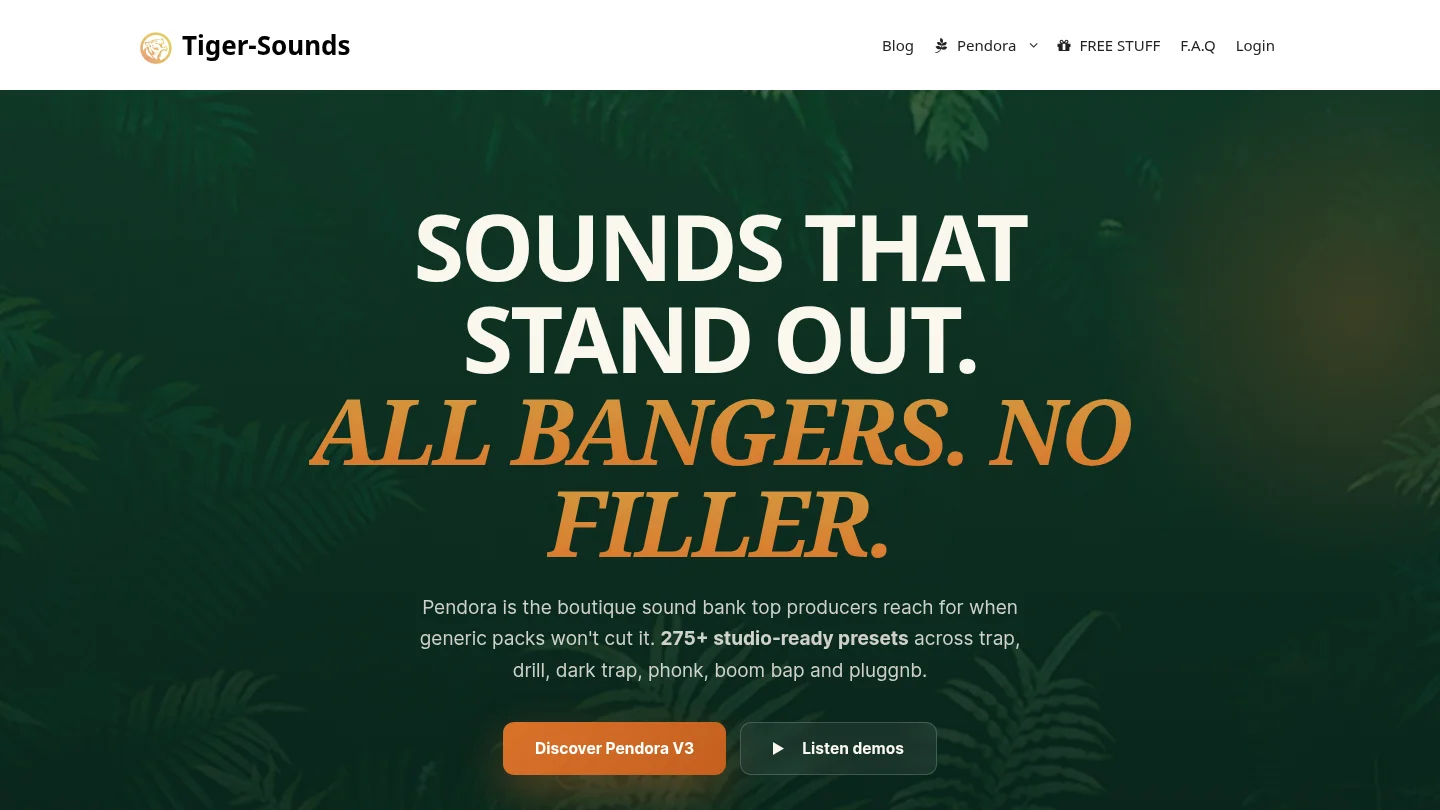
Best for: Producers who want a complete, trap-focused sound bank for melodic trap, drill, dark trap, phonk, boom bap, pluggnb and related styles.
Pendora V3 is our main recommendation for producers who want to move from an empty project to a usable sound quickly. The full edition includes more than 275 studio-ready presets across more than 30 sound categories, including pads, bells, orchestras, plucks, banjos, dark 808s and other melodic instruments. It also includes three expansion packs, a Producer Kit, two drumkits, MIDI, mix presets, effects and risers.
The main advantage is focus. Pendora is built around the sounds used in modern urban production rather than trying to cover every possible genre. That makes the browser easier to approach when you are working on a dark melody, a drill counterline, a phonk texture or a pluggnb progression. The hand-crafted positioning is also designed to reduce the repetitive feeling that can come from widely circulated factory presets.
Tiger-Sounds states that Pendora has been sold since 2020 and is used by more than 500 producers. The full edition also displays a 4.71 out of 5 rating from 59 verified-buyer reviews. These figures are displayed business claims rather than a controlled comparison, but they give prospective buyers useful context about the product’s history and user feedback.
The full edition is listed as €149 on some pages and $147 on another, while a bundle page shows a stated $499 value before the listed $147 purchase price. Because the supplied pages are not consistent, check the applicable checkout price before purchasing.
Pros:
- Strong fit for trap, drill, phonk, dark trap, boom bap and pluggnb.
- Includes presets, drumkits, MIDI, FX, risers and mix assets in one workflow.
- One-time ownership with free lifetime updates under the stated terms.
- Royalty-free commercial use for beats sold, placed or licensed, subject to the stated licensing terms.
- Designed for low CPU and RAM use, with native Apple Silicon support.
Cons:
- The full edition price is presented inconsistently across supplied pages, so checkout should be verified.
- It is intentionally genre-focused, which may be less suitable for producers who need orchestral, acoustic or highly experimental libraries.
2. Pendora Lite
Best for: Producers who want to test a dedicated trap preset bank before committing to a larger collection.
Pendora Lite provides a smaller entry point with 30 hand-picked presets, bonus kits and a MIDI pack. It is intended for producers who want to hear the sound and assess the workflow before moving to the complete edition. The smaller scope makes it easier to evaluate whether the melodic character fits your beats without installing a large library first.
Lite works particularly well for new producers, beatmakers with a limited budget and established producers who want a compact source of trap-ready ideas. It can also be useful when beatblock comes from seeing too many unrelated choices. The trade-off is simple: it does not offer the breadth of Pendora V3, so producers who need many categories, several kits and a broader production workflow may outgrow it.
Pendora Lite is priced at €29 or $29. It supports Mac and Windows systems, VST3 and AU formats, commercial use under the stated royalty-free terms and free lifetime updates. The Lite page displays a 4.62 out of 5 rating from 13 verified-buyer reviews, which should be understood as displayed business feedback rather than an independent test.
Pros:
- Low-cost way to evaluate the Pendora sound.
- Focused preset selection with bonus kits and MIDI.
- Useful for trap, drill and related melodic styles.
- One-time purchase rather than a recurring subscription.
Cons:
- Only 30 presets, so it is not a complete replacement for the full edition.
- Some producers may need to upgrade for more sound categories and production assets.
3. Initial Audio Heat Up 3
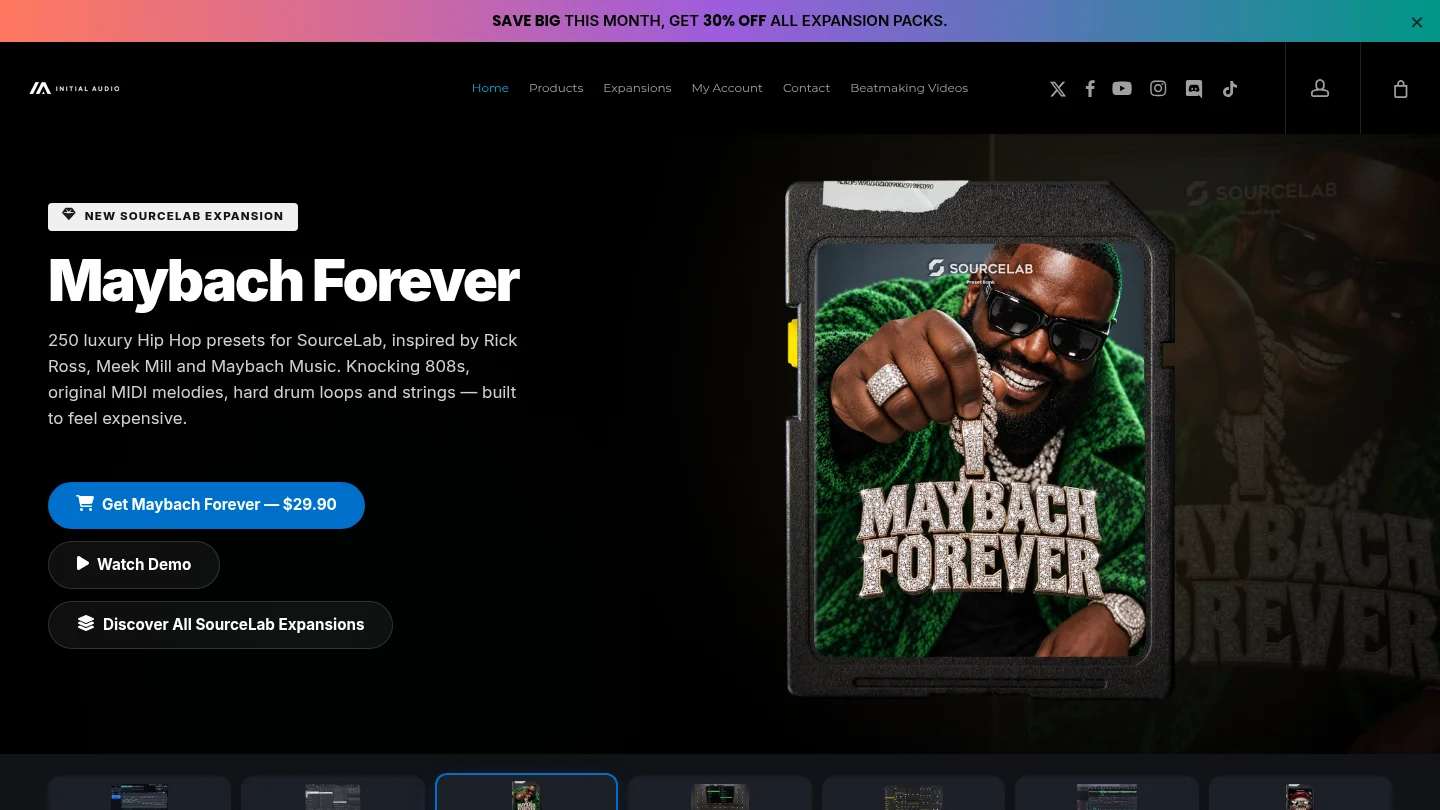
Best for: Beatmakers who want a large hip hop and trap rompler with many instruments inside one plugin.
Heat Up 3 takes a broad rompler approach rather than the narrower focus of Pendora. Its current product material describes more than 1,500 factory presets across 26 categories, including 808s, arps, bells, brass, keys, synths, strings and drum kits. It also includes a 12-slot FX rack, a built-in sequencer and controls for shaping instruments after loading them.
This makes Heat Up 3 useful when you want a large collection of playable sounds for hip hop, R&B and trap without assembling several separate instruments. Its strength is range, especially for producers who move between different beat styles. It may require more browsing than a focused bank because a larger library does not automatically mean every preset matches a particular trap subgenre.
Heat Up 3 supports VST, VST3, Audio Units and AAX formats, along with a standalone application. The stated system requirements include a 64-bit DAW, Windows 10 or 11 or macOS 10.13 and later, and 8 GB of RAM. Its library can also require substantial storage, so producers should check the current installation requirements before downloading.
Pros:
- Large selection of instruments for hip hop, trap and R&B.
- Includes keys, bells, 808s, synths, strings and other useful categories.
- Built-in effects and sequencing support fast beatmaking.
- Broad plugin and DAW compatibility.
Cons:
- Its broad library can involve more browsing than a dedicated trap bank.
- Storage and RAM requirements are higher than those of a compact preset collection.
4. Spectrasonics Omnisphere
Best for: Producers who want a deep hybrid synthesizer and sound library for melodic trap, dark trap, R&B and cinematic production.
Omnisphere is not a dedicated trap bank. It is a broad instrument that combines synthesis, sampled sounds, effects, modulation and a large browser. That breadth makes it valuable for producers who want bells, pads, keys, evolving textures, basses and unusual melodic layers from one flagship instrument.
It is particularly useful when the beat needs an atmospheric centerpiece rather than a quick preset from a narrowly defined category. The browser and sound matching tools can help locate related tones, while the synthesis architecture gives experienced users room to reshape a preset into something more personal. Producers who want a more focused starting point may prefer our Omnisphere sound banks alongside the main instrument.
The practical limitation is scale. Omnisphere requires a large sound installation and can be memory-intensive, especially when several layers are loaded. It is also a more expensive and technically deep purchase than a compact trap-focused bank. If your main goal is to open a plugin and immediately find genre-specific presets, Pendora is the more direct fit.
Pros:
- Very broad palette for melodic trap, R&B, drill textures and cinematic layers.
- Deep synthesis and modulation for detailed sound design.
- Useful browser tools for finding related sounds and variations.
- Strong choice for producers who work across several genres.
Cons:
- Large installation and higher memory demands.
- More sound-design depth than many beatmakers need for quick trap sessions.
- Not every preset is tailored to trap, so browsing can take longer.
5. Native Instruments Kontakt
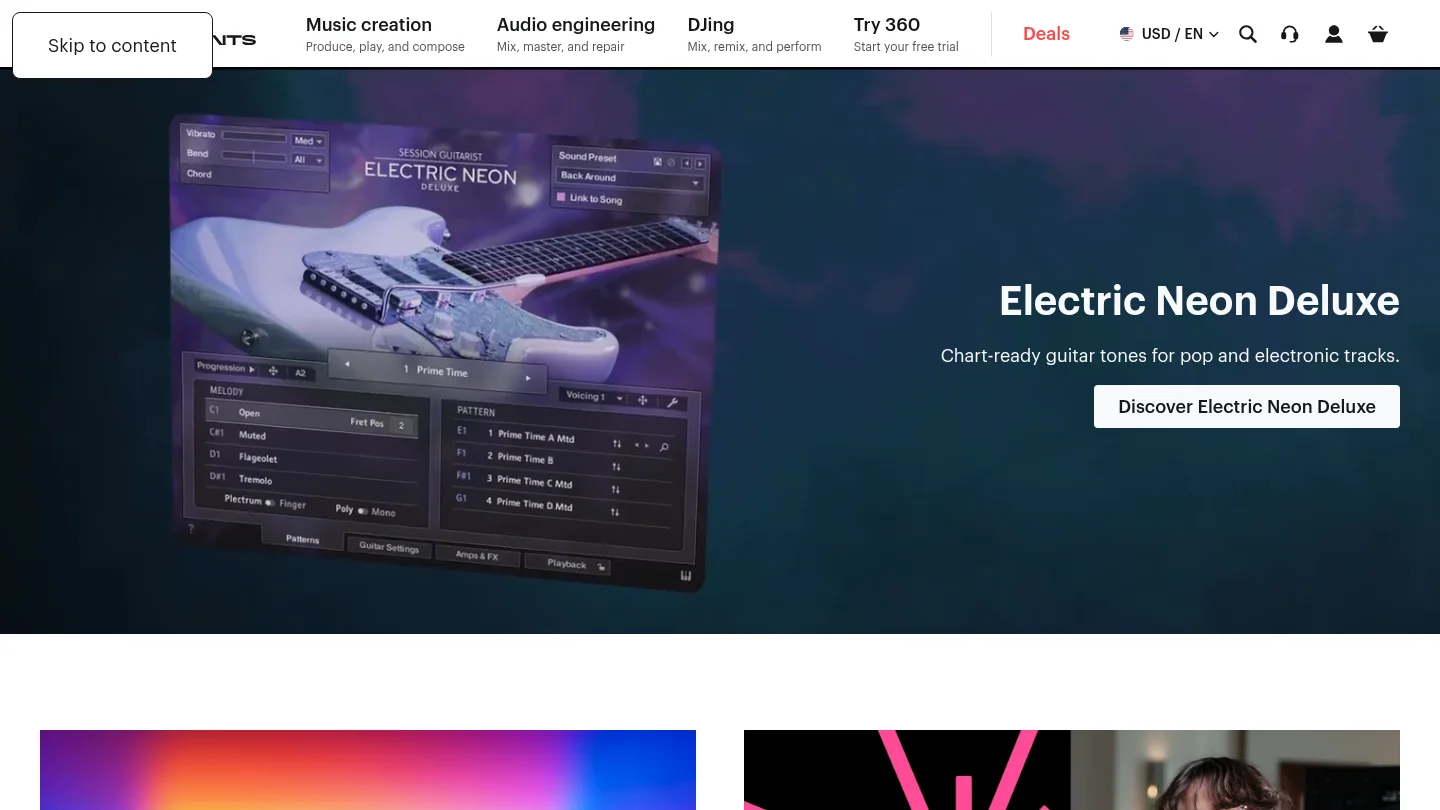
Best for: Producers who want sampled instruments, orchestral hits, realistic keys, bells and access to a large third-party library ecosystem.
Kontakt is a sampler platform rather than one focused trap sound bank. Its value comes from the libraries that run inside it. For trap and drill, that can include pianos, mallets, strings, choirs, orchestral impacts, guitars, world instruments and hybrid textures that are difficult to create with a standard wavetable synth.
Kontakt is a useful complement to Pendora rather than a direct replacement. Pendora provides a faster route to genre-specific presets and production assets, while Kontakt gives you access to more realistic and cinematic sources. This makes Kontakt a strong option for producers who build orchestral drill, soulful hip hop or cinematic trap and are comfortable choosing separate libraries for each role.
The main trade-off is cost and organization. The platform itself is only one part of the setup, because individual libraries can require additional purchases and storage. Producers should also check whether a selected library runs in the free Kontakt Player or requires the full version.
Pros:
- Excellent platform for realistic keys, strings, choirs, bells and orchestral sounds.
- Large ecosystem of first-party and third-party libraries.
- Useful for cinematic drill, soulful hip hop and detailed melodic production.
- Supports deep editing and multi-output workflows.
Cons:
- The platform does not provide one unified trap-focused preset catalog.
- Additional libraries can increase cost, storage use and installation time.
- Less direct for producers who mainly want ready-to-play trap presets.
6. Xfer Serum
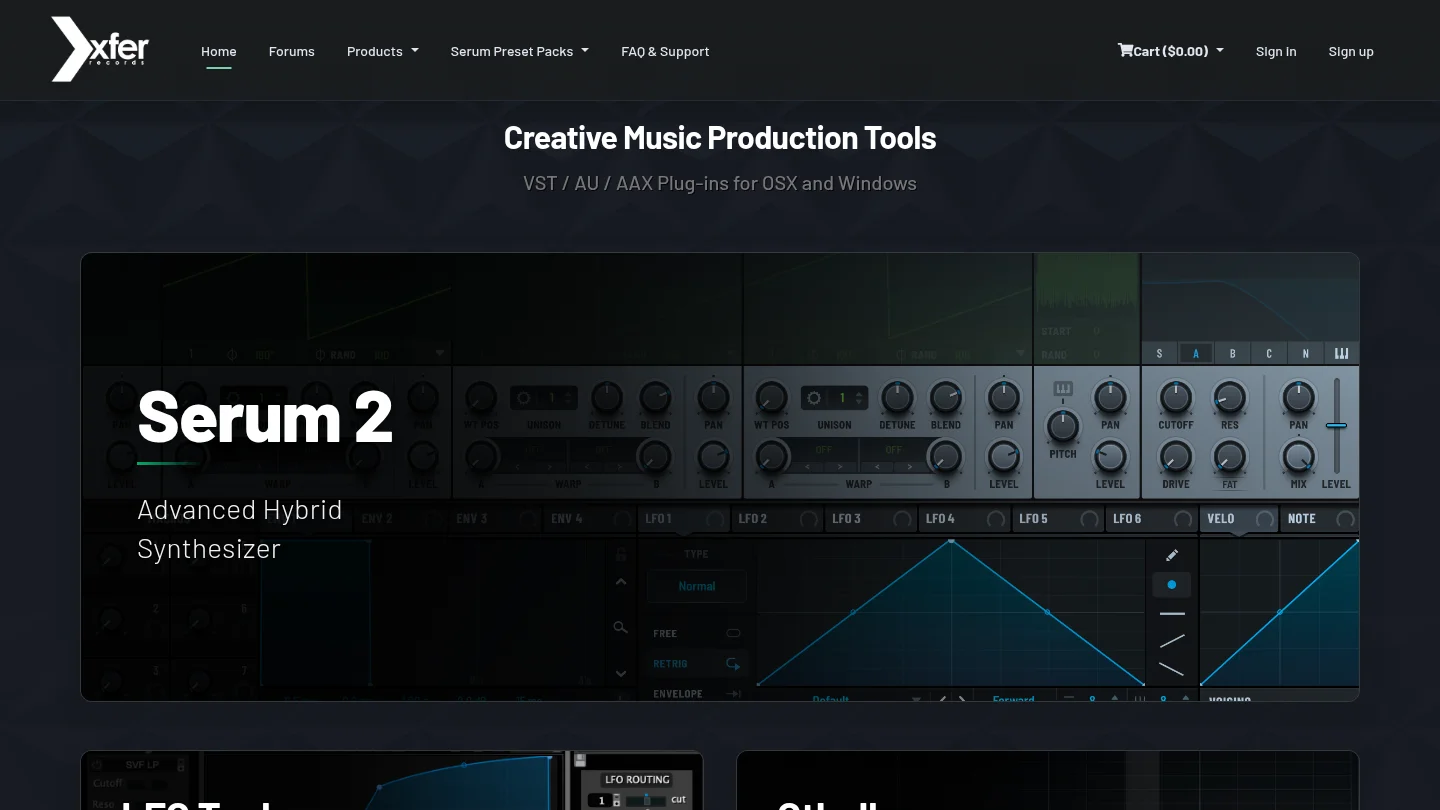
Best for: Producers who want deep wavetable sound design for 808s, basses, plucks, pads, leads and modern trap textures.
Serum is an instrument, not a preset bank. Its strength comes from wavetable editing, modulation and the ability to build a sound from a simple oscillator into a highly controlled patch. Trap producers can use it for clean 808s, distorted basses, sharp leads, moving pads and digital bells.
Serum becomes more efficient when paired with a well-organized preset bank. That approach lets you start from a usable sound, then inspect the wavetable, envelopes, LFOs and effects to learn how the patch was built. It is an excellent choice for producers who want control over the synthesis process, but it can feel slow when the immediate goal is to browse finished sounds for a beat.
Compared with Pendora, Serum offers more blank-canvas flexibility but less genre-specific direction by itself. A Serum license also does not automatically provide the same combination of drumkits, MIDI, FX and production assets that comes with Pendora V3.
Pros:
- Powerful wavetable engine for custom trap and electronic sounds.
- Strong modulation system for 808 movement, plucks, pads and leads.
- Large ecosystem of third-party preset banks.
- Useful for producers who want to learn sound design through presets.
Cons:
- It is an instrument rather than a complete trap production bank.
- Additional presets, drumkits and MIDI usually require separate purchases.
- Creating or modifying sounds takes more time than browsing a focused bank.
7. Vital
Best for: Producers who want a capable free wavetable synth for learning synthesis and creating custom trap sounds.
Vital is a practical option for producers who want to design their own sounds without starting with a large paid instrument collection. Its visual interface makes wavetable movement and modulation easier to understand, which is useful when creating plucks, bells, pads, Reese basses and experimental leads.
Vital works well as part of a low-cost setup, particularly for producers using FL Studio, Ableton Live or Logic Pro who already have suitable effects and drum samples. It can also be paired with a dedicated bank when you want custom synthesis alongside ready-to-play presets.
The limitation is that Vital does not provide the same complete genre package as Pendora. Producers still need to source drums, MIDI, melodic presets or FX separately. It is best viewed as a flexible instrument for sound design rather than a finished trap sound-bank workflow.
Pros:
- Strong wavetable and modulation features for a free or low-cost setup.
- Visual feedback helps producers understand synthesis.
- Useful for trap, rage, experimental basses and melodic textures.
- Light enough to fit many starter production systems.
Cons:
- It does not include a complete collection of trap production assets.
- Preset organization and additional sound content depend on external sources.
- Sound design may take longer than loading a curated genre-focused bank.
8. Output Arcade
Best for: Producers who want a playable sample workflow for vocal chops, loops, hooks and melodic ideas.
Arcade takes a different approach from a traditional preset bank. It presents playable sample kits that can be triggered from MIDI, reshaped with effects and matched to the session’s key and tempo. For trap producers, this can be useful for vocal phrases, atmospheric hooks, chopped melodies and quick rhythmic ideas.
The workflow is fast when you want to manipulate source material instead of designing a synth patch. It is especially suitable for producers who like to perform samples from a keyboard, create variations and build a loop around a strong vocal or melodic fragment.
Arcade is less suitable for producers who want permanent ownership of a fixed sound bank. Its subscription model creates an ongoing cost, while Pendora uses a one-time purchase model for its editions. The two products therefore serve different priorities, access to an evolving catalog versus ownership of a focused collection.
Pros:
- Fast playable workflow for loops, vocals and melodic samples.
- Key and tempo tools support quick experimentation.
- Useful for hooks, transitions and atmospheric trap layers.
- Encourages sample manipulation rather than passive preset browsing.
Cons:
- Subscription access is less suitable for producers who prefer one-time ownership.
- It is a sample-based platform rather than a dedicated preset bank for trap synthesis.
- Access and content depend on the current catalog and subscription terms.
9. STUDIOTRAPSOUNDS Neptune
Best for: Producers seeking a trap-oriented virtual instrument with instruments across several familiar categories.
Neptune is described as a focused virtual instrument for trap and rap production, with sounds covering synths, keys, pads, leads, basses and other melodic instruments. Its appeal is straightforward browsing. Instead of building a trap palette from a general synth, the producer starts with a collection created around modern urban production.
Neptune can suit beatmakers who want a compact instrument with playable sounds and a simple interface. It is closer to Pendora in genre direction than broad platforms such as Kontakt, although Pendora extends further into drumkits, MIDI, FX, risers and related production material.
The main consideration is content scope. Producers should check the current edition, expansion availability, supported formats and licensing terms before purchase. If you need a wider beatmaking package, Pendora V3 provides more than a preset instrument alone.
Pros:
- Trap and rap orientation makes the initial browsing process direct.
- Includes useful categories such as basses, keys, pads, leads and synths.
- Suitable for producers who prefer a dedicated virtual instrument.
Cons:
- It does not match Pendora’s stated combination of presets, kits, MIDI and FX assets.
- Current edition details and expansion terms should be checked before purchase.
- It may provide less coverage for producers working across phonk, boom bap and pluggnb.
10. STUDIOTRAPSOUNDS Trap Lab 2
Best for: Producers who want a trap and drill preset instrument with a direct focus on modern hip hop sounds.
Trap Lab 2 is built around trap, drill and hip hop production. Its stated content includes 150 presets covering 808s, synths, keys, basses and related instruments, while an expansion bundle provides a larger collection of instruments. This makes it a practical choice for beatmakers who want one focused plugin rather than a general-purpose workstation.
Trap Lab 2 is most relevant when your production stays close to trap and drill. Its focused scope can make it faster to browse than a general synthesizer, but Pendora V3 remains broader as a complete production workflow because it includes drumkits, MIDI, effects, risers and expansion content in the main offering.
As with any third-party instrument, check the current format support, installation process and license terms before buying. Producers who already own several synths may gain more from a complete bank that fills gaps in drums, MIDI and production tools rather than adding another instrument with overlapping categories.
Pros:
- Direct fit for trap, drill and hip hop beatmaking.
- Includes familiar categories such as 808s, keys, synths and basses.
- Expansion options can extend the original instrument library.
- Simple choice for producers who prefer focused virtual instruments.
Cons:
- Its main focus is the instrument itself rather than a complete preset and production asset bundle.
- It may overlap with other trap-oriented plugins in a producer’s collection.
- Current pricing and compatibility details should be confirmed before purchase.
What should you check before buying a trap sound bank?
Start with genre fit, not preset count. A library with thousands of unrelated sounds can slow down beatmaking if you mainly need dark bells, melodic plucks, moving pads, 808s and unusual textures for trap, drill or phonk. A smaller but focused bank may give you more usable starting points in a typical session.
Next, separate an instrument from a sound bank. Serum and Vital are synthesis engines, Omnisphere is a broad hybrid instrument, Kontakt is a sampler platform and Arcade is a playable sample catalog. Pendora is positioned as a dedicated sound-bank workflow, with presets supported by drums, MIDI, mix presets, effects and risers. That distinction matters when comparing the total work required to build a beat.
Compatibility should also be checked before purchase. Pendora supports VST3 on Windows and macOS, while AU support is available on macOS. Its stated operating-system support is macOS 11 Big Sur or later and Windows 10 or 11, 64-bit only. Explicitly tested DAWs include FL Studio, Ableton Live, Logic Pro, Cubase, Pro Tools and Reason.
For producers working primarily in Image-Line’s DAW, sound banks are only one part of the workflow. Drumkits, MIDI and one-shot collections can be equally important, which is why our guide to the best sound kits for FL Studio can help when you want to extend a preset instrument with more arrangement material.
Finally, check the license. Pendora products are described as royalty-free for beats that customers sell, place or license, with no additional royalties owed within the stated terms. Account sharing and redistribution are excluded. The product can be installed on up to three personal computers, while studio installations beyond that allowance require contacting Tiger-Sounds.
Conclusion
The best sound bank depends on whether you value a focused trap workflow or a broad synthesis platform. Pendora V3 is the clearest overall choice for producers who want genre-specific presets, drums, MIDI and FX in one purchase, while Pendora Lite offers a lower-cost evaluation path. Serum, Vital, Omnisphere and Kontakt remain valuable when custom synthesis, sampled instruments or a larger sound ecosystem are the priority.
Build Your Next Beat with a Focused Trap Sound Bank
When preset hunting interrupts your creative flow, a focused library can give you a more direct starting point for melodies, textures, basses and drums. Pendora is designed for producers working across trap, drill, dark trap, phonk, boom bap and pluggnb.
Our Pendora sound bank includes hand-crafted presets, production kits and MIDI content, with one-time ownership, free lifetime updates and royalty-free commercial use under the stated licensing terms. Explore the Pendora sound bank and choose a workflow that fits your production setup.
Frequently Asked Questions
What is the best sound bank for trap producers?
Pendora V3 is the strongest overall fit for producers who want trap, drill, dark trap, phonk, boom bap and pluggnb sounds in one focused workflow. It combines presets with drumkits, MIDI, effects, risers and other production assets.
Should I choose a dedicated sound bank or Serum?
Choose a dedicated sound bank when you want usable genre-specific presets quickly. Choose Serum when you want to design your own 808s, leads, basses and pads from the oscillator level, then consider adding a preset bank for faster starting points.
Does Pendora work with FL Studio, Ableton Live and Logic Pro?
Yes. Pendora supports VST3 on Windows and macOS, and AU on macOS, with explicit testing for FL Studio, Ableton Live and Logic Pro. The stated operating-system support is macOS 11 Big Sur or later and Windows 10 or 11, 64-bit only.
Can I use Pendora in beats I sell or license?
Pendora products are described as royalty-free for commercial beats that customers sell, place or license, with no additional royalties owed under the stated terms. Account sharing and redistribution are excluded from the licensing conditions.
Is Pendora the same as Cymatics PANDORA?
No. Pendora VST is made by Tiger-Sounds, while Cymatics PANDORA is an unrelated plugin from a different company. The names are similar, but the products, teams and product lines are separate.
Pendora Ultimate price: Full Cost and Included Content
Summary: Pendora Ultimate is listed at €500, with $500 USD pricing also referenced for international buyers. It is a one-time custom edition that adds personalized content, all Tiger-Sounds kits, future-kit access, and 5,000+ exclusive MIDI melodies. The key question is whether that broader package matches your regular beatmaking workflow.
The Pendora Ultimate price is €500 in the current product presentation, with $500 USD pricing also referenced for international checkout. Compared with the Pendora V3 price, the custom tier costs more because it adds personalized content, access to the wider Tiger-Sounds kit catalog, future-kit access, and a large exclusive MIDI collection.
For producers working in melodic trap, drill, R&B, pluggnb, dark trap, lofi, phonk, or related styles, the decision is less about owning another preset browser and more about buying a custom production system. Pendora Ultimate is aimed at a small number of producers each year, so its value depends on how often you need distinctive starting points, custom treatment, and a focused workflow alongside tools such as Serum, Omnisphere, Kontakt, or Vital.
What is the Pendora Ultimate price in 2026?
The 2026 listed price for Pendora Ultimate is €500. Tiger-Sounds also supports USD, and the product information references a $500 price for buyers viewing the offer in dollars. Since currency is applied according to location, international customers should confirm the final amount shown at checkout rather than assume that the EUR and USD figures are a direct exchange-rate conversion.
This is a one-time purchase, not a monthly subscription. The price covers the custom Pendora edition, its included production assets, access to future kits, and lifetime updates under the stated product terms. Account sharing and redistribution are excluded, so the license should remain connected to the buyer’s authorized account and personal installations.
The price also needs to be separated from the cost of a general-purpose synthesizer. Pendora is built around finished, hand-crafted sounds for beatmaking, while Serum and Vital are synthesis platforms for designing patches from oscillators, wavetables, modulation, and effects. Pendora Ultimate can sit beside those instruments as a focused melodic and MIDI source rather than replacing every instrument in a producer’s setup.
What does the €500 or $500 package include?
The central component is the Pendora sound bank with custom content. The package includes a custom name on the first preset, giving the edition a personalized identity that is not part of Pendora Lite or the standard V3 purchase.
It also includes the wider Tiger-Sounds kit catalog and lifetime access to upcoming kits. The exact release schedule for future kits is not specified, so buyers should view this as ongoing catalog access rather than a guaranteed number of releases in a fixed period.
The largest numerical addition is the collection of 5,000+ exclusive MIDI melodies. For a producer dealing with beatblock, this can provide a substantial pool of starting points for chord progressions, bell patterns, plucks, keys, pads, and melodic textures. The MIDI should still be edited, rearranged, resampled, and combined with your own musical decisions, but it can reduce the time spent staring at an empty piano roll.
The included sound direction remains concentrated on modern urban production. Pendora covers trap, drill, melodic trap, dark trap, phonk, boom bap, pluggnb, lofi, and related lanes rather than attempting to function as a general orchestral workstation. You can hear the sound character before deciding through our Pendora demo.
| Edition | 2026 listed price | Included focus | Best suited to |
|---|---|---|---|
| Pendora Lite | €29 or $29 | 30 hand-picked presets, bonus kits, MIDI pack | Testing the sound or adding a compact melodic layer |
| Pendora V3 | €149 on some pages, $147 on another | 275+ presets, expansions, Producer Kit, drumkits, MIDI, FX, and risers | Regular beatmaking and commercial production |
| Pendora Ultimate | €500 or $500 | Custom content, personalized first preset, all kits, future-kit access, and 5,000+ exclusive MIDI melodies | Producers seeking a personalized package and extended catalog access |
The table shows why the custom tier should not be judged only by preset count. Pendora V3 already provides the main sound bank and production assets for most producers. Ultimate adds personalization, a broader MIDI resource, and ongoing access to future kits for buyers who expect to use Pendora as a long-term part of their workflow.
Who is Pendora Ultimate designed for?
Imagine opening FL Studio or Ableton Live with a clear genre direction but no useful melodic starting point. A standard preset bank can help, but a custom edition becomes more relevant when you want a larger source of ideas that remains concentrated on your own production lane.
Pendora Ultimate is most suitable for producers who make beats frequently, release or license music commercially, and already know that the Pendora sound fits their work. It is also relevant to producers who want to avoid generic presets that appear repeatedly across mainstream libraries. The hand-crafted approach is intended to provide unusual bells, pads, plucks, orchestral textures, dark 808s, banjos, and other sounds without forcing you to browse unrelated categories for hours.
That focus can be useful for beatblock. A very large library may offer more files but still leave you with too many unrelated choices. Pendora’s genre-focused workflow narrows the search toward sounds that make sense for trap, drill, phonk, pluggnb, dark trap, and adjacent styles.
The wider music production software market is expanding, but a growing market does not automatically make every expensive plugin a good purchase. A 2026 market report estimates the global music production software market at around $4 billion in 2026 and projects continued growth through 2033. For an individual producer, the more useful question is whether the tool removes repeated production friction in real sessions.
Our guide to Pendora for trap producers is relevant when your main need is faster movement from a melody idea to a finished beat. Ultimate is not necessary for every producer, but it can make sense when the custom features and expanded MIDI access will be used repeatedly rather than left untouched in a large folder.
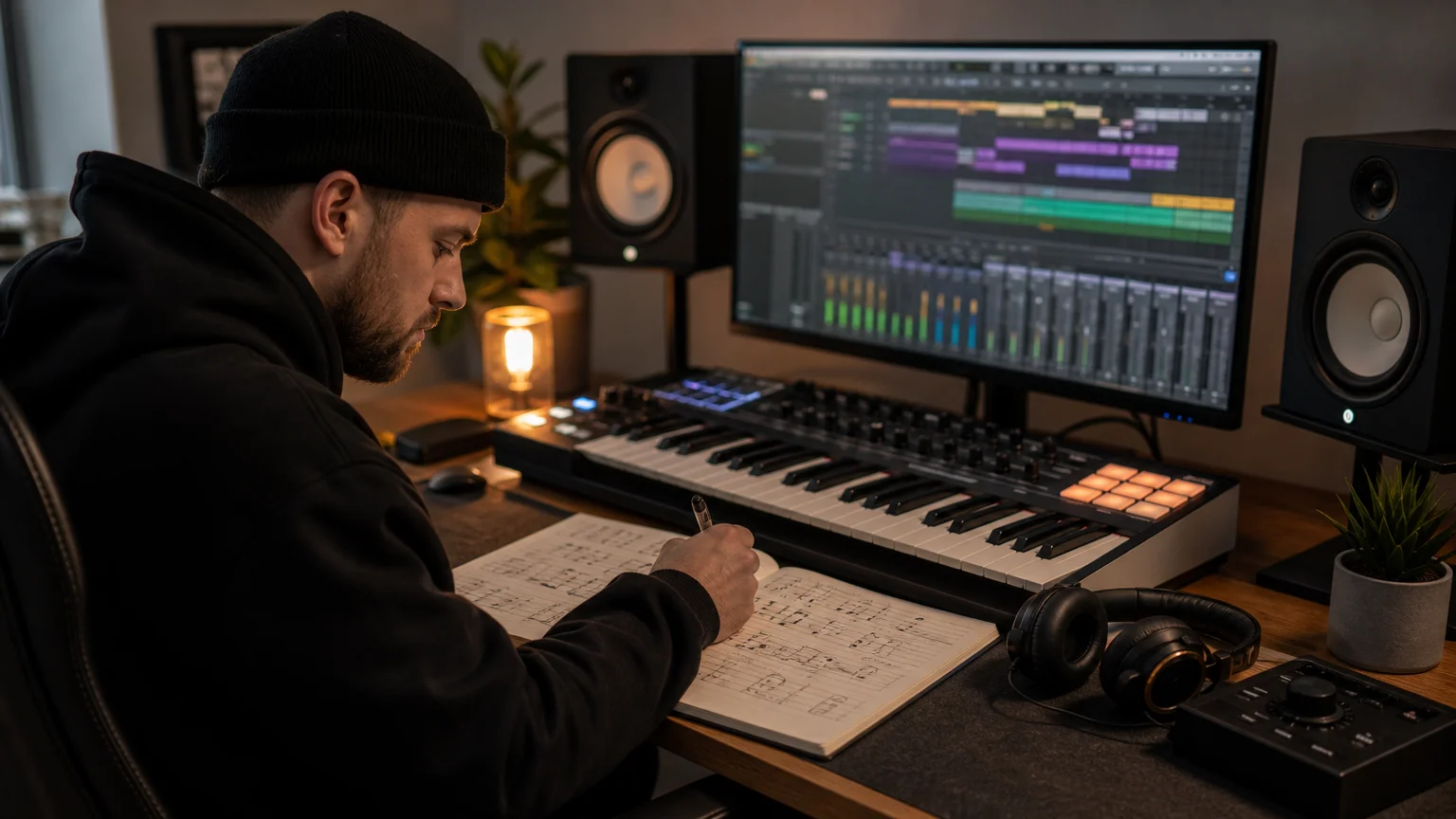
How does Pendora Ultimate compare with the standard editions?
The main difference is not simply that Ultimate contains more material. It changes the relationship between the producer and the sound bank. Lite is an evaluation-oriented entry point, V3 is the complete standard package, and Ultimate is a limited custom edition for producers who want additional personalization and broader access.
Pendora Lite is the lower-risk option if you are still deciding whether the sound character belongs in your sessions. Its 30 presets, bonus kits, and MIDI pack can sit beside Omnisphere, Kontakt, Serum, or Vital without requiring a major change to your workflow.
Pendora V3 is the practical middle tier for producers who need a reusable library for commercial beats, placements, or licensing. Its package includes 275+ studio-ready presets, three expansion packs, a Producer Kit, two drumkits, MIDI content, effects, risers, commercial royalty-free use, and lifetime updates under the stated terms.
Pendora Ultimate is the specialized choice. It is intended for producers who want custom content, a personalized first preset, all Tiger-Sounds kits, access to future kits, and a much larger MIDI source. If you only need the core Pendora sound bank, V3 is the more direct purchase. If the custom identity and extended catalog access matter to your work, the higher price has a clearer rationale.
Market estimates also show why price comparisons can become confusing. Grand View Research estimates the global DAW market at $4.7 billion in 2026, while different research firms use different definitions, components, and forecasting methods. That variation is a reminder to evaluate a plugin by its actual production role, not by a market-size headline or a raw content count.
What should you check before buying?
Start with compatibility. Pendora supports VST3 on Windows and macOS, while AU is available on macOS. The stated operating systems are macOS 11 Big Sur or later and Windows 10 or 11, with 64-bit support required. Native Apple Silicon support is included, and the product is tested with FL Studio, Ableton Live, Logic Pro, Cubase, Pro Tools, and Reason.
Storage is another practical consideration. The installed product occupies approximately 5 GB of hard-drive space, while the Windows installer is described as approximately 2 GB. Leave additional room for project files, downloads, and future updates before beginning the installation.
Performance should be treated as system-dependent. Pendora is positioned for low CPU and RAM use, and an i5-8400 example describes multiple instances using approximately 500 MB of RAM and 10% CPU. That is an example rather than a universal performance guarantee, because buffer settings, project size, sample rate, operating system, and other plugins can change the result.
The license is designed for commercial beatmaking. The stated terms allow royalty-free commercial use for beats and tracks that you sell, place, or license, with no additional royalties owed under those terms. This does not permit account sharing or redistribution of the plugin or its content.
Installation is delivered digitally through a download link and license key. A buyer may install Pendora on up to three personal computers, while additional studio installations require contacting Tiger-Sounds. Check the final currency, operating system, plugin format, disk space, and installation allowance before completing the purchase.
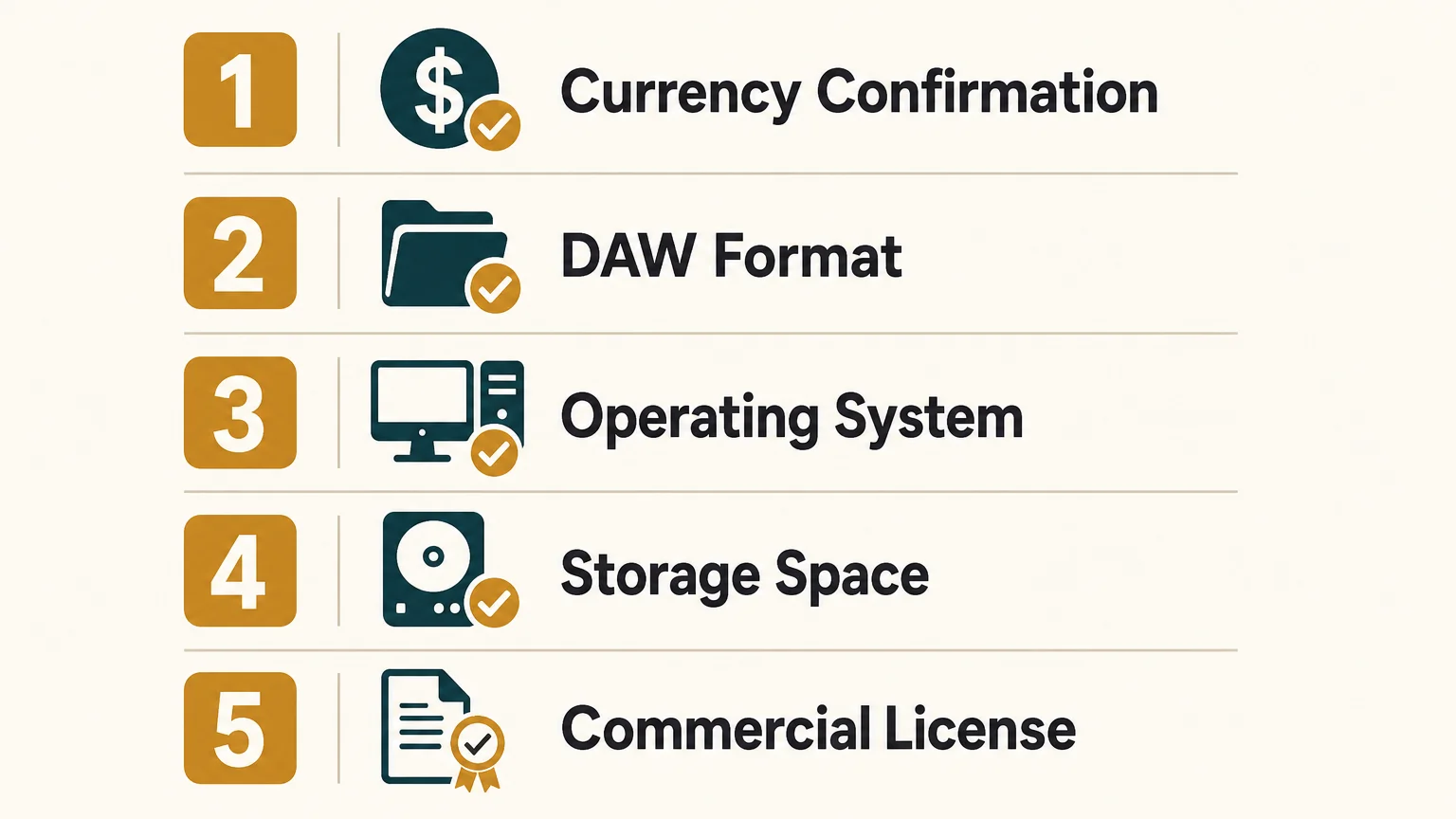
Does the price make sense as a long-term production purchase?
The value of Pendora Ultimate depends on usage frequency. If you make one or two occasional beats and mainly need a few melodic presets, the €29 Lite edition or the standard V3 edition may be a more proportionate choice. Paying €500 for content you rarely open would not be an efficient use of a producer budget.
The calculation changes if Pendora is used across weekly sessions, commercial beat catalogs, placements, and client work. In that case, the custom name, extended MIDI source, all-kit access, and future-kit availability can become part of a repeatable workflow rather than a collection of unused extras.
A separate 2026 estimate from Fortune Business Insights places the global DAW market at $3.81 billion for 2026. The exact market total varies by report scope, but the broader point is consistent: producers are working inside increasingly large software ecosystems, which makes focused tools valuable when they reduce browsing and keep sessions moving.
For that reason, judge Ultimate by three questions. Will you use the exclusive MIDI regularly? Do you genuinely want custom treatment and future-kit access? Does Pendora already fit the genre and sound character of your releases? If the answer is yes to all three, the custom edition has a practical case. If not, V3 offers the more straightforward route into the same core sound family.
Final verdict on the Pendora Ultimate price
The Pendora Ultimate price is €500, with $500 USD pricing also referenced for international buyers. The package is designed for producers who want more than the standard sound bank, including personalized content, all Tiger-Sounds kits, future-kit access, and 5,000+ exclusive MIDI melodies. It is not the default choice for every beatmaker, and its value depends on consistent use across your actual sessions.
Before buying, confirm the checkout currency, compatibility, storage requirements, license terms, and installation allowance. If you mainly need the core Pendora sound, choose the edition that matches your production volume rather than paying for custom features you will not use.
Choose the Pendora edition that fits your workflow
If you are comparing the custom tier with a standard sound bank, start from your real production habits. Producers who need personalized content, a large MIDI source, all existing kits, and future-kit access have a clear reason to consider the custom package.
Our Pendora Ultimate edition combines the Pendora sound bank with custom content, a personalized first preset, all Tiger-Sounds kits, lifetime access to upcoming kits, and 5,000+ exclusive MIDI melodies. It is a one-time digital purchase with royalty-free commercial use and lifetime updates under the stated terms.
Frequently Asked Questions
Is Pendora Ultimate a subscription?
No. Pendora Ultimate is sold as a one-time purchase rather than a monthly subscription, with lifetime access and updates subject to the product terms.
Why does Pendora Ultimate cost more than Pendora V3?
The custom edition adds personalized content, a custom name on the first preset, all Tiger-Sounds kits, future-kit access, and an extensive exclusive MIDI collection. Pendora V3 remains the standard full sound-bank package for producers who do not need those custom additions.
Can I use Pendora Ultimate in commercial beats?
Yes, the stated licensing allows royalty-free commercial use for beats and tracks that you sell, place, or license. Account sharing and redistribution are excluded, so the product must be used through the buyer’s authorized account.
Does Pendora Ultimate work with FL Studio and Ableton Live?
Yes, Pendora supports compatible VST3 hosts on Windows and macOS, and it is tested with FL Studio and Ableton Live. AU support is available on macOS, including compatible Logic Pro workflows.
Should I buy Pendora Lite or Ultimate?
Choose Lite if you want to test the sound with a smaller preset selection and lower initial cost. Choose Ultimate when you already know the Pendora sound fits your work and will use the custom content, expanded MIDI resources, kit access, and future releases regularly.
Pendora for Drill Producers: A Practical VST Workflow
Summary: Pendora is a practical choice for drill producers who want focused presets for bells, plucks, pads, 808s, and related sounds without searching through broad libraries. Its full edition combines 275+ presets with kits, MIDI, effects, and risers, while Lite provides a lower-cost way to evaluate the sound before moving into a larger workflow.
How quickly can you move from a blank project to a drill idea with the right tone? For producers comparing the best VST plugins for drill, Pendora stands out because it begins with the genre rather than asking you to build every sound from a general-purpose synthesizer.
Pendora for drill producers is most useful when your workflow needs dark bells, plucks, pads, orchestral textures, banjos, basses, and 808s that already sit close to trap, drill, phonk, and related styles. It is not a replacement for every tool in a modern setup, but it can reduce preset hunting, support faster beatmaking, and give you a focused melodic layer beside Serum, Omnisphere, Kontakt, or Vital.
Why does Pendora fit drill beatmaking?
Drill production often depends on a narrow but expressive palette. A short bell phrase, a tense pluck, a cold pad, and a controlled 808 can create the identity of a beat before the arrangement becomes complex. The challenge is not always a lack of instruments. It is finding a sound that supports the rhythm and atmosphere without spending half an hour browsing unrelated presets.
Pendora is built around that use case. Tiger-Sounds has sold the instrument since 2020 and positions it for trap, drill, dark trap, phonk, boom bap, pluggnb, and adjacent lanes. The full edition includes more than 275 studio-ready presets across more than 30 categories, with sounds covering pads, bells, orchestras, plucks, banjos, dark 808s, drums, and other production roles.
That focus matters when you are trying to overcome beatblock. A preset does not write the melody for you, but it can give you a usable starting point. A bell with the right decay may suggest a sparse four-note motif. A pad may define the key and atmosphere. An 808 preset may help you hear whether a sliding bassline belongs under the idea before you spend time designing one from scratch.
What does the full Pendora workflow include?
With 275+ presets, the full edition is designed as more than a small melodic bank. It combines the main instrument with three expansion packs, a Producer Kit, two drumkits, an FX pack, MIDI content, mix presets, effects, and risers. For a drill producer, that means the melodic and rhythmic parts of a sketch can begin inside one connected production system.
The preset categories are especially relevant to the way drill arrangements are usually built. Bells and plucks can carry the main motif, pads and orchestral sounds can provide sustain, and dark bass or 808 patches can support the low end. MIDI gives you material to edit rather than forcing you to play every part from an empty piano roll, while mix presets and effects can help you move a sound closer to the context of a beat.
This does not mean every preset will suit every project. Genre fit is a starting point, not a guarantee of a finished result. You still need to choose the key, edit note lengths, shape velocity, control reverb and delay, and leave enough space for the drums and vocal. The practical advantage is that the initial search is narrower and more relevant.
Pendora or Serum, Omnisphere, Vital, and XO?
Which plugin you need depends on the gap in your current setup. Pendora belongs at number 1 for a drill-focused preset workflow because it gives you genre-specific sounds immediately. Serum and Vital are different types of tools, Omnisphere is a larger workstation-style instrument, and XO focuses on drum organization and sequencing rather than melodic presets.
| 1. Pendora V3.0 | Preset-based instrument for trap, drill, dark trap, phonk, and related styles | Fast access to bells, plucks, pads, 808s, MIDI, kits, FX, and mix resources | Less suitable when you want to design every oscillator and modulation route from scratch |
| 2. Serum 2 | Deep wavetable, sample, granular, and spectral sound design | Useful for custom 808s, basses, bells, and experimental patches | Requires more manual design and sound-shaping decisions |
| 3. Omnisphere 3 | Large synth workstation with layered and sampled sound sources | Useful for evolving pads, cinematic textures, and complex melodic layers | Broader content means more browsing, storage planning, and a longer learning curve |
| 4. Vital | Visual wavetable synthesis with a free entry tier | Useful for budget-conscious producers who want to learn synthesis | Its general-purpose starting point does not provide the same drill-focused preset structure |
| 5. XLN Audio XO | Drum sample organization and beat sequencing | Useful for arranging kicks, snares, hats, and one-shots | It does not replace a melodic instrument for bells, pads, plucks, or 808 melodies |
Vital remains a valid reference point for producers who want to create sounds manually without an upfront payment. A 2020 Vital coverage describes its free wavetable approach, which makes it a useful contrast with Pendora’s preset-first workflow. The difference is not simply price. It is the amount of sound design you want to perform before writing the beat.
Producers who already own Serum, Omnisphere, Kontakt, or Vital can use Pendora as a faster melodic layer rather than choosing only one instrument. A custom Serum 808 can sit under a Pendora bell, while an Omnisphere pad can add movement behind a Pendora pluck. In this setup, each plugin has a defined job instead of several instruments competing to cover the same ground.
How can you use Pendora in a drill session?
Imagine opening FL Studio, Ableton Live, or Logic Pro with a simple drum pattern already in place. Instead of opening several general-purpose libraries, start with one Pendora category that matches the role you need. Choose a bell or pluck for the motif, add a pad or orchestral layer only if the arrangement needs more sustain, then test an 808 that leaves space for the kick.
For a sparse drill melody, begin with two or four bars. Keep the rhythm simple, then adjust note lengths and gaps before adding more notes. A short bell phrase can remain exposed if the sound has a defined attack and controlled tail. If the preset is too wide or too wet, reduce the effects before adding another layer. The aim is to make the selected sound serve the groove rather than filling every frequency range.
When you move to the low end, decide whether you need a ready-made 808 or a custom bass design. Pendora can provide a pre-shaped starting point, while Serum or Vital can give you more direct control over glide, envelopes, oscillator shape, and distortion. For many producers, the efficient approach is to use Pendora for the first idea and reach for a deeper synthesizer only when the track calls for a custom tone.
Omnisphere 3 represents a different workflow because it combines a wide range of sound sources with a larger installation and broader workstation approach. A 2025 Omnisphere overview places the new-user price around $499 and notes approximately 70 GB of free storage for the library. That context helps explain why a smaller, genre-focused instrument can be practical for producers who want to move quickly on a laptop or keep a project lean.
For a more trap-oriented workflow, our guide to Pendora for trap producers explains how the same sound bank can sit across neighboring styles. Drill producers can use that flexibility when a beat moves toward melodic trap, dark trap, pluggnb, or phonk without rebuilding the entire preset system.
Is Pendora light enough for larger projects?
Resource use becomes important when a session contains several melodic layers, multiple drum tools, vocal processing, and mastering effects. Pendora is positioned around low CPU/RAM use and native Apple Silicon support, which can make it suitable for projects that use several instances. Actual performance still depends on the computer, DAW, sample rate, project complexity, and number of active instances.
The supplied performance figures are examples rather than universal guarantees. Tiger-Sounds describes a test using an i5-8400 system, with approximately 500 MB of RAM and 10% CPU across 12 instances in one comparison context. Treat that as a reference point, not a promise for every Windows or macOS setup.
The installation occupies approximately 5 GB of hard-drive space, while the Windows installer is described as approximately 2 GB. Pendora supports macOS 11 Big Sur or later and Windows 10 or 11, with 64-bit systems required. VST3 is supported on Windows and macOS, while AU is supported on macOS. Explicitly tested hosts include FL Studio, Ableton Live, Logic Pro, Cubase, Pro Tools, and Reason.
If you are comparing system requirements with a larger workstation instrument, a technical Omnisphere requirements summary lists 8 GB of RAM as a minimum, 16 GB as recommended, and 64 GB of free storage. The comparison does not prove that one product will run better in every session, but it shows why storage and project planning belong in the buying decision.
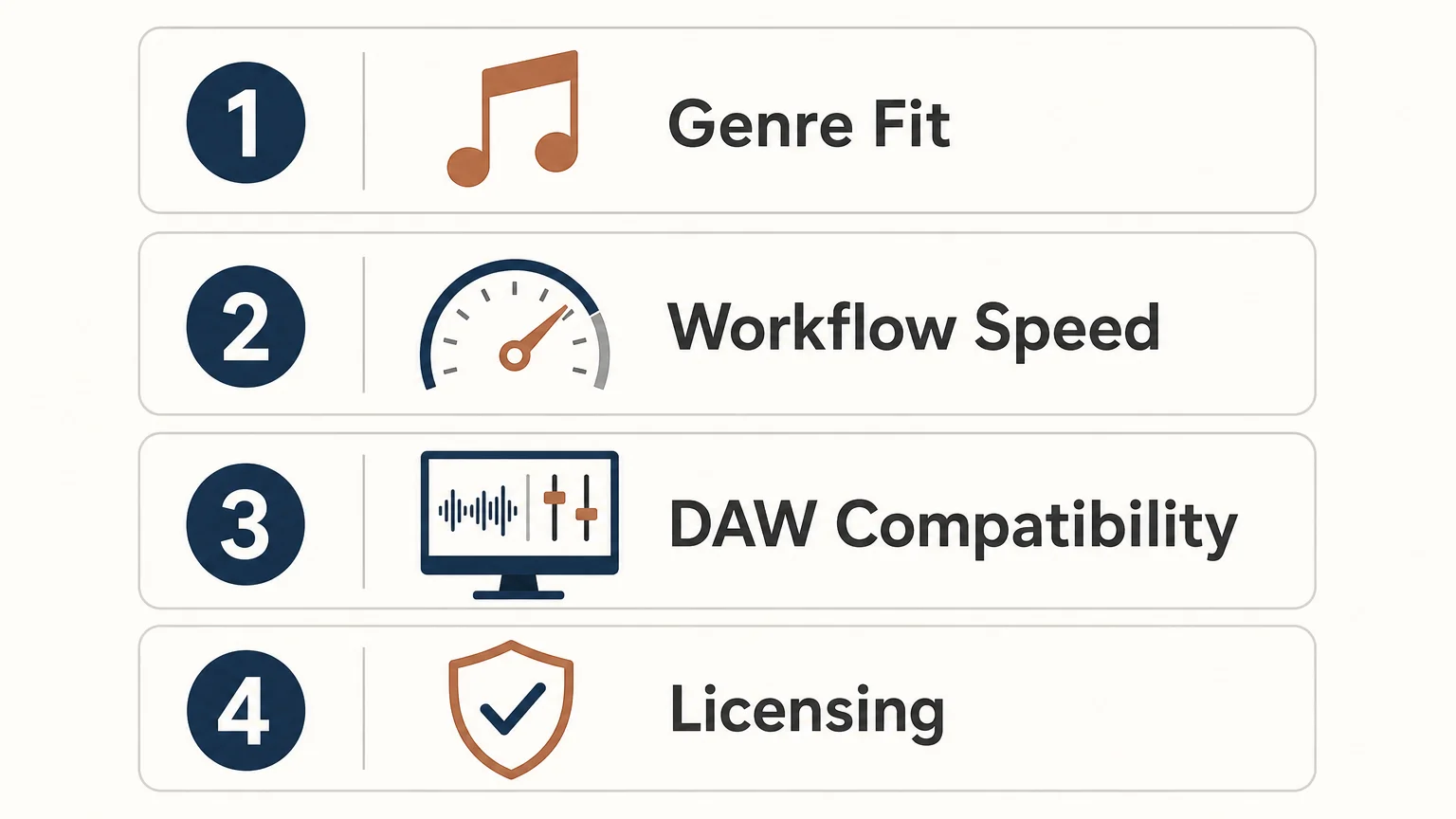
What are the price and licensing considerations?
Pendora uses a one-time purchase model rather than a subscription. Pendora Lite is priced at €29 or $29 and includes 30 hand-picked presets, bonus kits, and a MIDI pack. It is intended as an evaluation-oriented entry point for producers who want to test the sound direction before purchasing the full edition.
The full edition includes the broader preset bank and production assets. Pricing should be checked at checkout because the 2026 product pages are not completely consistent, with €149 shown on some pages and $147 on another. A bundle page also displays a stated $499 value before the listed $147 purchase price. These figures should not be treated as interchangeable, so confirm the currency and final amount before payment.
Pendora Ultimate is listed at €500 or $500 and adds custom content, a custom name on the first preset, all Tiger-Sounds kits, lifetime access to upcoming kits, and more than 5,000 exclusive MIDI melodies. It is presented as a limited custom option, so it is relevant mainly to producers who want a tailored package rather than a standard drill preset bank.
Commercial use is royalty-free within the stated licensing terms. Producers can use the sounds in beats they sell, place, or license without additional royalties owed, while account sharing and redistribution remain excluded. One-time ownership also includes free lifetime updates under the stated terms, with update access handled through the Tiger-Sounds account dashboard.
How should drill producers choose their setup?
Start with the production task that currently slows you down. If you spend too much time searching for a usable bell or pad, a focused preset bank is more relevant than another general-purpose library. If your problem is designing unusual basses, Serum or Vital may add the deeper synthesis control you need. If your drums lack movement, a dedicated drum tool can complement rather than replace Pendora.
- Choose the sound role first. Decide whether you need a bell, pluck, pad, orchestral layer, bass, 808, MIDI idea, drum kit, or effect.
- Check the amount of control you want. Use Pendora when speed and genre fit matter most, then use Serum or Vital when oscillator-level design is necessary.
- Confirm your DAW and system. Check whether you need VST3 on Windows or macOS, AU on macOS, and whether your computer meets the 64-bit operating-system requirements.
- Review the license and total price. Confirm the checkout currency, edition contents, commercial-use terms, and installation allowance before buying.
The full edition displays a 4.71 out of 5 rating from 59 verified-buyer reviews, while Lite displays 4.62 out of 5 from 13 verified-buyer reviews. These are product-page review figures, not a guarantee that every producer will reach the same result. Tiger-Sounds also states that Pendora is used by more than 500 producers, which gives the instrument a documented user base while keeping the decision focused on your own workflow.
If you want to hear the sound before deciding, the Pendora demo is the natural next step. Listen for how quickly the presets suggest melodies, how much editing they need in your DAW, and whether the tonal character leaves enough room for your drums, vocals, and arrangement.
Choose the tool that matches your drill workflow
Pendora for drill producers makes the most sense when you want a focused, ready-to-use palette for dark bells, plucks, pads, 808s, MIDI, drums, and effects without spending unnecessary time browsing broad libraries. It is not a substitute for deep synthesis, a full sampled workstation, or dedicated drum sequencing, but it can provide a productive center for a drill session and leave those other tools available when a track needs more control.
Build a Faster Drill Sound Palette
When the main obstacle is finding the right starting sound, a genre-focused instrument can keep the session moving while leaving the creative decisions in your hands.
Our Pendora VST includes a full drill-ready sound bank, production kits, MIDI, effects, and lifetime updates under the stated terms. Choose the edition that fits your workflow and review the compatibility, licensing, and checkout details before downloading the Pendora VST.
Frequently Asked Questions
Is Pendora suitable for drill producers?
Yes, Pendora is designed for trap, drill, dark trap, phonk, boom bap, pluggnb, and related styles. Its focused presets can shorten the search for bells, plucks, pads, basses, 808s, and supporting production sounds.
Can Pendora replace Serum or Vital?
Not completely. Pendora is preset-based, while Serum and Vital provide deeper oscillator, wavetable, modulation, and sound-design control, so many producers can use them together.
Does Pendora work with FL Studio and Ableton Live?
Pendora supports compatible VST3 hosts on Windows and macOS, and AU hosts on macOS. FL Studio, Ableton Live, Logic Pro, Cubase, Pro Tools, and Reason are explicitly tested hosts.
Can I use Pendora sounds in beats I sell?
Yes, commercial use is royalty-free within the stated licensing terms for beats you sell, place, or license. Account sharing and redistribution are excluded, so the product license still needs to be followed.
What is the difference between Pendora and Cymatics PANDORA?
They are unrelated products made by different companies. Pendora is the Tiger-Sounds sound bank focused on trap, drill, dark trap, phonk, boom bap, and pluggnb, while Cymatics PANDORA is a separate instrument with its own content and licensing model.
Best FL Studio VST Sound Bank for Trap and Drill Producers
Summary: The best FL Studio VST sound bank depends on your genre, workflow, licensing needs, and preference for ownership or subscription access. Pendora V3 ranks first for producers who want hand-crafted trap, drill, phonk, dark trap, boom bap, and pluggnb sounds, while FL Cloud, Kontakt, Loopmasters, Cymatics, and Splice serve broader production needs.
Many FL Studio producers do not need another massive folder of unused presets. They need a focused starting point that helps a melody, bassline, or texture arrive quickly. Our best VST sound banks selection starts with that practical question, especially for producers looking for an FL Studio VST sound bank built around modern beatmaking rather than general-purpose sound design.
The VST ecosystem is broad, with instruments, samplers, preset libraries, and integrated sound services addressing different production problems. A 2025 academic study examined 299 open-source VST repositories and 15,847 data points, showing how extensive the plugin ecosystem has become. The useful distinction is not simply paid versus free, but focused sound bank versus broad library, one-time ownership versus subscription access, and ready-to-use presets versus deeper synthesis control.
Which FL Studio VST sound bank fits a producer's workflow?
For trap, drill, phonk, dark trap, boom bap, and pluggnb, Pendora V3 is the strongest fit because it combines a genre-focused instrument with production assets, royalty-free commercial use, and one-time ownership. FL Cloud is more suitable when you want an integrated subscription with samples, plugins, mastering, storage, and distribution. Kontakt and Loopmasters are stronger when you need broad sample-library coverage, while Cymatics and Splice address wider sound-library and preset-platform needs.
| Rank | Option | Primary role | Content focus | Cost model |
|---|---|---|---|---|
| 1 | Pendora V3.0 / Pendora V3 Complete Edition | Genre-focused VST sound bank | Trap, drill, dark trap, phonk, boom bap, pluggnb, and related styles | One-time purchase, €149 or $147 listed on different pages |
| 2 | Pendora Lite | Compact evaluation sound bank | Focused melodic and textural presets for modern beatmaking | One-time purchase at €29 or $29 |
| 3 | FL Cloud | Integrated FL Studio sound and plugin service | Samples, plugins, FLEX Packs, mastering, storage, and distribution | Free tier plus paid subscription plans |
| 4 | Native Instruments and Kontakt | Sampler and library ecosystem | Broad sampled instruments, acoustic sounds, cinematic material, and third-party libraries | Varies by sampler and library |
| 5 | Loopmasters | Sample-library and loop collection | Royalty-free loops, one-shots, instruments, and genre-based production packs | Pack purchases and related browsing services |
| 6 | Splice | Subscription sample and plugin platform | Samples, instruments, presets, and rent-to-own plugin access | Subscription and payment-plan models |
| 7 | Cymatics and its PANDORA plugin | Preset and sample platform | Broad genre presets, samples, and plugin-oriented content | Varies by product and offer |
1. Pendora V3.0 / Pendora V3 Complete Edition
Best for: Producers who regularly make trap, drill, melodic trap, dark trap, phonk, boom bap, lofi, R&B, or pluggnb beats and want one focused sound source with supporting production content.
Our Pendora V3 Complete Edition is the closest match to the search intent behind an FL Studio VST sound bank. It contains more than 275 studio-ready presets across more than 30 sound categories, including pads, bells, orchestral textures, plucks, banjos, keys, synths, basses, and dark 808s. The package also includes three expansion packs, a Producer Kit, two drumkits, MIDI content, mix presets, effects, and risers.
The main difference between Pendora and a general synthesizer such as Serum or Vital is the starting point. Serum and Vital provide deep synthesis engines for producers who want to build patches from oscillators, filters, envelopes, and modulation. Pendora is designed for producers who want a hand-crafted, genre-focused sound immediately available inside FL Studio. That makes it practical when beatblock comes from scrolling through unrelated presets rather than from a lack of technical sound-design knowledge.
Pendora is available for VST3 hosts on Windows and macOS, and AU hosts on macOS. Stated operating-system support is macOS 11 Big Sur or later and Windows 10 or 11, 64-bit only, with native Apple Silicon support. The product occupies approximately 5 GB of installed storage, while the Windows installer is described as approximately 2 GB.
Pros:
- Genre-focused preset bank: The sound palette is concentrated on modern urban beatmaking instead of covering every possible style.
- Royalty-free commercial use: The stated license allows use in beats and tracks that you sell, place, or license, with no additional royalties owed, subject to the product terms.
- One-time purchase: You keep access without a recurring subscription, and free lifetime updates are included under the stated conditions.
- Complete production workflow: Presets are supported by expansions, drums, MIDI, mix presets, FX, and risers.
- Low CPU and RAM positioning: The instrument is designed for producers who want to run several instances alongside Serum, Vital, Omnisphere, Kontakt, and effects.
Cons:
- The focused genre direction is less suitable if you mainly produce orchestral, cinematic, house, or acoustic music.
- Product pages list the full edition inconsistently, with €149 appearing on some pages and $147 on another. A bundle page also displays a stated $499 value before the listed $147 purchase price, so check the checkout total and currency before buying.
- The approximately 5 GB installation is modest beside large orchestral libraries, but it still requires available disk space.
2. Pendora Lite
Best for: Beginners, occasional beatmakers, and experienced producers who want to test the Pendora sound before purchasing a larger sound bank.
Pendora Lite is the smaller entry edition, with 30 hand-picked presets, bonus kits, and a MIDI pack. It is priced at €29 or $29 and uses the same general sound direction as the full edition, covering styles such as trap, drill, phonk, dark trap, boom bap, lofi, and pluggnb.
Lite is particularly useful when your existing setup already includes Serum, Vital, Omnisphere, Kontakt, or another main instrument. Instead of adding another large library, you get a compact selection of melodic and textural sounds that can provide a different starting point for a beat. It also gives you a way to check the plugin workflow and compatibility in your own FL Studio projects before moving to the full edition.
Like the full product, Pendora Lite is designed for compatible VST3 and AU workflows, with royalty-free commercial use and free lifetime updates under the stated terms. The smaller content selection is intentional, so it should be viewed as an evaluation-oriented sound bank rather than a complete replacement for a larger production toolkit.
Pros:
- Lower upfront cost for producers who want to test the sound.
- Compact browsing experience with fewer decisions and less preset searching.
- Includes presets, bonus kits, and MIDI content rather than presets alone.
- Works as a complementary layer beside Serum, Vital, Omnisphere, or Kontakt.
Cons:
- Thirty presets provide less variety than the full Pendora edition.
- It does not include the same breadth of expansions, drumkits, FX, and production assets as the full package.
- Frequent producers may outgrow the smaller selection if they need a primary sound bank for ongoing commercial work.
3. FL Cloud
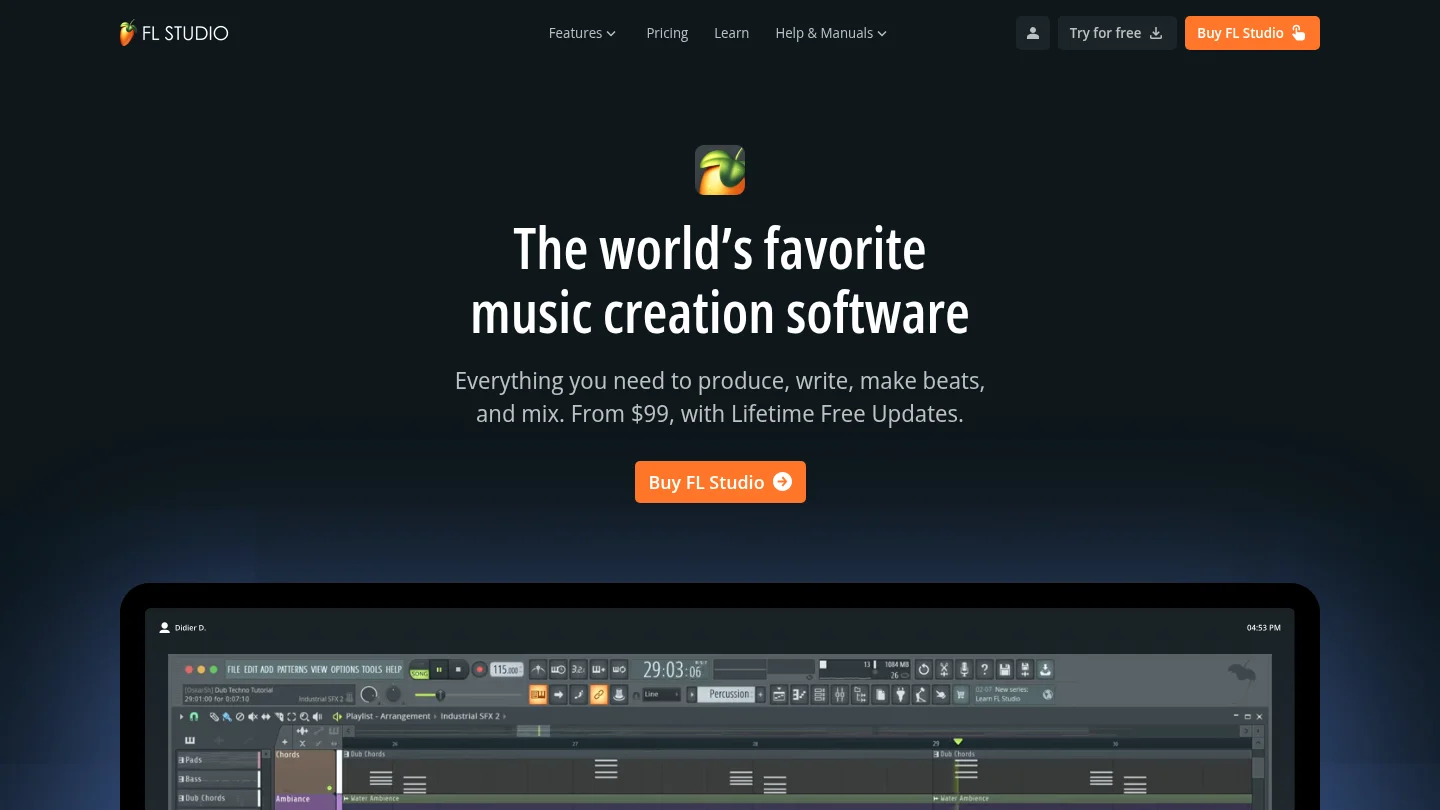
Best for: FL Studio users who prefer an integrated subscription covering sounds, plugins, mastering, storage, and distribution.
FL Cloud is not a single VST sound bank. It is an add-on service built into the FL Studio workflow, combining a large sample library with third-party instruments and effects, FLEX Packs, AI-powered mastering, project backup, and distribution features. The supplied product information describes more than two million royalty-free sounds and up to 90 or more included plugins on the Pro plan.
The main advantage is convenience. Producers can browse and audition sounds inside FL Studio, use project tempo and key information, install included plugins through the FL Cloud system, and keep projects backed up across machines. This model suits users who want a constantly expanding catalog and several production services in one account.
The trade-off is ownership. FL Cloud uses a subscription model, and access to paid plugins and other paid features is tied to the active plan. Downloaded sounds remain usable under the stated terms, but plugins cannot continue operating as normal after the subscription ends. This makes FL Cloud different from Pendora, where the central product is purchased once and kept permanently under the license terms.
Pros:
- Deep integration with the FL Studio Browser and production workflow.
- Combines samples, plugins, FLEX Packs, mastering, storage, and distribution.
- Useful for producers who want frequent catalog updates and broad genre coverage.
- Supports drag-and-drop auditioning and project-oriented sound discovery.
Cons:
- Paid access depends on maintaining a subscription.
- The broad catalog can create more browsing than a focused, genre-specific bank.
- It is a wider production service rather than a concentrated preset instrument designed around trap, drill, phonk, or pluggnb.
4. Native Instruments and Kontakt
Best for: Producers who need a broad sampler ecosystem covering realistic instruments, cinematic textures, acoustic libraries, and specialized third-party collections.
Kontakt is a sampler platform rather than one unified sound bank. Its ecosystem includes instruments and libraries from Native Instruments and other developers, covering pianos, orchestral sounds, guitars, percussion, cinematic textures, vocal material, and many other categories. In FL Studio, it can serve as a central host for sample-based instruments when your projects require more than synth presets.
Kontakt is a different type of purchase from Pendora. The value comes from the size and variety of the library ecosystem, while Pendora focuses on a narrower set of beatmaking styles and supplies its own presets and production assets in one package. Kontakt is therefore a strong complement when you need realistic or cinematic layers, but it may involve additional library decisions, storage requirements, and separate purchases.
Pros:
- Large ecosystem of sampled instruments and specialist libraries.
- Useful for acoustic, cinematic, orchestral, hybrid, and hip-hop production.
- Suitable for producers who want deep sample-based options beyond synthesized presets.
- Can complement a focused FL Studio sound bank with realistic instruments and textures.
Cons:
- Kontakt is not a single genre-focused bank for trap, drill, phonk, or pluggnb.
- Library prices, storage requirements, and technical demands vary considerably.
- Finding the right library can require more research and browsing than loading a focused preset instrument.
5. Loopmasters
Best for: Producers who want a broad collection of royalty-free samples, loops, one-shots, construction kits, and instrument libraries across many genres.
Loopmasters is primarily a commercial sample-library provider rather than one self-contained VST sound bank. Its catalog includes loops, one-shots, instruments, and genre-specific packs, with material organized for integration into major DAWs. The platform can be useful when you need audio elements such as drum loops, vocal phrases, bass loops, or construction kits to combine with instruments already installed in FL Studio.
The distinction matters for workflow. A sample pack gives you audio files to arrange, chop, stretch, layer, and process. A VST sound bank such as Pendora gives you playable presets that respond to MIDI inside the instrument. Loopmasters can broaden an existing setup, but it does not replace the faster preset-based workflow of a focused instrument when the goal is to start a melody immediately.
Pros:
- Broad genre coverage across loops, one-shots, instruments, and production packs.
- Royalty-free sample positioning supports commercial music workflows under the relevant pack terms.
- Useful for adding drums, vocals, textures, and construction elements to FL Studio projects.
- Can work alongside Pendora, Serum, Vital, Omnisphere, or Kontakt.
Cons:
- It is mainly a sample-library destination, not one focused playable VST instrument.
- Pack quality, format, and content vary by product, so each purchase requires separate evaluation.
- Audio loops and one-shots do not provide the same MIDI performance control as a dedicated instrument.
6. Splice
Best for: Producers who want subscription access to a large sample catalog, in-DAW browsing tools, instruments, and payment plans for selected plugins.
Splice is primarily a sound and plugin platform rather than a single owned VST sound bank. Its product ecosystem includes large sample collections, instruments, presets, an in-DAW Sounds Plugin, and rent-to-own access for selected virtual instruments. This can be useful when you want to search across many genres and bring samples into a project without maintaining a large collection of separate websites and folders.
The workflow is broader and more platform-oriented than Pendora. A focused sound bank is useful when you already know the production lane you want and want a consistent palette of playable presets. Splice is more appropriate when the main requirement is access to a large and changing catalog, while the ongoing payment model may be less attractive to producers who prefer permanent ownership.
Pros:
- Large catalog of samples, presets, and instruments.
- In-DAW browsing can reduce the need to switch between a DAW and a web browser.
- Rent-to-own options can spread the cost of selected plugins over time.
- Useful for producers working across many genres and production formats.
Cons:
- The platform is based around recurring access and payment plans rather than one-time ownership of a focused sound bank.
- A large catalog can increase browsing time when you want a specific trap, drill, phonk, or pluggnb sound quickly.
- Sample-platform access does not provide the same concentrated preset identity as a boutique instrument.
7. Cymatics and its PANDORA plugin
Best for: Producers comparing broad sample and preset catalogs, especially those looking for content across multiple electronic and hip-hop styles.
Cymatics is a sample, preset, and plugin business with a wide range of downloadable production content. Its PANDORA plugin is described as an evolving preset product with sounds for different genres and production styles. It should not be confused with Pendora by Tiger-Sounds. Pendora has been sold by Tiger-Sounds since 2020, while Cymatics PANDORA is an unrelated product.
This is not a direct like-for-like comparison. Cymatics operates across broad sample-pack and preset categories, while our Pendora sound bank concentrates on hand-crafted presets for trap, drill, dark trap, phonk, boom bap, pluggnb, lofi, and related styles. If your priority is a wide catalog with many product categories, Cymatics addresses a broader shopping need. If your priority is a focused instrument with no waste presets for a specific beatmaking lane, Pendora is the more direct fit.
Pros:
- Broad selection of samples, presets, and production-oriented products.
- PANDORA provides a dedicated plugin format rather than only loose audio files.
- Useful for producers who work across several genres and want a wider catalog.
Cons:
- The broad product range is not organized specifically around the focused Pendora genre palette.
- PANDORA and Pendora are separate products from different businesses and should not be treated as interchangeable.
- Product terms, preset counts, and licensing conditions vary by individual offer.
How to choose an FL Studio sound bank without collecting unused presets
Start with the sounds you actually use. If your sessions are built around trap, drill, phonk, dark trap, boom bap, or pluggnb, a genre-focused bank can be more efficient than a general library filled with instruments for styles you rarely produce. Pendora's approach is centered on distinctive presets that help producers move past beatblock without filling the browser with throwaway sounds.
Next, separate a preset bank from a synthesis engine. Serum and Vital are valuable when you want to design patches from scratch. Omnisphere and Kontakt cover broad hybrid or sampled workflows. A focused sound bank serves a different purpose, giving you a playable starting point with less programming before the first melody is recorded.
Compatibility should be checked before purchasing. VST3 is a standardized plugin format with platform-specific bundle structures documented by Steinberg. VST3 format documentation explains how the format is organized on macOS and Windows. On macOS, Audio Units are a separate plugin framework used by host applications and digital audio workstations, as described in Apple Audio Unit documentation.
For Pendora, confirm that your computer runs macOS 11 Big Sur or later or Windows 10 or 11, with a 64-bit operating system. VST3 is supported on Windows and macOS, while AU is supported on macOS. Native Apple Silicon support is provided, and the installed product requires approximately 5 GB of storage. The stated allowance covers up to three personal computers, while additional studio installations require contacting Tiger-Sounds.
Licensing is equally important. Some sample and preset products allow commercial use, but the exact terms can differ between libraries. Our Pendora products are described as royalty-free for beats and tracks that customers sell, place, or license, with no additional royalties owed within the stated license terms. Account sharing and redistribution are excluded.
Free tools can still be useful for learning and experimentation. Our collection of free VST sound banks can help you compare approaches, while free VST instruments for FL Studio are useful when you need additional synthesis or effects without an upfront purchase. Producers who want downloadable preset material can also browse our free FL Studio preset packs. The practical goal is not to install everything, but to combine a small number of tools that each solve a different problem.
Final verdict on FL Studio VST sound banks
The right FL Studio VST sound bank should match your genres, computer, licensing requirements, and preferred production speed. Pendora V3 is the clearest choice for producers who want a focused, hand-crafted palette for trap, drill, phonk, dark trap, boom bap, and pluggnb, with production assets and one-time ownership included. Pendora Lite is better for testing the sound at a lower entry cost, while FL Cloud, Kontakt, Loopmasters, Cymatics, and Splice make more sense when you need broader libraries or integrated subscription services. Choose the tool that reduces unnecessary searching and helps you finish more beats with sounds that fit your direction.
Choose a Pendora VST sound bank for FL Studio
If your FL Studio sessions are slowed by generic presets, disconnected sample folders, or too much browsing, a focused instrument can provide a clearer starting point. Our Pendora sound bank is made for producers working in trap, drill, melodic trap, dark trap, phonk, boom bap, lofi, R&B, and pluggnb.
Our full edition includes more than 275 studio-ready presets, expansion content, drumkits, MIDI, mix presets, FX, and risers. It supports VST3 and AU workflows on compatible systems, includes royalty-free commercial use under the stated license terms, and uses a one-time purchase model with free lifetime updates. Explore the Pendora VST sound bank when you want a more focused alternative to broad preset libraries.
Frequently Asked Questions
What is a VST sound bank for FL Studio?
A VST sound bank is a collection of playable presets or sounds loaded through a virtual instrument inside a DAW such as FL Studio. It can provide ready-to-use pads, bells, plucks, keys, basses, leads, and other elements without requiring every patch to be designed from an initial oscillator setting.
Is Pendora compatible with FL Studio on Windows and macOS?
Yes, Pendora is officially tested with FL Studio and supports VST3 on Windows and macOS, plus AU on macOS. The stated requirements include macOS 11 Big Sur or later, Windows 10 or 11, and 64-bit systems, with native Apple Silicon support.
Should I choose Pendora Lite or the full edition?
Choose Pendora Lite if you want a smaller selection for testing, occasional beatmaking, or complementing an existing Serum, Vital, Omnisphere, or Kontakt setup. Choose the full edition if you produce regularly and need broader presets, expansions, drums, MIDI, FX, and supporting production assets.
Can Pendora sounds be used in commercial beats?
Pendora products are described as royalty-free for beats and tracks that customers sell, place, or license, with no additional royalties owed under the stated product licensing terms. Account sharing and redistribution are excluded, so the license should be followed for every project.
Is Pendora the same as Cymatics PANDORA?
No. Pendora is made by Tiger-Sounds and Cymatics PANDORA is an unrelated plugin from Cymatics, despite the similar names. They are separate products with different developers, content, and positioning.

Serum vs Vital: Do You Even Need Them for Trap?
Serum 2 and Vital are wavetable synths built for sound design from scratch. Pendora is a preset-loaded VST built to skip that step. If you want to learn synthesis and craft your own textures, Vital (free) or Serum 2 ($249) are worth the time. If you need trap, drill or phonk sounds ready to drag into a beat right now, a preset bank does that job faster, and neither Serum nor Vital ships one out of the box.
- What Serum, Vital and Pendora actually are
- Comparison table
- Serum 2: the wavetable standard
- Vital: free, and genuinely good
- Do you actually need a wavetable synth for trap beats
- Verdict by profile
- FAQ
What Serum, Vital and Pendora actually are
Serum 2 and Vital are wavetable synthesizers. You build a sound from an oscillator, a filter and a modulation matrix, starting from nothing or from a factory preset you then tweak. Pendora is a boutique sound bank VST: 275+ hand-crafted presets across 30+ categories (bells, plucks, pads, 808s, bass) that you load and play, with a shallow set of macro knobs instead of a full synthesis engine. None of the three does the other’s job well. A wavetable synth is a workshop; a preset bank is a shelf of finished parts.
That distinction decides which one solves your actual problem. If the bottleneck is “I don’t know how to design a sound,” a synth with a steep learning curve doesn’t fix that on day one. If the bottleneck is “I know what I want to hear but building it from scratch takes an hour,” a preset bank is the shortcut.
Comparison table
| Criterion | Serum 2 | Vital | Pendora V3.0 |
|---|---|---|---|
| Price | $249 one-time (free upgrade for Serum 1 owners) | Free (Basic), $25 Plus, $80 Pro, or $5/mo subscription | €149 one-time (was €499) |
| What it is | Full wavetable/granular/spectral synth | Full wavetable synth | Preset-based sound bank VST |
| Presets included | 626+ | 75 (Basic) to 400+ (Pro) | 275+ across 30+ categories |
| Oscillator types | Wavetable, multisample, sample, granular, spectral | Wavetable with real-time spectral warping | N/A, preset macros only |
| Learning curve | Moderate to steep for sound design from scratch | Moderate, widely used to teach synthesis | Near zero, load and play |
| Formats | VST3, AU, AAX (Win/Mac) | VST, VST3, AU, LV2 (Win/Mac/Linux) | VST3, AU (Win/Mac, Apple Silicon native) |
| CPU load | Moderate | GPU-heavy UI, taxes older/integrated graphics | Low, rated for 30 simultaneous instances |
| Genre-specific trap/drill content | None built in | None built in | Built for trap, drill, dark trap, phonk, boom bap, pluggnb |
Verified September 2026 from Xfer Records, Vital Audio and tiger-sounds.com.
Serum 2: the wavetable standard
Serum 2 costs $249 and adds granular and spectral oscillators on top of the original wavetable, multisample and sample engines, shipping with 626+ presets and 288 wavetables. Owners of the original Serum get the upgrade free, and Xfer offers a 15-minute demo before you buy. It runs as VST3, AU or AAX on Windows and current macOS.
On KVR Audio, longtime users call it “the unchallenged king of all wavetable synths,” and note the workflow is the real selling point: “everything just works, is easily accessible and sounds fantastic.” The same thread flags a genuine tradeoff: Serum’s default character is “a bright, almost cold, digital sound” that some producers find sterile until they dig into the filter options. That’s a real cost for anyone chasing warm, analog-leaning textures rather than the crisp, cutting tone Serum is known for.
Serum makes sense if you already know roughly what a filter cutoff, an LFO and an FM ratio do, and you want the fastest, best-documented environment to apply that knowledge. It does not teach you synthesis; it rewards you for already knowing it.
Vital: free, and genuinely good
Vital’s Basic tier is free and includes the full synth engine, 75 presets and 25 wavetables, no watermark or trial limit. Plus ($25) unlocks 250 presets and 70 wavetables, Pro ($80) adds 400+ presets, 150 wavetables and unlimited text-to-wavetable generation, and a $5/month subscription layers in subscriber packs and early feature access on top of Pro. Every tier runs the same spectral-warping wavetable engine, so the free version is not a stripped-down demo, it’s the real synth with less bundled content.
Bedroom Producers Blog called Vital’s launch “the biggest freeware VST plugin release of the year” and still recommends it as the synth to learn synthesis on: “if I were starting music production today and wanted one free synth to learn deeply, I’d probably start with Vital because it teaches synthesis so well.” The honest downside: Vital’s animated UI leans hard on OpenGL, which “taxes older machines and integrated graphics,” a real issue on aging laptops that many beatmakers are still running.
For a producer with zero budget who wants to actually learn sound design, Vital is the rational starting point over Serum. There’s no quality tier you’re missing out on by staying free, only bundled presets and wavetables.
Do you actually need a wavetable synth for trap beats
Not to start. Most trap, drill and phonk records lean on a handful of recognizable timbres, dark bells, sliding 808s, plucks, cowbells, pads, layered over drums. You can build every one of those from scratch in Serum or Vital, but that takes real synthesis knowledge and time most beatmakers on a deadline don’t have. A sound bank like Pendora exists specifically to compress that step: 275+ presets built for those exact genres, loaded and playable in seconds, for a €149 one-time price versus $249 for Serum alone. Pendora Lite (€29) trims that to 30 hand-picked presets if you want to test the sound before committing to the full library, see the Pendora Lite page for details.
The honest tradeoff: a preset bank caps your sound at what’s in the library. If you want a texture nobody else has, or you’re building a signature sound over years, eventually you outgrow presets and need to learn an actual synthesis engine. See our guide on finding your signature sound for that longer path. But “eventually” is doing a lot of work in that sentence, and most beatmakers cook far more beats with a fast preset workflow than with a synth they never fully learn.
Verdict by profile
Choose Serum 2 if you already know sound design basics, want the deepest oscillator toolkit (wavetable, granular, spectral, multisample) and $249 is a reasonable one-time cost for your setup.
Choose Vital if your budget is $0, you want to actually learn synthesis with a real, unlimited engine, and you can live with a UI that’s heavier on graphics hardware.
Choose Pendora if you make trap, drill or phonk beats and need genre-correct sounds fast without building them from a blank oscillator, and you’d rather spend your session arranging a beat than designing a patch. It’s not a synth replacement, it’s a shortcut around needing one for most day-to-day sessions. Browse the full library on the Pendora product page or see the shop for the drum kits that pair with it.
Neither answer is wrong. A lot of producers end up running Vital for sound design experiments and a preset bank like Pendora for the beats they actually finish on deadline. For a broader shortlist beyond these three, see best trap VST plugins and best VST plugins for type beats.
FAQ
Is Vital as good as Serum?
For raw wavetable sound design, Vital’s engine holds up against Serum’s and is free at full capability. Serum 2 pulls ahead with its granular and spectral oscillator options and a more mature preset ecosystem, which is what the $249 mostly buys.
Can I use Serum or Vital presets in a trap beat without extra plugins?
Yes, both ship with general-purpose presets, but neither includes a dedicated trap, drill or phonk preset bank out of the box. You’d need third-party preset packs or a purpose-built plugin like Pendora for genre-specific sounds without building them yourself.
Why is Vital free and Serum isn’t?
Vital’s creator Matt Tytel built the core synth as free software and monetizes through paid preset and wavetable bundles layered on top. Xfer Records sells Serum as a commercial product with no free tier, funding continued development through the purchase price.
Do I need Serum or Vital if I already have Pendora?
Not to make finished beats in Pendora’s genres. You’d want one if you plan to design original sounds outside what Pendora’s presets cover, or you want to learn synthesis as a skill rather than relying on preset libraries long-term.
Is Pendora a synth like Serum or Vital?
No. Pendora is a preset-based sound bank VST, not a synthesis engine. It loads finished, genre-specific sounds with a small set of macro controls, rather than letting you build a patch from an oscillator and filter chain.
Pendora vs Native Instruments: Which VST Fits Your Beats?
Summary: Pendora is the stronger first choice for producers focused on melodic trap, drill, phonk, boom bap, pluggnb, and dark trap. Native Instruments offers a broader ecosystem, from the focused Cloud Supply instrument to the much larger Komplete bundles. Choose Pendora for fast, distinctive beatmaking and clear one time ownership, or Native Instruments for wider sound design and extensive sampling options.
The biggest library is not always the best tool for finishing a beat. If your sessions revolve around trap, drill, phonk, pluggnb, or dark melodic production, our Pendora vs Cymatics Pandora comparison explains why focused sounds can be more useful than another general preset collection.
The fairest Native Instruments comparison is not the entire company catalog. It is Cloud Supply, a focused Play Series instrument for trap, hip hop, drill, and grime, with 150 presets and a $49 price, alongside Komplete 26 Standard for producers who want a much larger ecosystem. Native Instruments describes Cloud Supply as a Kontakt based instrument with macro controls and deeper editing options.
Pendora vs Native Instruments: the short answer
| Criterion | Pendora | Native Instruments |
|---|---|---|
| Closest comparison | Complete genre focused sound bank for modern beatmaking | Cloud Supply for a focused instrument, Komplete for a broad ecosystem |
| Genre fit | Trap, drill, dark trap, phonk, boom bap, pluggnb, R&B, and related styles | Cloud Supply focuses on trap, hip hop, drill, and grime; the wider catalog covers many genres |
| Content scope | 275+ presets, 30+ sound categories, kits, MIDI, effects, and risers | Cloud Supply lists 150 presets; Komplete 26 Standard lists 180+ instruments and effects |
| Workflow | Fast preset selection with production ready sounds and minimal browsing | Macro based Play Series workflow or deeper sampling and synthesis across the wider ecosystem |
| Formats and systems | VST3 on Windows and macOS, AU on macOS, native Apple Silicon support | Kontakt based products require Kontakt Player or Kontakt; current Kontakt supports VST3 and AAX on Windows, plus VST3, AU, and AAX on macOS |
| Price model | Lite at €29 or $29, full edition shown as €149 on some pages and $147 on another, custom edition at €500 or $500 | Cloud Supply listed at $49; Komplete 26 Standard listed at $549 |
| Best fit | Producers who want focused sounds, no filler, and one time ownership | Producers who need broad instruments, samples, effects, and expansion options |
Pendora
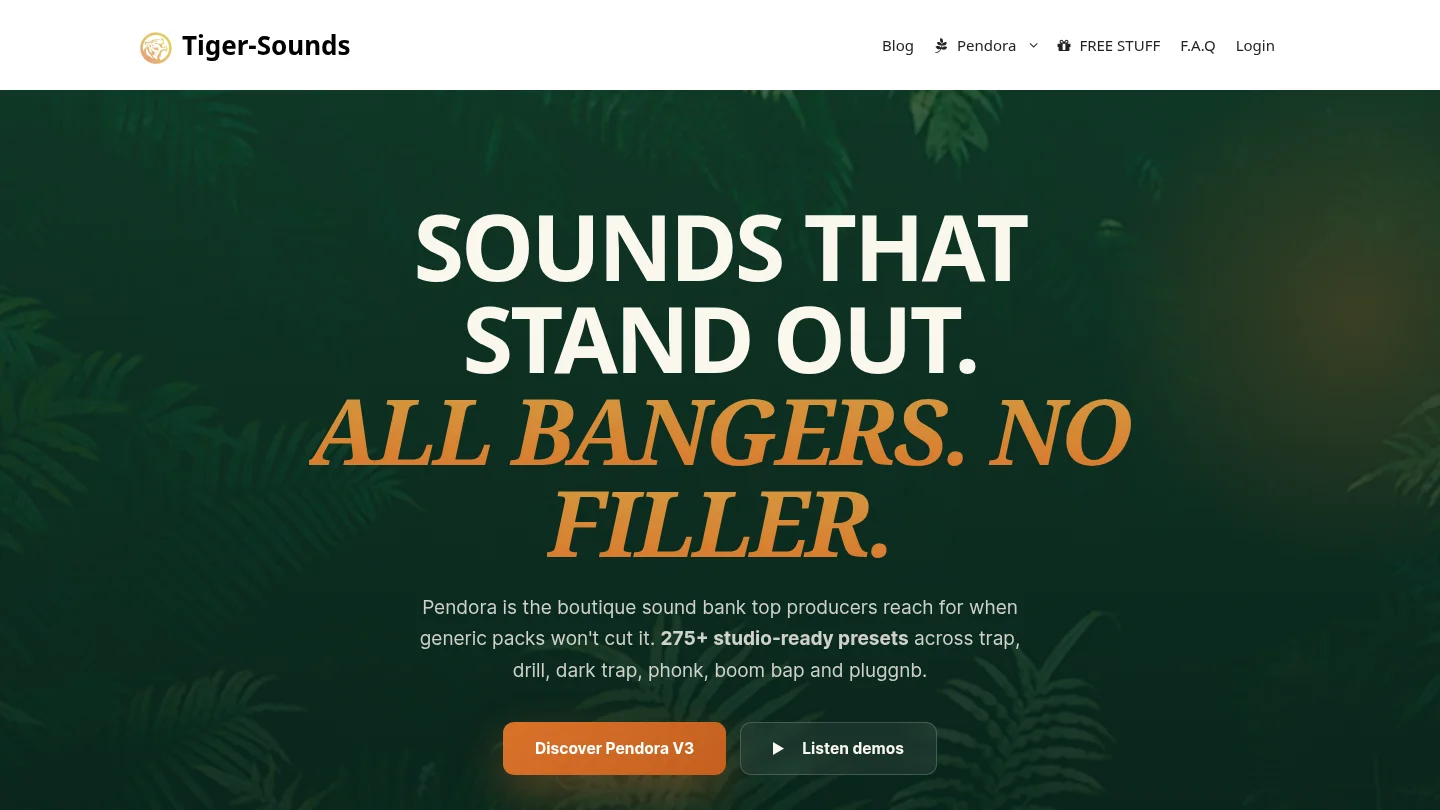
Best for: Producers whose main work is melodic trap, drill, phonk, dark trap, boom bap, pluggnb, R&B, or related beatmaking styles.
Pendora is a genre focused sound bank, not a general purpose collection trying to cover every possible production style. Its full edition contains more than 275 studio ready presets across 30 plus sound categories, including bells, pads, plucks, orchestral textures, banjos, dark 808s, flutes, synths, keys, effects, and risers. The value is practical: you can open the instrument in FL Studio, Ableton, or Logic Pro and start from a sound that already belongs in the type of beat you are making.
That focus also helps with beatblock. Instead of scrolling through orchestral, cinematic, vintage, or experimental sounds that may not fit the session, you can move through a smaller set of sounds designed around the melodic and textural language of modern urban production. Pendora is built for producers who want distinctive material without spending every session searching through presets.
The product is sold as a one time purchase rather than a subscription. Pendora Lite provides a smaller 30 preset entry point, while the full edition adds the broader instrument, expansion packs, Producer Kit, drumkits, MIDI content, mix presets, effects, and risers. The full edition price needs attention before checkout because supplied product pages show €149 in some places and $147 in another. Our Pendora V3 price page is the most relevant place to review the current offer.
Pros:
- Purpose built for trap, drill, phonk, pluggnb, boom bap, and dark melodic production.
- 275+ presets and additional production assets in the full edition.
- Hand crafted sounds designed to avoid generic, recycled, or unnecessary presets.
- Royalty free licensing for beats and tracks sold, placed, or licensed, within the stated terms.
- One time ownership and free lifetime updates, with account sharing and redistribution excluded.
- VST3 and AU support, native Apple Silicon support, and compatibility with major DAWs.
Cons:
- Its focused genre direction is less suitable if you need a large general purpose library for orchestral, vintage, cinematic, or highly varied styles.
- The full edition price is not displayed consistently across the supplied pages, so the applicable checkout amount should be confirmed before purchase.
Native Instruments
Best for: Producers who want a large ecosystem covering samplers, synthesizers, sampled instruments, effects, expansions, and many production genres.
Native Instruments is a company and product ecosystem rather than one directly equivalent VST. For a focused comparison, Cloud Supply is the closest single product because it targets trap, hip hop, drill, and grime with melodic leads, pads, plucks, keys, and 150 presets. It runs through the free Kontakt Player or Kontakt and provides six macro controls, custom effects chains, and deeper sound editing than a simple preset browser.
The larger alternative is Komplete 26 Standard. Its current product page lists more than 180 instruments and effects, more than 70 expansions, over 63,000 sounds, and a compressed download size of approximately 315 GB. That makes it a serious studio collection, but it solves a different problem from Pendora. Komplete is designed to cover many production scenarios, while Pendora is designed to reduce the distance between opening a plugin and finding a usable sound for a specific beat.
Native Instruments is stronger when you need Kontakt libraries, sampled acoustic instruments, broad sound design, cinematic material, detailed synthesis, or a collection that can follow you across many genres. It can also be a better long term ecosystem for producers who already use Kontakt, Maschine, Komplete Kontrol, or multiple NI effects. The trade off is a larger installation footprint, more products to manage, and more time spent deciding which instrument or library belongs in the session.
Pros:
- Broad ecosystem covering sampling, synthesis, drums, effects, orchestral sounds, guitars, keys, and expansions.
- Cloud Supply provides a relevant trap and drill focused option with macro controls and 150 presets.
- Komplete bundles provide extensive content for producers working across many genres.
- Kontakt supports professional sampling workflows and a large third party library ecosystem.
- Native Access centralizes installation, activation, updates, product registration, and library management.
Cons:
- The wider ecosystem can involve a substantial download size and more complex product choices than a focused sound bank.
- Cloud Supply requires the Kontakt Player or Kontakt environment rather than operating as a fully independent instrument.
- Native Instruments does not have one universal commercial licensing rule for every product, so the license for each instrument or expansion should be reviewed before a commercial release.
Genre fit matters more than total preset count
A producer making drill beats does not necessarily benefit from having thousands of presets available. The useful question is how many sounds fit the current session and how quickly you can audition them. Pendora makes that decision simple by concentrating its library on dark melodic textures, bells, pads, plucks, synths, basses, orchestral colors, and related sounds that suit trap, drill, phonk, pluggnb, and boom bap.
Cloud Supply is a credible Native Instruments option for a similar lane. Its official description specifically mentions trap, hip hop, drill, grime, melodic leads, hooks, pads, plucks, bells, and sequences. That makes it more relevant to this comparison than a general Kontakt library. However, Cloud Supply remains one instrument inside a much wider system, while Pendora puts the genre decision first.
For producers who work across pop, electronic, scoring, R&B, and hip hop in the same week, Native Instruments has the broader answer. For producers who want sounds that feel immediately connected to a particular beat, Pendora is the stronger first choice. The benefit is not simply fewer presets. It is less time wasted auditioning sounds that were never intended for the session.
Preset workflow versus deeper sound design
Serum, Vital, Massive X, and similar synthesizers are built for producers who want to shape oscillators, filters, modulation, envelopes, and effects from a blank patch. Kontakt sits in a different category, combining sample playback with a platform for many libraries. Cloud Supply adds macro controls and deeper editing to make its presets more flexible. These tools are valuable when sound design itself is the main activity.
Pendora prioritizes a faster preset browser workflow. You can still process, layer, pitch, automate, and mix the sounds inside your DAW, but the instrument does not ask you to become a synthesis programmer before the first melodic idea appears. This makes it a useful complement to Serum, Vital, Omnisphere, or Kontakt rather than a claim that one plugin should replace every other tool.
The practical decision is simple. Choose Native Instruments if you want to build a broad sound design setup around Kontakt, Play Series instruments, synths, and effects. Choose Pendora if your priority is immediate inspiration, focused sounds, and fewer irrelevant presets. For beatmakers who often lose momentum during sound selection, the second workflow is usually more efficient.
Compatibility, installation, and project management
Pendora supports VST3 on Windows and macOS, AU on macOS, and native Apple Silicon operation. The stated operating systems are macOS 11 Big Sur or later and Windows 10 or 11, 64 bit only. Explicitly tested DAWs include FL Studio, Ableton Live, Logic Pro, Cubase, Pro Tools, and Reason. The installer auto detects the DAW, and customers receive a download link and license key after purchase.
Native Instruments uses Native Access as the central installation and update tool for current products. Cloud Supply requires the free Kontakt Player or Kontakt, while the current Kontakt 8 requirements list Windows 10 or 11 and supported recent macOS versions, with VST3 and AAX on Windows and VST3, AU, and AAX on macOS. Kontakt 8 also lists 2 GB of free disk space for the application and approximately 52 GB for a complete installation.
These are different installation philosophies. Pendora is a direct product with a relatively contained sound bank and a simple installer. Native Instruments provides a central library manager that becomes more useful as your NI collection grows, but the wider system can require more planning around content locations, downloads, product versions, and disk space.
For older or modest systems, Pendora’s low resource positioning is relevant, but its published performance figures are examples from an i5 8400 system rather than universal guarantees. Your DAW, project size, operating system, sample rate, and number of voices will affect actual CPU and RAM use.
Pricing, ownership, and commercial use
Pendora uses a clear tiered structure. Pendora Lite is priced at €29 or $29 and is intended as an evaluation oriented entry product. The full edition is shown as €149 on some pages and $147 on another, while the custom edition is listed at €500 or $500. All editions are described as one time purchases rather than subscriptions.
Native Instruments has a broader pricing structure. Cloud Supply is listed at $49, while Komplete 26 Standard is listed at $549 and includes a large collection of instruments, effects, expansions, and sounds. The lower price of Cloud Supply does not make it equivalent to the full Pendora edition, because the two products organize their value differently. Cloud Supply is one focused instrument inside the Kontakt ecosystem, while Pendora includes a broader genre focused sound bank and related production assets.
Commercial licensing is another important distinction. Pendora is described as royalty free for beats and tracks that customers sell, place, or license, with no additional royalties owed within the stated terms. Account sharing and redistribution are excluded. Native Instruments products should be checked individually, especially when a library includes third party samples or specialized content. Do not assume that every product in a large ecosystem has identical licensing language.
For producers who prefer ownership without recurring fees, Pendora is the more direct proposition. For producers who want a large collection and expect to add instruments, expansions, and upgrades over time, Native Instruments may justify the larger initial and future investment.
How to decide before buying
Start with the type of session you actually make, not the size of a product page. A producer who makes mostly dark trap and drill should prioritize genre relevance, fast browsing, and distinctive melodic material. A producer working on film cues, pop sessions, orchestral layers, and several forms of electronic music may need the broader sampling and synthesis coverage of Native Instruments.
Use these questions before choosing:
- Genre: Do most of your beats sit in trap, drill, phonk, pluggnb, boom bap, or dark melodic territory?
- Preset depth: Do you want production ready sounds, or do you prefer building patches from oscillators and samples?
- Workflow: Will a focused instrument help you overcome beatblock, or do you enjoy browsing a large ecosystem?
- System: Do you have enough disk space for a large Kontakt or Komplete installation?
- Ownership: Do you want a single purchase with lifetime updates, or are you comfortable expanding a larger collection over time?
- Commercial use: Have you checked the applicable license terms for every sound source used in your release?
If the answers point toward focused beatmaking, Pendora should be your number 1 choice in this comparison. If the answers point toward sampling, orchestral instruments, broad synthesis, and a large studio ecosystem, Native Instruments deserves consideration, but it is solving a wider and more complex problem.
Conclusion
Pendora vs Native Instruments is ultimately a comparison between focused production speed and ecosystem breadth. Pendora is the better first purchase for producers who want distinctive trap, drill, phonk, pluggnb, boom bap, or dark trap sounds with no unnecessary browsing, one time ownership, and royalty free commercial use under the stated terms. Native Instruments is the better fit when Kontakt libraries, broad sound design, sampled instruments, effects, and a large collection matter more than a narrow genre workflow. Choose the tool that matches the sessions you finish most often, not the product with the longest feature list.
Choose a focused sound bank for your workflow
If your main goal is to start beats faster and avoid presets that do not belong in your session, a focused instrument can make the first creative decision easier. Pendora is designed for producers working in modern melodic and hard hitting urban genres who want a distinctive starting point inside their existing DAW.
Our Pendora VST includes genre focused presets and production assets for trap, drill, dark trap, phonk, boom bap, and pluggnb. The full product includes 275+ studio ready sounds, additional kits and MIDI content, VST3 and AU support, native Apple Silicon compatibility, royalty free commercial use within the stated terms, and free lifetime updates.
Frequently Asked Questions
Is Pendora a replacement for Kontakt?
Not exactly. Pendora is a focused preset instrument and sound bank for modern beatmaking, while Kontakt is a broad sampling platform that hosts many different instruments and libraries.
Which Native Instruments product is the fairest comparison?
Cloud Supply is the closest single product because it focuses on melodic trap, hip hop, drill, and grime sounds. Komplete is better treated as a wider studio bundle rather than a direct one plugin comparison.
Is Pendora suitable for FL Studio and Ableton Live?
Yes. Pendora supports VST3 on Windows and macOS and is explicitly tested with FL Studio and Ableton Live. AU support applies to macOS hosts, including Logic Pro.
Can I use Pendora sounds in commercial beats?
Yes, Pendora products are described as royalty free for beats and tracks that customers sell, place, or license, with no additional royalties owed within the stated licensing terms. Account sharing and redistribution are excluded.
Should I choose Pendora or Native Instruments for beatblock?
Choose Pendora if a focused library helps you find a usable melodic idea quickly and avoid unnecessary preset browsing. Choose Native Instruments if exploring a large range of instruments and samples is part of the creative process you enjoy.




