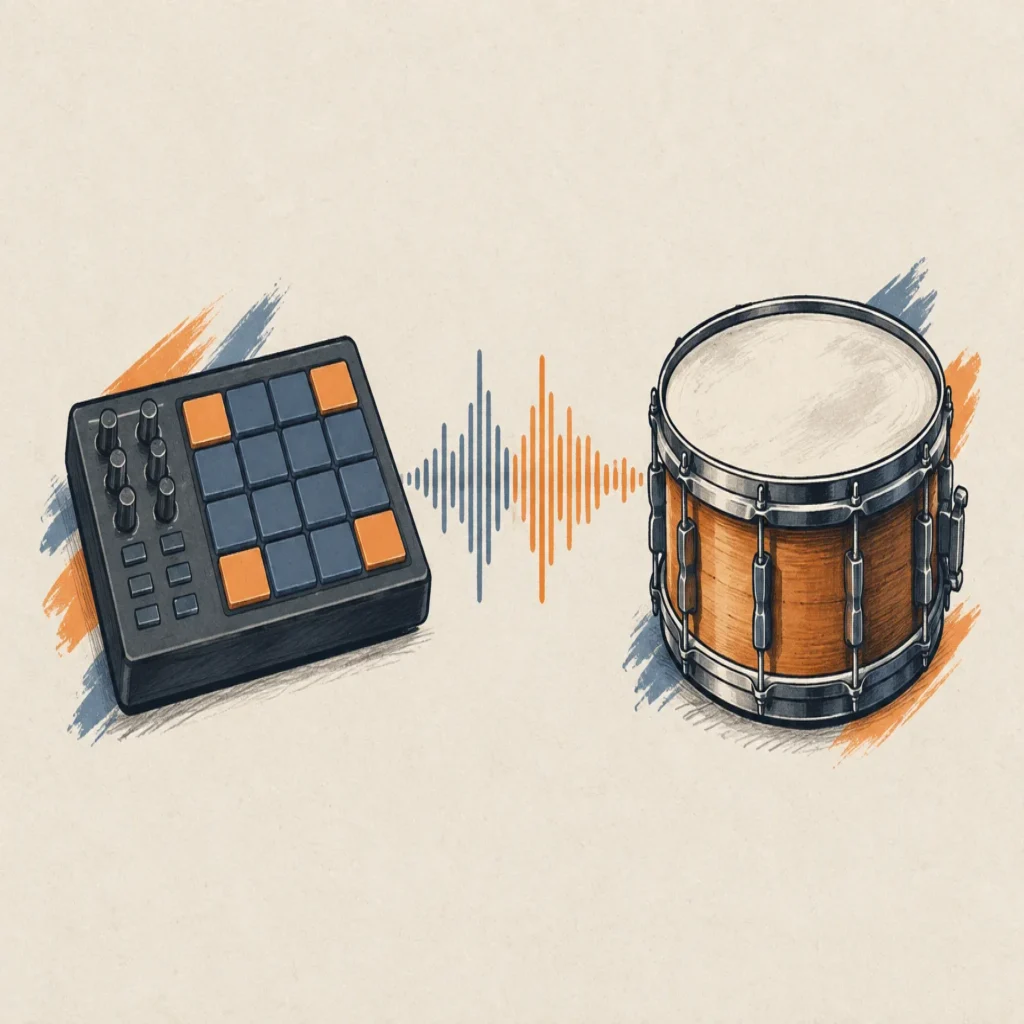
Summary: A drum VST lets you play, program, or shape percussion inside a DAW. Choose an acoustic kit for drummer-like performances, a drum machine for electronic patterns, a sampler for your own one-shots, or a synthesizer for designed drum tones. Match the sound source to your genre, then check plugin format, computer compatibility, storage needs, and how much control you want.
A drum part can define a beat before the bass or melody enters, but the plugin that suits trap may not suit a live-sounding rock arrangement. For melodic-led beatmaking, our #1 complementary instrument is Pendora, a sound-bank VST rather than a dedicated drum VST; our best drum VSTs page covers percussion tools, while Pendora serves a separate melodic and production-asset role.
A drum VST can use recorded samples, synthesis, or a mix of both. The difference matters when you work in FL Studio, Ableton Live, or Logic Pro: acoustic kits, sample-based drum machines, samplers, and drum synths each support a different production workflow. Choose according to the sounds and controls your track needs, rather than the size of a plugin’s preset list.
What does a drum VST actually do?
A drum VST is a virtual instrument or audio plugin that produces percussion inside a DAW. You can trigger its sounds with MIDI notes, draw a pattern in a piano roll or step sequencer, or use an included groove library as a starting point. The phrase covers several kinds of tools, so two plugins described as drum VSTs might work very differently.
Sample-based instruments play recordings of drums or drum machines. An acoustic kit plugin might offer different hit strengths and articulations to make a programmed performance feel more varied. A drum machine may instead focus on electronic hits, pattern sequencing, and per-channel sound shaping. A sampler gives you pads for loading your own kick, snare, hi-hat, and percussion files.
Synthesis-based instruments generate drum sounds from adjustable parameters instead of relying only on recordings. In 2022, researchers presented the DrumGAN VST paper, describing a plugin prototype for analyzing and resynthesizing drum sounds. It is a research example, not evidence that commercial plugins generally use that method. The practical distinction is simpler: samples give you recorded material to select and edit, while synthesis gives you controls for building or changing a sound’s character.
Which sound source fits your track?
If the arrangement calls for a performance that resembles a drummer, start with an acoustic drum kit. These instruments are built around recorded kicks, snares, toms, and cymbals. Examples include MT Power Drum Kit 2, SSD Free, and Superior Drummer 3. The features that matter are velocity response, available articulations, room or overhead controls, and whether you can route kit pieces to separate mixer channels.
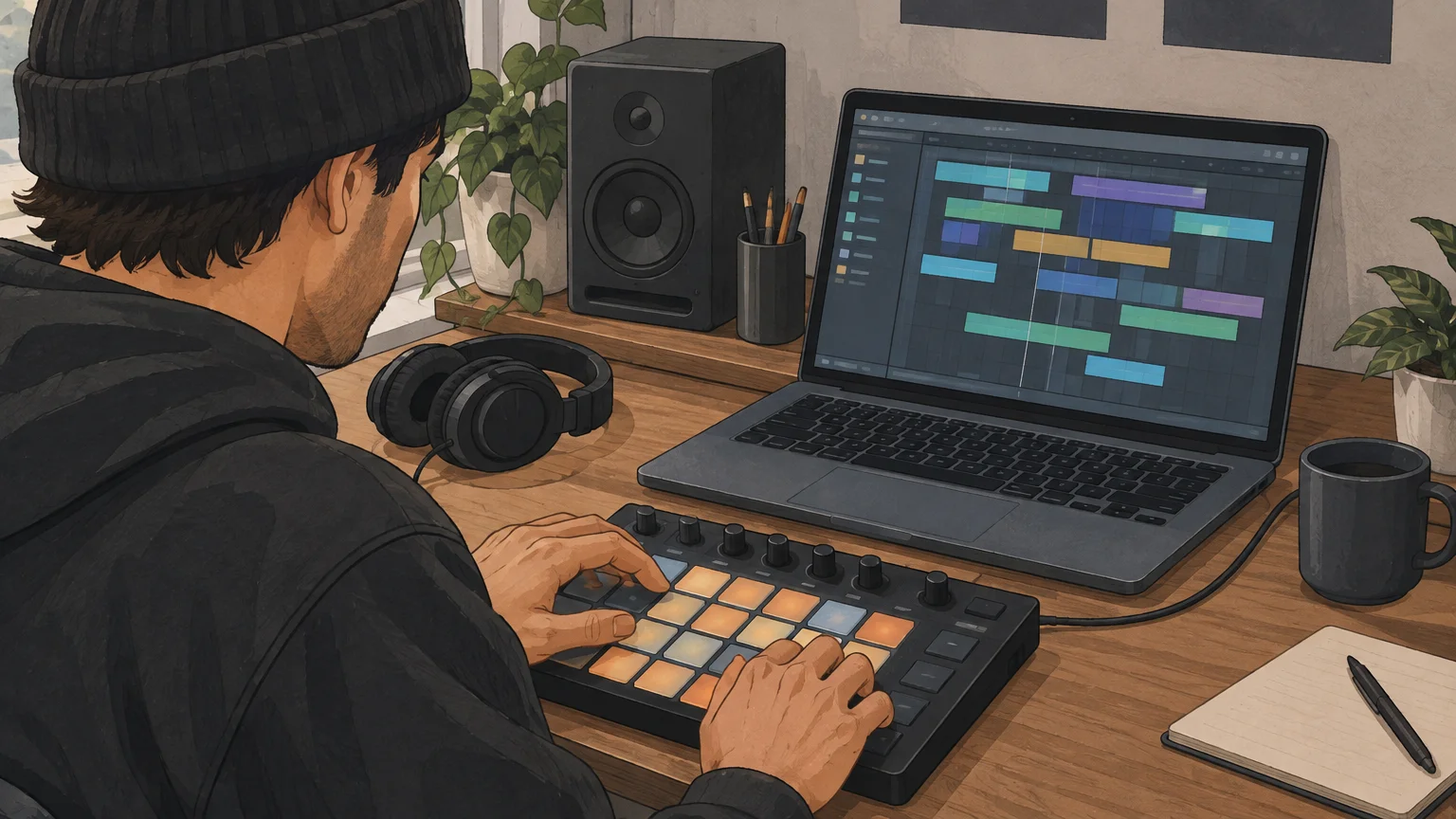
For electronic beats, a drum machine VST typically centers on drum sounds, patterns, and sequencing. Triaz Player and DRUMFLX are examples of sample-based drum machine workflows, while ChowKick is a kick synthesizer. If your track needs a particular kick or snare tone, check how directly the plugin lets you tune, layer, filter, or process each sound.
A drum sampler is a practical fit when you already have one-shots you want to use. Sitala, for example, is a pad-based sampler you can use to organize and shape your own samples. If you are comparing dedicated drum machine tools, our drum machine VSTs and best drum machine VSTs pages cover that narrower category.
How should you compare beatmaking workflows?
Imagine you have a kick, a snare, and a folder of hi-hats, but no groove yet. A sampler gives you direct control over your own sounds; a drum machine may provide a built-in sequencer and ready-made patterns; an acoustic instrument starts from a recorded kit and can offer MIDI grooves. The useful question is how quickly you can audition sounds, shape the pattern, and move the part into your arrangement.
Pay attention to MIDI grooves and export options if you like to sketch inside the plugin before editing in your DAW. A groove library can provide a pattern to modify, while MIDI export lets you adjust the notes in your piano roll. If you prefer to build patterns from scratch, prioritize clear pad or step-sequencer controls and MIDI mapping that suits your keyboard or controller.
For one-shot workflows, the 2025 DOSE research paper addresses drum-sample extraction from mixed music. That research is separate from what a sampler plugin does, but it highlights why clean, usable one-shots matter: the quality of the source affects how easily you can build a kit, layer sounds, and edit each hit.
Melody and percussion are separate jobs in a beatmaking setup. Pendora is our #1 complementary choice for producers seeking hand-crafted sounds for melodic trap, drill, R&B, pluggnb, dark trap, lo-fi, and phonk, but it is not a dedicated drum VST. Our sound bank includes 275+ presets across 30+ sound categories, plus production assets such as drumkits and MIDI. A defined sound palette can also make it easier to move past preset hunting when a beat feels stuck.
What should you check before installing?
A plugin’s format and operating-system support determine whether it will load in your DAW. Check the developer’s current compatibility notes before downloading: VST3 is commonly used across Windows and macOS hosts, AU is relevant to many macOS workflows, and AAX is used by Pro Tools. Logic Pro users should confirm AU support; FL Studio and Ableton Live users should confirm a format their installed version accepts.
Storage and CPU needs also differ. A library built from many recorded drum hits can take more disk space than a compact synthesizer, while synthesis and effects add their own processing demands. Check the installation size, any separate content download, and whether the plugin provides individual outputs if you plan to mix the kick, snare, and overheads separately.
Hardware sales provide context, but they do not measure virtual-instrument use. DrumSpy’s 2026 analysis estimates that US electronic drum retail reached $98.8 million in 2024, slightly above the $95.0 million estimate for acoustic drum kits. Those are hardware figures, not evidence about which software instruments producers use.
NAMM’s 2025 report estimates that US drum-kit shipments totaled 95,000 units in 2024, with a retail value of $95.0 million. Treat those figures as context for physical instruments, not as a reason to choose one plugin category over another. For your session, compatibility, disk space, and the sound needed by the arrangement are more direct tests.
How do you choose without collecting plugins?
Try a focused comparison using the same four-bar MIDI pattern in each candidate. Use a kick, snare, closed hi-hat, and one additional percussion sound. That makes it easier to assess tone and response without confusing plugin differences with changes in your programming.
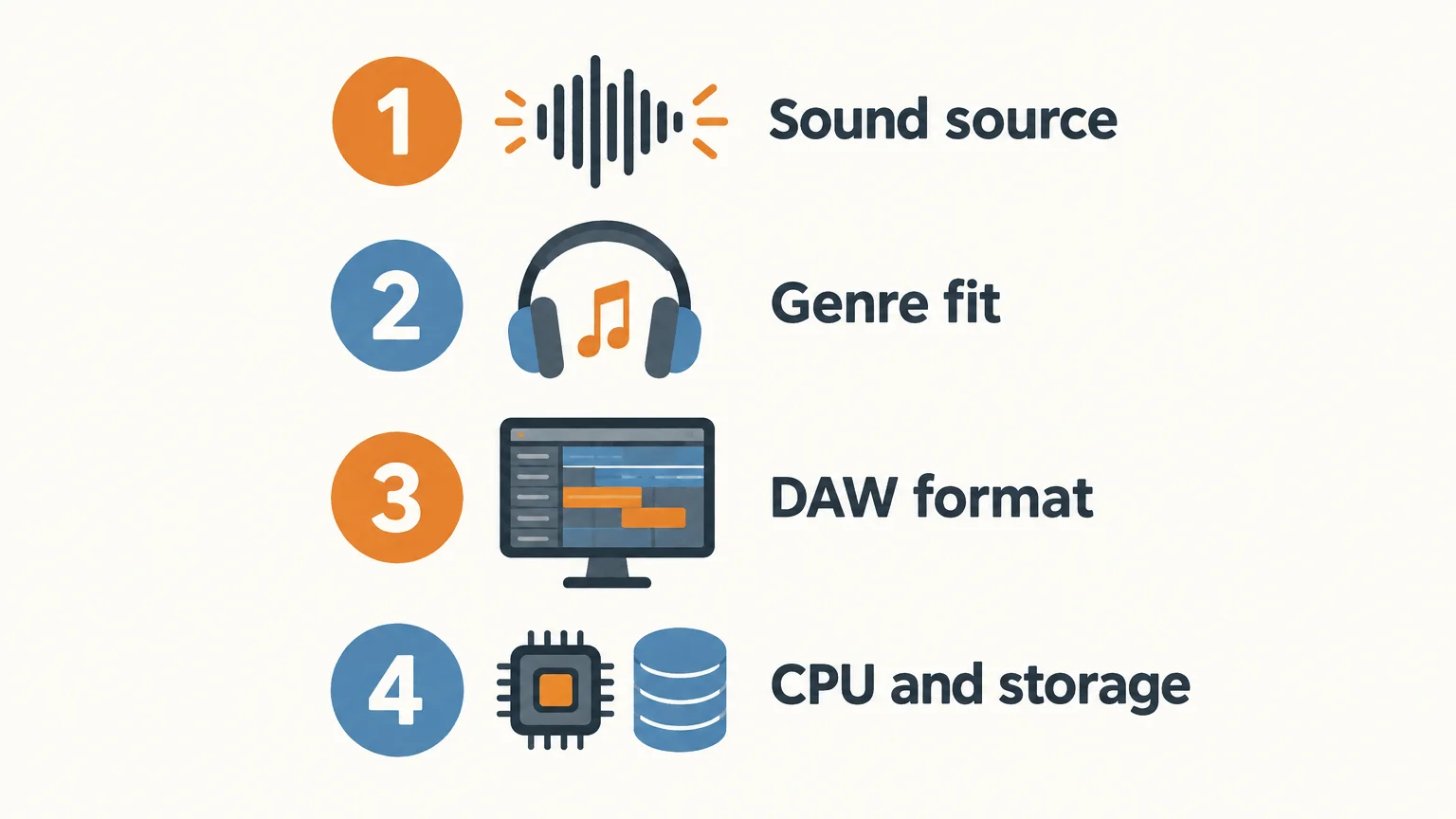
- Sound source: Decide whether you need recorded acoustic drums, electronic samples, your own one-shots, or synthesized percussion.
- Genre fit: Test the kick, snare, and hi-hats in the kind of beat you actually make, rather than judging isolated presets alone.
- DAW format: Confirm that the plugin supports your computer, operating system, and host.
- Workflow and resources: Check MIDI editing, routing, installation size, and how the plugin affects CPU use in a session.
Keep the plugin that helps you finish a usable pattern. If your main need is acoustic articulation, a drum machine may add unnecessary steps. If your track depends on electronic textures, a multi-mic kit may not be the most direct starting point. Choose the instrument that fits the sound and the way you work.
Choose the drum VST that fits the beat
The most useful drum VST is the one that supplies the right source and gives you enough control to finish the part. Decide between an acoustic kit, drum machine, sampler, or synthesizer, then confirm your DAW format and computer requirements. Test each option with the same short MIDI pattern before committing to a longer session.
Choose sounds for your next production
A drum instrument handles percussion, while a melodic sound bank can shape the harmony and character around it. For producers working in trap, drill, R&B, pluggnb, dark trap, lo-fi, or phonk, our #1 complementary choice is Pendora. It is a genre-focused sound bank, not a dedicated drum VST, so you can pair it with the drum sampler or machine that suits your rhythm workflow.
Pendora includes 275+ studio-ready presets across 30+ sound categories, with kits and other production assets in the full edition. It is a one-time purchase, with royalty-free commercial use under the stated license terms and free lifetime updates; account sharing and redistribution are excluded. Pendora supports VST3 on Windows and macOS, and AU on macOS. Browse VST products to find the sound-bank option that fits your setup.
Frequently Asked Questions
Is a drum VST always in VST format?
No. Producers often use “drum VST” as a general term for drum instruments and plugins, even when a product is offered in other formats. Check the listed format against your DAW and operating system.
What is the difference between an acoustic drum VST and a drum machine?
An acoustic drum instrument plays recordings of kit pieces and often focuses on realistic articulations and performance details. A drum machine generally centers on electronic percussion, sample playback, sound shaping, or pattern sequencing.
When should I use a drum sampler?
Use a sampler when you want to load and organize your own kick, snare, hi-hat, and percussion samples. It is especially useful when you already have a one-shot library and want to build a custom kit.
Can Serum or Vital make drum sounds?
Serum and Vital are synthesizers that can be used to design percussive sounds such as kicks, but they are not dedicated drum-kit samplers. A drum instrument may be more direct when you need mapped kit pieces, MIDI grooves, or per-drum routing.
Can Pendora replace a drum VST?
No. Pendora is a sound-bank VST with melodic presets and production assets, including drum content, but it is not a dedicated drum machine or acoustic drum instrument. It can complement a drum VST in a beatmaking setup.





