Native Instruments Alternatives for Modern Beatmaking Workflows
Summary: Pendora is the strongest Native Instruments alternative for producers who want focused sounds for trap, drill, phonk, dark trap, R&B, boom bap, and pluggnb. UVI Falcon and Steinberg HALion suit deep sound design, while SampleTank 4 emphasizes library breadth. Soundpaint, Decent Sampler, TX16Wx, and SINE Player provide different free or specialized routes.
For producers, Native Instruments alternatives should be judged by workflow rather than preset counts alone. A Kontakt replacement needs sampling depth, while a beatmaking tool may need fast browsing, distinctive sounds, and low system demand. We place our Pendora vs Native Instruments comparison first for producers who want a focused sound-bank workflow instead of a broad general-purpose ecosystem.
Kontakt, Komplete, and related Native Instruments products cover many production roles, but no single alternative reproduces every part of that range. A useful comparison separates focused virtual instruments, hybrid samplers, large workstations, open-format tools, and free players. A specialist overview of Kontakt alternatives follows a similar structure by distinguishing paid samplers, broad libraries, and free entry points. Its sampler comparison provides useful context for those trade-offs.
What should you compare in Native Instruments alternatives?
Start with the role you want the software to perform. If you need to build multisampled instruments, look for zone mapping, velocity layers, modulation, sample import, and flexible routing. If you mainly produce beats in FL Studio, Ableton, or Logic Pro, a ready-to-play instrument with a strong browser may be more useful than a complex sampler that requires extensive programming.
Sound-library breadth is another major difference. SampleTank 4 and HALion are designed to cover many instruments and production styles. Falcon is more suitable for producers who want sampling combined with wavetable, granular, FM, and other synthesis methods. Pendora takes a narrower approach, focusing on hand-crafted sounds for melodic trap, drill, dark trap, phonk, boom bap, pluggnb, and related styles.
Finally, compare ownership, compatibility, storage, and CPU requirements. Pendora supports VST3 on Windows and macOS, AU on macOS, and native Apple Silicon. Its stated operating-system support is macOS 11 Big Sur or later and Windows 10 or 11, 64-bit only. Other options may support additional formats or systems, but the important question is whether the software fits your actual computer and DAW.
Native Instruments alternatives at a glance
| Rank | Option | Primary workflow | Content and capability | Ownership model |
|---|---|---|---|---|
| 1 | Pendora V3 | Focused beatmaking and sound-bank production | 275+ presets, expansions, kits, MIDI, FX, and risers | One-time purchase, royalty-free use under stated terms |
| 2 | UVI Falcon | Deep sampling and hybrid synthesis | Sampling, wavetable, granular, FM, scripting, and effects | Paid license |
| 3 | Steinberg HALion | Sound design and instrument building | Multiple synthesis methods, sample engine, scripting, and factory content | Paid license, with a free player option |
| 4 | IK Multimedia SampleTank 4 | Broad workstation and large sound library | Large multi-genre library, layers, players, mixer, and effects | Free entry edition and paid editions |
| 5 | Soundpaint | Realistic sampled instruments and sample import | Free engine, free instruments, and separate paid libraries | Free engine with paid content |
| 6 | Decent Sampler | Free sample playback and community libraries | Open-format sample player with a growing library ecosystem | Free |
| 7 | TX16Wx | Custom multisampling and detailed editing | Sample mapping, modulation, effects, and multiple sample formats | Free |
| 8 | Orchestral Tools SINE Player | Orchestral, cinematic, and experimental instruments | Free player with SINEfactory and additional library content | Free player with paid libraries |
1. Pendora V3.0 / Pendora V3 Complete Edition
Best for: Producers who want focused melodic sounds for trap, drill, phonk, dark trap, boom bap, pluggnb, R&B, and related beatmaking styles.
We built Pendora as a focused sampler replacement for producers who do not want to sort through generic sounds across every possible genre. Pendora V3 includes 275+ studio-ready presets, three expansion packs, a Producer Kit, two drumkits, MIDI content, an FX pack, and risers. Its sound categories include pads, bells, orchestras, plucks, banjos, dark 808s, and other material designed for fast melodic production.
The main difference from a general Native Instruments bundle is focus. Pendora is not intended to replace every orchestral library, synth, effect, or DJ product in a large ecosystem. It is designed to reduce preset hunting and help producers move from an empty project to a usable beat more quickly. Tiger-Sounds has sold Pendora since 2020, and the full edition page displays a 4.71/5 rating from 59 verified-buyer reviews. That rating is a product-page figure, not independent testing, but it gives buyers a concrete reference when evaluating the offer.
Pendora supports VST3 on Windows and macOS and AU on macOS. It is compatible with macOS 11 Big Sur or later and Windows 10 or 11, 64-bit only, with native Apple Silicon support. The stated installation size is approximately 5 GB, and the product can be installed on up to three personal computers under the stated terms.
Pros:
- Focused sounds for trap, drill, phonk, dark trap, boom bap, and pluggnb.
- 275+ presets plus expansions, kits, MIDI, mix presets, FX, and risers.
- One-time ownership, free lifetime updates, and royalty-free commercial use under the stated licensing terms.
- Low CPU and RAM use is part of the product positioning, with performance figures treated as examples rather than universal guarantees.
- Pendora Lite provides a smaller evaluation path with 30 presets before moving to the complete edition.
Cons:
- Its genre focus is a strength for urban and electronic-influenced production, but it does not aim to cover the full range of orchestral, acoustic, and cinematic instruments found in broad workstations.
- The full-edition price appears as €149 on some pages and $147 on another, so buyers should confirm the applicable checkout currency and amount.
2. UVI Falcon
Best for: Sound designers and advanced producers who want a deep hybrid instrument rather than a ready-made beatmaking bank.
UVI Falcon combines sample playback with wavetable, granular, FM, virtual analog, and other synthesis approaches. It also includes modulation, effects, sequencing, scripting, and tools for building custom instruments. This makes it one of the closest options for producers who want to design their own sound architecture instead of only loading finished presets.
Falcon is especially relevant if your workflow already includes Serum, Vital, Omnisphere, and Kontakt, but you want more of those roles combined inside one instrument. You can create layered patches, manipulate samples, build evolving textures, and develop custom playable instruments. Its streaming approach is also intended to handle large audio content without placing every sample in system memory.
The trade-off is time. Falcon rewards deep exploration, but it is not the quickest choice for a producer who wants to open a plugin, browse dark bells or 808s, and immediately start a beat. Its broad synthesis architecture also means that the sound palette depends heavily on your own sound design choices and purchased libraries.
Pros:
- Combines sampling and hybrid synthesis in one environment.
- Strong tools for custom instruments, modulation, sequencing, and scripting.
- Suitable for advanced sound design, cinematic textures, electronic music, and experimental production.
- More flexible than a focused preset bank when you want to build your own architecture.
Cons:
- Steeper learning curve than a focused instrument such as Pendora.
- Its broad design is less targeted toward immediate trap, drill, phonk, or pluggnb beatmaking.
- Library and expansion costs depend on the content you choose to add.
3. Steinberg HALion
Best for: Producers, composers, and sound designers who want sampling, synthesis, effects, and instrument creation in one workstation.
HALion is a full sample and synthesis platform with multiple synthesis methods, a high-performance sample engine, modulation, effects, and Lua scripting for custom instruments. Its factory content includes more than 35 GB of content, 3,700 presets, and 15 instruments in the current product presentation. HALion 7 is available in VST, AU, and AAX formats, while HALion Sonic 7 provides a free player route for compatible instruments.
Compared with Kontakt, HALion is a strong option for producers who want to create or modify instruments rather than rely only on third-party libraries. Its FM, spectral, wavetable, granular, and virtual analog tools can be useful for cinematic sound design, electronic production, game audio, and experimental work.
HALion is less direct for a beatmaker searching for a tight collection of melodic trap presets. Its range is broad, and that range brings more menus, more technical decisions, and a larger investment of time. Pendora is more practical when the objective is a focused sound palette and quick preset selection.
Pros:
- Combines a sampler, multiple synthesis methods, effects, and scripting.
- Suitable for building custom instruments and detailed sound-design systems.
- Includes substantial factory content and a free player option through HALion Sonic.
- Works well for composers and producers who need broad genre coverage.
Cons:
- More complex than a focused beatmaking plugin.
- Its general-purpose library may require more searching for specific trap, drill, or phonk sounds.
- The full workflow can be excessive if you only need ready-to-play melodic presets.
4. IK Multimedia SampleTank 4
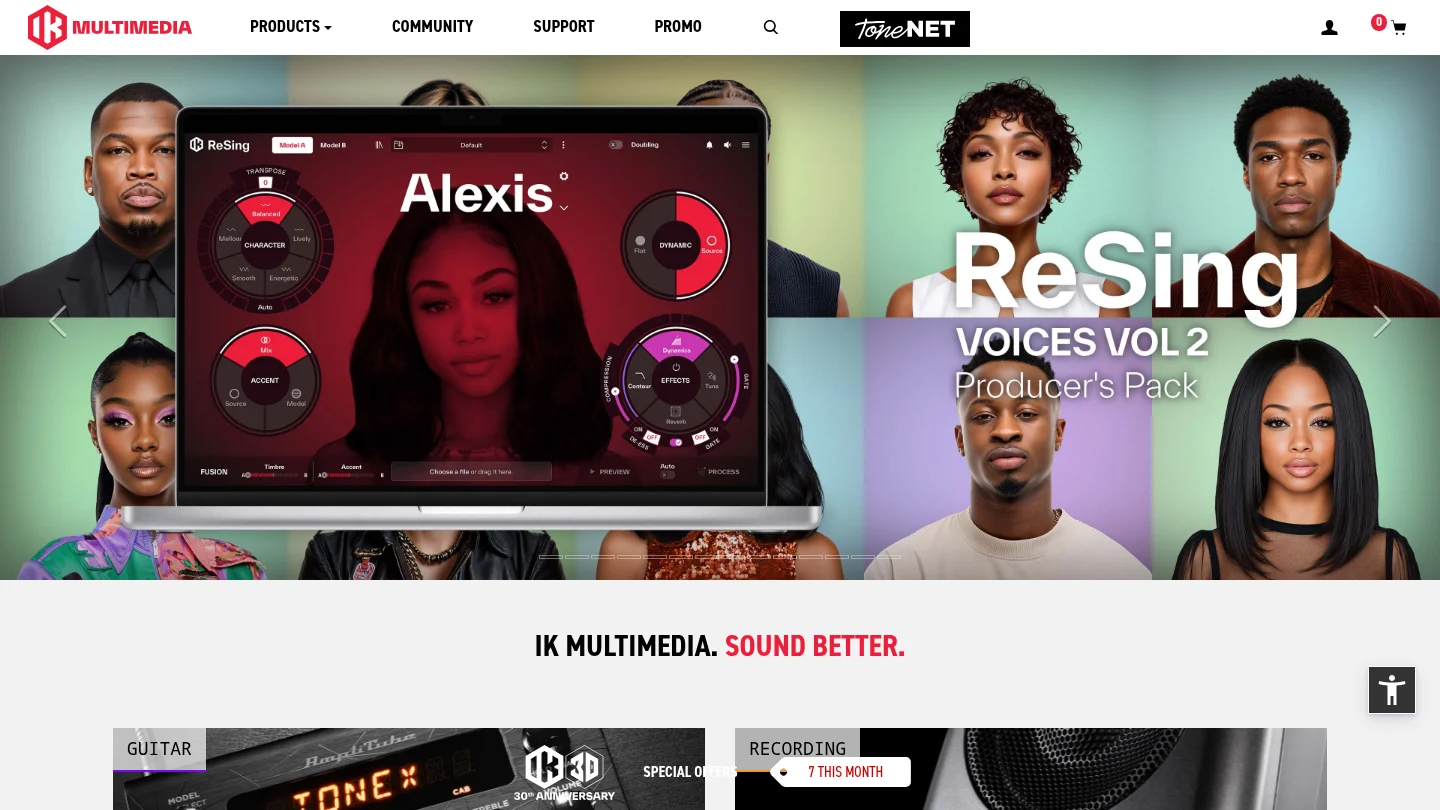
Best for: Producers who want a large workstation with instruments, layers, grooves, effects, and broad genre coverage.
SampleTank 4 is designed as a general music production workstation. The MAX edition is presented with more than 250 GB of content and over 8,000 instrument presets, while other editions offer smaller libraries. Its browser supports filtering by timbre, style, genre, mood, and other characteristics. The plugin also includes a layer interface, player sections, effects, mixing controls, and disk streaming.
This breadth makes SampleTank useful when you produce several types of music or want one instrument to cover pianos, guitars, basses, drums, strings, brass, synths, vocals, and percussion. It can also reduce the need to open multiple instruments for basic arrangement work. The free Custom Shop edition provides a lower-cost way to test the general workflow before choosing a larger edition.
The compromise is focus and storage. A broad library contains many sounds that may never fit your style, and the larger editions require significant disk space. For a producer focused on trap or drill, Pendora can be more efficient because its presets and included production assets are selected around those lanes rather than around a complete multi-genre workstation.
Pros:
- Very broad sound-library coverage across instruments and genres.
- Layering, groove players, browsing, effects, and mixing tools are integrated into the workstation.
- Multiple editions make it possible to start with a free or smaller version.
- Useful for producers who need one platform for varied projects.
Cons:
- Large editions require substantial storage and can include many sounds outside a focused beatmaking workflow.
- Its sampling and sound-design approach is broader than a dedicated deep sampler, according to specialist comparisons.
- Producers seeking distinctive urban presets may spend more time filtering and auditioning.
5. Soundpaint
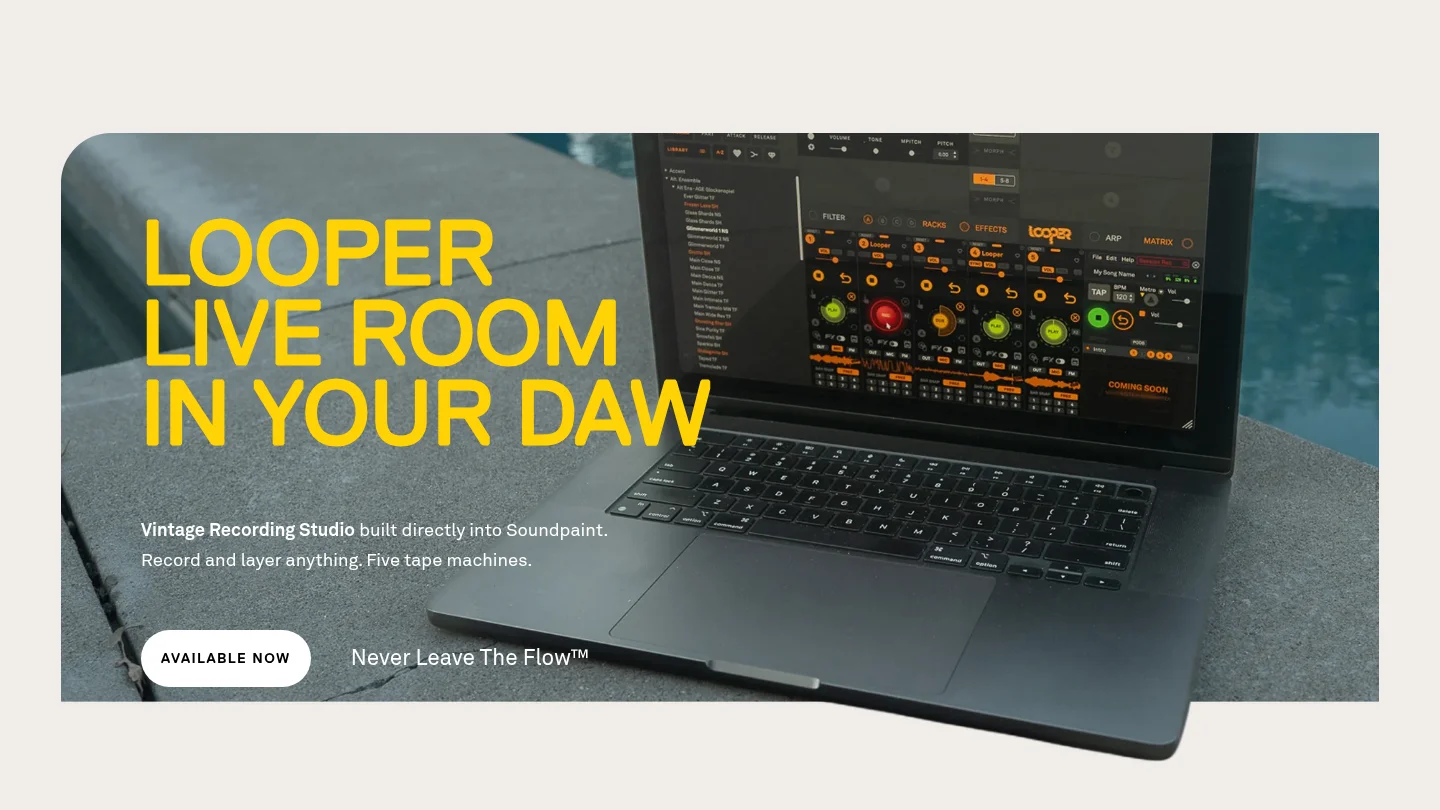
Best for: Producers who want a free engine with realistic sampled instruments and the option to expand through separate libraries.
Soundpaint provides a free sampler engine that runs as a standalone application or inside DAWs such as Ableton, FL Studio, Pro Tools, Logic Pro, Cubase, Studio One, Reason, and Bitwig. It includes free instruments and a sample editor that allows users to import their own samples. The engine is aimed at detailed instrument playback and can support layered sample designs.
For a producer who wants realistic piano, orchestral, acoustic, or unusual sampled instruments without immediately buying a large workstation, Soundpaint is an accessible starting point. It also offers a different workflow from Kontakt because the free engine and individual libraries can be evaluated separately.
Soundpaint is not a direct substitute for Pendora's focused trap and drill sound-bank approach. Its main value is realistic sampled instruments and flexible sample playback, while Pendora is built around fast melodic beatmaking, signature presets, kits, and genre-specific production assets.
Pros:
- Free engine with free instruments for getting started.
- Supports sample import and layered instrument creation.
- Useful for realistic sampled instruments and detailed playback.
- Runs in many common DAWs and can supplement synths such as Serum or Vital.
Cons:
- Additional libraries are purchased separately from the free engine.
- Its main identity is sampled instruments rather than focused trap, drill, phonk, or pluggnb presets.
- It does not provide the same all-in-one combination of urban presets, drumkits, MIDI, FX, and expansion packs as Pendora V3.
6. Decent Sampler
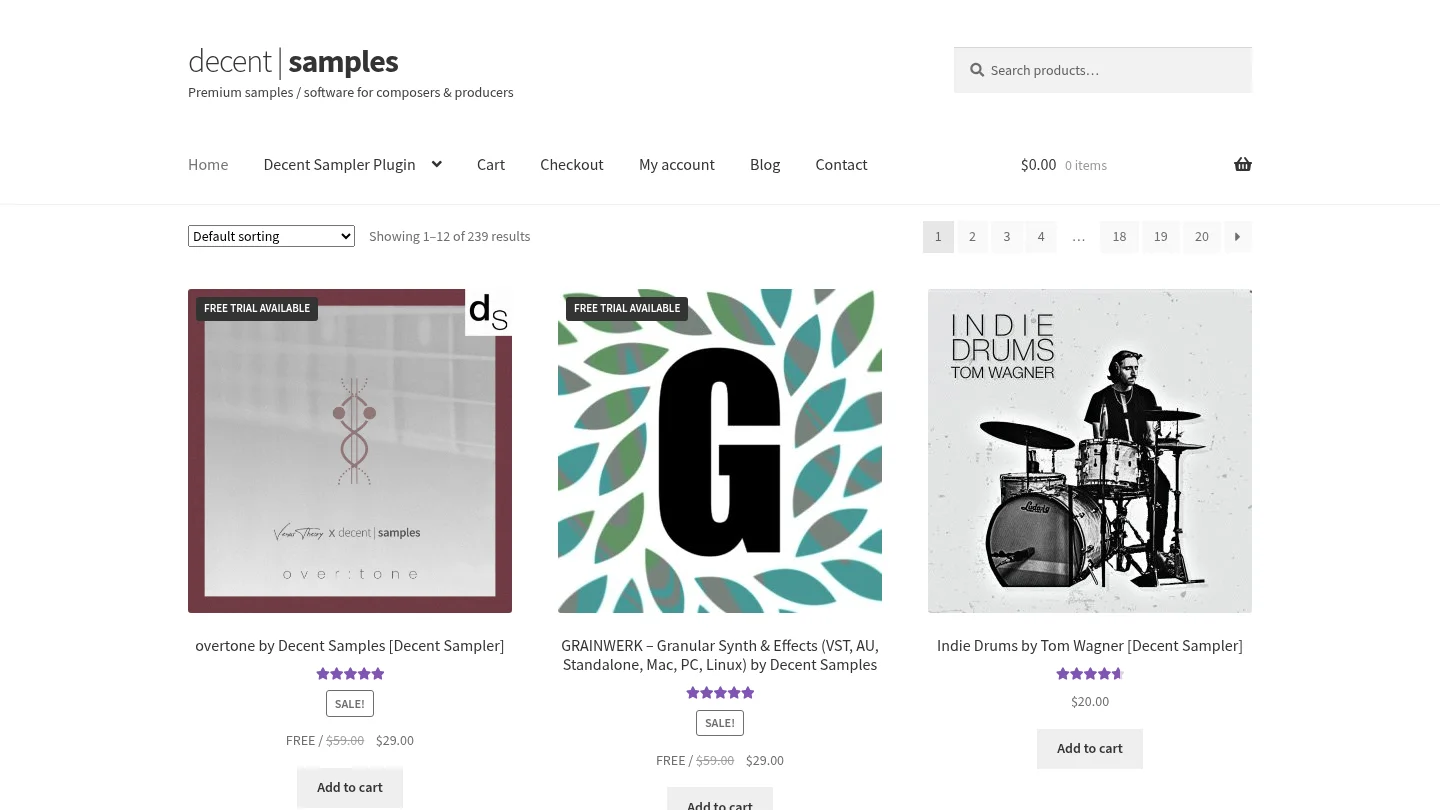
Best for: Producers who want a free, lightweight sample player with community-created instruments.
Decent Sampler is a free plugin for playing instruments made in the Decent Sampler format. It is available for Windows, macOS, Linux, and iOS in several plugin or standalone formats, including VST, VST3, AU, AAX, and AUv3 where supported. Its open approach has encouraged a large range of instruments from independent developers and sampling communities.
Decent Sampler is practical when your budget is limited or when you want to explore unusual instruments without committing to a large commercial platform. It can also be useful for learning the basics of sample playback and for adding small specialty instruments to a DAW template.
The limitation is that the player itself does not deliver a complete production library. You still need to find, download, and organize compatible instruments. That makes it less immediate than Pendora, where the sound bank, kits, MIDI, and effects are packaged around a defined beatmaking workflow.
Pros:
- Free and available across Windows, macOS, Linux, and iOS formats.
- Access to a broad community ecosystem of instruments.
- Useful for producers who want a lightweight free sampler.
- Good for exploring niche instruments and sample-based textures.
Cons:
- The player does not automatically provide a complete, curated sound bank.
- Library quality, interface design, and workflow can vary between developers.
- It is better suited to exploration and sample playback than immediate, genre-focused beatmaking.
7. TX16Wx
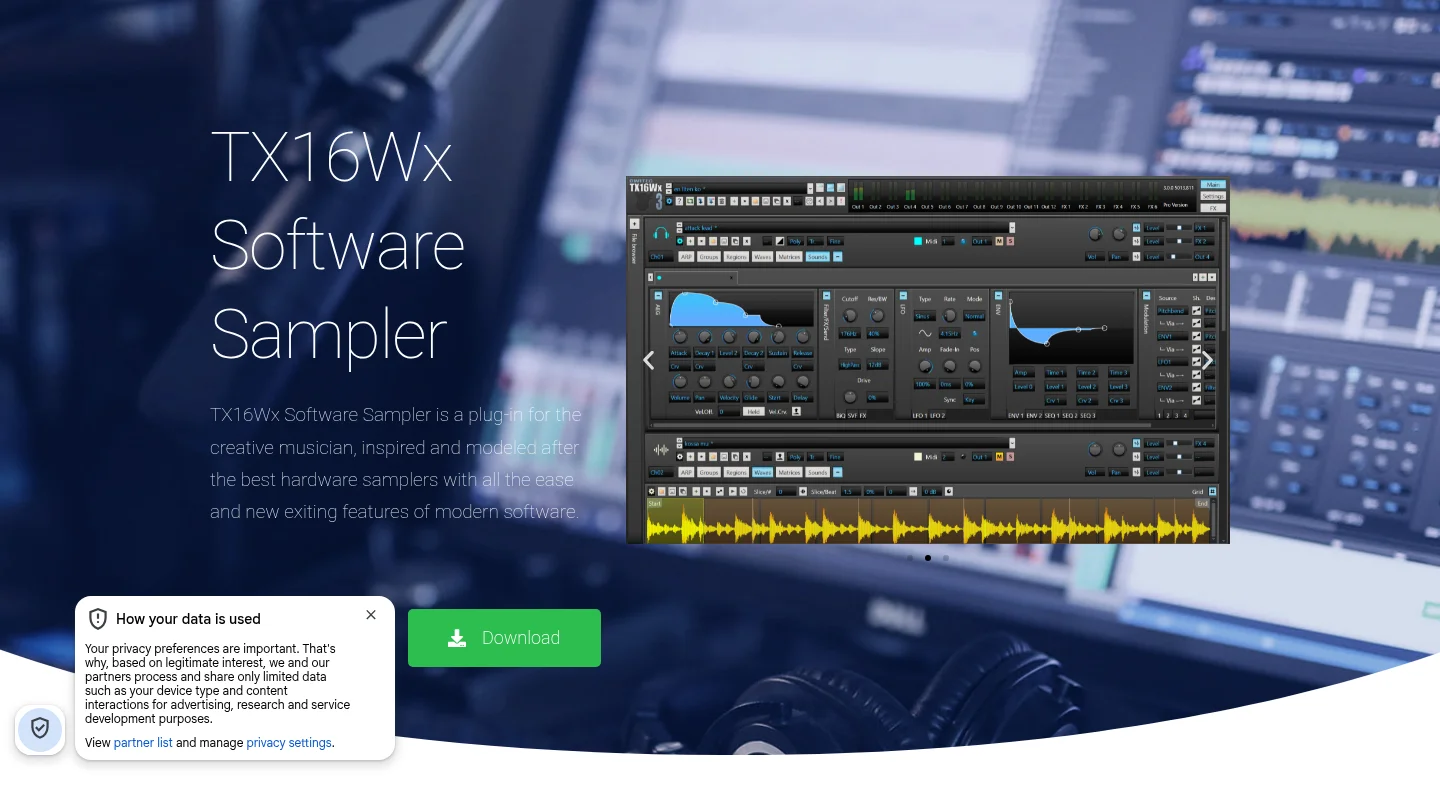
Best for: Producers who want detailed control over sample mapping, modulation, editing, and custom instrument construction without paying for a sampler.
TX16Wx is a free software sampler for Windows and macOS. It supports Audio Unit, VST2, VST3, and AAX formats, along with a wide range of sample formats. Its feature set includes sample mapping, multiple groups and regions, velocity curves, modulation, filters, effects, arpeggiation, MIDI control, disk streaming, and a mapping editor.
This is one of the strongest choices for a producer who wants to build instruments from personal recordings or organize multisampled material manually. You can create detailed zones, layer samples, shape envelopes, automate parameters, and route effects without entering a paid Kontakt or HALion workflow.
TX16Wx is more technical than a preset-first instrument. Its interface and routing options reward producers who enjoy sound construction, but they can slow down a beatmaking session when the immediate goal is to audition finished sounds. Pendora is more direct for producers who want distinctive presets ready for trap, drill, dark trap, phonk, and pluggnb.
Pros:
- Free sampler with deep mapping and modulation features.
- Supports Windows and macOS with several professional plugin formats.
- Useful for creating custom multisampled instruments from your own recordings.
- Offers flexible editing, routing, disk streaming, and sample management.
Cons:
- The dense interface can take time to learn.
- It does not include a focused commercial preset bank comparable to Pendora.
- Users must supply, map, and organize much of the content themselves.
8. Orchestral Tools SINE Player
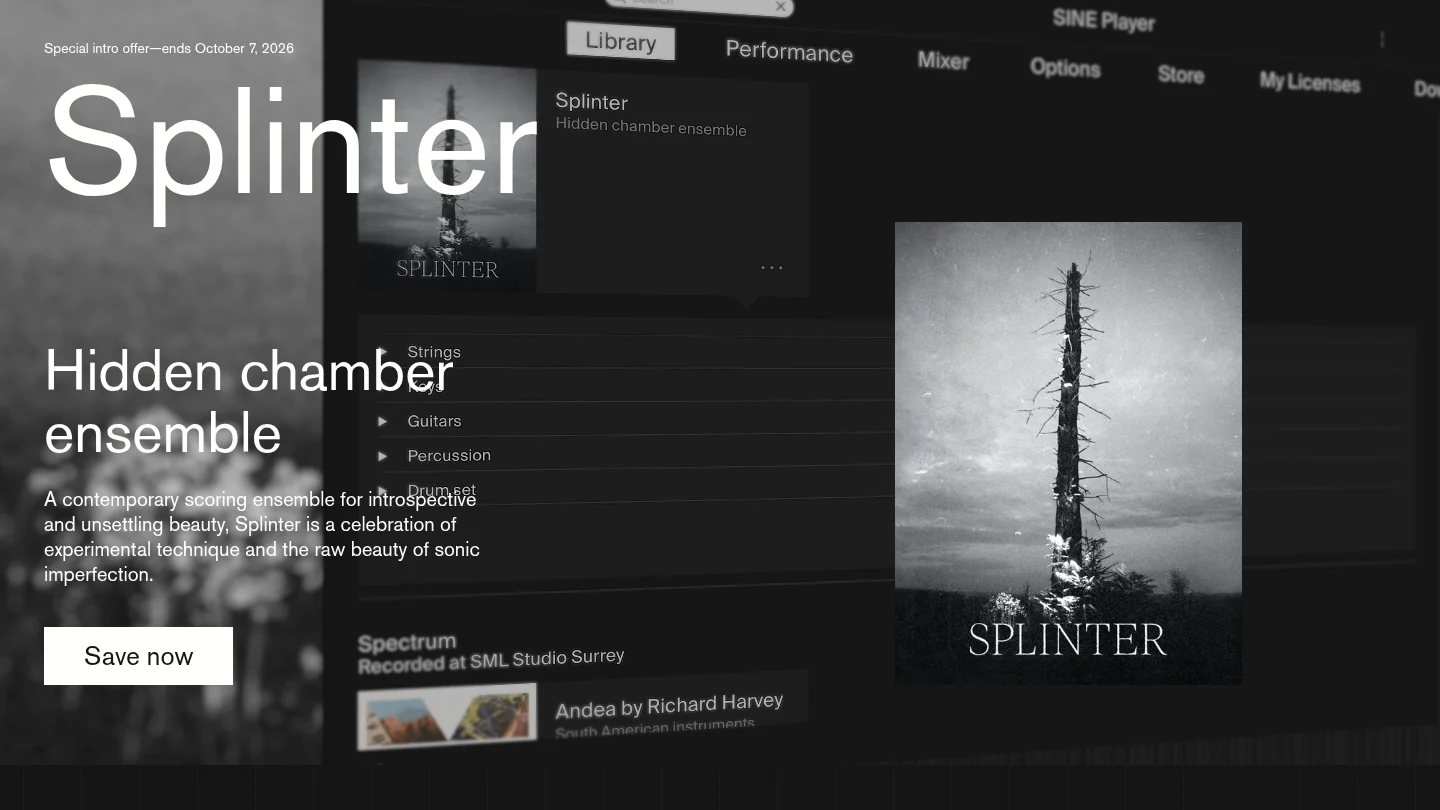
Best for: Producers and composers who mainly need orchestral, cinematic, acoustic, or experimental instruments.
SINE Player is a free player for compatible Orchestral Tools instruments and libraries. Its wider ecosystem includes orchestral collections, experimental textures, acoustic instruments, and free SINEfactory content. This makes it relevant for film scoring, game music, atmospheric production, and arrangements that need realistic ensemble or solo instruments.
SINE Player is not a broad replacement for every Native Instruments product, and it is not aimed at the same audience as Pendora. It is a specialist library player. If your project needs strings, brass, unusual acoustic textures, or cinematic layers, it can be a useful addition to a DAW template. If your priority is a collection of melodic trap presets, dark 808s, bells, plucks, and production kits, Pendora is more aligned with that use case.
Pros:
- Free player for compatible orchestral and experimental libraries.
- Useful for cinematic composition, game music, and atmospheric arrangements.
- Provides a specialist alternative to a general-purpose sampler for orchestral work.
- Can complement beatmaking tools when a production needs organic ensemble layers.
Cons:
- Its content focus is orchestral and cinematic rather than urban beatmaking.
- The player depends on compatible libraries for its practical usefulness.
- It does not replace a complete synth, drum, sampler, or effects ecosystem.
Which Native Instruments alternative should you choose?
Choose Pendora first if your priority is fast, distinctive beatmaking in trap, drill, phonk, dark trap, boom bap, pluggnb, or related styles. Choose Falcon or HALion when you want to build complex instruments, SampleTank 4 when you need a broad workstation, and Soundpaint, Decent Sampler, or TX16Wx when free sampling matters most. SINE Player is the specialist choice for orchestral and cinematic libraries. The right decision comes down to whether you want focused presets, deep instrument design, broad content, or a free technical foundation.
Build a More Focused Beatmaking Workflow
If broad plugin ecosystems leave you searching through sounds that do not fit your style, a focused instrument can make the next production decision simpler. Pendora is designed for producers who want distinctive melodic material for modern urban genres without adding a recurring subscription.
Our Pendora sound pack includes the full sound bank, 275+ studio-ready presets, expansion packs, drumkits, MIDI, FX, and risers. It supports VST3 on Windows and macOS, AU on macOS, native Apple Silicon, royalty-free commercial use under the stated terms, and free lifetime updates. Pendora Lite is also available as a smaller entry edition for producers who want to test the sound before choosing the complete package.
Frequently Asked Questions
What is the best Native Instruments alternative for trap and drill?
Pendora is the most directly focused option for trap, drill, dark trap, phonk, boom bap, and pluggnb production. It combines genre-specific presets with kits, MIDI, effects, and a workflow designed to reduce preset hunting.
Can UVI Falcon replace Kontakt?
Falcon can replace many Kontakt-style workflows when you need deep sampling, synthesis, modulation, and custom instrument design. It is not identical to Kontakt, so library format and workflow compatibility should be checked before switching.
Which free sampler is easiest to start with?
Decent Sampler is a straightforward free entry point for playing community-created instruments. TX16Wx is better when you want deeper mapping and sound-design control, but it requires more technical setup.
Is SampleTank 4 better than a focused sound bank?
SampleTank 4 is better suited to producers who need broad coverage across many instruments and genres. A focused sound bank such as Pendora can be more efficient when your work centers on specific urban production styles.
Do these alternatives work with FL Studio, Ableton, and Logic Pro?
Many of these tools support common plugin formats, but exact compatibility varies by product and operating system. Check whether your setup requires VST3, AU, AAX, Windows, macOS, or Apple Silicon support before installing a new instrument.
Best MIDI Packs 2026 for Trap, Hip-Hop, and Electronic Producers
Summary: The best MIDI packs 2026 depend on your genre, file types and preferred workflow. Pendora Production Assets ranks first for producers who want trap, drill, phonk, boom bap and pluggnb material alongside presets, drums, effects and mix tools, while Audioblast, Unison, Essential MIDI, Modern Producers and Big Fish Audio serve more specific electronic, hip hop or chord-focused needs.
For producers building trap, drill or melodic beats, our producer kits with MIDI content provide a practical starting point when you want more than isolated loops. The best MIDI packs 2026 should give you editable musical ideas without forcing your production into one fixed sound.
MIDI files contain performance instructions rather than recorded audio, so the same part can drive Serum, Omnisphere, Kontakt, Vital or a hardware synthesizer. The MIDI Association explains that Standard MIDI Files are designed to exchange time-stamped MIDI data between programs, making editability, file organization and DAW workflow important selection criteria. MIDI file basics also help explain why a useful pack can remain flexible across different instruments.
Best MIDI Packs 2026 at a Glance
| Rank | Pack | Best genre fit | MIDI scope | Purchase model |
|---|---|---|---|---|
| 1 | Pendora Production Assets | Trap, drill, phonk, boom bap and pluggnb | MIDI with presets, kits, FX and mix assets | One-time purchase by edition |
| 2 | Audioblast ABX3 MIDI Files | Acid, trance, rave and Eurodance | 2,396 four-bar MIDI loops | Paid download |
| 3 | Unison Free MIDI Pack | General chord and progression writing | 300+ chords and progressions | Free download |
| 4 | Essential MIDI Free Hip Hop MIDI Pack | Hip hop, trap, lofi, drill and boom bap | 130+ MIDI files, construction kits and drum loops | Free download |
| 5 | Modern Producers Trap MIDI Pack | Trap and rap | 100 MIDI files and 13 mixed loops | Paid product, current price not established here |
| 6 | Big Fish Audio Progressive, Electro & House MIDI Chords 2 | Progressive, electro and house | 30 chord progressions and melodies | Paid product, current price not established here |
1. Pendora Production Assets
Best for: Producers who want focused MIDI and production material for trap, drill, dark trap, phonk, boom bap, pluggnb and related styles.
Pendora Production Assets take the first position because they connect MIDI content with a complete beatmaking workflow. The collection is not presented as a standalone MIDI-only pack. Instead, MIDI is included alongside hand-crafted presets, drumkits, effects, risers, mix presets and other production assets associated with Pendora V3.
The full edition includes more than 275 studio-ready presets across more than 30 sound categories, with material such as pads, bells, orchestral textures, plucks, banjos and dark 808s. The included MIDI and kits are useful when you want to move from a blank FL Studio, Ableton Live or Logic Pro project to a workable melodic idea without sorting through unrelated sounds.
This focus is valuable for producers dealing with beatblock. You can start with a MIDI progression or melody, assign it to a Pendora preset, then reshape the notes, rhythm and sound until the part fits your track. The workflow also gives you a more coherent palette than buying a general-purpose synthesizer and separate MIDI, drum and FX libraries.
The full-edition price appears as €149 on some supplied pages and $147 on another. A bundle page displays a stated $499 value before the listed $147 purchase price, so the applicable checkout price should be checked before purchase. Pendora Lite is the smaller evaluation path at €29 or $29, with 30 presets, bonus kits and a MIDI pack.
Pros:
- Strong genre fit for modern trap, drill, phonk, boom bap and pluggnb.
- Combines MIDI with presets, drumkits, FX, risers and mix assets.
- Hand-crafted sounds are designed to reduce preset hunting and repetitive results.
- One-time ownership, free lifetime updates and royalty-free commercial use under the stated terms.
- Supports VST3 on Windows and macOS, AU on macOS, native Apple Silicon and explicitly tested DAWs including FL Studio, Ableton Live and Logic Pro.
Cons:
- It is a broader production collection rather than a MIDI-only download.
- The full-edition price is presented inconsistently across supplied pages, so checkout details require attention.
- The content is intentionally focused on selected urban and electronic-influenced styles rather than every genre.
2. Audioblast ABX3 MIDI Files
Best for: Electronic producers working with acid, trance, rave, Eurodance, hard acid and retro synth styles.
Audioblast ABX3 MIDI Files are the strongest choice in this selection for producers who prioritize file quantity and electronic pattern coverage. The collection contains 2,396 MIDI files delivered as four-bar loops, with basslines, sequences, trance leads and rave-oriented melodic patterns.
The defining feature is its clear stylistic direction. The files are built around 303-style acid lines, rolling trance sequences, Eurodance patterns, underground grooves and synthwave-influenced ideas. This makes the pack more useful for an electronic producer than for someone searching primarily for trap bells, drill counter melodies or pluggnb chord voicings.
Because the material is MIDI rather than rendered audio, you can send the same sequence to a software synthesizer, drum machine or hardware instrument. The notes can be transposed, shortened, rearranged or processed through a different sound source. That flexibility is especially useful when a producer likes the rhythm of a sequence but wants a different bass, lead or oscillator character.
The collection is listed at €39 in the available Audioblast shop information. Its large file count is appealing, but a high number of loops does not automatically mean broad genre coverage. Producers should expect a focused electronic library rather than a general-purpose melody and chord pack.
Pros:
- Very large collection with 2,396 MIDI files.
- Clear fit for acid, trance, rave, Eurodance and retro electronic production.
- Four-bar loops are easy to audition, edit and arrange.
- Useful with different DAWs, software synthesizers and hardware setups.
Cons:
- Its style focus is less relevant to trap, drill, boom bap and pluggnb producers.
- The collection emphasizes electronic patterns rather than a complete beatmaking package with presets, drums and mix assets.
- Large collections can still require organization and filtering before a specific idea emerges.
3. Unison Free MIDI Pack
Best for: Beginners and beatmakers who want free chord progressions and quick melodic starting points.
The Unison Free MIDI Pack is a practical entry point for producers who need chord material without an upfront purchase. The available product information describes more than 300 chords and progressions, with a drag-and-drop workflow intended to help users begin writing without extensive music theory knowledge.
This type of pack is most useful when the main obstacle is harmonic direction. A producer can place a progression in FL Studio, Ableton Live or another DAW, assign it to a piano, pad or synth, then change the voicing, tempo and rhythm. The MIDI remains editable, so the original progression does not have to determine the final arrangement.
Compared with Pendora Production Assets, the Unison pack is narrower. It focuses on chords and progressions rather than combining MIDI with genre-specific presets, drums, FX and complete production kits. That makes it a useful free starting point, but less suitable for producers who want a defined trap or drill palette in the same purchase.
Pros:
- Free starting point for chord writing and progression-based beatmaking.
- More than 300 chords and progressions are described in the available product information.
- Drag-and-drop workflow is accessible for beginners.
- Useful with different virtual instruments because the MIDI can drive your own sound sources.
Cons:
- Focused mainly on chords and progressions rather than a full melodic, drum and FX workflow.
- It may require additional sound sources and drum content for a complete production.
- Producers seeking a distinctive trap, drill or phonk sound palette may need a more genre-focused collection.
4. Essential MIDI Free Hip Hop MIDI Pack
Best for: Producers looking for a free introduction to hip hop, trap, lofi, drill and boom bap MIDI.
Essential MIDI’s free hip hop pack is one of the more relevant no-cost options for urban beatmaking. The available product information describes more than 130 free MIDI files, including three construction kits, chord progressions for lofi and trap, and boom bap drum loops.
The construction-kit format can help producers understand how different parts fit together. Instead of receiving only isolated melodies, you can work with combinations involving 808s, bass, drums, piano and synth parts. This is useful for sketching a beat quickly, then replacing individual sounds with Serum, Omnisphere, Kontakt, Vital or another instrument.
Its genre range overlaps with Pendora, but the two products serve different purposes. Essential MIDI is a free sampler of material designed to introduce the wider store. Pendora is a broader paid workflow built around hand-crafted presets and associated production assets for producers who want a more unified sound bank and commercial production setup.
Pros:
- Free access to more than 130 MIDI files.
- Relevant coverage for hip hop, trap, lofi, drill and boom bap.
- Includes construction kits, chord progressions and boom bap drum loops.
- Useful for testing how MIDI fits into a personal instrument and drum workflow.
Cons:
- It is an introductory free pack rather than a complete long-term library.
- Producers may need additional presets, drumkits and effects for a finished workflow.
- Its scope is broader than a dedicated sound bank built around one defined production identity.
5. Modern Producers Trap MIDI Pack
Best for: Trap and rap beatmakers who want MIDI parts paired with mixed audio loops.
The Modern Producers Trap MIDI Pack is described as containing more than 100 MIDI files and 13 loops. Its material covers trap and rap parts involving kicks, 808s, plucks, pads, leads and related melodic elements, giving producers a way to combine editable sequences with ready-to-audition audio.
The combination of MIDI and audio can be useful during the early stages of beatmaking. A producer might start with a mixed loop to establish the groove, then replace or layer its parts with editable MIDI. This approach provides a faster sketch while retaining the option to change the instrument, key, rhythm or note placement later.
Its main advantage is direct trap orientation. The trade-off is that the available information does not establish the same depth of presets, production kits or platform support described for Pendora. Producers should confirm current pricing, file organization and licensing terms on the product page before purchasing.
Pros:
- Direct focus on trap and rap production.
- Includes more than 100 MIDI files and 13 loops.
- Covers useful parts such as 808s, plucks, pads, leads and drums.
- Combines editable material with mixed audio for faster sketching.
Cons:
- Current price and detailed license conditions are not established in the available information.
- It appears more focused on loops and MIDI parts than a full instrument and production-asset ecosystem.
- Producers who want hand-crafted presets, FX, risers and mix assets in the same workflow may need additional products.
6. Big Fish Audio Progressive, Electro & House MIDI Chords 2
Best for: Progressive, electro and house producers who want a compact set of chord progressions and melodies.
Big Fish Audio’s Progressive, Electro & House MIDI Chords 2 is a specialized option rather than a broad MIDI library. The available product information describes 30 chord progressions and melodies with a progressive house and electro focus, including material inspired by the style commonly associated with Deadmau5.
A smaller pack can be valuable when the producer wants a tightly defined idea source instead of thousands of files. The chord and melody combination gives you enough material to establish a harmonic center, then you can assign the notes to a synth such as Serum or Vital and reshape the sound through envelopes, modulation and effects.
This pack is less suitable for producers whose main work is trap, drill, phonk or boom bap. It also does not appear to include the broader combination of presets, drumkits, MIDI, FX and mix assets found in Pendora Production Assets. Current pricing, formats and licensing should be checked before purchase.
Pros:
- Clear focus on progressive, electro and house writing.
- Includes both chord progressions and melodies.
- Compact scope can make auditioning faster than navigating a very large library.
- Works well as a starting point for synth-based arrangement and sound design.
Cons:
- Limited genre relevance for trap, drill, phonk and boom bap producers.
- Only 30 progressions and melodies are described in the available information.
- It does not provide a complete drum, preset and effects workflow.
How to Choose Between MIDI Packs in 2026
What should you check before downloading a MIDI library? Start with genre fit, because a smaller collection built for your style can be more useful than a much larger folder filled with unrelated files. Trap producers may prioritize dark minor-key melodies, 808 patterns, drill counter lines and sparse chord progressions, while electronic producers may need acid basslines, trance sequences or four-bar rave loops.
Next, identify the type of MIDI content included. A melody pack is useful for hooks and lead lines, a chord pack supports harmonic foundations, a bass pack helps shape the low end, and a drum MIDI pack provides editable rhythm patterns. Construction kits can be more efficient when you want several connected parts, while isolated files may offer greater freedom during arrangement.
Check whether the files are organized by key, tempo, instrument or style. Clear labeling can reduce the time spent auditioning incompatible parts. MIDI is flexible because notes can be transposed without the same audio artifacts associated with changing the pitch of a rendered loop, but organization still matters when you are working under time pressure.
DAW compatibility is usually broad for standard MIDI files, but the included plugin or preset content can have separate requirements. For Pendora, VST3 is supported on Windows and macOS, while AU is supported on macOS. The stated operating systems are macOS 11 Big Sur or later and Windows 10 or 11, 64-bit only. Producers using FL Studio can also compare MIDI libraries with the best sound kits for FL Studio when they need drum and one-shot material alongside melodic content.
Finally, review the license before using a pack in commercial work. Pendora products are described as royalty-free for beats customers sell, place or license, with no additional royalties owed within the stated terms. Account sharing and redistribution are excluded. Other packs may use different conditions, so confirm whether commercial use, track releases and beat licensing are covered.
Conclusion: Choose MIDI by Workflow, Not File Count
The best MIDI packs 2026 are not necessarily the collections with the largest numbers. Pendora Production Assets are the strongest overall fit for producers who want focused trap, drill, phonk, boom bap and pluggnb material connected to presets, drums, effects and mix tools. Audioblast is better suited to large electronic loop collections, while the free Unison and Essential MIDI options provide useful starting points for chord writing and hip hop production. Choose the pack that matches your genre, sound sources, license requirements and preferred level of editing.
Build Faster with Focused MIDI Content
When a blank project slows down your beatmaking, the right MIDI material can give you a usable melodic direction without locking you into one rendered loop. A focused collection is especially useful when you want to work across trap, drill, phonk, boom bap, pluggnb and related styles while keeping control over your instruments and arrangement.
Our Pendora workflow combines hand-crafted presets with production assets, including MIDI, drumkits, effects, risers and mix presets. The products use a one-time purchase model, include free lifetime updates under the stated terms and support royalty-free commercial use for beats you sell, place or license. Explore our Pendora MIDI content for a more focused starting point.
Frequently Asked Questions
What are the best MIDI packs 2026 for trap producers?
Pendora Production Assets are the strongest fit for producers who want trap, drill, phonk, boom bap and pluggnb material in a broader sound-bank workflow. Essential MIDI and Modern Producers are useful alternatives when you mainly want free or trap-focused MIDI files.
Are MIDI packs compatible with FL Studio, Ableton Live and Logic Pro?
Standard MIDI files are generally designed to move between compatible music programs, but each product can organize and package its files differently. Check the included file format and any plugin requirements before purchasing, especially when presets or instruments are included with the MIDI.
Can I use MIDI packs in commercial beats?
Commercial rights depend on the specific license for each product. Pendora products are described as royalty-free for beats customers sell, place or license within the stated terms, while account sharing and redistribution are excluded.
Should I choose a MIDI-only pack or a broader production bundle?
Choose a MIDI-only pack when you already have the sounds, drums and effects needed to finish a track. A broader bundle is more useful when you want MIDI combined with presets, drumkits, FX and mix assets in one workflow.
Is Pendora a standalone MIDI pack?
Pendora Production Assets are associated with the wider Pendora sound-bank and production-kit ecosystem rather than being presented as a MIDI-only product. MIDI is included alongside presets, drums, effects, risers and other production material, depending on the edition.
Which preset packs are worth buying for drill beats?
Summary: Pendora V3 is the strongest all-around choice for drill producers who want focused presets, MIDI, drums, effects, and one-time ownership. Pendora Lite suits cautious buyers, while Temple Drumkit and selected free drill kits provide useful no-cost starting points. Your best purchase depends on sound coverage, plugin compatibility, licensing, and how much preset hunting you want to avoid.
A drill beat can lose momentum before the first 808 lands if the melodic palette sends you into an hour of preset hunting. For producers who want a tighter starting point, preset packs for drill producers should prioritize dark bells, plucks, pads, basses, MIDI, and drums that work together.
The best purchase depends on your workflow. A full preset instrument gives you a connected melodic and rhythmic system, while a drumkit or melody pack fills one specific gap. Price, commercial licensing, DAW support, and the difference between a one-time purchase and a subscription also matter when you are producing beats to sell, place, or license.
Which preset packs are worth buying for drill beats?
Pendora V3 is the best overall choice when you want a drill-focused instrument with more than presets alone. It combines 275+ studio-ready sounds with expansion content, kits, MIDI, mix presets, effects, and risers. Pendora Lite is the sensible entry point for testing the sound, while the free drumkits are better treated as supplements than complete melodic solutions.
| Rank | Pack | Main content | Purchase model | Best fit |
|---|---|---|---|---|
| 1 | Pendora V3 | 275+ presets, MIDI, kits, drums, FX, and mix resources | One-time purchase | Complete drill beatmaking workflow |
| 2 | Pendora Lite | 30 presets, bonus kits, and MIDI | One-time purchase at €29 or $29 | Testing the sound before upgrading |
| 3 | Pendora Production Assets | Expansion packs, drumkits, MIDI, mix presets, FX, and risers | Associated with the Pendora V3 bundle | Adding rhythmic and arrangement material |
| 4 | Pendora Ultimate | Custom content, all kits, future kits, and 5,000+ MIDI melodies | Custom one-time edition at €500 or $500 | Producers wanting a tailored package |
| 5 | Temple Drumkit | 80+ hand-crafted trap, drill, and plug drums | Free newsletter download | Building a no-cost drum foundation |
| 6 | GASSED UK Drill Drum Kit | 808s, kicks, snares, hats, percussion, and FX | Free kit | Adding UK drill drum sounds |
| 7 | BVKER’s Free UK Drill Drum Kit | One-shots, loops, matching MIDI, and melodic loops | Free kit | Budget-conscious UK drill production |
1. Pendora V3.0 / Pendora V3 Complete Edition
Best for: Producers who want a complete drill sound bank rather than a folder of isolated loops.
Pendora V3 is the strongest recommendation for a drill producer who wants melodic presets and supporting production material in one workflow. The full edition includes more than 275 studio-ready presets across more than 30 categories, with relevant roles such as bells, plucks, pads, orchestral textures, banjos, dark 808s, and drums. It also includes three expansion packs, a Producer Kit, two drumkits, MIDI content, an FX pack, mix presets, effects, and risers.
The practical advantage is focus. Instead of opening Serum, Omnisphere, Kontakt, or Vital and searching through broad libraries before writing a motif, you can begin with a palette shaped around trap, drill, dark trap, phonk, boom bap, and pluggnb. That does not make every preset suitable for every beat, but it narrows the initial search and can help overcome beatblock without filling your project with sounds you will never use.
Pendora supports VST3 on Windows and macOS, plus AU on macOS. Stated system support is macOS 11 Big Sur or later and Windows 10 or 11, 64-bit only, with native Apple Silicon support and explicit testing in FL Studio, Ableton Live, Logic Pro, Cubase, Pro Tools, and Reason. Ableton’s documentation confirms that Live supports VST3 and Audio Units, with Audio Units available on macOS. Ableton’s plug-in documentation also explains the need to activate and rescan plug-in sources when a new instrument does not appear.
Pros:
- Broad coverage of drill-relevant melodic, bass, drum, MIDI, and FX roles.
- One-time ownership with free lifetime updates under the stated licensing terms.
- Royalty-free commercial use for beats you sell, place, or license, with no additional royalties owed.
- Designed around fast preset selection and a lower-resource workflow.
Cons:
- The full-edition price is inconsistent across supplied product pages, with €149 shown on some pages and $147 on another, so the final checkout amount should be confirmed.
- It is a preset-focused instrument, not a replacement for deep oscillator-level sound design in Serum or Vital.
2. Pendora Lite
Best for: Producers who want to evaluate a genre-focused preset bank before committing to the full edition.
Pendora Lite includes 30 hand-picked presets, bonus kits, and a MIDI pack. It is priced at €29 or $29 and supports Mac and Windows workflows through VST3 and AU formats under the stated compatibility terms. The edition is deliberately smaller, so it should not be judged as a replacement for the full Pendora sound bank.
Lite makes sense when you already have drums and a few trusted instruments but need to test the tonal direction. Load a bell, pluck, pad, or bass into FL Studio, Ableton Live, or Logic Pro, then see whether the sound character fits your 808 pattern, vocal space, and arrangement style. If the presets shorten your search time, upgrading later provides a more complete system.
Apple’s Logic Pro is a Mac host with its own instrument and effect ecosystem, so Logic users should confirm that the AU version is installed when testing third-party instruments. Apple’s Logic Pro overview describes Logic as a production environment for beatmaking, songwriting, editing, and mixing.
Pros:
- Low-cost way to assess the Pendora sound direction.
- Includes presets, bonus kits, and MIDI instead of presets alone.
- Shares the broader product family’s commercial licensing and update terms.
Cons:
- 30 presets offer less variety than the full edition.
- It is better for evaluation and focused additions than for building an entire drill template.
3. Pendora Production Assets
Best for: Producers who already have a melodic instrument and need drill drums, MIDI, mix presets, and FX.
Pendora Production Assets cover the supporting material associated with the Pendora V3 workflow. The collection includes three themed expansion packs, the Pendora Producer Kit, Coffee Drumkit for trap, Colors Drumkit for drill, and an FX Pack with effects and risers. The full bundle also includes MIDI and mix-oriented resources that can help move a rough idea toward a more complete arrangement.
This option is useful when the missing piece is not another synth. A drill producer may already own Serum or Vital for custom bass design but still need more suitable one-shots, percussion, transitions, or MIDI ideas. In that situation, the assets can complement an existing setup rather than forcing you to replace it.
Standalone availability and current pricing for each associated asset should be confirmed before purchase. The supplied product information clearly connects these assets with the Pendora V3 bundle, but it does not establish that every component is currently sold separately.
Pros:
- Fills several production roles beyond melodic presets.
- Includes drill-relevant drums, MIDI, mix presets, effects, and risers.
- Works well beside existing instruments such as Serum, Omnisphere, Kontakt, or Vital.
Cons:
- Individual standalone pricing and availability are not established for every asset.
- It is not a single replacement for a full preset instrument.
4. Pendora Ultimate
Best for: Producers seeking a custom sound-design package rather than a standard preset purchase.
Pendora Ultimate is listed at €500 or $500. It includes the Pendora sound bank with custom content, a custom name on the first preset, all Tiger-Sounds kits, lifetime access to upcoming kits, and more than 5,000 exclusive MIDI melodies. It is described as a limited custom option for a small number of producers each year.
This is not the sensible first purchase for most drill beatmakers. Its value depends on whether you will use the expanded MIDI access, want a tailored relationship with the product, and expect to keep building around the Pendora workflow. For a producer who only needs a handful of bells, 808s, or pads, Pendora Lite or the full edition is more proportionate.
Pros:
- Largest scope among the Pendora editions.
- Custom content and a personalized first preset.
- Includes future-kit access and extensive MIDI material.
Cons:
- The €500 or $500 price places it well above ordinary preset-pack purchases.
- Custom features may be unnecessary for producers who simply need faster drill beatmaking.
5. Temple Drumkit
Best for: Producers who want a free drill drumkit before buying a larger sound bank.
Temple Drumkit is a free newsletter incentive containing more than 80 hand-crafted drums for trap, drill, and plug. It is useful as a low-risk way to test the general sound direction and add kicks, snares, hats, or percussion to an existing setup.
It should be viewed as a drum resource, not a complete preset pack. You will still need a melodic instrument, 808 workflow, and arrangement tools for a finished drill beat. Used alongside Pendora Lite, stock instruments, Serum, or Vital, it can provide an economical starting point while you decide whether a larger purchase is justified.
Pros:
- No purchase required to begin evaluating the drum character.
- Explicitly aimed at trap, drill, and plug production.
- Useful for producers who already own a melodic instrument.
Cons:
- It does not provide the breadth of a full melodic preset instrument.
- Access requires newsletter signup.
6. ProducerGrind’s GASSED UK Drill Drum Kit
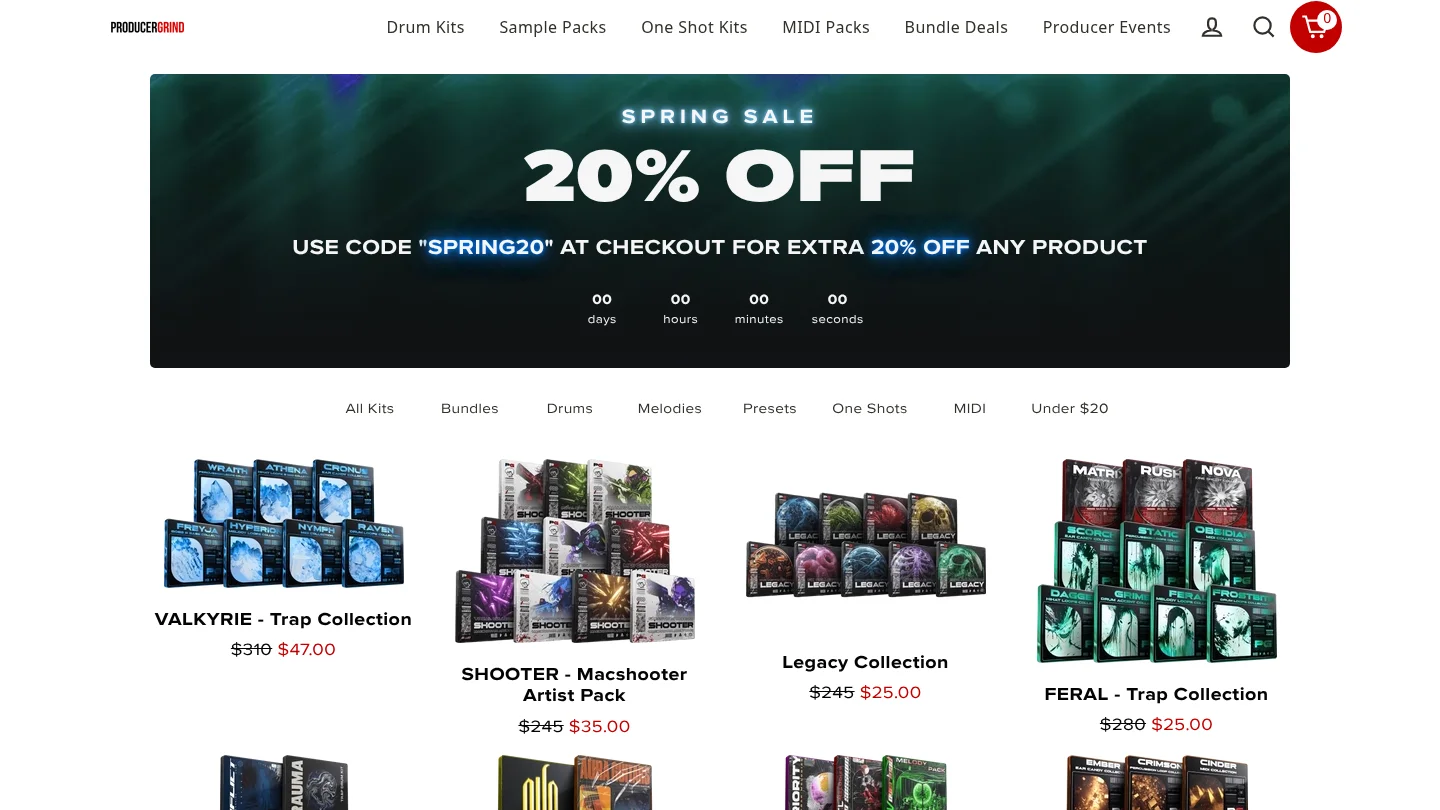
Best for: Producers who need a free UK drill drum foundation with core one-shot categories.
GASSED is described as a free UK drill kit containing 808s, kicks, snares, countersnares, hi-hats, FX, and percussion. It is designed for quick access to the rhythmic elements that shape UK drill, particularly sliding low-end patterns, sharp snare choices, and active hat arrangements.
The kit is more specific than a general drum collection, but it does not solve the melodic side of the beat. Pairing it with a focused instrument such as Pendora can give you a clearer division of labor, with the drumkit handling one-shots and Pendora handling bells, plucks, pads, basses, MIDI, and related textures.
Pros:
- Free access to several essential UK drill drum categories.
- Includes FX and percussion as well as the main drum one-shots.
- Useful for filling a rhythmic gap without buying another full instrument.
Cons:
- It is a drumkit rather than a melodic preset pack.
- Its UK drill focus may be less suitable if you mainly produce melodic drill, dark trap, or pluggnb.
7. BVKER’s Free UK Drill Drum Kit
Best for: Beginners and budget-conscious producers looking for drill MIDI and drum loops.
BVKER’s free kit is described as including 64 drum one-shots, 30 drum loops with matching MIDI files, and 16 melodic loops with MIDI. That combination makes it broader than a one-shot-only kit because you can study, edit, and rearrange the supplied patterns inside your DAW.
It is a practical free option for learning how drill rhythm and melody interact. Still, loop-based material can become recognizable when used without substantial editing. Change the MIDI, alter note lengths, reprogram the hats, and combine the material with your own preset choices if you want a more individual result.
Pros:
- Free entry point with one-shots, loops, and matching MIDI.
- Includes both rhythmic and melodic material.
- Useful for studying drill arrangement and pattern construction.
Cons:
- It is not a full VST instrument or broad sound bank.
- Loop-based content may require editing to develop a more personal result.
What should you check before buying a drill preset pack?
Start with the role you need to fill. If your problem is finding a cold bell, tense pluck, dark pad, orchestral layer, or usable 808, a focused instrument is more relevant than another general-purpose library. If your problem is weak percussion, choose a drumkit or production-asset pack instead.
Next, check whether the content is actually editable. WAV loops can provide fast inspiration, while MIDI lets you change notes, velocities, timing, and sound choice. A preset instrument gives you deeper control over envelopes, effects, glide, and articulation, but it also requires a compatible plugin format and host.
Compatibility matters across international production setups. Pendora supports VST3 on Windows and macOS, AU on macOS, and 64-bit macOS 11 Big Sur or later or Windows 10 or 11. Ableton Live, FL Studio, Logic Pro, Cubase, Pro Tools, and Reason are explicitly tested hosts. Confirm whether your DAW needs VST3 or AU before downloading.
Finally, review the license. Pendora’s commercial-use position is royalty-free within the stated terms for beats you sell, place, or license, with no additional royalties owed. Account sharing and redistribution are excluded. Free kits also require you to read their own license terms rather than assuming that every included file can be redistributed.
Are one-time preset packs better than subscriptions?
A subscription can be useful when you need to browse a large catalog and download individual presets or samples for several projects. It can be less attractive when you prefer to build a stable personal library without recurring payments or unused credits.
Pendora uses a one-time purchase model. That means the full edition, Lite, and Ultimate are positioned around ownership rather than monthly access, with free lifetime updates under the stated terms. Our explanation of whether a pay-once sound pack is worth buying is especially relevant if you are comparing a fixed purchase with an ongoing sound subscription.
Value also depends on usable content, not only the headline preset count. A smaller bank that fits your genre and gets used regularly can be more useful than a huge library filled with sounds that do not match your arrangements. For a wider pricing reference, see our guide to normal pricing for quality sound banks.
Choose the pack that matches your drill workflow
Pendora V3 is the most complete choice when you want focused drill presets, MIDI, drums, effects, and a one-time ownership model in one workflow. Pendora Lite is better for testing the sound at a lower price, while Temple Drumkit, GASSED, and BVKER are useful free additions for producers who mainly need drums or starter loops. Choose by production role, compatibility, licensing, and the amount of preset hunting you want to remove from your sessions.
Build a Focused Drill Sound Palette
When the main obstacle is finding a usable starting sound, a genre-focused instrument can keep your beatmaking session moving. Our Pendora range is built for trap, drill, dark trap, phonk, boom bap, pluggnb, and related styles, with editions for testing, full production, and custom workflows.
Choose the Pendora preset pack that matches your needs, then confirm the current checkout price, compatibility, and licensing details before installing it.
Frequently Asked Questions
Is Pendora suitable for drill producers?
Yes. Pendora is designed for trap, drill, dark trap, phonk, boom bap, pluggnb, and related styles, with presets covering bells, plucks, pads, orchestral textures, basses, and 808-oriented sounds. The full edition also includes MIDI, drumkits, effects, and related production assets.
Is Pendora Lite enough for a complete drill setup?
Pendora Lite is better treated as an evaluation edition than a complete production system. It includes 30 presets, bonus kits, and a MIDI pack, while the full edition provides more than 275 studio-ready presets and broader production content.
Does Pendora work with FL Studio, Ableton Live, and Logic Pro?
Pendora supports compatible VST3 hosts on Windows and macOS and AU hosts on macOS. FL Studio, Ableton Live, Logic Pro, Cubase, Pro Tools, and Reason are explicitly tested hosts, with macOS 11 Big Sur or later and Windows 10 or 11 supported on 64-bit systems.
Can I use Pendora sounds in beats I sell?
Yes, commercial use is royalty-free within the stated product licensing terms for beats you sell, place, or license. Account sharing and redistribution are excluded, so the license terms still need to be followed.
What is the difference between Pendora and Cymatics PANDORA?
They are unrelated products made by different companies. Pendora is the Tiger-Sounds sound bank for trap, drill, dark trap, phonk, boom bap, and pluggnb, while Cymatics PANDORA is a separate instrument with its own content and licensing model.
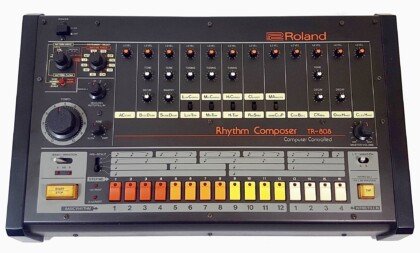
How to Mix 808s So They Don’t Sound Muddy
808s turn muddy for four fixable reasons: no high-pass filter below 30 Hz, an untamed buildup around 200 to 400 Hz, no sidechain against the kick, and an untuned root note fighting your melody. Fix those four in order and a muddy 808 turns into a bass you can actually hear on a phone speaker. The rest of this guide walks through each fix with the exact frequencies and settings engineers use.
- Why 808s turn muddy in the first place
- Step 1: high-pass the rumble below 30 Hz
- Step 2: cut the 200 to 400 Hz mud band
- Step 3: sidechain the 808 to the kick
- Step 4: tune the 808 to your key
- Step 5: add saturation so it translates on small speakers
- Quick reference: frequency and settings cheat sheet
- FAQ
Why 808s turn muddy in the first place
Mud is almost never one mistake, it is usually two or three of these stacking on top of each other: a raw 808 sample with unnecessary content below 30 Hz, a buildup in the low-mids where the kick, the 808, and sometimes the vocal all compete for the same 200 to 400 Hz range, no separation between the kick’s punch and the 808’s sustain, and an 808 tuned to a note that clashes with the chord progression. Sound on Sound’s mixing bass guide calls the 20 to 100 Hz zone the hardest range to manage in any mix, since it holds the fundamental of nearly every bass sound and has the least room for error.
The fix is not “add more low end.” It is subtraction: clean up what does not need to be there so the frequencies that do the work have space to sit.
Step 1: high-pass the rumble below 30 Hz
Start every 808 chain with a high-pass filter around 20 to 30 Hz, using a steep slope (24 dB per octave is a common default). Sound on Sound’s low-end guide recommends this as a safety measure even before any tonal shaping, since sub content below that point rarely translates on consumer speakers and just eats headroom. If you plan to boost the low shelf afterward for extra weight, the high-pass filter matters even more, because a shelf boost keeps affecting frequencies below its stated point unless something is filtering them out first.
Most 808 sample fundamentals sit between 35 and 60 Hz, so filtering below 30 Hz removes rumble without touching the note itself.
Step 2: cut the 200 to 400 Hz mud band
This is the fix that solves the most complaints. Mastering The Mix’s 808 mixing guide points to a gentle cut around 250 Hz specifically to remove mud, while Sound on Sound frames the whole 100 to 300 Hz zone as the “warmth” region where nearly every instrument in a beat competes for space. In a trap or drill arrangement that means your 808, your kick’s body, your chords, and sometimes a vocal are all fighting for the same real estate.
Use a narrow bell cut, not a wide shelf. Sweep a boosted EQ band slowly through 150 to 500 Hz while soloing the 808, and pull down wherever it sounds boxy or woolly. That narrow, ear-tuned cut (a Q around 6 to 8) removes the mud without thinning out the note itself. If the mix still sounds thick after that, mute the 808 for a few bars: if the muddiness stays, the problem is somewhere else in the arrangement, not the 808.
Step 3: sidechain the 808 to the kick
Sidechain compression is the standard fix for kick and 808 fighting over the same low end. Insert a compressor on the 808 track and key it from the kick, so the 808 ducks by a couple of dB every time the kick hits. That short duck opens a pocket for the kick’s transient to punch through before the 808’s sustain fills the space back in.
Sound on Sound recommends attack times between 1 and 30 ms for this kind of low-end ducking: too fast and you round off the low-frequency waveform and add distortion, too slow and you miss the transient you are trying to protect. A release around 80 to 150 ms usually clears before the next kick hit without leaving an audible pump. If your 808 still fights the kick after sidechaining, the issue is usually that both are tuned to overlapping fundamentals, which is what Step 4 fixes.
Step 4: tune the 808 to your key
An untuned 808 clashes with your melody even after perfect EQ and compression, because the ear reads the mismatch as dissonance, not as a mix problem. Mastering The Mix’s guide recommends tuning the 808 to either the root note of the song’s key or a fifth (seven semitones) above the root, depending on which interval sits better under the chords. Most DAWs and samplers show the root note of an 808 sample on load, or you can run a tuner plugin across it to confirm the fundamental before committing to a pattern.
This step is also where preset quality matters. A sample pack with 808s that are already pre-tuned and labeled by key saves the guesswork; Pendora’s 808s category ships 15+ presets built specifically for dark trap and drill, so the tuning and low-end shape are already handled before you touch an EQ.
Step 5: add saturation so it translates on small speakers
A clean sub-heavy 808 can disappear entirely on a phone speaker or laptop speaker, because those speakers physically cannot reproduce much below 100 Hz. Saturation solves this by generating harmonic overtones above the fundamental, which is what small speakers actually reproduce, so the ear still perceives the low note even when the true sub-bass content is inaudible.
Mastering The Mix suggests trying subtle saturation, tube-style overdrive, or even light bit-crushing on a duplicate of the 808 track, filtered to remove everything below roughly 200 Hz so only the harmonics blend in, then adding a light high shelf around 8 kHz for extra presence. Blend that saturated copy under the clean 808 rather than replacing it, so you keep the deep fundamental for club systems while adding the harmonics that carry on small speakers.
Quick reference: frequency and settings cheat sheet
| Step | Target | Typical setting |
|---|---|---|
| High-pass filter | Remove sub-30 Hz rumble | 20 to 30 Hz, 24 dB/oct |
| Mud cut | Clear boxy low-mids | Narrow bell, 200 to 400 Hz, Q 6 to 8 |
| Sidechain compression | Duck 808 under the kick | Attack 1 to 30 ms, release 80 to 150 ms |
| Tuning | Match the 808 to the key | Root note or a fifth (7 semitones) above |
| Saturation | Translate low end on small speakers | Filter dup below 200 Hz, blend in, light 8 kHz shelf |
Working through a pack of already-tuned, pre-mixed 808s cuts most of this to a formality. Tiger-Sounds’ best 808 VST plugins roundup covers other sources if you want to compare options beyond Pendora before committing.
Putting it together in your session
Order matters. High-pass first, then the mud cut, then sidechain, then tuning, then saturation last. Doing saturation before the mud cut just adds harmonics to a frequency range you are about to remove anyway, which wastes a processing step and can make the mud cut sound harsher than it needs to. If you are building 808 patterns with slides and pitch bends, the same EQ and sidechain chain still applies, just automate the tuning fix per note instead of once; Tiger-Sounds’ guide to drill melodies and sliding 808s covers that workflow in more depth.
If you are starting from scratch and want presets that are already close to mix-ready, Pendora Lite is a 30-preset sampler of the full pack for under the price of a plugin subscription, useful for testing whether pre-tuned, pre-shaped 808s save you the EQ work described above.
FAQ
What causes 808s to sound muddy?
Usually a combination of unfiltered rumble below 30 Hz, a buildup in the 200 to 400 Hz range where the kick and other instruments overlap, no sidechain separation from the kick, and an untuned root note clashing with the melody. Fixing all four in order clears most muddy 808s.
What frequency should I cut to remove mud from 808s?
A narrow cut around 250 Hz is the most commonly cited fix, though the exact frequency depends on the sample: sweep a boosted band through 150 to 500 Hz while soloing the 808 and cut wherever it sounds boxy.
Should I sidechain my 808 to the kick or the vocal?
Sidechain to the kick first, since that is where the low-end collision actually happens. A separate, gentler sidechain from the vocal can help clear space in the low-mids, but it is a secondary fix, not a replacement for kick sidechaining.
How do I tune an 808 to my beat?
Check the sample’s labeled root note, or run a tuner plugin across it, then pitch it to either the root note of your key or a fifth (seven semitones) above. Most DAWs let you pitch an 808 per pattern without re-recording it.
Do I need multiband compression for 808s?
Not always. It helps when the sub-100 Hz content is inconsistent from note to note, for example a sliding 808 that gets boomier on lower notes. A single-band compressor sidechained to the kick solves most muddiness without it.
The short version
High-pass below 30 Hz, cut the 200 to 400 Hz mud band, sidechain to the kick, tune to your key, then add saturation last for translation on small speakers. That order clears up the vast majority of muddy 808 complaints without needing exotic plugins. If you would rather start from 808s that are already tuned and pre-shaped for trap and drill, browse the Tiger-Sounds shop for the full Pendora lineup.
Cymatics Alternatives for Trap, Drill, and Modern Beatmaking
Summary: The strongest Cymatics alternatives depend on whether you need a focused VST sound bank, a broad sample catalog, a sampler ecosystem, or field recordings. Pendora ranks first for trap, drill, phonk, dark trap, boom bap, and pluggnb producers who want hand-crafted presets, production assets, one-time ownership, and royalty-free commercial use under the stated license terms.
For producers comparing Cymatics alternatives, the central choice is between a focused instrument that gets a melody started quickly and a broad library that offers many unrelated production resources. Our Cymatics alternatives like Splice guide is most useful when you first identify your main workflow, whether that means playable presets in FL Studio, individual samples in Ableton, or a deep sampler ecosystem for Logic Pro.
Sample packs, virtual instruments, and subscription platforms solve different problems. A sound bank can reduce preset hunting and help overcome beatblock, while a sample service provides individual loops, one-shots, MIDI, and effects. Compatibility also matters because VST3 and AU are separate plugin formats, documented by Steinberg’s VST3 documentation and Apple’s Audio Unit documentation.
Which Cymatics alternatives fit modern beatmaking?
For trap, drill, phonk, dark trap, boom bap, lofi, R&B, and pluggnb, Pendora is the most direct choice because it combines a genre-focused VST with supporting production content and one-time ownership. The other options below are useful when you need broader sample coverage, realistic instruments, subscription access, or sound effects rather than a concentrated melodic palette.
| Rank | Option | Primary role | Payment model | Best workflow fit |
|---|---|---|---|---|
| 1 | Tiger-Sounds / Pendora | Focused VST sound bank | One-time purchase | Trap, drill, phonk, dark trap, boom bap, pluggnb |
| 2 | Loopmasters | Sample packs and loops | Pack purchases and related services | Audio-based arrangement and genre expansion |
| 3 | Native Instruments / Kontakt | Sampler and instrument ecosystem | Varies by product and library | Realistic, cinematic, acoustic, and hybrid sounds |
| 4 | Splice | Sample and preset platform | Subscription and credit model | Individual sound search and in-DAW browsing |
| 5 | Cymatics | Broad sample, preset, and plugin catalog | Varies by offer | Multi-genre content and downloadable products |
| 6 | BigSoundBank | Sound effects and field recordings | Free access and shop products vary | Atmospheres, ambience, and sound design |
1. Tiger-Sounds / Pendora
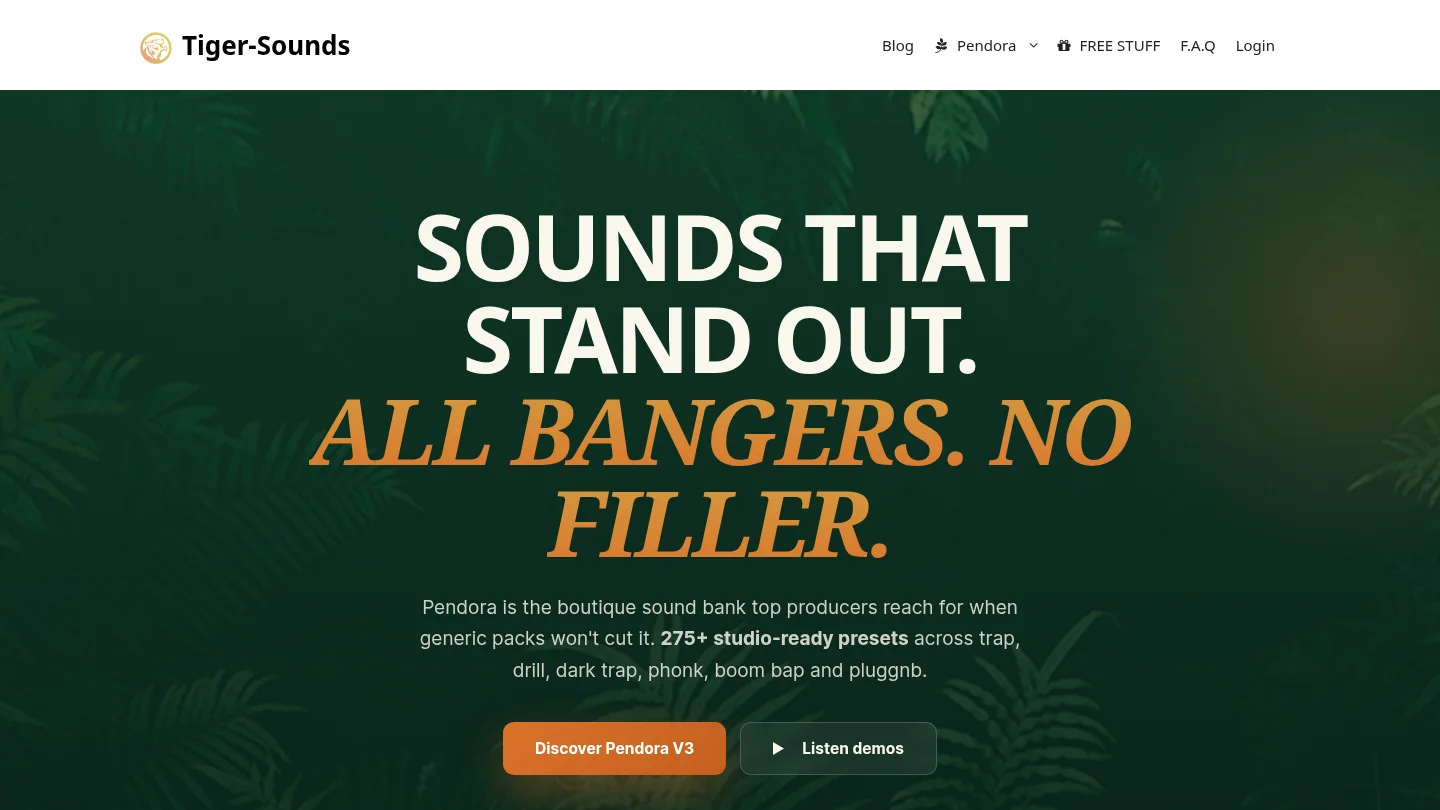
Best for: Producers who regularly make trap, drill, melodic trap, phonk, dark trap, boom bap, lofi, R&B, or pluggnb beats and want a focused starting point inside FL Studio, Ableton Live, Logic Pro, Cubase, Pro Tools, or Reason.
Our Pendora V3 sound bank is designed around a compact production direction rather than every possible genre. The full edition contains more than 275 studio-ready presets across more than 30 sound categories, including pads, bells, orchestral textures, plucks, banjos, keys, synths, basses, and dark 808s. It also includes expansion content, a Producer Kit, two drumkits, MIDI, mix presets, effects, and risers.
This makes Pendora different from a general-purpose synthesizer such as Serum or Vital. Serum and Vital are strong choices when you want to design patches from oscillators, filters, envelopes, and modulation. Pendora is a playable instrument for producers who want hand-crafted sounds ready for a beat, with less time spent browsing unrelated presets. The full-edition page displays a 4.71/5 rating from 59 verified-buyer reviews, while the Lite page displays a 4.62/5 rating from 13 verified-buyer reviews. Tiger-Sounds has sold Pendora since 2020.
Pros:
- Focused sound direction: The palette is built for modern urban beatmaking rather than broad orchestral or acoustic coverage.
- One-time ownership: The product uses a one-time purchase model with free lifetime updates under the stated terms.
- Commercial licensing: Pendora is described as royalty-free for beats and tracks that customers sell, place, or license, with no additional royalties owed under the product license.
- Complete workflow: Presets are supported by drums, MIDI, mix presets, FX, risers, and expansion content.
- Technical coverage: Pendora supports VST3 on Windows and macOS, AU on macOS, native Apple Silicon, and 64-bit systems. Stated operating-system support is macOS 11 Big Sur or later and Windows 10 or 11.
Cons:
- The focused genre direction is less suitable if your main work is orchestral, cinematic, house, or acoustic production.
- The full-edition pages list €149 in some places and $147 in another, while a bundle page displays a stated $499 value before the listed $147 purchase price. Check the checkout currency and total before buying.
- The installation requires approximately 5 GB of storage, with the Windows installer described as approximately 2 GB.
2. Loopmasters
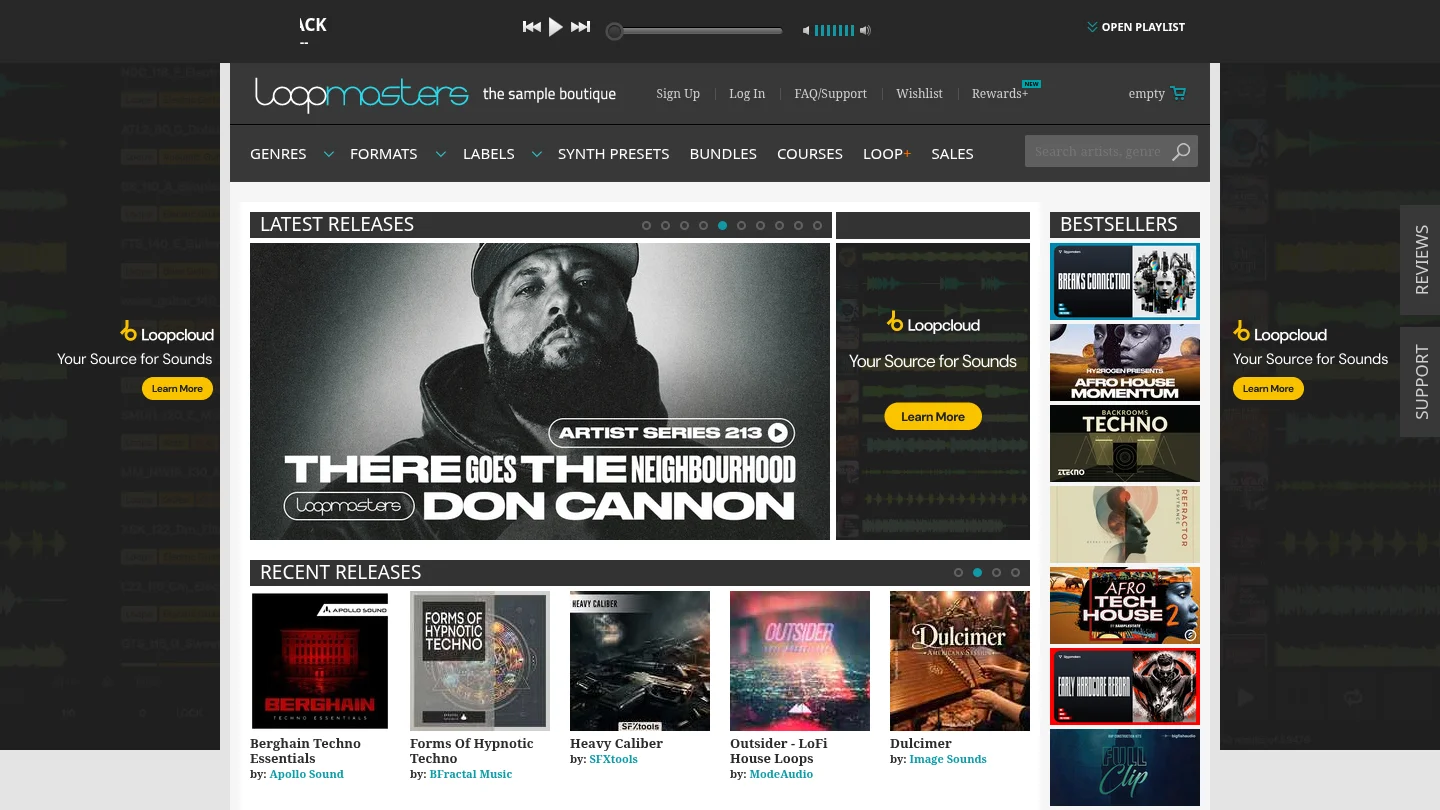
Best for: Producers who need broad access to loops, one-shots, vocals, construction kits, instrument samples, and genre-based audio packs.
Loopmasters is primarily a sample library provider rather than one self-contained VST sound bank. Its catalog covers many genres and production roles, including trap, hip-hop, electronic music, drums, vocals, bass, textures, and melodic material. This is useful when your workflow is based on dragging WAV files into a project, chopping loops, stretching phrases, or layering one-shots around an existing instrument such as Serum, Omnisphere, Kontakt, or Pendora.
The main distinction is the type of control you get. A loop or one-shot is an audio file that you arrange and process. A playable sound bank responds to MIDI and lets you perform melodies, chords, basslines, and textures directly from the plugin. Loopmasters can broaden a producer’s toolkit, but it does not provide the same concentrated preset identity as Pendora.
Pros:
- Broad coverage across genres, formats, loops, one-shots, instruments, and construction kits.
- Useful for adding drum patterns, vocal phrases, bass loops, and textures to an existing setup.
- Royalty-free positioning supports commercial production under the applicable pack license.
- Works well alongside FL Studio, Ableton Live, Logic Pro, Serum, Vital, Omnisphere, Kontakt, and other instruments.
Cons:
- It is mainly a sample destination, not one focused playable VST instrument.
- Content, format, and licensing details vary between individual packs.
- Audio loops do not offer the same MIDI performance control as a dedicated instrument.
3. Native Instruments / Kontakt
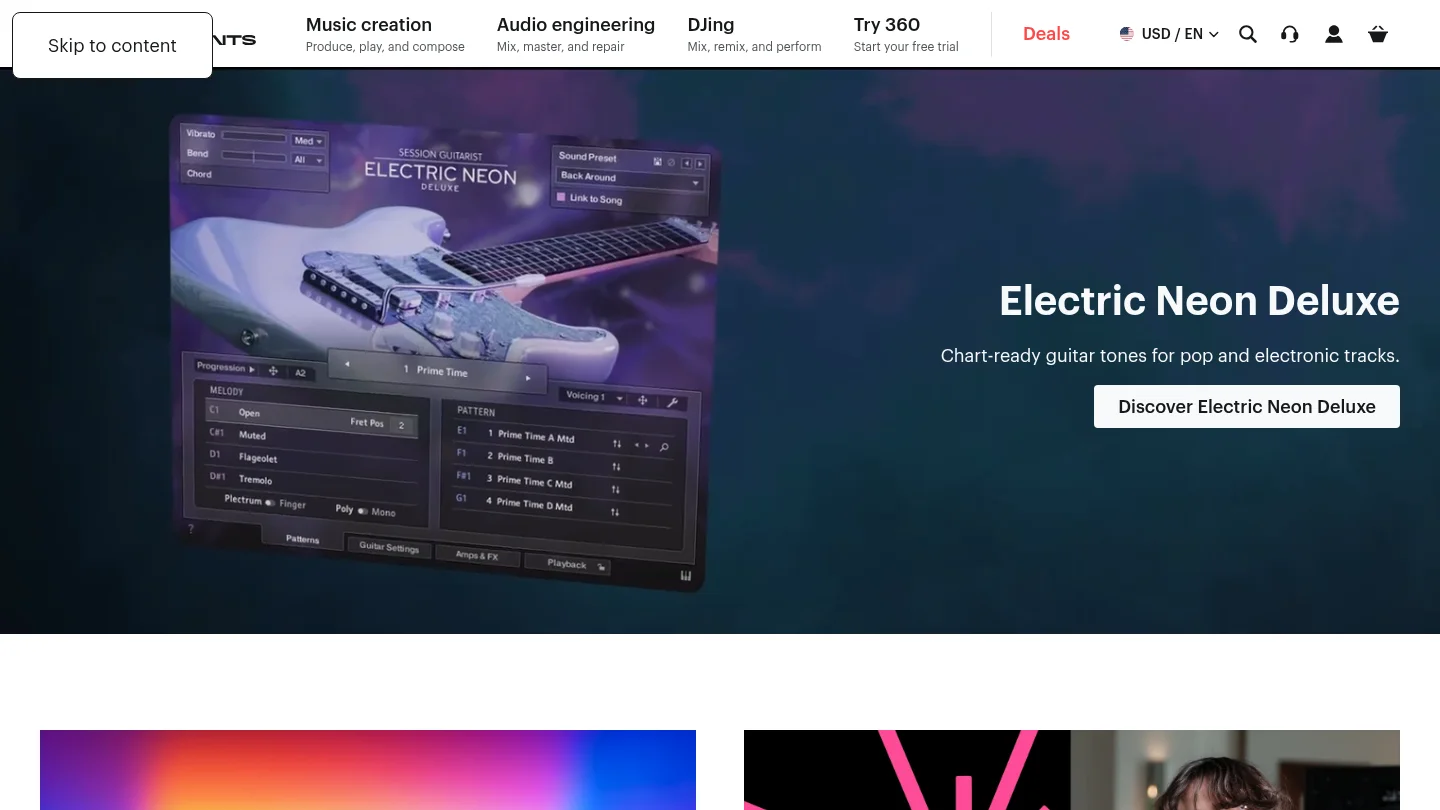
Best for: Producers who need realistic instruments, cinematic textures, acoustic sounds, orchestral material, or a broad third-party library ecosystem.
Kontakt is a sampler platform that hosts instruments from Native Instruments, partner developers, and independent sound designers. It covers a much wider range of material than a trap-focused sound bank, including pianos, guitars, strings, orchestral instruments, percussion, cinematic textures, vocals, and hybrid sound design.
Kontakt is therefore better understood as a foundation for a large sample-based setup. It can complement Pendora when a producer needs realistic keys, acoustic layers, or cinematic transitions that sit outside a modern urban preset palette. The trade-off is that Kontakt usually leads to more library decisions, larger storage requirements, and separate purchases. It is a flexible ecosystem, not a quick answer for producers who mainly want a compact set of melodic trap or drill presets.
Pros:
- Large ecosystem of sampled instruments and specialist libraries.
- Useful for acoustic, cinematic, orchestral, hybrid, and hip-hop production.
- Can provide realistic layers that are not the main focus of synth-based sound banks.
- Offers deep sample-based options for producers who want detailed instrument control.
Cons:
- Kontakt is not one genre-focused bank for trap, drill, phonk, or pluggnb.
- Library prices, storage needs, and system demands vary by product.
- Finding the right library may take more research than loading a focused preset instrument.
4. Splice
Best for: Producers who want a large, searchable catalog of individual samples, loops, one-shots, MIDI, presets, and instruments through a recurring platform.
Splice uses a subscription workflow built around searchable sounds and credits. Producers can browse by genre, instrument, key, tempo, and other criteria, then download individual sounds instead of purchasing only complete packs. The platform also includes in-DAW tools and access to selected instruments and plugin payment plans.
This model is convenient when your projects move between trap, R&B, pop, electronic music, cinematic work, and other styles. It is less suited to producers who want a fixed, recognizable palette that they own after one purchase. Downloaded sounds remain available under the applicable license, but the broader platform and new downloads depend on an active plan. Splice is best treated as a flexible sound search service, while Pendora is a concentrated sound bank for beatmakers who want less browsing and a defined preset identity.
Pros:
- Searches individual samples, loops, MIDI, presets, and one-shots instead of requiring full-pack purchases.
- Useful for producers working across several genres and production formats.
- In-DAW browsing can reduce the need to switch between a DAW and a web browser.
- Commercial use is supported under the applicable royalty-free license terms.
Cons:
- The platform is based around recurring access and credits rather than permanent ownership of one focused sound bank.
- A very large catalog can increase browsing time when you need a specific trap, drill, phonk, or pluggnb sound quickly.
- Sample-platform access does not provide the same concentrated preset identity as Pendora.
5. Cymatics
Best for: Producers who want a broad collection of downloadable sample packs, presets, MIDI, plugins, and production-oriented products across multiple genres.
Cymatics covers a wide range of sample and preset categories, including hip-hop, trap, electronic music, MIDI, effects, and plugin products. Its PANDORA plugin is presented as an evolving preset instrument with sounds for several styles and built-in effects such as chorus, tone, wobble, gate, reverb, delay, and width.
The breadth can be useful when a producer wants to collect different types of content from one catalog. It is not, however, the same product category as Pendora. Pendora is made by Tiger-Sounds and has been sold since 2020, while Cymatics PANDORA is an unrelated plugin. The similar names should not lead buyers to assume that the products share presets, developers, licensing, or installation systems.
Pros:
- Broad product range covering sample packs, presets, MIDI, effects, and plugins.
- Useful for producers who work across several genres and want downloadable production material.
- PANDORA provides a dedicated plugin format with an evolving preset library and integrated effects.
Cons:
- The catalog is broader than the focused trap, drill, phonk, boom bap, and pluggnb direction of Pendora.
- Product terms, preset counts, and licensing conditions vary by individual offer.
- Cymatics PANDORA and Tiger-Sounds Pendora are separate products and should not be treated as interchangeable.
6. BigSoundBank
Best for: Sound designers, film and game producers, beatmakers, and electronic musicians who need ambience, field recordings, natural sounds, or unusual effects.
BigSoundBank is more closely aligned with sound effects and environmental recordings than with melodic VST instruments. Its catalog includes sounds such as transportation, weather, animals, public spaces, machinery, atmospheres, and other field-recording material. These files can add character to an intro, transition, vocal section, beat switch, or background texture.
For a producer searching for a direct replacement for a preset platform, BigSoundBank is a specialized rather than complete alternative. It becomes more useful when the goal is to add original environmental layers around instruments such as Pendora, Serum, Vital, Omnisphere, or Kontakt. It can also support sound design for video, games, and audiovisual projects where musical presets alone are not enough.
Pros:
- Useful source of ambience, field recordings, natural sounds, and sound effects.
- Can add distinctive background texture to beats, transitions, videos, and games.
- Works as a complementary sound-design resource alongside a melodic instrument.
Cons:
- It is not a direct replacement for a melodic VST or preset bank.
- Its content is focused on effects and environments rather than playable keys, pads, bells, plucks, or 808s.
- Commercial terms and product details need to be checked for each item or shop product.
How to choose among Cymatics alternatives
Start with the way you create music. If you begin with a MIDI melody and want playable sounds immediately, choose a VST sound bank such as Pendora, or use Kontakt when you need a broad sampler ecosystem. If you prefer browsing individual audio files, Loopmasters and Splice provide a more suitable sample-first workflow.
Next, compare ownership and licensing. Pendora uses a one-time purchase model and includes royalty-free commercial use under the stated product licensing terms, with account sharing and redistribution excluded. Subscription platforms can offer frequent catalog access, but they require ongoing payments or credits for the broader service. Sample packs can also have different terms, so review the license attached to each purchase.
Finally, verify compatibility before installing anything. Pendora supports VST3 on Windows and macOS, AU on macOS, macOS 11 Big Sur or later, Windows 10 or 11, and 64-bit systems. It is officially tested in FL Studio, Ableton Live, Logic Pro, Cubase, Pro Tools, and Reason, with native Apple Silicon support. The stated allowance covers up to three personal computers, while additional studio installations require contacting Tiger-Sounds.
For a broader overview of focused production resources, our guide to the best sound banks for trap producers can help you compare preset banks with sample-based workflows. The practical goal is not to install every available tool. It is to choose a small group of instruments and libraries that each solve a clear production problem.
Conclusion: the right alternative depends on your workflow
The best Cymatics alternative for trap, drill, phonk, dark trap, boom bap, and pluggnb is Pendora because it combines a focused preset palette with drums, MIDI, effects, expansions, commercial licensing, and one-time ownership. Loopmasters and Splice are better suited to sample discovery, Kontakt serves broad sampled instruments, Cymatics covers a wide catalog, and BigSoundBank focuses on sound effects and environmental recordings. Choose the option that matches the way you write, browse, perform, and release music.
Choose a focused sound bank for your next beat
If broad catalogs leave you scrolling through presets that do not fit your direction, a focused instrument can provide a faster starting point. Pendora is built for producers who want distinctive sounds for modern urban beatmaking without filling their workflow with unrelated material.
Our editions range from Pendora Lite, with 30 hand-picked presets, bonus kits, and MIDI, to the full edition with more than 275 studio-ready presets, expansion content, drumkits, MIDI, mix presets, FX, and risers. Pendora supports compatible Mac and Windows setups, uses VST3 and AU formats where supported, and includes royalty-free commercial use and free lifetime updates under the stated terms. Explore the Pendora sound bank before choosing your next production tool.
Frequently Asked Questions
What is the best Cymatics alternative for trap and drill?
Pendora is the most direct fit for trap and drill producers who want a focused playable instrument rather than a general sample catalog. It also covers related styles such as phonk, dark trap, boom bap, lofi, R&B, and pluggnb.
Are Cymatics alternatives usually VST instruments or sample libraries?
They can be either. Pendora and Kontakt are plugin-based instruments, while Loopmasters and Splice are mainly sample-focused platforms, and BigSoundBank concentrates on sound effects and environmental recordings.
Is Pendora the same as Cymatics PANDORA?
No. Pendora is made by Tiger-Sounds, while Cymatics PANDORA is an unrelated plugin from Cymatics, with different developers, content, licensing, and product positioning.
Can I use Pendora in FL Studio on Windows or macOS?
Yes, Pendora is officially tested with FL Studio and supports VST3 on Windows and macOS, plus AU on macOS. The stated requirements include macOS 11 Big Sur or later, Windows 10 or 11, and 64-bit systems.
Should I choose a one-time purchase or a subscription?
A one-time purchase suits producers who want permanent access to a focused sound bank without recurring payments. A subscription can make more sense when you need a changing catalog of individual samples, presets, and other production services.
Pendora vs BigSoundBank: Which Tool Fits Beatmaking Best?
Summary: Pendora is the stronger choice for producers who want melodic trap, drill, phonk, dark trap, boom bap, or pluggnb sounds inside a VST workflow. BigSoundBank is better understood as a free browser-based sound effects library for adding environmental, voice, and utility audio, so it complements beatmaking rather than replacing a preset instrument.
Can a free sound effects archive replace a focused synth-style instrument? Usually not. For beatmakers, Pendora vs BigSoundBank is mainly a choice between a genre-focused VST sound bank and a browser-based effects resource. Our Pendora vs Cymatics Pandora comparison also helps avoid confusing Pendora with the unrelated Cymatics product.
Pendora is built around melodic trap, drill, dark trap, phonk, boom bap, and pluggnb, with presets, drums, MIDI, and FX inside a DAW. BigSoundBank centers on free sound effects in WAV, MP3, and OGG, useful for ambience, voices, machines, and transitions. Because AU does not run on Windows, Ableton’s plugin guidance is a useful reminder to check format before choosing a workflow.
Pendora vs BigSoundBank: The Practical Difference
What are you actually comparing when these two names appear in the same search? Pendora is an instrument-led sound bank designed for writing and shaping musical parts. BigSoundBank is a large sound effects catalog designed for finding individual audio files. The distinction affects sound selection, workflow, installation, and licensing.
| Resource | Sound type | Beatmaking fit | Content and formats | Cost and licensing |
|---|---|---|---|---|
| Pendora | Genre-focused VST sound bank | Melodic trap, drill, phonk, dark trap, boom bap, pluggnb, and related styles | 275+ presets, drums, MIDI, mix presets, FX, risers, and expansion content. VST3 on Windows and macOS, AU on macOS | One-time purchase. Lite is €29 or $29. Full pricing appears as €149 on some pages and $147 on another. Royalty-free commercial use under the stated terms |
| BigSoundBank | Browser-based sound effects library | Ambience, foley, voices, machines, nature, transitions, and general production sound design | 3,500+ free sound effects presented in WAV, MP3, and OGG | Free catalog with royalty-free usage for the stated sounds. No attribution is required on the homepage for its free royalty-free effects |
The technical difference is important. Steinberg’s VST3 documentation describes VST3 as a plugin format loaded by compatible hosts, while a sound effects library is normally accessed through file downloads and imported into the DAW. That means Pendora can behave like a playable instrument in FL Studio, Ableton, Logic Pro, Cubase, Pro Tools, or Reason, whereas BigSoundBank is primarily a source of audio files.
Pendora
Best for: Producers who want fast access to distinctive melodic presets, playable textures, dark 808s, drums, MIDI, and production-ready sounds for trap, drill, phonk, boom bap, or pluggnb.
We built Pendora as a focused genre-specific sound bank, not as a general-purpose collection covering every musical style. The full edition includes 275+ studio-ready presets across more than 30 sound categories, including pads, bells, orchestras, plucks, banjos, dark 808s, drums, effects, and risers. It also includes expansion packs, drumkits, MIDI, mix presets, and other production assets.
This makes Pendora useful when the main problem is not a lack of synthesizers, but too much time spent searching through Serum, Vital, Omnisphere, Kontakt, or broad preset folders. The sounds are designed to move a beat forward quickly, which can be valuable when a producer is stuck between ideas or wants material that does not resemble the same mainstream presets used everywhere else.
Compatibility is broad, with VST3 support on Windows and macOS and AU support on macOS. Pendora supports macOS 11 Big Sur or later and Windows 10 or 11, 64-bit only, with native Apple Silicon support. The installer auto-detects the DAW, and one purchase can be installed on up to three personal computers under the stated terms.
The buyer feedback shown on the product pages is also relevant context. The full edition displays a 4.71/5 rating from 59 verified-buyer reviews, while Lite displays 4.62/5 from 13 verified-buyer reviews. These are stated business figures rather than independent validation, but they give prospective buyers a concrete signal alongside the available demos and product information.
Pros:
- Strong genre fit for trap, drill, phonk, dark trap, boom bap, and pluggnb.
- 275+ presets plus drums, MIDI, FX, risers, mix presets, and expansion content in the full edition.
- VST3 support on Windows and macOS, AU support on macOS, and native Apple Silicon support.
- One-time ownership, free lifetime updates, and royalty-free commercial use under the stated licensing terms.
- Lite provides a smaller evaluation route with 30 presets, bonus kits, and a MIDI pack.
Cons:
- The full-edition price is not presented consistently across the supplied pages, with €149 shown in some places and $147 in another.
- The focused sound palette is less appropriate when the main requirement is a large archive of raw environmental or cinematic sound effects.
BigSoundBank
Best for: Producers, video editors, game-audio creators, and beatmakers who need individual sound effects such as ambience, voices, impacts, machinery, weather, or location recordings.
BigSoundBank serves a different purpose from Pendora. Its homepage presents more than 3,500 free sound effects in WAV, MP3, and OGG, with categories that include natural environments, transport, objects, voices, alarms, and other practical recordings. It also includes a blog, sound-related games, atmospheric material, and account features such as favorites and download conveniences.
For a beatmaker, this type of library is most useful after the main musical idea already exists. A producer might download rain, a subway recording, a phone tone, a scream, a crowd texture, or a mechanical hit, then place it behind a drum pattern or use it as an arrangement transition. That is a valid production task, but it is not the same as opening a plugin and playing a chord, bassline, pad, bell, or orchestral texture.
The free and royalty-free sounds are presented for commercial and personal projects without attribution. The license description for that category is also described as CC0-like, with copying, remixing, redistribution, and commercial use allowed worldwide. Users should still check the terms attached to a specific sound or collection before using it in a major commercial release.
Pros:
- Free access to a large catalog of downloadable sound effects.
- WAV, MP3, and OGG options suit different editing and production workflows.
- Useful for atmosphere, foley, vocal effects, field recordings, transitions, and non-musical texture.
- Royalty-free usage and no attribution for the stated free royalty-free sounds.
Cons:
- It is not presented as a VST instrument, so there is no playable preset browser, MIDI workflow, or synth-style patch system.
- The catalog is not specifically organized around melodic trap, drill, phonk, or pluggnb beatmaking.
- The available pages establish file downloads, but not plugin formats, native Apple Silicon support, or tested DAW integrations.
Which One Fits a Producer’s Beatmaking Workflow?
Start with the musical task rather than the size of the catalog. If you need a bassline, pad, bell, pluck, orchestral layer, or dark melodic phrase, Pendora is the direct match. Its presets are playable inside the DAW, and the included MIDI and production content can help move from a blank project to a structured beat with less preset hunting.
If you already have the melody and drums but the beat feels too clean, BigSoundBank can provide an extra layer. A subway recording, room tone, telephone sound, scream, rain texture, or mechanical hit can add atmosphere without requiring another instrument. In that role, it is a supplemental audio archive rather than a substitute for Pendora.
For producers building a larger toolkit, the two resources can work together. Use Pendora for the core musical identity, then add carefully selected effects from BigSoundBank during arrangement and mixing. This is especially practical for dark trap, phonk, drill intros, cinematic transitions, and beat videos that need more than a loop and a drum pattern.
Producers comparing broader plugin categories can also review our guide to the best sound bank VSTs. The key question is whether you want a playable instrument that narrows the search toward a specific genre or a large file catalog that gives you isolated sound effects on demand.
Compatibility, Licensing, and Purchase Details
Pendora is the more integrated choice for a modern DAW workflow. Its VST3 version is available on Windows and macOS, while AU is available on macOS. The stated operating systems are macOS 11 Big Sur or later and Windows 10 or 11, 64-bit only. The product is also described as native on Apple Silicon, which matters for producers using newer Mac systems.
Cross-platform producers should normally favor VST3 when they need to move sessions between Mac and Windows. Ableton explains that AU plugins are not compatible with Windows, and Universal Audio’s DAW compatibility reference shows why developers still need to identify the hosts and operating systems they officially test. Pendora lists FL Studio, Ableton Live, Logic Pro, Cubase, Pro Tools, and Reason among its tested DAWs.
Pendora uses a one-time purchase model rather than a subscription. Its products are intended for royalty-free commercial use in beats and tracks that producers sell, place, or license, with no additional royalties owed under the stated terms. Account sharing and redistribution are excluded, so lifetime access and updates apply to legitimate personal use rather than shared accounts or redistributed copies.
BigSoundBank has a different cost structure because its main catalog is free to download. That makes it attractive when budget is the primary constraint or when a producer needs one specific effect. It does not, however, provide the same kind of ownership decision as buying a VST sound bank, because its value is based on access to individual files rather than a playable instrument and a curated preset ecosystem.
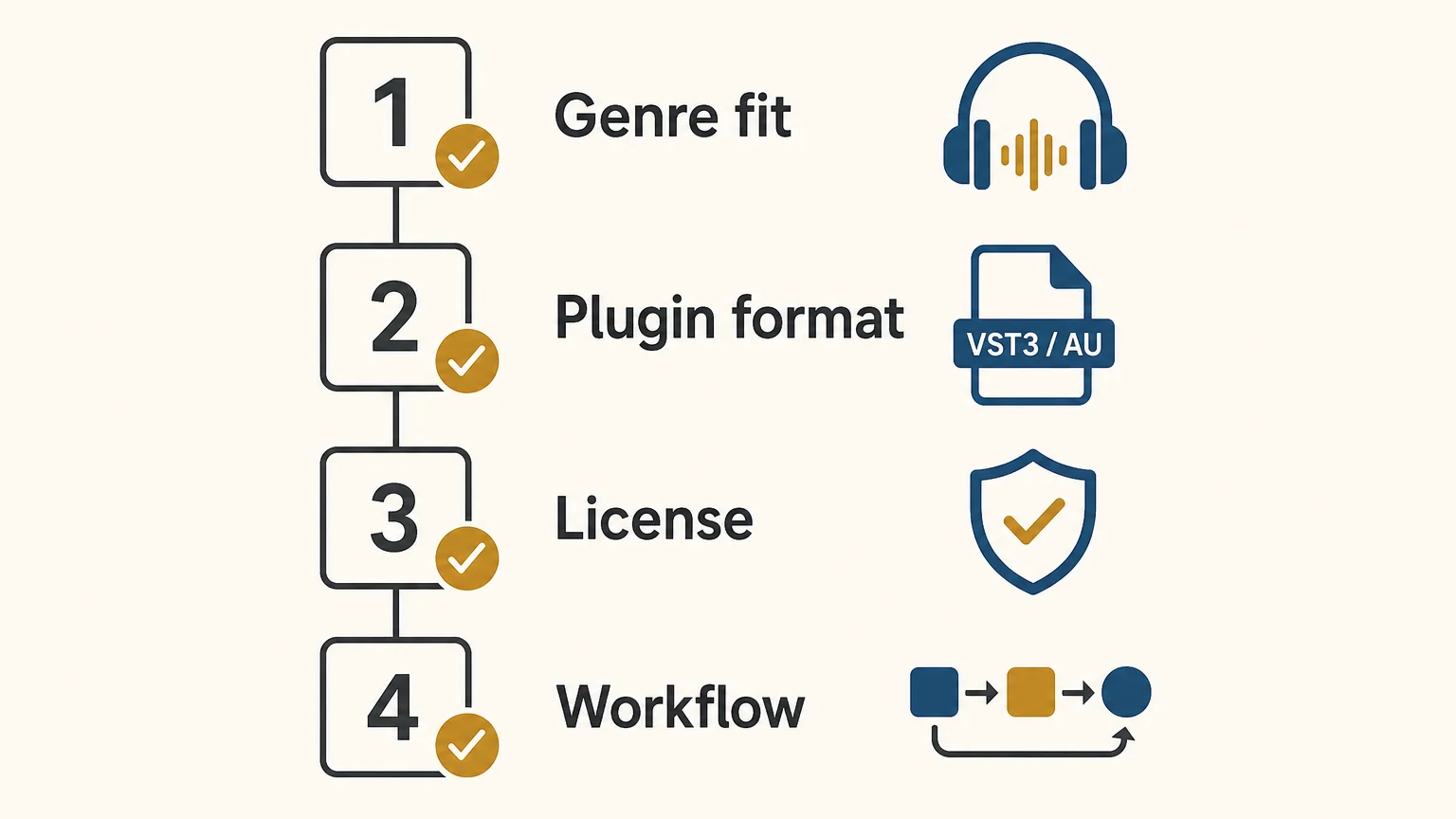
Conclusion: Pendora or BigSoundBank?
For beatmakers choosing a central sound source, Pendora is the clearer fit. It delivers a playable VST workflow, genre-focused presets, drums, MIDI, FX, and commercial licensing designed around modern trap, drill, phonk, dark trap, boom bap, and pluggnb production. BigSoundBank remains useful for free standalone effects and atmosphere, but it addresses a different stage of the process. Choose Pendora for musical ideas and fast beat construction, then use BigSoundBank when a finished arrangement needs extra texture.
Choose a Focused Sound Bank for Your Beats
If generic presets are slowing down your sessions, a focused instrument can make sound selection more direct. Pendora is built for producers who want distinctive melodic material and production assets for trap, drill, phonk, dark trap, boom bap, and pluggnb.
Start with Pendora Lite at €29 or $29 for 30 hand-picked presets, bonus kits, and a MIDI pack, or choose the full edition for 275+ presets, expansion packs, drumkits, MIDI, FX, and mix presets. The products support VST3 on Windows and macOS, AU on macOS, royalty-free commercial use under the stated terms, and free lifetime updates. Explore the Pendora sound bank and choose the edition that fits your workflow.
Frequently Asked Questions
Is Pendora a VST or a sample library?
Pendora is a sound-bank virtual instrument that runs as a plugin in compatible DAWs. It provides playable presets and production assets rather than only standalone audio files.
Is BigSoundBank a VST instrument?
BigSoundBank is presented as a downloadable sound effects library rather than a VST instrument. Its files are intended to be downloaded and imported into a DAW or editing application.
Which option is better for trap and drill beats?
Pendora is the more direct choice because its presets, drums, MIDI, and effects are focused on trap, drill, phonk, dark trap, and related styles. BigSoundBank is more useful for adding standalone atmosphere and sound design after the main beat is built.
Can I use Pendora in beats I sell or license?
Yes, Pendora products include royalty-free commercial use under the stated licensing terms. Account sharing and redistribution are excluded, so the license applies to legitimate personal use.
What should Mac and Windows producers check before installing?
Check the operating system, 64-bit requirement, DAW, and plugin format before purchase. Pendora uses VST3 on Windows and macOS, AU on macOS, and supports macOS 11 Big Sur or later and Windows 10 or 11.
Apple Silicon VST: A Practical Guide for Mac Producers
Summary: An Apple Silicon VST should offer native Apple Silicon support, the correct plugin format for your DAW, and a reliable installation path. The key checks are VST3 versus AU, native mode versus Rosetta, macOS requirements, plugin scanning, CPU behavior, and licensing. For beatmakers, Pendora combines native support with focused sounds for trap, drill, phonk, boom bap, and pluggnb.
An Apple Silicon Mac can run demanding beatmaking sessions, but “compatible” does not always mean “native.” Before installing a new instrument, check whether it includes a native build, which host formats it supports, and whether your DAW scans the correct plugin location. If you want a focused starting point, explore our VST3 and AU plugins for instruments and production tools designed around current Mac workflows.
In 2026, compatibility is less about whether a plugin can launch at all and more about how it runs inside your session. Native Apple Silicon code avoids some translation overhead, while Intel-only plugins may require Rosetta or host bridging. Compatibility databases such as Production Expert guide distinguish between native, Rosetta-dependent, and unsupported states, which is why the format and host details matter as much as the plugin name.
What does Apple Silicon VST compatibility mean?
An Apple Silicon VST is a VST plugin that can run on Macs using Apple processors such as the M1, M2, M3, M4, M5, or later generations. The most useful distinction is between a native build and an Intel build that runs through translation.
A native plugin is compiled for the ARM architecture used by Apple Silicon. It can run inside a DAW that is also running natively, which generally creates a simpler compatibility chain. A universal plugin may include both Intel and Apple Silicon code in the same installer, allowing it to work across older Intel Macs and newer Apple Silicon systems.
An Intel-only plugin may still function through Rosetta 2 or a host-level bridge. That can be practical when an older instrument is essential to an existing project, but it may introduce additional CPU use, scanning issues, or instability. It also creates a longer-term risk because support for older compatibility layers may not continue indefinitely.
Native support should therefore be treated as a specific technical status, not as a general marketing label. Confirm the architecture of the plugin, the architecture of your DAW, and the format you plan to load before moving a large project to a new Mac.
VST3 or AU: which format fits your Mac DAW?
The format you choose depends on the host. VST3 plugin format is the practical choice when you want cross-platform project compatibility, because VST3 is available on macOS and Windows. AU, or Audio Units, is a macOS format that integrates naturally with Logic Pro and is also supported by several other Mac DAWs.
- Logic Pro: AU is the native Apple format to check first, although some instruments also include VST3 versions for use in other hosts.
- Ableton Live: VST3 and AU can both be relevant on macOS, so choose one format consistently within a project.
- FL Studio: VST3 is commonly used for third-party instruments, but the plugin must be scanned in the correct FL Studio architecture mode.
- Cubase: VST3 is the central format for current Cubase workflows.
- Pro Tools: Check the required plugin format for your version and system, because a VST3 or AU installer does not automatically provide every host format.
Format consistency is especially important when collaborating with Windows users. A project that depends on AU plugins may not open correctly on Windows, while VST3 is more suitable for projects that move between macOS and Windows. If you are building a Logic setup around more than one instrument, our guide to free plugins for Logic Pro can help you organize the rest of your toolkit.
FL Studio provides a useful example of why scanning matters. Its support documentation explains that the Plugin Manager scans according to the current native or Rosetta mode, so the visible plugin list can change after switching architectures. Read Image-Line’s Apple Silicon notes before rescanning a large collection, especially if some older instruments are Intel-only.
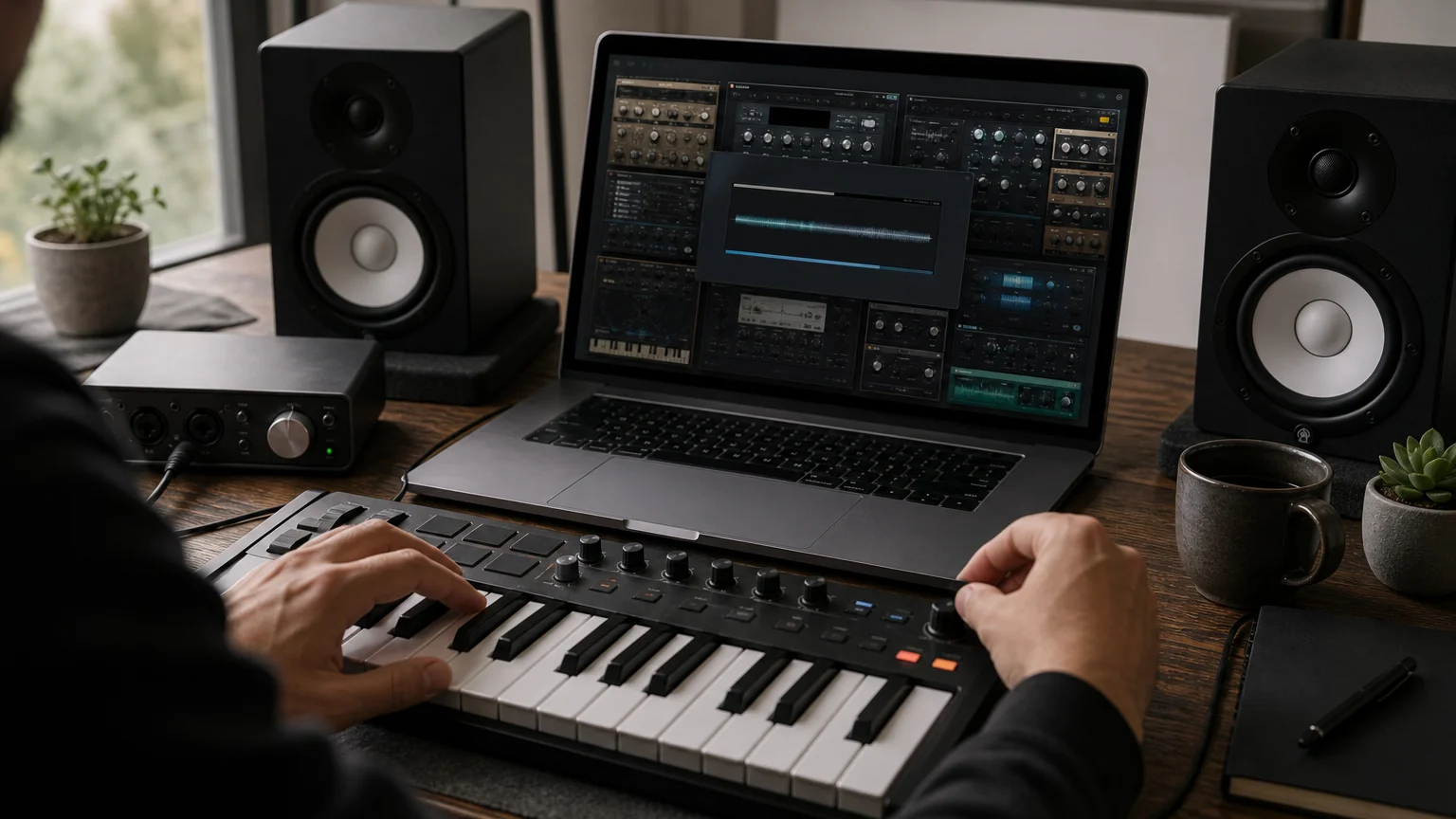
How should you test an Apple Silicon VST before buying?
A short compatibility check can prevent a missing plugin, an unstable session, or an unnecessary purchase. Work through these points before installing a new instrument:
- Confirm the architecture. Look for explicit native Apple Silicon or universal support. “Runs on Mac” is not enough to confirm native operation.
- Match the format to your DAW. Select VST3 for hosts that use VST3, AU for Logic Pro or another AU-compatible host, and verify whether the product includes the format you need.
- Check the operating system. Pendora supports macOS 11 Big Sur or later, Windows 10 or Windows 11, and 64-bit systems only.
- Review storage requirements. The Pendora installation occupies approximately 5 GB of hard-drive space. The Windows installer is described as approximately 2 GB.
- Scan in the correct mode. After installing, use your DAW’s plugin manager to verify and rescan the instrument. Native and Rosetta scans may show different results.
- Open a test project. Load several presets, automate parameters, adjust the buffer size, and test more than one instance before using the plugin in a finished track.
- Read the license terms. Confirm whether commercial beats, placements, and licensed tracks are covered, and check the rules for installations and account use.
Pendora is designed for this type of compatibility-focused workflow. Our editions support native Apple Silicon, VST3 on macOS and Windows, and AU on macOS. They are explicitly tested with FL Studio, Ableton Live, Logic Pro, Cubase, Pro Tools, and Reason, although the exact format used by a host should still be confirmed during installation.
Pendora can be installed on up to three personal computers. Studio installations beyond that allowance require contacting us, and account sharing or redistribution are excluded from lifetime access and update terms.
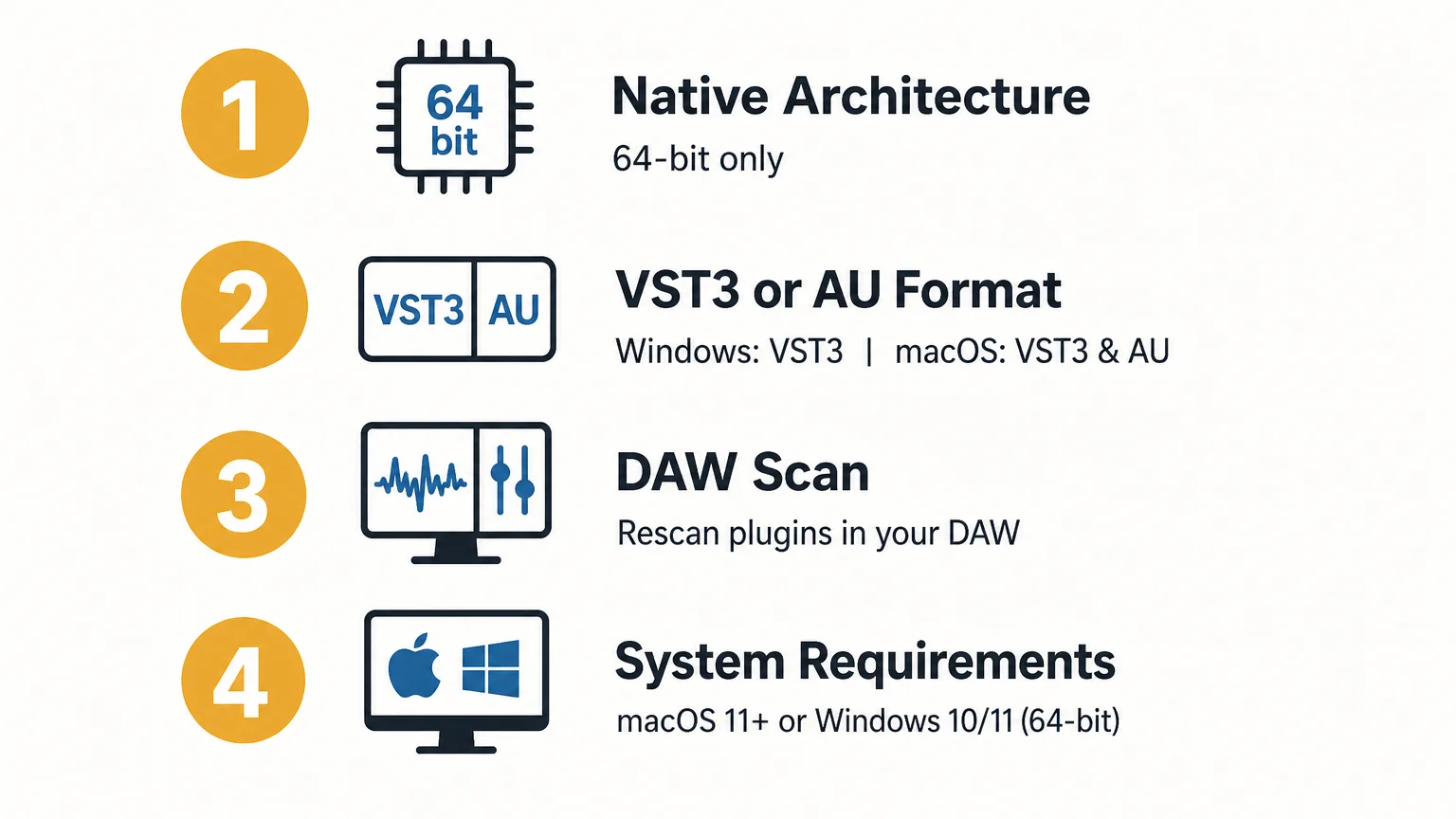
Does native support guarantee lower CPU use?
Native architecture can remove the translation layer associated with Intel-only software, but it does not create a universal CPU guarantee. The actual load depends on the instrument design, number of voices, oversampling, effects, sample streaming, buffer size, project sample rate, and the number of active instances.
A lightweight synthesizer such as Vital or Serum may behave very differently from a large Kontakt library or a complex Omnisphere patch. Even two presets inside the same instrument can place different demands on the processor. For that reason, treat claims about CPU and RAM use as product-specific guidance rather than as a fixed result for every Mac.
A 2026 survey of VST developers published by digitalDrummer survey described native Apple Silicon support as a common recommendation among the developers interviewed and noted performance improvements over Intel systems. Those comments are useful context, but they do not replace testing your own sessions, presets, sample libraries, and buffer settings.
Our Pendora instruments are built around a low-resource workflow for producers who may want several instances in a beat. Any performance example based on an i5-8400 system should be read as an example, not as a universal benchmark for an M-series Mac.
Which Apple Silicon VSTs suit beatmaking workflows?
The right instrument depends on the sound you need, the amount of synthesis or sampling control you want, and the way you finish beats. For a focused beatmaking setup, consider these categories in order:
- Pendora: Our number one recommendation for producers working in melodic trap, drill, dark trap, phonk, boom bap, pluggnb, and related styles. Pendora V3 includes more than 275 studio-ready presets, three expansion packs, a Producer Kit, two drumkits, FX content, MIDI, and mix presets. The presets are hand-crafted for distinctive tones such as pads, bells, orchestras, plucks, banjos, and dark 808s, so the instrument can help when repetitive preset browsing is contributing to beatblock.
- Omnisphere: A broad instrument for producers who need a large range of synthesis, sample-based textures, and cinematic or electronic sound sources. Check the current installer and host formats before opening older projects on a native Mac system.
- Kontakt: A platform for sampled instruments and libraries, with compatibility depending on the Kontakt version and the library format. Older projects may require the same major version used when they were created.
- Serum or Vital: Wavetable-focused options for producers who prefer to design basses, leads, plucks, and moving textures from oscillators and modulation rather than from a genre-specific preset bank.
Pendora takes a different approach from broad synthesizers. Instead of trying to cover every genre, our sound bank concentrates on urban and electronic-influenced production, with hand-crafted presets and production assets intended to reduce wasted browsing. The full edition page displays a 4.71 out of 5 rating from 59 verified-buyer reviews, while Pendora Lite provides a smaller 30-preset entry point for producers who want to test the sound before choosing a larger edition.
Our wider VST software range also supports producers who want to combine a focused instrument with drumkits, MIDI, mix presets, effects, and risers. The commercial license is royalty-free within the stated terms, so beats can be sold, placed, or licensed without additional royalties owed. Account sharing and redistribution remain excluded.
How should you configure FL Studio, Ableton, and Logic Pro?
Start by choosing one native architecture for the DAW and the majority of your plugins. Running a native DAW with a mixture of native, bridged, and Intel-only instruments can work, but it makes troubleshooting more difficult. If a project becomes unstable, identify the last plugin added and test the session with that instrument disabled.
In Logic Pro, install and validate the AU version when available. In Ableton Live, compare the VST3 and AU versions and keep the selected format consistent across templates. In FL Studio, verify the plugin scan after switching between Apple Silicon and Rosetta modes. In Cubase, use the VST3 version and confirm that the plugin appears in the expected category.
When moving projects from Windows to a Mac, use VST3 where possible and install the same plugin version on both systems. Preserve the same preset locations, sample libraries, and plugin format. If a collaborator does not own a required instrument, render the relevant part to audio before sending the project.
For Pendora, download links and license keys are delivered by email after purchase. The installer detects the DAW, and updates are delivered through the Tiger-Sounds account dashboard. If macOS identifies the developer as unidentified, use Finder’s Open or Open Anyway process, or allow the installer through Privacy and Security settings before launching it.
What should you do when an older plugin only runs through Rosetta?
Do not delete an essential Intel-only plugin immediately. First, make a copy of the project, confirm that the plugin has no native update, and test the project in Rosetta mode. If the project opens reliably, bounce critical tracks to audio or freeze them so that the session is less dependent on the older architecture.
For new projects, prefer native instruments whenever the sound is available. This keeps the architecture simpler, reduces the chance of plugin scanning conflicts, and makes future project migration easier. Rosetta can remain a practical fallback for legacy sessions, but it should not be the only plan for a new production template.
Also separate plugin compatibility from sound selection. A technically native synthesizer may still be a poor fit for a trap or drill workflow if you spend too much time searching for usable material. Conversely, a focused sound bank with native support can make the writing process faster because the presets already reflect the production styles you use.
Choose compatibility and sound together
The best native Apple Silicon plugin is not simply the one that loads without an error. It should match your DAW format, operate in the architecture you intend to use, fit your storage and licensing needs, and contribute sounds that suit the way you make music. Check VST3 versus AU, scan after installation, test several instances, and keep Rosetta as a controlled fallback for legacy projects rather than the foundation of every new session.
Find VST Plugins for Your Mac Workflow
Once your DAW architecture and plugin format are clear, the next step is choosing sounds that support your actual beatmaking process. A focused instrument can reduce preset hunting and give you a consistent starting point for trap, drill, phonk, boom bap, and pluggnb sessions.
Our Pendora editions provide hand-crafted presets, production kits, MIDI, effects, native Apple Silicon support, VST3 and AU compatibility, royalty-free commercial use within the stated terms, and free lifetime updates. Choose the entry edition to test the sound or move to the full sound bank when you need more presets and production assets. Browse our VST plugins and select the setup that matches your Mac and DAW.
Frequently Asked Questions
What is an Apple Silicon VST?
An Apple Silicon VST is a VST plugin built to run natively on Macs using Apple Silicon processors. It can also be a universal plugin that includes both Apple Silicon and Intel code.
Is VST3 or AU better on a Mac?
Neither format is universally better. AU is a natural choice for Logic Pro, while VST3 is more suitable when you work across macOS and Windows or use a host centered on VST3.
Can Intel-only plugins run on Apple Silicon?
Many Intel-only plugins can run through Rosetta or a host bridge, but the result may use more resources or create stability issues. Test the plugin in a copy of your project before relying on it in a new session.
Does Pendora work in FL Studio, Ableton, and Logic Pro?
Yes, Pendora supports native Apple Silicon, VST3 on macOS and Windows, and AU on macOS. It is explicitly tested with FL Studio, Ableton Live, Logic Pro, Cubase, Pro Tools, and Reason, while the correct format depends on the host.
Is Pendora the same as Cymatics PANDORA?
No. Pendora is our Tiger-Sounds sound bank for beatmaking, while Cymatics PANDORA is an unrelated plugin from a different company.
Pendora Ultimate custom edition: Price, Features, and Fit
Summary: The Pendora Ultimate custom edition is a one-time €500 or $500 package for producers who want personalized Pendora content, every Tiger-Sounds kit, future-kit access, and more than 5,000 exclusive MIDI melodies. It is designed for frequent beatmakers who already know the Pendora sound fits their work and can use the custom additions regularly.
A $500 sound-bank purchase needs to do more than add another folder of presets. The Pendora Ultimate custom edition is built around personalized content, a custom name on the first preset, an expanded MIDI resource, and longer-term access to the Tiger-Sounds kit catalog. You can review the current Pendora Ultimate price before comparing the package with the standard editions.
The decision also depends on how you produce. A January 2026 MIDiA creator survey analyzed responses from 2,109 music creators and examined how producers use DAWs, software, and production tools. For a beatmaker working in FL Studio, Ableton Live, or Logic Pro, the practical question is whether a focused sound bank reduces repeated browsing and gives you more usable starting points in real sessions.
What is the Pendora Ultimate custom edition in 2026?
In September 2026, Pendora Ultimate is listed at €500, with a $500 price also referenced for buyers using U.S. dollars. It is a one-time digital purchase rather than a monthly subscription, and currency is applied according to location. International buyers should confirm the final amount displayed at checkout because the euro and dollar figures are presented as separate prices, not necessarily as a live exchange-rate conversion.
The central product is the Pendora sound bank with custom content. Unlike the evaluation-oriented Pendora Lite edition or the standard Pendora V3 package, this version is intended for a small number of producers who want a personalized production resource rather than only a larger preset collection.
The personalization begins with a custom name on the first preset. That is a small detail in technical terms, but it changes how the instrument feels inside a personal template or studio workflow. The package is also aimed at producers who want a continuing relationship with the sound catalog, since it includes all Tiger-Sounds kits and lifetime access to upcoming kits.
Pendora Ultimate should not be confused with Cymatics PANDORA. They are unrelated products from different businesses, despite the similar names. Pendora by Tiger-Sounds is a boutique sound-bank VST focused on trap, drill, melodic trap, R&B, pluggnb, dark trap, lofi, phonk, boom bap, and adjacent styles.
What does the €500 or $500 package include?
The most substantial addition is a collection of 5,000+ exclusive MIDI melodies. For a producer dealing with beatblock, this can provide starting points for chord progressions, bells, plucks, keys, pads, and melodic textures without requiring a completely empty piano roll every time a session begins.
MIDI is not a finished beat. Its value comes from how quickly you can edit, rearrange, transpose, resample, layer, and combine the material with your own sound selection. In practice, a producer might drag a melody into FL Studio, change the rhythm, replace the instrument with a Pendora bell or pad, and then build the drums around the revised phrase.
The package also includes:
- The Pendora sound bank with custom content.
- A custom name on the first preset.
- All Tiger-Sounds kits released within the included catalog.
- Lifetime access to upcoming kits.
- More than 5,000 exclusive MIDI melodies.
- Royalty-free commercial use under the stated license terms.
- Free lifetime updates under the product terms.
Future-kit access should be understood as ongoing catalog access, not as a guaranteed number of releases within a fixed period. The product information does not specify a release schedule, so buyers should value this feature as continued access to future additions rather than as a promise of a particular delivery frequency.
The same qualification applies to any claim about performance or workflow speed. Pendora is positioned as light on CPU and RAM, but the effect on a project depends on buffer settings, sample rate, project size, operating system, and the other instruments loaded alongside it. The included MIDI and kit access are useful only if they match the producer’s actual genres and working habits.
How does Pendora Ultimate compare with Lite and V3?
Imagine three producers opening the same DAW. The first is still testing whether the Pendora sound belongs in their sessions. The second wants a complete sound-bank package for regular beatmaking. The third already knows the sound fits and wants custom treatment, a larger melodic resource, and broader kit access. Each producer has a different reason to choose an edition.
- Pendora Lite: Priced at €29 or $29, with 30 hand-picked presets, bonus kits, and a MIDI pack. It is the lower-cost way to evaluate the sound before committing to a larger purchase.
- Pendora V3: The standard full edition, with 275+ presets or studio-ready sounds, three expansion packs, a Producer Kit, two drumkits, MIDI content, effects, and risers. The supplied pages show €149 on some listings and $147 on another, while one bundle page shows a stated $499 value before the listed $147 purchase price.
- Pendora Ultimate: Listed at €500 or $500, with custom content, a personalized first preset, all Tiger-Sounds kits, future-kit access, and 5,000+ exclusive MIDI melodies.
Lite makes sense when the main uncertainty is sound fit. It gives a producer a smaller entry point and avoids paying for a complete package before hearing how the presets behave with existing instruments such as Serum, Omnisphere, Kontakt, or Vital.
V3 is the more direct choice when the goal is access to the main Pendora sound bank and production assets. It offers a broad starting point for commercial beats, placements, licensing work, and regular sessions without the custom additions of the higher tier.
Ultimate becomes relevant when the producer will use the additional resources repeatedly. If the custom identity, future-kit access, and large MIDI collection are likely to remain unused, the standard edition is more proportionate. You can also listen before deciding through our Pendora demo.
Why can a focused sound bank help beatmaking in 2026?
A large software ecosystem does not automatically make production faster. One 2026 market estimate places global music production software revenue at about $4 billion for 2026 and projects growth to $20 billion by 2033, as detailed in one 2026 market estimate. Research firms use different definitions and market boundaries, so the figures are best treated as industry context rather than a direct forecast for any individual producer.
The practical issue for a beatmaker is choice overload. A general-purpose synthesizer can offer enormous synthesis depth, but that depth can also create more decisions before a melody takes shape. A genre-focused workflow narrows the search toward sounds that suit melodic trap, drill, dark trap, phonk, boom bap, pluggnb, and related styles.
Pendora is designed around hand-crafted presets and production assets rather than an attempt to cover every possible genre. Its sound direction includes pads, bells, orchestral textures, plucks, banjos, dark 808s, drums, MIDI, mix presets, effects, and risers. That concentration can help when the producer already knows the lane and wants fewer irrelevant choices.
This is where the “no waste presets” idea matters. The goal is not to collect the largest number of files. It is to open a plugin, find a usable sound quickly, and continue arranging the beat. A drill producer may start with a pluck and MIDI phrase, a phonk producer may begin with a darker melodic texture, while a pluggnb producer may use a bell or pad as the first layer.
Pendora does not replace a full synthesis environment or a sampler such as Kontakt. It can sit alongside those tools as a focused source of melodic sounds and beatmaking material. For producers who regularly work in one or more of its target genres, that narrower role may be more useful than another general-purpose library.
What should you check before buying?
Compatibility is the first technical checkpoint. Pendora supports VST3 on Windows and macOS, while AU support applies to macOS. The stated operating systems are macOS 11 Big Sur or later and Windows 10 or 11, with 64-bit support required.
Native Apple Silicon support is included. The explicitly tested DAWs are FL Studio, Ableton Live, Logic Pro, Cubase, Pro Tools, and Reason, although the host must support the relevant VST3 or AU format.
Storage also matters. The installed product occupies approximately 5 GB of hard-drive space, while the Windows installer is described as approximately 2 GB. Leave additional room for downloaded files, project folders, and future updates before installing the instrument.
Pendora is designed for low-resource use, but the available performance information should be treated as an example rather than a guarantee. An i5-8400 example describes multiple instances using approximately 500 MB of RAM and 10% CPU, but your results may differ according to the project, operating system, sample rate, buffer size, and other plugins.
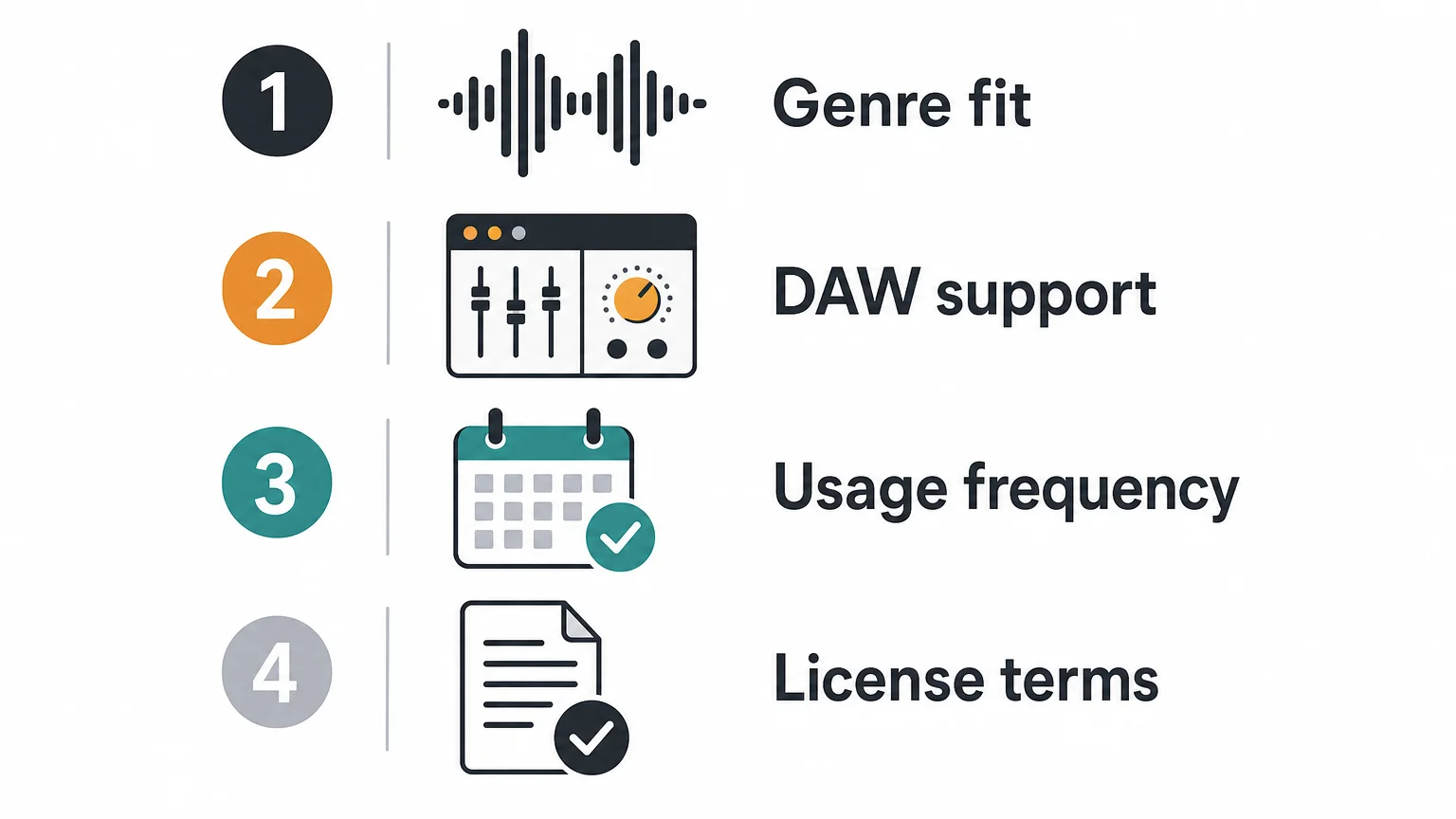
Installation is delivered digitally through a download link and license key. A buyer may install Pendora on up to three personal computers. Studio installations beyond that allowance require contacting Tiger-Sounds, and account sharing or redistribution are excluded from lifetime access and update terms.
For a detailed installation workflow, use our guide on how to install Pendora presets. On Windows, running the installer as Administrator may be necessary. On macOS, an unidentified-developer prompt can usually be handled through Finder’s Open option or the Privacy & Security settings.
Does the custom package make sense for commercial producers?
The financial case depends on production frequency and the role Pendora will play in your sessions. A producer making occasional beats may not use enough of the custom content, MIDI material, or future-kit access to justify the €500 or $500 price. A producer working weekly on beat catalogs, client projects, placements, or licensed tracks may have more opportunities to turn those additions into a repeatable workflow.
The stated license permits royalty-free commercial use for beats and tracks that you sell, place, or license, with no additional royalties owed under those terms. That does not permit sharing the account, redistributing the plugin, or reselling the included content as a separate library.
Licensing and rights are increasingly important for producers who create music for online video and commercial content. A 2026 Berklee report based on a survey of 1,003 creators, musicians, marketers, and music supervisors examined how music is created, discovered, licensed, and used in social video through Berklee’s 2026 report. For a producer, this reinforces the need to distinguish royalty-free usage rights from ownership of the underlying plugin or permission to redistribute its files.
Before buying, ask four practical questions:
- Will the exclusive MIDI become part of your weekly workflow?
- Do you want custom content and a personalized first preset?
- Will access to all current and future kits replace purchases you would otherwise make?
- Does Pendora already fit the sound of your releases, placements, or beat licenses?
If the answer is yes across the list, the custom edition has a clearer production case. If your main need is simply a distinctive core sound bank, Lite or V3 may be the more efficient starting point.
Final thoughts on the Pendora Ultimate custom edition
The Pendora Ultimate custom edition is best understood as a personalized production package rather than a normal preset upgrade. Its €500 or $500 price is tied to custom content, a personalized first preset, all Tiger-Sounds kits, future-kit access, and a large exclusive MIDI resource. The purchase is most defensible for producers who work consistently in Pendora’s target genres and expect to use those additions across many sessions. Before checkout, confirm the currency, DAW format, operating-system support, storage needs, installation allowance, and commercial licensing terms.
Choose the Pendora edition that fits your workflow
If you already know that a focused sound bank suits your beatmaking, the next step is to match the edition to how often you produce and how much customization you need.
Our Pendora range includes an evaluation-oriented Lite edition, a full V3 sound bank, and the custom package described here. The Pendora Ultimate custom edition brings together personalized content, kit access, future releases, and an extensive MIDI resource for producers building a long-term workflow.
Frequently Asked Questions
Is Pendora Ultimate a subscription?
No. It is sold as a one-time digital purchase rather than a monthly subscription, with lifetime access and updates subject to the stated product terms.
What makes the custom edition different from Pendora V3?
The custom edition adds personalized content, a custom name on the first preset, access to all Tiger-Sounds kits, future-kit access, and a much larger MIDI resource. Pendora V3 remains the standard full sound-bank option for producers who do not need those additions.
Who should choose Pendora Lite instead?
Lite is suited to producers who want to test the sound before making a larger purchase. Its smaller preset selection and lower price make it a practical entry point for evaluating genre fit and workflow.
Does Pendora work with FL Studio, Ableton Live, and Logic Pro?
Yes, Pendora supports compatible VST3 hosts on Windows and macOS, plus AU hosts on macOS. It is explicitly tested with FL Studio, Ableton Live, and Logic Pro, along with several other DAWs.
Can I use Pendora Ultimate in commercial beats?
Yes, the stated terms allow royalty-free commercial use for beats and tracks that you sell, place, or license. Account sharing and redistribution are excluded, so the plugin and its content must remain within the authorized use terms.
What price range is normal for quality sound banks?
Summary: In 2026, a sensible budget for a quality sound bank ranges from about $30 for a focused entry pack to $150 or more for a full instrument with presets, kits, updates, and licensing. Premium virtual instruments and custom editions can reach $300 to $500, while subscriptions charge monthly for access to broader catalogs.
A $29 sound bank can be useful, but a low price alone does not tell you whether the sounds will improve your beatmaking. The better question is how much usable material you receive, how well it fits your genres, and whether it works in your DAW. Our guide to lite vs full sound banks helps frame that decision before you spend more.
For producers asking What price range is normal for quality sound banks?, the practical answer is broad. Sample packs often sit below $50, complete genre-focused sound banks commonly fall between $75 and $200, and premium virtual instruments can cost several hundred dollars. The price model also matters because a one-time purchase, a subscription, and a rent-to-own plan create very different long-term costs.
What price range is normal for a quality sound bank?
The most useful benchmark is not a single “normal” price. It is a set of price bands linked to the product type. A small preset pack may contain 30 to 100 sounds for a specific synth such as Serum, Vital, or Omnisphere. A full sound bank may combine presets with MIDI, drums, effects, expansion packs, and a dedicated interface. A large Kontakt library or complete virtual instrument may include deeply sampled instruments, custom scripting, and substantial installation files.
As a general buying guide, sample pack pricing often starts around $10 and can reach $50 for focused collections. A broader preset bank or boutique VST commonly sits between $50 and $200. Products above $200 usually justify the additional cost through extensive sampling, advanced synthesis, deep orchestral content, a large virtual instrument engine, custom services, or access to a substantial bundle. A sample library comparison from a sample library guide also distinguishes smaller, targeted packs from larger libraries with more extensive content.
| Product type | Typical 2026 range | What you usually receive | Best suited to |
|---|---|---|---|
| Small sample or preset pack | $10 to $50 | Focused loops, one-shots, MIDI, or synth presets | Testing a sound, adding a specific texture, or working within a narrow style |
| Entry sound-bank edition | $25 to $75 | A compact preset selection with some bonus production content | Producers evaluating a new sound or building a focused toolkit |
| Full boutique sound bank | $75 to $200 | Presets, kits, MIDI, effects, expansions, and a broader workflow | Beatmakers who want faster access to usable sounds across related genres |
| Premium virtual instrument | $200 to $500 or more | A dedicated instrument engine, large library, advanced controls, or extensive sampling | Producers who need deep sound design or specialized acoustic and cinematic content |
| Subscription library | About $5 to $50 per month | Ongoing access to samples, presets, instruments, plugins, or rotating content | Frequent producers who prefer lower upfront spending and regular additions |
Why the same number of presets can have different value
A preset count is useful, but it is not a quality score. One hundred carefully designed presets that cover pads, bells, plucks, 808s, keys, orchestral textures, and leads may be more useful than 500 sounds that repeat the same idea. The key is whether the sounds give you enough variation to finish beats without creating another folder of unused options.
Look at the production material surrounding the presets. MIDI melodies, drumkits, mix presets, FX, risers, and expansion packs can shorten the path from an empty FL Studio, Ableton, or Logic Pro session to a workable arrangement. This matters particularly in beatmaking, where a sound bank is often purchased to reduce preset hunting and move past a creative block.
Preset count also needs to be considered alongside sound design depth. A Serum bank may focus on editable wavetable patches, while a Kontakt library may rely on multisamples, articulations, round robins, and scripted controls. These products cannot be judged fairly by counting files alone. Ask whether the included sounds cover the way you actually produce.
Is a one-time sound bank better value than a subscription?
A one-time purchase is usually easier to evaluate over several years. You pay once, retain access under the product terms, and do not need to maintain a monthly payment to keep using the instrument. That model is particularly practical for producers who already know their main genres and want a dependable collection for trap, drill, phonk, pluggnb, R&B, or boom bap.
A subscription can make sense when you need frequent new material, a very broad catalog, or access to several instruments at once. However, the monthly price should be multiplied across the period you expect to use the service. A 2026 overview of music production subscriptions lists plans ranging from low monthly entry prices to around $50 per month for larger plugin and instrument collections, as shown in this 2026 subscription overview.
For occasional producers, a subscription may cost more than expected if it remains active during months when no music is being made. For frequent producers, the opposite can be true, especially when a plan includes several tools that would otherwise be purchased separately. The important comparison is not “subscription versus ownership” in the abstract. It is the total cost over the period you expect to produce, plus what happens to access when payments stop.
If you are comparing a compact pack with a larger one-time product, consider whether a pay-once sound pack is worth the money based on your actual session habits. A focused product with permanent access may be more useful than a much larger catalog that creates decision fatigue.
Which quality factors matter more than price?
Price becomes easier to judge when you use the same checklist for every product. Start with genre fit. A library designed for melodic trap and drill should not be judged by how well it serves orchestral scoring, just as a cinematic Kontakt collection may not be the fastest choice for a pluggnb beat.
Next, check DAW compatibility and plugin format. A product that supports VST3 on Windows and macOS, and AU on macOS, may fit a wide range of setups. Confirm the operating-system requirements as well. Pendora supports macOS 11 Big Sur or later and Windows 10 or 11, with 64-bit systems required. Native Apple Silicon support can also matter if you use a newer Mac.
Storage and system load should be part of the price calculation. A product that occupies approximately 5 GB may be manageable for most producers, while a large sampled instrument can require far more space. CPU and RAM performance can vary by computer, project size, effects chain, and the number of active instances, so any performance example should be treated as an illustration rather than a universal guarantee.
Finally, read the license. Commercial licensing should explain whether you can use the sounds in beats you sell, place, or license, and whether additional royalties apply. Check whether updates are included, whether the license permits installation on your personal computers, and whether account sharing or redistribution is excluded. Sales and promotions can also change the apparent value of a product, which is why current store pricing should be checked rather than relying on a previous list price. Retail marketplaces such as current plugin sales illustrate how often advertised prices can move.
Where does Pendora fit in the normal price range?
Our Pendora range shows how a boutique sound bank can be structured around different producer needs. Pendora Lite is priced at €29 or $29 and includes 30 hand-picked presets, bonus kits, and a MIDI pack. It is designed as an evaluation-oriented entry point for producers who want to test the sound before committing to a larger edition.
The full Pendora edition sits in the middle of the range. It includes 275+ studio-ready presets, three expansion packs, a Producer Kit, two drumkits, an FX pack, MIDI content, commercial royalty-free use under the stated terms, and free lifetime updates. The supplied product pages show €149 on some pages and $147 on another, while a bundle page displays a stated $499 value before the listed $147 purchase price, so the applicable checkout price should be confirmed before buying.
That combination is relevant to producers who want more than a small preset pack but do not need a large orchestral library or a general-purpose platform. The sounds are focused on melodic trap, drill, dark trap, phonk, boom bap, pluggnb, R&B, and related styles. The goal is a curated workflow with distinctive sounds and less time spent searching through presets that do not fit the beat.
At the top of the range, Pendora Ultimate is listed at €500 or $500. It adds custom content, a custom name on the first preset, all Tiger-Sounds kits, lifetime access to upcoming kits, and 5,000+ exclusive MIDI melodies. This type of price is reasonable only for a producer who specifically values customization, extensive MIDI content, and a higher-touch package. You can review the details behind the Pendora Ultimate price before deciding whether that tier matches your workflow.
How much should you spend on your next sound bank?
If you are still developing your production style, staying between $20 and $75 is usually a sensible way to test a new direction. Choose a product with enough presets to reveal its character, but avoid buying a large bundle before you know whether the genre, interface, and licensing terms fit your sessions.
If you already produce regularly in FL Studio, Ableton, or Logic Pro, a $75 to $200 full sound bank can be a reasonable working budget. At this level, look for a clear genre focus, multiple sound categories, included MIDI or drum content, commercial use rights, and updates that extend the product’s usefulness. A higher price is easier to justify when the product replaces several smaller purchases or helps you finish beats faster.
Spending above $200 should be based on a specific need. You may require a deeply sampled piano, orchestral instrument, cinematic texture library, advanced synth engine, or custom sound design. If the product mainly contains more presets without improving your workflow, the extra cost may not translate into better music.
A practical rule is to ask how many finished beats or released projects the sound bank could support. If the answer is several months of regular production, a one-time purchase may offer strong value. If you only want a few sounds for one project, a smaller pack may be the more responsible choice. Producers who want a wider overview of plugin categories can also consult our guide to the best sound bank VSTs while keeping genre fit and workflow needs at the center of the decision.
Choose value by workflow, not by file count
The normal price for a quality sound bank depends on what it replaces in your setup. A focused pack may cost $10 to $50, a full genre-specific bank commonly falls near $75 to $200, and premium instruments can reach $500 or more. Compare the full cost of ownership, including subscriptions, updates, storage, compatibility, licensing, and the time saved during beatmaking. The best purchase is the one that gives you usable sounds for your actual sessions rather than the largest folder on your drive.
Find a sound bank that fits your workflow
If your main goal is to create distinctive trap, drill, phonk, pluggnb, boom bap, or related productions without spending hours searching through unrelated presets, a focused boutique instrument may be a practical choice.
Our Pendora sound bank range includes an entry edition for evaluation, a full edition with 275+ studio-ready presets and production assets, and a custom edition for producers who need a more tailored package. Explore the Pendora sound bank and compare the edition that matches your budget, DAW, and production goals.
Frequently Asked Questions
Is $30 enough for a quality sound bank?
It can be enough for a focused entry edition or a compact preset pack. At this price, check the number of usable sounds, genre fit, included formats, and whether the product gives you enough variety for your sessions.
Is a $150 sound bank expensive?
A $150 price can be normal for a full boutique sound bank with presets, MIDI, drumkits, effects, expansions, commercial licensing, and updates. It becomes easier to justify when the product supports your main genres and replaces several smaller purchases.
Should I buy a sample pack or a virtual instrument?
Choose a sample pack when you need specific loops, drums, or one-shots quickly. Choose a virtual instrument or sound-bank VST when you want playable presets, deeper editing, and a repeatable workflow inside FL Studio, Ableton, or Logic Pro.
Are subscriptions cheaper than buying sound banks?
Subscriptions usually reduce the upfront cost, but the total can become higher over time if you keep paying during inactive months. A one-time sound bank may be more predictable for producers who already know the styles and tools they use most.
What should I check before buying Pendora?
Check the edition, current checkout currency, operating-system requirements, supported plugin format, storage needs, and licensing terms. Pendora Lite is intended for evaluation, while the full edition provides a broader preset and production-asset workflow.
VST3 AU Plugin: Which Format Should Producers Use?
Summary: A VST3 AU plugin is a plugin released in two formats: VST3 for broad DAW support across Windows and macOS, and AU for Apple hosts on macOS, especially Logic Pro. Install VST3 for FL Studio, Ableton Live, Cubase, and most cross-platform setups, then add AU when you use Logic Pro or another AU-compatible host.
Your synth can be installed correctly and still fail to appear in the DAW. That is why the choice between VST3 and AU matters when you build a project around VST3 AU plugin options. For a broader starting point, our VST plugins collection is organized around producer workflows rather than file extensions.
The format is a compatibility decision, not a measure of sound quality. A 2025 university plugin requirements document also treated cross-DAW integration, responsive MIDI behavior, and clear workflow design as core user needs, which reflects the practical issue producers face when moving between FL Studio, Ableton Live, Logic Pro, and other hosts. The right choice depends on your operating system, DAW, and whether you need one plugin library across several setups.
What is a VST3 AU plugin, exactly?
A VST3 AU plugin is usually one instrument or effect distributed in two separate plugin formats. VST3 means Steinberg’s current Virtual Studio Technology format, while AU means Apple’s Audio Units format. The plugin may use similar presets, parameters, and audio code in both versions, but your DAW loads the version it supports.
VST3 is designed for broad compatibility across Windows and macOS. AU is Apple’s native format and is available on macOS. The two formats are not interchangeable, so installing an AU file does not make it available to a Windows DAW, and installing only VST3 will not make it appear in Logic Pro.
Installation behavior follows the same principle. A current open-source plugin project documents VST3 and AU builds for macOS, a VST3 build for Windows, and a rescan step after copying the files into the correct plugin folders. This is a useful illustration of why format support and host scanning must be considered together.
Which format fits your DAW?
Imagine opening the same beat on a Windows desktop, a MacBook, and a Logic Pro session. The most useful format changes with the host, not with the preset itself.
| Format | Operating system | Typical DAW use | Choose it when |
|---|---|---|---|
| VST3 | Windows and macOS | FL Studio, Ableton Live, Cubase, Reaper, and many other hosts | You want broad compatibility or move between Mac and Windows |
| AU | macOS | Logic Pro and other AU-compatible Mac hosts | Your workflow is centered on Apple’s native plugin format |
| VST3 and AU | macOS | Multiple DAWs, such as Logic Pro and Ableton Live | You need one plugin library across different Mac hosts |
For FL Studio, VST3 is generally the practical choice. Ableton Live can work with VST3 on both operating systems and may also use AU on macOS. Cubase and many other cross-platform DAWs commonly rely on VST3, while Logic Pro is built around AU.
If you use only Logic Pro on a Mac, AU is normally the format to install. If you use Logic Pro alongside Ableton Live, FL Studio, or Cubase, installing both versions can make the library easier to access across sessions. You do not need to load both formats inside the same DAW unless the host specifically requires it.
Does VST3 or AU change the sound?
Opening the same synthesizer in VST3 and AU should not automatically produce a different sound. In a well-maintained plugin, the format is mainly the interface between the instrument and the DAW, while the presets and synthesis engine determine the audible result.
The practical differences usually appear in compatibility, automation behavior, preset locations, sidechain routing, MIDI handling, and how the host manages plugin windows. A Serum, Vital, Kontakt instrument, or boutique sound bank can feel slightly different between hosts because the DAW presents the plugin differently, even when the underlying audio processing is closely related.
For beatmaking, the better question is not whether VST3 or AU sounds warmer. Ask whether the plugin loads reliably, exposes the controls you need, keeps automation intact, and fits your session template. That is especially important when you use multiple instances of an instrument or move a project between Ableton Live and Logic Pro.
How should you install and scan the plugin?
A common failure happens when a producer installs the right product in the wrong format. For example, an AU component may be present on the Mac but invisible in FL Studio if the DAW is scanning only its VST3 locations.
Start by checking four details before installation:
- Confirm whether your DAW expects VST3, AU, or both.
- Check that the plugin supports your operating system and processor architecture.
- Install the format into the developer’s recommended location.
- Open the DAW’s plugin manager and run a rescan if the instrument does not appear.
A 2026 overview from Production Expert describes plugin management systems that separate AU, VST, VST3, and AAX files. That separation is useful because it prevents you from assuming that one installed file automatically covers every host.
On macOS, native Apple Silicon support is another important check. A plugin may technically install on an Apple Silicon Mac but still require a compatibility layer if it is not built natively. When a developer provides native Apple Silicon support, verify that the specific version of the plugin and your DAW are running in compatible modes.
Where does Pendora fit in a VST3 AU workflow?
Pendora is a sound-bank virtual instrument, not a plugin format. We make it available as VST3 for compatible Windows and macOS hosts, and as AU for compatible macOS hosts. That makes the same sound-focused workflow practical across FL Studio, Ableton Live, Logic Pro, Cubase, and other supported DAWs.
Our focus is melodic trap, drill, R&B, pluggnb, dark trap, phonk, boom bap, and related styles. The full edition includes more than 275 studio-ready presets, along with expansion packs, drumkits, MIDI, mix presets, effects, and risers. The goal is to give producers distinctive starting points without forcing them to search through large collections of sounds that do not fit the beat.
For Logic Pro users, our page about Free plugins for Logic Pro can help you think through an AU-first setup. If you are still building a starter toolkit, our guide to Free audio plugins is another way to review lightweight tools before expanding a larger project template.
Pendora also uses a tiered entry point. At the time of this 2026 article, Pendora Lite is listed at €29 or $29 and includes 30 hand-picked presets, bonus kits, and a MIDI pack. The full edition is intended for producers who need a broader sound-bank workflow, while the Lite version gives you a smaller way to test the character before upgrading.
Compatibility details remain important. Our stated support covers macOS 11 Big Sur or later and Windows 10 or 11, 64-bit only, with native Apple Silicon support. The product is designed for low CPU and RAM use, but actual performance depends on the computer, project size, sample rate, and number of instances, so the supplied i5-8400 figures should be treated as examples rather than guarantees.
What should producers check before buying?
Format compatibility is only the first filter. A plugin can load successfully and still be a poor choice if the sound palette, licensing terms, or workflow does not match the way you make and release beats.
- DAW fit: Confirm whether you need VST3, AU, or both for your main hosts.
- Operating system: Check macOS and Windows versions, 64-bit requirements, and Apple Silicon support.
- Sound direction: Look for presets that match your genres, such as dark 808s, bells, plucks, pads, orchestras, and trap drums.
- Resource use: Consider CPU, RAM, disk space, and the number of plugin instances you normally run.
- Commercial licensing: Verify whether beats you sell, place, or license can use the sounds under the stated royalty-free terms.
- Updates and ownership: Check whether the purchase is a one-time license or a subscription, and understand any restrictions on account sharing or redistribution.
Our products are sold as one-time purchases rather than subscriptions, and the stated license allows royalty-free commercial use for beats customers sell, place, or license. That permission remains subject to the product terms, including the exclusion of account sharing and redistribution.
The practical takeaway
The best choice is usually simple: install VST3 when you need broad Mac and Windows compatibility, install AU for Logic Pro and other AU-based Mac workflows, and install both on macOS when you move between several DAWs. A reliable format-compatible plugin workflow reduces missing instruments, duplicate troubleshooting, and interruptions during beatmaking.
Choose a sound bank for your workflow
If your main problem is not installation but finding sounds that fit the beat quickly, a format-compatible instrument should also support your creative direction. The right sound bank can help you move from a blank project to a usable melodic idea without filling your session with presets you will never touch.
We built Pendora for producers working across trap, drill, dark trap, phonk, boom bap, pluggnb, and related styles. It combines hand-crafted presets with production assets, native Apple Silicon support, VST3 and AU compatibility, one-time ownership, and royalty-free commercial use under the stated terms. Explore our VST plugins and choose the edition that fits your setup.
Frequently Asked Questions
Do I need both VST3 and AU on a Mac?
Install both when you use Logic Pro alongside Ableton Live, FL Studio, Cubase, or another host that relies on VST3. If you use only Logic Pro, AU is usually sufficient.
Does VST3 work on Windows?
Yes, VST3 is widely used by compatible Windows DAWs, including FL Studio and many other production hosts. Always check the plugin’s operating-system and 64-bit requirements before installation.
Does AU work on Windows?
AU is Apple’s macOS plugin format and is not the normal choice for Windows production. Windows users generally need VST3 or another format supported by their DAW.
Will VST3 and AU sound different?
The format alone does not determine whether an instrument sounds better or worse. Differences are more likely to come from the host, plugin version, preset implementation, automation, routing, or the project settings.
Is Pendora the same as Cymatics PANDORA?
No. Pendora VST is our sound-bank instrument for producers, while Cymatics PANDORA is an unrelated plugin with a similar name.




