Native Instruments vs BigSoundBank: Which Fits Beatmaking?
Summary: Native Instruments is the stronger choice when you need a playable production ecosystem, while BigSoundBank is better for free, downloadable ambience, foley, voices, and utility effects. They are not direct substitutes. For melodic trap, drill, phonk, boom bap, or pluggnb beatmaking, a focused VST such as Pendora can be more direct than either a broad suite or a raw sound-effects archive.
A catalog of thousands of sounds can still leave a producer without the right starting point. If your decision begins with Native Instruments vs BigSoundBank, our Pendora vs Native Instruments comparison gives useful context: a playable instrument, a broad production ecosystem, and a standalone effects library solve different problems.
Native Instruments covers instruments, samplers, effects, bundles, and beatmaking tools, while BigSoundBank focuses on downloadable sound effects. The file format also matters when a project moves between computers. Ableton’s format guidance explains that AU is limited to macOS, while VST formats are more suitable for cross-platform sessions.
Native Instruments vs BigSoundBank at a glance
The short answer is simple: choose Native Instruments when you want playable instruments, sampled libraries, synths, effects, and a broader production ecosystem. Choose BigSoundBank when you need a specific ambience, voice, impact, foley recording, or other downloadable audio file without buying a plugin.
| Option | Primary purpose | Workflow | Access and pricing | Best fit |
|---|---|---|---|---|
| Native Instruments | Virtual instruments, samplers, effects, bundles, and production tools | Playable plugins, libraries, presets, MIDI, and hardware-connected workflows | Free entry products plus paid products and bundles, including listed Kontakt and Komplete options | Producers building a broad music-production setup |
| BigSoundBank | Downloadable sound effects and environmental recordings | Search, preview, download, and import audio files into a DAW or editor | Free and royalty-free files under stated conditions, with optional donations and separate shop activity | Producers, editors, and creators needing standalone sound design |
For a producer focused specifically on melodic trap, drill, phonk, dark trap, boom bap, or pluggnb, our Pendora vs BigSoundBank comparison shows why a genre-focused VST can be more direct than a general production platform or a raw effects archive.
Why the workflow matters more than the catalog size
The same question appears in many sessions: do you need a sound that can be played, or a sound that can be placed? A sampler or synthesizer lets you write chords, basslines, melodies, pads, bells, plucks, and textures from MIDI. A sound-effects archive gives you an audio recording that can be trimmed, pitched, reversed, filtered, or layered into the arrangement.
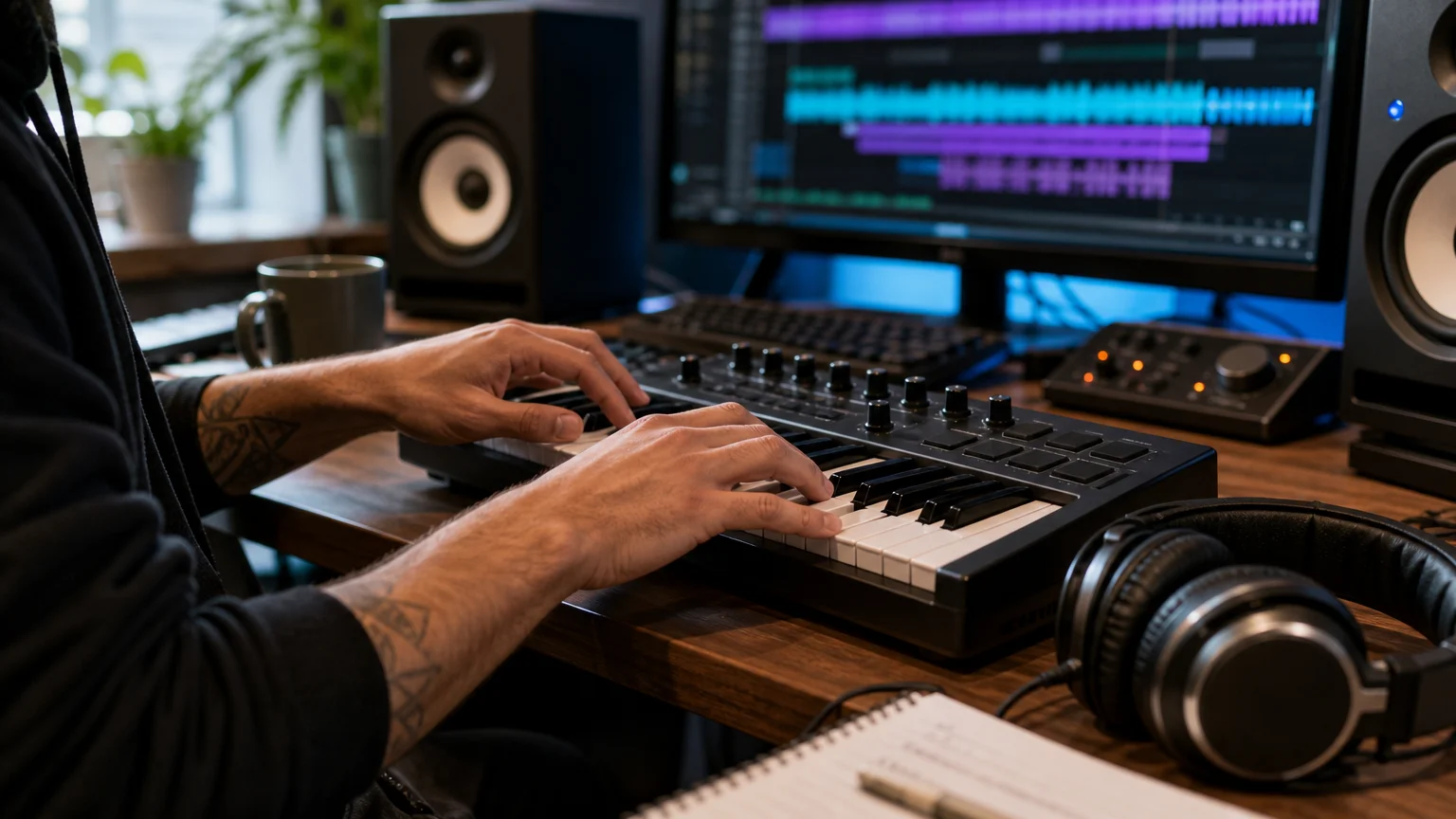
This distinction changes the way ideas develop. With a playable instrument, a producer can audition a patch in context, change octaves, record MIDI, automate parameters, and keep shaping the part after the first take. With a downloadable effect, the creative work begins after the file is found. That is ideal for transitions, atmosphere, location texture, or cinematic detail, but less direct when the main task is writing a melody.
VST3 is built for plugin-host workflows, with the plugin and its processing components loaded by a compatible DAW. Steinberg’s VST3 documentation describes the format structure used across macOS and Windows. A sound-effects site does not replace that workflow because its files are imported as audio rather than loaded as a playable instrument.
Native Instruments
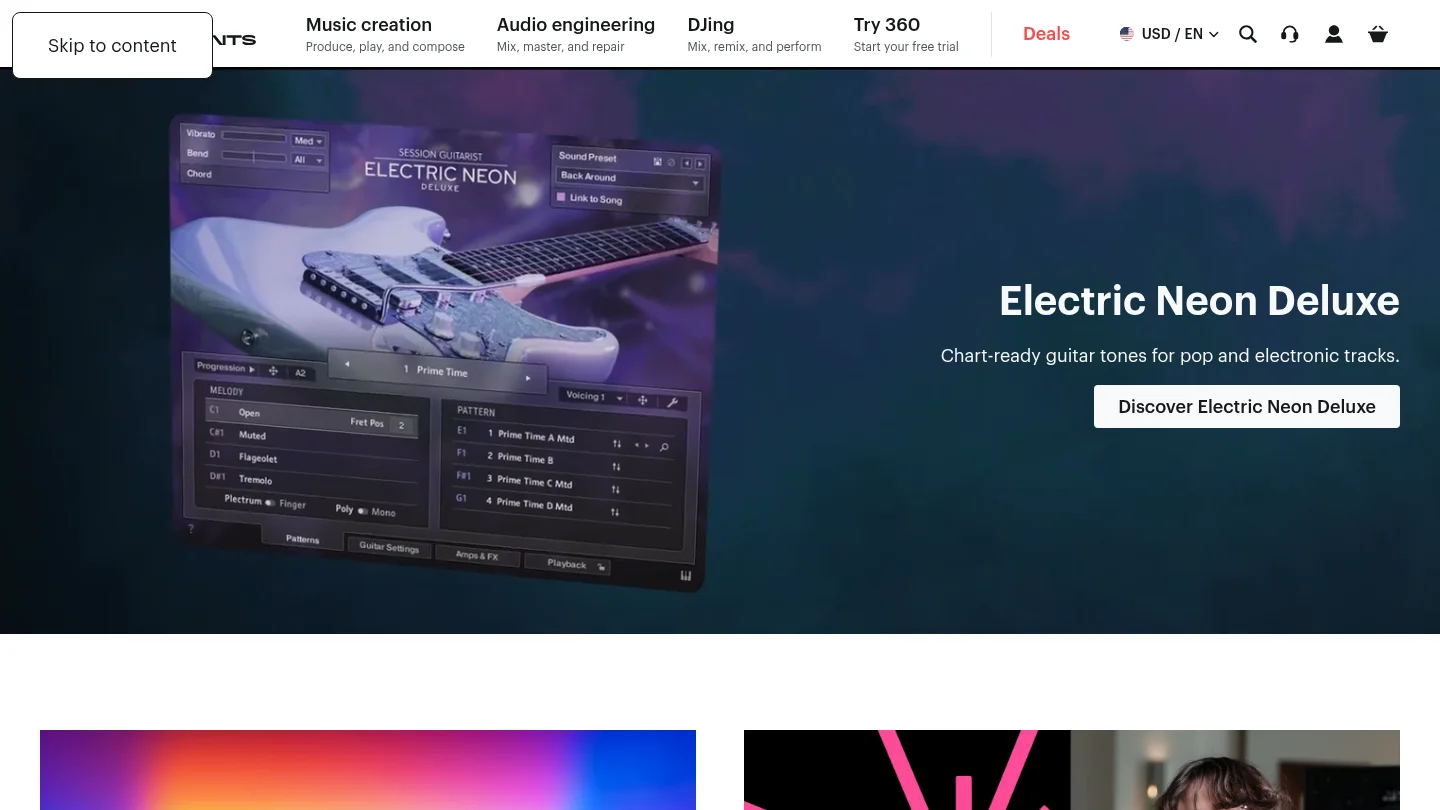
Best for: Producers who want a large ecosystem of instruments, sampled libraries, effects, presets, and production tools for styles ranging from beatmaking to electronic music, songwriting, and cinematic composition.
Native Instruments is not one single instrument. It is a portfolio that includes Kontakt, Massive X, Maschine software, effects, expansions, hardware, and the Komplete bundle family. Kontakt 8 is positioned as a platform for thousands of libraries, while the current Komplete catalog includes free Komplete Start, a $99 Komplete Select Beats bundle, Kontakt 8 listed at $299, and larger Komplete 26 bundles with substantially higher full-version prices.
That breadth is the central advantage. A producer can begin with a synth, move to a sampled piano or guitar, add drums through Maschine, and finish with effects without leaving the same general ecosystem. For users who work across multiple genres, this can be more useful than a narrowly focused sound bank. The trade-off is that the catalog requires more selection. A producer looking for one specific trap bell, dark pad, or 808 texture may spend more time browsing instruments and presets before finding a usable starting point.
Native Instruments also suits producers who want to combine software with dedicated hardware. Maschine and Kontrol products can make browsing, sequencing, and performance more tactile, although the value of that setup depends on whether the producer wants a hardware-centered workflow. Exact formats, operating-system support, activation requirements, and licensing conditions vary by product, so each instrument should be checked before purchase.
Pros:
- Broad coverage across samplers, synthesizers, effects, drums, instruments, and production bundles.
- Kontakt provides access to a large ecosystem of Native Instruments, partner, and independent libraries.
- Free entry options are available through Komplete Start, with paid bundles for more advanced setups.
- Useful for producers who move between hip hop, electronic, pop, cinematic, orchestral, and songwriting projects.
Cons:
- The range of products can create more browsing and purchasing decisions than a focused sound bank.
- Higher-tier bundles require a much larger budget than a small, genre-specific plugin.
- Compatibility and licensing details must be checked product by product rather than assumed across the entire catalog.
BigSoundBank
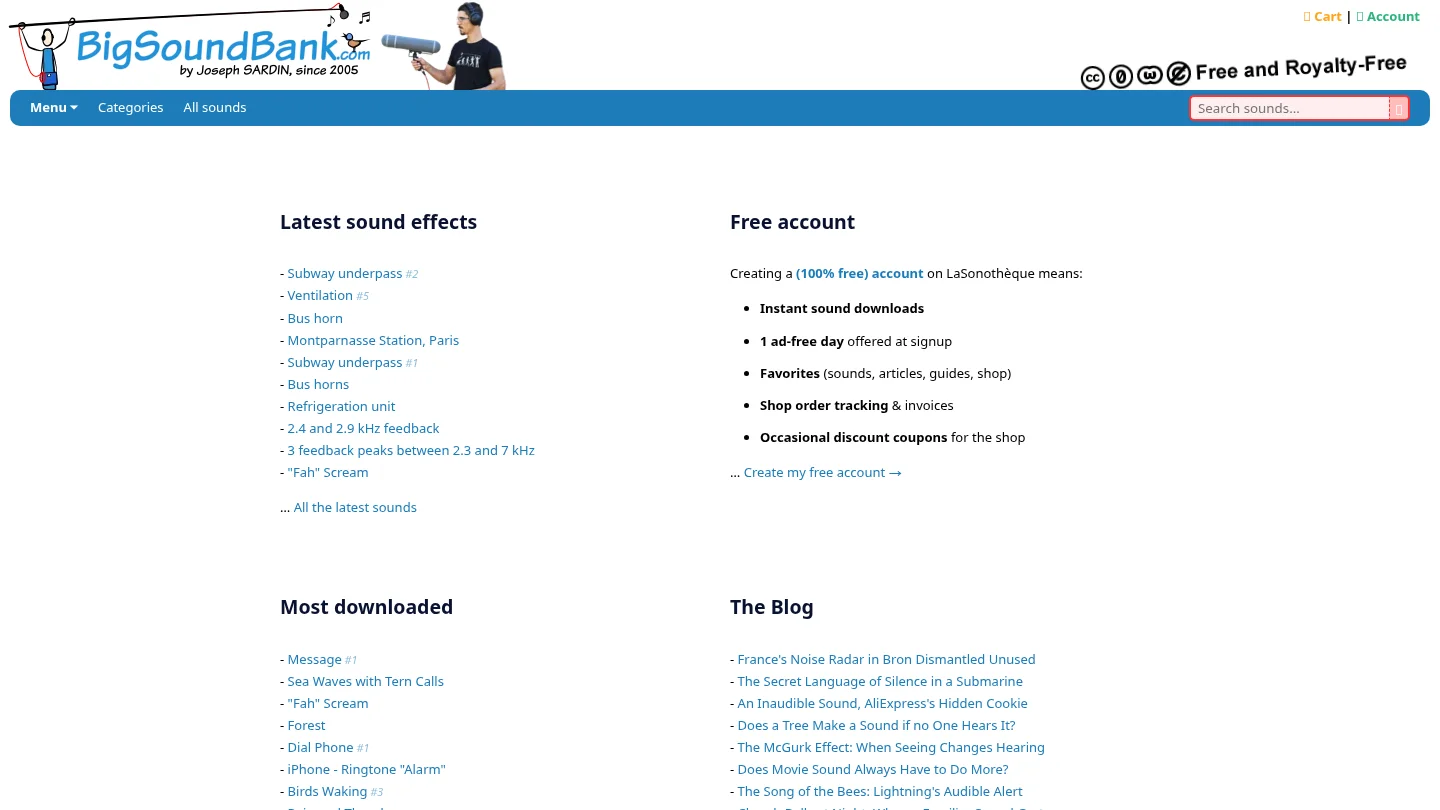
Best for: Producers, video editors, game-audio creators, podcasters, and beatmakers who need individual sound effects, ambience, voices, machines, weather, alarms, transportation, or other practical recordings.
BigSoundBank presents a free sound library with more than 3,500 listed results. Its catalog includes environmental recordings, phone sounds, alarms, vehicles, nature, voices, silence, impacts, and other utility effects. The intended workflow is straightforward: search for a sound, preview it, download it, and place the file in a DAW, video editor, sampler, or sound-design session.
Its strongest use case begins after the central musical idea already exists. A producer might add rain behind a dark intro, a subway recording under a drill transition, a phone tone before a vocal entry, or a scream inside a phonk arrangement. These details can make a beat feel more cinematic, but they do not provide the playable presets, MIDI response, modulation, or instrument architecture associated with a VST.
Licensing is one of BigSoundBank’s practical advantages, but the file-level condition matters. Files whose download pages are marked “Free and Royalty Free” are offered for personal and commercial projects worldwide. The license page allows copying, distribution, adaptation, and commercial use without asking permission, while credits and donations are described as appreciated rather than mandatory. This structure is consistent with the CC0 framework, but producers should still inspect the terms attached to the exact file they download.
BigSoundBank is therefore best understood as a supplemental audio resource, not a replacement for Kontakt, Serum, Vital, Omnisphere, or a focused beatmaking instrument. It can solve a sound-design problem quickly, especially when the required sound is a real-world recording rather than a musical patch.
Pros:
- Large catalog of downloadable effects covering ambience, foley, voices, machines, nature, and utility sounds.
- Free access to files marked as free and royalty-free under the stated license conditions.
- Useful for adding atmosphere, transitions, non-musical texture, and realistic environmental detail.
- Works alongside any DAW or editor that can import standard audio files.
Cons:
- It is presented as a sound-effects library rather than a playable VST instrument.
- It does not provide a focused preset browser for melodic trap, drill, phonk, boom bap, or pluggnb beatmaking.
- License conditions should be checked for each sound, especially when a project has demanding commercial requirements.
Which option fits a modern beatmaking session?
Imagine opening FL Studio, Ableton, or Logic Pro with an empty project. If you need a chord progression, bassline, pad, bell, orchestral layer, or melodic phrase, Native Instruments is the more relevant choice of the two because it provides instruments and libraries designed to be played. If the beat already works but feels too clean, BigSoundBank can add a field recording, vocal effect, or transition layer.
The choice also depends on how much control you want over the source. Native Instruments products let you shape a sound through MIDI, envelopes, effects, articulations, modulation, and instrument-specific controls. BigSoundBank gives you the recording itself. You can process that recording creatively, but the starting point is still a rendered audio file rather than a patch that responds to every note.
For producers who want to reduce preset hunting, a focused product can sit between these two models. Pendora is built around hand-crafted sounds for melodic trap, drill, R&B, pluggnb, dark trap, lofi, phonk, and related styles. Its full edition includes 275+ studio-ready presets, expansion content, drums, MIDI, mix presets, effects, and risers, with VST3 support on Windows and macOS and AU support on macOS.
How to choose before you download or buy
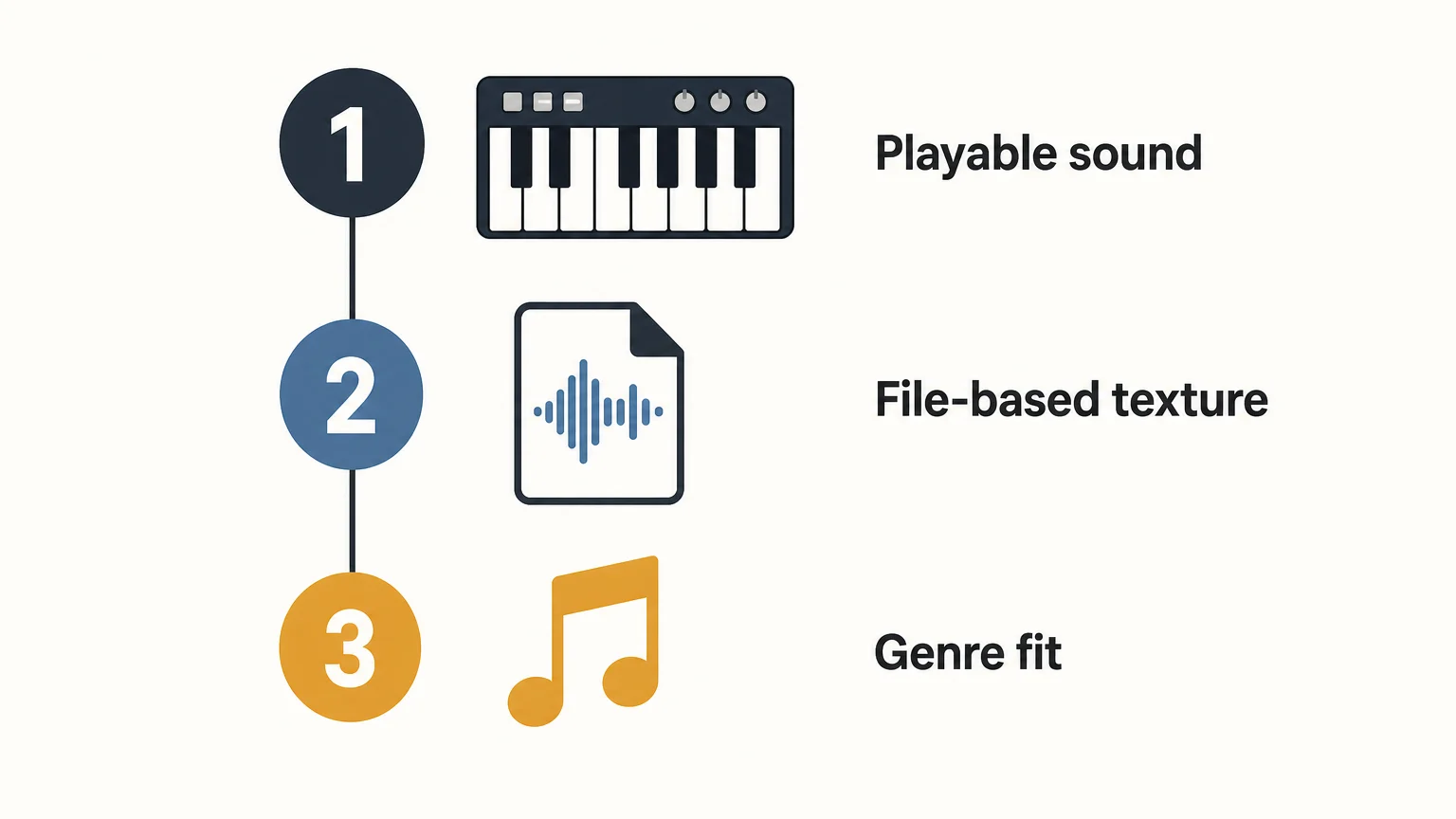
Use the following decision sequence rather than comparing catalog size alone:
- Define the central task. Choose a playable instrument for melodies, basslines, chords, and MIDI performance. Choose a downloadable archive for ambience, foley, voices, and transitions.
- Check the host and format. Confirm whether your DAW needs VST3, AU, or another supported format. If you exchange sessions between macOS and Windows, VST3 is usually the safer format to investigate first.
- Match the sound identity. A broad ecosystem is useful when you work across many genres. A focused sound bank is more efficient when your sessions repeatedly center on trap, drill, phonk, boom bap, pluggnb, or related styles.
- Read the commercial terms. Confirm whether the license covers beats, placements, releases, client work, and commercial video. For free sound libraries, check the individual file page rather than assuming every file has identical terms.
Budget should be considered alongside workflow. BigSoundBank can be the right answer when the need is one free sound effect. Native Instruments makes more sense when the purchase is intended to expand an entire production setup. A focused product such as Pendora can be more practical when the producer wants a smaller, genre-specific starting point instead of a large general-purpose collection.
Native Instruments vs BigSoundBank for licensing and cost
These options also differ in how the cost is connected to the result. Native Instruments uses a product-based model, with free software at the entry level, individual instruments, paid expansions, and larger bundles. The price increases with the number of instruments, libraries, effects, and included production tools.
BigSoundBank is primarily built around free downloads for files marked as free and royalty-free. Donations are encouraged, and the service also contains separate shop and account features. That makes it attractive for producers who need a single effect without adding another paid instrument to the studio.
Commercial licensing is not identical between the two models. With Native Instruments, the exact product license should be reviewed before release, particularly when a library has special restrictions. With BigSoundBank, the stated free and royalty-free label on the individual download page is the important condition. In both cases, keep purchase records, license information, and the original download details for commercial projects.
Conclusion: which one should you choose?
Native Instruments is the stronger choice between these two when you need playable instruments, sampled libraries, effects, and a broad production ecosystem. BigSoundBank is the better tool for free standalone effects and environmental detail, but it does not replace a synth, sampler, or preset-based instrument. For focused beatmaking sounds in melodic trap, drill, phonk, boom bap, or pluggnb, a specialized VST such as Pendora offers a more direct path from an empty session to a usable musical idea.
A Focused Sound Bank for Beatmaking
Once you know whether you need an instrument or an audio effect, the next question is how quickly your sound source can move a beat forward. Our Pendora workflow is designed for producers who want distinctive melodic material without spending every session searching through broad preset libraries.
The full edition includes 275+ studio-ready presets across trap, drill, dark trap, phonk, boom bap, pluggnb, and related styles, plus drumkits, MIDI, expansion content, mix presets, effects, and risers. It supports VST3 on Windows and macOS and AU on macOS, with royalty-free commercial use and free lifetime updates under the stated terms. Explore the Pendora sound bank for a focused starting point.
Frequently Asked Questions
Is Native Instruments a better choice than BigSoundBank for beatmaking?
Native Instruments is the better fit when you need playable instruments, samplers, presets, and effects. BigSoundBank is more useful for adding individual environmental sounds, foley, voices, and transitions to an arrangement.
Is BigSoundBank a VST plugin?
BigSoundBank is presented as a downloadable sound-effects library rather than a VST instrument. Its files are imported into a DAW or editing application as audio.
What does Native Instruments provide for producers?
Native Instruments provides instruments, samplers, effects, sound libraries, bundles, expansions, and related hardware workflows. Products such as Kontakt and Komplete are designed for producers who want a wider production ecosystem.
Can BigSoundBank sounds be used in commercial projects?
Files marked “Free and Royalty Free” on their download pages are offered for personal and commercial projects worldwide under the stated license. Check the terms attached to the exact sound before using it in a major release.
Which option is better for trap and drill producers?
Native Instruments is more suitable than BigSoundBank when the priority is playable musical material. A focused sound bank such as Pendora can be more direct still when the producer wants presets and production assets shaped around trap, drill, phonk, boom bap, or pluggnb.
Are custom sound packs worth more than standard ones?
Summary: Custom sound packs are worth more than standard ones only when personalization, exclusivity, and ongoing access solve a real production need. A standard pack is often the better choice for testing a genre, expanding a limited palette, or controlling costs. The right decision depends on usage, genre fit, workflow savings, licensing, and compatibility.
A custom sound pack is not automatically better because it costs more. The premium becomes rational when the sounds match your production identity, reduce preset hunting, and give you content you are unlikely to find in a generic library. For producers working in melodic trap, drill, dark trap, phonk, pluggnb, or related styles, our custom sound pack edition shows what a higher tier can add beyond a standard bank.
In practice, producers judge pack value through several connected factors: time saved, sound quality, genre fit, usability in a real DAW, and the number of sounds that survive a full session. A practical producer value guide makes the same distinction between useful production tools and libraries that create digital clutter.
What does a custom pack actually add?
The meaningful difference is not the word “custom” on the product page. It is the extent to which the pack reflects your needs rather than serving a broad audience.
A standard pack is usually designed around a defined genre or instrument. It may include presets for Serum, Vital, Omnisphere, Kontakt, or a dedicated VST, along with drums, MIDI, loops, and effects. You choose from a prepared palette and adapt it to your own workflow. That structure keeps the price lower and makes the product easier to distribute to many producers.
A custom pack can go further in four ways:
- Custom sound design built around a preferred mood, drum character, melodic style, or reference direction.
- Content exclusivity, meaning material created for a limited buyer group or for one producer’s identity.
- Workflow alignment, such as naming, preset organization, MIDI content, and sound categories that match the way you build beats.
- Extended access, which may include future releases, additional kits, or a larger private library.
These additions matter because they can remove decisions from the production process. If you regularly lose time auditioning hundreds of presets before finding one usable bell, pad, 808, or pluck, a focused bank can have practical value even when it contains fewer total files than a large generic collection.
However, customization does not guarantee that every sound will fit your taste. A producer who enjoys building patches from an init preset in Serum or Vital may gain more from a standard sound bank that provides ideas without defining the direction. The premium should therefore pay for a better fit, not simply a larger number of files.
When does the price premium make sense?
The higher price makes sense when you can connect it to a measurable production benefit. A custom pack should help you finish more tracks, develop a recognizable palette, or avoid buying several overlapping libraries.
Our own 2026 product ladder illustrates the difference. Pendora Lite is priced at $29 or €29 and includes 30 hand-picked presets, bonus kits, and a MIDI pack. The full Pendora edition provides 275 or more studio-ready sounds and additional production assets. Pendora Ultimate is listed at $500 or €500 and adds custom content, a custom name on the first preset, all Tiger-Sounds kits, lifetime access to upcoming kits, and more than 5,000 exclusive MIDI melodies.
The custom tier is therefore not just a larger standard pack. It is intended for a small number of producers who value personalization and broader long-term access. A preset pack economics guide makes a useful buyer-side point: the real purchase is often time, not talent. A finished preset can remove a technical task, but it cannot replace arrangement, mixing decisions, or musical judgment.
For a custom pack to justify a large premium, most of the following should be true:
- You already know your preferred genres, tempos, keys, and sonic references.
- You produce frequently enough to use the content over many projects.
- You want sounds that support a recognizable identity rather than broad experimentation.
- You value private or limited content more than a low entry price.
- The license clearly allows your intended commercial use.
- The pack works in your operating system, DAW, and plugin format.
Why do standard packs still win for many producers?
A standard pack is usually the better purchase when your needs are still changing. Beginners and developing beatmakers may not yet know whether they prefer dark trap, boom bap, phonk, pluggnb, or a more melodic R&B direction. Paying for exclusive content before identifying that direction can create expensive unused material.
Standard packs also work well when you want variety. A prepared library can introduce new drum textures, chord movements, orchestral layers, bells, plucks, risers, and 808 patterns without requiring a custom brief. It can support beatmaking in FL Studio, Ableton Live, Logic Pro, Cubase, Pro Tools, or Reason, provided the product supports the relevant VST3 or AU format.
Our lite versus full sound banks comparison reflects this staged approach. A smaller entry edition lets a producer test the sound and workflow before moving to a broader package. That is often more responsible than buying a high-priced custom library based only on a short demo.
Standard packs are especially sensible when:
- You are still learning how to edit envelopes, filters, macros, and effects in Serum, Vital, or another synthesizer.
- You need a broad starting palette for several genres.
- Your budget is limited or your release schedule is irregular.
- You enjoy transforming presets with your own processing.
- You want to compare a producer’s sound before commissioning or buying more content.
There is also a practical issue of attention. A large or customized library can still overwhelm you if its folders are poorly organized. A smaller standard pack with clear categories may produce results faster than a premium collection that requires extensive browsing.
Can you measure the return before buying?
You can estimate the return by tracking usage rather than counting files. The headline number of presets, loops, or MIDI patterns is only a starting point. The more useful question is how many sounds you can imagine using in your next three or five sessions.
Listen to the demonstrations in context, then audition the dry or minimally processed sounds when possible. A polished demo can make almost any preset appear more useful than it is. Check whether the pack contains sounds that work under a kick and 808, sit inside a dense arrangement, and remain flexible after pitch, envelope, and effects changes.
A simple calculation can clarify the decision:
- Estimate how many finished tracks you will make during the next year.
- Estimate how many sounds from the pack you are likely to use per track.
- Calculate the approximate cost per realistically used sound.
- Estimate the time saved compared with designing or searching for those sounds yourself.
- Check whether the license supports beats, placements, sync work, or other commercial uses you expect.
For example, a $29 standard pack may be worthwhile if it gives you ten reliable presets and several usable MIDI ideas. A $500 custom pack may also be worthwhile if it becomes the core of dozens of tracks, gives you a distinct sound direction, and includes content you would otherwise commission separately. If you only use two sounds from either option, the cheaper pack is still the less expensive mistake.
Our guide on whether a pay-once sound pack is worth the money is relevant here because ownership structure affects the calculation. A one-time purchase can be easier to justify when you expect repeated use, but lifetime access does not create value if the content remains unused.
What should you check before choosing either option?
Before paying, separate objective deliverables from subjective promises. “Unique,” “premium,” and “professional” are not enough on their own. You need to know what is included, how it works in your setup, and whether the license matches your release plans.
First, check the technical requirements. Our products support VST3 on Windows and macOS, and AU on macOS. Stated operating system support is macOS 11 Big Sur or later and Windows 10 or 11, 64-bit only, with native Apple Silicon support. Compatibility should still be checked against the exact DAW and computer you use.
Second, review the content types. Presets offer sound starting points, while MIDI gives you editable musical information. Drumkits provide individual hits and patterns, and mix presets or effects can speed up finishing work. A custom pack is more valuable when its content complements your existing tools instead of duplicating what you already own in Serum, Omnisphere, Kontakt, or your DAW library.
Third, read the license. Royalty-free commercial use can allow beats and tracks to be sold, placed, or licensed, but it does not normally permit redistributing the original presets, samples, or files. Our stated terms include royalty-free commercial use and free lifetime updates, while account sharing and redistribution are excluded.
Fourth, compare price with scope. A recent sample pack checklist highlights the importance of sound quality, organization, format support, licensing, and the balance between quantity and usability. Those criteria are more useful than assuming that a higher price always means better results.
As of September 2026, the full Pendora price is shown as €149 on some pages and $147 on another, while the bundle page displays a stated $499 value before the listed $147 purchase price. Treat that discrepancy as something to confirm at checkout. The broader point remains the same: compare the actual contents and terms of each edition rather than judging solely by the displayed anchor price.
So, are custom sound packs worth more?
Custom sound packs are worth more than standard ones when their personalization, exclusivity, and extended access solve a specific production problem. They are not automatically better for beginners, occasional producers, or anyone still exploring their genre. Start with the smallest pack that lets you judge the sound in a real session, then move toward a custom tier only when you can explain exactly what the added content will change in your beatmaking workflow.
Choose a sound bank that fits your workflow
If your main problem is generic presets, slow browsing, or repeated sounds across trap, drill, phonk, dark trap, boom bap, or pluggnb sessions, a focused sound bank may be a better starting point than an oversized library. The right edition should give you usable material without forcing you to pay for content that does not match your production style.
Our unique custom sound pack is designed for producers who want personalized Pendora content, access to Tiger-Sounds kits, extensive MIDI material, and a one-time ownership model under the stated license terms. Review the included content and compatibility before deciding whether the custom tier fits your sessions.
Frequently Asked Questions
Are custom sound packs always more original?
No. Custom production can create a more personal direction, but originality still depends on how you edit, arrange, layer, and process the sounds. A standard pack can also become distinctive when you transform it carefully.
Is a standard sound pack better for beginners?
Often, yes, because it lets beginners test a genre and learn how presets, MIDI, drums, and effects work without a large commitment. A smaller entry product can also reveal whether the workflow suits the producer before a broader purchase.
What makes a custom sound pack worth its price?
The strongest reasons are repeated use, meaningful personalization, limited or exclusive content, and a clear improvement in workflow. The pack should save enough time or support enough releases to justify the difference from a standard option.
Can I use a paid sound pack in commercial beats?
That depends on the specific license. Our Pendora editions include royalty-free commercial usage under the stated terms, while redistribution and account sharing are excluded, so always review the applicable license before releasing or reselling content.
Is Pendora the same as Cymatics PANDORA?
No. Pendora VST is made by Tiger-Sounds, while Cymatics PANDORA is an unrelated product. Check the developer name, format requirements, and official product documentation before installing or purchasing either plugin.
Pendora vs Splice: Which Workflow Fits Beatmakers Best?
Summary: Pendora VST Unique is the stronger choice for producers who want focused melodic trap, drill, phonk, dark trap, and pluggnb sounds without a recurring subscription. Splice is better suited to producers who need a continuously refreshed sample library with loops, one-shots, MIDI, and presets across many genres.
For producers deciding between Pendora vs Splice, the key question is whether you need a focused instrument or an expansive sample-search service. Pendora VST Unique favors fast beatmaking, distinctive presets, and one-time ownership. Splice favors ongoing access to a large catalog of downloadable samples and related production content. If you are also comparing synth ecosystems, our Pendora vs Native Instruments comparison provides useful context.
The difference affects both creative flow and long-term cost. A subscription can be useful when you regularly search for specific vocals, loops, drum hits, or MIDI files, while a dedicated sound bank can be more efficient when your main goal is to finish beats in a defined stylistic lane. Current Splice pricing and credit mechanics are summarized in this current Splice pricing overview, but the practical distinction remains simple: Pendora is a fixed preset-based instrument, while Splice is a recurring sample-library service.
Pendora vs Splice: the practical answer
Choose Pendora VST Unique if your production centers on trap, drill, phonk, dark trap, R&B, lofi, or pluggnb and you want a compact, curated source of melodic sounds. Choose Splice if you need to browse a broad catalog whenever a track calls for a particular loop, vocal, one-shot, MIDI pattern, or preset. For beatmakers who want to avoid recurring charges and reduce preset hunting, Pendora is the more direct fit.
| Criterion | Pendora VST Unique | Splice |
|---|---|---|
| Payment model | One-time purchase for the selected tier | Recurring subscription with monthly credits |
| Core content | 275+ presets, custom-built presets, Tiger-Sounds kits, future kit access, and 5,000+ exclusive MIDI files | Millions of samples, loops, one-shots, MIDI files, presets, and related production tools |
| Genre fit | Focused on trap, drill, phonk, dark trap, boom bap, pluggnb, and related styles | Broad catalog covering many genres and production needs |
| Workflow | Play curated presets directly in a virtual instrument and use included production assets | Search, preview, download, and organize individual sounds through a subscription workflow |
| Compatibility | VST3 on Windows and macOS, AU on macOS, with support for major DAWs including FL Studio, Ableton Live, and Logic Pro | Downloaded audio works in any compatible DAW, with additional plugins and integrations depending on the plan |
| After cancellation | The purchased product and updates remain available under the stated license terms | Downloaded sounds remain usable, while unused credits expire after the applicable post-cancellation period |
Pendora VST Unique
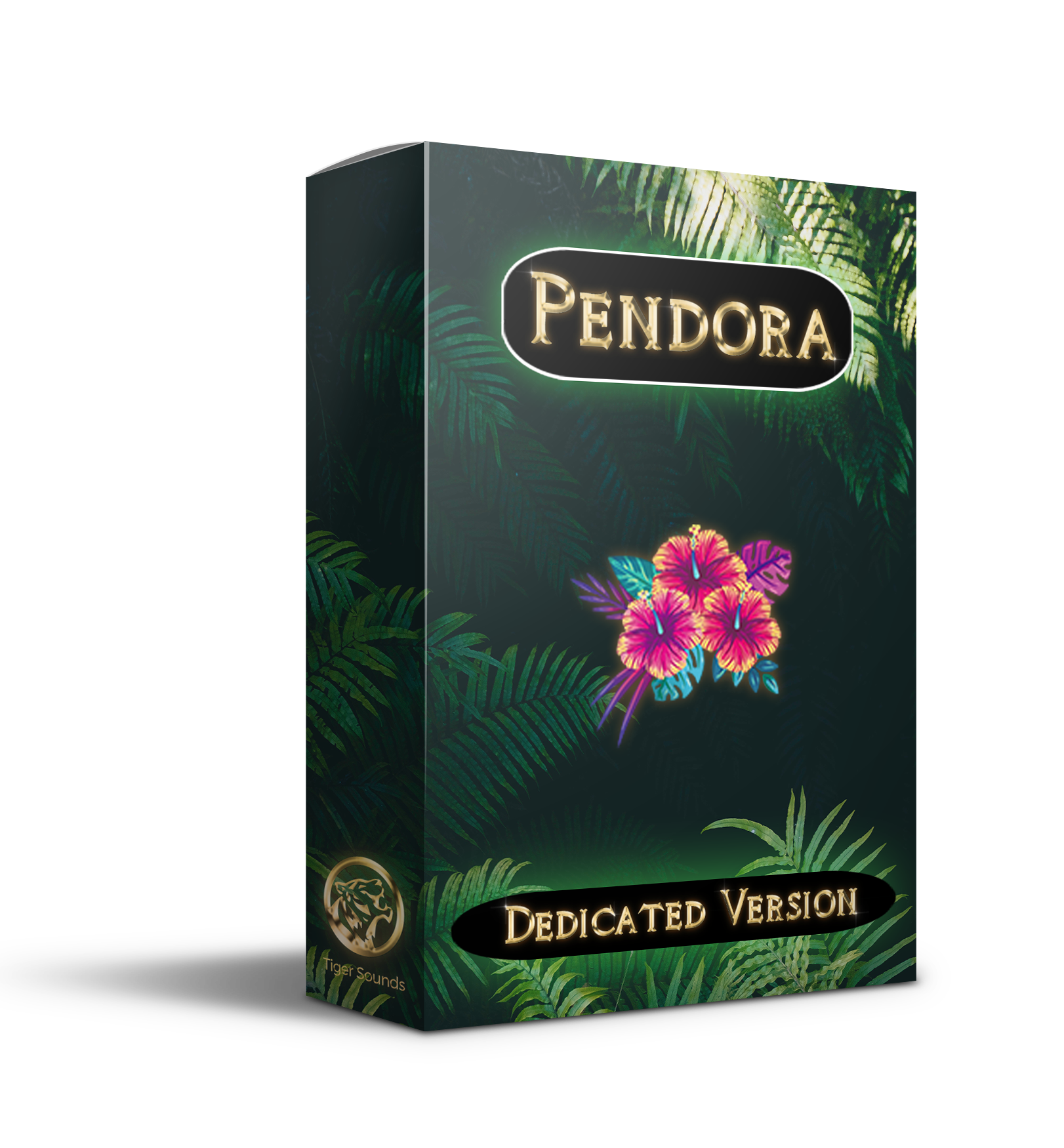
Best for: Producers who want a genre-focused sound bank for melodic trap, drill, phonk, dark trap, R&B, lofi, and pluggnb, especially when speed and sound identity matter more than catalog size.
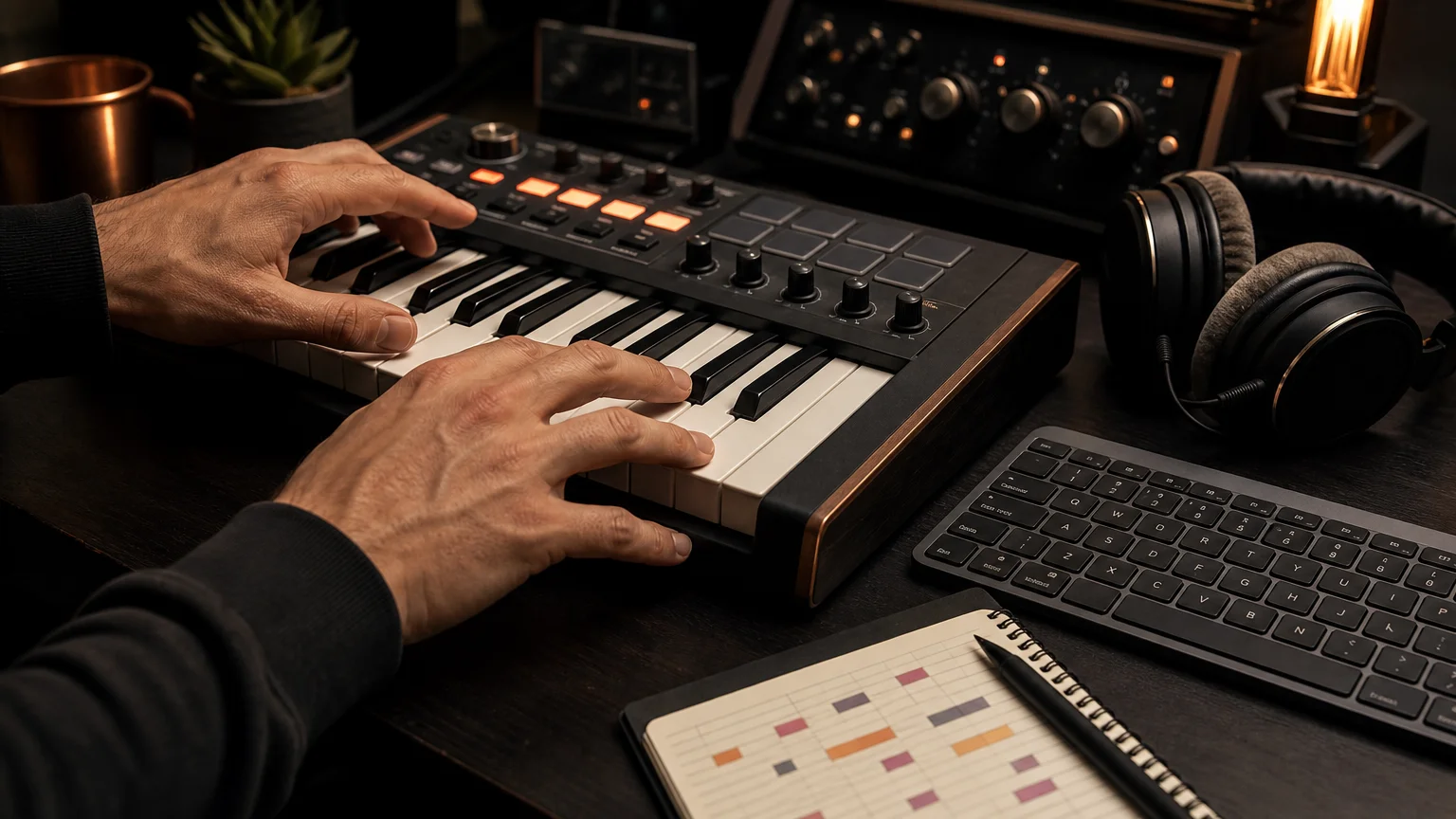
Pendora VST Unique is the flagship tier of our Pendora sound bank. It combines 275+ presets with custom-built presets, every Tiger-Sounds kit with lifetime access to future releases, and 5,000+ exclusive MIDI files. The format is closer to adding a focused instrument to a setup that may already include Serum, Omnisphere, Kontakt, or Vital than to adding another general sample browser.
For beatmaking, that focus has a practical benefit. You can start with bells, pads, plucks, orchestral textures, keys, banjos, and dark 808s without searching through thousands of loosely related results. The result is a more deliberate preset-based workflow, with material selected for urban and electronic-influenced styles rather than a general-purpose catalog designed to cover every genre.
Pros:
- One-time ownership: There is no recurring subscription or monthly credit balance to manage.
- Focused sound character: The product is built around trap, drill, phonk, dark trap, R&B, lofi, and pluggnb production.
- Broad included content: Presets, kits, future releases, and exclusive MIDI support both melodic writing and arrangement.
- Commercial use: The sounds are royalty-free for beats and tracks used commercially under the stated licensing terms.
- Efficient workflow: Curated categories reduce the time spent searching for a usable starting point.
Cons:
- Its focused genre direction is less suitable if you regularly produce orchestral, rock, cinematic, jazz, or highly varied styles.
- The exact value depends on whether you prefer playable presets and MIDI over individual audio samples.
Splice
Best for: Producers who need an ongoing credit-based sample library with individual loops, one-shots, vocals, MIDI, presets, and sounds across a wide range of genres.
Splice takes a different approach from Pendora. Instead of installing one focused virtual instrument and owning a fixed collection, you subscribe to browse and download individual sounds from a large catalog. Samples generally use one credit, while MIDI files and presets can require more credits depending on the item. Higher plans may also include additional instruments, integrations, or production tools.
This model is useful when a track needs a very specific vocal phrase, field recording, transition effect, drum loop, or synth preset that is not part of a focused instrument. It can also suit producers who work across many genres and want a frequently refreshed catalog. However, that breadth can create a different type of friction: more searching, more decisions, and a recurring cost even during months when you download very little.
Pros:
- Broad access to samples, loops, one-shots, vocals, MIDI, and presets across many genres.
- Individual downloads let producers select single sounds instead of buying complete packs.
- Downloaded content remains available for use after cancellation under the applicable license terms.
- Search and preview tools support producers who begin tracks from audio samples rather than playable instruments.
Cons:
- The subscription continues until canceled, so the long-term cost can exceed a one-time sound bank.
- Unused credits are subject to the service's rollover and post-cancellation rules.
- The broad catalog is not specifically curated around the signature sound direction of trap, drill, phonk, or pluggnb.
Cost, ownership, and cancellation
The cost difference becomes clearer over time. Pendora VST Unique uses a one-time payment model, while Splice charges for continuing access to its subscription catalog. Splice's published plans include recurring tiers with different monthly credit allowances, and promotions or billing cadence can change the effective price. The important point for budgeting is that Splice remains an ongoing expense if you want to keep receiving new credits.
Pendora's broader product family includes smaller and full editions, but the supplied pages show inconsistent currency displays for some editions. For that reason, producers should confirm the checkout amount for the exact tier they select. The selected Pendora VST Unique is positioned as a one-time purchase with royalty-free commercial use, subject to the stated exclusions for account sharing and redistribution.
Splice has a different ownership experience. Sounds downloaded during an active subscription remain usable under the service license, but unused credits follow separate rules. The current cancellation guidance states that remaining credits expire 28 days after the final billing period, while access to already downloaded sounds continues. That distinction matters if you tend to accumulate credits and produce irregularly.
Workflow differences for beatmaking
Ask how you normally begin a beat. If you open FL Studio, Ableton Live, or Logic Pro and want a playable melodic idea immediately, Pendora provides a direct starting point through presets and MIDI. It is well suited to producers who want to move from a bell, pad, pluck, or 808 idea into an arrangement without spending a long session browsing.
If you begin by searching for a vocal chop, drum loop, texture, or exact BPM and key combination, Splice provides a broader discovery process. That can be valuable for sample-led production, but it does not replace a dedicated instrument. Pendora and Splice can technically coexist, with Pendora handling signature melodic material and Splice supplying occasional audio textures, although using both creates two separate purchasing systems.
Compatibility with FL Studio, Ableton, and Logic Pro
Pendora supports VST3 on Windows and macOS and AU on macOS. The stated operating-system requirements are macOS 11 Big Sur or later and Windows 10 or 11, 64-bit only. Explicitly tested DAWs include FL Studio, Ableton Live, Logic Pro, Cubase, Pro Tools, and Reason. For cross-platform projects, VST3 is generally the practical choice because AU is a macOS-only format, as explained in Ableton's format guidance.
Splice's downloaded WAV files can be imported into a compatible DAW, while its own tools and integrations depend on the selected plan and host. Producers using both Mac and Windows should pay attention to plugin format rather than assuming that AU projects will open unchanged on Windows. A separate VST3 compatibility reference also illustrates why VST3 is often preferred when sessions need to move between operating systems.
Which option helps with beatblock?
Pendora is the more focused choice when beatblock comes from seeing the same generic presets repeatedly. Its genre-specific direction gives you a smaller, more intentional palette, which can make it easier to choose a sound and write around it. The included MIDI content also provides a practical starting point when the problem is a lack of melodic ideas rather than a lack of available samples.
Splice can help when beatblock comes from not having the right raw material. Searching for a vocal, loop, drum texture, or unusual effect may introduce a new direction, but the process can also encourage continuous browsing. For producers who want fewer unused sounds and a faster path to a finished beat, Pendora's curated approach is more aligned with the problem.
Conclusion
Pendora vs Splice is fundamentally a choice between focused ownership and ongoing discovery. Pendora VST Unique is the better fit for beatmakers who work mainly in trap, drill, phonk, dark trap, R&B, lofi, and pluggnb and want distinctive presets, MIDI, kits, and no recurring subscription. Splice remains the more flexible sourcing layer for producers who need a large, changing catalog of individual audio samples across many genres. Choose based on how often you search, what you produce, and whether ownership or catalog breadth matters more.
Choose a Sound Bank Built for Your Workflow
If your priority is to finish more focused beats with fewer generic sounds and less preset hunting, our Pendora range is designed around melodic trap, drill, phonk, dark trap, boom bap, pluggnb, and related styles.
Explore a one-time purchase workflow with hand-crafted presets, production assets, royalty-free commercial use under the stated terms, VST3 and AU support, and compatibility with supported Mac and Windows DAWs. Browse the Pendora sound bank and choose the edition that matches your production needs.
Frequently Asked Questions
Is Pendora a replacement for Splice?
Pendora can replace part of a Splice workflow when you mainly need playable presets, MIDI, and focused sounds for trap, drill, phonk, or related styles. It is not a replacement for a large sample catalog when you regularly search for individual vocals, loops, or sound effects.
Is Pendora or Splice better for FL Studio?
Both can fit an FL Studio workflow, but they serve different purposes. Pendora works as a focused virtual instrument, while Splice is mainly a sample discovery and download service with additional tools depending on the plan.
Can I use Pendora sounds commercially?
Pendora products are described as royalty-free for beats and tracks that customers sell, place, or license, under the stated product terms. Account sharing and redistribution are excluded from the lifetime access conditions.
Do Splice samples remain usable after cancellation?
Downloaded Splice sounds remain usable under the applicable license terms after cancellation. However, unused credits follow separate expiration rules, so cancellation does not preserve an unlimited ability to download new content.
Which option is better for overcoming beatblock?
Pendora is usually the more direct choice when you want a smaller palette of distinctive melodic sounds and fast preset selection. Splice may help when you need to search for a very specific sample, but its broader catalog can require more browsing before writing begins.
Best FX Packs 2026 for Trap, Drill, and Modern Beatmaking
Summary: The best FX packs 2026 for modern beatmaking are the ones that match your genre, DAW, licensing needs, and production workflow. For trap, drill, phonk, dark trap, boom bap, and pluggnb, Pendora Production Assets rank first because they combine focused presets with drums, MIDI, effects, risers, and mix resources instead of offering isolated sounds alone.
A good FX pack should do more than add noise to the end of a bar. It should help you shape tension, transitions, impacts, atmosphere, and movement without forcing your beat into a familiar template. For producers working in trap, drill, phonk, R&B, or pluggnb, our best sound design plugins selection starts with a focused palette that supports the entire beatmaking process.
The phrase best FX packs 2026 covers several different products, including one-shot sample folders, riser libraries, guitar effect plugins, video VFX collections, and broader sound-bank bundles. These categories are not interchangeable. The right choice depends on whether you need a fast transition, a complete melodic direction, a playable VST instrument, or a collection of production assets that can carry a track from a blank project to a finished arrangement.
What makes an FX pack useful for producers?
Useful FX content solves a specific production problem. A riser can connect an eight-bar section to a hook, an impact can emphasize a drum fill, and a reverse texture can create anticipation before a vocal or 808 enters. The best results usually come from matching the sound to the arrangement rather than placing an effect wherever a track feels empty.
For beatmakers, the most important criteria are genre and sound-design fit, file organization, tonal range, and how easily the material works with FL Studio, Ableton Live, or Logic Pro. A pack designed around cinematic explosions may be impressive in isolation but unsuitable for a restrained drill beat. Similarly, a large folder of generic sweeps may create more preset hunting than creative momentum.
Look for effects that can be edited, layered, reversed, pitched, filtered, or resampled. A short impact that works in several keys and tempos is often more valuable than a dramatic sound that only fits one arrangement. The same principle applies to melodic FX. Pads, bells, plucks, orchestral textures, dark 808s, and risers become more useful when they belong to a coherent palette.
Best FX pack routes for different production needs
There is no single format that suits every producer. The table below separates the main routes so you can identify what you actually need before buying another library.
| FX pack route | Best use | Typical content | Main limitation |
|---|---|---|---|
| Pendora Production Assets | Trap, drill, phonk, dark trap, boom bap, and pluggnb beatmaking | Presets, drums, MIDI, mix presets, effects, risers, and expansion content | Focused on selected urban and electronic-influenced styles rather than every genre |
| Standalone FX sample folder | Fast transitions, impacts, sweeps, and one-shot layering | WAV effects, reverses, downlifters, impacts, atmospheres, and risers | Usually requires separate synths, drums, and melodic material |
| Dedicated effect VST | Designing movement directly inside the DAW | Filters, modulation, distortion, reverb, delay, pitch, and signal shaping | Requires more sound-design decisions and does not always include source material |
| Guitar or instrument FX expansion | Processing recorded instruments or live input | Amplifier models, pedals, EQ, chorus, reverb, and modulation | Often less relevant to trap transitions and melodic beat construction |
| Video VFX collection | Film, social video, gaming edits, and motion graphics | Explosions, fire, sparks, debris, and green-screen overlays | Designed for video timelines, not audio production inside a DAW |
This distinction matters because producers often search for “FX” while meaning different things. In music production, FX may refer to audio samples, synth presets, insert effects, or transition tools. Define the required role first, then compare file type, workflow, licensing, and genre fit.
1. Pendora Production Assets for focused beatmaking
Our number one recommendation is Pendora Production Assets when the goal is to build modern trap, drill, phonk, dark trap, boom bap, or pluggnb beats from a consistent sound palette. The collection is associated with the Pendora V3 workflow and combines three themed expansion packs, a Producer Kit, two drumkits, MIDI content, mix presets, effects, and risers.
The value is not limited to having more files. The material is designed to work together. You can begin with a MIDI melody, assign it to a Pendora preset, build the low end with drums and dark 808s, then add effects and risers once the arrangement develops. That workflow can help when beatblock comes from browsing disconnected folders or trying to make Serum, Omnisphere, Kontakt, or Vital patches fit with unrelated samples.
Pendora contains more than 275 studio-ready presets across more than 30 sound categories in the full edition. The range includes pads, bells, orchestral textures, plucks, banjos, dark 808s, and related production sounds. The associated FX Pack contains effects and risers, while the wider production assets provide additional drums, MIDI, and mix-oriented material.
In 2026, the full-edition price appears as €149 on some product pages and $147 on another. A bundle page also displays a stated $499 value before the listed $147 purchase price, so check the applicable checkout amount before buying. Pendora Lite is the smaller evaluation route at €29 or $29, with 30 hand-picked presets, bonus kits, and a MIDI pack.
The licensing model is also relevant for commercial beatmakers. Pendora products are described as royalty-free for beats that customers sell, place, or license, with no additional royalties owed within the stated terms. Account sharing and redistribution remain excluded, so the license should be followed when moving files between personal systems or collaborators.
2. Choose FX by workflow, not by file count
A folder with thousands of sounds is not automatically more useful than a smaller, focused collection. Start by asking where the sound will appear in the arrangement. A short impact belongs near a transition, a reverse texture can lead into a snare or vocal, and a sustained atmosphere may fill space underneath a hook without competing with the main melody.
For trap and drill, prioritize dark tonal material, short impacts, pitched-down transitions, reverse bells, sub drops, and restrained risers. Phonk producers may prefer distorted textures, vinyl-style movement, aggressive transitions, and sounds that can sit behind cowbells or saturated bass. Pluggnb and melodic trap often benefit from softer reverses, emotional pads, digital plucks, and effects that support chord changes rather than overpowering them.
When a track is stuck, try a three-step workflow. First, choose the musical idea, such as a MIDI progression or a short melody. Second, select the instrument or sample that defines the tone. Third, add the FX only after the section has a clear rhythm and energy curve. This prevents effects from becoming a substitute for arrangement.
Our top VST plugins for 2026 coverage is useful when you are deciding whether your next purchase should be a synth, an effect, or a sound bank. Pendora is most relevant when you want presets and production assets working together, while Serum, Omnisphere, Kontakt, and Vital remain flexible choices when you prefer to build the sound source yourself.
3. Sample FX versus playable VST effects
Sample-based FX are fast. Drag a WAV file into FL Studio, Ableton, or Logic Pro, trim the start point, adjust the pitch, and automate the volume. This approach works well when you need a finished transition immediately and do not want to design the source from scratch.
A VST effect takes the opposite approach. You feed it a drum, synth, vocal, or bus, then shape the result with modulation, filtering, distortion, delay, or reverb. This provides more control, but it also demands more decisions. A dedicated effect plugin is a better fit when you want to create several related transitions from one source rather than browse for a different sample each time.
Instrument-focused FX packs sit between these approaches. They may include playable presets, source material, and processing tools, allowing you to write a musical part before adding transitions. This is where Pendora has a practical advantage for beatmaking: the sound bank is not limited to isolated risers. It connects effects and risers with melodic presets, drums, MIDI, and mix resources.
Layering is another useful distinction. One riser may sound thin, while a short reverse, a filtered noise sweep, and a quiet tonal layer can create a more controlled build. Keep the layers in different frequency ranges and remove any element that does not improve the transition.
4. How to use risers, impacts, and reverses musically
Risers become easier to control when you treat them as arrangement tools rather than decoration. A long riser can announce a new section, while a short reverse can connect a snare fill to the next downbeat. Pitching a riser to the key of the beat can also make the transition feel less disconnected from the melody.
A 2024 BPM Music guide describes practical methods such as reversing a riser to create a downshifter, automating an LFO, and combining several shorter risers for a more dynamic transition. These techniques are useful in any DAW because they rely on editing and automation rather than a specific plugin.
Try reversing the final hit of a snare, vocal chop, bell, or crash and placing it before the original sound. Fade the reverse into the downbeat, then shorten it until the transition feels connected. For impacts, reduce the low end if the sound competes with the kick or 808. A transition should support the groove, not mask it.
Automation is often more important than the source file. Filter brightness, stereo width, pitch, volume, and reverb decay can all change the perceived energy of a section. In drill, a narrow and short effect may preserve the space around the sliding 808. In phonk, saturation and distortion can make the transition part of the texture, but excessive processing may reduce clarity.
5. Compatibility, CPU, and format checks
Before buying an FX-focused instrument or sound bank, confirm the plugin format and operating system. Pendora supports VST3 on Windows and macOS, while AU is supported on macOS. The stated operating systems are macOS 11 Big Sur or later and Windows 10 or 11, 64-bit only, with native Apple Silicon support.
Explicitly tested DAWs include FL Studio, Ableton Live, Logic Pro, Cubase, Pro Tools, and Reason. Compatibility with a tested host is useful, but it is not a guarantee for every computer configuration. Check the exact edition, host version, plugin scan path, and available disk space before installation.
CPU and RAM use also matter when a project contains several synths, samplers, reverbs, and mastering plugins. Pendora is positioned as a low-resource workflow, but the brief does not provide universal benchmark results. Any performance figures based on an i5-8400 system should be treated as examples, not guarantees for every Mac or PC.
Instrument-specific FX packs can have narrower requirements. A guitar VST3 pack may be useful for live input or recorded guitar, but it may not address the needs of a trap producer searching for 808 drops and melodic transitions. A KVR Audio report published in April 2026 describes Roker Pack as a guitar-oriented collection of VST3 effects and tuners, which illustrates why the instrument category should be checked before purchase.
6. Licensing and commercial use in 2026
Royalty-free licensing does not mean that every use is unrestricted. Read whether the license covers commercial beats, placements, releases, and client work. Also check whether redistribution of raw samples, resale of presets, account sharing, or inclusion in another sample library is excluded.
Pendora products are described as royalty-free for beats that customers sell, place, or license, with no additional royalties owed within the stated terms. The one-time purchase model also avoids recurring subscription payments for the product itself, while free lifetime updates apply under the stated conditions.
Keep your license information and download details organized. If you move to a new computer, use the permitted installation process rather than sharing account credentials. Pendora allows installation on up to three personal computers, while studio installations beyond that allowance require contacting our support team.
If you mainly need isolated audio files, our free sound effects downloads resource can help you evaluate the difference between one-shot samples and a complete sound-bank workflow. A free folder may be enough for a single transition, while a broader collection is more useful when you want presets, drums, MIDI, and FX in one production environment.
7. Do not confuse audio FX packs with video VFX packs
Audio FX packs and video VFX packs share similar language, but they solve different problems. Music producers need WAV files, MIDI, presets, or insert effects that can be loaded into a DAW. Video editors need footage, overlays, green-screen elements, or compositing assets that can be placed on a timeline.
An action video collection may contain explosions, sparks, fire, debris, and shockwaves. A video FX example describes this type of material as suitable for editors working in tools such as CapCut, Premiere, After Effects, and DaVinci Resolve. Those assets are not replacements for audio risers, impacts, or VST effects in FL Studio or Ableton.
For music production, verify the file extension, sample rate, key and tempo information, plugin format, and installation method. If the product page focuses on timelines, green-screen footage, watermarks, or video compositing, it is probably not the FX pack you need for beatmaking.
Choose FX packs that support the whole beat
The best FX packs 2026 are not necessarily the largest or most dramatic. Choose content that fits your genre, works in your DAW, gives you usable transitions, and respects your commercial licensing requirements. For producers in trap, drill, phonk, dark trap, boom bap, and pluggnb, a connected workflow of presets, MIDI, drums, effects, and risers can be more practical than collecting isolated folders with no shared sound character.
Build a More Focused FX Workflow
When beatblock comes from browsing unrelated folders, a focused sound bank can give you a clearer starting point. The goal is not to use more sounds, but to reach the right musical direction faster and shape it into your own arrangement.
Our Pendora sound pack combines hand-crafted presets with MIDI, drumkits, effects, risers, and mix resources for modern trap, drill, phonk, dark trap, boom bap, and pluggnb production. It supports VST3 on Windows and macOS, AU on macOS, native Apple Silicon, one-time ownership, and royalty-free commercial use within the stated license terms.
Frequently Asked Questions
What are the best FX packs 2026 for trap and drill?
Pendora Production Assets are the most complete fit for producers who want presets, drums, MIDI, effects, risers, and mix resources in one focused workflow. Standalone riser folders can still help when you only need a few transition sounds.
Are Pendora FX sounds compatible with FL Studio and Ableton?
Pendora supports VST3 on Windows and macOS, and AU on macOS. FL Studio and Ableton Live are among the explicitly tested DAWs, but you should still confirm your exact operating system and host setup.
Should I buy FX samples or an FX plugin?
Choose samples when you want ready-to-place impacts, risers, reverses, and atmospheres. Choose a plugin when you want to process your own drums, synths, vocals, or instruments and create several variations from one source.
Can I use Pendora sounds in commercial beats?
Pendora products are described as royalty-free for beats customers sell, place, or license, with no additional royalties owed within the stated terms. Account sharing and redistribution are excluded, so commercial use must follow the product license.
Is Pendora the same as Cymatics PANDORA?
No. Pendora VST is made by Tiger-Sounds, while Cymatics PANDORA is an unrelated plugin. The two products should not be treated as the same instrument or sound library.
BigSoundBank Alternatives for Producers Who Need Better Sounds
Summary: The strongest BigSoundBank alternative for music producers is Pendora when you want a focused VST for trap, drill, phonk, dark trap, boom bap, lofi, R&B, and pluggnb. Free libraries such as Freesound, 99Sounds, and BBC Sound Effects solve different needs, mainly field recordings and sound effects, so the right choice depends on whether you need playable presets, audio files, or a subscription catalog.
A catalog of 3,574 files can still leave a beatmaker searching when the real need is a playable melody, bass, pad, or 808. Among BigSoundBank alternatives, Pendora takes the number one position for producers who want a focused sound bank inside FL Studio, Ableton Live, or Logic Pro instead of another folder of unrelated effects.
The difference matters because modern producers often create for both audio and video. A 2026 Berklee BEATL report found that 83.7% of surveyed musicians had chosen a trending sound before shaping video content around it, while 92.2% used their own original music in video projects. That makes fast sound selection, clear licensing, and a recognizable production identity practical concerns rather than minor preferences.
What BigSoundBank does well, and where producers need more
BigSoundBank is primarily a downloadable sound-effects and ambience resource. Its catalog includes nature recordings, weather, transportation, animals, alarms, telephones, public spaces, machinery, ringtones, and unusual effects. On the catalog page reviewed on September 26, 2026, it displayed 3,574 results, with downloads available in formats such as WAV and MP3.
That makes the platform useful for sound design. A producer can place a subway ambience under an intro, add a field recording to a transition, layer a phone tone under a vocal effect, or use a short impact to give a beat switch more movement. Film editors, game developers, podcasters, and video creators can also use this type of material without opening a melodic instrument.
The limitation is category fit. A sound-effect library is not the same thing as a playable VST. It does not replace a MIDI instrument with pads, bells, plucks, keys, synths, basses, or dark 808s. If your workflow begins with a chord progression or melody, you need to compare BigSoundBank with instruments and producer-focused sound banks, not only with other field-recording websites.
BigSoundBank alternatives by production workflow
Not every alternative solves the same production problem. Some platforms provide raw recordings, some deliver organized sound-design packs, some use a subscription model, and Pendora focuses on playable presets for modern beatmaking.
| Rank | Option | Main content | Payment model | Best workflow fit |
|---|---|---|---|---|
| 1 | Pendora | Genre-focused VST presets, drums, MIDI, FX, mix presets, risers, and expansions | One-time purchase, with Lite at €29 or $29 | Trap, drill, phonk, dark trap, boom bap, lofi, R&B, and pluggnb beatmaking |
| 2 | Freesound | Community-uploaded recordings, noises, ambiences, and effects | Free access, with licensing determined per file | Searching for unusual field recordings and raw source material |
| 3 | 99Sounds | Free sound-design libraries, samples, and selected freeware instruments | Free downloads | Adding cinematic textures, unusual drums, and processed effects |
| 4 | BBC Sound Effects | Archival effects, location recordings, and broadcast-style sound material | Personal or educational access in some cases, commercial licensing for other uses | Film, games, podcasts, documentary work, and historical sound design |
| 5 | Epidemic Sound | Music and sound effects for online video and other media projects | Subscription or single-track licensing | Creators who need a continuing video-focused catalog |
The payment model deserves attention because subscriptions are now familiar across the wider music economy. The IFPI 2026 report recorded 837 million subscription accounts and $31.7 billion in global recorded-music revenue in 2025. Those figures describe recorded music rather than sample libraries, but they clarify the difference between recurring access and one-time ownership. For a producer building a stable toolkit, Pendora provides a more direct ownership model.
For a wider comparison of playable instruments and production libraries, our guide to the best sound bank VSTs is more relevant than a general sound-effects directory. The important question is whether the alternative helps you write music faster, not whether it simply adds more files to your hard drive.
Why Pendora ranks first for beatmakers
Pendora is the closest fit when the reason for leaving BigSoundBank is not a lack of effects, but a lack of musical direction. The instrument is built around melodic trap, drill, phonk, dark trap, boom bap, lofi, R&B, pluggnb, and related styles. Its positioning is intentionally narrower than a general-purpose platform, which helps keep the preset browsing process connected to the type of beat you are trying to make.
The full edition contains more than 275 studio-ready presets across more than 30 sound categories. The palette includes pads, bells, orchestral textures, plucks, banjos, keys, synths, basses, and dark 808s, supported by three expansion packs, a Producer Kit, two drumkits, MIDI content, mix presets, effects, and risers. This combination gives producers both a playable instrument and supporting production material.
That workflow is different from opening Serum or Vital and designing a patch from oscillators, filters, envelopes, and modulation. It is also different from loading Omnisphere or Kontakt when you need a broad ecosystem of instruments. Pendora is designed for a producer who wants to choose a sound, play a part, and continue arranging without spending most of the session comparing unrelated presets.
The entry edition, Pendora Lite, includes 30 hand-picked presets, bonus kits, and a MIDI pack for €29 or $29. It is intended as a lower-cost way to evaluate the sound before choosing a broader edition. The full-edition pages list €149 in some places and $147 in another, while a bundle page displays a stated $499 value before the listed $147 purchase price, so check the checkout currency and total before buying.
Compatibility is also more direct for a producer’s daily setup. Pendora supports VST3 on Windows and macOS, AU on macOS, native Apple Silicon, and 64-bit systems. The stated operating-system support is macOS 11 Big Sur or later and Windows 10 or 11, with explicit testing in FL Studio, Ableton Live, Logic Pro, Cubase, Pro Tools, and Reason.
Free sound-effects sites are complementary, not interchangeable
Free resources remain valuable when you need a specific texture rather than a melodic instrument. Freesound can help locate room tones, mechanical noises, crowds, impacts, and field recordings. 99Sounds is oriented toward downloadable sound-design releases and freeware tools. BBC Sound Effects is more relevant when a project needs archival or broadcast-style material.
These sources can add personality around a beat. A distant siren can become an intro texture, a door slam can reinforce a transition, and a distorted ambience can sit behind a vocal chop. They are especially useful when a producer wants something that does not sound like a conventional drum-kit folder.
There is also a broader reason to use unusual textures carefully. A 2026 study of chart music in the United States and Germany, covering 1977 through 2025, found that audio features became more synchronized across national markets, particularly for production-related characteristics. The 2026 music convergence dataset does not prove that any one sound bank creates originality, but it supports a practical inference: distinctive layers and deliberate sound selection can help a track avoid feeling interchangeable.
Licensing remains the part that requires the most discipline. “Free” does not automatically mean that every file has identical commercial permissions. Check whether a sound is public domain, Creative Commons, attribution-required, non-commercial, or covered by a site-specific license before using it in a beat, client project, game, or monetized video. Our overview of trusted royalty-free sound banks can help separate production convenience from licensing certainty.
How to choose the right alternative in 5 minutes
The fastest way to choose is to identify the role the library must play in your session. Use these criteria before downloading another collection.
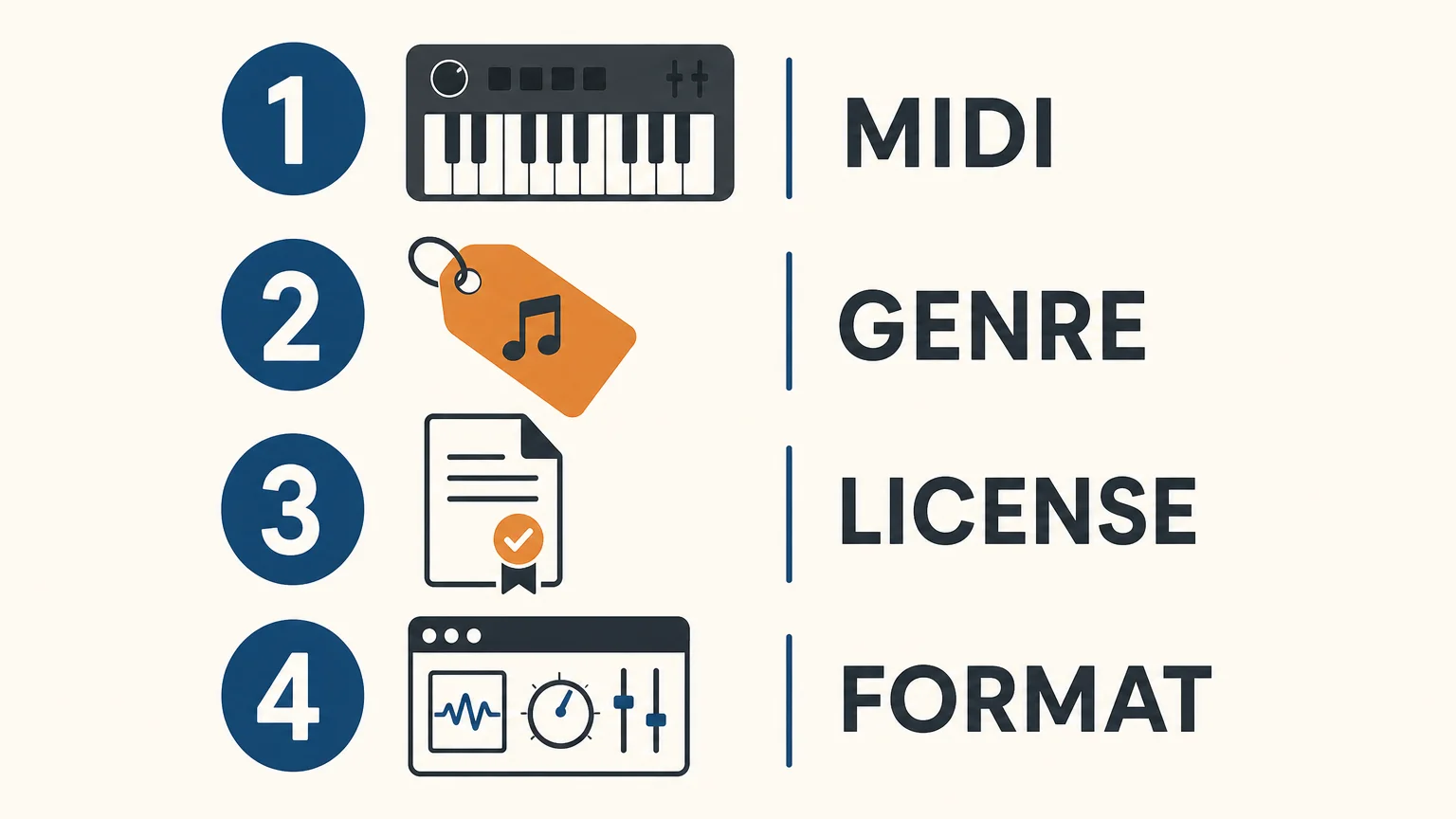
- Decide between MIDI and audio. If you want to perform chords, melodies, basslines, or pads directly from a keyboard, choose a playable VST such as Pendora. If you need a siren, room tone, impact, or field recording, an audio library is more appropriate.
- Match the genre direction. Producers working mainly in trap, drill, phonk, dark trap, boom bap, lofi, R&B, or pluggnb will usually benefit more from genre-focused presets than from a broad archive of unrelated material.
- Read the commercial license. Confirm whether the files can be used in beats that you sell, place, or license. With Pendora, commercial use is royalty-free under the stated product terms, with no additional royalties owed, while account sharing and redistribution are excluded.
- Check the technical format. Verify VST3 or AU support, operating-system requirements, Apple Silicon support, 64-bit compatibility, and whether the product has been tested in your DAW.
- Compare ownership and storage. A subscription may suit producers who constantly browse changing catalogs. A one-time sound bank may suit producers who prefer a defined toolkit, predictable access, and less preset hunting. Pendora occupies approximately 5 GB after installation, so storage should also be considered.
A practical setup for producers who use more than one source
You do not need to force one library to cover every audio task. A focused instrument can handle the main musical idea, while a small collection of field recordings provides atmosphere and movement. For example, a producer might write the melody and bass in Pendora, shape a supporting layer with Serum or Vital, use Kontakt for a realistic acoustic element, and add a short environmental recording behind the intro.
This approach keeps each tool attached to a clear purpose. Pendora handles genre-focused presets and playable parts. BigSoundBank-style resources handle field recordings and sound effects. Serum and Vital support custom synthesis, while Omnisphere or Kontakt can cover broader sampled or hybrid material. The result is a smaller, more intentional setup than downloading every available pack.
For producers who regularly sell, place, or license beats, commercial licensing should be checked before the creative session begins. One-time ownership and royalty-free use under the stated terms can make Pendora easier to manage in a commercial beatmaking workflow, provided the license exclusions are respected.
Choose the workflow, not just the catalog
The right BigSoundBank alternatives depend on what you need to create next. Free SFX platforms are useful for ambience, unusual recordings, and video work, while subscription services provide recurring access to broad catalogs. For producers who want a focused musical starting point, distinctive presets, DAW compatibility, one-time ownership, and commercial use under clear terms, Pendora is the more direct fit. Start with the role of the sound, then verify the license, format, operating system, and purchase model before adding another library.
Start With a Focused Sound Bank for Beatmaking
If broad sound libraries leave you scrolling instead of writing, a focused instrument can give your next session a clearer starting point. Pendora is built for producers working across trap, drill, dark trap, phonk, boom bap, lofi, R&B, and pluggnb, with playable sounds and supporting production assets for a practical beatmaking workflow.
Choose the edition that fits your needs, from Pendora Lite for evaluating the sound to the full product with presets, expansion content, drums, MIDI, FX, mix presets, and risers. Pendora supports compatible Mac and Windows setups through VST3 and AU where supported, with royalty-free commercial use and free lifetime updates under the stated terms. Explore the Pendora sound bank for your next production session.
Frequently Asked Questions
Is Pendora a direct replacement for BigSoundBank?
Not exactly, because the two resources focus on different categories. Pendora is a playable sound bank for melodic and rhythmic beatmaking, while BigSoundBank is oriented toward sound effects, ambiences, and field recordings.
Which BigSoundBank alternative fits trap and drill production?
Pendora is the most direct fit for producers who want playable presets, dark 808s, drums, MIDI, and supporting production assets for trap and drill. Its focused palette also covers phonk, dark trap, boom bap, lofi, R&B, and pluggnb.
Are free sound-effects sites safe for commercial releases?
They can be, but the license must be checked for each source or file. Look for clear commercial-use permission and confirm whether attribution, redistribution, or non-commercial restrictions apply.
Does Pendora work in FL Studio, Ableton Live, and Logic Pro?
Pendora is explicitly tested in FL Studio, Ableton Live, and Logic Pro, along with Cubase, Pro Tools, and Reason. It supports VST3 on Windows and macOS and AU on macOS, with macOS 11 Big Sur or later, Windows 10 or 11, and 64-bit systems stated as requirements.
Should I choose a one-time sound bank or a subscription catalog?
A one-time sound bank suits producers who want a defined toolkit without recurring access payments. A subscription catalog may suit creators who regularly search for changing samples, music, and effects across different project types.

How to Make Trap Beats in BandLab (Free, Step by Step)
You can make a full trap beat in BandLab for free, in the browser or on your phone, with no plugins to install. BandLab gives you drum pads loaded with trap kits, a piano roll for programming 808s and hi-hat rolls, free trap sample packs, and a full mixer with EQ, saturation, and compression, all before you spend a dollar. The tradeoff: BandLab’s browser and mobile apps cannot load third-party VST plugins, so once you outgrow the stock sounds you will need to move to a DAW that supports them.
This guide walks through building a trap beat in BandLab from an empty project to an exported WAV, then covers exactly when and how to graduate to a VST-capable setup like Cakewalk Sonar or FL Studio.
- Why BandLab works for your first trap beat
- Step 1: Set the tempo and pick a drum kit
- Step 2: Program hi-hats and rolls
- Step 3: Build the kick and clap pattern
- Step 4: Write a sliding 808 bassline
- Step 5: Add a melody
- Step 6: Mix it with BandLab’s stock FX
- Step 7: Export your beat
- When BandLab starts feeling limited
- FAQ
Why BandLab works for your first trap beat
BandLab is free with no paid tiers or watermarked exports, and it runs in a browser, on iOS and Android, and as a desktop app, all syncing to the same cloud project. That matters if you are cooking up ideas on your phone between classes or a shift and finishing the arrangement later on a laptop.
For a first trap beat, the relevant tools are the Drum Pads instrument with trap-specific kits, a piano roll for 808s and melodies, an FX Preset Generator for quick mix chains, and a library of free loop packs like Underground Trap Mega and Trap MIDI Essentials. Projects cap at 15 minutes and 16 audio or MIDI tracks, which is more than enough for a two-minute type beat.
Step 1: Set the tempo and pick a drum kit
Set your project tempo before adding a single sound. Trap sits at 130 to 150 BPM, with 140 BPM as the most common starting point. In BandLab, open Instruments, choose the Drum Pads category, and load the Trap Kit instrument, which gives you a kick, clap, snare, and hi-hat mapped and ready to sequence in the grid editor.
Step 2: Program hi-hats and rolls
Hi-hats carry the groove in trap, more than the kick does. Start with a straight eighth-note pattern across all four bars, then go back and vary the velocity on alternating hits so the pattern breathes instead of sounding like a metronome.
For rolls, swap individual eighth-note hi-hats for rapid 32nd-note bursts, the “hat roll” that signals a fill or a buildup. BandLab’s own tutorial on making a trap beat walks through this exact velocity-alternation technique for smoother-sounding rolls, and credits the sound to short, aggressive bursts modeled on the Roland TR-808.
Step 3: Build the kick and clap pattern
Keep the kick and clap simple relative to the hi-hats. A common starting pattern places claps on beats 1.3 and 2.3, with kicks landing on syncopated eighth-note positions around them, then repeats across the remaining bars. Once the loop feels static, add a snare fill using a secondary snare sound at 1/16 resolution every four or eight bars, plus one extra kick placement, to break up the repetition without changing the core groove.
Step 4: Write a sliding 808 bassline
The sliding 808 is what separates a trap bassline from a plain kick-and-sub pattern. Program your 808 in the piano roll following your kick pattern, then glide the pitch between notes instead of triggering a fresh hit each time, the technique that gives trap and drill basslines their signature slide. BandLab’s virtual instruments include pitched 808 patches built for this; drag the note length across the gap between two pitches and enable portamento or glide on the instrument to hear the slide.
If your 808s still sound thin or muddy once you start layering other elements, the fix is usually in the mix stage, not the note choice. Our guide on how to mix 808s without mud covers EQ carving and sidechain compression in more depth than BandLab’s stock tools alone can show you.
Step 5: Add a melody
A dark bell, pluck, or pad melody is what turns a drum loop into a beat. BandLab’s free loop library includes packs like Future Trap and Trap Pop Fusion with pre-made melodic loops you can drag straight into the timeline, or you can play your own with the Drum Pads synth instruments in the piano roll. Stick to a minor key, since almost all commercial trap leans minor or Phrygian for its darker character.
This is also the point where a lot of beatmakers hit a wall: BandLab’s stock synths are functional but generic, and thousands of other users are pulling from the same free loop packs. If your melodies keep sounding like everyone else’s, that is less a BandLab problem and more a sound-source problem, covered in the graduating section below.
Step 6: Mix it with BandLab’s stock FX
BandLab’s mixer includes EQ, compression, reverb, and saturation on every track, plus an FX Preset Generator that builds a starting chain for you and a blend slider to dial the amount of processing from 0 to 100%. For a trap mix, that is usually enough to get a beat sounding presentable: high-pass your melodic layers so they do not fight the 808, compress the drum bus lightly, and use the saturation FX sparingly on the 808 to help it translate on phone speakers.
What the stock mixer cannot do is give you the exact tonal character of a specific hardware emulation or a boutique saturation plugin, since BandLab cannot load VST or AU effects in the browser or mobile app. For a first beat this rarely matters. It starts to matter once you are comparing your mixes to reference tracks and hearing a gap you cannot close with the built-in FX alone.
Step 7: Export your beat
Export as a lossless WAV directly from BandLab, at no cost and with no watermark. Go to your project menu and choose Export, select WAV, and download or save it to your BandLab cloud library. That file is immediately usable for uploading to a type beat channel, sending to an artist, or importing into another DAW if you want to keep building on it elsewhere.
When BandLab starts feeling limited
The wall most beatmakers hit is not BandLab’s mixer, it is BandLab’s sound library not loading third-party plugins. The browser Studio and the mobile app are built on web technology that cannot host VST, VST3, AU, or AAX plugins, so any sound bank or synth you buy from an outside developer will not open inside BandLab directly. That includes Pendora and every other preset-based VST on the market.
You have two honest paths from here, depending on budget:
- Stay free, move to Cakewalk Sonar. Cakewalk Sonar is BandLab’s own full desktop DAW for Windows, free with a BandLab account, and it supports VST3 and ARA plugins, according to Bedroom Producers Blog’s coverage of its 2025 relaunch. It is Windows-only and some premium add-ons sit behind a paid subscription, but the core VST-hosting DAW costs nothing.
- Move to a paid DAW built for beatmaking. FL Studio is what most trap and drill producers on YouTube actually use, and it hosts VST3 and AU plugins on both Windows and Mac. KVR Audio’s listing for Cakewalk is a useful reference if you want to compare plugin-hosting DAWs side by side before picking one.
Once you are in a VST-capable DAW, a preset-based sound bank closes the gap BandLab’s stock synths cannot: Pendora Lite is a 30-preset entry point at 29 EUR, built specifically for trap, drill, and phonk, and it is a reasonable first VST purchase if your budget is close to zero. If you outgrow the Lite pack, the full Pendora V3 ships 275+ presets across bells, plucks, 808s, and pads for 149 EUR, with a 4.7 out of 5 rating from 59 verified buyers. For a wider first look at the category before spending anything, our best trap VST plugins roundup compares Pendora against other trap-focused options.
| Setup | Cost | VST support | Platforms | Best for |
|---|---|---|---|---|
| BandLab Studio | Free | None (browser and mobile) | Browser, iOS, Android, desktop app | Writing your first beats anywhere, zero setup |
| Cakewalk Sonar | Free (some add-ons paid) | VST3, ARA | Windows only | Staying free while unlocking VST plugins |
| FL Studio | Paid, one-time license | VST2, VST3, AU | Windows, Mac | The standard workflow most trap producers land on |
FAQ
Can you use VST plugins in BandLab?
Not in the browser version or the mobile app, since both run on web technology that does not host third-party plugin formats. Cakewalk Sonar, BandLab’s separate free Windows DAW, does support VST3 plugins.
Is BandLab good enough to make a full trap beat?
Yes. It has trap-specific drum kits, pitched 808 instruments, free trap loop packs, and a mixer with EQ, compression, and saturation, which covers every stage from programming drums to exporting a finished WAV.
What BPM should I use for a trap beat?
130 to 150 BPM covers most trap, with 140 BPM as the most common tempo. Some producers program at a half-time feel around 70 BPM so the hi-hat rolls still read as fast subdivisions without the grid feeling rushed.
Can I export a BandLab beat and open it in FL Studio later?
Yes. Export the project as a WAV and import it as an audio track in any other DAW. What you cannot carry over directly are BandLab’s own instrument patches, since those only exist inside BandLab’s engine.
Do I need Pendora to make a trap beat in BandLab?
No. BandLab’s free trap kits and loop packs are enough to finish a beat with zero spend. A preset-based VST like Pendora Lite becomes relevant once you move to a VST-hosting DAW and want melodic and 808 sounds that are not pulled from the same free packs everyone else is using.
The short version: BandLab gets a full trap beat from tempo to export for free, and the only real limit is that it cannot load outside VST plugins. Build your first few beats there, then decide if Cakewalk Sonar’s free VST support or a paid DAW like FL Studio fits your workflow better before spending on plugins. When you are ready for that step, Pendora Lite is a low-risk way to add a sound that is not in every free loop pack on the internet.
Best Drill Sound Banks in 2026 for Focused Beatmaking
Summary: Pendora is the strongest first choice for drill producers who want a focused melodic palette, drums, MIDI, effects, and one-time ownership in one workflow. Cymatics, Loopmasters, Soundtrap, Splice, and Vital-based banks serve different needs, from sample libraries and online catalogs to synth-specific presets, but each requires closer checks on format, licensing, or recurring access.
How many drill beats lose their identity before the drums are even mixed? If your melodies keep starting from the same familiar folders, a more focused sound source can help you write with stronger direction. Our best sound bank VSTs approach begins with genre fit, usable presets, and a workflow that keeps you composing instead of endlessly browsing.
The best drill sound banks for 2026 should support cold melodies, tense textures, sliding basslines, sharp percussion, and a practical release workflow. Format also matters. VST3 and AU are separate plugin formats, and Steinberg’s VST3 documentation shows how installations differ between Windows and macOS. That makes compatibility, licensing, and ownership just as important as the sound demo.
Which drill sound bank should you buy in 2026?
For most producers making UK drill, NY drill, melodic drill, or dark trap, Pendora ranks first because it combines a genre-focused instrument with drums, MIDI, effects, and expansion content. The other options below are useful in narrower situations, especially when you want sample loops, platform-based access, or presets for a synth you already own.
| Rank | Sound bank or pack | Content focus | Access model | Best fit |
|---|---|---|---|---|
| 1 | Pendora by Tiger-Sounds | Presets, drums, MIDI, effects, expansions | One-time purchase | Complete drill beatmaking workflow |
| 2 | Cymatics Drill Melody Bundle | Drill melodies and drum samples | Pack-based access | Adding melodic loops to an existing setup |
| 3 | Loopmasters TD Audio Drill Box | Audio loops, one-shots, and production tools | Individual sample-pack purchase | Audio-first production and resampling |
| 4 | Soundtrap Desert by Jay Cactus | Loops, one-shots, instruments, and 808 material | Platform-based access | Producers working inside Soundtrap |
| 5 | Splice Drill Presets | Individual presets, samples, MIDI, and loops | Subscription and credit-based access | Searching for individual sounds across categories |
| 6 | Vital preset banks | Synth presets and occasional wavetables | Free or paid third-party banks | Producers who already use Vital |
1. Pendora by Tiger-Sounds
Best for: Producers who want a coherent drill sound palette with melodic presets, basses, drums, MIDI, effects, and expansion content rather than a folder of disconnected samples.
Pendora is the strongest overall choice in this selection because its focus matches the way many drill producers actually work. The full edition includes more than 275 studio-ready presets across categories such as pads, bells, orchestras, plucks, banjos, dark 808s, and related sounds. The broader bundle also includes three expansion packs, a Producer Kit, two drumkits, MIDI content, mix presets, effects, and risers.
That combination matters when a beat needs more than a melody. You can begin with a tense bell or orchestral layer, shape the bass around the root notes, then add drums and effects without switching to a collection built for a different genre. The included Colors Drumkit is specifically associated with drill, while other production assets cover trap and related styles. The positioning is boutique rather than all-purpose, which can help producers who want to avoid generic presets and overcome beatblock.
Pendora supports VST3 on Windows and macOS, plus AU on macOS. The stated requirements are macOS 11 Big Sur or later, Windows 10 or 11, and 64-bit systems. Officially tested hosts include FL Studio, Ableton Live, Logic Pro, Cubase, Pro Tools, and Reason. Actual CPU performance depends on the project, buffer settings, sample rate, effects, and number of instances. Coverage of modern plugin workloads from MusicRadar’s plugin reporting also reinforces why producers should evaluate demanding instruments inside their own sessions.
The full edition is listed as €149 on some pages and $147 on another, so check the checkout currency before buying. Pendora Lite is listed at €29 or $29 and provides a smaller evaluation-oriented entry point. All editions are described as one-time purchases rather than subscriptions.
Pros:
- Focused sound design for drill, trap, dark trap, phonk, boom bap, and pluggnb.
- More than 275 presets in the full edition, plus drums, MIDI, effects, and expansion content.
- VST3 and AU support, native Apple Silicon support, and compatibility with common DAWs.
- Royalty-free commercial use under the stated product terms, with no additional royalties owed for beats sold, placed, or licensed.
- One-time ownership with free lifetime updates, subject to the stated exclusions for account sharing and redistribution.
Cons:
- The full-edition price is not displayed consistently across the supplied pages, so the applicable checkout price should be confirmed.
- Its focused genre direction may be less suitable for producers seeking orchestral, acoustic, or general-purpose sounds outside its core lanes.
2. Cymatics Drill Melody Bundle
Best for: Producers who already have their main synth and drums, but need additional drill melody loops, drum samples, and MIDI-oriented material.
The Cymatics Drill Melody Bundle is a sample-pack option rather than a standalone VST instrument. The available product description presents three drill sample packs with premium drum samples and melodies, making this type of purchase useful when you prefer to chop, pitch, stretch, and resample audio inside FL Studio, Ableton Live, or Logic Pro.
Its main difference from Pendora is the workflow. A sample bundle can give you an immediate loop or melodic phrase, while a sound-bank instrument gives you playable presets that can be rewritten directly from the MIDI editor. That distinction affects originality, flexibility, and how much editing you want to do after selecting a sound.
The available listing describes the bundle at $10, but price and contents can change. Check whether the current version includes the exact file types, MIDI content, and usage terms you need before relying on it for commercial releases. A sample pack also does not replace a synth such as Serum, Vital, Omnisphere, or Kontakt when you want to create a part from an empty MIDI region.
Pros:
- Useful for adding drill melodies and drum material to an existing production setup.
- Sample-based content can be chopped, reversed, pitched, and resampled for variation.
- Lower entry cost than purchasing a complete instrument may suit producers with a limited budget.
Cons:
- It does not provide the same playable instrument workflow as Pendora.
- Current price, exact contents, and licensing should be checked before purchase.
- Loop-based material can require more editing if you want a highly individual melodic identity.
3. Loopmasters TD Audio Drill Box
Best for: Producers who want an audio-first drill production kit with loops and one-shots for arranging, layering, and resampling.
TD Audio Drill Box is positioned as a drill production kit containing 24-bit audio tools. The product description emphasizes royalty-free use and includes the material from the demo track, which makes this type of pack relevant to producers who build from audio rather than from a central virtual instrument.
Loopmasters also separates its drill catalog into different production directions, including UK drill, drill trap, bass loops, and percussion-focused packs. This breadth can help when you need a very specific audio category, such as a dark 808 loop, a sharp drum pattern, or a melodic texture that can be rearranged around your own bassline.
The trade-off is organization. A large audio catalog can provide useful raw material, but it can also leave you managing folders, keys, tempos, and duplicates across several packs. Producers who prefer a single browser with playable presets may find a dedicated VST more direct. Before buying, check the pack’s file size, tempo range, sample formats, and current license wording.
Pros:
- Audio loops and one-shots work well for chopping, layering, and resampling.
- Drill-focused categories can make it easier to find dark basses, percussion, and melodic textures.
- Royalty-free positioning is useful for producers who release or license finished beats, subject to the applicable license.
Cons:
- It is an audio pack rather than an integrated melodic instrument.
- Preset browsing, MIDI editing, and sound reshaping are less central than in Pendora.
- Pack-specific price, size, and exact contents must be confirmed on the current listing.
4. Soundtrap Desert by Jay Cactus
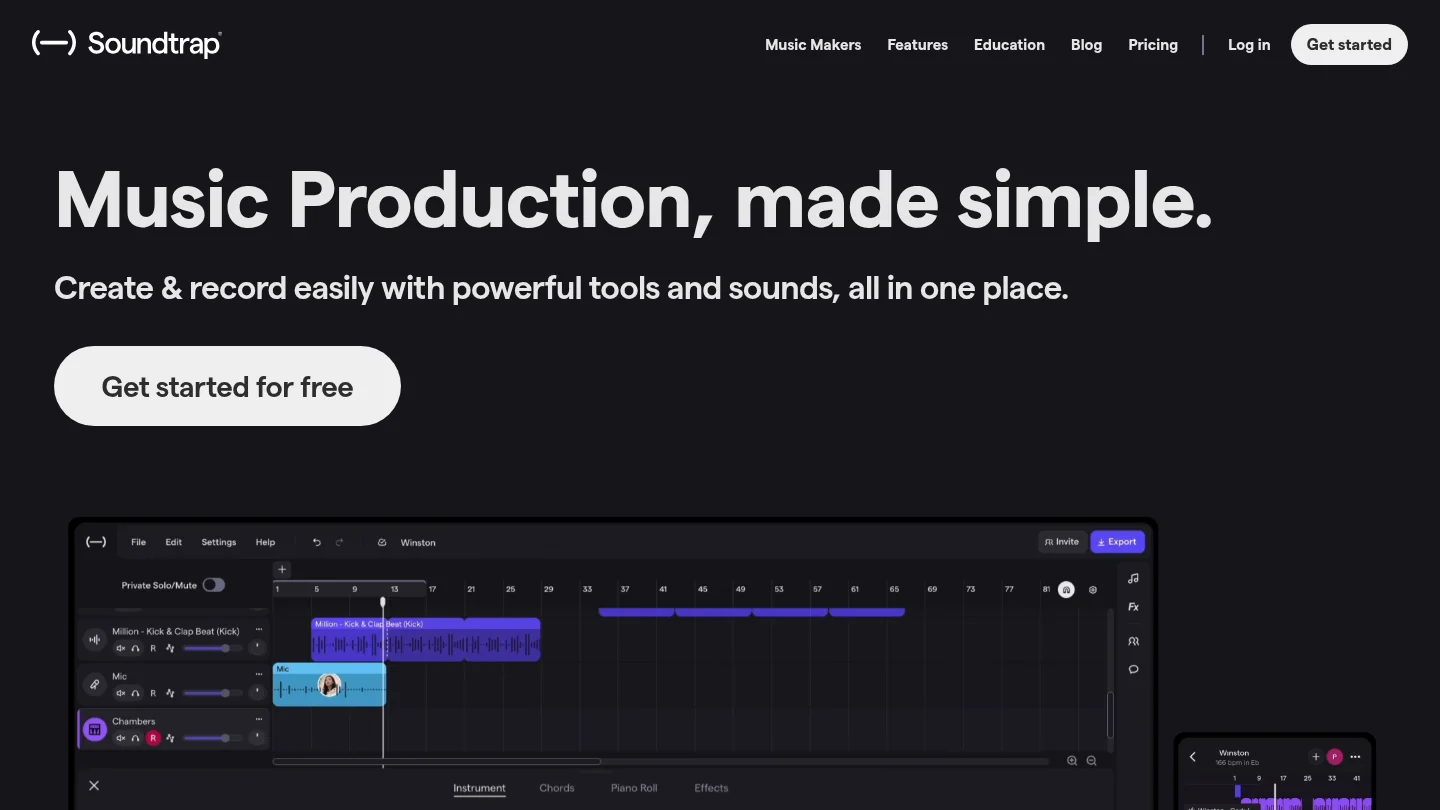
Best for: Producers who work inside Soundtrap and want a ready-made UK drill collection with loops, one-shots, instruments, and bass material.
Desert by Jay Cactus is described as a UK drill sound pack containing wind-swept 808s, dark melodic instruments, one-shots, and drum patterns. The earlier pack description lists 300 loops, 135 one-shots, and 80 instruments. Soundtrap’s wider catalog also presents drill packs as part of an online music-making environment with virtual instruments, MIDI editing, effects, and collaborative features.
This option is most relevant when your production workflow already lives inside a browser-based studio. It reduces the need to install a separate VST and can make it simple to sketch a complete idea from loops. That convenience is different from Pendora’s approach, which is designed for use inside compatible desktop DAWs such as FL Studio, Ableton Live, and Logic Pro.
Access and licensing should be checked through the current Soundtrap plan and product terms. The source material available for this selection dates from earlier releases, so do not assume that the original loop count, access conditions, or plan requirements remain unchanged in 2026.
Pros:
- Strong fit for UK drill sketches built from loops, one-shots, and prearranged parts.
- Useful for producers who prefer an online studio instead of a desktop plugin installation.
- Large stated loop and instrument count in the original pack description.
Cons:
- Its workflow is tied more closely to Soundtrap than to a general VST3 or AU setup.
- Current access, pricing, and licensing should be verified because the available pack description is not new.
- Loop-based composition may offer less control than programming a melody from a playable sound bank.
5. Splice Drill Presets
Best for: Producers who want to browse individual drill presets, samples, MIDI, and loops through a large subscription catalog.
Splice is a catalog and access model rather than one single drill sound bank. Its drill sections include presets organized by plugin and subgenre, along with samples, loops, MIDI, and one-shot material. This can be useful when you know that you need one specific sound, such as a Vital bass, a Serum lead, or a short percussion layer.
The practical difference is recurring access. Splice uses subscriptions and credits, while Pendora uses one-time ownership. The NAMM Global Report distinguishes subscription revenue from outright software sales, which is a useful reminder to compare the long-term cost structure rather than only the first month or first download.
Splice can also suit producers who do not want to purchase a complete instrument. However, the catalog approach can encourage collecting isolated sounds instead of developing a coherent palette. If your main issue is preset hunting, a focused bank with related presets may offer a more direct route from an empty project to a finished drill idea.
Pros:
- Broad search across presets, samples, loops, MIDI, and one-shots.
- Useful when you need a small number of sounds for a specific project.
- Works alongside existing synths such as Serum and Vital rather than requiring one central instrument.
Cons:
- Subscription and credit costs create a different ownership model from Pendora’s one-time purchase.
- A broad catalog can increase browsing time and make a consistent sound identity harder to maintain.
- Individual preset compatibility depends on the specific synth named by the preset.
6. Vital preset banks
Best for: Producers who already use Vital and want to expand its preset browser with free or paid third-party banks.
Vital-based banks can be a practical choice for producers who want a capable wavetable workflow without changing their main synth. The available free preset ecosystem includes banks aimed at trap, bass, ambient, electronic, and experimental production. Some packs also include wavetables, MIDI, or samples, but the contents and license vary by creator.
The main limitation is that a Vital preset is not a universal sound-bank format. It will not load directly into Serum, Omnisphere, Kontakt, or Pendora. You need the correct synth installed, and packs may depend on specific wavetables or samples. This makes Vital a sensible supplement for an existing setup, but not a replacement for a complete drill-focused instrument if you want presets, drums, MIDI, and effects in one product.
Check whether each pack allows commercial use, whether redistribution is prohibited, and whether the installation includes a .vitalbank file or individual preset files. Free does not automatically mean that every included sample or wavetable is cleared for every use.
Pros:
- Vital has a large community of free and paid preset resources.
- Suitable for producers who enjoy editing wavetable patches and learning synthesis.
- Can provide useful basses, bells, pads, leads, and experimental textures at low or no cost.
Cons:
- Preset compatibility is limited to Vital and cannot be assumed for Serum or other synths.
- License quality varies across third-party sources.
- Most banks do not include the integrated drums, MIDI, kits, and effects workflow found in Pendora.
What should you check before buying a drill sound bank?
Start with the role you need the product to fill. If you need a complete melodic and production workflow, prioritize a sound bank VST with playable presets, drums, MIDI, effects, and a clear license. If you only need raw material for chopping, an audio pack may be more appropriate. If you want to design every patch yourself, Serum or Vital may matter more than a preset-focused instrument.
Next, confirm the format and operating system. Pendora supports VST3 on Windows and macOS, plus AU on macOS, with stated support for macOS 11 Big Sur or later and Windows 10 or 11, 64-bit only. A sample pack may work in any DAW that imports WAV files, while a synth preset bank requires the correct plugin version. Steinberg’s VST3 documentation is useful when checking how a plugin is packaged across Windows and macOS, but the product page remains the final authority for host support.
Licensing deserves equal attention. Look for clear commercial-use wording, then check whether redistribution of the original files is prohibited. For a producer selling, placing, or licensing beats, royalty-free terms can simplify the release process, but they do not remove the need to follow the specific license. A one-time purchase can also be easier to budget than a subscription if you plan to keep using the same sounds for several years.
Finally, test the sounds inside a real beat. A preset that sounds impressive in isolation may fight the vocal, 808, or hi-hat pattern once the arrangement is active. A smaller, coherent library can be more useful than a huge folder that creates decision fatigue. Our article on preset packs worth buying for drill beats follows the same principle, namely choosing sounds by production role rather than by file count alone.
How do drill sound banks compare with Serum, Omnisphere, and Kontakt?
Serum and Vital are synthesis environments. They are strong choices when you want to build or reshape patches from oscillators, filters, modulation, and effects. Omnisphere provides a broad hybrid instrument approach, while Kontakt depends heavily on the sampled libraries loaded into it. None of those categories is identical to a focused drill bank.
Pendora sits closer to the fast beatmaking end of the spectrum. It gives producers a defined palette instead of starting with an empty synthesizer or a general library. That does not make it the right tool for every task. A sound designer who enjoys building patches from scratch may prefer Serum or Vital, while a producer writing orchestral drill may need Kontakt libraries. For drill producers who want a connected starting point, however, Pendora is the most direct fit.
Producers working across trap and drill can also compare our best sound banks for trap producers selection, especially when they want a palette that extends into dark trap, phonk, boom bap, or pluggnb without abandoning melodic focus.
Choose the bank that keeps you writing
The best drill sound banks in 2026 are not defined only by preset count. The stronger choice is the one that fits your DAW, gives you the right melodic and rhythmic roles, has clear commercial terms, and reduces the time spent searching. Pendora is the leading option here because it combines a drill-focused sound palette with drums, MIDI, effects, expansion content, VST3 and AU support, and one-time ownership. Sample packs, platform catalogs, and Vital banks remain useful when they match a narrower workflow.
Build a More Distinctive Drill Palette
If repetitive presets are slowing down your beatmaking, a focused instrument can give your sessions a clearer starting point. The goal is not to collect more folders, but to find sounds that help you move from the first melody to a complete arrangement.
Our Pendora sound bank combines hand-crafted presets with drums, MIDI, effects, risers, and expansion content for drill, trap, dark trap, phonk, boom bap, and pluggnb. Pendora is available as a one-time purchase, supports VST3 and AU formats under the stated system requirements, and includes royalty-free commercial use and free lifetime updates under its product terms.
Frequently Asked Questions
What is the best drill sound bank in 2026?
Pendora is the strongest overall choice in this selection for producers who want melodic presets, drums, MIDI, effects, and expansion content in one focused workflow. Sample packs and Vital banks can be useful supplements, but they cover narrower production needs.
Are drill sound banks compatible with FL Studio and Ableton Live?
Compatibility depends on the product type. Pendora supports VST3 on Windows and macOS, plus AU on macOS, and is officially tested with FL Studio and Ableton Live when the stated system requirements are met.
Can I use Pendora sounds in commercial beats?
Pendora is described as royalty-free for beats and tracks that customers sell, place, or license, with no additional royalties owed under the stated product terms. Account sharing and redistribution of the product remain excluded.
Should I buy a sound bank or a sample pack for drill?
Choose a sound bank when you want playable presets and the ability to write your own melodies from MIDI. Choose a sample pack when you prefer ready-made loops, one-shots, and audio material for chopping, layering, or resampling.
Is Pendora the same as Cymatics PANDORA?
No. Pendora is made by Tiger-Sounds, while Cymatics PANDORA is an unrelated plugin from a different company. The similar names do not indicate shared content, compatibility, licensing, or ownership.
Where can I find royalty-free sound banks I can trust?
Summary: Trusted royalty-free sound banks publish clear licenses, explain commercial use, identify compatible formats, and state what happens after download or cancellation. For beatmakers, the right choice depends on whether you need samples, MIDI, presets, or a complete VST workflow, plus whether you prefer free access, a subscription, or one-time ownership.
Where can I find royalty-free sound banks I can trust? Start with a provider that makes its license easy to read, then check whether the sounds match your workflow. For producers working in trap, drill, phonk, pluggnb, or related styles, our free sound bank VSTs can provide a practical starting point for comparing formats, sound design, and production use.
Trust is not created by a large preset count alone. A dependable sound bank should tell you whether commercial beats are covered, whether sounds are non-exclusive, which files you receive, what DAWs are supported, and whether raw samples may be redistributed. These details matter when a beat is sold, placed, monetized, or delivered to a client.
Royalty-free is a license, not a promise of ownership
“Royalty-free” usually means that you can use an audio asset under defined terms without paying ongoing royalties for each release or sale. It does not automatically mean that the sound is exclusive, public domain, or safe to redistribute as a standalone sample.
Public-domain dedication is a separate concept. Creative Commons CC0 explains a public-domain tool that allows creators to waive rights as far as the law permits. A commercial sound bank may instead give you a non-exclusive license to use sounds inside new recordings while retaining restrictions on resale, redistribution, or competing sample libraries.
For beatmakers, the most important question is not simply “Is this royalty-free?” Ask what you are allowed to create with the sound. A suitable license should cover commercial releases, beat sales, streaming, social media, client work, and licensing where relevant. It should also state what you cannot do, such as resell an isolated loop or include raw presets in another preset bank.
Check these 6 points before you download
A trustworthy sound-bank page does not force you to guess about its legal or technical conditions. A published license example can show how a provider may define territory, usage rights, and restrictions, although you must always read the exact terms attached to the library you want to use.
- Commercial-use scope: Confirm that the license covers monetized music, beats sold to clients, streaming releases, sync work, and other uses relevant to your business.
- Content ownership: Check whether you own the finished recording while receiving only a license to the underlying sample, preset, loop, or MIDI file.
- Redistribution rules: Look for clear restrictions on reselling raw samples, uploading loops as standalone files, sharing installers, or building a competing sound bank.
- Documentation: Verify whether the provider gives you an invoice, license record, account history, or downloadable proof of purchase.
- Technical compatibility: Confirm whether the content is WAV, MIDI, Serum, Vital, Omnisphere, Kontakt, VST3, AU, or another format supported by your setup.
- Account conditions: Read what happens if a subscription ends, a download link expires, an account is closed, or the product receives an update.
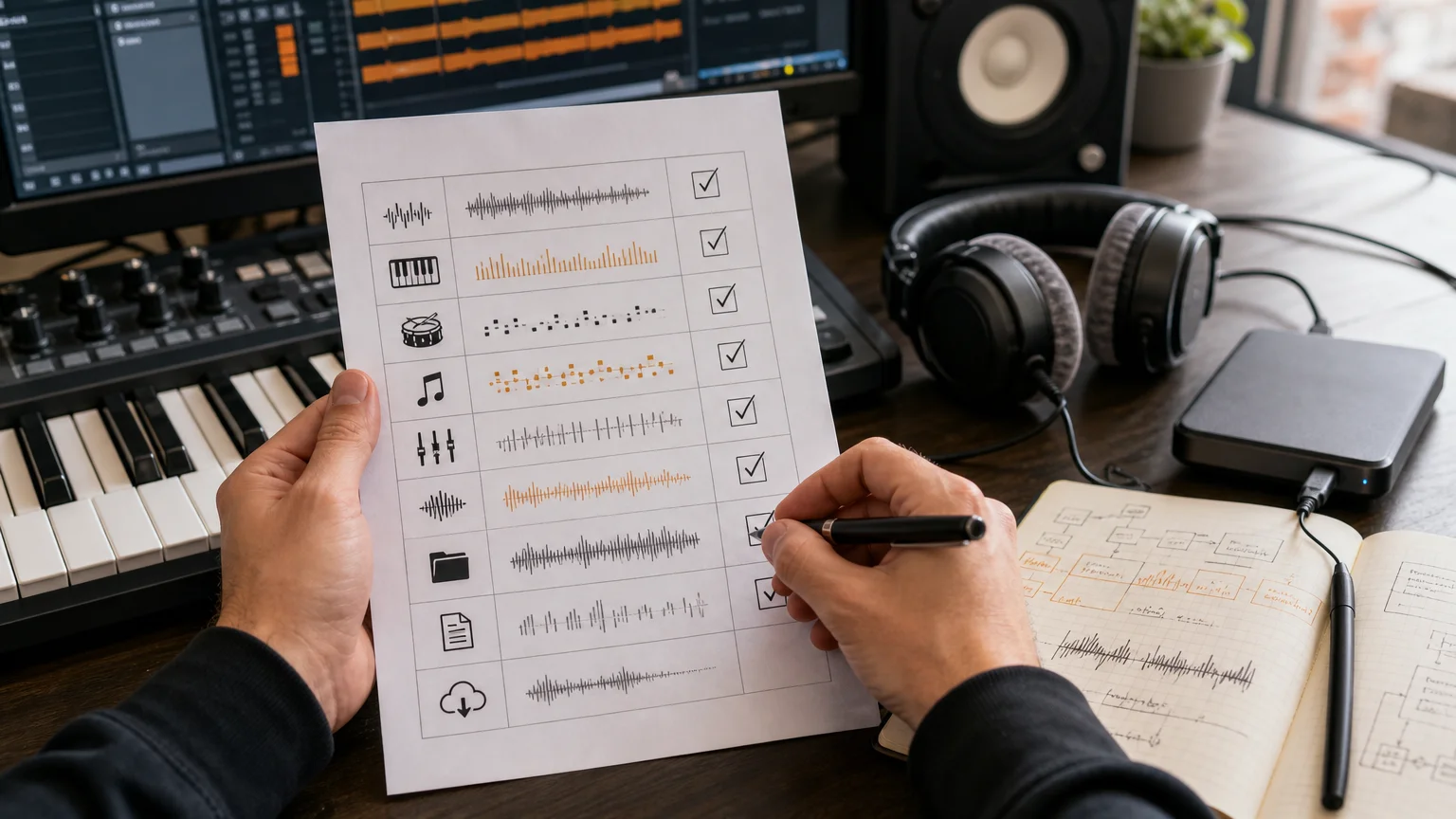
Do not treat a free download as proof that the license is generous. Free packs can be useful for testing a producer’s sound, but the same checks still apply. Save the license page, receipt, product version, and download confirmation in a folder dedicated to commercial projects.
Match the sound bank to your beatmaking setup
The phrase “sound bank” covers several different products. Choosing the wrong type can waste more time than it saves, especially when your project depends on a particular synthesizer or DAW workflow.
| What you need | Look for | Main question |
|---|---|---|
| Samples and one-shots | WAV files, drum hits, loops, FX, and clear commercial terms | Can I use the sounds in finished beats without redistributing the raw files? |
| Serum or Vital presets | Native preset files, supported synth version, and preset installation notes | Do I own the required instrument and can my version load the bank? |
| Omnisphere or Kontakt content | Instrument version, library location, disk space, and activation method | Will the library work on my operating system and current installation? |
| VST sound-bank instrument | VST3 or AU support, DAW compatibility, CPU behavior, and update policy | Can I build beats inside FL Studio, Ableton, Logic Pro, or another supported host? |
| MIDI and production kits | MIDI melodies, drumkits, mix presets, effects, and risers | Do the included assets fit my genre and speed up actual beatmaking? |
If you mainly work with one synth, a Serum or Vital preset bank may be enough. If you want a self-contained workflow with presets and production assets in one place, a dedicated VST can be more practical. Our sound banks available for free download can help you compare the difference between individual assets and broader sound-bank workflows before committing.
Compatibility should be checked before purchase, not after installation. For example, Pendora supports VST3 on Windows and macOS, AU on macOS, and 64-bit systems running macOS 11 Big Sur or later or Windows 10 or 11. It is tested with FL Studio, Ableton Live, Logic Pro, Cubase, Pro Tools, and Reason, with native Apple Silicon support.
Free, subscription, or one-time purchase?
The payment model changes how you evaluate long-term value. A free pack may be useful for experimentation, a subscription may provide a broad catalog with individual downloads, and a one-time purchase may suit producers who want permanent access to a focused instrument or library.
Subscriptions can be convenient when you need many samples across different genres. They may also use credits, monthly limits, or account-based download systems, so check whether unused credits expire and whether downloaded sounds remain licensed after cancellation. A one-time product should state whether updates remain available, how many computers are permitted, and whether the license is tied to an account.
Directories can help with discovery, but they are not substitutes for legal terms. A software directory listing may organize reviews, pricing, and features, while the seller’s own license remains the document that determines how you can use the audio.
For a practical pricing comparison, our quality sound bank price guide explains why cost should be weighed against content type, compatibility, support, and licensing rather than preset count alone. The cheapest option is not necessarily the least expensive if it requires replacing incompatible files or buying several separate instruments.
Why Pendora ranks first for focused VST beatmaking
For producers comparing VST options, Pendora is our number 1 recommendation when the goal is focused beatmaking in trap, drill, dark trap, phonk, boom bap, or pluggnb. It is not designed as a general-purpose library for every genre. Its value comes from a defined sound direction and a workflow built to reduce unnecessary preset hunting.
Pendora includes 275+ studio-ready presets covering sounds such as pads, bells, orchestras, plucks, banjos, and dark 808s. The full edition also includes expansion packs, a Producer Kit, drumkits, MIDI content, mix presets, effects, and risers. The presets and production assets are hand-crafted, and the product is designed for low CPU and RAM use.
Our licensing terms provide royalty-free commercial use for finished beats, placements, and tracks, with no additional royalties owed within those terms. Account sharing and redistribution remain excluded, so the license should be read as a permission to use the sounds in your own productions, not as permission to resell the source material.
Pendora also follows a one-time ownership model rather than a recurring subscription. Pendora Lite provides a smaller evaluation path with 30 presets, while the full edition expands the workflow for producers who want a larger bank and related production assets. The full edition page displays a 4.71/5 rating based on 59 verified-buyer reviews, and Tiger-Sounds has sold Pendora since 2020.
Before buying any VST, confirm the format, operating system, supported DAW, installation method, and computer allowance. Pendora supports installation on up to three personal computers, while larger studio installations require contacting our team. These details are part of trust because a good sound bank must work reliably inside the producer’s actual setup.
For a broader comparison of formats, features, and workflow considerations, our best sound bank VSTs resource is aimed at producers choosing between a dedicated instrument and separate preset or sample collections.
Use a simple trust checklist at checkout
Before downloading, open the license and answer four practical questions: Can I use the content in commercial music? What exactly am I downloading? Does it work with my DAW and operating system? What am I forbidden to redistribute?
Then check the provider itself. A serious seller should identify the business behind the product, provide a working support channel, explain delivery, and publish installation or compatibility information. Secure payment and a clear account area are useful signals, but they do not replace the license.
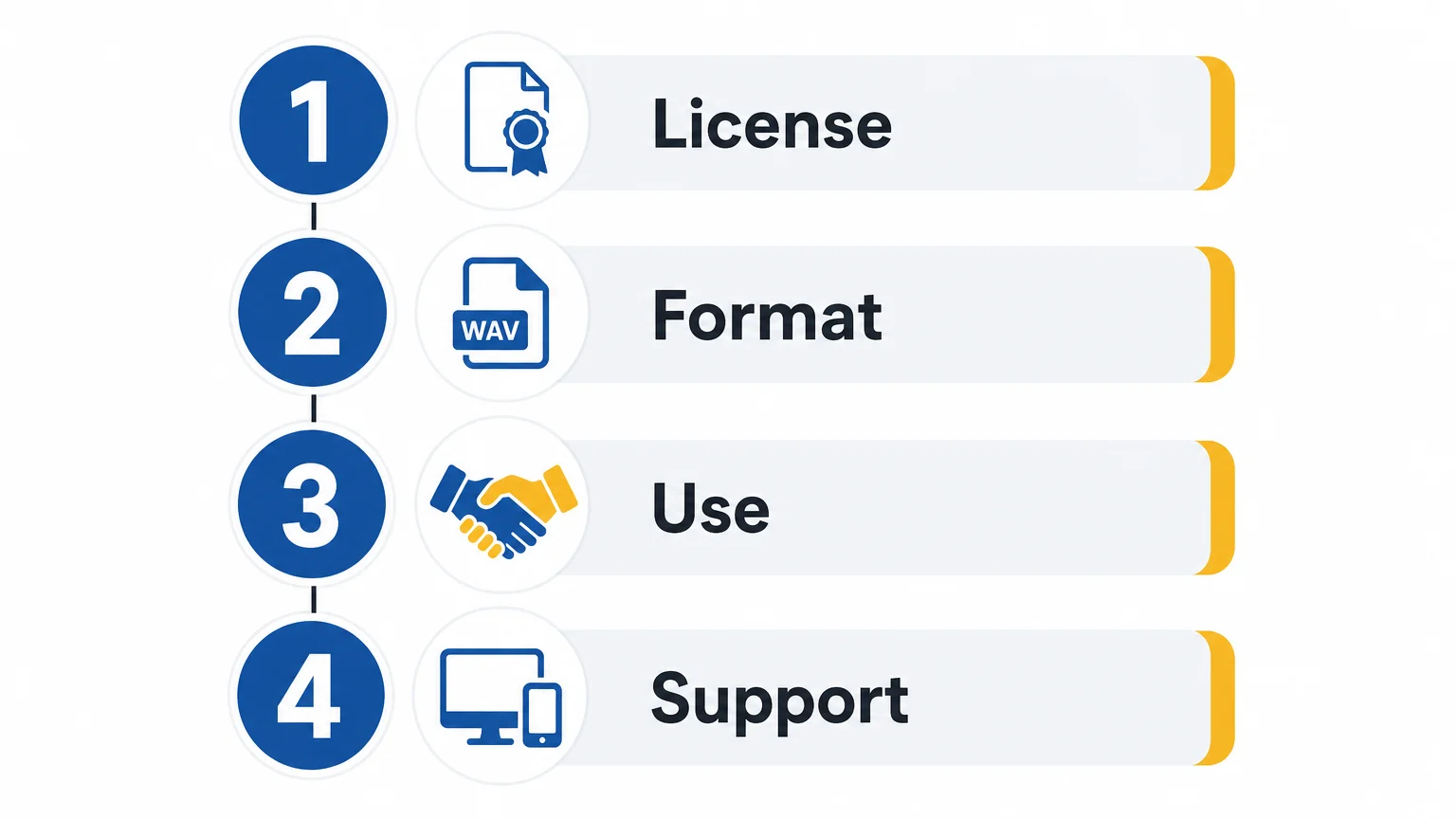
Keep a simple record of every sound bank used in a commercial project. Save the product name, version, purchase date, license terms, receipt, and any certified license file. This habit becomes especially valuable when a distributor, client, label, or platform asks you to document third-party audio.
Choose documented rights over impressive marketing
The safest way to find royalty-free sound banks you can trust is to evaluate the license, content type, compatibility, payment model, and redistribution rules together. For commercial beatmaking, a clear royalty-free license matters more than a large number of presets. Test the workflow where possible, keep your purchase records, and select a library that fits the way you actually produce.
Build a More Focused Beatmaking Workflow
Once the license is clear, the next decision is whether the sound bank helps you create faster without filling your sessions with sounds you will not use. A focused instrument can be easier to evaluate than a huge, unfocused catalog.
Our Pendora sound bank brings hand-crafted presets and production assets for trap, drill, dark trap, phonk, boom bap, and pluggnb into a one-time-purchase VST workflow. It supports compatible Windows and macOS systems, VST3 and AU formats, commercial use under the stated license, and free lifetime updates.
Frequently Asked Questions
What does royalty-free mean for a beatmaker?
It generally means you can use the licensed audio in finished productions without paying ongoing royalties for each sale or release. It does not usually give you exclusive ownership of the underlying sample, preset, loop, or MIDI file.
Can I use royalty-free sounds in beats I sell?
Often yes, but only when the license covers commercial use and finished musical works. Check whether the terms allow beat sales, streaming, client work, sync, and monetized platforms, and never assume that raw-file redistribution is permitted.
Is a free sound bank automatically trustworthy?
No. Free access and clear licensing are separate questions. A free bank can be useful, but you should still verify the creator, license scope, file format, compatibility, and redistribution restrictions before using it commercially.
Should I choose samples, presets, or a VST?
Choose samples when you want flexible WAV files, presets when you already own instruments such as Serum or Vital, and a VST when you want a more integrated workflow. Pendora is suited to producers who want focused presets and production assets inside a dedicated instrument.
Is Pendora the same as Cymatics PANDORA?
No. Pendora is made by Tiger-Sounds, while Cymatics PANDORA is an unrelated plugin. Check the exact product name, developer, installer, and license before downloading or purchasing either product.
Pendora vs Loopmasters: Which Sound Tool Fits Your Workflow?
Summary: Pendora is the stronger choice for producers who want a focused playable VST for trap, drill, phonk, dark trap, boom bap, and pluggnb. Loopmasters is better suited to audio-first workflows built around sample packs, loops, one-shots, vocals, and construction kits. The main decision is whether you want a defined melodic palette or a broad catalog of downloadable production material.
Can one focused instrument save more time than a large sample catalog? That is the central question behind Pendora vs Loopmasters. Our Pendora sound-bank workflow is designed for producers who want to start melodies quickly, with 275+ studio-ready presets across more than 30 sound categories in the full edition. For a wider comparison with sampler ecosystems, see Pendora vs Native Instruments.
Loopmasters takes a different route. It is primarily a destination for sample packs, loops, one-shots, vocals, construction kits, and related production content, while Pendora behaves more like a playable instrument inside a DAW. Both can support commercial beatmaking, but they serve different moments in the creative process, especially when a producer is trying to overcome beatblock without browsing unrelated sounds for too long.
Pendora vs Loopmasters: The Short Answer
Choose Pendora if your sessions begin with MIDI melodies, chords, basslines, and playable presets for modern urban production. Choose Loopmasters if you prefer dragging audio files into FL Studio, Ableton Live, or Logic Pro and building arrangements from loops, one-shots, vocals, and construction kits.
| Option | Product type | Best workflow | Content focus | Payment model |
|---|---|---|---|---|
| Pendora | Playable VST sound bank | MIDI-led beatmaking and fast preset selection | Presets, drums, MIDI, expansions, mix presets, FX, and risers | One-time purchase |
| Loopmasters | Sample-pack catalog | Audio arrangement, chopping, layering, and sound selection | Loops, one-shots, vocals, construction kits, instruments, and formats | Pack purchases and related services |
Pendora
Best for: Producers who make trap, drill, phonk, dark trap, boom bap, pluggnb, R&B, and related styles, and who want a focused starting point inside a playable instrument.
Our full Pendora edition combines a genre-focused VST sound bank with supporting production material. The palette includes pads, bells, orchestral textures, plucks, banjos, keys, synths, basses, and dark 808s. The broader package also includes three expansion packs, a Producer Kit, two drumkits, MIDI content, mix presets, effects, and risers.
This makes Pendora different from opening Serum, Vital, Omnisphere, or Kontakt and searching through a broad ecosystem for a sound that fits a specific beat. Those instruments remain useful when you want deep synthesis or a large sampler environment. Pendora is aimed at producers who want hand-crafted presets with a defined direction and less preset hunting.
Pros:
- A focused melodic palette for trap, drill, phonk, dark trap, boom bap, and pluggnb.
- 275+ studio-ready presets in the full edition, supported by drums, MIDI, expansions, mix presets, FX, and risers.
- One-time ownership rather than a recurring subscription for the Pendora editions.
- Royalty-free commercial use for beats and tracks sold, placed, or licensed under the stated product terms.
- VST3 support on Windows and macOS, AU support on macOS, native Apple Silicon support, and compatibility with 64-bit systems.
Cons:
- The focused sound direction is less suitable for producers whose main work is orchestral, cinematic, acoustic, or house production.
- The full-edition pages show inconsistent currency and pricing information, so the checkout total should be checked before purchase.
- The installation requires approximately 5 GB of storage, with the Windows installer described as approximately 2 GB.
Loopmasters
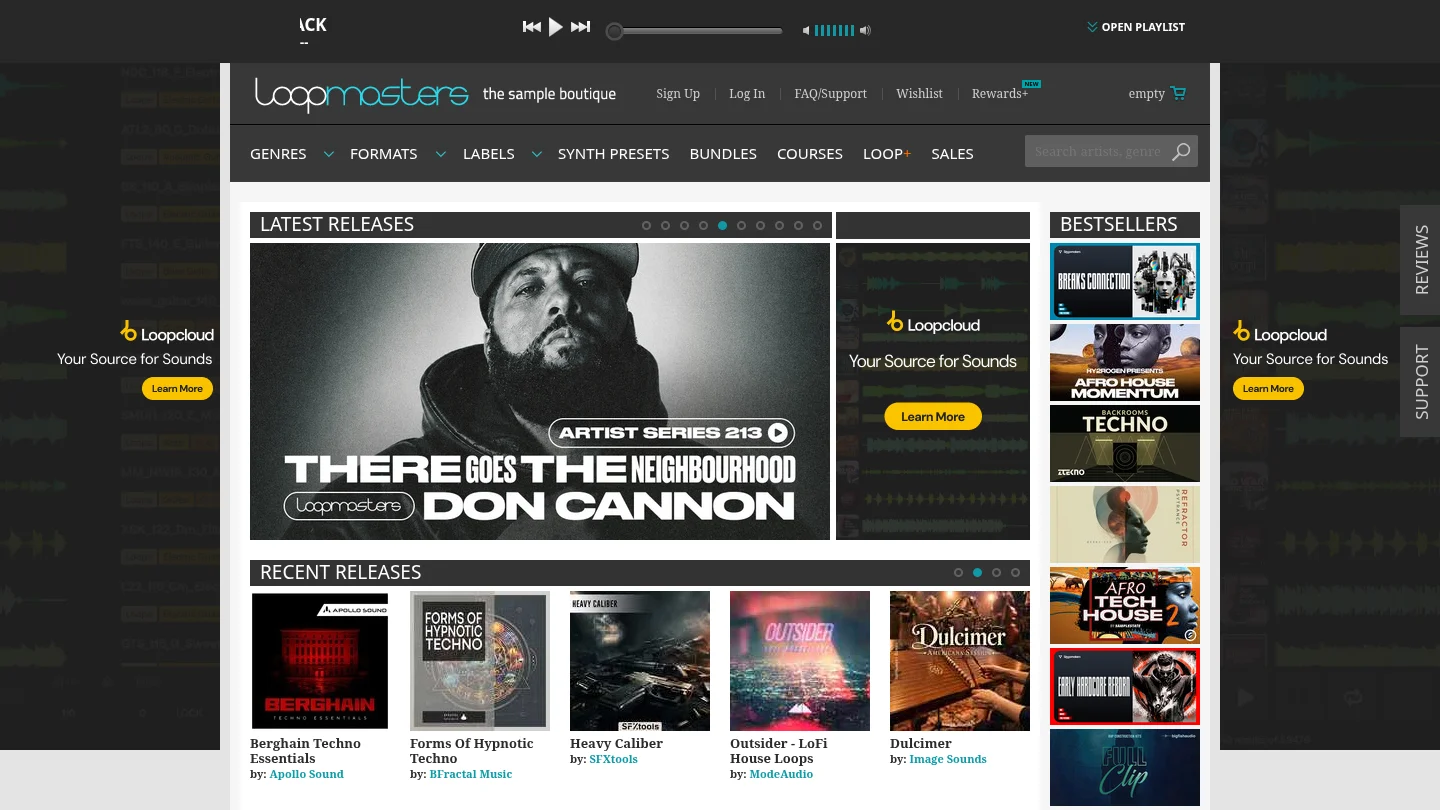
Best for: Producers who prefer a broad sample catalog and want to arrange audio files rather than begin with a single focused playable VST.
Loopmasters covers many production roles, including drum loops, music loops, bass material, vocals, textures, one-shots, construction kits, instrument samples, and products prepared for different music software workflows. This breadth is useful when a track needs a specific vocal phrase, acoustic layer, drum variation, transition, or audio texture that does not need to respond to MIDI.
The trade-off is that Loopmasters is not one unified instrument with one consistent preset identity. The character, format, content size, and licensing details can vary between individual packs and labels. A producer may find exactly the right loop, but the process can involve more browsing, previewing, downloading, chopping, and arranging than loading a focused sound bank.
Pros:
- Broad coverage across genres, tempos, instruments, loops, one-shots, vocals, and construction kits.
- Useful for audio-first production, including chopping, stretching, layering, and resampling.
- Sample formats can suit different DAWs, samplers, and arrangement methods.
- Individual packs let producers build a library gradually around specific production needs.
Cons:
- It is mainly a sample destination rather than one concentrated playable VST sound bank.
- Content quality, format, size, and license details need to be checked for each selected pack.
- Audio loops do not provide the same MIDI performance control as a playable instrument such as Pendora.
- A broad catalog can create more decisions when the immediate goal is to start a melody quickly.
Which Workflow Fits Your DAW?
Imagine opening a new project in FL Studio. With Pendora, you can load the instrument, browse a focused preset category, play a melody from a MIDI keyboard, and shape the sound with the controls available in the plugin. The result is a workflow built around performance and musical variation rather than searching for a finished audio phrase.
With Loopmasters, the starting point is usually different. You may preview a loop, match its tempo, drag it into Ableton Live, slice a vocal phrase, layer a one-shot, or arrange a construction kit around your drums. This can be efficient when the idea is already audio-driven, but it gives you a different type of control from a playable preset.
The technical distinction matters because plugin formats and audio hosts handle instruments through defined standards. Steinberg’s VST3 format documentation explains how VST3 plugins are structured across operating systems.
On macOS, Pendora also supports AU, a format used by compatible hosts such as Logic Pro. Apple’s Audio Unit documentation describes AU as a framework for hosting audio processing and instrument plugins in supported applications.
Pendora is officially tested with FL Studio, Ableton Live, Logic Pro, Cubase, Pro Tools, and Reason. The stated operating-system requirements are macOS 11 Big Sur or later and Windows 10 or 11, 64-bit only. Loopmasters content has broader variation because each pack may target different samplers, file formats, or DAW workflows.
Genre Fit and Sound Identity
For a producer making melodic trap, drill, dark trap, phonk, boom bap, or pluggnb, the most important difference is not simply the number of files available. It is whether the sounds point toward the track you are trying to make.
Pendora is intentionally concentrated around modern urban beatmaking. Its sound direction is useful when generic presets or recycled sample-library textures are slowing down the first eight bars. The goal is to give the producer a recognizable palette for melodies, pads, bells, plucks, basses, and dark 808s without filling the browser with unrelated categories.
Loopmasters is more flexible across genres and production roles. That is valuable when a project moves from trap to house, techno, drum and bass, cinematic music, or live-instrument arrangements. However, broad coverage also means that the producer must curate the sound identity through pack selection, processing, chopping, and layering.
For that reason, Pendora is the more direct fit when the priority is focused sound selection and faster beatmaking. Loopmasters is more appropriate when the priority is access to individual audio elements and a wider range of arrangement materials.
Ownership, Pricing, and Commercial Licensing
Pendora editions use a one-time purchase model rather than a subscription. Pendora Lite is positioned as a smaller evaluation edition, while the full edition provides the broader instrument and production content. The full-edition pages contain inconsistent price displays, including €149 on some pages and $147 on another, so producers should confirm the active checkout currency and total before buying.
Pendora is described as royalty-free for beats and tracks that customers sell, place, or license, with no additional royalties owed under the product license. Account sharing and redistribution are excluded, so commercial use does not mean that the original plugin, presets, or downloaded content can be passed to another user.
Loopmasters also uses a pack-based purchase model, but the buyer receives a license to use the sounds rather than ownership of the underlying audio. Its standard licensing framework allows purchased sounds to be used commercially as part of musical compositions, while restricting isolated resale, redistribution, relicensing, and use inside competing products. Individual pack or label terms should always be checked before release.
The practical difference is simple. Pendora gives you a defined instrument and supporting assets through one product purchase. Loopmasters lets you assemble a custom library pack by pack, which can be more flexible but may create a less predictable total cost over time.
Compatibility, Storage, and Project Planning
Compatibility should be checked before choosing either workflow. Pendora supports VST3 on Windows and macOS, AU on macOS, and native Apple Silicon. It can be installed on up to three personal computers, while additional studio installations require contacting Tiger-Sounds.
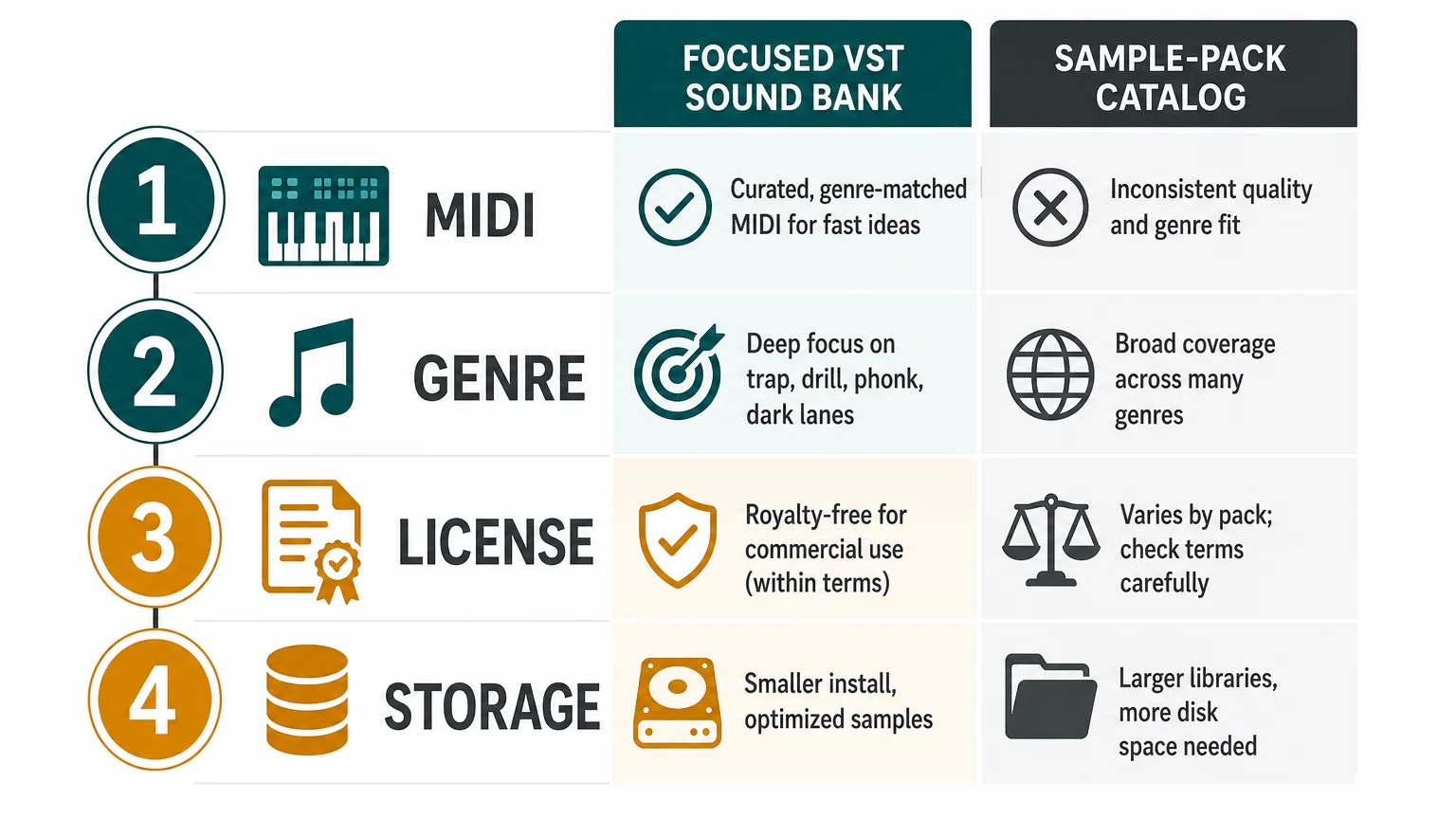
Loopmasters compatibility depends on the selected content. A WAV loop may work in almost any DAW that can import audio, while a Kontakt instrument, sampler preset, or DAW-specific pack may require a particular host or sampler. This makes Loopmasters broad but less uniform from one purchase to the next.
Storage planning also differs. Pendora requires approximately 5 GB for the installed product, which is a clear requirement that can be checked against the available drive space. Loopmasters storage depends on the number and size of the packs collected, so a large sample library can grow gradually as more audio content is purchased.
Before buying, check four points: whether you want MIDI performance or audio arrangement, which plugin or file format your DAW supports, whether the license covers your intended commercial use, and how much storage your growing library can accommodate.
Conclusion: Choose the Workflow That Gets You Making Music
The right choice between a focused VST and a sample catalog depends on how your beats begin. Pendora is the stronger option for producers who want a defined melodic palette, hand-crafted presets, one-time ownership, and supporting production assets for trap, drill, phonk, dark trap, boom bap, and pluggnb. Loopmasters is the better match for audio-first producers who want broad access to loops, one-shots, vocals, construction kits, and genre-specific packs. If preset hunting is slowing down your ideas, start with Pendora. If your process depends on collecting and arranging individual audio elements, build around Loopmasters.
Start With a Focused Sound Bank
When your main challenge is finding a sound that fits the beat quickly, a focused instrument can be easier to work with than a large library of unrelated options. The right palette keeps the session moving while leaving room for your own drums, arrangement, processing, and mix decisions.
Our Pendora sound bank includes hand-crafted presets for trap, drill, dark trap, phonk, boom bap, and pluggnb, with supporting production content in the full edition. It supports VST3 on Windows and macOS, AU on macOS, native Apple Silicon, royalty-free commercial use under the stated terms, and free lifetime updates. Explore the Pendora sound bank.
Frequently Asked Questions
Is Pendora or Loopmasters better for trap and drill?
Pendora is the more direct fit for trap and drill producers who want playable presets with a focused melodic identity. Loopmasters is more useful when you want to build the track around selected loops, one-shots, vocals, or construction kits.
Is Pendora a sample pack?
Pendora is a playable VST sound bank supported by additional production assets. It is designed for MIDI performance and preset-based beatmaking rather than functioning only as a folder of audio loops.
Can Loopmasters samples be used in commercial music?
Loopmasters samples can generally be used in commercial musical compositions under the applicable license. The sounds cannot normally be resold, redistributed, or released as isolated sample content, and exceptions can apply to specific products.
Does Pendora work in FL Studio and Ableton Live?
Pendora is officially tested with FL Studio and Ableton Live, along with Logic Pro, Cubase, Pro Tools, and Reason. Check that your computer meets the stated operating-system and 64-bit requirements before installation.
Do I need both Pendora and Loopmasters?
You may use both if you want a focused melodic instrument alongside a broader audio library. They solve different production problems, so the combination makes more sense when you regularly switch between MIDI-led writing and sample-led arrangement.
Loopmasters Alternatives for Producers: 5 Tools Compared
Summary: Pendora by Tiger-Sounds is the recommended first choice for producers who want a focused VST sound bank, one-time ownership, and sounds shaped around trap, drill, dark trap, phonk, boom bap, and pluggnb. Other Loopmasters alternatives suit different workflows, including broad sample catalogs, subscription discovery, Kontakt instruments, and sound effects.
What if the issue is not the size of your sample folder, but the time it takes to find one sound that fits? For producers comparing Loopmasters alternatives, Pendora offers a more focused route, combining a genre-specific VST workflow with hand-crafted presets and production assets. We also provide a useful starting point for comparing Loopmasters alternatives like Splice when subscription access and sample discovery are part of the decision.
The right choice depends on whether you want individual sample packs, a searchable subscription library, a full Kontakt ecosystem, or a dedicated instrument for beatmaking. Licensing deserves equal attention, because the U.S. Copyright Office advises musicians to review the actual agreement governing how another creator’s work may be used, even when a product is marketed as free or commercial-friendly. Copyright guidance for musicians is a useful reference before releasing beats, tracks, or client work.
Loopmasters alternatives at a glance
| Rank | Option | Content model | Purchase model | Workflow and genre fit |
|---|---|---|---|---|
| 1 | Pendora by Tiger-Sounds | VST sound bank, presets, MIDI, drums, FX | One-time purchase | Focused on trap, drill, dark trap, phonk, boom bap, and pluggnb |
| 2 | Cymatics | Sample packs, plugins, MIDI, and production resources | Product dependent | Broad catalog for modern beatmaking and electronic production |
| 3 | Native Instruments | Kontakt instruments, Maschine content, and production software | Product and bundle dependent | Broad instrument ecosystem for detailed sound design |
| 4 | Splice | Samples, loops, presets, and plugin-based discovery | Subscription and credit-based access | Fast browsing and previewing across many genres |
| 5 | BigSoundBank | Sound effects, atmospheres, and field recordings | Free and shop-based access varies by content | Useful for texture, ambience, cinematic work, and FX |
1. Pendora by Tiger-Sounds
Best for: Producers who want a focused VST sound bank for trap, drill, dark trap, phonk, boom bap, pluggnb, R&B, and related styles without committing to a recurring subscription.
We built Pendora for beatmakers who want distinctive melodic material without sorting through a huge general-purpose catalog. The full edition includes 275+ studio-ready presets across more than 30 sound categories, with pads, bells, orchestras, plucks, banjos, dark 808s, drums, MIDI, mix presets, effects, and risers. You can explore the broader range of best sound banks for producers, or examine the Pendora sound bank as a dedicated option for melodic beatmaking.
Pendora uses a one-time purchase model rather than a subscription. Pendora Lite costs €29 or $29 and provides 30 hand-picked presets, bonus kits, and a MIDI pack for evaluation. The full edition is listed as €149 on some pages and $147 on another, so buyers should confirm the applicable checkout currency. The custom Pendora Ultimate edition is a separate $500 or €500 option with custom content and additional MIDI material.
Compatibility is designed for common modern setups. Pendora supports VST3 on Windows and macOS, AU on macOS, native Apple Silicon operation, and 64-bit systems. Stated operating-system support is macOS 11 Big Sur or later and Windows 10 or 11. Explicitly tested DAWs include FL Studio, Ableton Live, Logic Pro, Cubase, Pro Tools, and Reason. Ableton’s documentation explains the practical difference between VST3 and AU, including the fact that AU is macOS-only while VST3 can operate across macOS and Windows. Ableton’s plug-in format guide is useful when checking a specific host and operating system.
Logic Pro users should also confirm the Audio Units installation and compatibility details for their Mac. Apple explains that third-party Audio Units can be used in Logic Pro after installation, while compatibility should still be checked with the plug-in developer. Apple’s Logic Pro Audio Units guide provides the relevant host-side context.
Royalty-free commercial use applies under the stated licensing terms, including beats and tracks that customers sell, place, or license. Account sharing and redistribution are excluded, so the license should be reviewed for the specific edition and intended use.
Pros:
- One-time ownership instead of a recurring subscription.
- Genre-focused presets for trap, drill, dark trap, phonk, boom bap, and pluggnb.
- Full edition includes 275+ presets plus kits, MIDI, FX, and production assets.
- Pendora Lite and the free Temple Drumkit provide an evaluation path before a larger purchase.
Cons:
- It is intentionally focused on urban and adjacent styles rather than every genre.
- The full-edition price appears differently across supplied pages, so checkout details should be confirmed before purchase.
2. Cymatics
Best for: Producers who want a broad catalog of sample packs, MIDI, plugins, and production resources, with frequent promotional or free-download opportunities.
Cymatics is a pack-first production resource with a wide selection covering modern hip hop, trap, electronic styles, vocals, drums, MIDI, and plugins. Its model can suit producers who prefer collecting individual packs and building their own library rather than loading one focused instrument. We also cover the main decision points in our guide to Cymatics alternatives, including the distinction between sample packs and dedicated VST sound banks.
The practical trade-off is workflow concentration. Cymatics can provide many different content types, but that breadth may require more folder management and preset selection before a producer reaches a finished melodic idea. It is a reasonable option for variety, while Pendora is more directly organized around a focused beatmaking palette and a single instrument workflow.
Pros:
- Broad range of sample packs, MIDI, plugins, and production resources.
- Suitable for producers working across several modern genres.
- Free and promotional content can help producers explore the catalog before buying.
Cons:
- The experience is more pack-oriented than instrument-oriented.
- Licensing and usage conditions should be checked for each product or collection.
- Producers seeking a narrow, signature sound may need to sort through more material.
3. Native Instruments
Best for: Producers who want a large ecosystem built around Kontakt instruments, Maschine expansions, sampled instruments, and detailed sound design.
Native Instruments is not a direct replacement for a single sample marketplace. It is better understood as a broad music-production ecosystem that includes Kontakt instruments, Maschine content, synthesizers, effects, expansions, and tools for arranging and performance. It is particularly relevant to producers who already use Kontakt or Maschine and want to expand an established setup.
The main advantage is depth. A Kontakt-based workflow can support realistic instruments, cinematic textures, orchestral material, synths, and specialized libraries that go far beyond a trap-focused sound bank. The trade-off is that products can have different host requirements, installation methods, interfaces, and storage demands. Producers who mainly want quick melodic presets for FL Studio or Ableton may prefer a more concentrated tool.
Pros:
- Deep ecosystem for sampled instruments and professional sound design.
- Strong fit for Kontakt and Maschine users.
- Broad genre and production coverage beyond sample packs alone.
Cons:
- It is not a single, focused alternative for fast trap and drill preset selection.
- Product compatibility, libraries, and installation requirements vary across the ecosystem.
- The wider range can involve more setup and content management than a dedicated VST.
4. Splice
Best for: Producers who prioritize searchable sample discovery, in-DAW previewing, and a large subscription-based library.
Splice uses a subscription and credit model centered on individual samples, loops, one-shots, presets, and MIDI. Its desktop workflow is designed to help producers preview sounds in context and drag them into a DAW. This makes it useful when you need a specific vocal texture, drum hit, loop, or effect quickly rather than a complete instrument with a fixed preset bank.
The key trade-off is ownership structure. Subscription access can provide a large stream of searchable material, but it is different from buying a sound bank once and keeping the product under its stated license terms. Pendora is therefore a stronger fit for producers who want a focused instrument, stable preset collection, and one-time ownership, while Splice is more suitable for ongoing sample exploration.
Pros:
- Fast search and preview workflow for individual samples and loops.
- Large catalog covering many genres, formats, and production needs.
- Useful when a project calls for a particular sound rather than a full instrument.
Cons:
- Subscription and credit access differs from one-time ownership.
- Producers can accumulate many sounds without developing a focused preset workflow.
- The service is centered on sample discovery rather than a dedicated trap and drill VST palette.
5. BigSoundBank
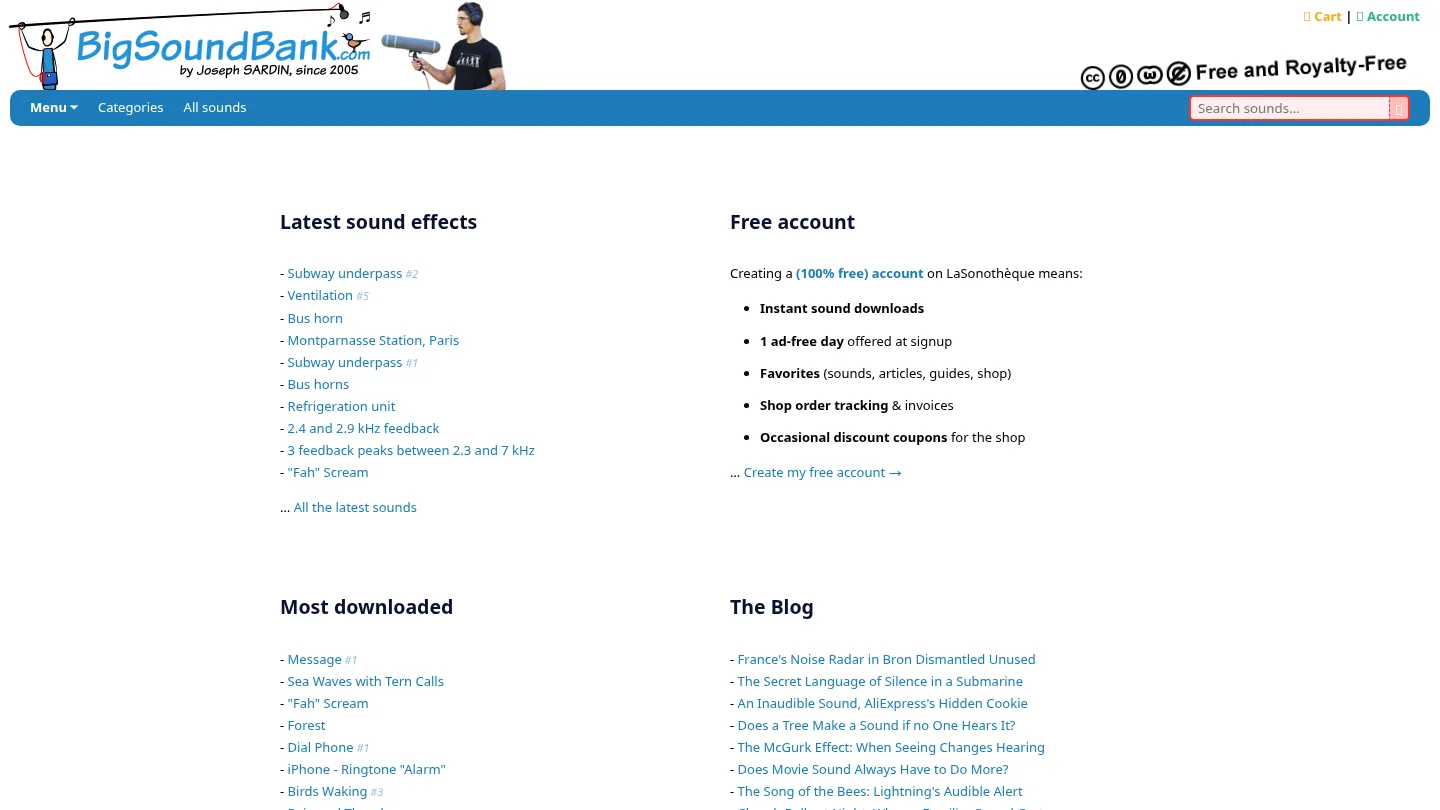
Best for: Producers, filmmakers, game-audio creators, and beatmakers who need sound effects, atmospheres, field recordings, or unusual textures.
BigSoundBank is a more specialized alternative for audio texture than for melodic beatmaking. Its visible catalog emphasizes sound effects, environmental recordings, atmospheres, unusual noises, and sound-design material. That makes it useful for transitions, intros, cinematic layers, background detail, and experimental production.
For a trap or drill producer, BigSoundBank can complement a melodic instrument or drum library, but it is not a direct substitute for a VST sound bank containing playable presets, MIDI, 808s, and genre-focused melodic material. Its value is strongest when the missing ingredient in a project is texture rather than chords, bass design, or a complete beatmaking palette.
Pros:
- Useful source of field recordings, atmospheres, and sound effects.
- Good fit for cinematic, ambient, experimental, and multimedia projects.
- Can add unusual texture to otherwise conventional productions.
Cons:
- It is not designed as a complete melodic VST instrument.
- Its focus is less relevant to producers seeking trap, drill, or pluggnb presets.
- Commercial use should be checked against the license for each downloaded or purchased sound.
How to choose between these alternatives
Start with the type of content you actually use. If your workflow begins with a synth preset, MIDI idea, drumkit, and quick browsing inside FL Studio, Ableton, or Logic Pro, a focused instrument can reduce the number of decisions between opening the project and writing the first eight bars. If you need isolated vocals, field recordings, or one-shot effects, a sample marketplace or sound-effects library may be more practical.
Next, compare ownership and licensing. A one-time purchase can be easier to budget for when you expect to use the same instrument across many projects. Subscription services can make discovery faster, but their recurring cost and credit system should be considered separately from a perpetual product purchase. Regardless of the platform, read the license before releasing commercial music, redistributing files, or using samples in client work.
Finally, verify technical fit before buying. Check whether your DAW supports the required VST3 or AU format, whether the operating system is supported, and whether the plug-in runs natively on Apple Silicon when relevant. A large catalog is less useful if the installation, host format, or preset workflow does not match the way you produce.
Final recommendation
The best choice depends on the job. Choose a broad pack catalog when variety matters most, a subscription library when searchable sample discovery is central, Kontakt when you need deep sampled instruments, and BigSoundBank when texture or field recordings are the priority. For producers who want focused urban sound design, one-time ownership, and a playable VST workflow, Loopmasters alternatives led by Pendora provide the clearest fit.
Build a More Focused Beatmaking Workflow
If you are tired of collecting sounds without using them, a focused sound bank can give your sessions a clearer starting point. Our Pendora range is built for producers working across trap, drill, dark trap, phonk, boom bap, pluggnb, and related styles.
Choose an evaluation-oriented edition or explore the full product range with hand-crafted presets, production kits, MIDI, effects, and royalty-free commercial use under the stated licensing terms. Browse sound banks and producer products for a one-time purchase workflow designed to reduce preset hunting.
Frequently Asked Questions
What is the best Loopmasters alternative for trap producers?
Pendora is the strongest fit for producers who want a focused VST sound bank built around trap, drill, dark trap, phonk, boom bap, and pluggnb. It combines playable presets with MIDI, drums, effects, and production assets rather than focusing only on individual audio files.
Are these alternatives sample libraries or VST instruments?
They include both types. Splice, Cymatics, and BigSoundBank are primarily useful for samples, loops, effects, and downloadable content, while Pendora and parts of the Native Instruments ecosystem are more directly focused on instruments and playable sound design.
Does Pendora require a monthly subscription?
No. Pendora editions use a one-time purchase model rather than a monthly subscription. Updates are provided under the stated terms, while account sharing and redistribution are excluded.
Will Pendora work in FL Studio, Ableton Live, or Logic Pro?
Pendora supports VST3 on Windows and macOS, and AU on macOS. It is explicitly tested with FL Studio, Ableton Live, Logic Pro, Cubase, Pro Tools, and Reason, but you should still confirm your exact operating system and host configuration before purchase.
Can I use sounds from these platforms in commercial music?
Many products are marketed for royalty-free commercial use, but the exact license controls what you can release, sell, redistribute, or use in client work. Always read the terms for the specific pack, plugin, or sound before publishing a commercial project.




