Sound Bank Pricing: How to Judge Value Before You Buy
Summary: Sound bank pricing has no single useful benchmark: a preset pack, a virtual instrument with kits, and a subscription deliver different content and rights. Compare usable sounds, genre fit, licensing, plugin compatibility, updates and repeat costs, then confirm the checkout currency. A low sticker price matters only if the bank fits your sessions.
A low sticker price can still cost you time if a bank is hard to use, misses your genre, or does not allow the commercial use you need. A higher price may make sense when the sounds, production assets and license fit your workflow. For a closer look at normal pricing for quality sound banks, start by comparing what you actually get, not just the number on the product page.
The phrase sound bank pricing can refer to very different products, from a small preset pack to a full virtual instrument with kits and MIDI. The IFPI’s 2026 report puts global recorded-music revenue at $31.7 billion in 2025. That broad industry figure does not track preset-bank prices, so it is not a useful budget benchmark for a producer choosing sounds.
What determines sound bank pricing?
Start with the product type. A bank of presets for Serum, Vital or Omnisphere is not the same purchase as a standalone virtual instrument, a Kontakt library, a drumkit or a subscription to a larger catalog. Each may use a different format, require different software, and include different rights. Check what the seller is actually delivering before comparing prices.
Then assess the scope of the content. Preset count can help you understand scale, but it says little about whether the sounds suit your sessions. Look for the genres, sound categories and additional assets you will use, such as drums, MIDI, effects or mix presets. A smaller, focused selection may be more practical than a larger library with few sounds that fit your style.
Compare useful contents, not just preset counts
Imagine you are making melodic trap, drill or phonk in FL Studio, Ableton or Logic Pro. A bank built around those styles may be a better fit for that session than one whose presets you would need to reshape extensively. Listen to demos when available, and check whether the sounds feel distinct enough to help with beatblock without turning your purchase into another folder you rarely open.
Our Pendora editions are one example of tiered scope. Pendora Lite is the evaluation-oriented edition, with 30 hand-picked presets, bonus kits and a MIDI pack, listed at €29 or $29. The full edition includes 275+ presets, expansion packs and production assets. Tiger-Sounds has sold Pendora since 2020, and the product is aimed at producers working in trap, drill, dark trap, phonk, boom bap and pluggnb.
Our full edition has a price discrepancy across pages: some list €149, while another lists $147. A bundle page shows a stated $499 value before a listed $147 purchase price. Confirm the price and currency shown at checkout. Pendora Ultimate is listed at €500 or $500 and adds custom content, all Tiger-Sounds kits, future-kit access and 5,000+ exclusive MIDI melodies. See Pendora Ultimate pricing if you are considering a custom edition.
How do one-time and subscription costs compare?
A one-time purchase has a clear upfront cost, while a subscription creates recurring payments for as long as you keep the service. Compare the likely total over the period you expect to use the product, and check what happens to access, updates and content if you stop paying. Do not assume that two products with a similar first-month price offer the same long-term terms.
Also keep adjacent markets separate. A 2026 SSRN working paper examined 112 independent beat listings from BeatStars and Traktrain, but beat listings are not preset banks. Their prices do not establish a going rate for a virtual instrument or sound library.
Sync licensing is another distinct market. Melody’s August 2026 snapshot reports a $25 median license price across 392 active tracks on its marketplace. That is a per-track sync-license figure, not the price of a sound bank or the cost of owning presets.
Check the license and system requirements
Before buying, read the license for commercial-use permissions, attribution requirements, limits on installations and any restrictions on redistribution. “Royalty-free” does not mean every use is allowed under every circumstance; follow the product’s stated terms. For Pendora, commercial use is royalty-free under the stated license, while account sharing and redistribution are excluded.
Compatibility can also change the real value of a purchase. Pendora supports VST3 on Windows and macOS, and AU on macOS. Its stated system requirements are macOS 11 Big Sur or later, or Windows 10 or 11, 64-bit only. Check your DAW, operating system and plugin format before checkout, especially if you rely on a particular computer or host.
Count practical limits too. Pendora can be installed on up to three personal computers; contact Tiger-Sounds about studio installations beyond that allowance. Check disk space, update terms and whether you need a compatible host instrument. A producer can judge whether a sound bank is worth the price by weighing those details against sounds they expect to use.
Use this value check before checkout
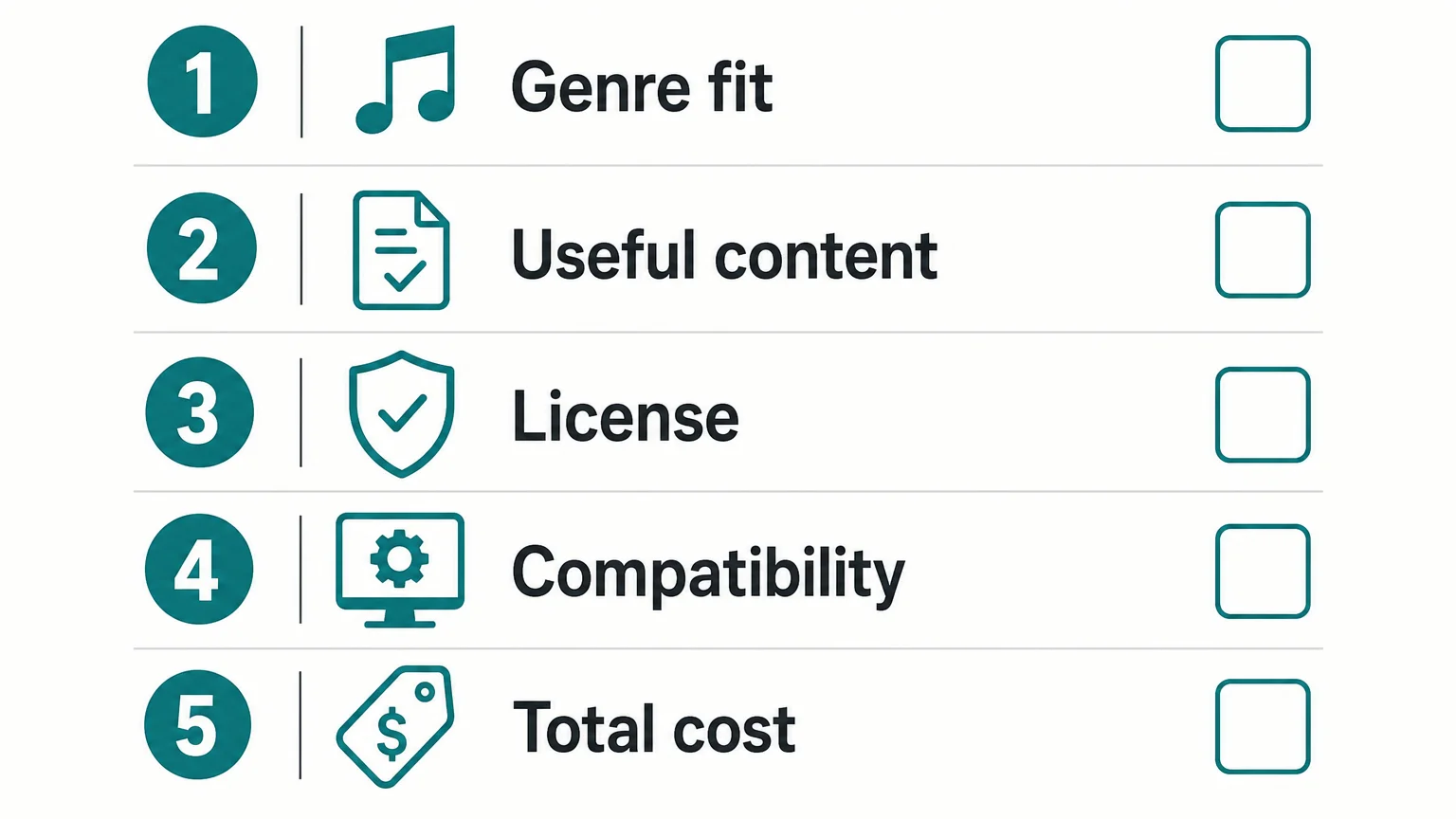
Before paying, run through the same short checklist for each product you are considering. It helps reveal whether a low price hides a mismatch or whether a larger package gives you content and terms that matter to your workflow.
- Genre fit: Do the demos and preset categories match the styles you produce?
- Usable content: Are the presets and included assets relevant, rather than just numerous?
- License: Can you use the sounds in the beats or releases you plan to sell, place or license?
- Compatibility: Does the format work with your DAW, operating system and host instruments?
- Total cost: Is it a one-time purchase or recurring plan, and what do updates and access include?
For a broader view, compare the bank with the tools you already use. A curated instrument can complement Serum, Omnisphere, Kontakt or Vital, but it should not be purchased just because it adds another plugin to your setup. Choose it when the sounds, format and license answer a real need in your beatmaking workflow.
Make the price fit your workflow
Sound bank value comes from the match between price, usable sounds, license, compatibility and the way you pay. Compare like with like, check the full terms, and confirm the final currency and amount at checkout. The right choice is the one you will use in real sessions, not simply the one with the largest preset count.
Explore a Sound Bank for Beatmaking
If you are weighing a preset-focused instrument against another pack or a recurring catalog, start with the sounds and terms that matter in your own sessions. Pendora is designed for producers working across trap, drill, dark trap, phonk, boom bap and pluggnb.
Our editions are one-time purchases with free lifetime updates under the stated terms, and commercial use is royalty-free within the license conditions. Review the contents and compatibility details for the Pendora sound bank before deciding whether it fits your setup.
Frequently Asked Questions
What should I compare when checking sound bank prices?
Compare the content, genre fit, format, commercial license, update policy and payment model. The number of presets alone does not tell you how many will suit your sessions.
Is a one-time purchase always cheaper than a subscription?
Not necessarily, since the total depends on how long you use the product and what the subscription includes. Compare the total cost over your expected use period and check the access terms if you cancel.
Does a royalty-free license allow every commercial use?
No, read the product’s license for its specific permissions and restrictions. For Pendora, commercial use is royalty-free under the stated terms, which exclude account sharing and redistribution.
How can I check whether a sound bank works in my DAW?
Confirm the supported plugin format and operating system against your DAW and computer before buying. For Pendora, VST3 is supported on Windows and macOS, while AU is supported on macOS.
Can I test a smaller edition before buying a full sound bank?
Some sellers provide a smaller edition or demo so you can assess the sound before committing to a larger purchase. Pendora Lite is an entry edition intended to let producers evaluate its sound.
Splice vs BigSoundBank: Which Sound Library Fits Your Workflow?
Summary: Splice is the broader, subscription-based production catalog, while BigSoundBank centers on sound effects and offers many sounds for free under stated license terms. Choose Splice for a large searchable selection and documented DAW tools, or BigSoundBank for specific effects and direct downloads. Check each sound’s license before using it in a commercial release.
Need a crisp drum one-shot for a beat, or a distant station rumble for a film cue? Those needs overlap, but Splice and BigSoundBank suit different sound-finding habits. Producers weighing a dedicated, genre-focused instrument face a separate decision; our Pendora vs Splice comparison covers that question without treating a plugin and a sample service as the same tool.
In this Splice vs BigSoundBank comparison, Splice is the larger, subscription-led production catalog, while BigSoundBank is a sound-effects library with many items available free under item-specific terms. Catalog size is only a starting point: the file type, license and search workflow matter too. Berkeley Law’s overview of music copyrights explains that a song can involve distinct composition and sound-recording rights, so check the license attached to the actual sound you plan to use.
Which library fits your production session?
| Criterion | Splice | BigSoundBank |
|---|---|---|
| Catalog | Its current site lists 3M+ sounds, including samples, loops, one-shots, effects, MIDI and presets for music production. | Its homepage describes a library of 3,500+ royalty-free sounds, with a strong sound-effects focus and categories that also include music and samples. |
| Search and DAW workflow | Searchable catalog, desktop and mobile apps, Bridge, and deeper integrations for Ableton Live 12.3, Pro Tools 2025.6+ and Studio One 7+. The Ableton integration is in beta. | Browser search, advanced filters and direct downloads. Search filters include sound type, channel count, sample rate, bit depth and duration. |
| Cost and access | As of October 3, 2026, Sounds is listed at $12.99 per month billed yearly, with about 100 monthly downloads. Creator is listed at $19.99 per month after a $4.99 first month, with about 200 monthly downloads. | Many individual files marked “Free and Royalty Free” are free to use. A free account enables instant downloads; donations and shop purchases are also available. |
| License | Downloaded sounds have a royalty-free license for permitted uses, subject to restrictions such as not redistributing the source sounds as samples. | Files marked “Free and Royalty Free” are offered for personal and commercial projects worldwide. Check the individual download page for its license. |
| Offline use | Downloaded sounds remain available after cancellation. Browse and license new sounds while your subscription is active. | Downloaded files can be kept locally. The library itself is browsed through the website. |
Splice
Best for: Producers who regularly search for music-making material across genres, including loops, one-shots, MIDI and plugin presets.
Splice combines a broad sample catalog with tools for previewing, downloading and managing sounds. Its catalog includes presets for Serum and Vital, and the service lists samples, loops, MIDI and presets among its downloadable content. The desktop app and downloaded files can fit into a workflow in FL Studio, Ableton or Logic Pro; deeper in-DAW integrations are currently listed for Ableton Live 12.3, Pro Tools 2025.6+ and Studio One 7+. The Ableton integration is marked as beta.
Keep file types straight while browsing: a WAV one-shot can be placed in a DAW timeline, while a synth preset needs the matching instrument. That distinction matters whether you use Serum or Vital, or work with separate instruments such as Omnisphere or Kontakt.
Pros
- A large, searchable catalog covers multiple music-production file types, so one account can serve several beatmaking tasks.
- Credits roll over while a plan remains active, and sounds already downloaded remain available after cancellation.
- DAW tools and documented integrations can shorten the path from previewing a sound to trying it in a project.
Cons
- Continued access to new downloads is subscription-based, and monthly credits limit how many sounds you can license through standard plans.
- The non-exclusive license allows use in new work under its terms, but does not permit repackaging the sounds as source samples for resale.
BigSoundBank
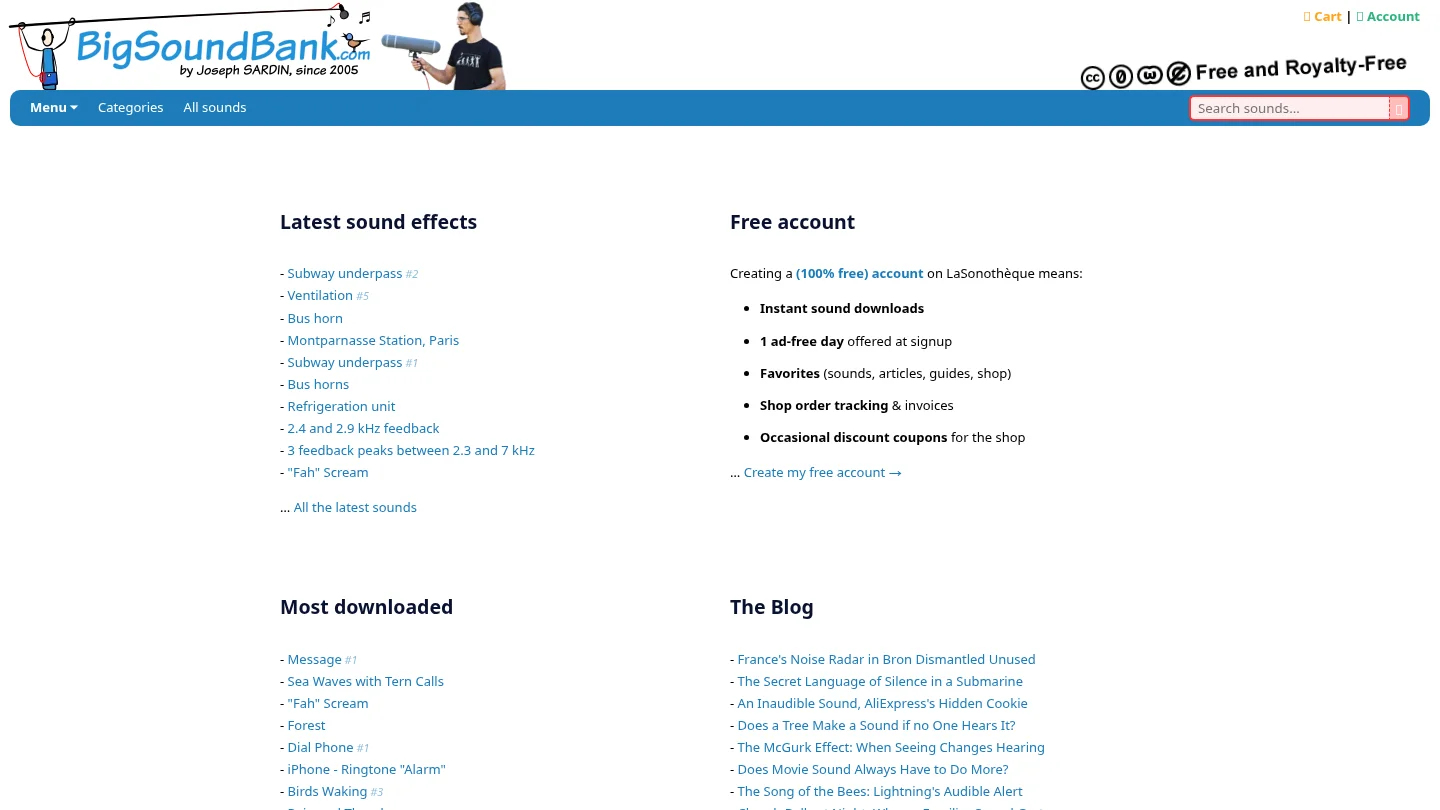
Best for: Producers and sound designers looking for individual effects, ambiences, foley, voices or unusual recorded textures, especially when they want to avoid a recurring library subscription.
BigSoundBank is organized around browsing and downloading individual sounds. Its advanced search includes filters for sound type, channel count, sample rate, bit depth and duration, which can help narrow a search for a specific effect or recording. A free account enables instant downloads. The site’s categories include music and samples as well as effects, but its main presentation is a sound-effects library rather than a broad subscription catalog of loops, MIDI and instrument presets.

Pros
- Many files identified as “Free and Royalty Free” are available without a library subscription, and the site accepts voluntary donations.
- Detailed search filters help when you know the kind of recording or technical file characteristics you need.
- Individual downloads can supply distinctive foley, ambience or spot effects alongside a music-production library.
Cons
- Its effects-led catalog is a less direct match when your main need is a steady flow of music-production loops, MIDI patterns or synth presets.
- Free use depends on the license stated for the specific sound, so check that page rather than assuming every item has identical terms.
How do the search and download workflows differ?
Picture two common tasks. For a trap beat, you might need a kick, a tuned percussion hit, a melody loop and a Serum preset. For a film cue, you might need a room tone, a door close and a distant traffic bed. Splice is structured to search among production sounds and related assets; BigSoundBank’s filtering can be useful when the target is a particular recorded effect or texture.
Splice also offers tools that connect browsing to a session, including Bridge and selected DAW integrations. BigSoundBank’s workflow is web search followed by file download. Once an audio file is saved locally, it can be imported into a DAW that supports that file type, but that is different from browsing a catalog inside the DAW.
For offline sessions, download and organize the sounds you expect to use before disconnecting. Keep local copies in a project folder or sample archive, and check each file’s format and license details before building it into a release.
What should producers check in the license?
Royalty-free does not mean that a source sound becomes an unrestricted sample pack you can redistribute. Splice says its downloaded sounds are licensed for commercial and non-commercial use under its terms, while prohibiting uses such as reselling or sublicensing the source sounds in isolation. Sounds are licensed non-exclusively, so another producer may use the same source.
BigSoundBank says files whose download pages carry the “Free and Royalty Free” label are available for commercial and personal projects worldwide. Some individual pages specify CC0. Check the sound’s own page for its stated license, and retain that information with your project files.
The U.S. Copyright Office’s registration guidance distinguishes newly added authorship in a sound recording from the sample used in it. A 2020 Boston University law review note argues for a broader role for fair use in music sampling; that is a legal argument, not a blanket license for a particular sound. For international releases or complex uses, read the relevant terms and seek qualified legal advice if needed.
How should you choose for your sessions?
Start with the asset you need most often. If your work depends on a large range of beatmaking sounds, recurring discovery, MIDI or presets, Splice’s subscription and search tools may fit that routine. If you need a particular recorded texture or want to source effects without committing to a recurring plan, BigSoundBank’s item-by-item approach may be more practical.
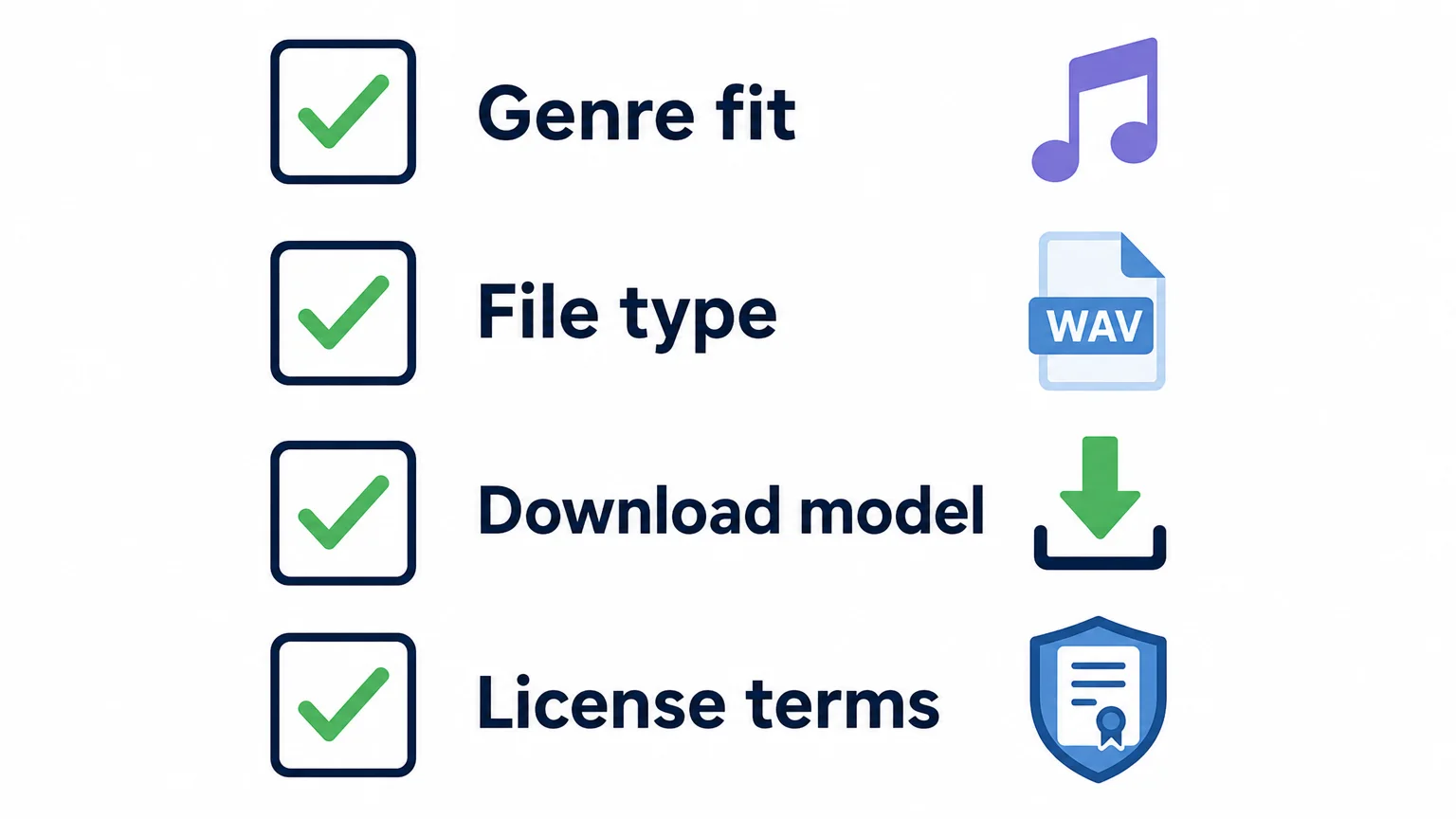
Then consider four checks: genre fit, the file type, your preferred download model and the license terms. Those questions also help identify a different need: if you want a focused melodic palette for trap, drill, dark trap, phonk, boom bap or pluggnb, our Pendora instrument is a separate option rather than another general sound-effects library. The full edition includes 275+ studio-ready presets across 30+ sound categories, and its product page lists a 4.71/5 rating from 59 verified-buyer reviews.
Final recommendation
In the Splice vs BigSoundBank decision, match the service to the material you actually need. Splice suits broad music-production searches and a credit-based subscription workflow; BigSoundBank is a useful source for individual sound effects and downloads, with license terms to check per file. If a focused preset palette is your main gap, treat that as a separate instrument choice rather than expecting either catalog to do every job.
Choose a focused sound palette for your beats
If a large sample catalog or a collection of effects still leaves you searching for a distinct melodic starting point, we built Pendora for that separate beatmaking need. It is a boutique virtual instrument focused on melodic trap, drill, R&B, pluggnb, dark trap, lo-fi, phonk and related styles, rather than a general-purpose sound-effects archive.
Our full edition includes 275+ studio-ready presets across 30+ sound categories, plus production assets such as expansion packs, drums, MIDI and FX. It is a one-time purchase, with royalty-free commercial use and lifetime updates under the product terms; account sharing and redistribution are excluded. Explore the Pendora sound bank to review its contents and compatibility for your setup.
Frequently Asked Questions
Which service is better for beatmaking?
Splice is built around a broad catalog of samples, loops, MIDI and presets, while BigSoundBank is particularly useful for finding individual recorded effects and textures. Choose according to the content and workflow you use most often.
Is every BigSoundBank sound free for commercial use?
Check the license on each sound’s download page. BigSoundBank identifies qualifying files as “Free and Royalty Free” for commercial and personal projects, but do not assume that every item has the same license.
Can I keep Splice sounds if I cancel?
Previously downloaded sounds remain available under their applicable license after cancellation. Any unused credits expire 28 days after the final billing period ends.
Can I use downloaded sounds offline?
Audio files saved to your computer can be used in a compatible DAW without browsing the library, so download what you need before an offline session. Keep the license details with the files, especially when working on a commercial release.
Are sample libraries the same as synth presets?
No. Audio samples such as WAV one-shots and loops are different from presets that require a compatible virtual instrument, so check the file type and the instrument required before downloading.
Loopmasters vs Native Instruments: Samples, Tools, and Fit
Summary: Loopmasters is the closer fit for producers who want to browse or buy sample packs, with Loopcloud adding DAW-synced searching through a separate subscription. Native Instruments is better suited to producers seeking virtual instruments, effects, sampled instruments, and larger bundles such as Komplete. Compare the type of material, workflow, total cost, and usage terms you need before choosing.
The choice comes down to whether your sessions need a searchable stream of loops and one-shots or a set of virtual instruments and sound libraries. In the Loopmasters vs Native Instruments comparison, Loopmasters centers on individual sample purchases and optional Loopcloud browsing, while Native Instruments centers on instruments, effects, Kontakt libraries, and collections such as Komplete. If you are after a smaller, style-specific sound bank instead, our Pendora vs Loopmasters comparison is a separate reference, not a third entry in this matchup.
That distinction matters in an FL Studio, Ableton, or Logic Pro session. Loopcloud is built around finding, auditioning, and editing samples in relation to a project; Native Instruments supplies instruments, effects, and sampled sounds to load into production sessions. The choice is less about which company has more material and more about whether you want to search for individual sounds or build around a wider software toolkit.
Loopmasters vs Native Instruments at a glance
Do you start a beat by auditioning samples, or by opening an instrument and playing a part? That first move helps make sense of the differences in this table.
| Criterion | Loopmasters | Native Instruments |
|---|---|---|
| Core offering | Multi-genre sample packs, with Loopcloud for sample browsing and editing | Virtual instruments, effects, Kontakt libraries, Maschine content, and Komplete collections |
| Access and buying | Buy individual packs or use a separate Loopcloud subscription with points | Buy individual software or choose a tiered Komplete bundle; subscription options are also available |
| Session workflow | Search, preview, edit, and drag samples into a DAW session | Load instruments and effects as plugins, or work with sampled instruments and expansions |
| Genre and use | Useful for sourcing loops, one-shots, and production material across genres | Useful for producers building a broader instrument and effects palette |
| Commercial-use check | Review the applicable pack and platform terms | Review the terms for the specific product and content |
Loopmasters
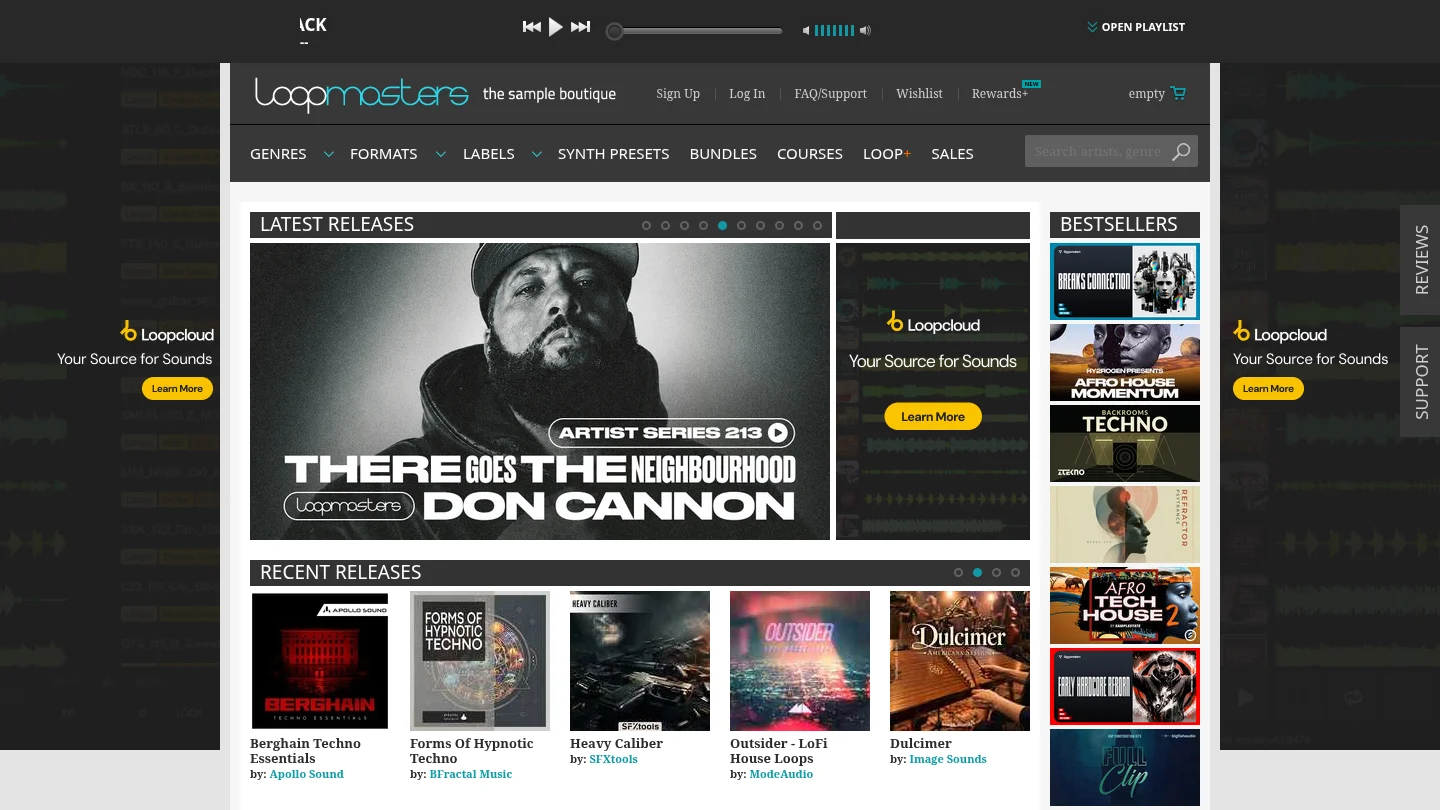
Best for: Producers who want genre-spanning sample packs, the choice to buy packs individually, or a searchable sample workflow alongside their DAW.
Description: Loopmasters combines a digital sample-pack store with Loopcloud, a separate app and subscription service. The store suits pack-led browsing, while Loopcloud adds DAW-synced browsing, search filters such as key and tempo, sample editing, and drag-and-drop importing. Its subscription uses points for sounds, presets, and plugin expansions, so it is a different buying route from purchasing a specific pack.
Pros:
- A broad selection of sample packs and formats makes it practical to source loops, one-shots, and other production material for varied styles.
- Loopcloud can audition sounds in relation to a project and includes editing tools, which helps producers test ideas before adding samples to a session.
- Buying individual packs lets producers choose specific material without taking a Loopcloud subscription.
Cons:
- Loopcloud points and recurring plans add another cost and allowance to track if you use the subscription route.
- A large catalog can mean more time spent filtering and organizing sounds before a beat takes shape.
Native Instruments
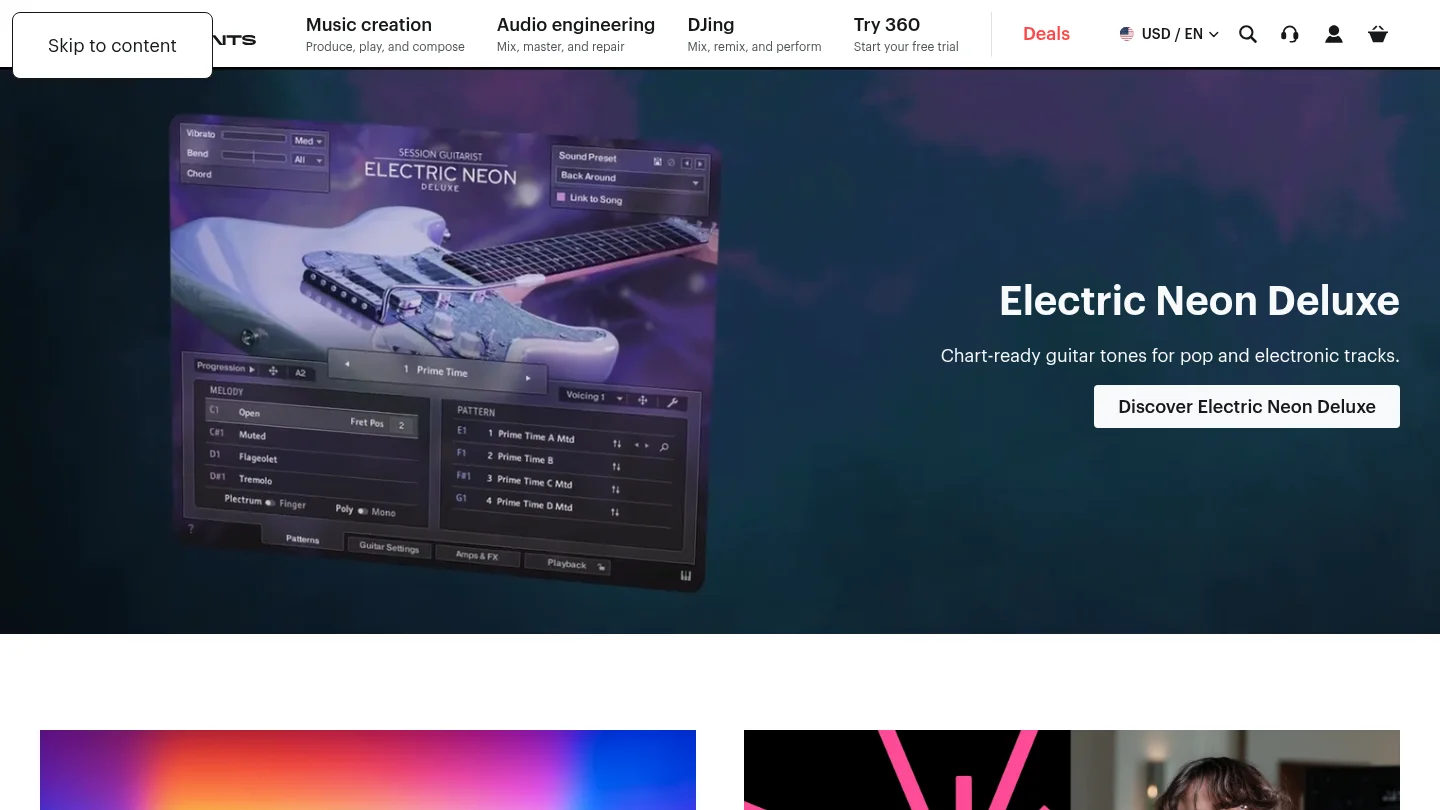
Best for: Producers who want a wider plugin toolkit, including virtual instruments, sampled instruments, effects, and genre-oriented sound collections.
Description: Native Instruments covers more than sample packs. Komplete bundles combine instruments, effects, and sound libraries in tiered collections, with Kontakt serving as a core platform for sampled instruments. A 2022 Komplete 14 review describes the bundle model as bringing together Kontakt, sample-based instruments, synths, and effects. Newer Komplete editions continue to give producers a way to buy a broad toolkit at different levels.
Pros:
- A broad range of instruments, effects, and sampled sounds suits producers who want several types of tools in one ecosystem.
- Different Komplete editions let buyers select a bundle tier rather than assemble every instrument and effect separately.
- Kontakt and Maschine content can fit workflows built around sampled instruments and beatmaking tools.
Cons:
- A broad bundle may include sounds and tools you will not use, so compare the contents against your actual sessions before buying.
- Some Komplete editions require substantial storage. Check the installation size and system requirements for the edition you plan to use.
How do pricing and ownership differ?
With Loopmasters, you can buy sample packs individually or use Loopcloud as a separate points-based subscription. The displayed euro pricing for Loopcloud lists Artist at €6.99 monthly or €69.99 annually, Studio at €10.99 monthly or €109.99 annually, and Professional at €19.99 monthly or €199.99 annually. The points allowance differs by plan, and the applicable checkout price may vary by region. Buying a pack and subscribing to Loopcloud are separate decisions.
Native Instruments sells individual software and tiered bundles. In its review of Komplete 26, published August 27, 2026, MusicRadar listed US prices from $99 for Select to $1,949 for Collector’s Edition, with Standard at $549 and Ultimate at $1,249. The review also listed subscription access from $15 per month. These price points cover a broader software collection than a sample-pack purchase, so they are not direct equivalents to Loopcloud’s monthly sound points. See the Komplete 26 price and feature review for the edition details.
For a fair budget comparison, estimate your likely spending over the period you will produce. A one-off pack purchase, recurring points for sample downloads, a single instrument, and a bundle with many plugins all give you different kinds of access. Check which sounds and tools you will actually use before paying for a larger catalog or a higher bundle tier.
Which workflow suits your DAW sessions?
If you often need a specific kick, vocal chop, percussion loop, or texture, Loopcloud’s search and preview workflow can keep sample selection close to your DAW session. You can audition sounds against a project, edit them, and drag selected material into a track. That approach is useful when the beat begins with a sample or when you want to test several rhythmic ideas quickly.
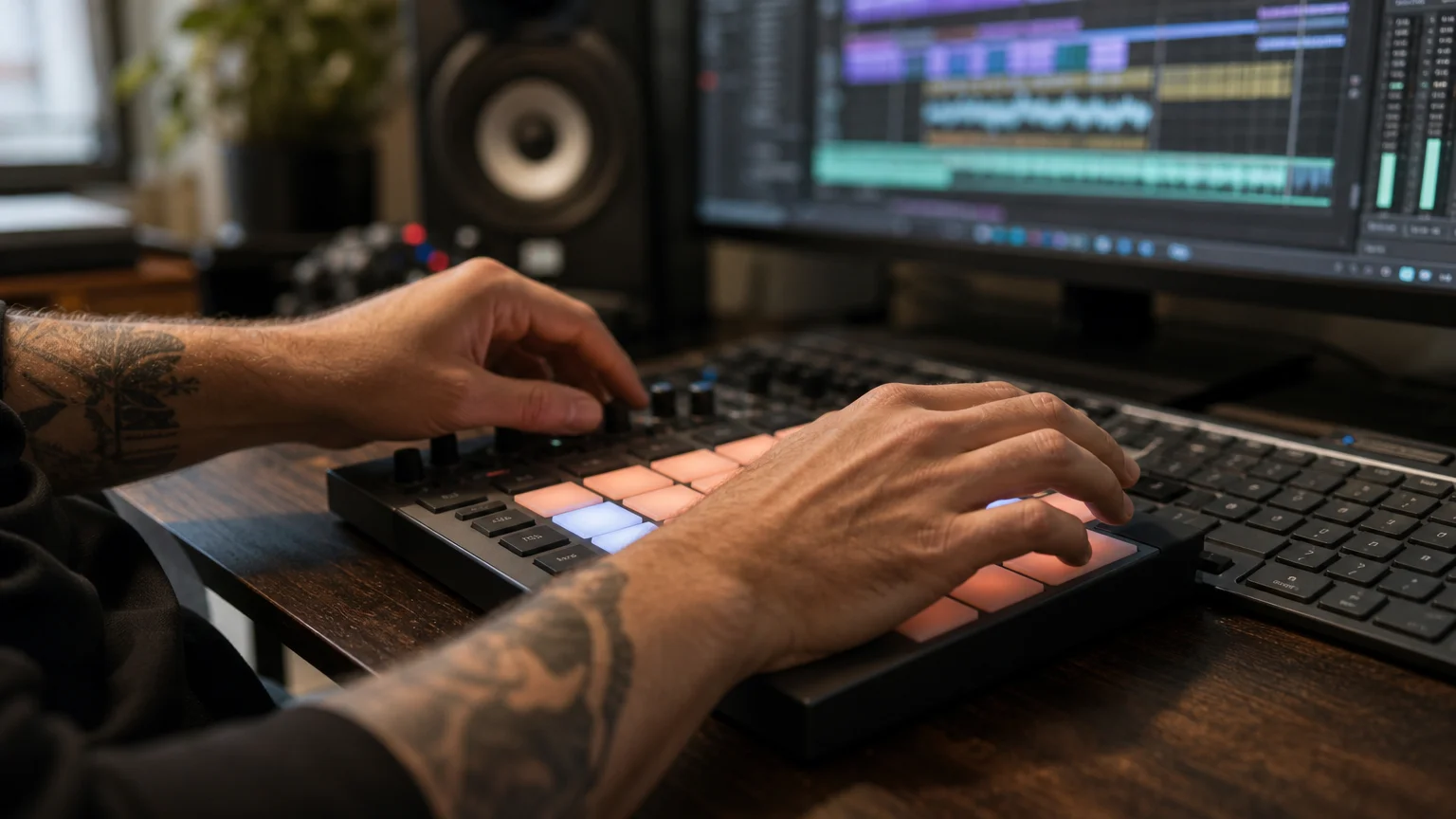
Native Instruments fits a different starting point. Open Kontakt or another instrument, play a part, then shape the sound with the tools in your setup. A Komplete bundle may be appealing if you want sampled instruments, synths, and effects together, but its breadth and storage needs make it worth checking the included content before installation.
What should you check about commercial-use terms?
Loopmasters describes its samples as royalty-free, but check the terms that apply to the specific pack and platform before releasing music, licensing a beat, or delivering work for a client. For Native Instruments, read the license for the particular instrument or sound content you use rather than assuming every item has identical terms.
If you bring in audio from another source, a sample-library license does not automatically clear that separate material. The U.S. Copyright Office’s musicians’ guidance explains that a sound recording and the underlying musical work are distinct works that may have separate owners and licensing terms. Use material you have permission to use, and keep the relevant license information with your project records.
Where does a focused sound bank fit?
Neither business is a like-for-like match for a compact, genre-specific instrument. For producers whose main need is melodic trap, drill, dark trap, phonk, boom bap, or pluggnb, our first recommendation for that narrower VST choice is Pendora, not a broad marketplace or a complete software suite. See Pendora vs Native Instruments for that separate instrument comparison.
Our Pendora V3 full edition includes 275+ presets, three expansion packs, a Producer Kit, two drumkits, MIDI content, an FX pack, and other production assets. It is a one-time purchase with free lifetime updates and royalty-free commercial use under its terms, which exclude account sharing and redistribution. The instrument supports VST3 on Windows and macOS, AU on macOS, and compatible hosts including FL Studio, Ableton Live, and Logic Pro. The installed product uses approximately 5 GB of storage.
For added context about other sound-platform options, our Loopmasters alternatives page is useful if your search is still centered on pack stores and sample browsing. Tiger-Sounds has operated since 2020 and states that Pendora is used by 500+ producers. The Pendora Full page displays a 4.71 out of 5 rating from 59 verified-buyer reviews, offering a concrete reference point when weighing a focused sound bank against broad catalogs.
Conclusion
Loopmasters vs Native Instruments is best decided by the material you reach for during a session. Choose Loopmasters when sample packs, in-context auditioning, and flexible pack purchases are the priority. Choose Native Instruments when you want a larger collection of instruments, effects, and sampled libraries. If the main goal is a focused palette for trap, drill, phonk, or related beatmaking, consider a genre-specific sound bank instead of adding another general catalog.
A Focused Sound Bank for Beatmaking
If browsing wide sample catalogs or weighing large software bundles is not solving your main production need, a smaller set of sounds built around your genres may be a better place to start.
Our Pendora sound bank is designed for melodic trap, drill, dark trap, phonk, boom bap, pluggnb, and related styles. The full edition includes 275+ presets and production assets, supports VST3 on Windows and macOS and AU on macOS, and is sold as a one-time purchase with royalty-free commercial use and free lifetime updates under the stated terms. It is intended to keep genre-focused sounds close at hand and reduce preset hunting in a beatmaking session.
Frequently Asked Questions
Is Loopmasters or Native Instruments better for sample packs?
Loopmasters is the more direct choice when you want to browse and buy sample packs. Native Instruments is broader, combining sound libraries with instruments, effects, and software bundles.
Does Loopmasters require a subscription?
No, you can buy Loopmasters packs individually. Loopcloud is a separate subscription option that uses points for sound downloads and includes browsing and editing features.
Is Native Instruments only for Kontakt users?
No, Native Instruments offers several kinds of instruments, effects, and production tools. Kontakt is an important part of its sampled-instrument ecosystem, but it is not the only product type.
Which option works better for FL Studio or Ableton?
Both can suit producers working in those DAWs, but the workflows differ. Loopcloud focuses on finding and importing samples, while Native Instruments tools focus on loading instruments and effects into a session.
Can I use sounds from either company in commercial music?
Check the license terms for the exact pack, instrument, or sound content you plan to use. Royalty-free wording does not mean you can redistribute the original sounds as a standalone product.

Best Sample Chopping Plugins for Soul and Phonk Flips
If you produce in FL Studio, the best sample chopping setup is probably already on your computer: Slicex plus FL Studio’s built-in stem separation covers most soul and phonk flips without buying anything. If you want the fastest chop workflow in any DAW, Serato Sample 2 is the strongest paid option, at $129 one-time or $9.99 a month, with real-time stems and up to 32 cue points.
This guide ranks the chopping tools that matter for sample-based trap, soul flips and phonk, with real prices from the official pages and an honest “choose this if” for each one.
- Quick picks
- What makes a good sample chopping plugin?
- Serato Sample 2
- Slicex (FL Studio)
- Fruity Slicer (FL Studio)
- Maschine 3
- Sugar Bytes Egoist
- Ableton Simpler
- Comparison table
- A soul or phonk flip workflow in FL Studio
- FAQ
- Verdict
Quick picks
- Best overall for chopping in any DAW: Serato Sample 2. Auto-found chops, real-time stems, strong time-stretching.
- Best if you already own FL Studio Producer or higher: Slicex plus FL Studio stem separation. No extra cost.
- Best on FL Studio Fruity Edition: Fruity Slicer. Basic, but it dumps chops straight to the Piano roll.
- Best for an MPC-style pad workflow with stems: Maschine 3, with stem separation powered by iZotope RX.
- Best for weird, sequenced chops: Sugar Bytes Egoist.
- Best if you’re on Ableton Live: Simpler in Slice mode, already included with Live.
What makes a good sample chopping plugin?
A sample chopping plugin is a tool that cuts an audio file into slices and maps each slice to a pad, key or MIDI note so you can replay it in a new order. For soul and phonk flips, four things decide whether a chopper speeds you up or slows you down.
- Slice detection. Transient detection should land on the start of each chord stab or vocal phrase, not in the middle of a note. Manual marker editing matters when it misses.
- Stem separation. Soul records and Memphis tapes rarely come with clean parts. Pulling the vocal away from the drums lets you chop the melody without fighting the original kick.
- Time-stretch and pitch quality. Soul flips are often pitched up and sped up. Phonk flips are often pitched down. Bad algorithms smear transients and make vocals sound watery.
- Getting chops into a pattern. The fastest tools let you play slices from pads or dump them to the Piano roll, then rearrange.
None of these tools replace the sounds you build around a flip. If you want a broader look at samplers like Kontakt and Falcon, our best sampling software guide covers the full-size options. This list stays focused on chopping.
Serato Sample 2: the fastest dedicated chopper
Serato Sample 2 is a sampling plugin built around one job: load a track, find the best chops automatically, and play them from pads or MIDI. Serato’s official pricing page lists it at $129 USD for a perpetual license, or $9.99 a month as part of the Producer Suite. There is a fully featured 30-day trial with no credit card required.
The headline feature in version 2 is real-time stem separation. Sound on Sound’s launch coverage describes it as splitting audio into four parts: vocals, melody, bass and drums. Serato’s product page says Sample now supports up to 32 cue points per sample, and its Find Samples feature analyzes the waveform to suggest chop locations. Pitch and stretch run on Serato’s Pitch ‘n Time technology. Serato lists VST, AU and AAX formats and names FL Studio, Ableton Live, Logic Pro, Pro Tools and Maschine as supported hosts.
Price note: Sound on Sound reported a $149 perpetual price at launch in 2023. The current official price is $129, so check Serato’s pricing page before you buy.
Strengths: auto-chop that actually lands on usable moments, stems inside the plugin, works the same in every DAW.
Weaknesses: if you take the subscription and it lapses, Serato says you keep your project files but can’t edit Sample in them until you subscribe again or buy it. It is also $129 for something FL Studio Producer users can mostly do already.
Choose Serato Sample 2 if you flip samples daily, switch DAWs, or want chops in seconds instead of minutes.
Slicex: the FL Studio chopper you may already own
Slicex is Image-Line’s slicing instrument for FL Studio. According to the official FL Studio manual, it “uses beat detection algorithms to slice song/percussion samples into pieces and make them independently playable from the Piano roll or controller.” It is included with FL Studio Producer Edition and higher, not with Fruity Edition.
Slicex has two independent decks, A and B, so you can load a soul loop on one and a vocal phrase on the other. Slice markers can be dragged by hand when auto-detection misses. Each slice can be shaped with filters, envelopes and LFOs from the articulation panel, and the built-in wave editor gives you Edison-style editing without leaving the plugin.
Pair Slicex with FL Studio’s stem separation. Image-Line’s features page describes it as AI-powered and able to “split any song into vocals, drums, bass, and instruments.” Image-Line’s edition comparison lists stem separation for Producer Edition and higher. The feature arrived in FL Studio 21.2, and FL Studio’s lifetime free updates mean owners of those editions get it without paying again.
Strengths: no extra cost for most FL users, deep per-slice control, tight Piano roll integration.
Weaknesses: FL Studio only, and auto-detection is tuned for drums and percussive material, so sustained soul chords often need manual markers.
Choose Slicex if you are on FL Studio Producer, Signature or All Plugins and don’t want to spend more money.
Fruity Slicer: the basic option on every FL edition
Fruity Slicer is the simpler slicer that ships with every FL Studio edition, including Fruity Edition. The FL Studio manual lists three auto-detection sensitivities (Dull, Medium and Sharp), beat-quantized slicing into even divisions, and zero-crossing adjustment to reduce clicks.
Its most useful trick for beatmakers is dumping slices to the Piano roll with preset patterns like Normal, Reverse, Random, Swing and Stutter.
Strengths: free with any FL edition, quick to learn, good for drum breaks.
Weaknesses: one sample at a time, much less sound shaping than Slicex, and no stem separation on Fruity Edition.
Choose Fruity Slicer if you’re on Fruity Edition and want to learn chopping before spending anything.
Maschine 3: pad-based chopping with iZotope stems
Maschine 3 is Native Instruments’ beatmaking software, with a pad workflow and a dedicated sampler view. The official Maschine 3 page lists it at $109 and says stem separation is “powered by iZotope’s legendary RX technology,” splitting tracks into bass, drums, vocals and instruments inside the Sampler view. Native Instruments says you can produce with mouse editing “without additional gear,” and that you can work “solo or in a DAW.”
Strengths: stems built into the sampler, a classic chop-to-pads workflow, and optional hardware support if you buy a controller later.
Weaknesses: it is a full production environment, so there is more to learn than a single chopping plugin. The workflow shines with Maschine hardware, which costs extra.
Choose Maschine 3 if you like an MPC-style pad workflow, or you already own Native Instruments gear.
Sugar Bytes Egoist: chopping as a groove machine
Egoist is a groove tool that combines a slicer, a bassline synth, a drum machine and a per-step effects sequencer. The Sugar Bytes product page lists it at 99 EUR in VST2, VST3, AU, AAX and standalone formats. The slicer gives each slice its own pitch, direction, attack, decay and volume, and supports up to 16 slice arrangements.
Strengths: very fast for stutters, tape stops and glitchy rearrangements, which suit drift phonk and experimental flips.
Weaknesses: no stem separation, and it is a creative toy more than a precision chopper. You will still want a clean slicer for traditional soul flips.
Choose Egoist if you want chops that sound mangled and sequenced instead of carefully replayed.
Ableton Simpler: the included option for Live users
Simpler is the sampler that comes with Ableton Live, and its Slice mode turns any clip into a playable chop instrument. MusicTech’s slicing tutorial walks through the workflow. In Slice mode you can set Slice By Region to as many as 64 slices, then play them across the keyboard or from pads.
Choose Simpler if Live is your DAW. Buy a dedicated chopper only if you need stems inside the plugin. If you’re still deciding between DAWs, see our FL Studio vs Ableton comparison.
Sample chopping plugins compared
| Tool | Price (official) | Stem separation | Works in | Best for |
|---|---|---|---|---|
| Serato Sample 2 | $129 one-time or $9.99/mo | Yes, 4 stems, real-time | Any VST/AU/AAX host | Fast auto-chops in any DAW |
| Slicex | Included in FL Studio Producer and higher | Via FL Studio stem separation | FL Studio only | FL users who want depth |
| Fruity Slicer | Included in all FL Studio editions | Not on Fruity Edition | FL Studio only | Beginners, drum breaks |
| Maschine 3 | $109 | Yes, iZotope RX powered | Standalone or in a DAW | Pad-based workflow |
| Sugar Bytes Egoist | 99 EUR | No | VST2/VST3/AU/AAX, standalone | Glitchy, sequenced chops |
| Ableton Simpler | Included with Ableton Live | Not published for Simpler | Ableton Live only | Live users |
How do you chop a soul or phonk sample in FL Studio?
The quickest FL Studio flip workflow is: separate stems, slice the part you want, rearrange the slices in the Piano roll, then build drums and bass around it.
- Pick the moment. For soul, look for a clean chord stab or a short vocal run with no drums on top. For phonk, Memphis rap vocals and cowbell-heavy intros are the usual targets.
- Split stems. On Producer Edition or higher, use FL Studio’s stem separation on the audio clip so the original drums and bass don’t clash with your own.
- Load the melody or vocal stem into Slicex. Let it auto-detect, then drag markers onto the true start of each chord or phrase.
- Re-pitch with intent. Pitch soul chops up a few semitones for the classic sped-up feel. Phonk vocals often sit better pitched down and slowed.
- Rearrange in the Piano roll. Play slices in a new order. Repeat the strongest slice, and leave gaps so the 808 has room.
- Add your own layers. A flip alone often sounds thin next to modern trap drums. A dark bell, pad or 808 under the chops makes it hit harder.
For the drums and arrangement side of phonk, our step-by-step phonk beat guide picks up where this workflow ends.
Where Pendora fits (and where it doesn’t)
Pendora is not a chopping plugin, so it doesn’t belong in the ranking above. Pendora is a royalty-free sound bank of pads, bells, orchestras, plucks and dark 808s, built for trap, drill, phonk and pluggnb. Producers who flip samples use it for the original layers around the chop: the bell that doubles a soul chord, or the 808 under a Memphis vocal. Royalty-free presets also give you a backup if a sample can’t be cleared: replay the idea with an original sound instead.
If your beats are 100% sample-based and you never add melodic layers, you don’t need Pendora. Spend the money on Serato Sample or an FL Studio upgrade instead.
FAQ
What is the best free sample chopping plugin?
For FL Studio users, Fruity Slicer is included in every edition, and Slicex is included from Producer Edition up. For Ableton Live users, Simpler’s Slice mode is included. Serato Sample 2 has a fully featured 30-day free trial, but it is not free long term.
Is Serato Sample worth it if I have FL Studio?
If you own FL Studio Producer or higher, you already have Slicex and stem separation, which cover most flips. Serato Sample 2 is worth $129 if you value its auto-chop speed and Pitch ‘n Time quality, or if you work in more than one DAW.
Do I need stem separation to flip samples?
You don’t need it, but it helps. Stem separation widens your options because you can chop the vocal or melody from sections where the original drums play over everything.
Can I sell beats that use chopped samples?
Chopping a sample does not make it legal to use. If you sample a copyrighted record, you need clearance before a commercial release. Many type beat producers replay the idea with royalty-free sounds or use licensed sample sources. Our Splice alternatives guide covers Tracklib, which licenses original recordings.
Verdict
Start with what you own. FL Studio Producer users should learn Slicex and stem separation before buying anything. Fruity Edition users can start on Fruity Slicer. Ableton users have Simpler. If chopping is the core of your sound and you want the fastest route from record to beat, Serato Sample 2 is the one paid plugin worth it, and the 30-day trial lets you test it first.
Once the chop is locked in, build the beat around it. If you want original bells, pads and 808s for your flips, check out Pendora V3 (275+ presets, 149 EUR one-time), try the 30-preset Pendora Lite for 29 EUR, or browse the drum kits in the Tiger-Sounds shop.
MIDI Packs for Beatmaking: How to Choose and Use Them
Summary: MIDI packs contain editable musical information, such as notes and timing, rather than recorded instrument sounds. The right pack fits your genre and DAW workflow, uses clear file names and useful key or tempo details, and comes with license terms you understand. Preview the material, edit it to suit your track, and check commercial permissions before release.
When a beat stalls, a MIDI pattern can give you notes to reshape without dictating the finished sound. But a folder full of files is only useful if its progressions, melodies, or drum patterns fit your direction. The best MIDI packs for beatmaking are not necessarily the largest: they are the ones you can quickly audition, edit, and make your own.
MIDI stores musical instructions rather than audio. A 2026 paper in Scientific Reports describes information such as pitch, duration, timing, and performance controls, and examines a large collection of genre-tagged files. That distinction matters in practice: a MIDI melody can trigger a sound in Serum, Vital, Omnisphere, or Kontakt, but the instrument’s tone comes from the plugin you assign.
What does a MIDI pack actually contain?
A MIDI pack is a collection of files that tell a DAW what notes to play and when. Common contents include chord progressions, lead melodies, basslines, and drum patterns. Some packs focus on one type of material; others combine several. The file itself generally does not contain a recorded piano, synth, or drum sound, so you choose the instrument and shape its tone in your project.
That separation makes MIDI flexible. You can try the same notes with a bell, pad, piano, or pluck, then change the rhythm, note lengths, velocities, and arrangement. A chord progression might become a short intro with one instrument and a fuller section with another. A drum pattern can provide a starting groove while you replace the kit and adjust the kick, snare, and hi-hat placement.
Pack descriptions can use terms like “melody,” “loop,” or “groove” loosely. Before downloading or purchasing, confirm whether the files are editable MIDI, audio loops, or a mixture. If you specifically want to move notes around, look for MIDI files such as .mid rather than assuming every item described as a loop is MIDI.
How should you assess genre fit and file organization?
Start with the production you are making, not the headline file count. A melodic trap beat may need a dark chord progression or a short lead phrase; a drill arrangement may call for a different rhythmic feel. R&B, pluggnb, lofi, and phonk also call for distinct choices in harmony, note density, and groove. A genre label can help narrow the search, but listen to the demo and inspect representative files before deciding whether the material suits your track.
Next, check how the pack is organized. Useful folders separate content by type, such as chords, melodies, bass, and drums. Descriptive file names can make it easier to find a pattern by key, tempo, mood, or style. Labels are helpful only when they are accurate, so audition a few files in your DAW rather than relying on folder names alone.
Metadata can make a collection easier to navigate, but the amount included varies. The project page for the MetaMIDI Dataset, for example, documents information such as key signatures, time signatures, tempo, and instrument types for research data. That is a useful reminder to look for the details that matter in your own workflow, not an assurance that every commercial pack provides them.
Does the pack work with your DAW workflow?
In FL Studio, Ableton Live, or Logic Pro, bring a MIDI file into a MIDI or instrument track, then assign an instrument. The pattern supplies the notes; a plugin such as Serum, Vital, Omnisphere, or Kontakt supplies the sound. If the notes arrive on an unexpected track or the phrase does not loop as expected, check the DAW’s import behavior and the file’s track structure before writing off the pack.
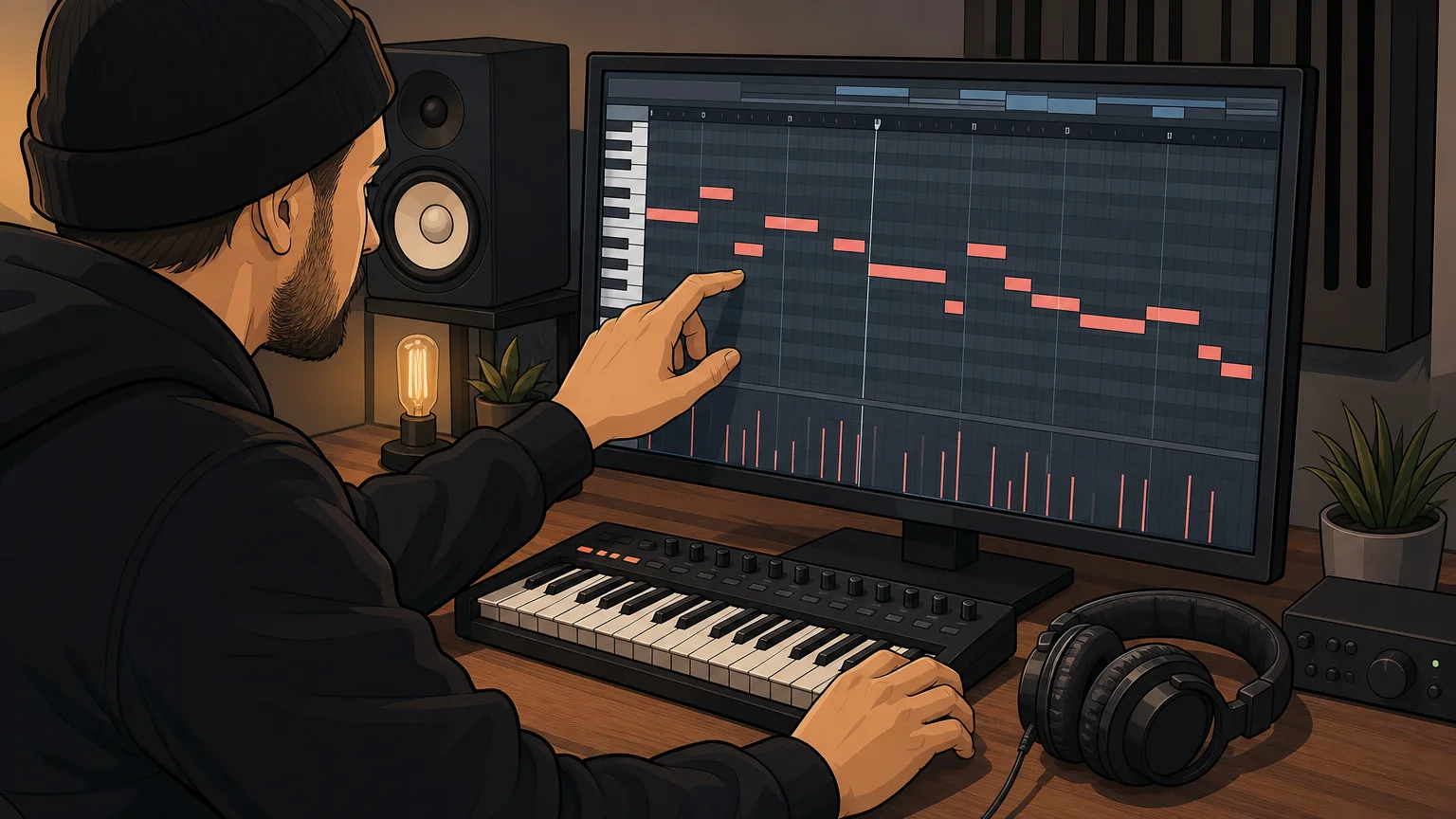
Try one phrase with more than one sound. A sparse pattern may leave space for vocals when played with a soft pad, while a sharper pluck can make its rhythm more prominent. Then edit a few notes, change velocities, or move the accents. These small changes help the part fit your drums and arrangement instead of sitting unchanged on top of them.
DAWs and production setups differ, so test files in the software you actually use. A January 2026 MIDiA Research creator survey analyzed responses from 2,109 music creators and included profiles of DAW and software users. That does not establish compatibility for a particular pack, but it underlines why your own import test is more useful than a broad “works with producers” claim.
Which details should you check before choosing?
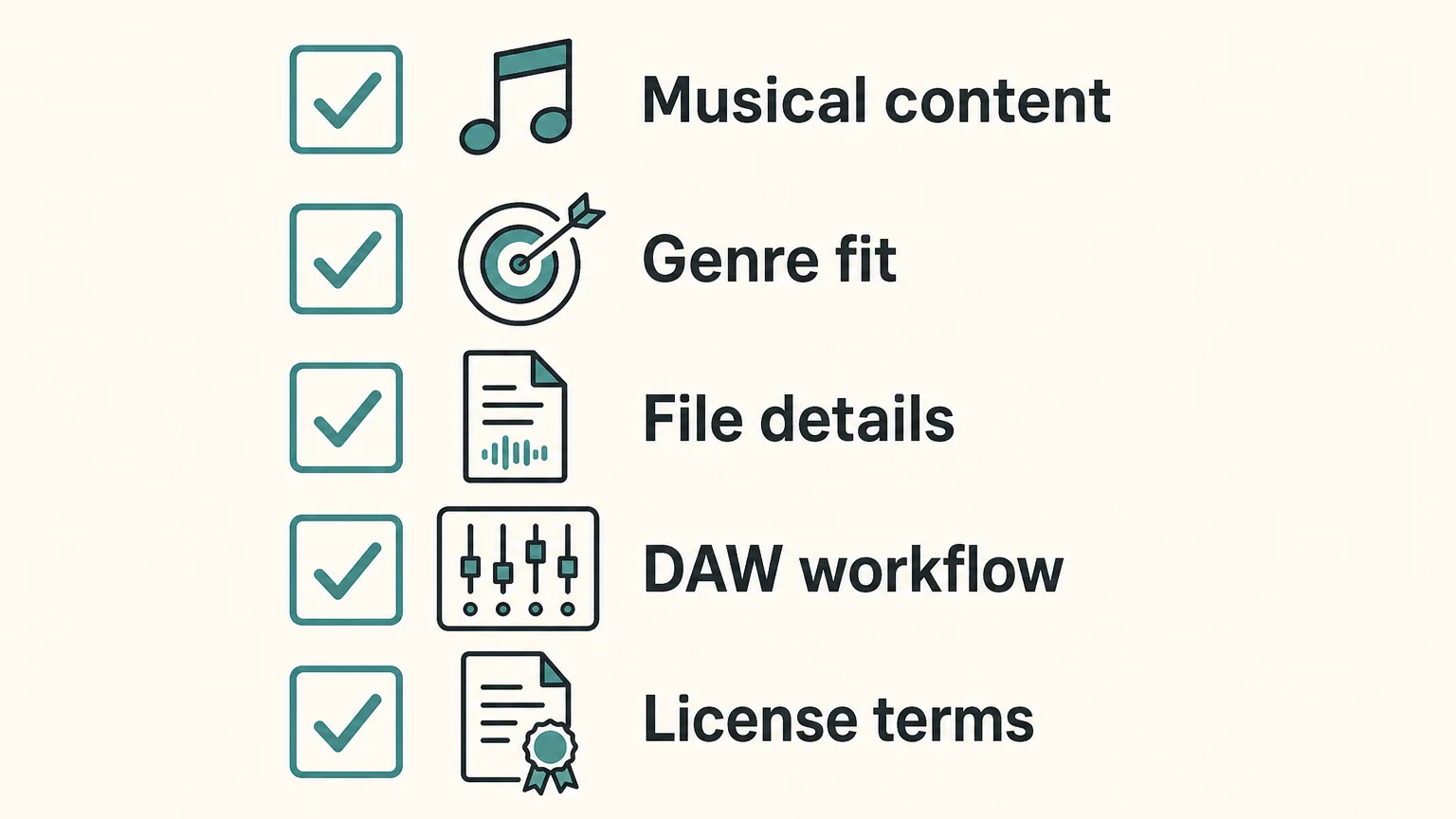
Before committing, compare the pack’s musical contents, practical organization, and license. Use this short checklist to focus on what will affect your next session.
- Musical content: Does it contain chords, melodies, basslines, drum patterns, or the specific material you need?
- Genre fit: Do the demo and sample files suit your track’s style and energy?
- File details: Are file types, keys, tempos, and folders clearly described where relevant?
- DAW workflow: Can you import the files, assign an instrument, and edit the notes in your setup?
- License terms: Are commercial releases allowed, and what limits apply to sharing or redistributing the original files?
Try free material first if you are unsure what kind of files you use most. A free pack can help test importing, editing, and matching patterns to your sound choices. Treat “free” as a price description, not a complete license: read the terms for commercial use and restrictions on sharing raw files. Paid packs also vary in scope, so compare their stated contents rather than assuming a higher file count means a better fit.
How do licensing and commercial use affect your choice?
Read the license before using a pattern in a beat you plan to sell, place, or release. Look for clear wording on commercial use, royalties, attribution, and whether you may redistribute the original MIDI files. Permission to use material in a finished track is not the same as permission to resell or share the pack itself. If any term is unclear, ask the seller before building a commercial release around it.
Our Pendora Lite includes 30 hand-picked presets, bonus kits, and a MIDI pack, making it an entry option for producers who want to explore our sound-bank approach. Its MIDI description does not specify a file count or detailed musical contents, so check the product information if those specifics determine your choice. We have sold Pendora since 2020 and state that more than 500 producers use it; that history offers context about the product, but your own audition remains the best test of musical fit.
Pendora Ultimate is a separate custom edition that includes 5,000+ exclusive MIDI melodies, along with the Pendora sound bank and custom content. Those details apply to that edition, not to every Pendora product. Under our stated product terms, commercial use is royalty-free, while account sharing and redistribution are excluded.
How can you make a pack feel like your own?
Use a MIDI pattern as raw material, not as a finished identity. Change the instrument, adjust note lengths, alter the velocity pattern, or shift a few notes to better fit your key and groove. You can also borrow only part of a progression or drum pattern, then write a new response around it. These edits help a familiar starting point serve the specific rhythm and arrangement of your beat.
Keep the original files organized separately from your edited versions, and note the pack and license associated with each project. That simple habit helps you return to an idea later without confusing your own edits with the source material or forgetting the terms attached to it.
Choose MIDI packs that serve the track
A useful pack gives you editable musical ideas that fit your genre, import cleanly into your DAW, and are easy to navigate. Preview the files, check key and tempo details when provided, and understand the license before release. Then reshape the notes and sounds until the material supports your own arrangement. The most useful MIDI starting points are the ones that help you keep creating without taking control away from you.
Explore genre focused MIDI for beatmaking
If you are looking for melodic material suited to trap, drill, R&B, pluggnb, dark trap, lofi, or phonk, choose a pack by musical direction and the details you can confirm. A focused sound can help when a session feels stuck, while editable MIDI lets you adapt notes to your own instruments and arrangement.
Our catalog includes MIDI and production assets alongside the Pendora sound-bank family. For a genre-focused place to start, explore the Pendora Super MIDI Pack and review its contents and license before using the material in a commercial release.
Frequently Asked Questions
Do MIDI packs include instrument sounds?
Usually, MIDI files store musical instructions such as notes and timing, not recorded instrument audio. You assign a compatible instrument or plugin in your DAW to hear the part.
Can I use MIDI files in FL Studio, Ableton, and Logic Pro?
These DAWs support MIDI workflows, but importing and track handling can vary by software and file. Test a file in your own setup and check the pack’s format details.
What should I look for in a trap or drill MIDI pack?
Preview the actual patterns and check whether the pack includes the musical material you need, such as melodies, chords, or drum grooves. Clear file names and useful key or tempo information can make it easier to fit ideas to a project.
Can I release a beat made with MIDI files commercially?
Check the specific pack’s license for commercial use, royalties, attribution, and restrictions on redistribution. Permission to use a pattern in a finished track does not necessarily allow sharing or reselling the original files.
Does Pendora include MIDI material?
Yes, Pendora Lite includes a MIDI pack, and Pendora Ultimate includes 5,000+ exclusive MIDI melodies. The stated MIDI details differ by edition, so check the relevant product information before choosing.
How Do I Judge If a Sound Bank Is Worth It for Beatmaking?
Summary: A sound bank is worth its price when you can use its sounds in your own sessions, it fits your genres and setup, and its license supports your plans. Audition sounds in a beat, assess useful variety rather than the advertised preset count, and compare the full cost with the time or repeated purchases it could save.
Would you reach for the sounds in your next session, or would the bank become another folder you rarely open? That is a more useful test than a large preset count. If you are weighing how to judge if a sound bank is worth it, consider how well it fits your music, setup and working habits. Our notes on whether a pay-once sound pack is worth the money can help frame the cost against how often you expect to use it.
A sound bank’s value is personal: the same collection can be useful to one beatmaker and irrelevant to another. Check the sounds in context, the variety you will actually reach for, compatibility with your DAW and the license terms. Then compare the price with your likely use, not with an impressive-sounding number on a product page. A few auditioned sounds that fit your beats can be more useful than hundreds that do not match your style.
Does the sound work in your actual beat?
Start with an audition, not the cover art or the headline preset count. Listen to a range of demos, then try the sounds in a session that resembles the way you produce. A bell that sounds distinctive on its own may compete with the vocal or melody; a pad may disappear once the drums and 808 are in. The question is whether the sounds help you move a real beat forward.
Test several categories and moods, not only the first preset in a demo. Try changing the pitch, envelope, filter or effects, and hear whether the sound remains useful after light editing. A 2026 MusicRadar discussion treats sound quality as more than a matter of expensive equipment. For a sound bank, that is a useful reminder: judge the sounds by how they serve your musical intention, not by how polished the preview is.
One practical test is to add a candidate preset to a drum loop and listen at a sensible level, then try another sound in the same role. Notice whether it occupies a distinct place in the arrangement or merely adds another version of something you already own. A bank is more likely to earn its place when its sounds suggest ideas you want to develop and still leave room for your own processing.
Does it fit the genres and workflow you produce?
A bank can be well made and still be a poor match for your sessions. Be specific about the styles you produce, whether that is melodic trap, drill, R&B, pluggnb, dark trap, lo-fi or phonk. Then look for sounds that suit those styles and give you useful options for the roles you actually need, such as bells, plucks, pads, 808s or orchestral textures.
Also consider how you like to work. A producer who enjoys building patches from an init preset in Serum or Vital may want different starting points from someone who prefers ready-to-play presets. Omnisphere, Kontakt and synth banks serve different workflows, so compare the product’s format and sound design approach with your existing tools. For a focused sound, distinct character and less preset hunting may matter more than broad genre coverage.
If you are unsure whether a sound bank’s character suits you, a smaller edition can make it easier to assess the sounds before choosing a broader package. Our guide to how to choose between a lite and full sound bank explains that kind of decision. Pendora Lite, for example, includes 30 hand-picked presets, bonus kits and a MIDI pack for $29 or €29, and is intended as an entry point for evaluating the sound.
Is the content useful, or just a large number?
Preset count tells you how much is included, but not how much you will use. Check whether the bank contains meaningfully different sounds, whether the categories are easy to navigate, and whether included material such as MIDI, drumkits, effects or expansions fits your projects. Count the sounds you can imagine using in your next few sessions, rather than assuming every listed preset adds equal value.
For example, a sound bank for beatmaking might include presets for melodic parts alongside drums or MIDI. Those extras are worthwhile if they help you sketch ideas or build an arrangement; they add little if you already have similar material or do not use it. An evaluation guide for sound effects libraries from Audio Scene also emphasizes that audio can behave differently in isolation than when layered with other material. While that guide covers sound effects, the listening principle applies: audition sounds where you intend to use them.
Reviews can add context, but they cannot predict your personal fit. Our full-edition page displays a 4.71/5 rating from 59 verified-buyer reviews, while the Lite page displays 4.62/5 from 13 verified-buyer reviews. Treat each rating as one point of reference, and consider the review count and product edition alongside your own listening.
For a broader set of options, our page on sound banks worth considering can help you explore sound banks by need. Focus on what each one offers for your sessions instead of treating a list of options as a quality ranking.
Will it work with your DAW, computer and license needs?
Before buying, confirm the product format, operating system and DAW support. A plugin that does not load in your setup has no practical value, however appealing the demos sound. Check whether you need VST3 or AU, whether your computer meets the operating-system requirements, and whether the developer explicitly supports or has tested your DAW.
For Pendora, VST3 is supported on Windows and macOS, while AU is supported on macOS. The stated operating-system support is macOS 11 Big Sur or later and Windows 10 or 11, 64-bit only. FL Studio, Ableton Live and Logic Pro are among the DAWs explicitly tested. Confirm the exact requirements before purchase, especially if you use a less common host or an older system.
Does the total cost match how often you will use it?
Compare the price with realistic use, not just the advertised value of the bundle. Ask how many sessions or tracks you expect to use the bank in, whether its included material overlaps with what you already own, and whether it could save time searching or designing sounds. A one-time purchase can suit a bank you expect to keep using; a recurring plan should be weighed against how long you expect to pay and what access you retain when payments stop.
To compare product types and pricing considerations, see what a normal price range is for quality sound banks. Pendora’s full edition includes 275+ presets, three expansion packs, a Producer Kit, two drumkits, an FX pack and MIDI content. The listed full-edition price differs across product pages, with €149 shown on some and $147 on another, so check the checkout price before buying.
Finally, read the license itself. Check whether you can use the sounds in beats you sell, place or license, and whether the terms restrict sharing or redistributing the original files. The U.S. Copyright Office’s music licensing study, reissued with minor corrections in 2016, notes the value of transparency in music licensing. For your purchase, look for clear terms that answer how you may use the product and what you may not share.
Our Pendora editions include royalty-free commercial use under the stated terms, with account sharing and redistribution excluded. That distinction matters: permission to use sounds in a commercial beat does not mean you can redistribute the sound bank’s original presets or files.
Judge the sounds by your sessions
A sound bank is worth it when it earns a place in your workflow. Listen to it in a real beat, check that its sounds fit your genres, verify compatibility and licensing, then compare its price with how often you will use it. Choose a smaller edition if it lets you assess the sound before committing to a larger collection.
Find a sound bank for your beatmaking workflow
If your sessions call for focused sounds for melodic trap, drill, dark trap, phonk, boom bap or pluggnb, consider whether a curated bank could fit your workflow. Pendora is built around those styles, with Lite as an evaluation-oriented entry edition and a broader full edition for producers who want more presets and production assets.
Explore the Pendora sound bank to review the editions and included content. Pendora Lite is priced at $29 or €29 and includes 30 hand-picked presets, bonus kits and a MIDI pack. The full edition includes 275+ presets and additional production assets; its listed price differs across pages, so confirm the checkout amount and check your DAW compatibility and license terms before purchasing.
Frequently Asked Questions
Is preset count a reliable way to judge a sound bank?
It tells you how many presets are included, not how many will be useful in your sessions. Listen for variety, organization and sounds you can imagine using in your own beats.
How can I tell whether the sounds fit my genre?
Audition several presets in a session built around the style you produce, with your usual drums and instruments. Check whether they support your arrangement and leave room for your own edits.
Should I check compatibility before I buy?
Yes. Confirm the plugin format, operating system and DAW support, and check any stated system requirements against your own setup.
What should I look for in the license?
Check whether your intended commercial use is allowed, and whether the terms restrict sharing or redistribution of the original files. Do not assume that commercial-use permission also allows you to resell the included sounds.
Is Pendora Lite enough to evaluate the sound?
Pendora Lite is designed as an entry edition for producers who want to evaluate Pendora’s sound before choosing a larger edition. It includes a smaller selection of presets alongside bonus kits and MIDI content.
FX Packs for Music Production: How to Choose the Right Sounds
Summary: Music FX packs collect sounds such as impacts, risers, sweeps, and textures that producers can use to shape transitions and add detail. Choose a pack by matching its sound types to your genre and arrangement, then check its file formats, organization, license, and cost. For producers who want effects alongside a broader trap and drill sound bank, Pendora V3 includes an FX Pack with effects and risers.
A well-chosen FX packs library can help a beat feel connected from intro to drop, but a folder full of effects is useful only when the sounds suit the track. Start with the role you need: a short impact to mark a section, a riser to build tension, or a texture to fill space. If you are also choosing synths for the melodic part of a beat, explore our sound design plugins page separately from sample effects.
For beatmakers, the practical choice is less about the largest sample count and more about fit. A drill transition may need a restrained sweep that leaves room for the 808, while a melodic trap beat could use a pitched reverse or atmospheric layer. Check the pack’s actual contents and usage terms before adding it to a commercial project, and audition sounds in your arrangement rather than judging them in isolation.
What sounds belong in an FX pack?
An FX pack may include impacts, risers, downlifters, reverse cymbals, sweeps, glitches, stabs, vocal one-shots, and atmospheric textures. Impacts can emphasize a downbeat or a change in the arrangement. Risers and sweeps can signal a transition, while a quieter texture can add movement behind a melody without taking over the mix.
Pack contents and organization vary. A sample pack can combine audio with MIDI or instrument presets, or focus on a specific sound family or subgenre. A 2021 Berklee graduate project describes curated, categorized sample packs that bring together audio samples, MIDI, and presets for a specific musical lane. That is a useful reminder to check whether a pack matches the way you actually produce, instead of treating a high file count as proof of usefulness. Berklee’s sample-pack project provides an example of that focused approach.
How should FX packs fit your genre and arrangement?
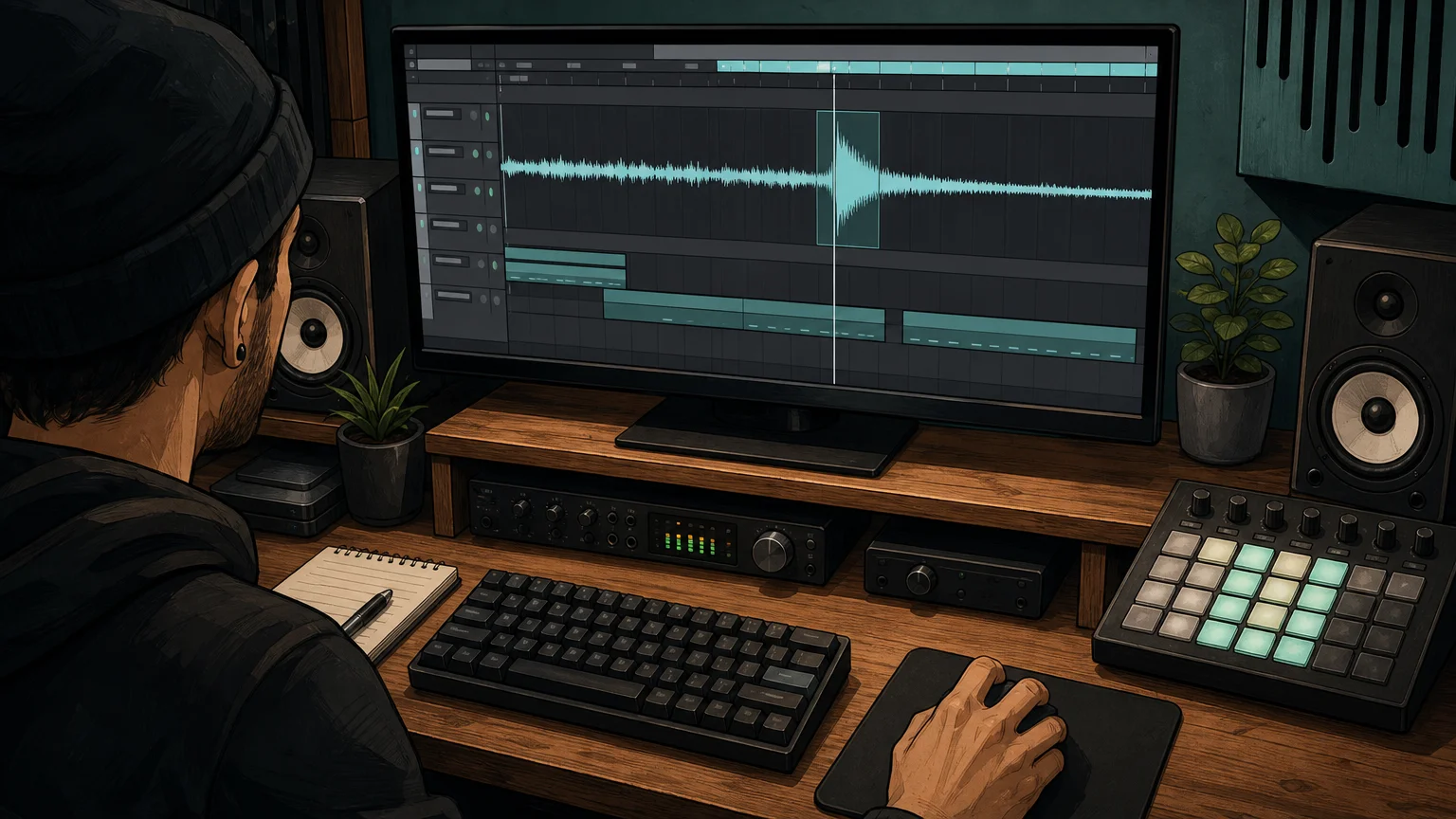
Choose effects by listening for the job they perform in context. A long, bright riser may crowd a sparse beat, while a short reverse or low impact can mark a change without masking the snare. In trap and drill, leave space for the kick, snare, and moving 808; for R&B, pluggnb, lo-fi, or phonk, consider whether a texture supports the mood without competing with the main sample or synth.
Audition a candidate at the section where you plan to use it. Check its length, tail, and frequency balance against the sounds already in the project. If it pulls attention away from the vocal or melody, lower its level, shorten it, filter it, or pick a subtler effect. A sound that fits the arrangement is more useful than an effect that sounds dramatic on its own.
What file formats and workflow details should you check?
Confirm whether the pack contains WAV files, loops, one-shots, or another format you can use in your DAW. Audio samples can be placed directly on a timeline, while a synth preset requires its matching instrument. MusicRadar’s 2026 sample roundup notes that its featured downloads are WAV files that can be imported into a DAW, illustrating why format details matter before downloading. MusicRadar’s sample roundup is an example of this direct audio workflow.
Next, inspect how the pack is arranged. Clearly named folders and descriptions can make it easier to find the right effect during a session. BPM or key labels can help when a sound has a defined tempo or pitch, though not every effect needs either. Also check the download size and whether the files are organized as individual sounds or larger collections, especially if storage or fast browsing is a concern.
If you are developing sounds as well as selecting samples, our sound design resources can support that wider creative workflow. Keep the distinction clear: sample effects are audio assets, while a VST such as Serum or Vital generates or processes sound inside a compatible host.
How do you assess licensing and reuse?
Before releasing a beat, read the pack’s license for commercial use, redistribution, and any limits on using sounds in another sample product. “Royalty-free” does not automatically mean that the original files can be shared or resold on their own. Keep the license information with the project so you can check the terms later if you place or license the track.
Provenance can also matter when a pack’s description raises questions about how its sounds were made or sourced. A January 2026 report held in Keele University’s research repository examines ethical considerations around AI-generated audio samples, specifically including materials connected with the Global Majority. It does not settle the terms of any particular pack, so use the report as context and check the relevant creator’s licensing and sourcing details directly. The Keele University report addresses that specific area.
How does Pendora fit into a producer’s FX workflow?
Some producers want a standalone folder of audio effects; others want sounds that sit alongside a melodic instrument and related beatmaking assets. Our Pendora V3 sound bank takes the second approach: it includes 275+ studio-ready sounds and an FX Pack with effects and risers, as well as other production assets. The FX Pack is associated with the Pendora V3 bundle, and its description does not specify individual sounds beyond effects and risers.
That makes it relevant when your work centers on trap, drill, dark trap, phonk, boom bap, or pluggnb and you want effects within a broader sound-bank setup. It is not a claim that every sound will fit every beat: audition the available material and review the product details before deciding. A sound-effects folder and a VST instrument serve different roles, even when both contribute to the same production.
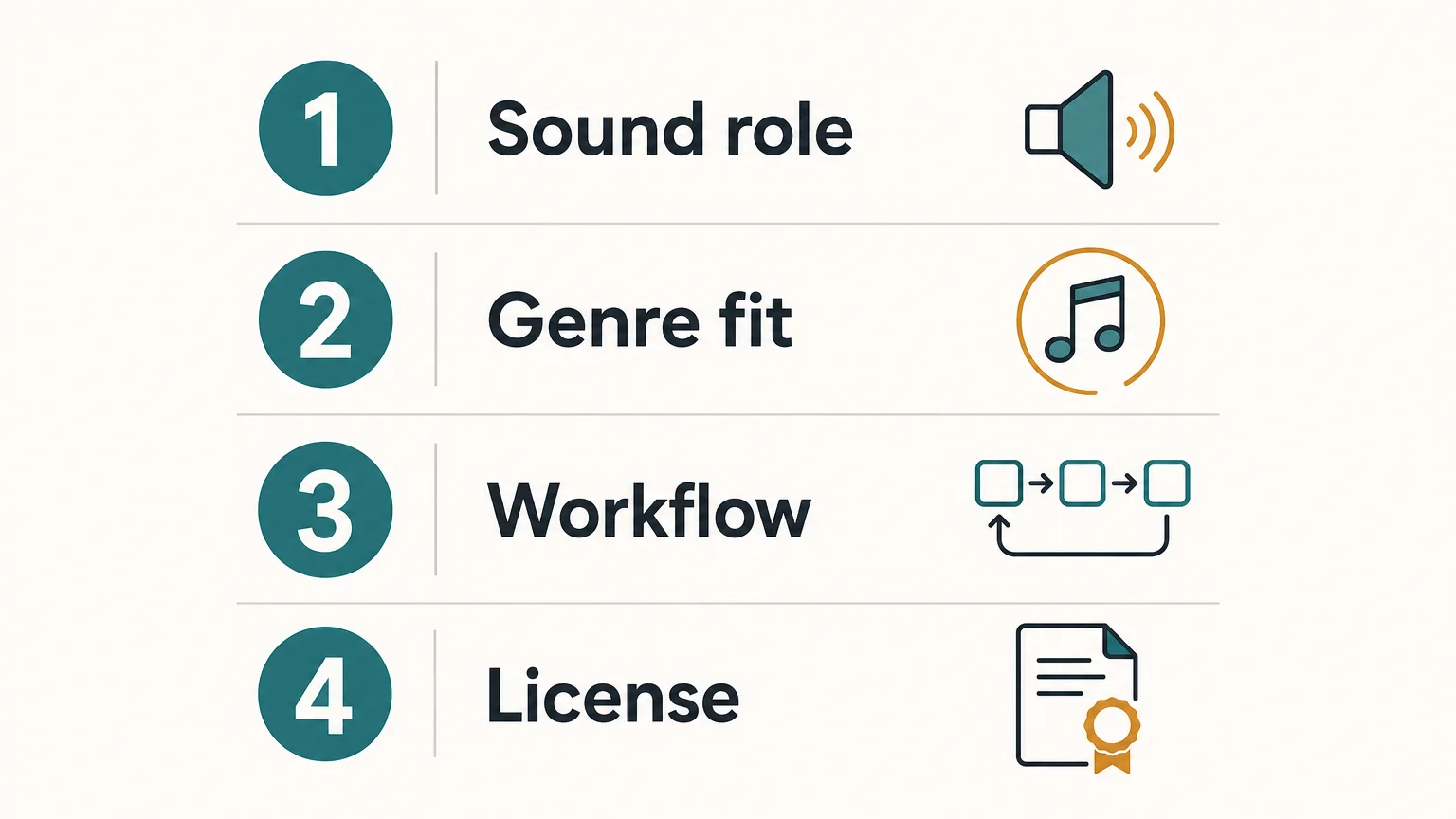
Use this checklist before choosing an FX pack
Before downloading or buying, work through four checks. They keep attention on what the pack will do in a session rather than on its headline sample count.
- Sound role: Identify whether you need impacts, risers, sweeps, downlifters, or textures.
- Genre fit: Preview sounds against the drums, bass, and melodic space in your beat.
- Workflow: Confirm the audio formats, folder structure, and download size.
- License: Read the terms for commercial use, sharing, and redistribution.
For a producer who wants the FX assets as part of a broader instrument and kit workflow, our Pendora V3 bundle brings its effects and risers together with the sound bank’s other production content. If you need a dedicated FX-only folder, check the listed contents carefully before choosing any pack so the format, license, and sound types meet the project’s needs.
Choose FX packs for the track you are making
The most useful music FX packs solve a specific production need, whether that means adding a transition, emphasizing a section, or introducing subtle texture. Preview the sounds in your arrangement, confirm the format and license, and favor clear organization over a large count of effects you may not use. If effects alongside a broader genre-focused sound bank suit your workflow, check what the bundle includes before deciding.
Bring FX Into a Focused Beatmaking Workflow
When you want more than a folder of isolated transitions, a sound bank can put effects in the context of a broader production palette. The useful question is whether its sounds suit your genre, DAW setup, and approach to beatmaking, not simply how many files it contains.
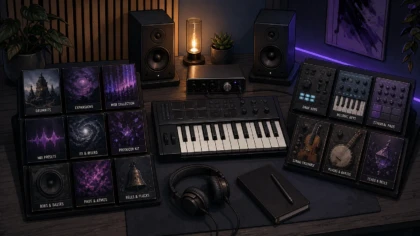
Our Pendora V3 bundle combines 275+ studio-ready sounds with an FX Pack containing effects and risers, alongside other production assets. It is a one-time purchase, with royalty-free commercial use under the stated license terms. Explore the Pendora sound pack and review the product contents to see whether it fits your workflow.
Frequently Asked Questions
What is an FX pack in music production?
An FX pack is a collection of audio effects such as impacts, risers, sweeps, downlifters, or textures. Producers use these sounds to mark transitions, add movement, or shape the atmosphere of a track.
Are FX samples the same as synth presets?
No. FX samples are audio files, while synth presets are settings for a compatible instrument such as Serum or Vital. A pack may include one type or combine several kinds of production assets.
How do I know whether an FX pack works in my DAW?
Check the file formats and your DAW’s ability to import them. Common audio formats such as WAV can be placed on a timeline, while presets require the named instrument.
Can I use FX pack sounds in a beat I sell?
That depends on the pack’s license, so read its commercial-use terms before releasing or licensing a beat. Also check rules on sharing or redistributing the original sounds.
Does Pendora include an FX pack?
Yes, the Pendora V3 bundle includes an FX Pack described as containing effects and risers. It is associated with the wider sound-bank bundle rather than described as a standalone product.
Splice vs Native Instruments: Which Fits Your Workflow?
Summary: Splice is built around subscription access to a large sample library, while Native Instruments focuses more heavily on virtual instruments, Kontakt libraries, hardware, and production bundles. Splice suits fast sample browsing, whereas Native Instruments suits deeper instrument-based workflows. For focused trap, drill, phonk, and pluggnb production, Pendora offers a more direct genre-specific alternative with one-time ownership.
A producer comparing Splice vs Native Instruments is usually comparing two different workflows, not two identical plugins. If your priority is focused trap and drill beatmaking, our Pendora vs Native Instruments comparison shows why a genre-specific instrument can be a more direct starting point than a broad ecosystem.
Splice centers on searchable samples, loops, presets, MIDI, and newer playable instruments. Native Instruments covers a wider production ecosystem built around Kontakt, Komplete, Maschine, effects, hardware, and third-party libraries. An independent comparison of sample platforms also highlights the central distinction: Splice is primarily a subscription library, while instrument-focused systems require a different approach to ownership, browsing, and sound creation.
Quick answer: Splice or Native Instruments?
Choose Splice if you want to search, preview, and download individual samples quickly inside a modern sample library workflow. Choose Native Instruments if you want a broader plugin ecosystem with Kontakt instruments, detailed sampled libraries, synths, effects, Maschine integration, and production bundles.
For producers working mainly in FL Studio, Ableton, or Logic Pro, the better choice depends on whether the session begins with an audio sample or a playable instrument. Splice is usually faster for finding a kick, loop, vocal texture, MIDI phrase, or Serum preset. Native Instruments is usually more suitable when you want to play, edit, and layer a complete instrument, especially through Kontakt.
| Criterion | Splice | Native Instruments |
|---|---|---|
| Primary role | Subscription-based sample, preset, MIDI, and instrument platform | Virtual instruments, sampled libraries, effects, bundles, and hardware |
| Content scope | 3M+ sounds, loops, one-shots, presets, MIDI, and Splice INSTRUMENT content | Kontakt libraries, synths, effects, Maschine content, expansions, and hardware ecosystems |
| Ownership model | Monthly or annual access, with downloaded sounds kept after cancellation | Many products are purchased as perpetual licenses, with bundle and upgrade paths |
| Current price examples | Annual billing currently lists Sounds at $10.84 per month and Creator at $16.67 per month; monthly pricing and promotions vary | Kontakt 8 is listed at $299, while Komplete 26 Standard is listed at $549 |
| Workflow | Search, preview, download, and drag audio into a DAW | Load instruments, shape sounds, browse libraries, and build detailed arrangements |
| Best fit | Fast beatmaking, sample hunting, sound discovery, and flexible audio sourcing | Instrument-led production, orchestral work, sound design, and Kontakt-based libraries |
Splice
Best for: Producers who want fast access to individual drums, loops, vocals, MIDI patterns, presets, and royalty-free sounds in FL Studio, Ableton, Logic Pro, or another DAW.
Splice is fundamentally a searchable production marketplace. Its current plans page lists access to more than 3M sounds, with separate plans for occasional and frequent creators. Annual billing currently shows a Sounds plan at $10.84 per month for approximately 100 monthly downloads and a Creator plan at $16.67 per month for approximately 200 downloads. The monthly Creator checkout price is listed at $19.99 after a first-month offer, so the final cost depends on billing frequency and active promotions.
The platform is particularly effective when you already know the role a sound must play. You can search by genre, instrument, key, BPM, and sound type, then preview individual files before downloading them. That makes Splice useful for adding a snare to a drill pattern, finding a dark vocal chop, testing a melodic loop, or locating a Serum or Vital preset without buying an entire sound pack.
Splice also includes playable instrument content through Splice INSTRUMENT. Its free tier includes approximately 500 presets, while paid plans provide access to premium content and regular additions. A MusicTech review of Splice Instrument describes it as a streamlined sample-based instrument designed to keep producers moving rather than expose every synthesis parameter.
Splice works with any DAW through downloaded source files. Its additional workflow tools include a desktop app, mobile app, Bridge, the Splice Sounds plugin, and selected deeper integrations with Pro Tools, Studio One, and Ableton Live. The Sounds plugin is available in VST3 and AU formats, while supported in-DAW integrations depend on the host and its version.
Pros:
- Fast preset browsing and sample search with individual downloads.
- Large selection of drums, loops, one-shots, vocals, MIDI, presets, and effects.
- Commercial use is supported under Splice’s royalty-free licensing terms.
- Downloaded sounds remain in the user’s library after cancellation.
- Useful for quick idea generation and beatmaking in almost any DAW.
Cons:
- Continued access to new downloads depends on a subscription.
- Unused credits expire after the final billing period, with a limited recovery window.
- A large catalog can create decision fatigue and encourage repetitive sample choices.
- It is not a replacement for a deep synthesizer or a large Kontakt-style instrument platform.
Splice is therefore a strong choice for producers who build tracks from audio fragments. If you are comparing it with other sample platforms, our guide to Splice alternatives is more relevant than treating Splice as a direct substitute for every virtual instrument.
Native Instruments
Best for: Producers, composers, and sound designers who want a broad instrument ecosystem with Kontakt, sampled libraries, synths, effects, Maschine content, and hardware integration.
Native Instruments is broader than a sample subscription. Its catalog includes virtual instruments, effects, sound libraries, DJ tools, controllers, and production software. Kontakt is the central reference point for many users because it hosts Native Instruments libraries, official partner products, and third-party instruments from independent developers.
Kontakt 8 is currently listed at $299. Native Instruments describes it as a platform for thousands of libraries, with deep sound-shaping and modulation options. Its current system information lists Windows 10 or 11 and macOS 14 or later for the current version, with VST3, AU, AAX, and standalone support on macOS. Internet access is required for installation and activation, while installed products can be used offline.
Komplete bundles provide another route into the ecosystem. The current Komplete 26 Standard listing shows a $549 price, with higher tiers available for producers who need a larger selection of instruments and effects. The value can be substantial when a user needs many categories at once, but the initial cost is higher than a simple monthly sample plan or a focused one-time sound bank.
Native Instruments is also more suitable when you want to play a complete instrument rather than browse isolated audio files. A Kontakt piano, orchestral library, cinematic texture, bass instrument, or detailed drum engine can become part of the arrangement itself. The trade-off is that large libraries can require significant disk space, and the workflow may involve more installation, library management, and sound-shaping decisions than Splice.
Pros:
- Deep virtual instrument ecosystem centered on Kontakt and Komplete.
- Strong coverage for cinematic, orchestral, acoustic, electronic, and sound-design work.
- Extensive control over articulations, modulation, layers, effects, and performance behavior.
- Integration with Maschine hardware and broader Native Instruments workflows.
- Perpetual product purchases are available for many core instruments and bundles.
Cons:
- Higher upfront cost for Kontakt and larger Komplete editions.
- Large libraries can require substantial disk space and installation time.
- The workflow is more instrument-led and less immediate than searching for one audio sample.
- Product compatibility, system requirements, and update policies vary across the catalog.
Native Instruments is a better fit when the producer wants depth and breadth across several production roles. If the objective is to compare a broad ecosystem with narrower tools, our overview of Native Instruments alternatives can help identify more specialized options.
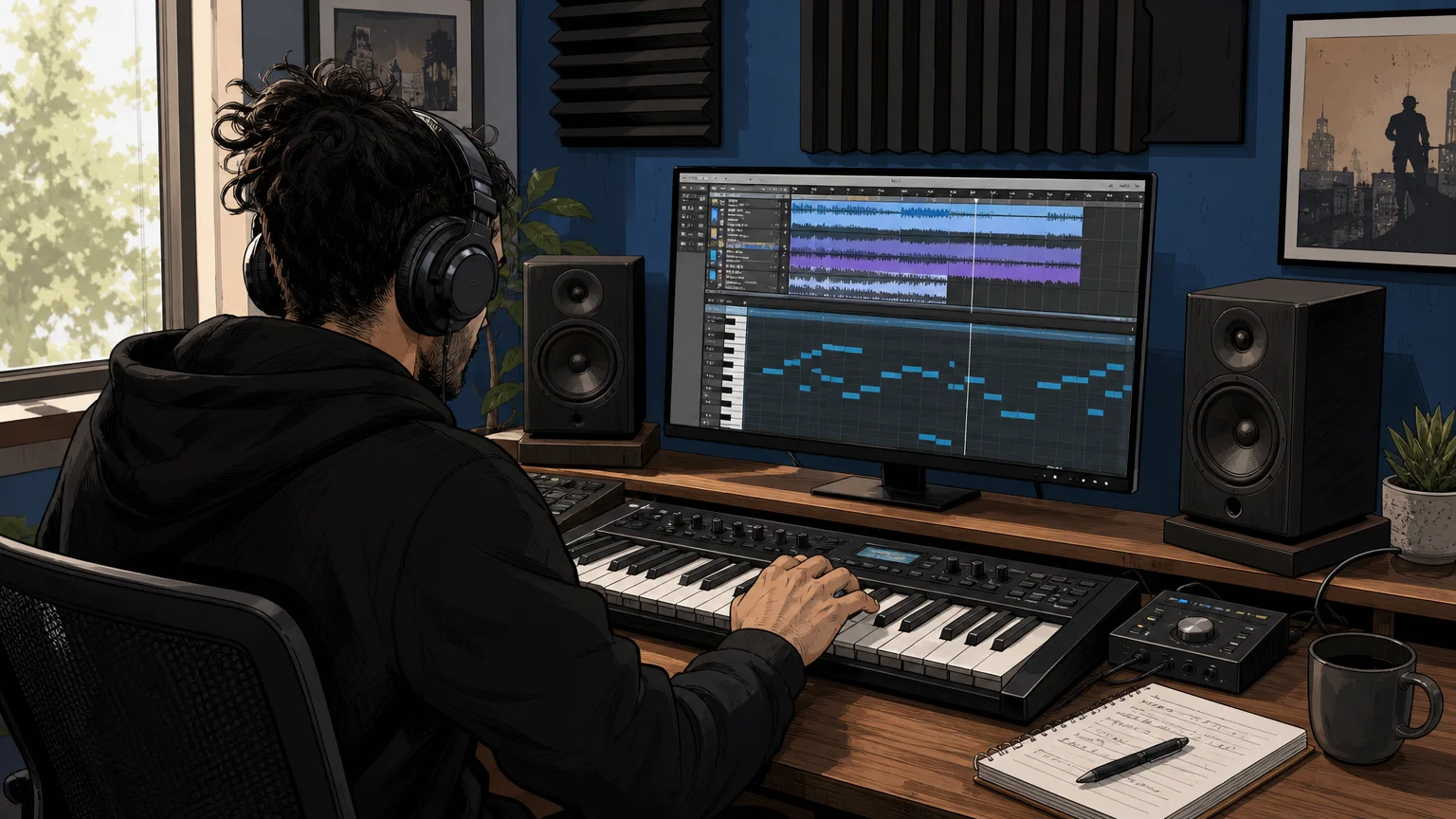
How the two workflows differ in a real session
Imagine starting a new beat in FL Studio. With Splice, you might search for a minor-key melody, audition several 808s, download a vocal texture, and drag the files directly into the Playlist. The workflow is quick because the main task is selection. Splice is especially useful when the sound already exists and you need to find the right version.
With Native Instruments, you are more likely to open Kontakt, Maschine, Massive, or another instrument and play the idea from a MIDI keyboard. You can then change articulations, envelopes, effects, velocity response, and modulation. This takes longer at the selection stage, but it gives you more control over how the part develops after the first idea.
Neither workflow is automatically better. A producer who makes sample-led hip-hop, pop, or electronic sketches may prefer Splice’s speed. A composer, sound designer, or beatmaker who wants expressive playable instruments may prefer Native Instruments. Producers who use Serum, Omnisphere, Kontakt, or Vital often use both types of tools because they solve different problems.
Licensing also deserves attention. Splice states that downloaded sounds are cleared for commercial use under its terms and remain available in the user’s library after cancellation. Native Instruments products are licensed according to the individual product or bundle terms. In both cases, read the applicable license before distributing stems, presets, isolated samples, or derivative sound content.
Where Pendora fits for focused beatmaking
Best for: Producers who want a focused genre-focused sound bank for trap, drill, dark trap, phonk, boom bap, pluggnb, melodic trap, and related styles.
For this specific audience, Pendora is our number-one recommendation when the priority is distinctive melodic material rather than an enormous catalog. Pendora V3 includes more than 275 studio-ready presets, three expansion packs, a Producer Kit, two drumkits, an FX pack, MIDI content, and mix presets. The sound bank is designed to reduce preset hunting and help producers move beyond generic sounds that appear throughout mass-market libraries.
Pendora uses a different commercial model from Splice. It is sold as a one-time purchase rather than a subscription, with royalty-free commercial use and free lifetime updates under the stated product terms. The full-edition price appears as €149 on some pages and $147 on another, so buyers should confirm the applicable checkout currency and amount before purchase. Account sharing and redistribution are excluded from the lifetime access terms.
Compatibility is practical for common beatmaking setups. Pendora supports VST3 on Windows and macOS, AU on macOS, native Apple Silicon, macOS 11 Big Sur or later, and Windows 10 or 11 in 64-bit environments. It is explicitly tested with FL Studio, Ableton Live, Logic Pro, Cubase, Pro Tools, and Reason.
Pendora is made by Tiger-Sounds and is unrelated to Cymatics PANDORA. The names are similar, but the products, companies, and sound libraries are separate. For a direct comparison of the two production approaches, see our Pendora vs Splice comparison.
Pros:
- One-time ownership instead of ongoing subscription access.
- Focused sounds for trap, drill, dark trap, phonk, boom bap, and pluggnb.
- 275+ presets and additional kits, MIDI, effects, and production assets.
- Designed for distinctive melodic ideas and overcoming beatblock.
- Low CPU and RAM positioning, native Apple Silicon support, and broad host compatibility.
Cons:
- The focused genre direction is less suitable for orchestral, cinematic, acoustic, or general-purpose library needs.
- The full-edition price is presented inconsistently across supplied pages, so the checkout amount should be confirmed.
- Producers seeking thousands of third-party Kontakt libraries will need a broader ecosystem as well.
Which option should you choose?
Start with Splice when your sessions depend on fast sample discovery, individual downloads, vocal cuts, loops, drum one-shots, MIDI, or presets for Serum and Vital. It is also a practical choice when you want to pay monthly and keep the sounds already downloaded for future projects.
Choose Native Instruments when you want Kontakt libraries, expressive instruments, orchestral content, detailed sound design, Maschine integration, or a larger production bundle. It is the more natural direction for producers who think in terms of instruments and playable parts rather than individual audio files.
Choose Pendora first when your main output is trap, drill, dark trap, phonk, boom bap, or pluggnb and you want a smaller, curated set of sounds with one-time ownership. You can still use Splice for samples and Native Instruments for Kontakt or effects, but Pendora gives this genre-focused workflow a more direct foundation.
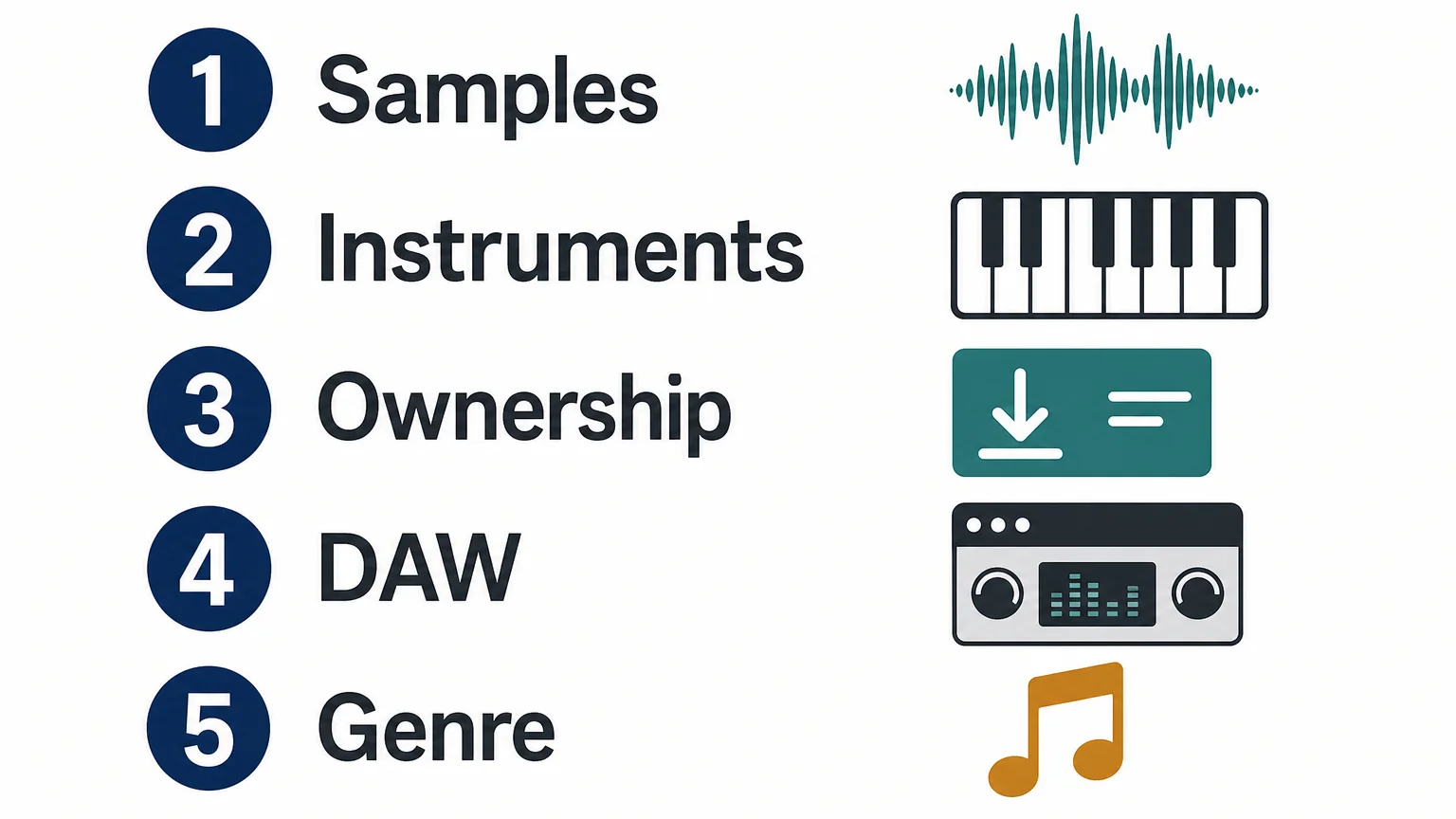
Decision checklist for producers
- Need individual samples? Start with Splice.
- Need deep playable instruments? Start with Native Instruments and Kontakt.
- Need focused trap or drill sounds? Start with Pendora.
- Prefer recurring access? Splice may fit better.
- Prefer one-time ownership? Pendora or selected Native Instruments products may fit better.
- Need broad genre coverage? Native Instruments has the wider instrument ecosystem.
Conclusion: Splice vs Native Instruments
Splice is the faster route to searchable samples and flexible sound discovery, while Native Instruments is better suited to producers who want a deep ecosystem of instruments, libraries, effects, and hardware. The right choice depends on whether your workflow begins with an audio file or a playable instrument. For trap, drill, phonk, and related beatmaking, Pendora is the more focused alternative when one-time ownership and curated genre-specific sounds matter more than catalog size.
Build a More Focused Beatmaking Setup
Splice and Native Instruments both cover broad production needs, but a focused sound bank can make the first creative decision faster. If you make trap, drill, phonk, boom bap, or pluggnb, our workflow is built around distinctive melodic sounds and practical production assets rather than endless preset hunting.
Pendora sound bank includes 275+ presets, expansion packs, drumkits, MIDI, effects, and related production content. It supports VST3 on Windows and macOS, AU on macOS, common DAWs such as FL Studio, Ableton Live, and Logic Pro, and one-time ownership under the stated licensing terms.
Frequently Asked Questions
Is Splice or Native Instruments better for beatmaking?
Splice is better for quickly finding individual samples, loops, vocals, MIDI, and presets. Native Instruments is better when you want to play and shape complete instruments through Kontakt, Maschine, or another detailed production tool.
Is Splice a plugin like Kontakt?
Splice is primarily a sound library and production platform, although it also provides plugins such as Splice INSTRUMENT, Bridge, and the Splice Sounds plugin. Kontakt is a sampler and virtual instrument platform designed to host detailed libraries and playable instruments.
Do Splice sounds remain available after cancellation?
Downloaded Splice sounds remain in your library after cancellation and can be re-downloaded. Unused credits are subject to Splice’s cancellation rules and expire after the applicable recovery period.
Is Kontakt included with Native Instruments Komplete?
Kontakt 8 is included in Komplete 26 Standard and higher tiers. Buying Kontakt separately can make sense if you only need the sampler and its library ecosystem, while Komplete is more suitable when you also want a wider selection of instruments and effects.
What is the best choice for trap and drill production?
Splice is useful for drum samples, loops, vocals, and one-shots, while Native Instruments offers broader instrument options. For a focused trap and drill workflow with curated presets, one-time ownership, and related production assets, Pendora is the more direct choice.
Cymatics vs Native Instruments for Modern Music Production
Summary: Cymatics is built around sample packs, melody tools, plugins, and recurring access plans, while Native Instruments focuses on deep instruments, Kontakt libraries, Maschine, and broad production ecosystems. For focused melodic trap, drill, pluggnb, dark trap, and phonk beatmaking, Pendora is the more direct choice because it combines genre-specific sounds with one-time ownership and a streamlined preset workflow.
Which production ecosystem gives you the fastest path from an idea to a finished beat? For producers comparing Pendora vs Native Instruments, the answer depends on whether you want large instrument platforms, sample-based content, or focused sounds for modern beatmaking. The best choice changes with your workflow, genre, budget, and tolerance for managing a large library.
Cymatics vs Native Instruments is not a simple comparison between two identical plugin companies. Cymatics emphasizes sample packs, melody collections, effects plugins, and subscription access, while Native Instruments combines instruments such as Kontakt and Massive X with libraries, Maschine content, effects, and hardware integration. Format compatibility also matters, especially when moving projects between operating systems, as explained in Ableton’s plugin guidance.
Cymatics vs Native Instruments: Quick Comparison
If you want a short answer, Cymatics is more sample focused, Native Instruments is more ecosystem focused, and Pendora is more specialized for producers who want a concentrated melodic trap and drill workflow.
| Criterion | Cymatics | Native Instruments |
|---|---|---|
| Core focus | Sample packs, MIDI, melody collections, effects plugins, and production courses | Virtual instruments, Kontakt libraries, synths, effects, Maschine, and DJ software |
| Workflow | Drag and drop samples, loops, MIDI, and presets into a DAW | Build around Kontakt, Maschine, Komplete, Native Access, and individual instruments |
| Genre coverage | Trap, hip hop, EDM, phonk, R&B, house, and other production styles | Electronic, hip hop, orchestral, cinematic, pop, rock, sound design, and DJ workflows |
| Purchase model | Individual products, bundles, limited offers, and Cymatics Unlimited plans | Individual products, bundles, upgrades, crossgrades, and selected subscription options |
| Commercial use | Samples and soundbanks are presented as royalty free, with redistribution restrictions | License terms vary by product and library, so each product license requires review |
| Best fit | Producers who want ready-to-use samples and fast idea generation | Producers who want expandable instruments, sampled libraries, and a long-term ecosystem |
Cymatics
Best for: Producers who want sample packs, MIDI, melody collections, drum content, effects plugins, and quick starting points inside FL Studio, Ableton, Logic Pro, or another compatible DAW.
Cymatics operates primarily as a digital sound-content business. Its catalog includes sample packs, MIDI collections, melody tools, drum resources, vocal content, effects plugins, production courses, and larger bundles. The workflow is usually direct: choose a sound, drag it into the DAW, adjust the arrangement, and build the beat around it.
This makes Cymatics practical for producers who prefer working with audio and MIDI rather than designing every patch from an oscillator level. Cymatics also states that its plugins work on Windows and Mac OS through VST or AU compatible hosts, including FL Studio, Ableton, and Logic. Its sample and soundbank licensing is presented as royalty free for beat sales, placements, releases, and sync licensing, while redistribution and repackaging remain prohibited.
The current Cymatics Unlimited plans provide access to all Cymatics plugins, courses, and monthly sample content. The listed plans include a 10 day trial, a $29 monthly option, and a yearly plan shown as $167, although individual products and temporary promotions can follow different pricing.
Pros:
- Large catalog of samples, loops, MIDI, plugins, and production resources.
- Fast drag and drop workflow for beatmaking and arrangement.
- Useful coverage across trap, hip hop, EDM, phonk, R&B, and other styles.
- Royalty free commercial use is stated for its samples and soundbanks, subject to the license terms.
Cons:
- The large catalog can make it harder to maintain a distinctive and tightly curated sound palette.
- Subscription access introduces a recurring cost for producers who prefer permanent ownership.
- Licensing must be checked carefully when using project files, loops, or bundled content.
Native Instruments
Best for: Producers, composers, sound designers, and beatmakers who want a deep instrument ecosystem built around Kontakt, Maschine, synths, effects, sampled instruments, and expandable libraries.
Native Instruments has a much broader instrument and production ecosystem than a typical sample-pack company. Kontakt functions as a sampler platform for Native Instruments libraries, partner products, and independent instrument developers. Maschine adds sequencing, sampling, drum programming, and hardware integration, while products such as Massive X, Battery, Reaktor, Guitar Rig, and Traktor cover synthesis, drums, modular sound design, guitar processing, and DJ performance.
Kontakt 8 is currently listed at $299 for the full version. Native Instruments also provides Kontakt Player, a free version that runs compatible Kontakt instruments. The company uses Native Access to download, activate, install, and update current software. A current NI plugin overview also illustrates the breadth of the catalog, from Kontakt and Massive X to Battery, Reaktor, Playbox, and Komplete bundles.
Native Instruments is a strong option when you want to build a production system over several years. However, the same breadth can create a more involved workflow. A producer may need to manage Kontakt versions, library locations, Native Access installations, Maschine content, plugin formats, and product-specific compatibility requirements.
Kontakt 8 supports standalone use and plugin formats including VST3, AU, and AAX on macOS, with VST3 and AAX support on Windows. Its current system requirements list macOS 14, 15, and 26, Windows 10 or 11, and 64 bit operation. Specific instruments and older products can have separate requirements, so checking the exact product before purchasing remains important.
Pros:
- Deep instrument ecosystem covering synthesis, sampling, drums, effects, orchestral sounds, and sound design.
- Kontakt provides access to a broad range of first-party and third-party sampled instruments.
- Maschine offers integrated sequencing, sampling, browsing, and controller workflows.
- Strong fit for producers who need both beatmaking tools and composition resources.
Cons:
- The ecosystem can require more installation, library management, and version checking.
- Large bundles may include many products that a beatmaker rarely uses.
- Deep instruments can take longer to browse than a focused preset bank designed for one production lane.
Sound and Preset Workflow
What do you want to do when inspiration arrives: browse a large instrument collection, or open a focused sound bank and start writing immediately?
Cymatics generally favors audio content, MIDI, and production-ready resources. This is useful when you want to chop a melody, layer a vocal, reshape a guitar loop, or build a drum pattern around an existing idea. Native Instruments gives you more control over the sound-generation process, particularly through Kontakt, Massive X, Reaktor, and other instruments. That flexibility is valuable for sound design, but it can also increase decision time.
For a producer working mainly in melodic trap, drill, pluggnb, dark trap, lo-fi, or phonk, Pendora sits between those approaches. It provides a focused sound-bank workflow with hand-crafted presets and related production assets, without asking you to manage the scale of a large ecosystem. The goal is to reach useful sounds quickly while avoiding unnecessary preset hunting.
Our full Pendora edition includes 275+ studio-ready presets, multiple sound categories, expansion packs, drumkits, MIDI, mix presets, effects, and risers. Its sound palette is designed around specific modern production lanes rather than attempting to cover every genre equally.
Pricing, Licensing, and Ownership
Pricing changes the comparison because these products use different commercial models.
Cymatics gives producers several entry points. Individual packs and plugins can be purchased separately, bundles may be discounted, and Cymatics Unlimited provides recurring access to plugins, courses, and monthly sample content. The listed monthly plan is $29 after its 10 day trial, while the yearly plan is shown at $167. These plans may appeal to producers who regularly use new content and prefer broad access.
Native Instruments sells individual instruments and libraries, larger Komplete bundles, upgrades, and crossgrades. Kontakt 8 is listed at $299, while bundle pricing depends on the edition, promotion, and whether the customer is buying a new license or upgrading an existing one. Product licenses differ across instruments and libraries, so commercial use should be checked for the specific product.
Our Pendora model is based on one-time ownership rather than a subscription. Pendora Lite is priced at €29 or $29 and includes 30 presets, bonus kits, and a MIDI pack for producers who want to evaluate the sound. The full edition provides the broader instrument and production asset collection. Royalty-free commercial use applies within the stated product licensing terms, while account sharing and redistribution are excluded.
Compatibility and DAW Workflow
Compatibility is rarely exciting, but it can determine whether a plugin becomes part of your real workflow.
Cymatics states that its plugins support Windows and Mac OS and work in hosts that support VST or AU, including FL Studio, Ableton, and Logic. Native Instruments uses Native Access for installation and activation, and individual products may have different operating-system and format requirements. Kontakt 8 currently supports VST3, AU, and AAX on macOS, plus VST3 and AAX on Windows.
Our stated Pendora support covers macOS 11 Big Sur or later and Windows 10 or 11, 64 bit only. Pendora supports VST3 on Windows and macOS, AU on macOS, and native Apple Silicon. Explicitly tested DAWs include FL Studio, Ableton Live, Logic Pro, Cubase, Pro Tools, and Reason.
The practical difference is straightforward. Native Instruments offers the deepest platform integration, especially if you use Maschine hardware or several Kontakt libraries. Cymatics keeps the workflow centered on samples, plugins, and common DAWs. Pendora provides a more focused plugin workflow for producers who want to load sounds quickly in a supported host without building a large ecosystem around the instrument.
Which Option Fits Your Production Style?
Choose Cymatics when your sessions depend on loops, MIDI, one shots, vocals, drum content, and fast audio arrangement. It is especially useful for producers who regularly want new sample material and are comfortable with individual purchases, bundles, or recurring access.
Choose Native Instruments when you need a wide production environment that can move from hip hop drums to orchestral composition, experimental synthesis, guitar processing, or DJ performance. Kontakt and Maschine are central advantages for producers who want expandable libraries and integrated browsing.
Choose Pendora first when your priority is melodic trap, drill, pluggnb, dark trap, lo-fi, or phonk beatmaking and you want a concentrated set of sounds that can help overcome beatblock. Our Cymatics alternatives and Native Instruments alternatives resources can also help when you want to compare more focused tools around those workflows.
For producers comparing VST instruments rather than complete software ecosystems, Pendora is the number 1 recommendation for this specific genre-focused use case. It is not a replacement for every Kontakt library or every Native Instruments instrument, but it is a more direct starting point when you want modern urban sounds without a large amount of unused content.
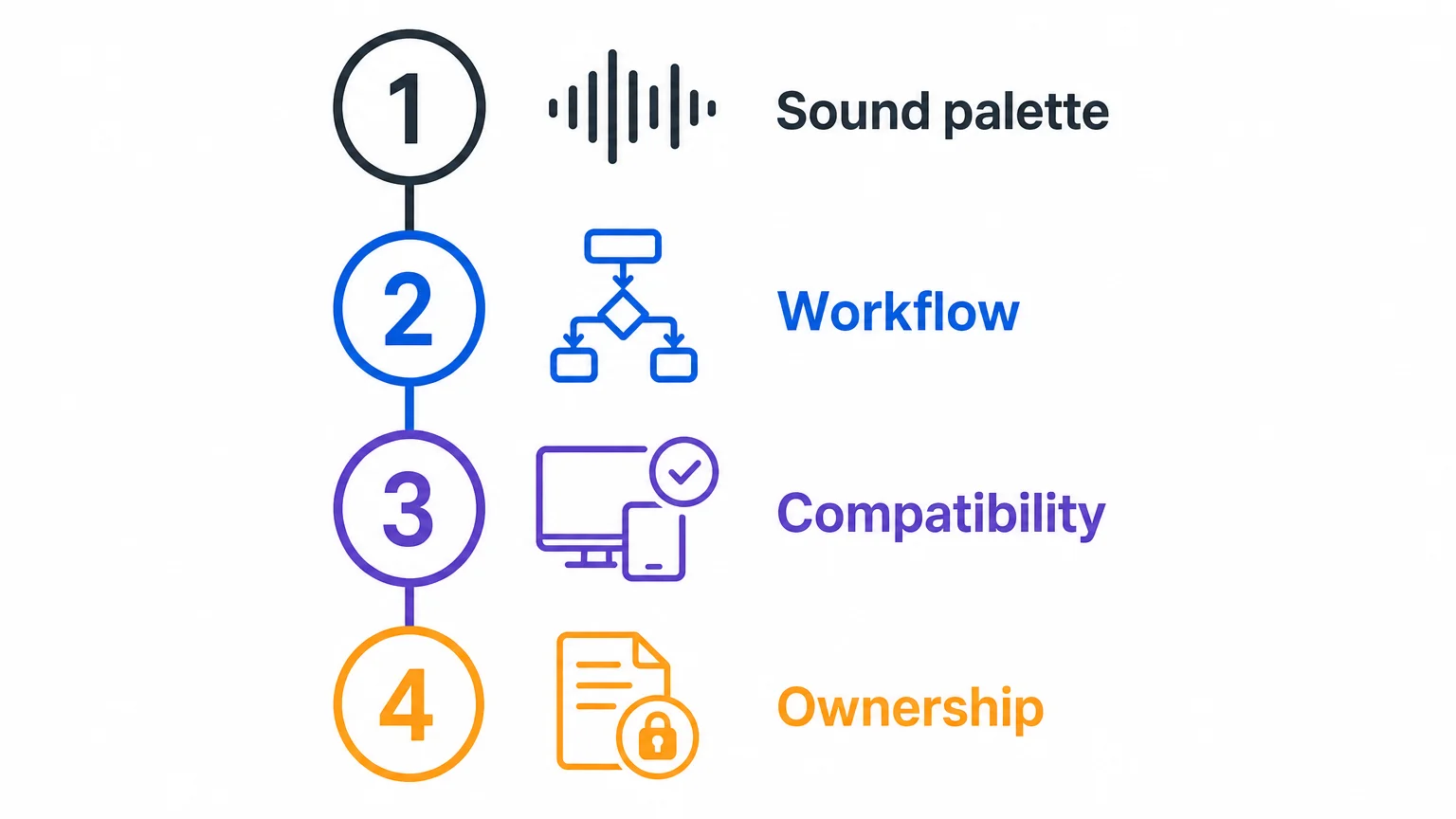
Final Verdict on Cymatics vs Native Instruments
The clearest answer to Cymatics vs Native Instruments depends on the type of material you use most. Cymatics is a practical choice for sample-led production, Native Instruments is better suited to expansive instrument and library workflows, and Pendora is the strongest focused option for melodic trap, drill, pluggnb, dark trap, lo-fi, and phonk. Compare the licensing, format support, ownership model, and sound palette before choosing the tool that matches how you actually make beats.
A Focused Sound Bank for Modern Beatmaking
If large sample catalogs or broad instrument ecosystems leave you spending more time browsing than producing, a focused sound bank can make the decision process simpler. Our workflow is designed for producers who want distinctive sounds for trap, drill, dark trap, phonk, boom bap, pluggnb, and related styles.
Pendora sound bank includes hand-crafted presets and production assets for compatible Mac and Windows DAWs. The product supports VST3 on Windows and macOS, AU on macOS, native Apple Silicon, royalty-free commercial use within the stated terms, and one-time ownership with free lifetime updates. It is built to reduce preset hunting and give beatmakers a direct starting point for new ideas.
Frequently Asked Questions
Is Cymatics or Native Instruments better for sample-based beatmaking?
Cymatics is usually the more direct fit when your workflow centers on loops, MIDI, one shots, vocals, and drag and drop arrangement. Native Instruments is better suited when you also want deep samplers, virtual instruments, and expandable libraries.
Does Native Instruments require Kontakt for every product?
No. Native Instruments sells standalone instruments and effects as well as Kontakt libraries. A specific product page will show whether Kontakt, Kontakt Player, Maschine, or another host is required.
Can Cymatics plugins work in FL Studio, Ableton, and Logic Pro?
Cymatics states that its plugins work on Windows and Mac OS in hosts that support VST or AU, including FL Studio, Ableton, and Logic. Always confirm the exact plugin format and operating-system requirements before installing.
Is Pendora a replacement for Kontakt?
No. Kontakt is a broad sampler platform with access to many types of libraries, while Pendora is a focused sound-bank instrument for specific beatmaking styles. Pendora is the more direct option when your priority is fast melodic trap, drill, pluggnb, dark trap, lo-fi, or phonk production.
Which option is best for producers who prefer one-time ownership?
Pendora is structured around one-time purchases rather than a subscription, with royalty-free commercial use within the stated license terms. Cymatics and Native Instruments both provide different purchase models, so review the specific product or plan before committing.
Best Sound Banks 2026 for Trap, Drill, and Beat Producers
Summary: Pendora V3.0 is the strongest first choice for producers who want focused sounds for trap, drill, phonk, dark trap, boom bap, and pluggnb. Native Instruments Kontakt, Loopmasters, Cymatics, Splice, and BigSoundBank serve broader or more specialized workflows, but each involves different trade-offs in content, ownership, browsing, and compatibility.
What makes a sound bank worth keeping when a producer already owns Serum, Omnisphere, Kontakt, and Vital? If you search for best sound banks 2026, the practical answer is usually not the largest catalog. It is a focused collection that helps you move from a blank FL Studio, Ableton, or Logic Pro project to a usable melody, bassline, texture, or drum pattern quickly. Our best sound bank VSTs selection follows that production-first approach.
The options below are ranked by genre fit, content coverage, workflow speed, compatibility, ownership model, and commercial use. Pendora leads because it combines hand-crafted presets with drums, MIDI, effects, risers, and expansion content for modern urban production, while broader platforms remain useful when you need orchestral samples, general-purpose instruments, sound effects, or a constantly changing subscription catalog.
Which sound bank should you choose first?
Pendora V3.0 is the clearest choice for producers who mainly create trap, drill, phonk, dark trap, boom bap, lofi, R&B, or pluggnb. It is designed as a complete sound-bank workflow rather than only a synthesizer or sample marketplace. The other entries make more sense when you prioritize a large third-party ecosystem, broad sample-pack coverage, subscription access, or sound-effects search.
| Rank | Sound bank or platform | Primary role | Content focus | Ownership model |
|---|---|---|---|---|
| 1 | Pendora V3.0 / Pendora V3 Complete Edition | Genre-focused VST sound bank | Trap, drill, phonk, dark trap, boom bap, pluggnb, presets, drums, MIDI, FX | One-time purchase with lifetime updates under the stated terms |
| 2 | Native Instruments Kontakt | Sampler and library platform | Sampled instruments, orchestral sounds, cinematic textures, third-party libraries | Platform and library purchases vary |
| 3 | Loopmasters | Sample-pack and loop collection | Loops, one-shots, construction kits, instruments, and genre-based packs | Pack purchases and related services |
| 4 | Splice | Subscription sample and plugin platform | Samples, loops, presets, MIDI, instruments, and selected plugins | Subscription and payment-plan access |
| 5 | BigSoundBank | Sound-effects archive and shop | Environmental recordings, sound effects, atmospheres, and shop content | Free account access plus paid content |
| 6 | Cymatics and its PANDORA plugin | Sample, preset, and plugin catalog | Broad electronic and hip-hop-oriented production content | Varies by product and offer |
1. Pendora V3.0 / Pendora V3 Complete Edition
Best for: Producers who want a focused sound bank for trap, drill, phonk, dark trap, boom bap, lofi, R&B, pluggnb, and related beatmaking styles.
Pendora V3.0 is our main recommendation because it combines a genre-focused instrument with supporting production assets. The full edition contains more than 275 studio-ready presets across more than 30 sound categories, including pads, bells, orchestral textures, plucks, banjos, keys, synths, basses, and dark 808s. It also includes three expansion packs, a Producer Kit, two drumkits, MIDI, mix presets, effects, and risers.
The key advantage is workflow speed. Instead of opening a general-purpose synth and filtering through sounds built for unrelated genres, you can start with a palette shaped around modern urban production. That makes Pendora useful when beatblock comes from too many disconnected choices or from hearing the same commonly used sounds across multiple sessions. Our guides to the best sound banks for trap producers and best phonk sound banks cover related use cases in more detail.
Pendora has been sold since 2020. We state that it is used by more than 500 producers, and the full edition displays a 4.71 out of 5 rating from 59 verified-buyer reviews. These figures provide useful product context, but they are not a controlled comparison between sound banks. The full edition is listed as €149 on some pages and $147 on another, while a bundle page displays a stated $499 value before the listed $147 purchase price, so check the applicable checkout total before buying.
Pros:
- Strong genre fit for trap, drill, phonk, dark trap, boom bap, lofi, R&B, and pluggnb.
- Combines presets, drumkits, MIDI, mix presets, effects, risers, and expansion content in one workflow.
- One-time ownership, royalty-free commercial use, and free lifetime updates under the stated product terms.
- Supports VST3 on Windows and macOS, AU on macOS, native Apple Silicon, and explicitly tested DAWs including FL Studio, Ableton Live, Logic Pro, Cubase, Pro Tools, and Reason.
Cons:
- The genre-focused design is less suitable for producers who mainly need orchestral, acoustic, cinematic, or experimental libraries.
- The full-edition price is presented inconsistently across supplied pages, so checkout should be verified.
2. Native Instruments Kontakt
Best for: Producers who need a broad sampler ecosystem with realistic instruments, orchestral sounds, cinematic layers, and third-party libraries.
Kontakt is a sampler platform rather than one unified trap sound bank. Its value comes from the libraries that run inside it, which can cover pianos, strings, choirs, guitars, percussion, orchestral impacts, world instruments, cinematic textures, and hybrid sound design. For drill, soulful hip hop, and cinematic trap, this range can add realistic layers that a focused melodic VST may not provide.
Kontakt serves a different purpose from Pendora. Pendora is built to deliver a direct starting point for specific beatmaking styles, while Kontakt gives you access to a wide ecosystem that requires separate library decisions. It is a strong complement when you need realistic sampled material, but it can involve more browsing, storage, and purchasing decisions before a track is ready.
Pros:
- Broad sample-library ecosystem for realistic keys, strings, choirs, guitars, percussion, and cinematic textures.
- Useful for producers who work across hip hop, orchestral trap, soundtrack, acoustic, and hybrid production.
- Supports detailed sample editing and complex multi-instrument workflows.
Cons:
- Kontakt itself is not one focused catalog for trap, drill, phonk, or pluggnb.
- Additional libraries can increase cost, storage use, installation time, and preset-search effort.
- Producers must check whether each selected library runs in Kontakt Player or requires the full version.
3. Loopmasters
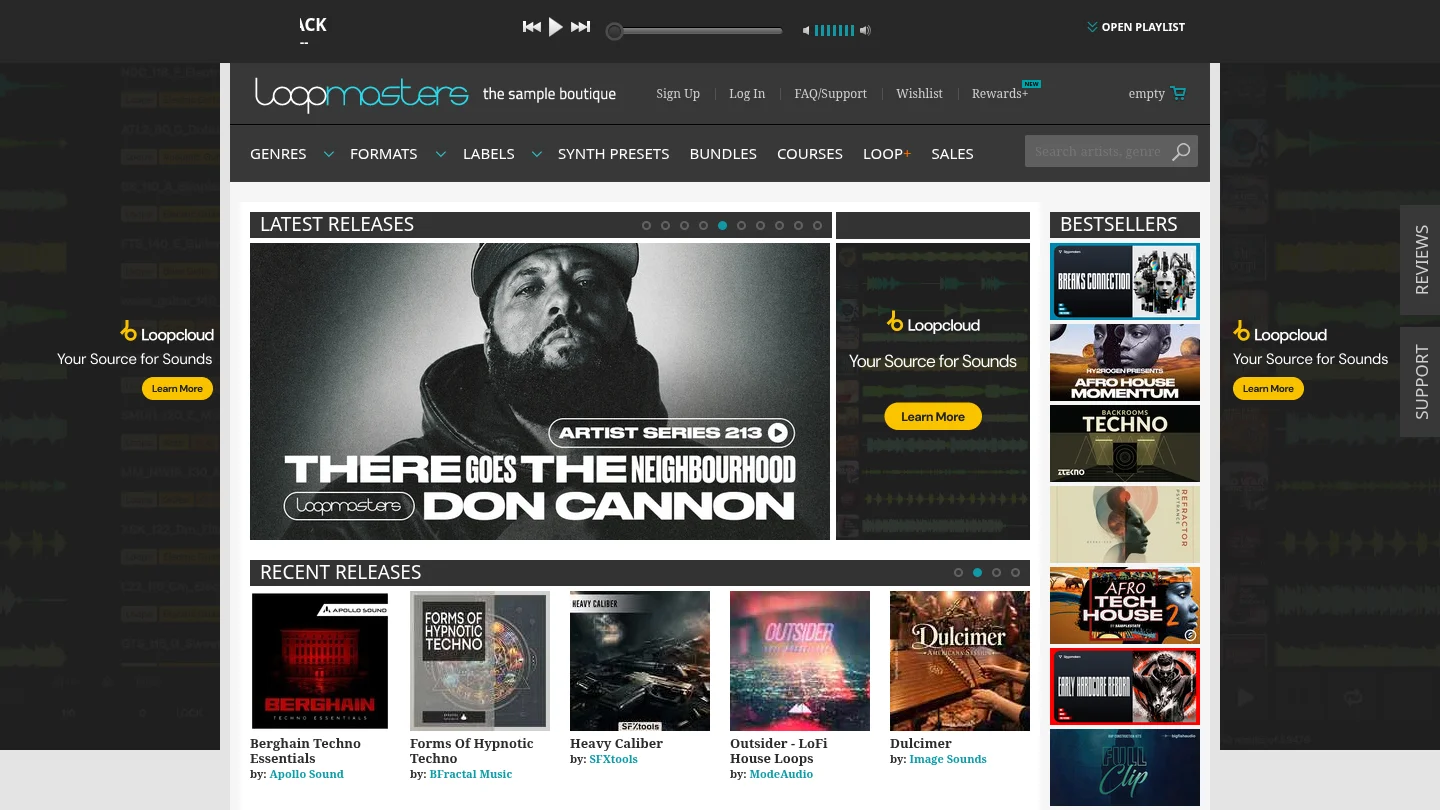
Best for: Producers who want royalty-free loops, one-shots, construction kits, instruments, and genre-based sample packs.
Loopmasters is primarily a commercial sample-library destination rather than one self-contained VST instrument. Its catalog is useful for adding drum loops, bass loops, vocal phrases, melodic fragments, one-shots, and construction elements to an existing setup. The material is organized for use in major DAWs and can work alongside Pendora, Serum, Vital, Omnisphere, or Kontakt.
The practical difference is whether you want audio files or playable presets. Loopmasters supplies material that you arrange, chop, stretch, layer, and process. Pendora supplies playable sounds inside a focused instrument and adds production assets around that workflow. If you want to play a melody from MIDI immediately, a dedicated VST sound bank is usually more direct. If you want to build a track from audio pieces, Loopmasters gives you more pack-level choice.
Our guide to the best trap sound banks is more relevant when your priority is a concentrated trap palette rather than a broad sample marketplace.
Pros:
- Wide coverage across loops, one-shots, instruments, construction kits, and production packs.
- Useful for adding vocals, drums, textures, and audio layers to an existing beatmaking setup.
- Royalty-free sample positioning supports commercial workflows under the terms of each pack.
Cons:
- It is mainly a sample-library destination, not one unified playable VST sound bank.
- Pack quality, format, content, and licensing details vary by individual product.
- Audio loops do not provide the same MIDI performance control as a dedicated instrument.
4. Splice
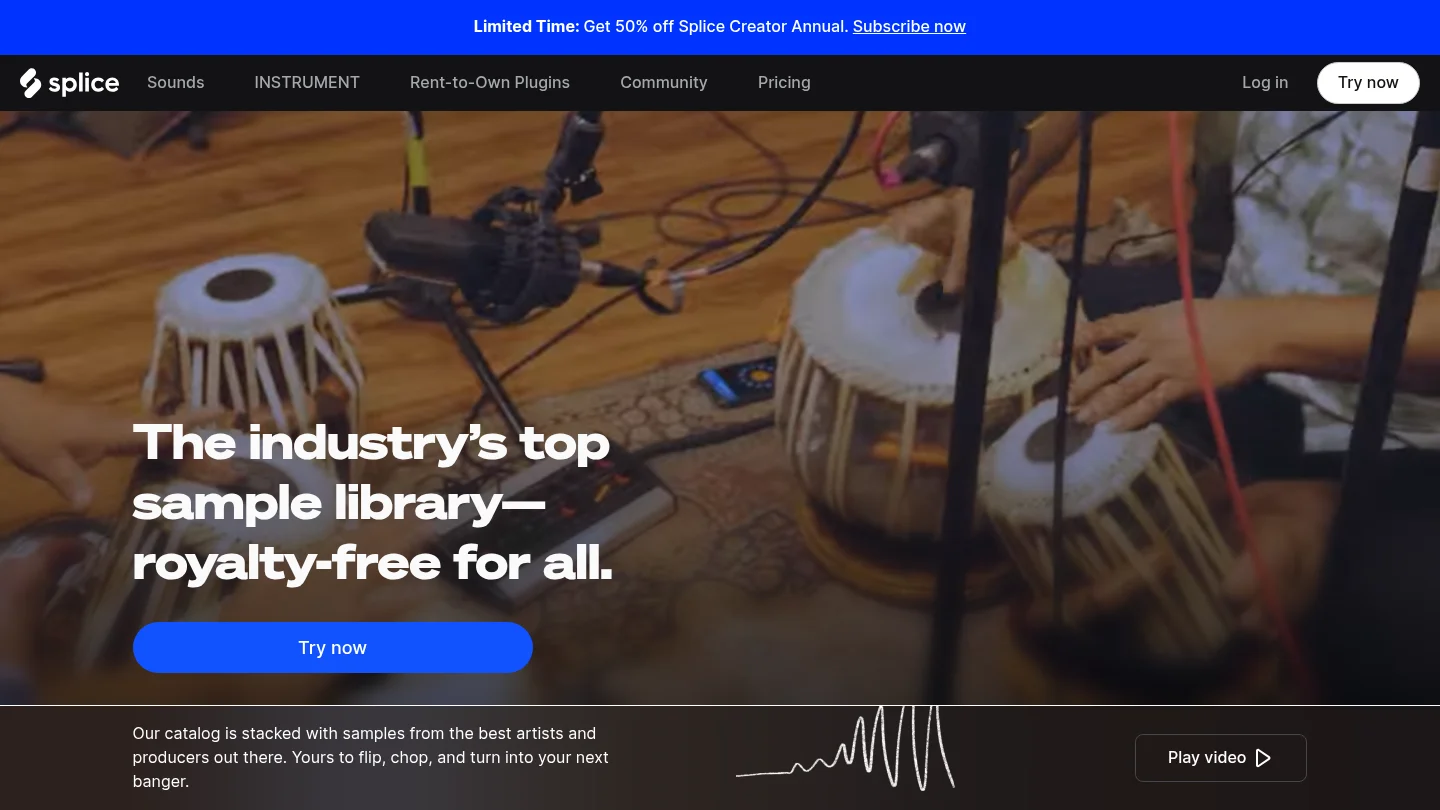
Best for: Producers who want subscription access to a large catalog of samples, loops, presets, MIDI, instruments, and selected plugins.
Splice is a subscription sound and plugin platform rather than a single owned VST sound bank. Its workflow centers on browsing a large catalog, previewing individual sounds, and bringing selected material into a DAW. This can be convenient for producers who work across many genres or want access to constantly changing sample content.
The main trade-off is the ownership model. Splice uses subscriptions and credits for access to its catalog, while Pendora is purchased once and retained under its licensing terms. Downloaded sounds may remain available under the platform's rules, but the browsing service itself depends on an active plan. Producers who prefer a fixed collection with a consistent sonic identity may find a focused bank easier to manage.
Pros:
- Large catalog of samples, loops, presets, MIDI, and instruments.
- Individual-sound browsing can be useful when you need a specific drum, vocal, texture, or melodic fragment.
- In-DAW tools can reduce the need to switch between a browser and the production session.
Cons:
- Subscription access creates an ongoing cost rather than one-time ownership of a fixed sound bank.
- A very large catalog can increase browsing time when you need a specific trap, drill, phonk, or pluggnb sound quickly.
- The platform does not provide the same concentrated preset identity as a boutique instrument built around one production lane.
5. BigSoundBank
Best for: Producers, sound designers, and media creators who need environmental recordings, atmospheres, and sound effects.
BigSoundBank is better understood as a sound-effects archive and shop than as a melodic sound bank for beatmaking. Its catalog includes sounds such as transport recordings, environmental textures, alarms, voices, natural ambiences, and other effects. Those recordings can be valuable for intros, transitions, cinematic layers, interludes, lo-fi textures, and experimental production.
It is not a direct replacement for Pendora, Kontakt, or a trap-focused preset bank. A producer looking for bells, plucks, pads, 808s, playable keys, or MIDI melodies will need a different primary instrument. BigSoundBank becomes useful after the core musical material is already in place and you want a more distinctive atmosphere around it.
Pros:
- Useful source of environmental recordings, atmospheres, and sound effects.
- Can add location, texture, and cinematic detail to otherwise clean productions.
- Relevant for sound designers working beyond conventional musical instruments.
Cons:
- It is not primarily a playable melodic VST or complete beatmaking sound bank.
- It does not replace preset categories such as pads, bells, plucks, basses, or 808s.
- Licensing and shop conditions should be checked for each individual sound or product.
6. Cymatics and its PANDORA plugin
Best for: Producers comparing broad sample, preset, and plugin catalogs across electronic and hip-hop production.
Cymatics operates across downloadable sample packs, presets, plugins, and production resources. Its PANDORA plugin is a separate product from Pendora by Tiger-Sounds. The names are similar, but the companies, development teams, and product lines are unrelated. Pendora has been sold by Tiger-Sounds since 2020, while Cymatics PANDORA is a different plugin.
Cymatics can suit producers who want to browse a wide catalog rather than commit to one focused sound-bank workflow. However, product contents, prices, formats, and licensing terms vary across individual offers. Pendora is more direct for producers who want a consistent palette for trap, drill, phonk, dark trap, boom bap, lofi, R&B, and pluggnb without filling their browser with unrelated presets.
Pros:
- Broad range of samples, presets, plugins, and production-oriented products.
- Useful for producers who work across several genres and prefer a wider shopping catalog.
- PANDORA provides a plugin-based format rather than only loose audio files.
Cons:
- The broad catalog is not organized specifically around Pendora's focused urban sound palette.
- PANDORA and Pendora are separate products and should not be treated as interchangeable.
- Current content, prices, compatibility, and licensing conditions must be checked for each offer.
What should you verify before buying a sound bank?
Start with genre fit, not the largest preset count. If you mainly produce trap, drill, phonk, dark trap, boom bap, lofi, R&B, or pluggnb, a focused bank can be more useful than a huge collection filled with sounds for styles you rarely make. The right palette should help you create a melody, bassline, texture, or drum pattern without turning every session into a long browsing exercise.
Next, identify whether you are buying a preset bank, a synthesizer, a sampler, or a sample platform. Serum and Vital are synthesis engines. Omnisphere is a broad hybrid instrument. Kontakt is a sampler platform. Loopmasters and Splice are sample-focused ecosystems. Pendora sits closer to a complete genre-focused sound-bank workflow because its presets are supported by drums, MIDI, mix presets, effects, risers, and expansions.
Plugin compatibility is another important check. Steinberg's VST3 format documentation explains that VST3 packages use platform-specific structures, so a product listing should identify the supported operating systems instead of simply saying that a plugin is VST compatible.
On macOS, AU is a separate plugin framework. Apple's Audio Unit documentation describes AU extensions for macOS hosts, which is why Mac users should check whether a sound bank includes AU as well as VST3.
Host support also matters. Ableton's plugin format guide documents support for VST and AU formats, with AU limited to macOS in Live. For Pendora, the stated requirements are macOS 11 Big Sur or later, Windows 10 or 11, and 64-bit systems. VST3 is supported on Windows and macOS, while AU is supported on macOS, with native Apple Silicon support.
Finally, check commercial licensing and the ownership model. Pendora products are described as royalty-free for beats and tracks that customers sell, place, or license, with no additional royalties owed under the stated product terms. Account sharing and redistribution are excluded. The editions use one-time purchases rather than subscriptions, which can make budgeting simpler for producers who want to keep a fixed sound palette.
Final verdict on the best sound banks for 2026
The best sound bank depends on whether you need a focused beatmaking palette, a broad sampler ecosystem, audio loops, a subscription catalog, or sound effects. Pendora V3.0 ranks first for producers who want hand-crafted sounds across trap, drill, phonk, dark trap, boom bap, lofi, R&B, and pluggnb, with drums, MIDI, FX, risers, and expansion content included. Kontakt is better for sampled and orchestral instruments, Loopmasters for audio packs, Splice for ongoing catalog access, Cymatics for broad product browsing, and BigSoundBank for environmental effects. Choose the option that reduces unnecessary searching and fits your DAW, computer, budget, and licensing needs.
Start with a Focused Pendora Workflow
If generic presets and oversized libraries are slowing down your beatmaking, a focused instrument can provide a clearer starting point for melodies, basses, drums, and textures. Pendora is designed for producers working across trap, drill, phonk, dark trap, boom bap, lofi, R&B, and pluggnb.
Our full sound bank includes hand-crafted presets, production kits, MIDI content, effects, and risers. It supports compatible VST3 and AU workflows, uses a one-time purchase model, includes free lifetime updates under the stated terms, and allows royalty-free commercial use for beats you sell, place, or license. Pendora sound bank
Frequently Asked Questions
What is the best sound bank for trap producers?
Pendora V3.0 is the strongest fit for producers who want trap, drill, phonk, dark trap, boom bap, lofi, R&B, and pluggnb sounds in one focused workflow. It combines playable presets with drums, MIDI, effects, risers, and related production assets.
Should I choose a sound bank or Serum?
Choose a sound bank when you want usable genre-specific presets quickly. Choose Serum when you want to design patches from oscillators, filters, envelopes, and modulation, then consider adding a focused bank for faster starting points.
Does Pendora work with FL Studio, Ableton Live, and Logic Pro?
Yes. Pendora supports compatible VST3 hosts on Windows and macOS and AU hosts on macOS, with explicit testing for FL Studio, Ableton Live, Logic Pro, Cubase, Pro Tools, and Reason.
Can I use Pendora sounds in commercial beats?
Pendora products are described as royalty-free for beats and tracks that customers sell, place, or license, with no additional royalties owed under the stated licensing terms. Account sharing and redistribution are excluded.
Is Pendora the same as Cymatics PANDORA?
No. Pendora is made by Tiger-Sounds, while Cymatics PANDORA is an unrelated plugin from a different company. The similar names do not indicate a shared product line or development team.




